
Add food
Tap the plus on a meal, search for the food, choose the portion and confirm. Search finds your recipes, your own products and foods from the database.
-
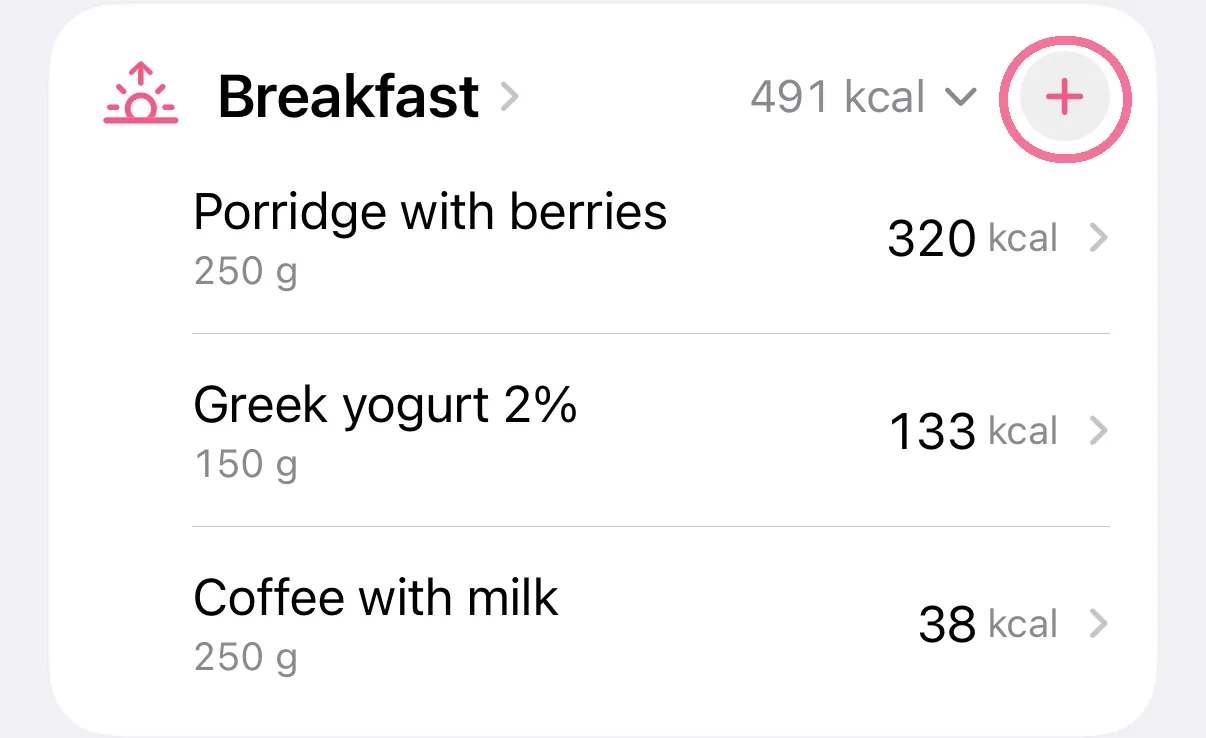
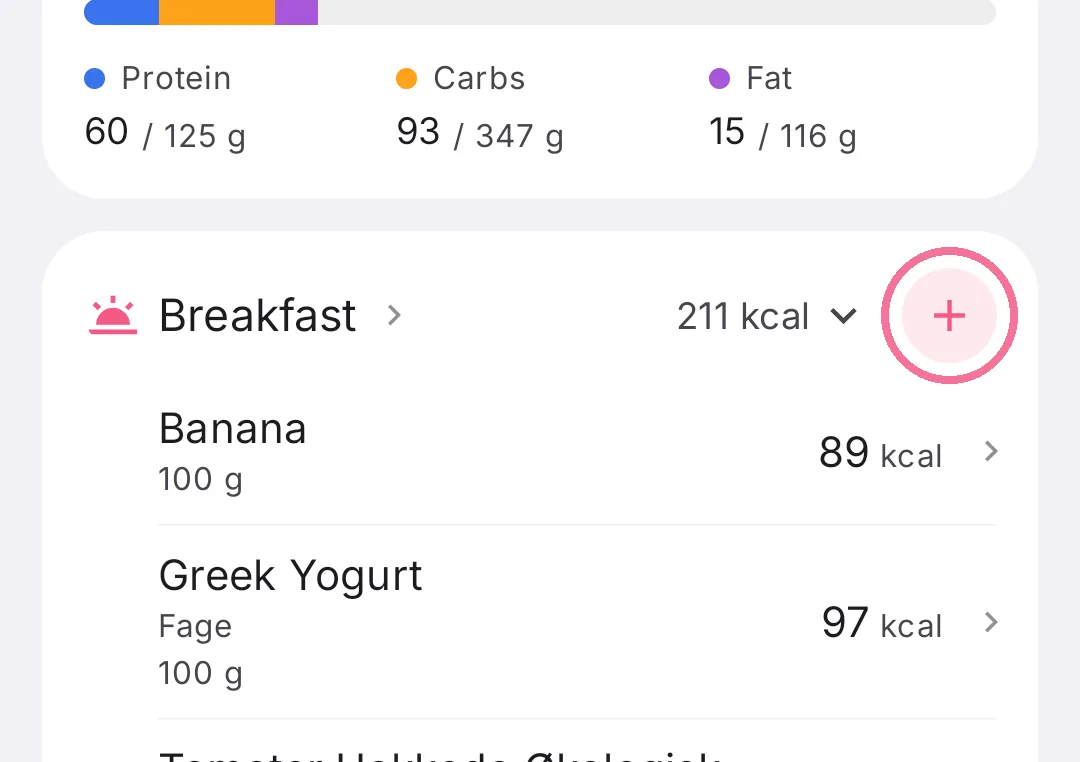
On Today, tap the plus on a meal.
-
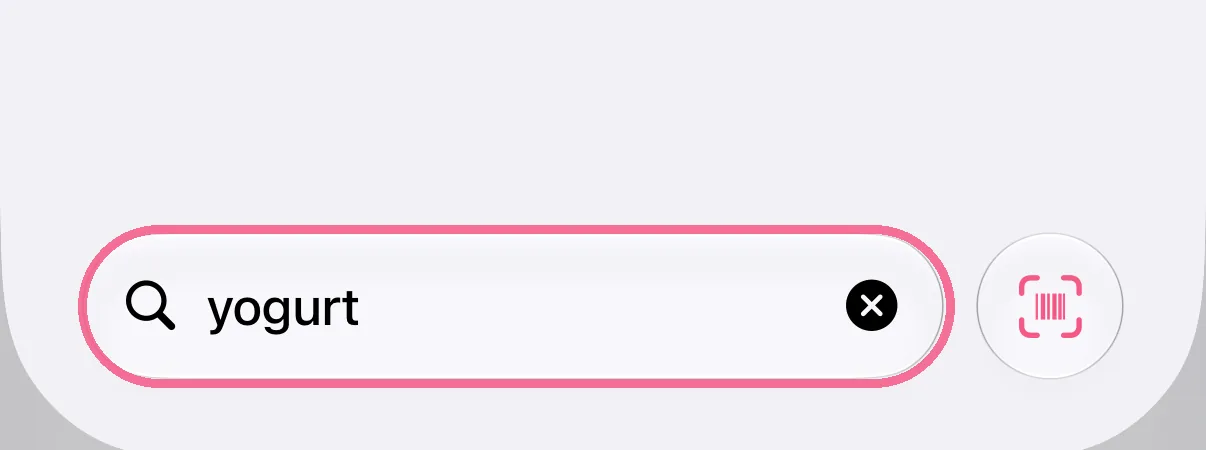
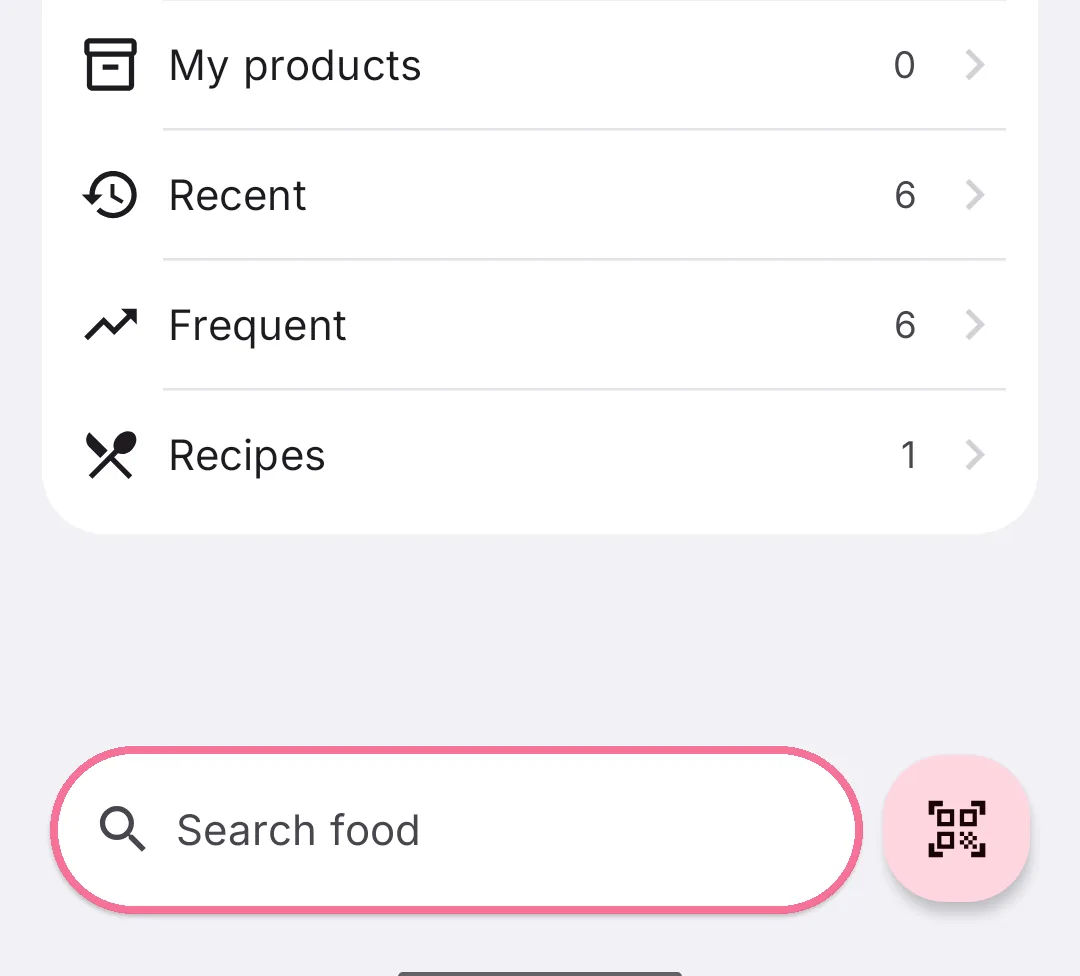
Type a name or brand into the search field at the bottom.
-
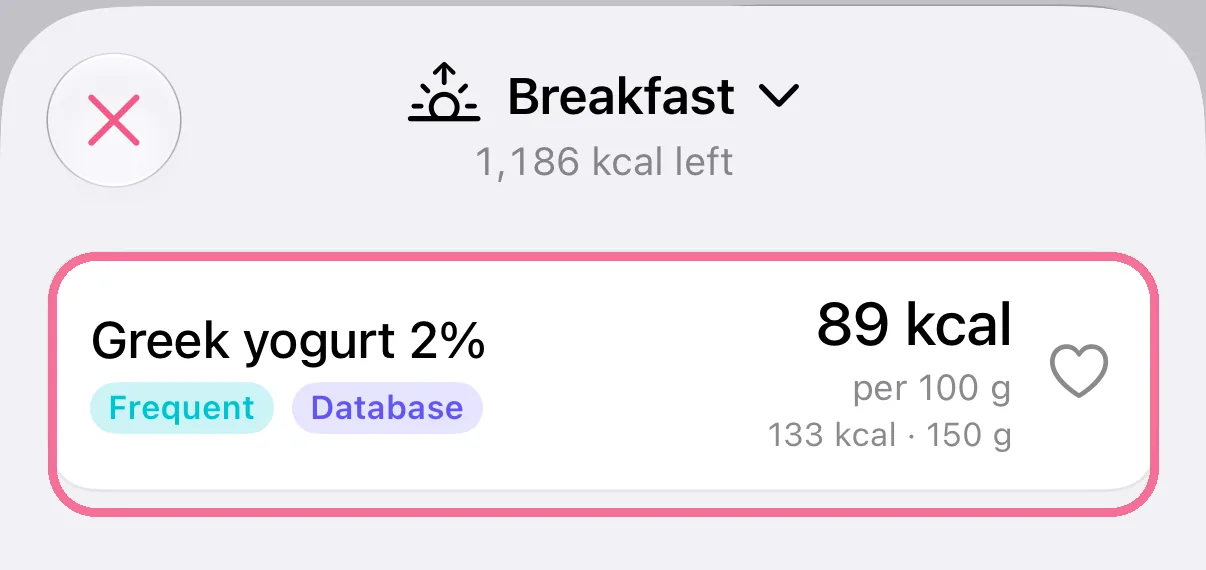
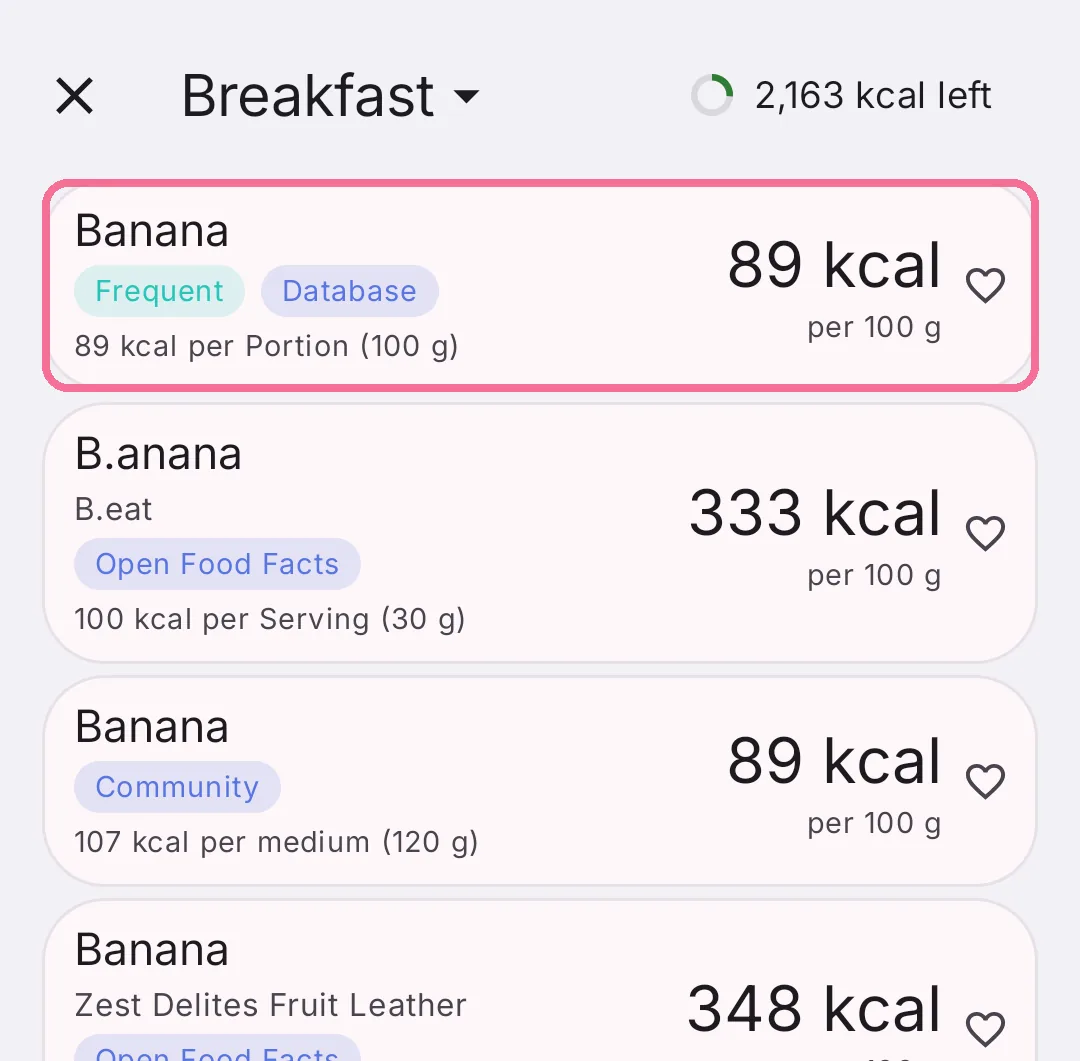
Tap the matching food.
-
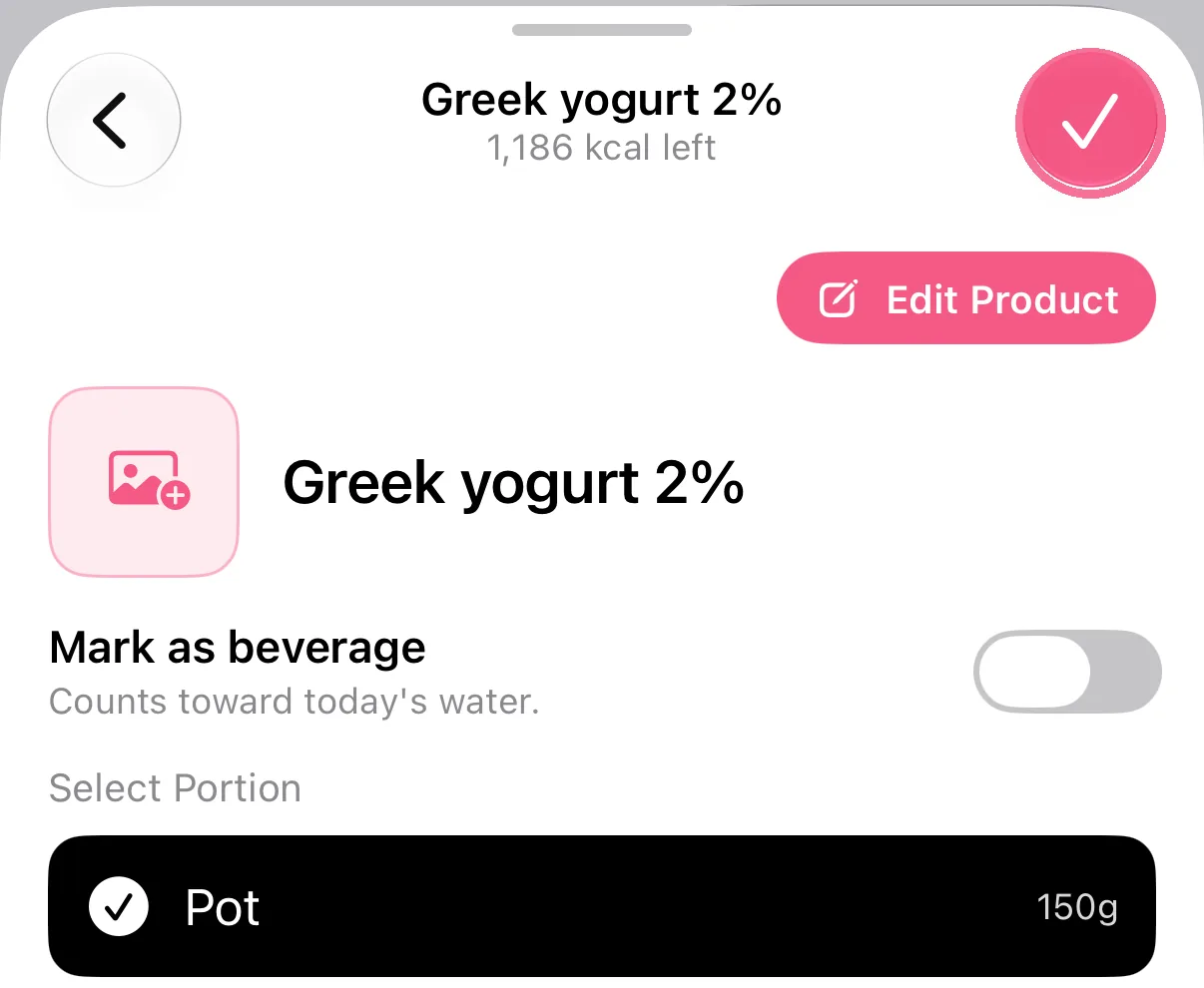
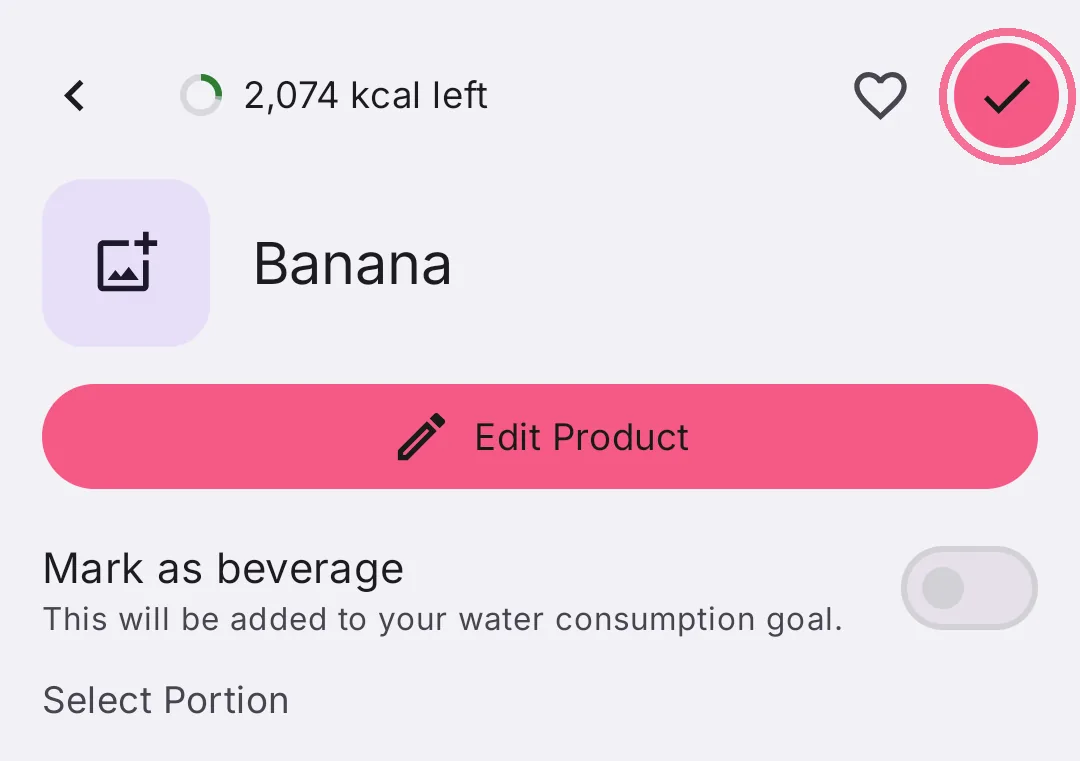
Choose the portion and tap the checkmark at the top right.
-
On Today, tap the plus on a meal.
-
Type a name or brand into the search field at the bottom.
-
Tap the matching food.
-
Choose the portion and tap the checkmark at the top right.
Tap the meal’s name at the top to switch meals. The plus in a row adds a food straight away with your usual amount.