
Meal summary
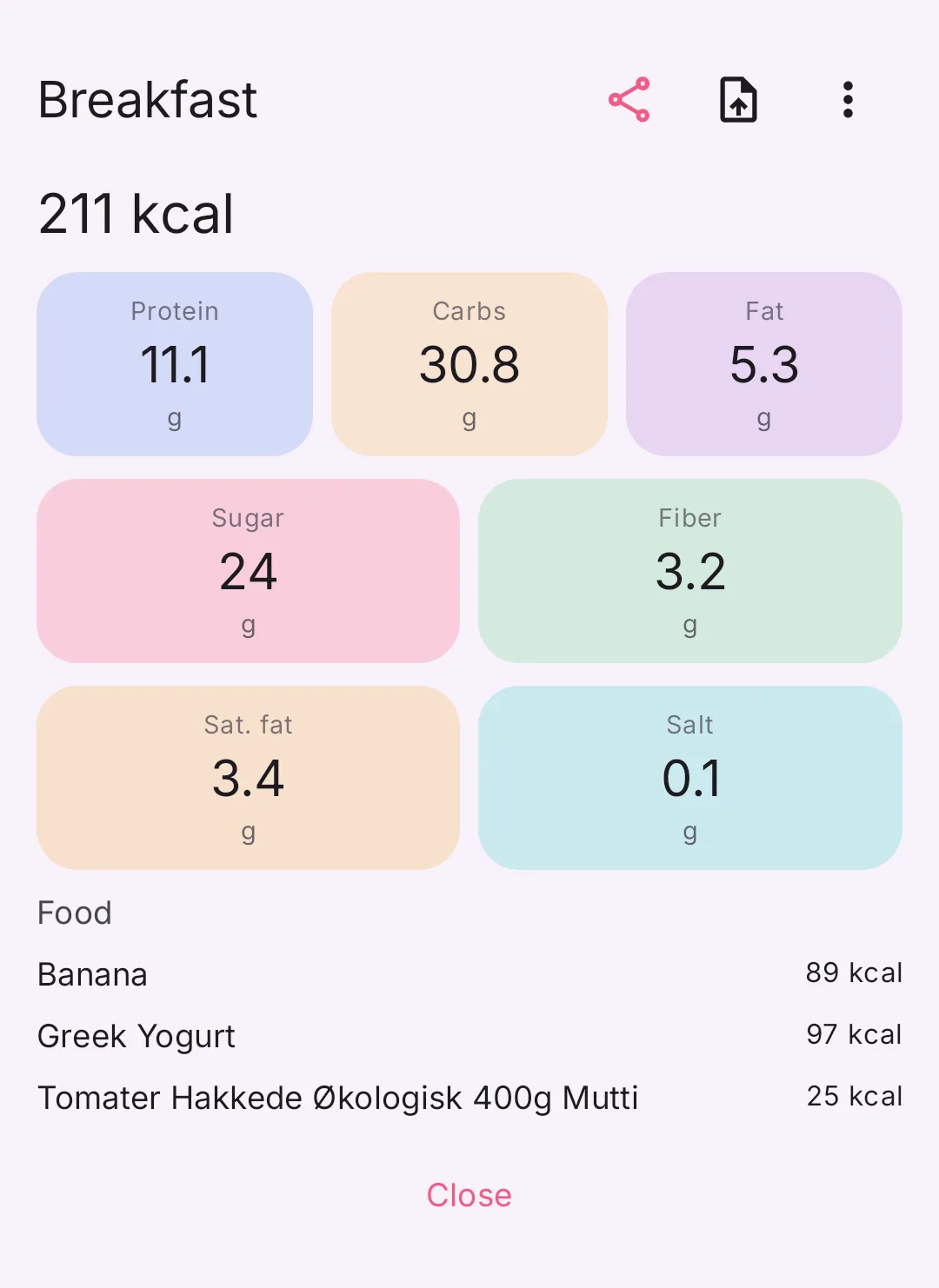
On Today, tap a meal’s name. The summary shows the meal’s calories and nutrients. From there you copy, share or delete the whole meal.
-
On Today, tap the meal’s name, for example Breakfast.
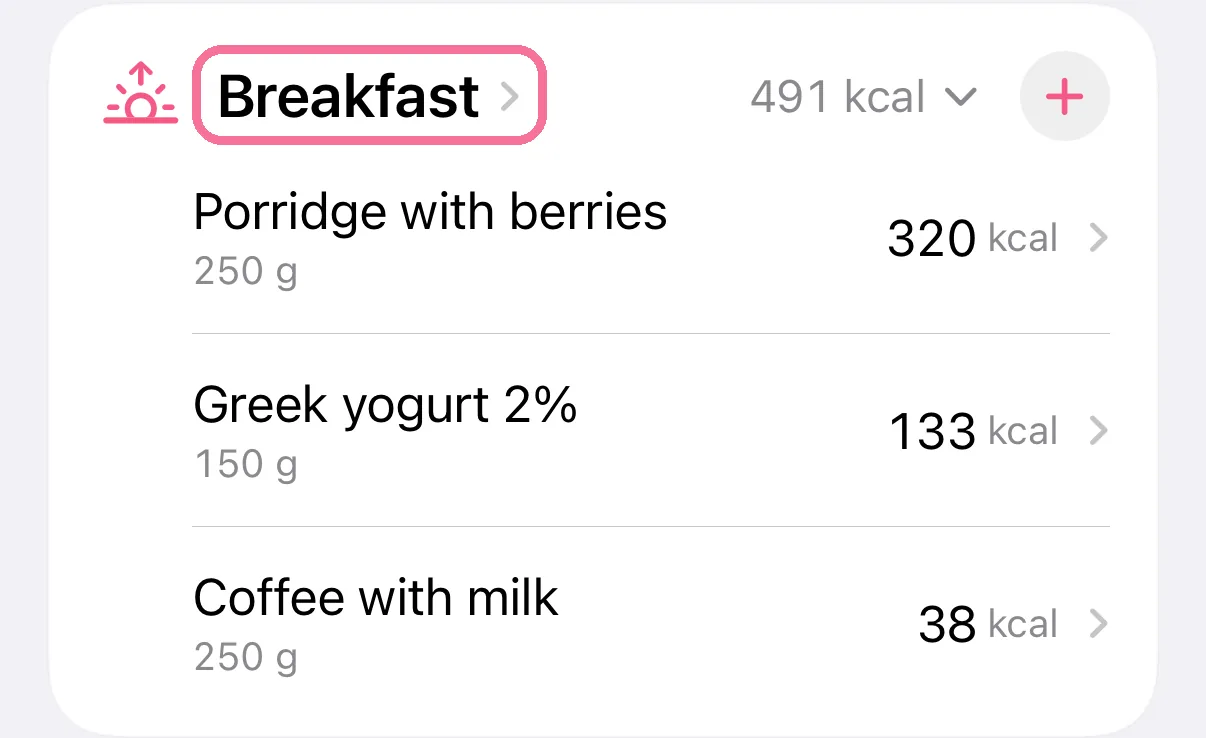
-
At the top you see the meal’s calories and nutrients, below them every entry.
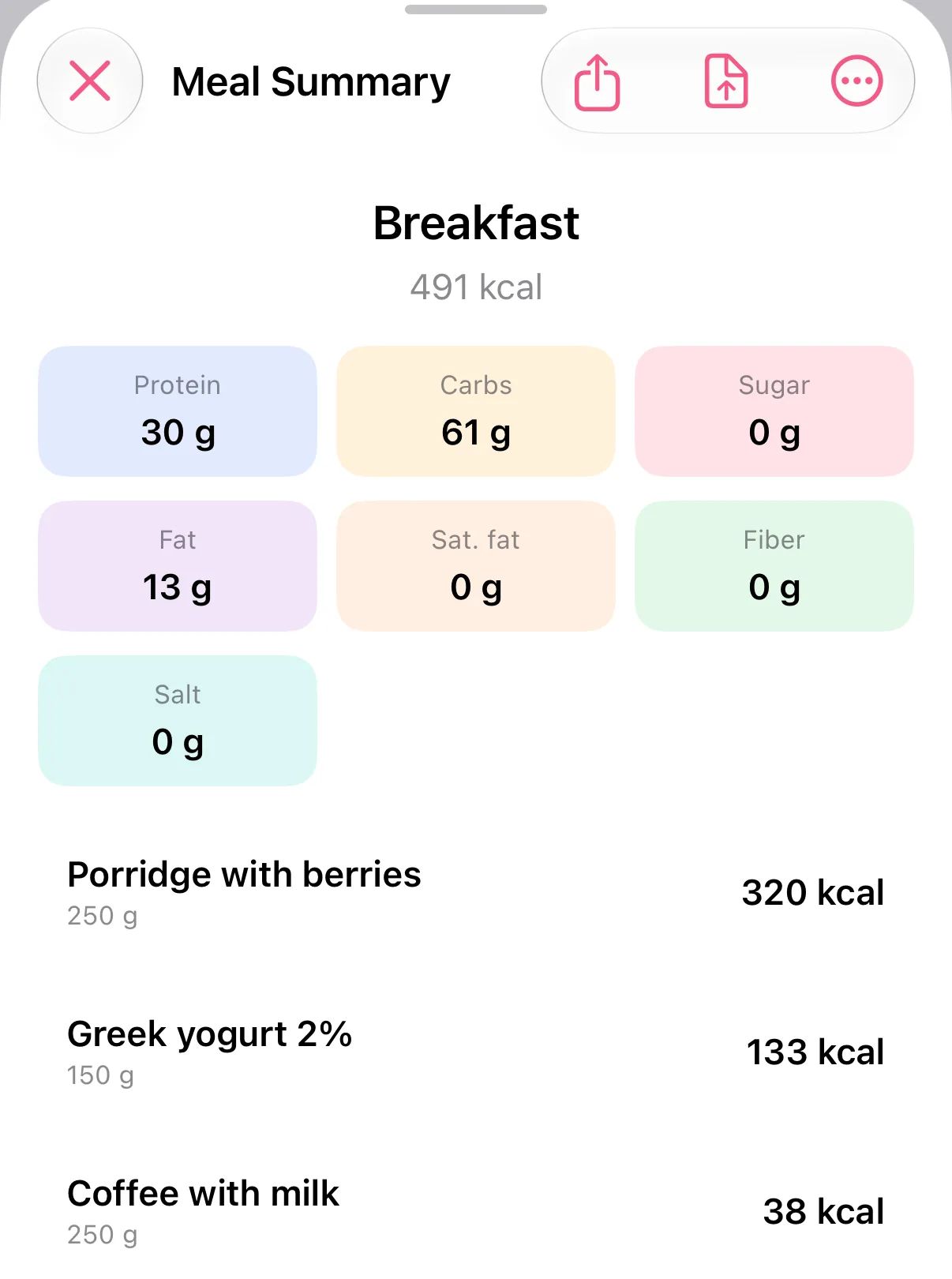
-
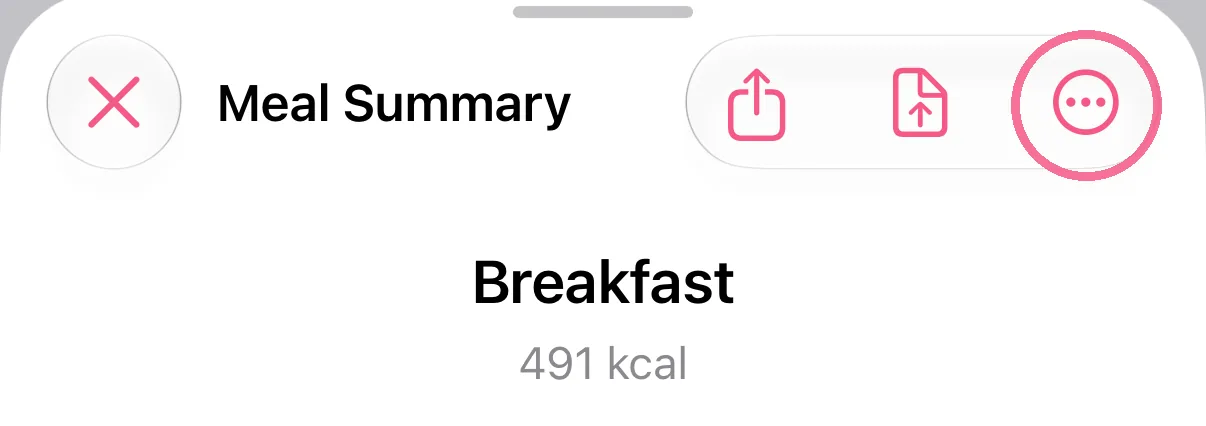
The menu (three dots in a circle) holds “Create Recipe”, “Copy Meal” and “Delete meal”.
-
On Today, tap the meal’s name, for example Breakfast.
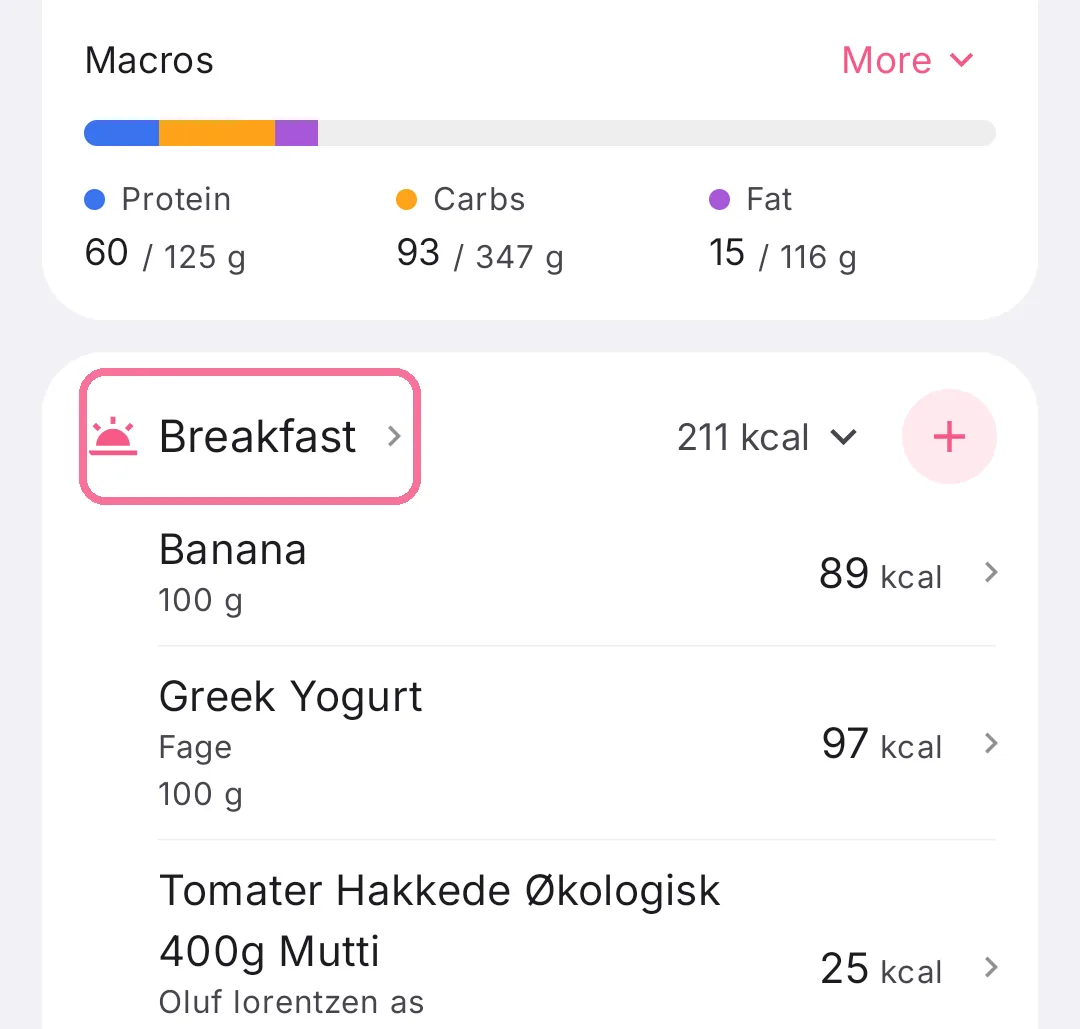
-
At the top you see the meal’s calories and nutrients, below them every entry.
-
The menu (three dots) holds “Copy meal”, “Create Recipe” and “Delete meal”.
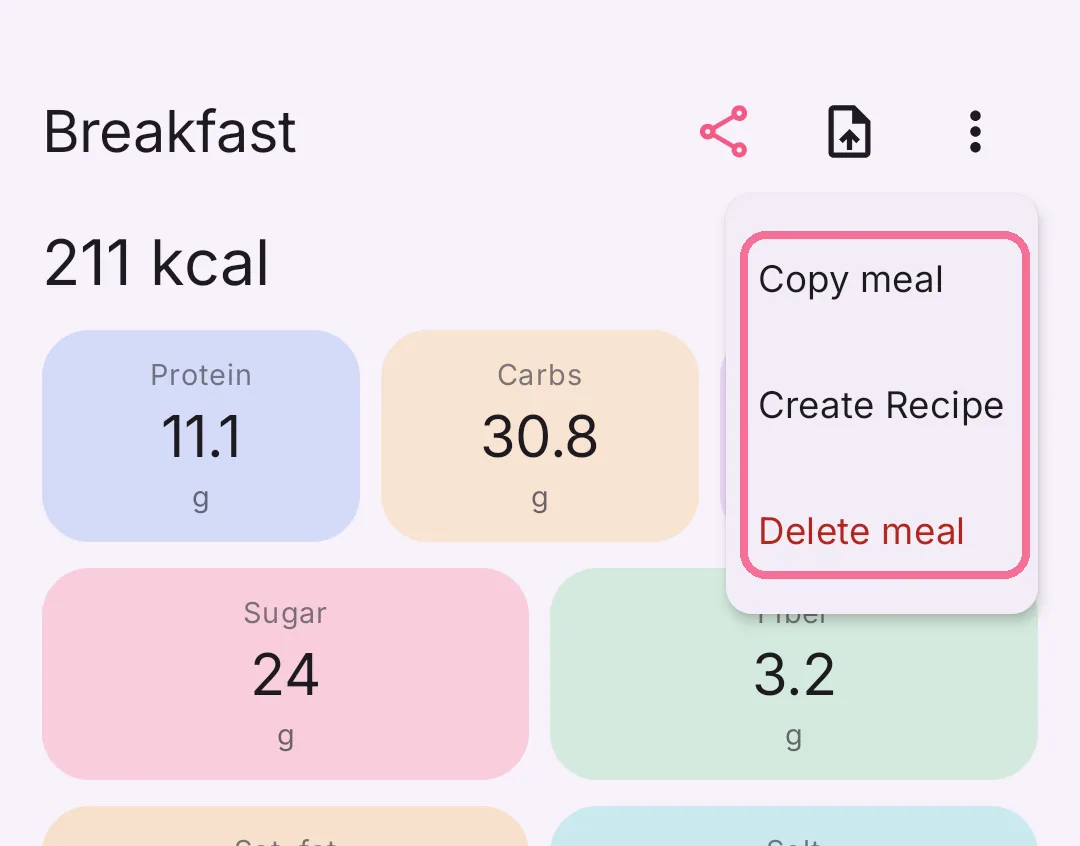
“Delete meal” removes every entry of the meal after asking you to confirm. On iPhone this also removes the data Intake wrote to Apple Health.
The two buttons next to the menu share the meal as a picture or as a file. The arrow next to a meal’s calories on Today collapses and expands it.