
Log your mood
On Today, tap an emoji on the mood card. Adding a note is optional.
-
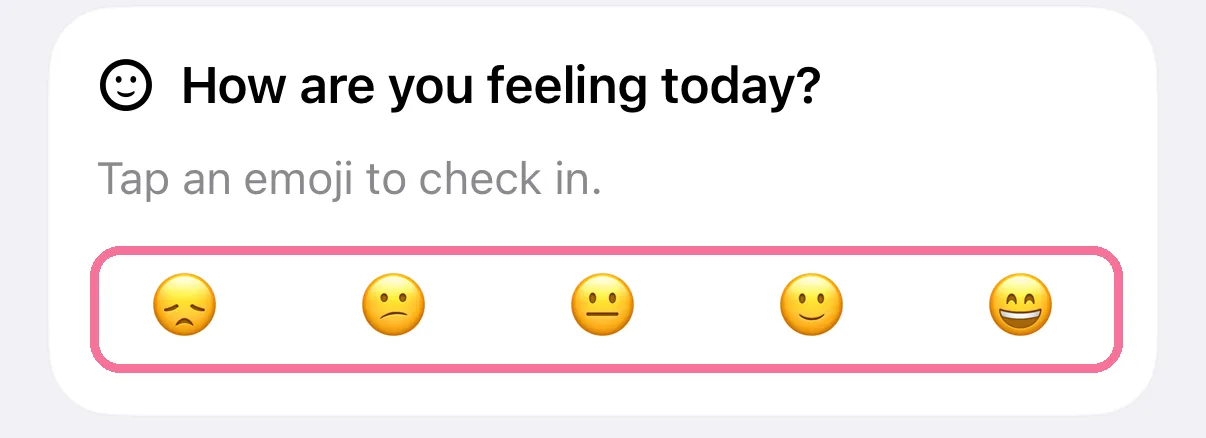
Scroll to “How are you feeling today?” on Today and tap the emoji that fits.
-
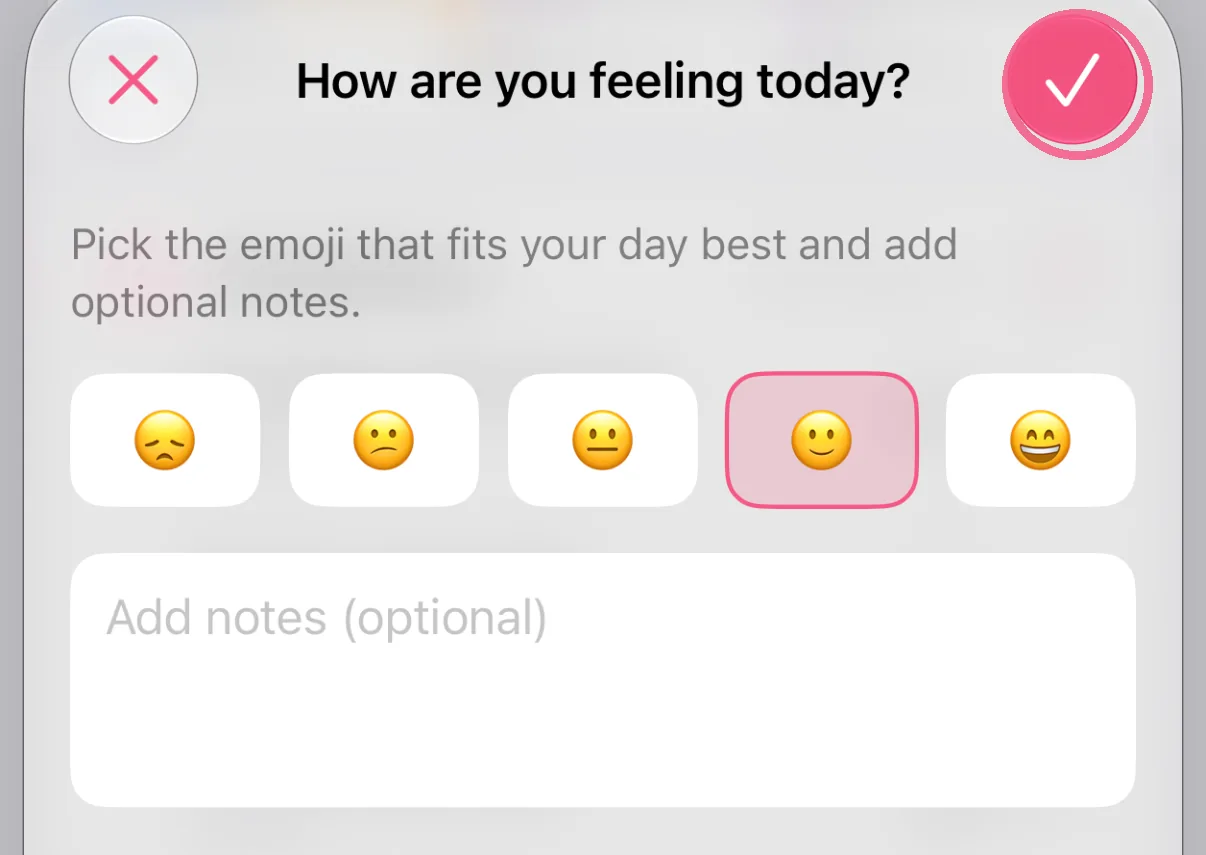
Add a note if you like and tap the checkmark.
-
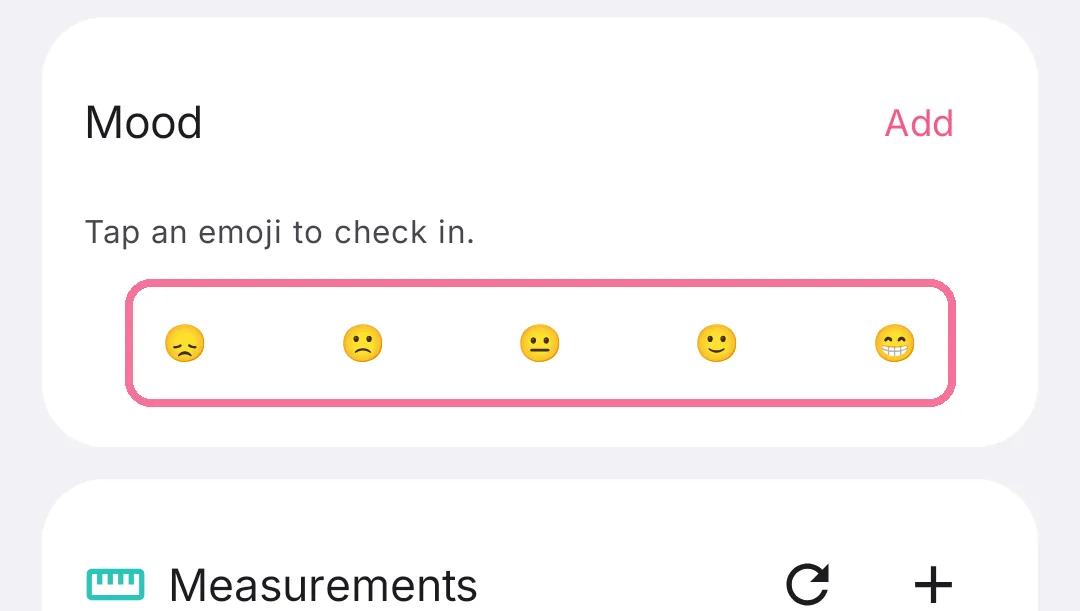
Scroll to the “Mood” card on Today and tap the emoji that fits.
-
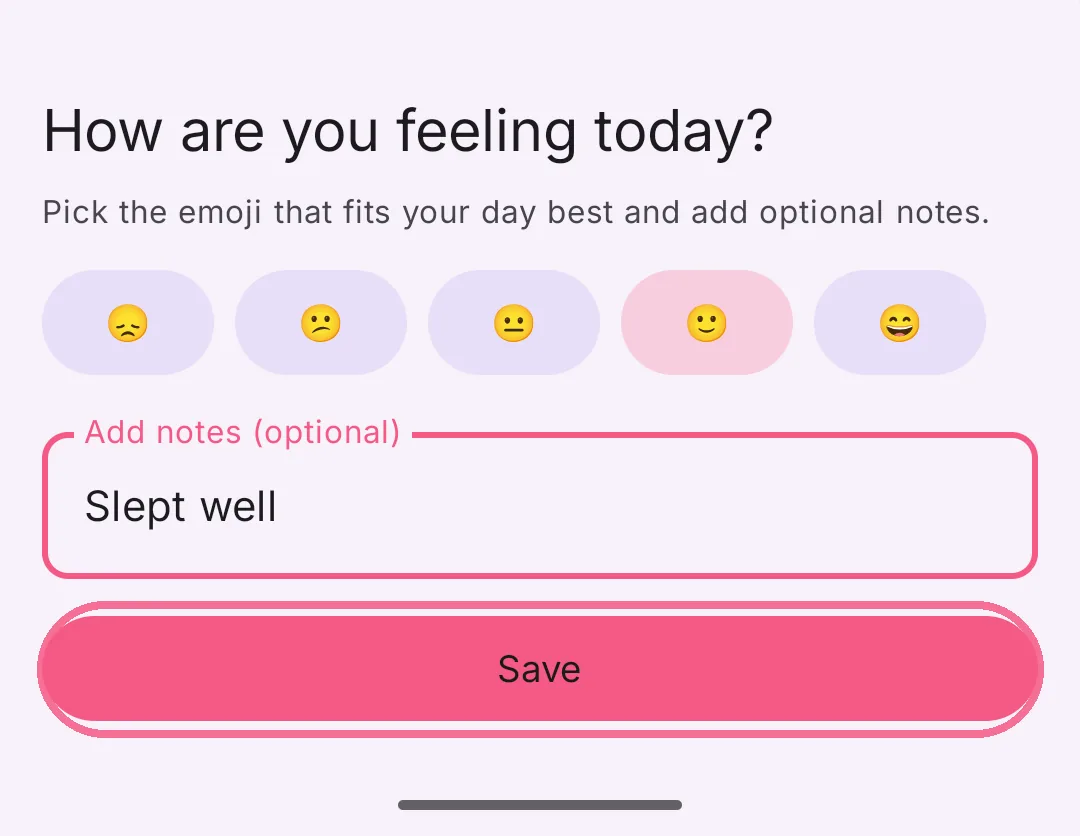
Add a note if you like and tap “Save”.
You can change your mood any time from the card. If you don’t need the card, hide “Mood” under “Edit Today Page”.