
Calorie settings
Under Settings > “Calories” you set where your maintenance calories come from, whether you want to lose, maintain or gain, and how big the daily adjustment is.
-
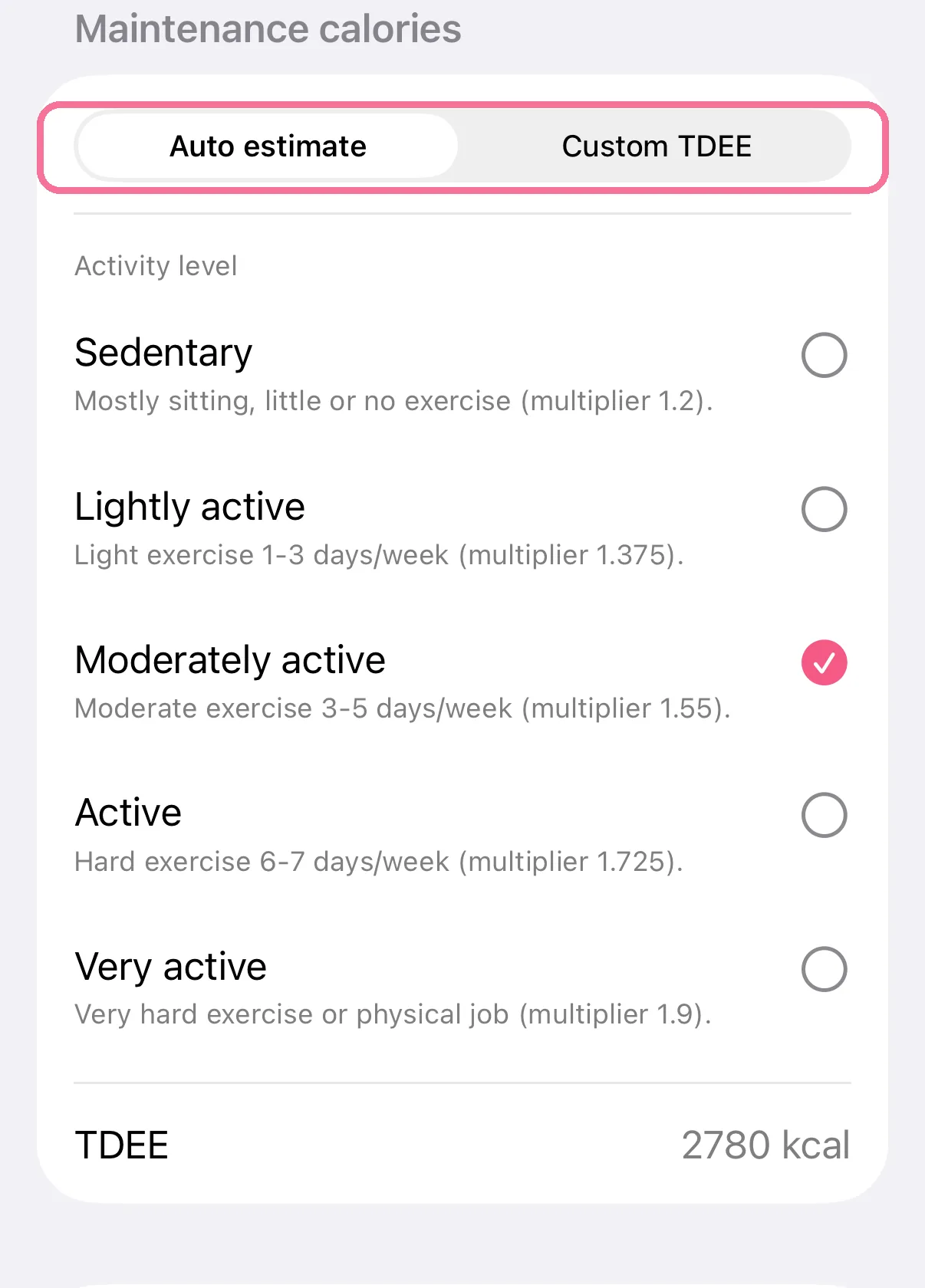
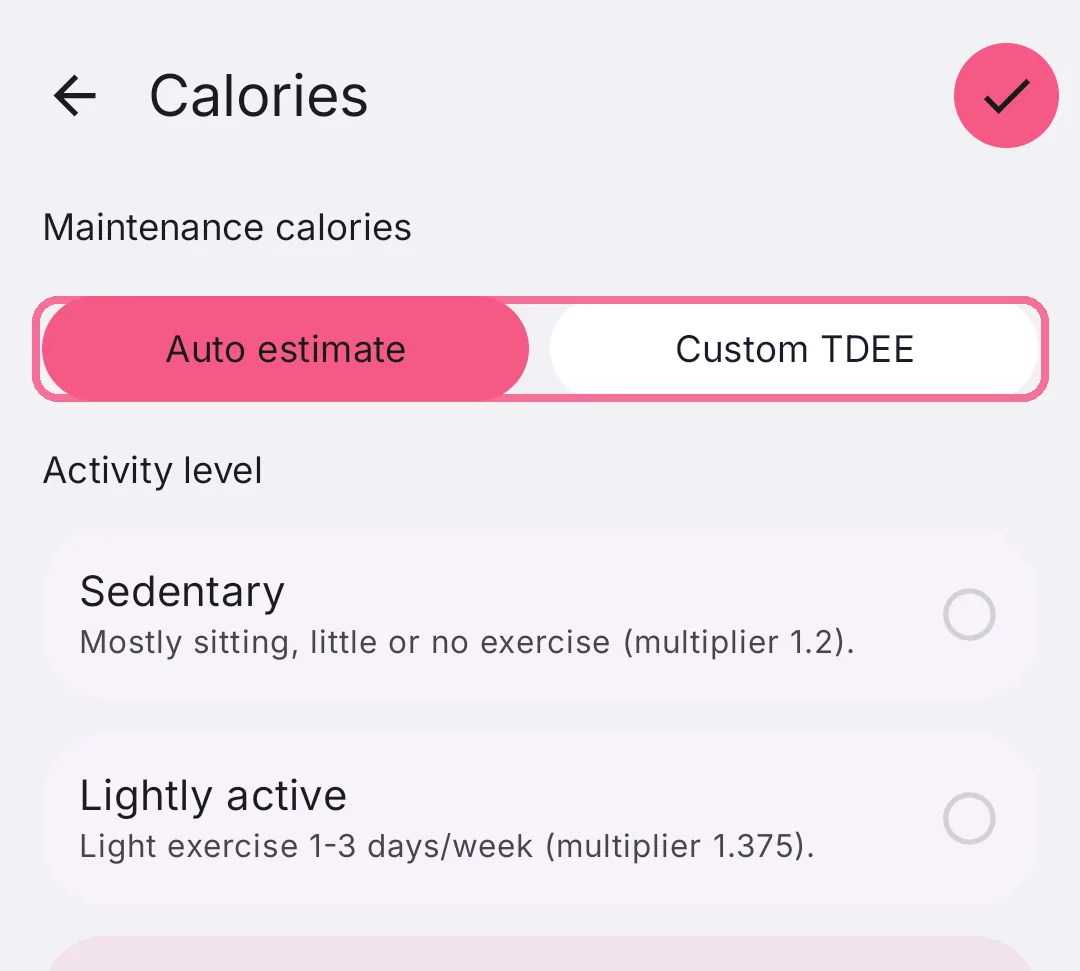
Under “Maintenance calories”, choose “Auto estimate” with your “Activity level”, or “Custom TDEE”.
-
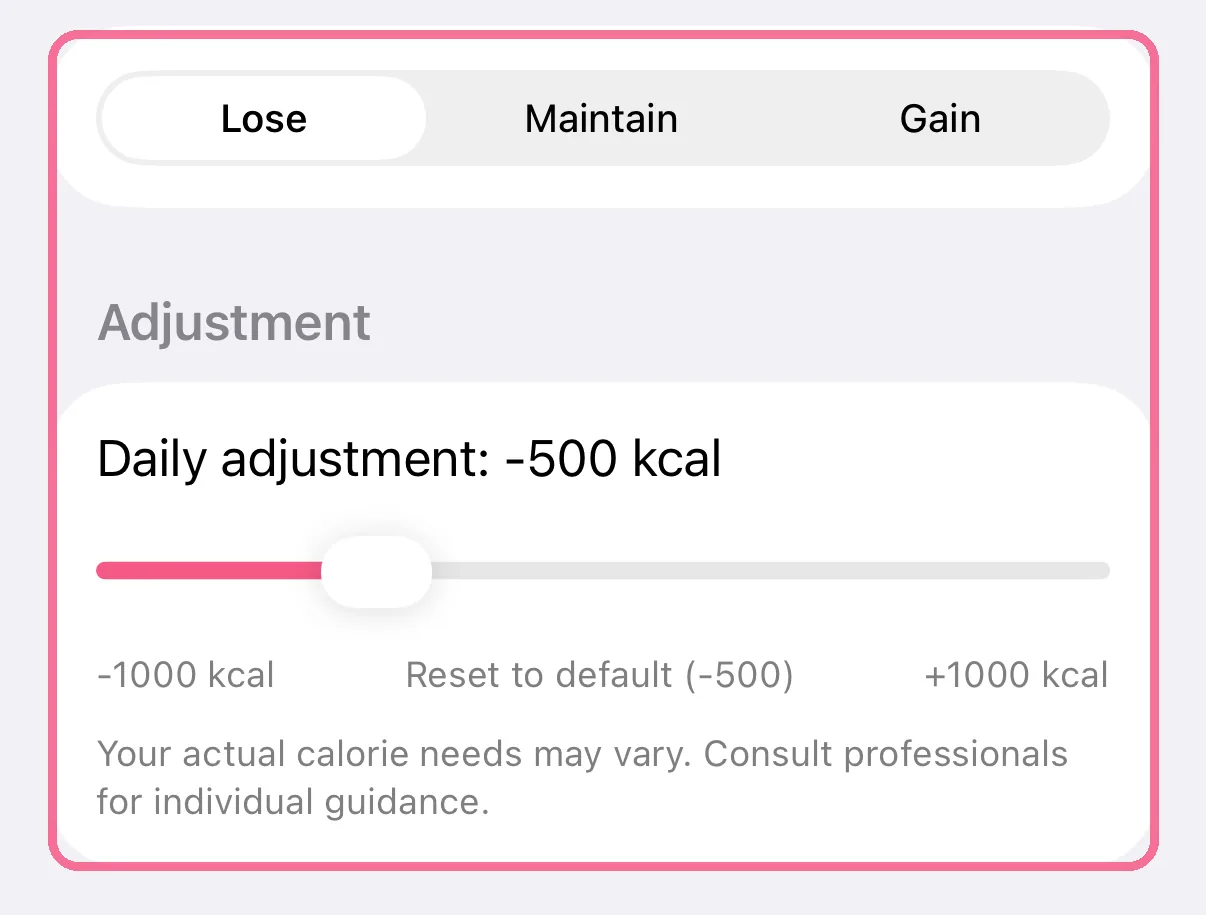
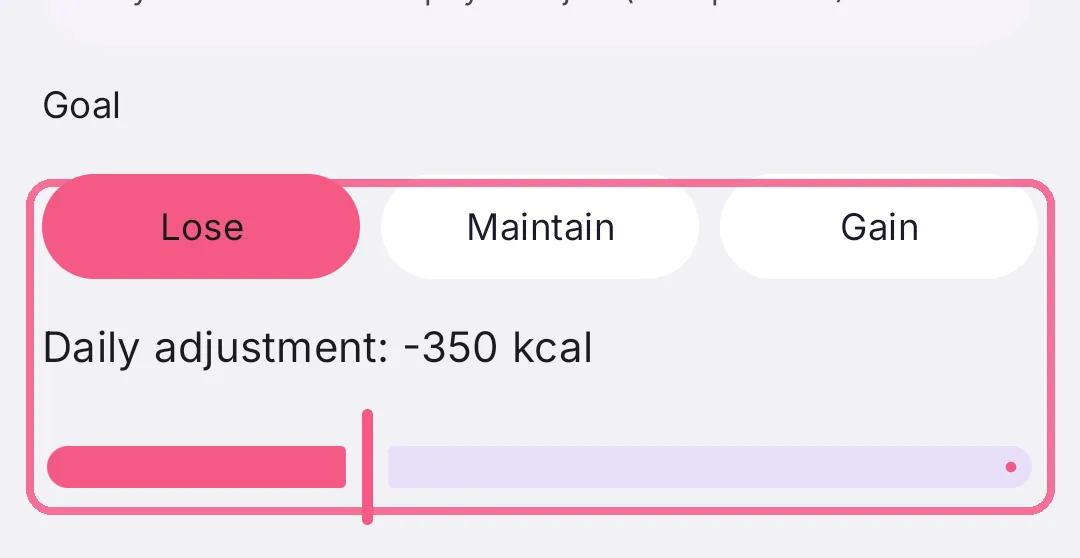
Choose “Lose”, “Maintain” or “Gain” and set the daily adjustment.
-
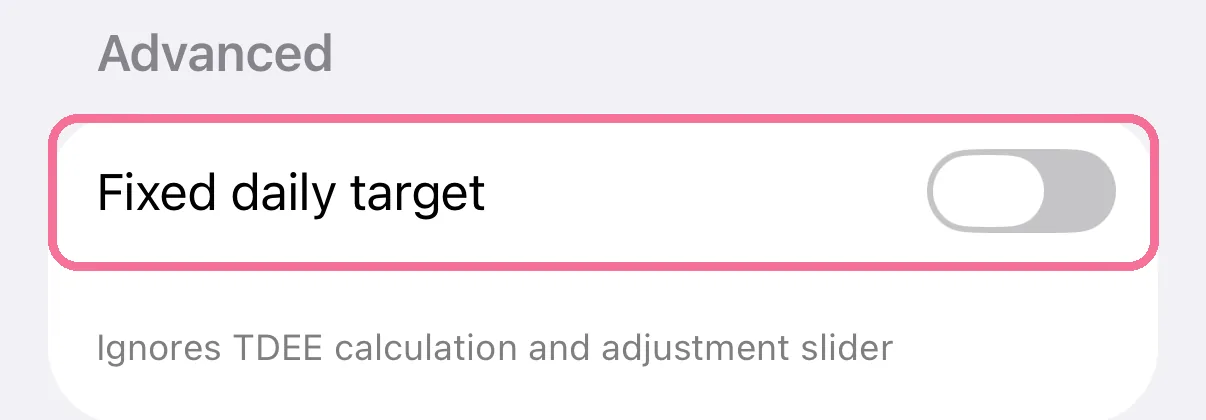
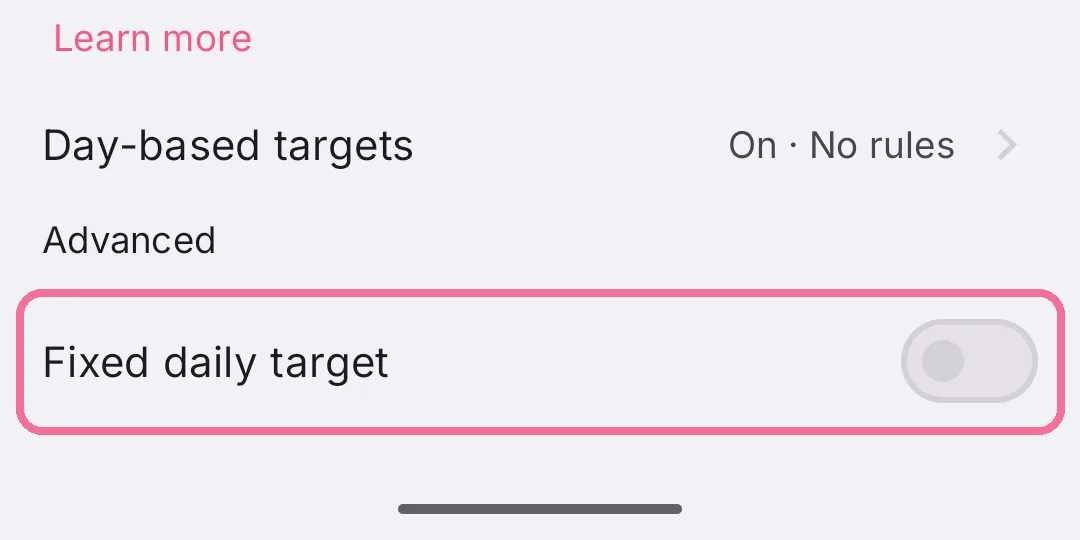
A “Fixed daily target” under “Advanced” replaces the whole calculation with one number.
-
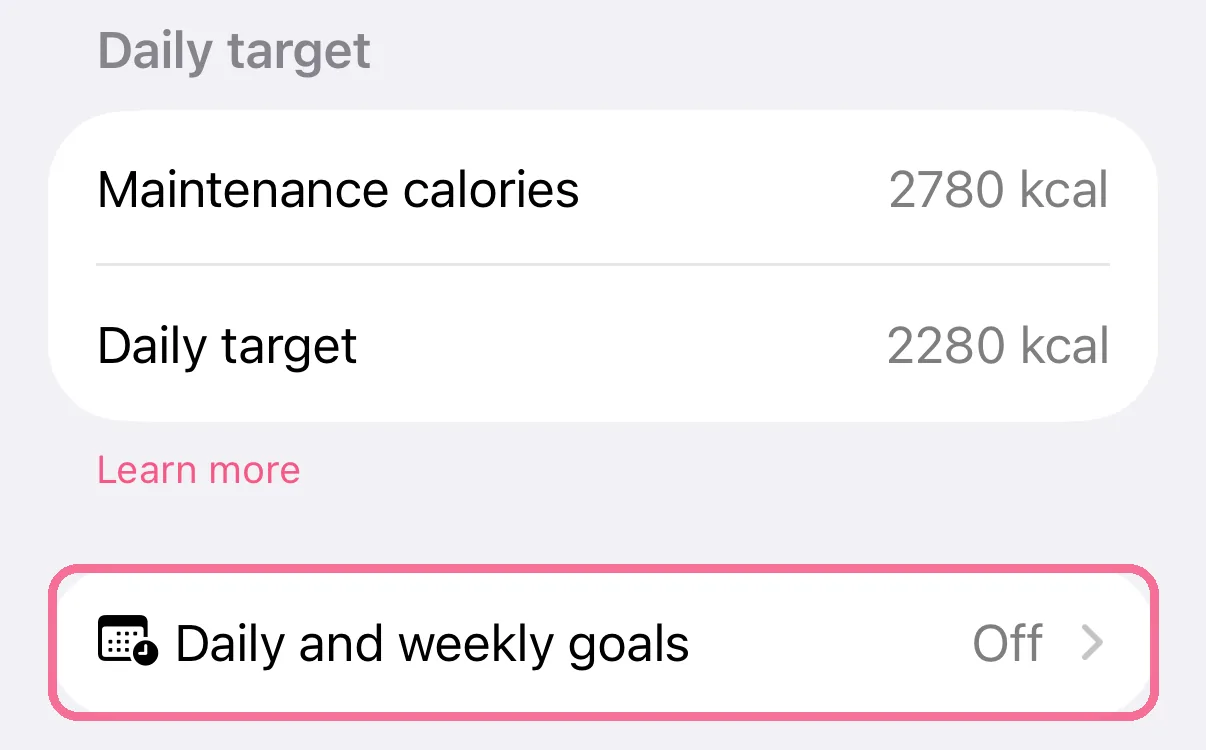
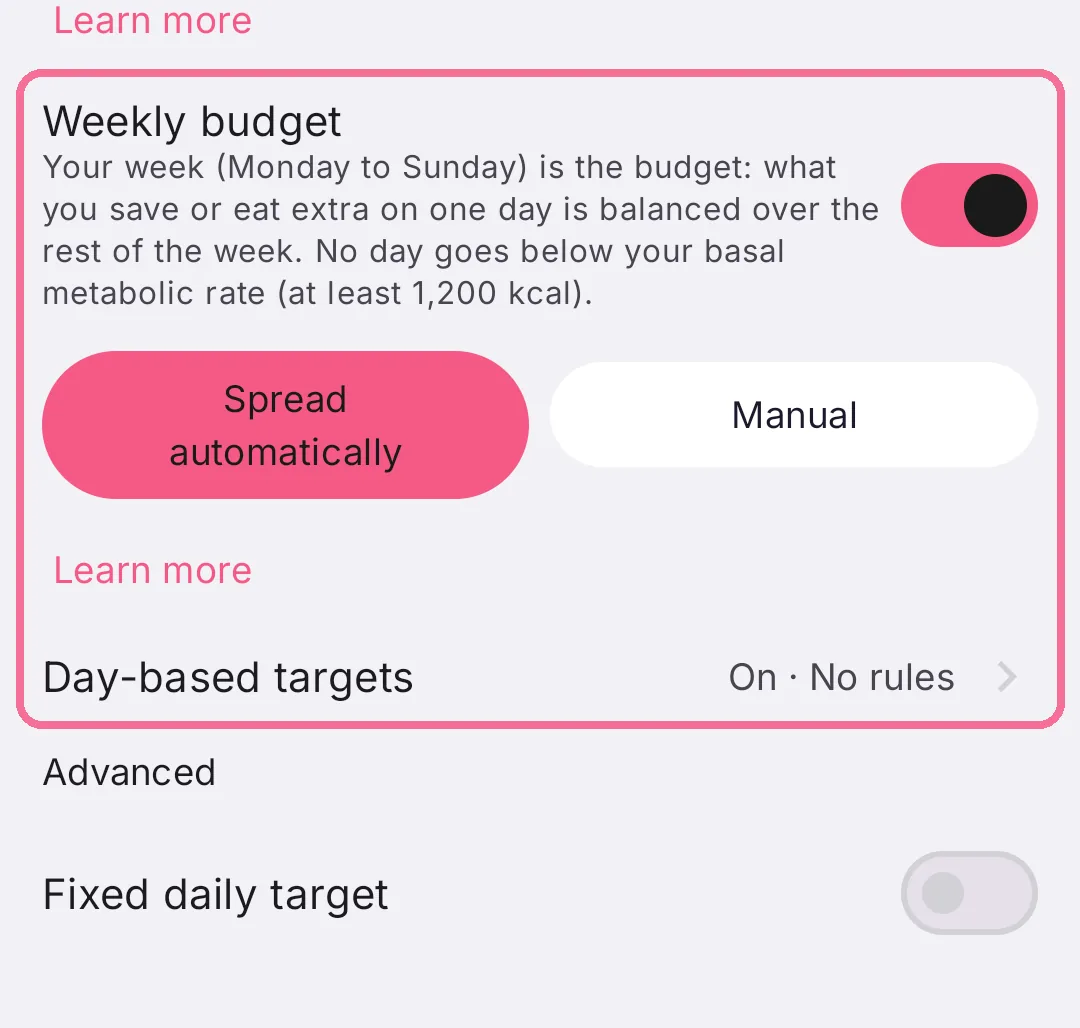
“Daily and weekly goals” takes you to the weekly budget and to goals per weekday.
-
Under “Maintenance calories”, choose “Auto estimate” with your “Activity level”, or “Custom TDEE”.
-
Choose “Lose”, “Maintain” or “Gain” and set the daily adjustment.
-
A “Fixed daily target” under “Advanced” replaces the whole calculation with one number.
-
Below that you turn on the “Weekly budget”, and “Day-based targets” takes you to goals per weekday.
Under “Daily target” you see right away what your settings add up to. On iPhone, maintenance can also come from your resting energy in Apple Health.