
Copy a meal
Tap the meal’s name and choose “Copy Meal” from the menu. You decide which entries come along and which day and meal they are copied to.
-
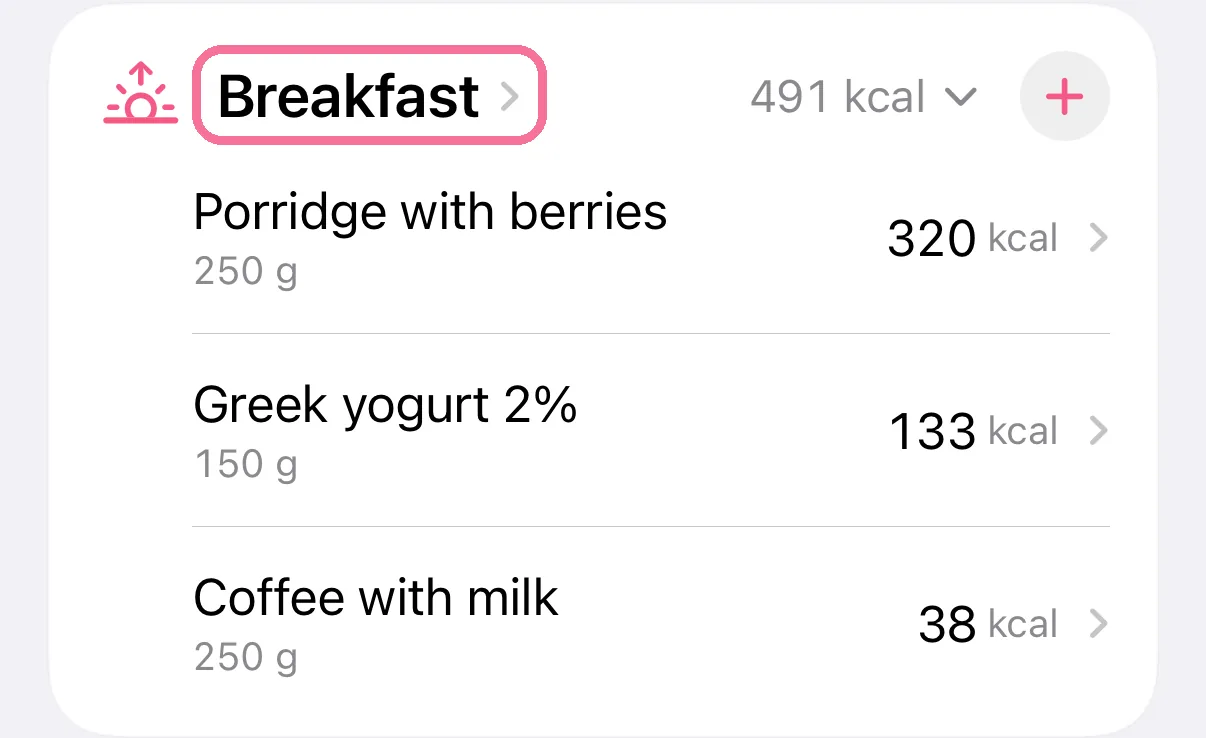
On Today, tap the name of the meal, for example Breakfast.
-
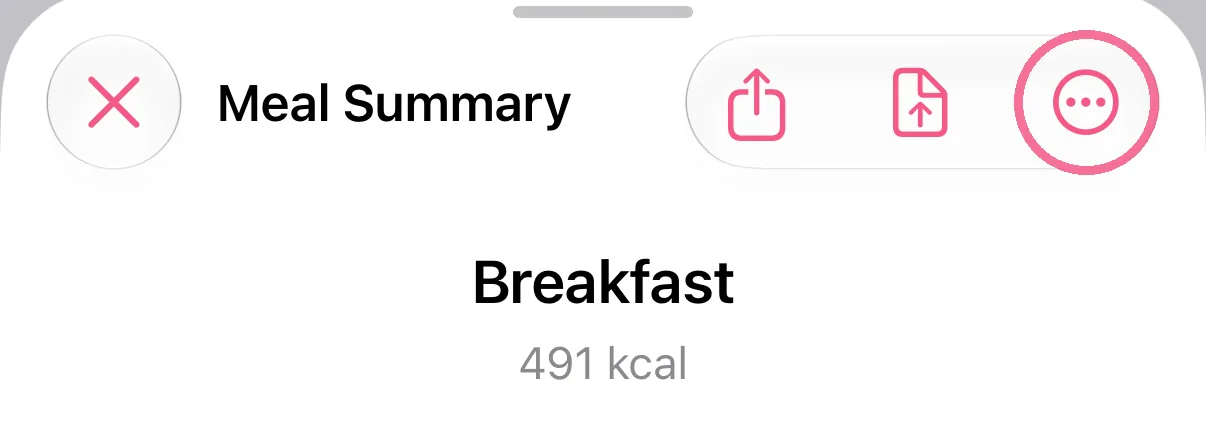
In the Meal Summary, tap the menu (three dots in a circle) at the top right, then “Copy Meal”.
-
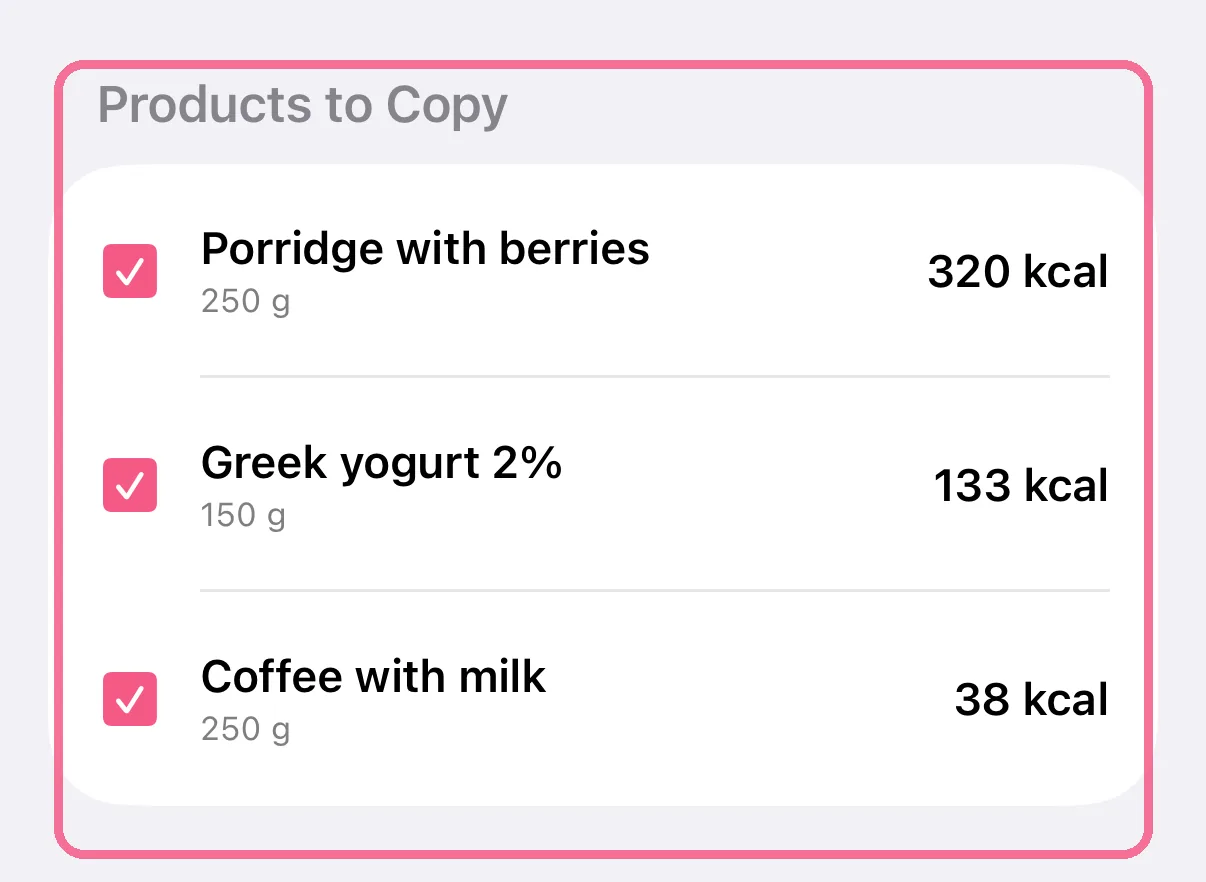
Under “Products to Copy”, untick anything that should stay behind.
-
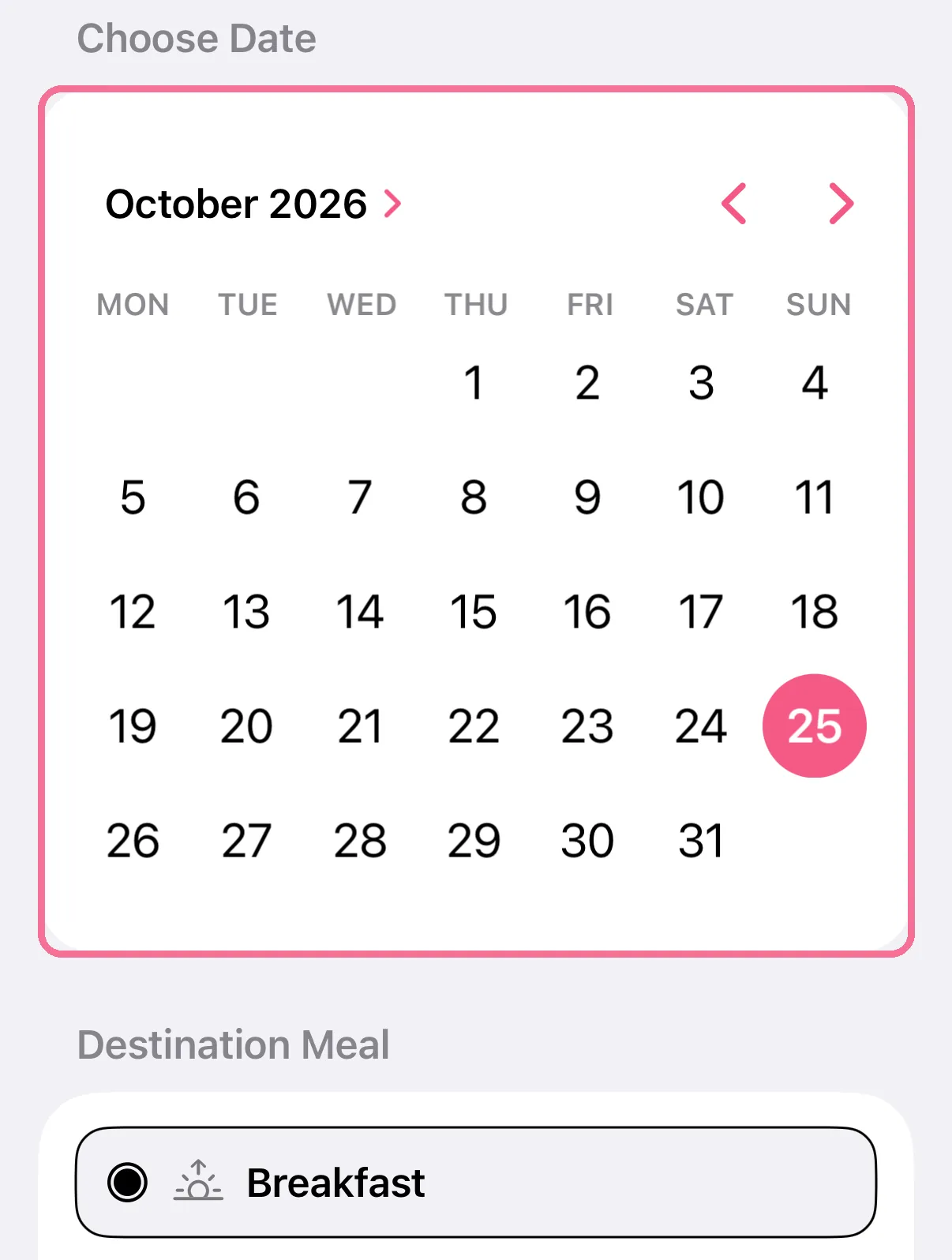
Pick the destination date in the calendar and the destination meal below it.
-
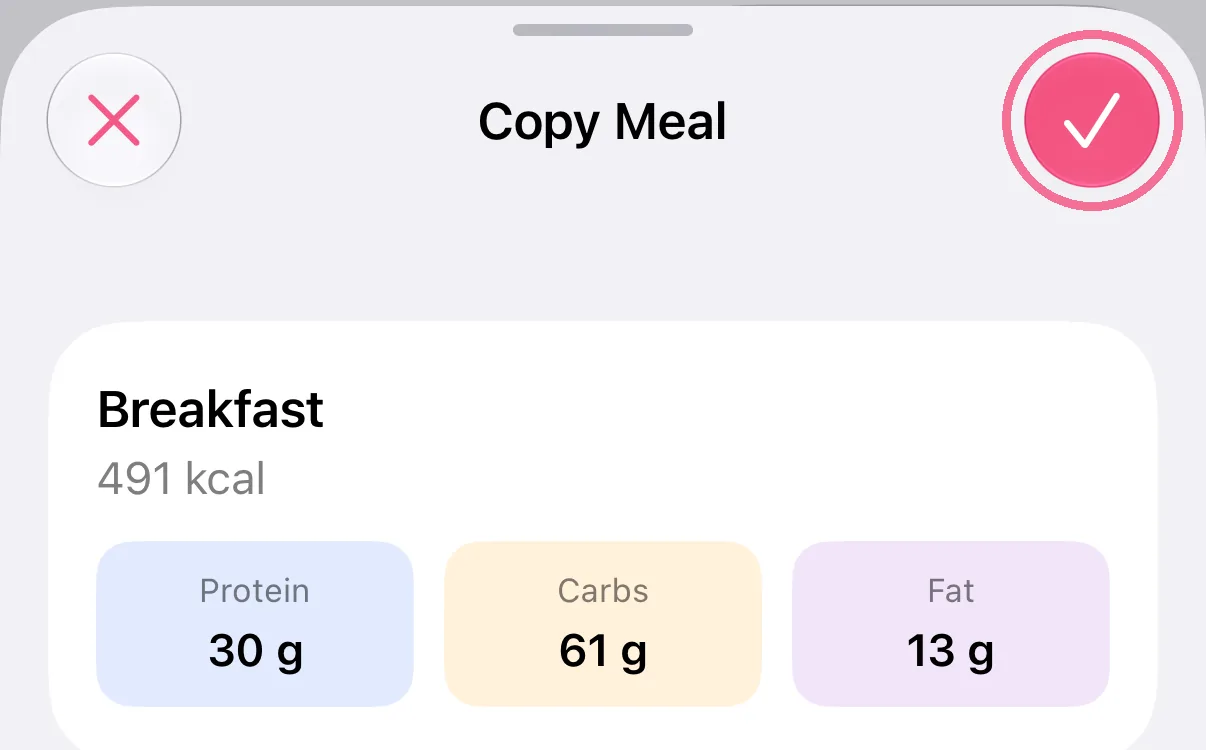
Tap the checkmark at the top right.
-
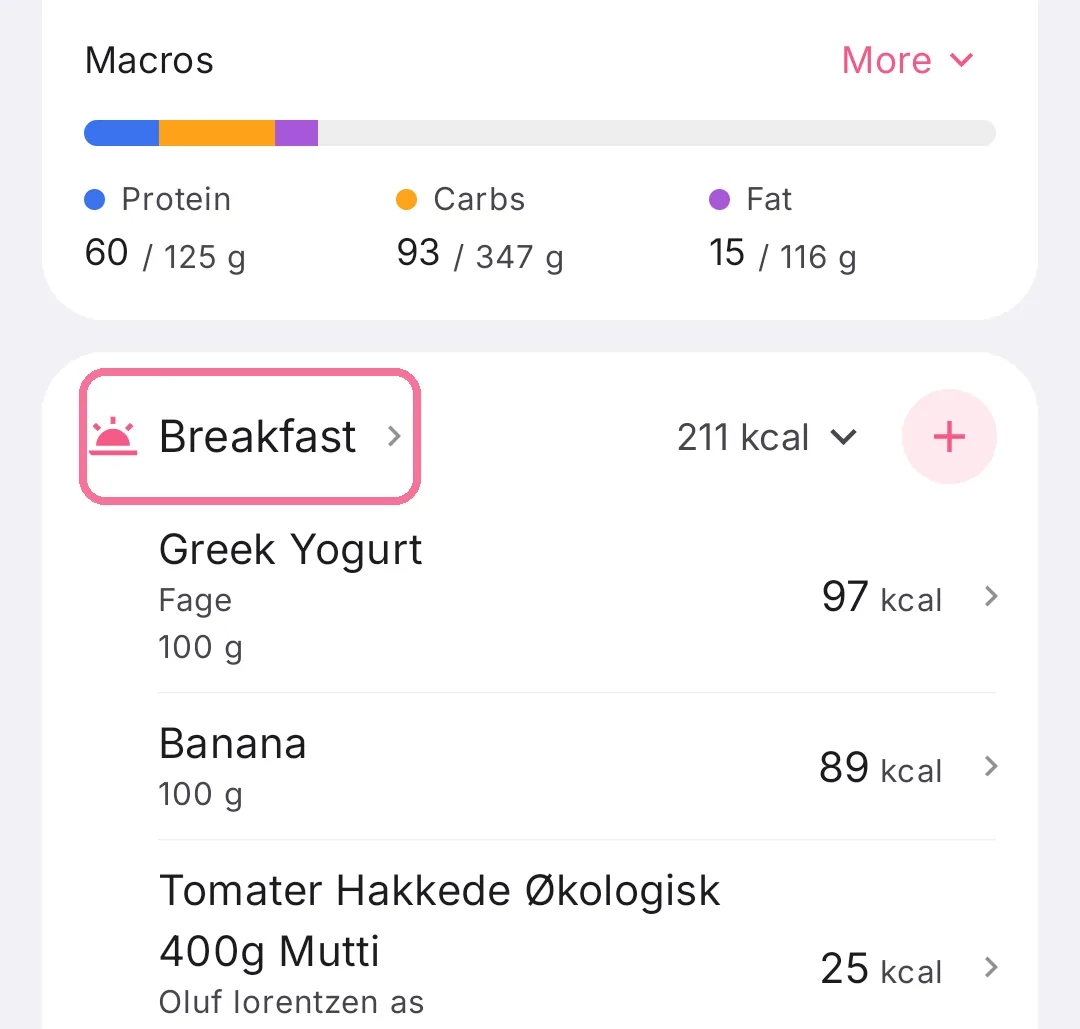
On Today, tap the name of the meal, for example Breakfast.
-
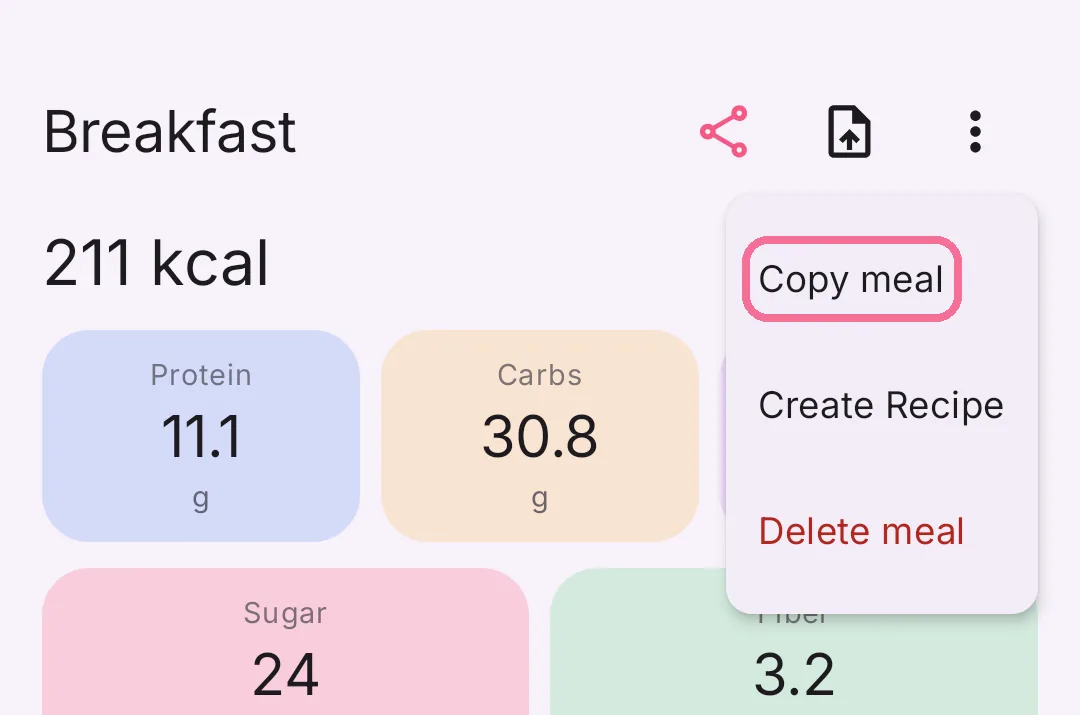
In the meal overview, tap the menu with the three dots at the top right, then “Copy meal”.
-
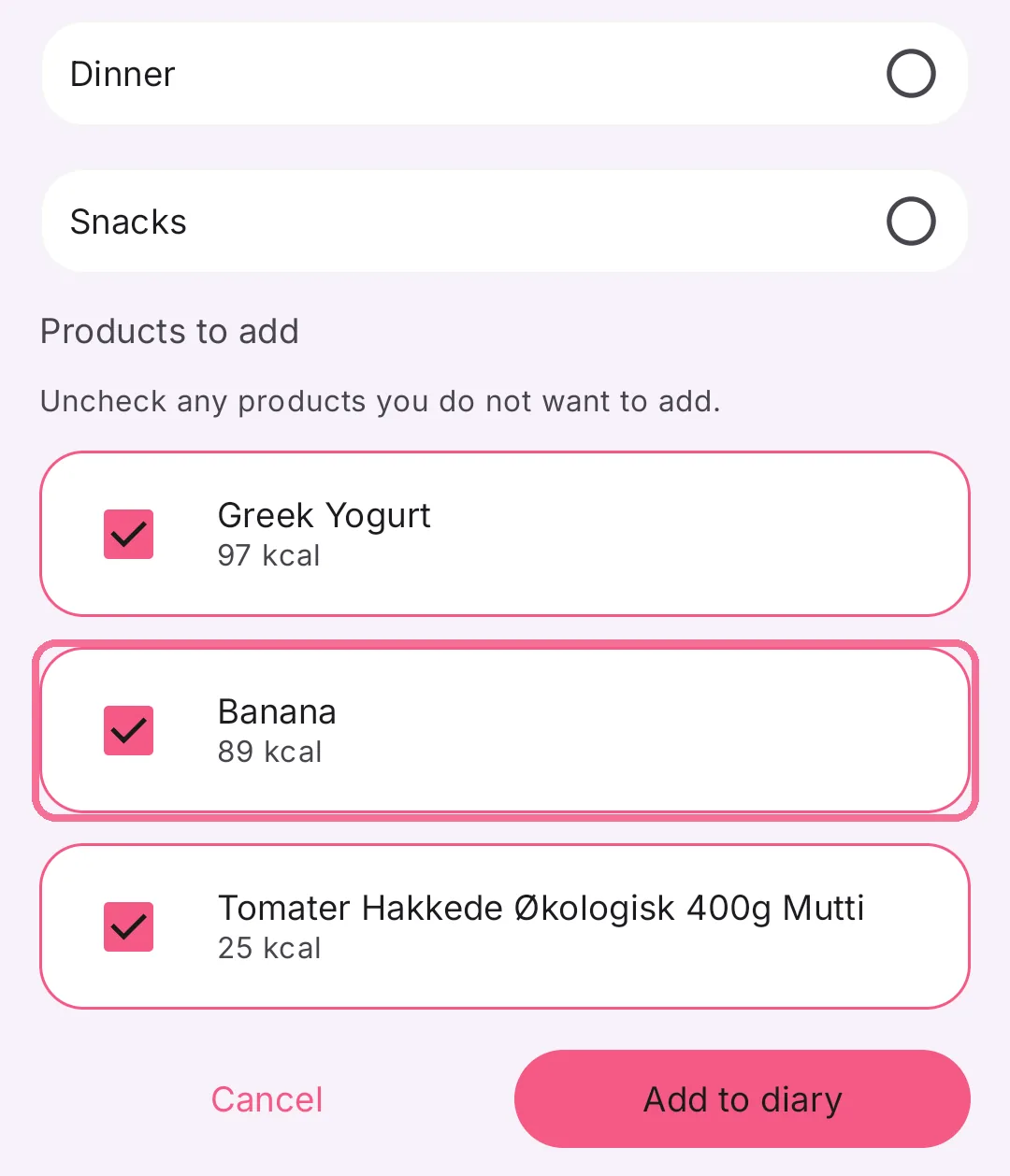
Under “Products to add”, untick anything that should stay behind.
-
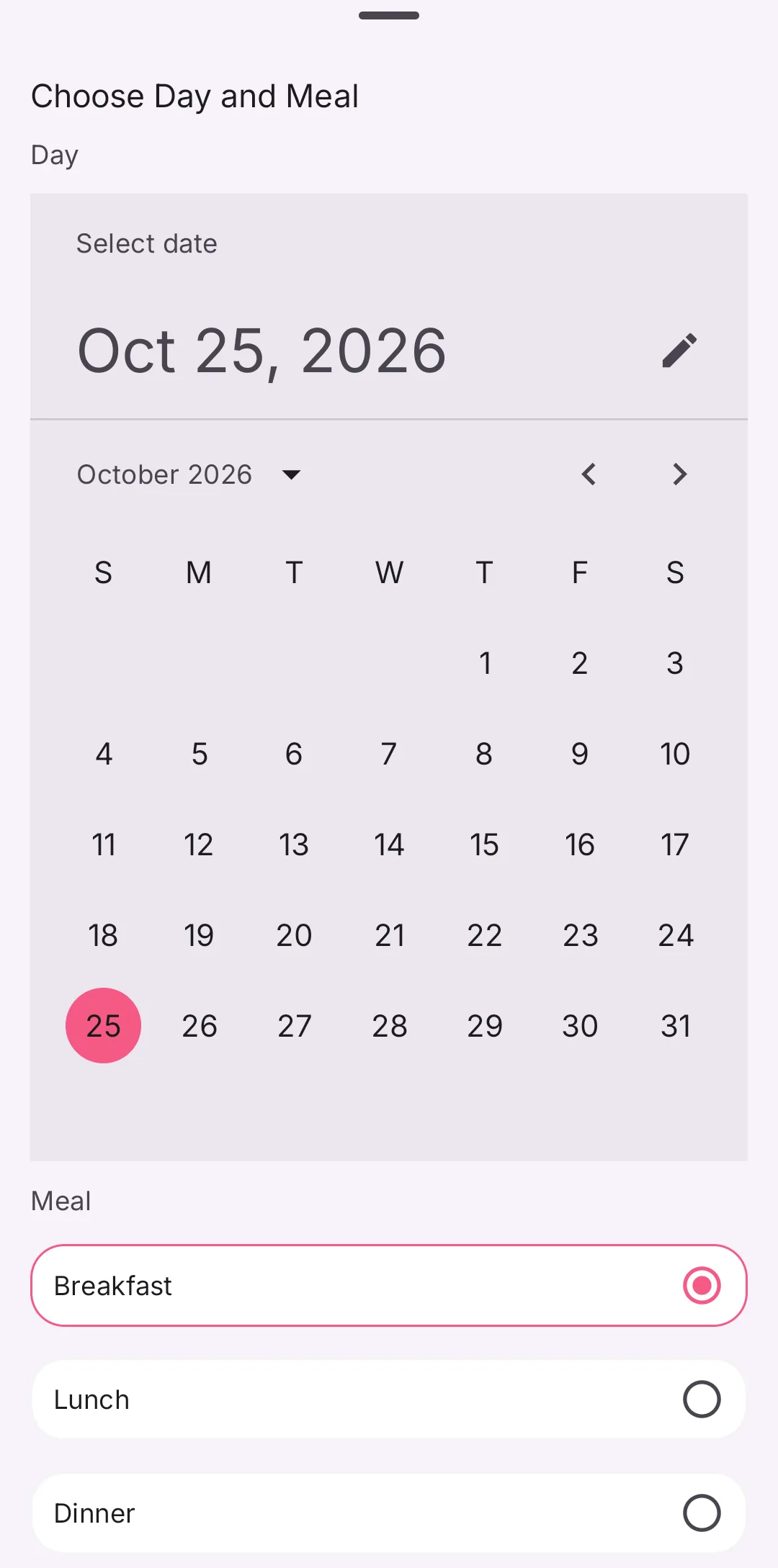
Pick the destination date in the calendar and the destination meal below it.
-
Tap “Add to diary” at the bottom.
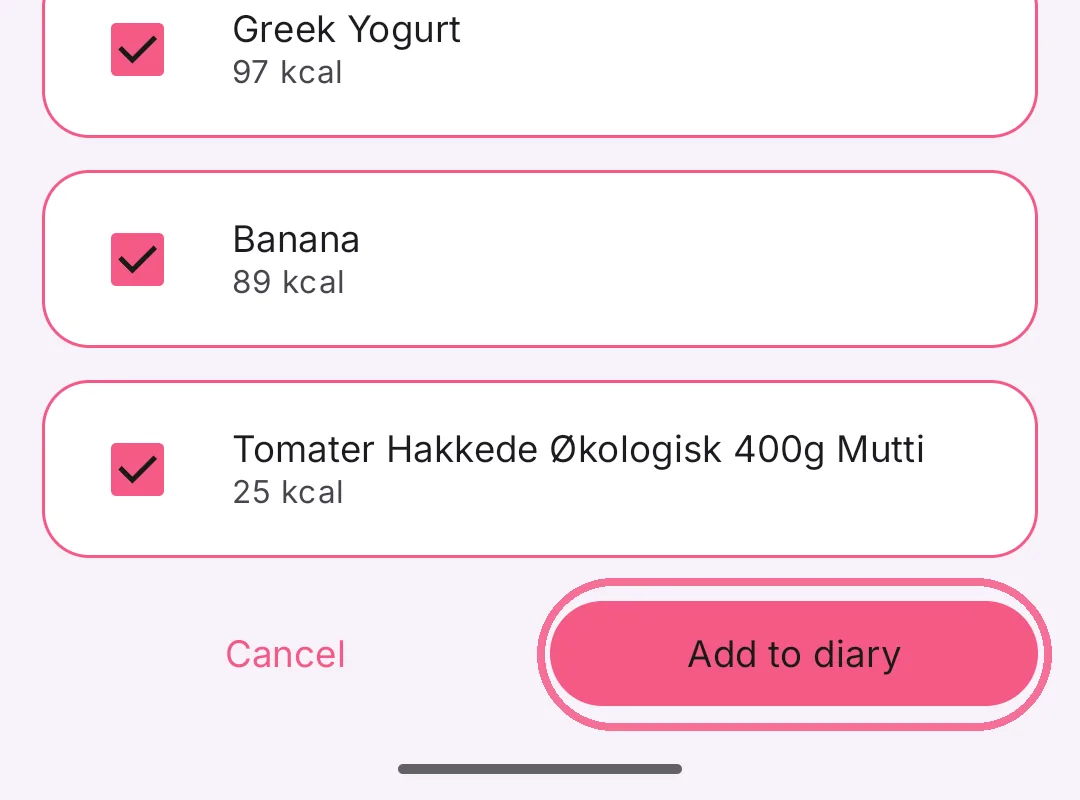
To copy a single entry, do the same and leave only that one ticked.