
Calorie goal
Your daily target is your maintenance calories plus a daily adjustment, for example minus 500 kcal to lose weight. You set both under Settings > “Calories”.
-
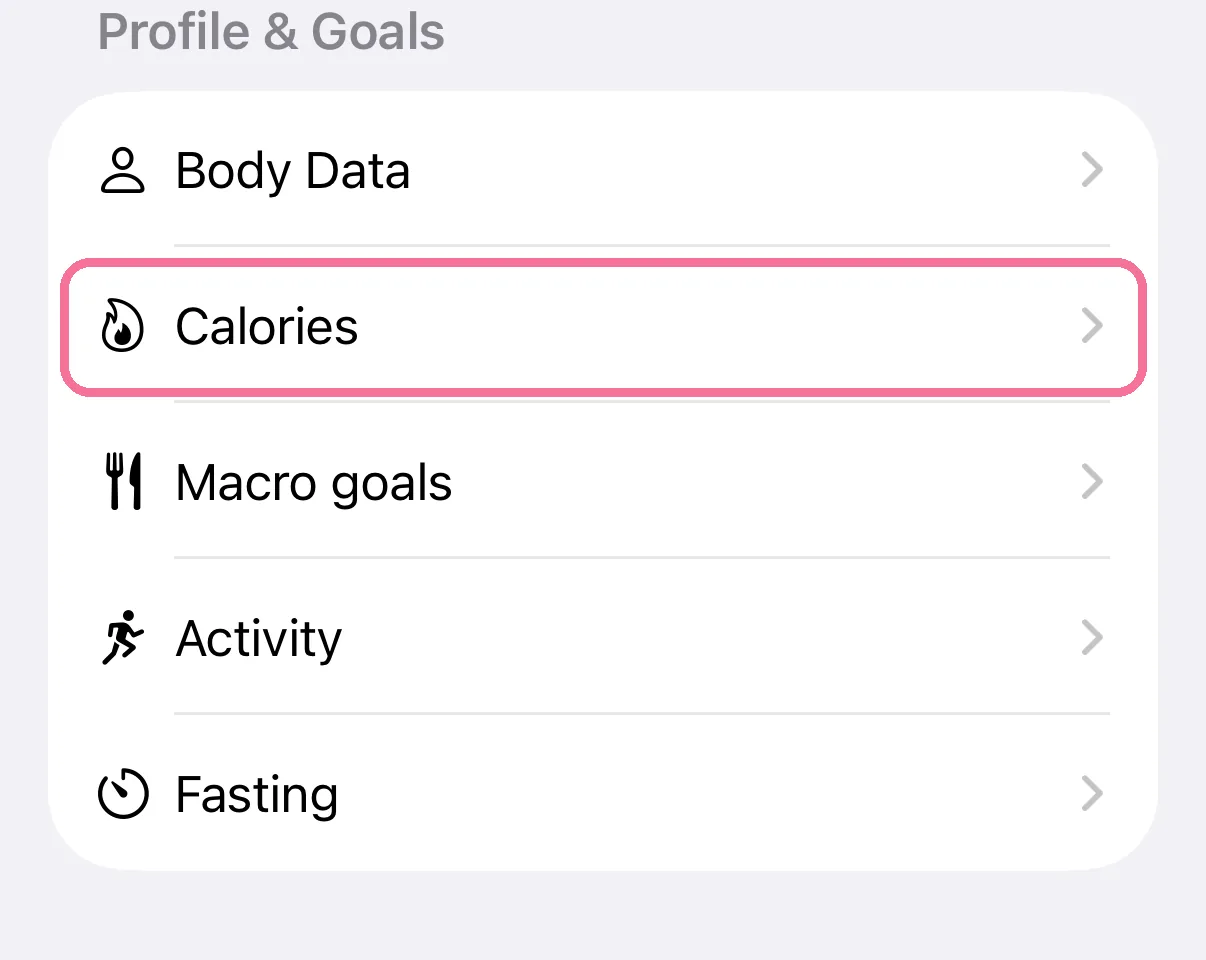
On Today, tap the gear at the top, then “Calories”.
-
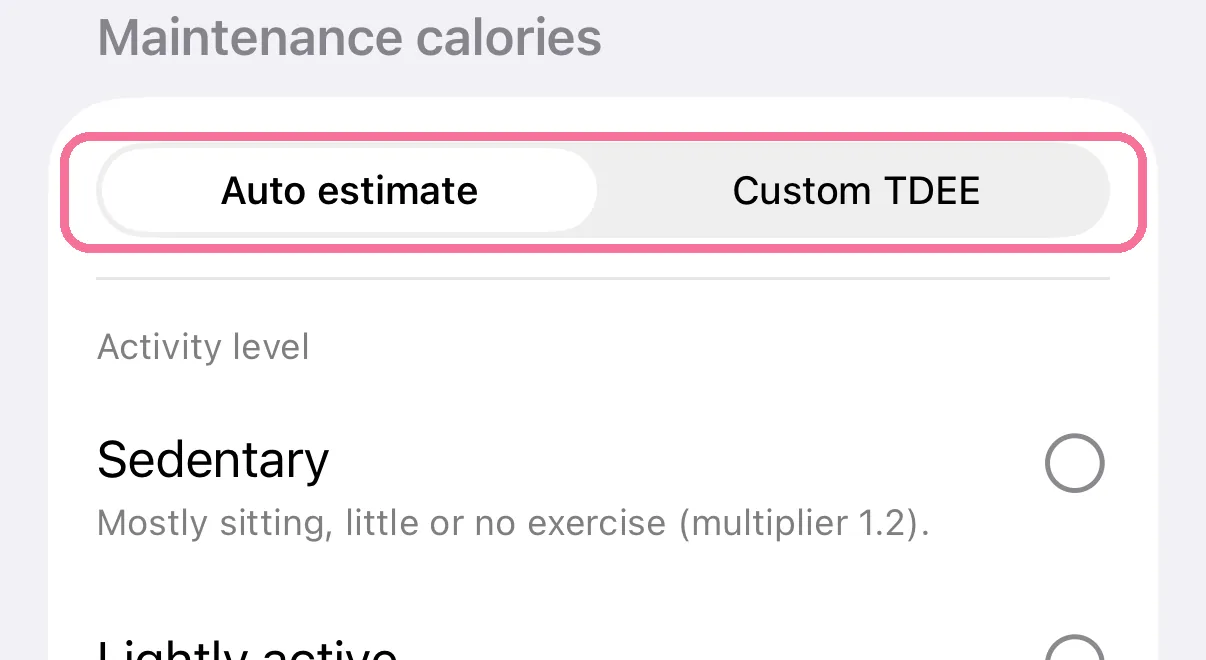
Under “Maintenance calories”, choose where your maintenance calories come from, for example “Auto estimate”.
-
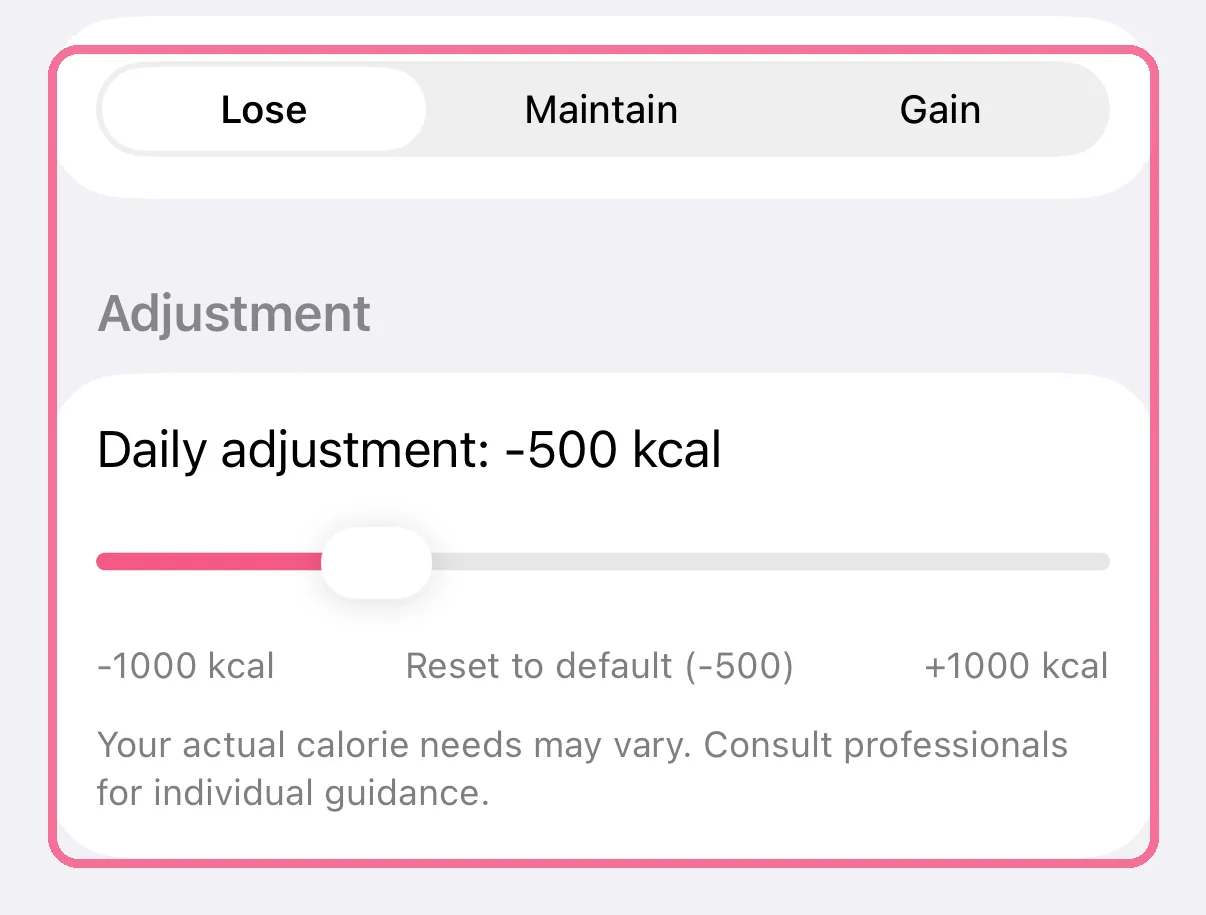
Pick “Lose”, “Maintain” or “Gain” and set the daily adjustment with the slider under “Adjustment”.
-
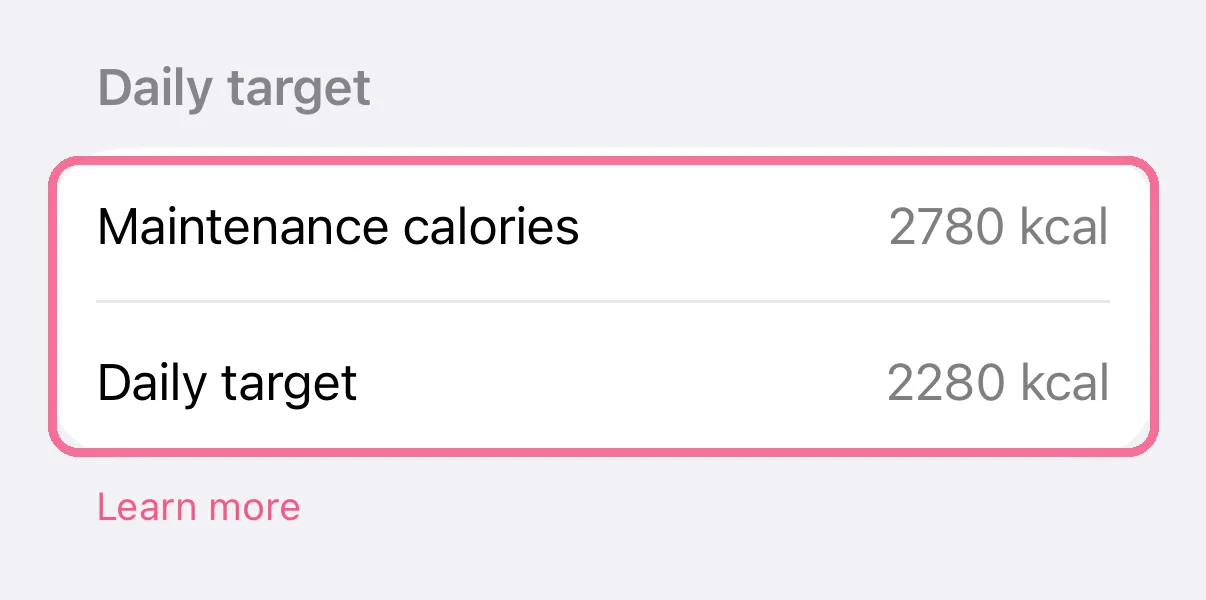
Below that you see your “Maintenance calories” and the resulting “Daily target”.
-
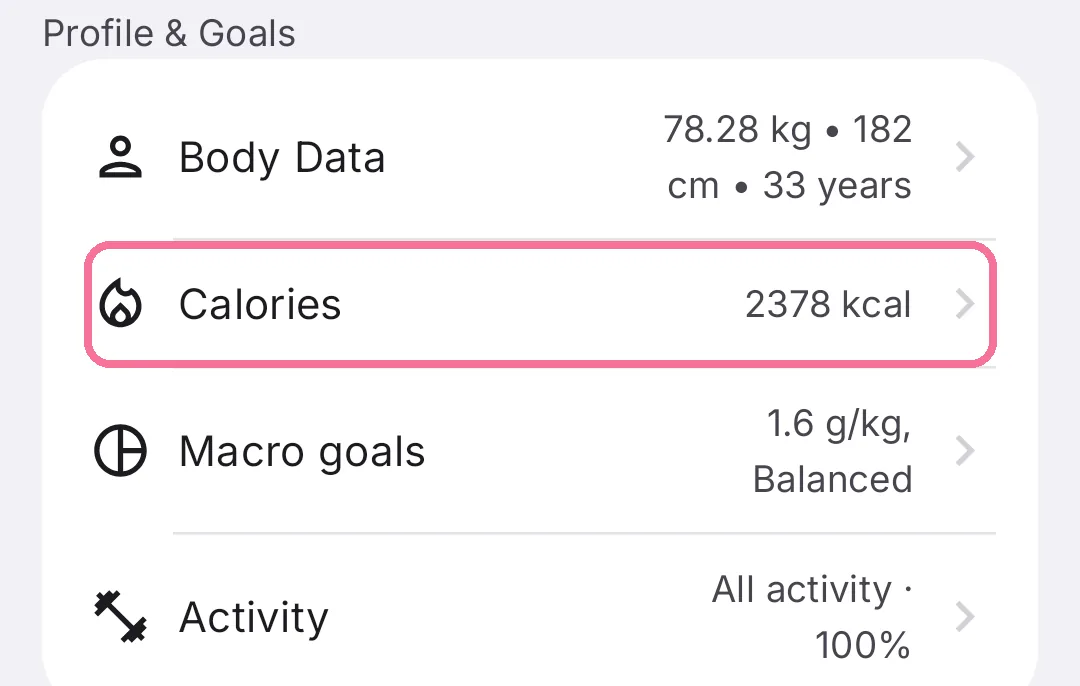
On Today, tap the gear at the top, then “Calories”.
-
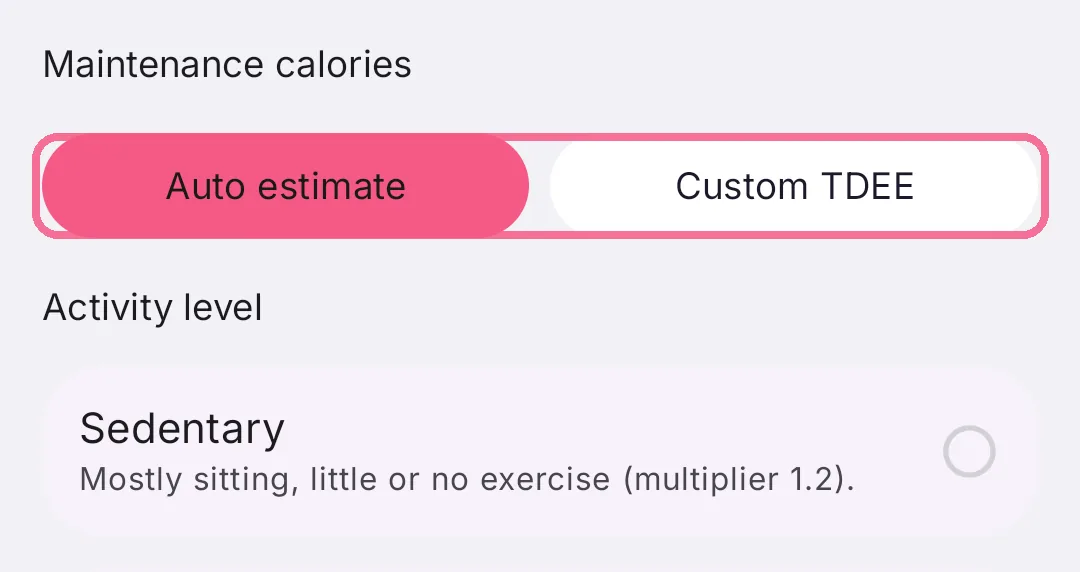
Under “Maintenance calories”, choose “Auto estimate” or “Custom TDEE”.
-
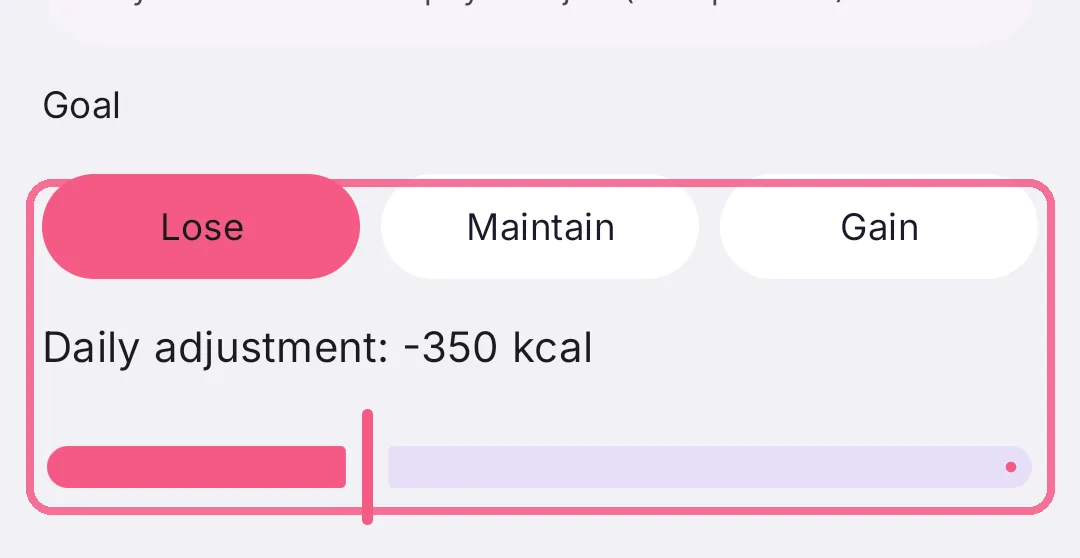
Under “Goal”, pick “Lose”, “Maintain” or “Gain” and set the daily adjustment with the slider.
-
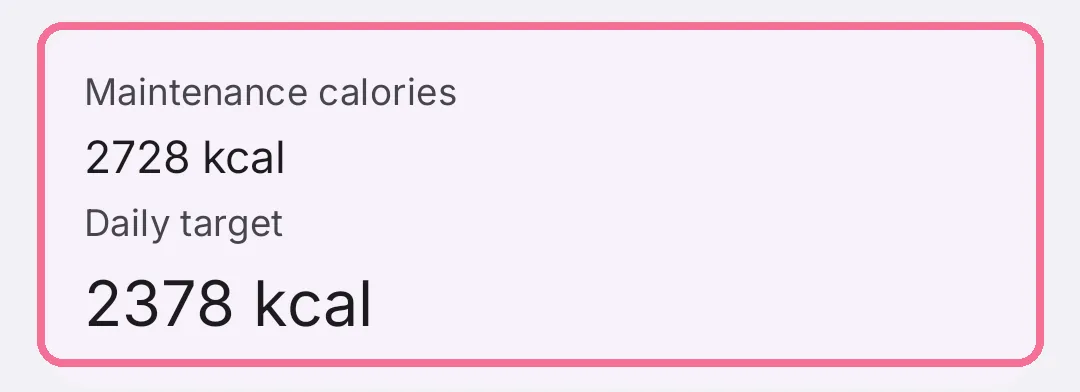
Below that you see your “Maintenance calories” and the resulting “Daily target”.
Where maintenance comes from
Section titled “Where maintenance comes from”- Auto estimate: Intake works out your basal metabolic rate with the Mifflin-St Jeor equation from sex, age, height and weight, then multiplies it by your activity level (a factor from 1.2 to 1.9).
- Custom TDEE: you enter your maintenance calories yourself.
- Apple Health (iPhone only): the average of your resting energy over the last 7 days, not counting today. With less than 3 days of data, Intake uses your body data instead. Resting energy leaves out movement, so your activity is added through “Add activity to target” under Settings > “Activity”.
Good to know
Section titled “Good to know”- The adjustment starts at minus 500 kcal for losing and plus 500 kcal for gaining. The slider goes from minus to plus 1,000 kcal.
- A “Fixed daily target” under “Advanced” replaces the whole calculation.
- Your daily target never drops below 800 kcal.
- To change a single day, tap “Target” on Today. Fixed changes per weekday live under Settings > “Calories” (on iPhone in “Daily and weekly goals”, on Android in “Day-based targets”).