
Add photos
You can attach a photo to entries, your own products and recipes. On Today it shows next to the entry.
-
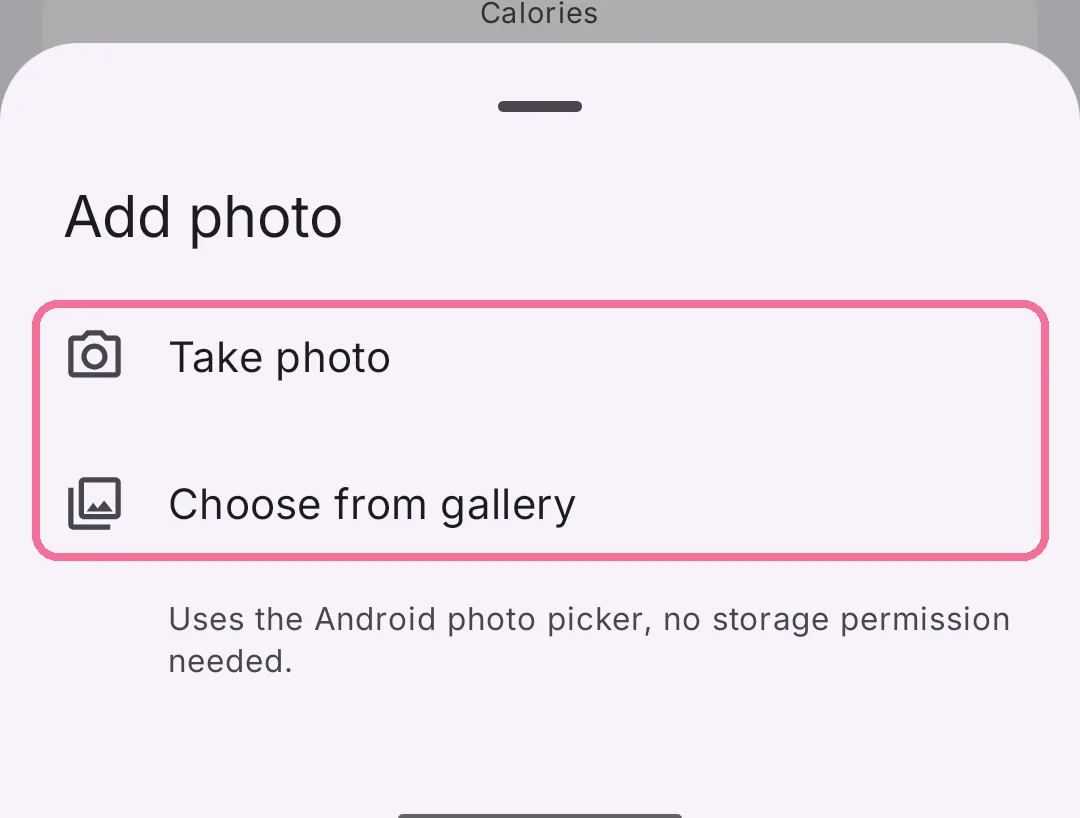
Tap an entry, then the picture button next to its name. Choose “Take Photo” or “Choose Photo”.

-
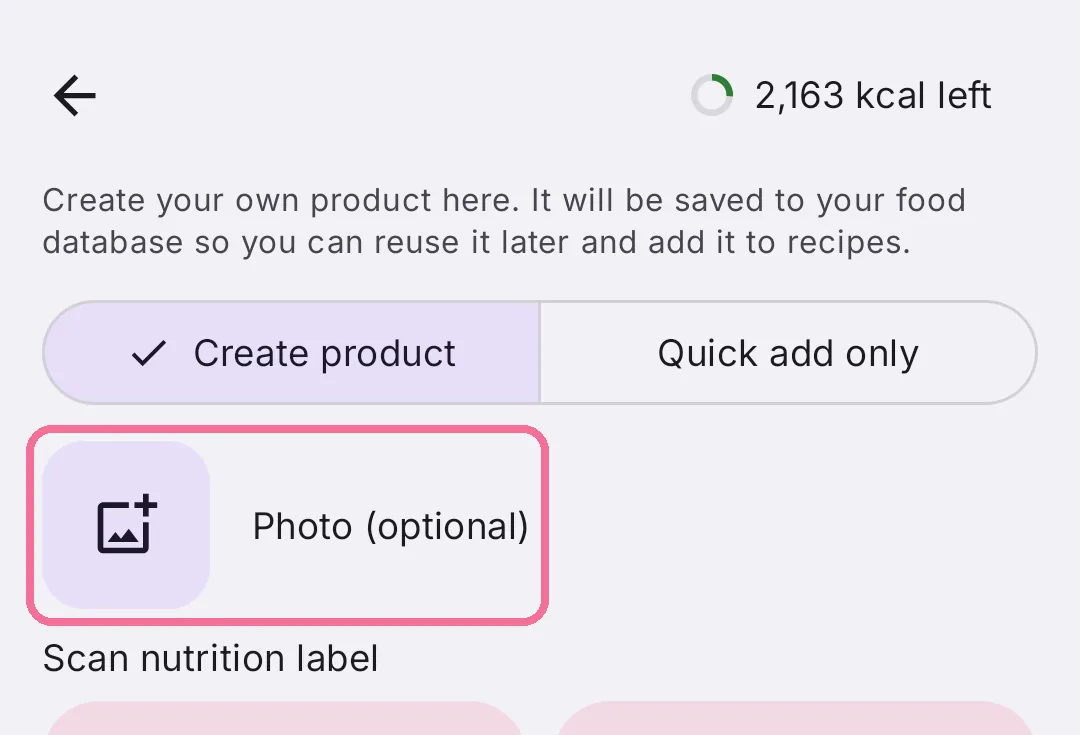
For your own products and recipes, tap “Add Photo” while creating or editing them.

-
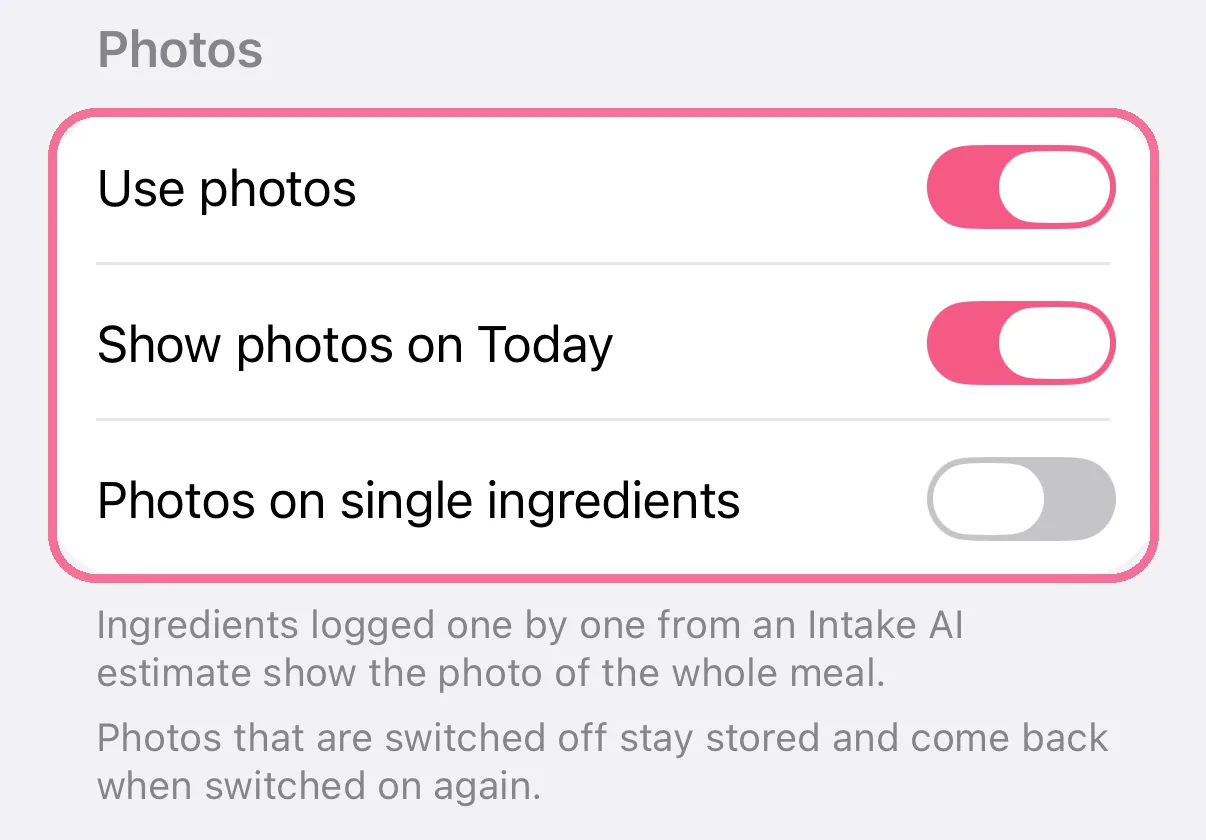
Under Settings > “Appearance” > “Photos” you decide whether photos show on Today.
-
Tap an entry, then the picture button next to its name. Choose “Take photo” or “Choose from gallery”.
-
For your own products and recipes, tap “Add Photo” while creating or editing them.
-
Under Settings > “Appearance” > “Photos” you decide whether photos show on Today.
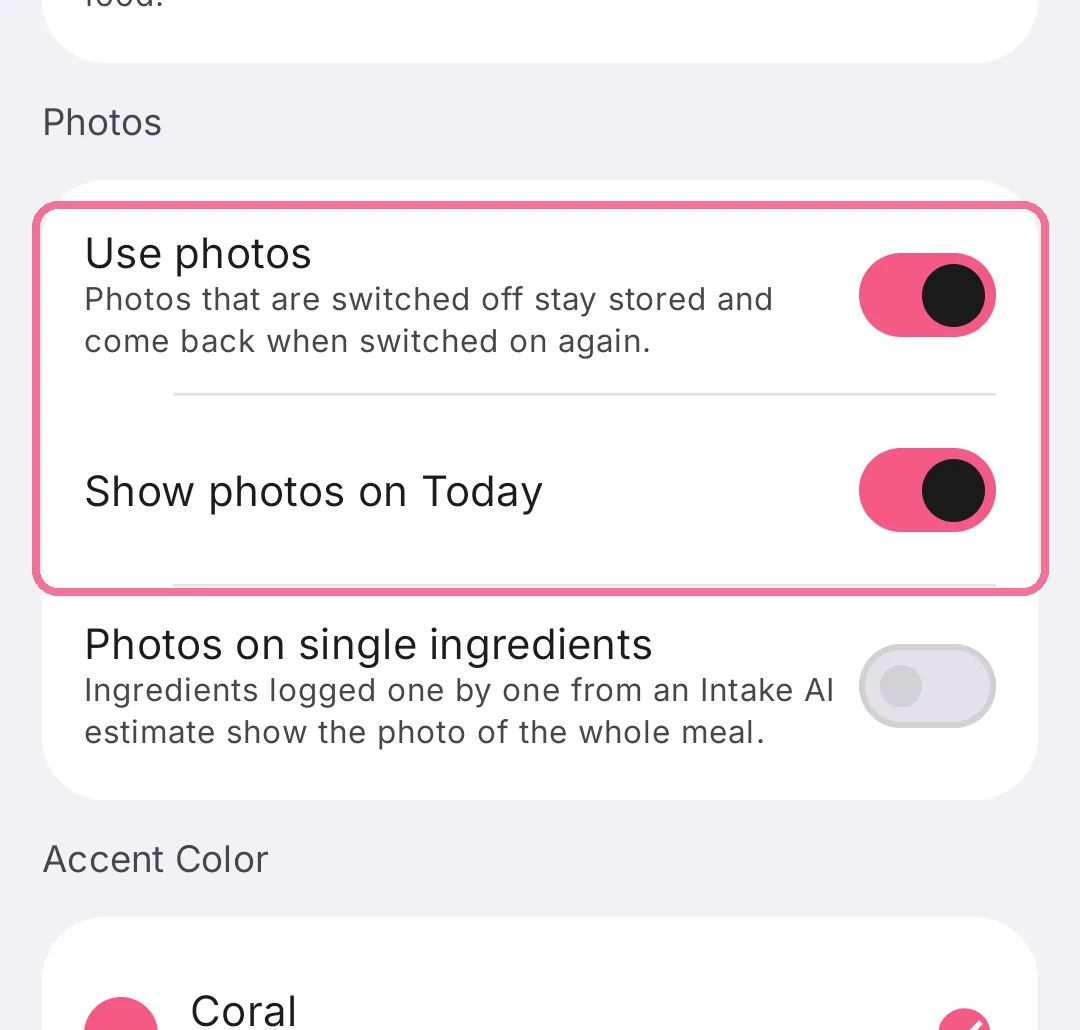
Photos you switch off stay stored and come back when you switch them on again.
On iPhone, Intake syncs photos through iCloud as long as “Sync photos” is on under Settings > “iCloud Sync”.