
Create a product
If a food is missing, tap “Create” while adding food and enter the name and nutrition from the package. Intake saves it under “My Products”.
-
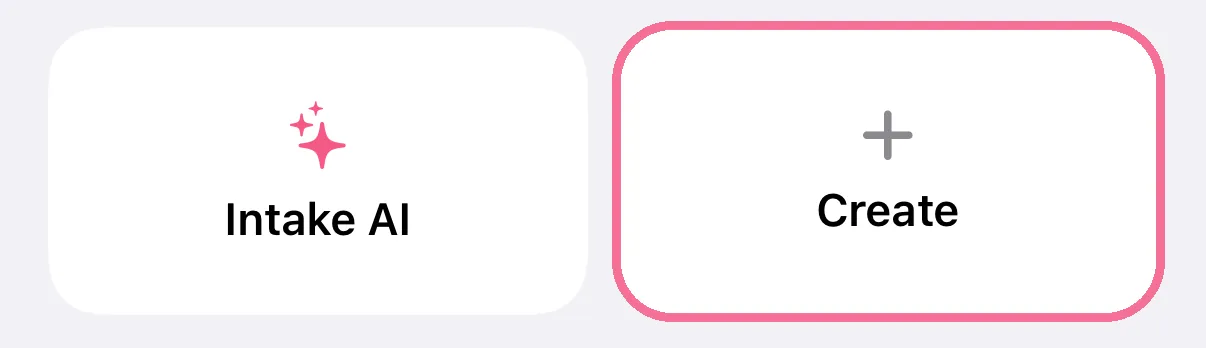
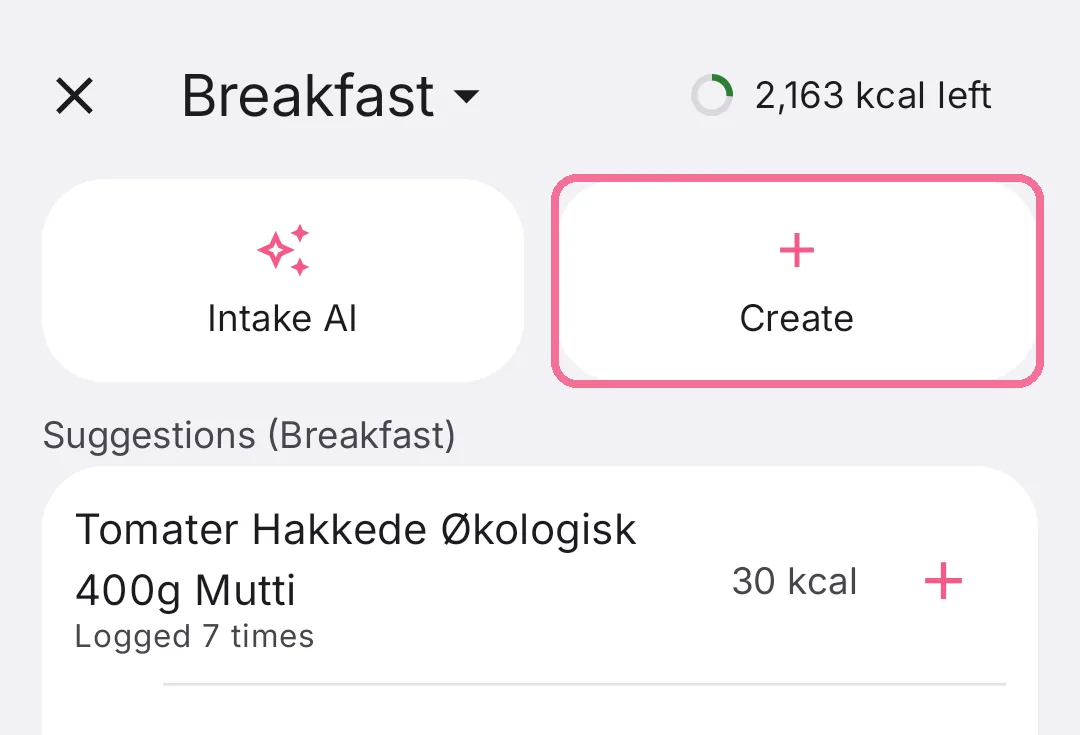
While adding food, tap “Create”.
-
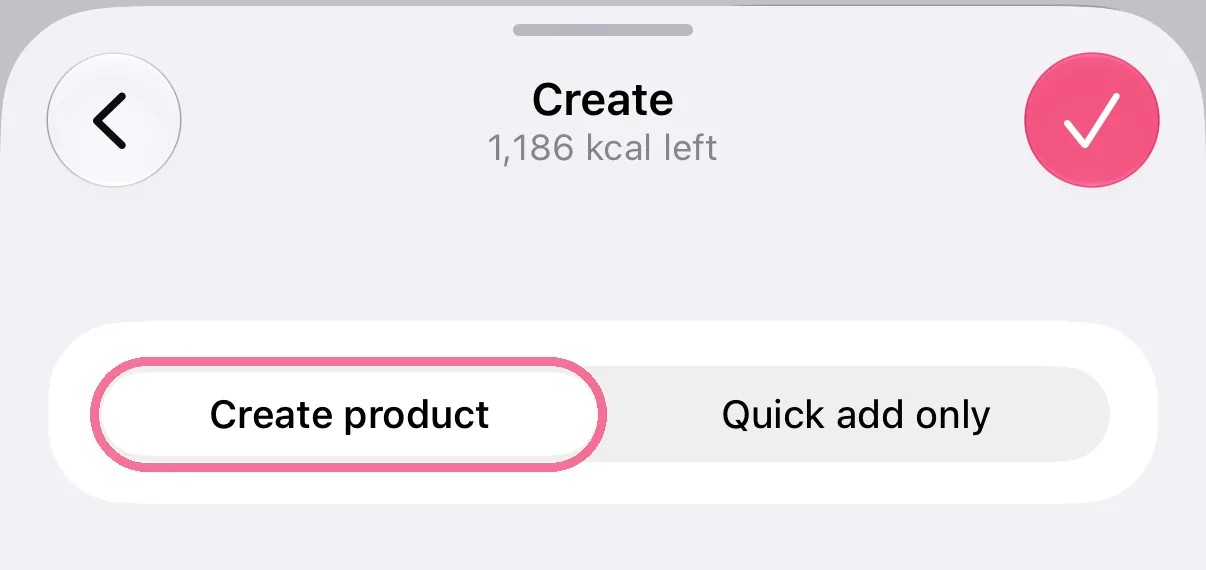
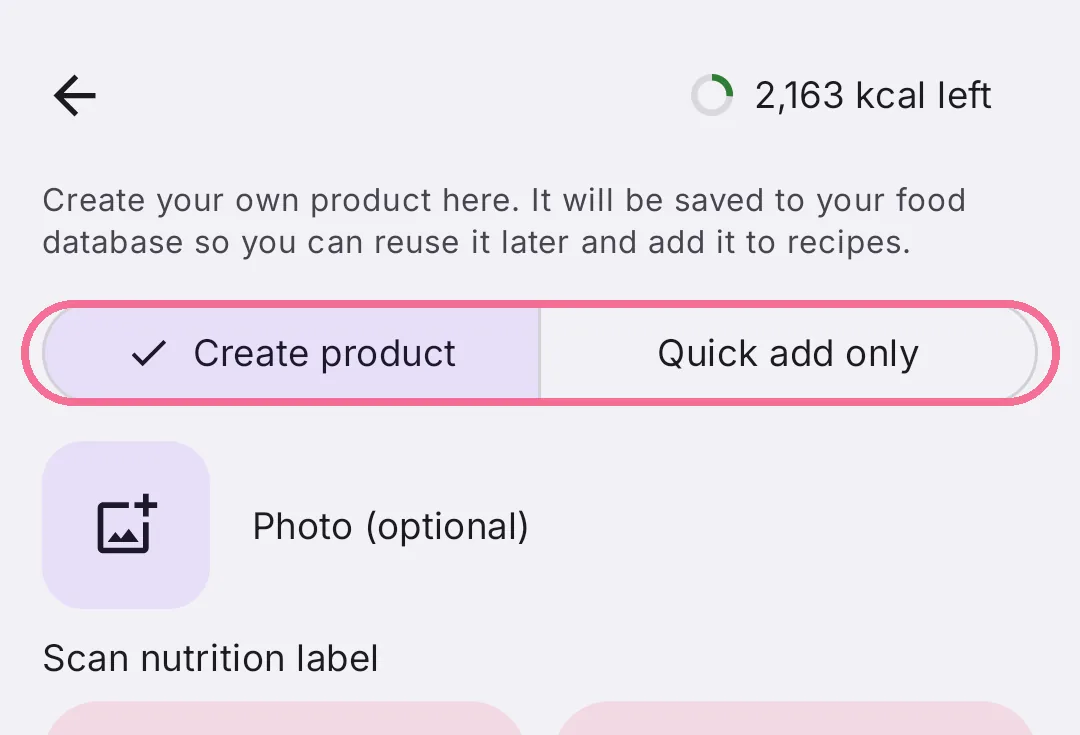
Choose “Create product” at the top.
-
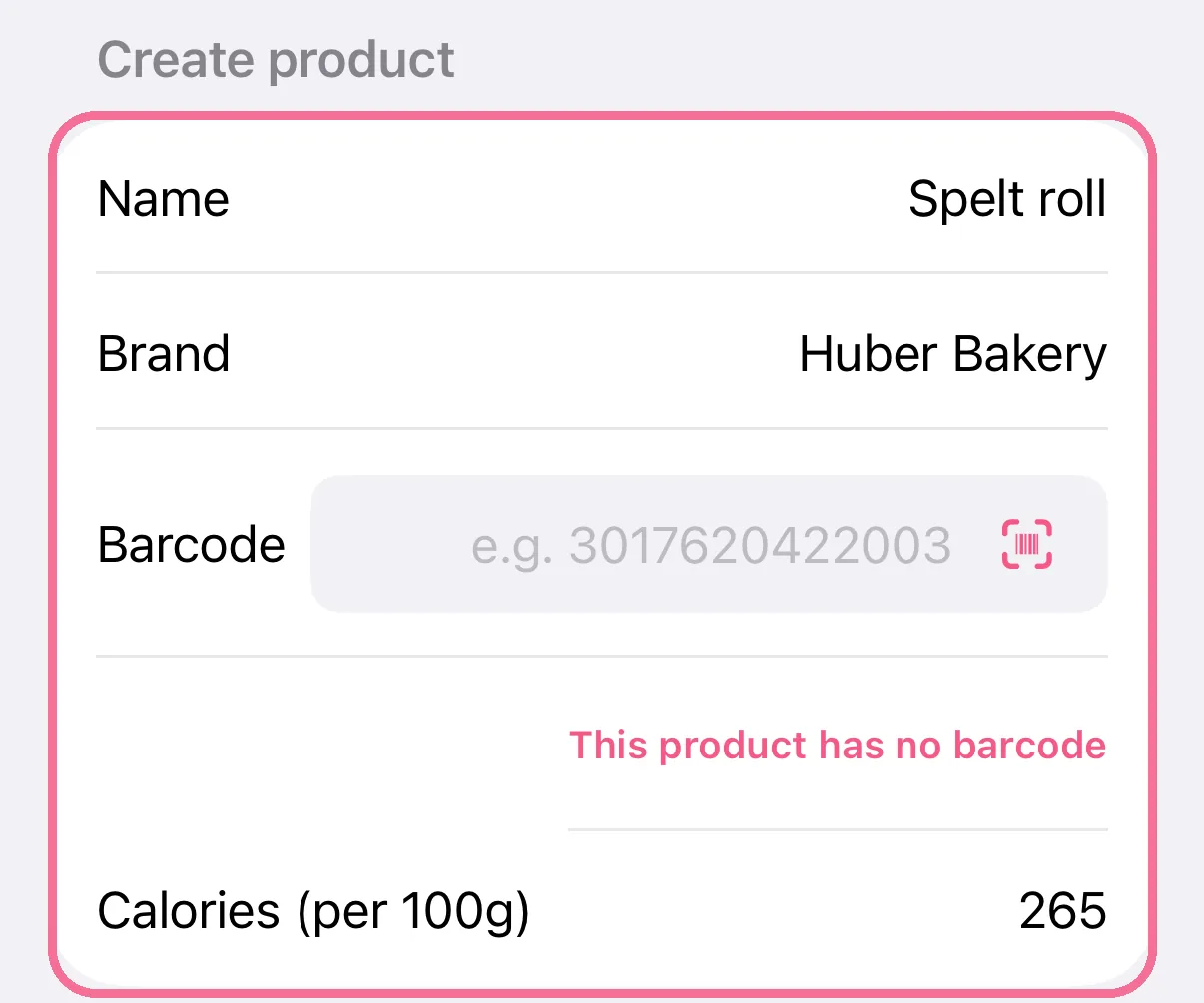
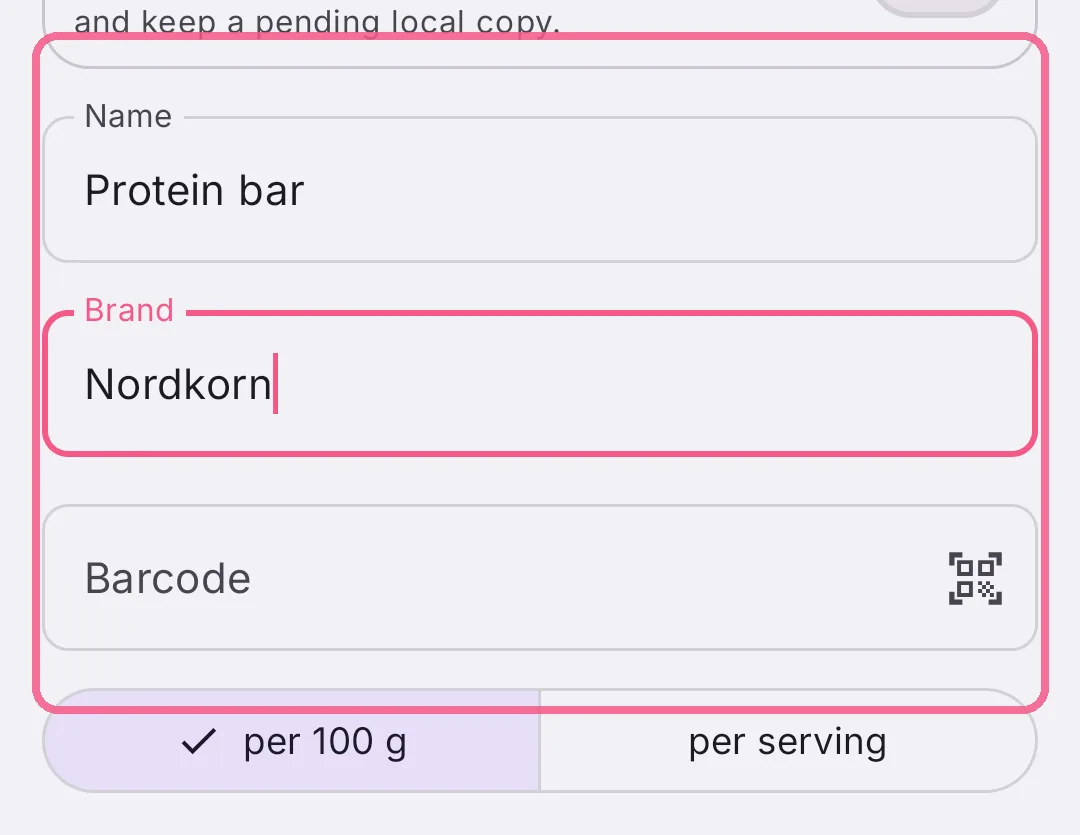
Enter the name, brand and calories. If the product has a barcode, scan it or type it in.
-
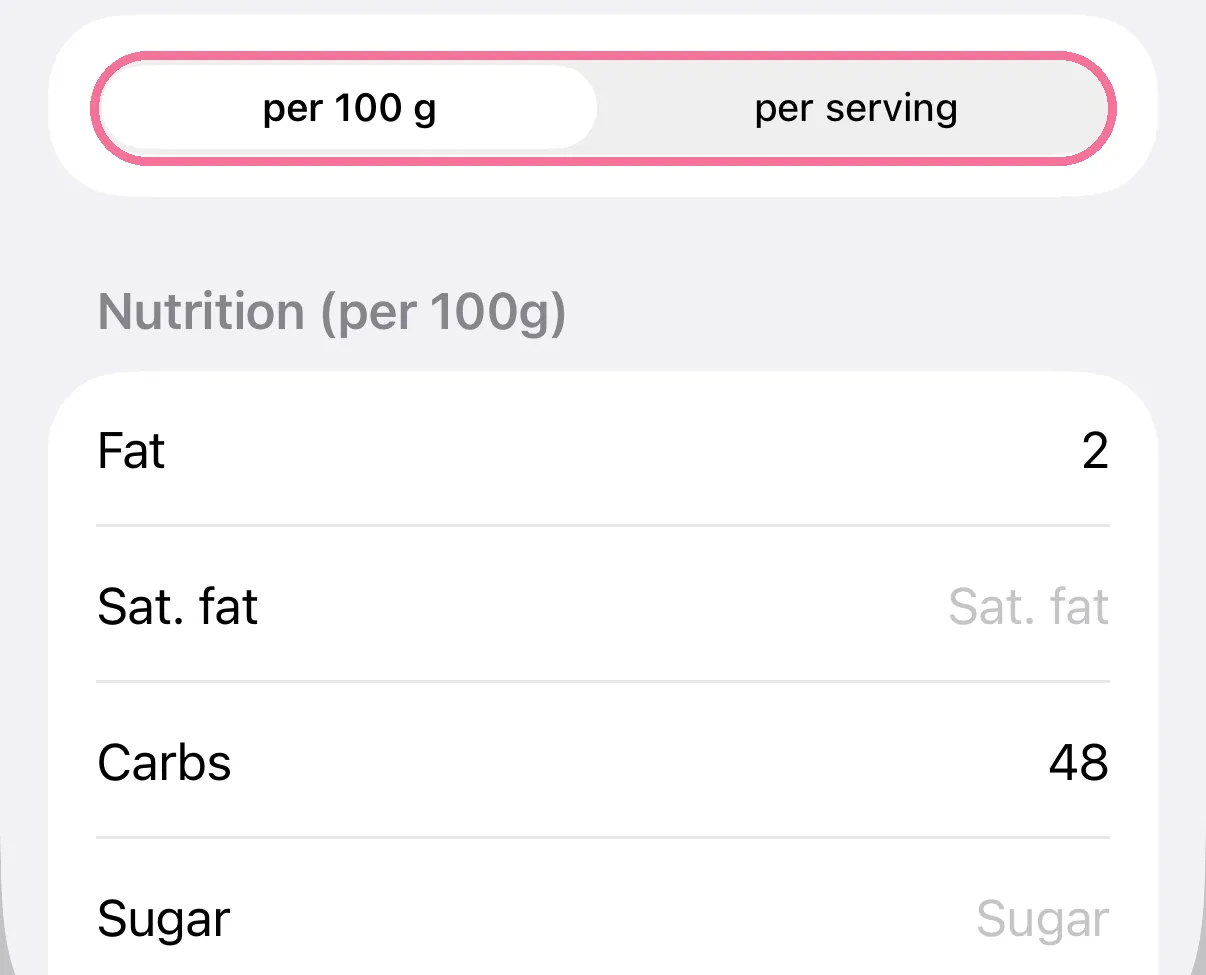
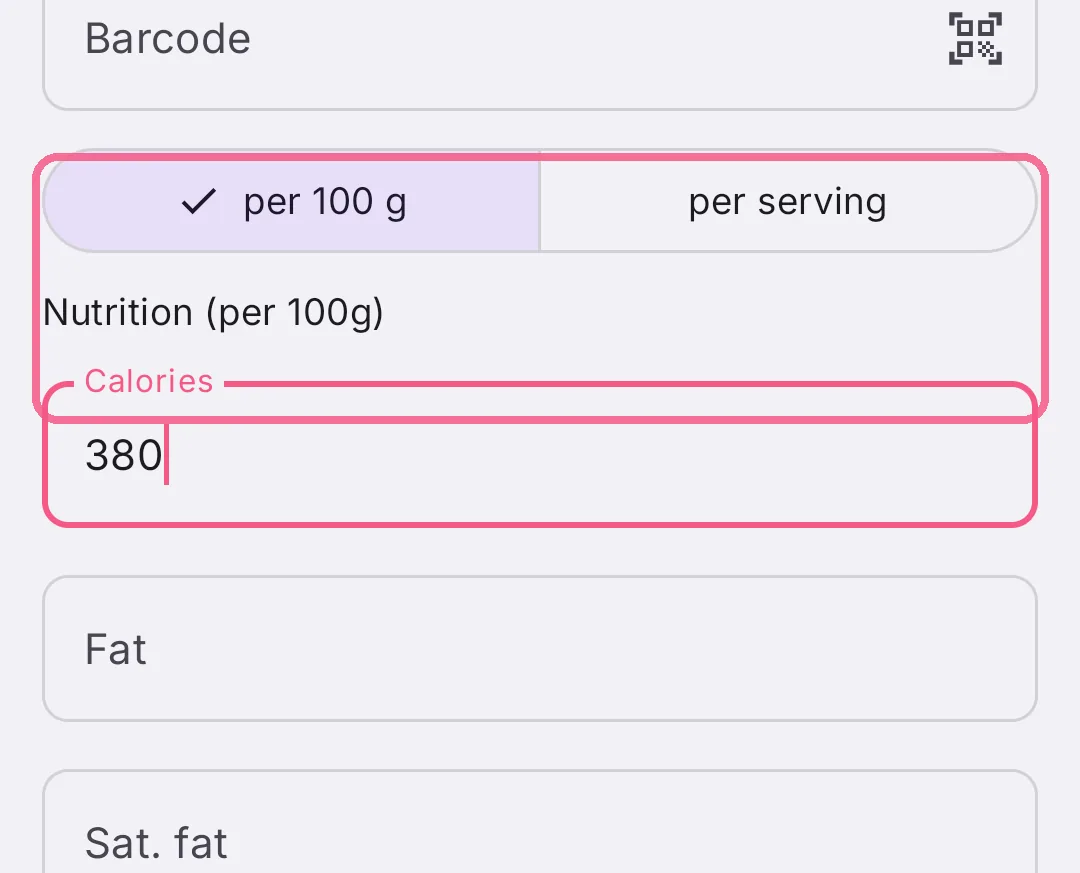
Choose “per 100 g” or “per serving” and enter the nutrition below.
-
Tap the checkmark at the top right. Intake saves the product and adds it to the meal.

-
While adding food, tap “Create”.
-
Choose “Create product” at the top.
-
Enter the name, brand and calories. If the product has a barcode, scan it or type it in.
-
Choose “per 100 g” or “per serving” and enter the nutrition below.
-
Tap “Save & add” at the bottom. Intake saves the product and adds it to the meal.
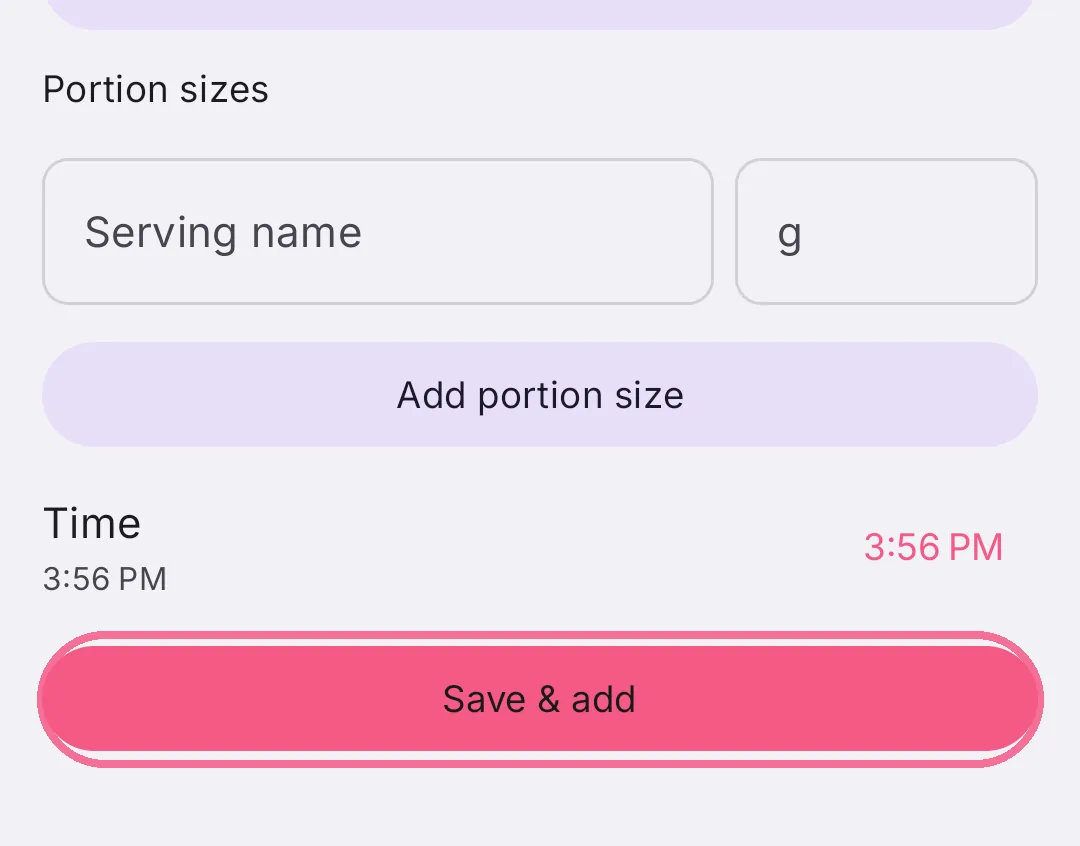
Further down, “Add portion size” sets up your own portions, for example “1 roll”. With “Submit for review” you suggest the product for the shared database.
You find your products in the Library under “My Products”.