
Custom meals
Under “Edit Today Page” you add your own meals, for example a second snack, and hide meals you don’t need.
-
Scroll to the bottom of Today and tap “Edit Today Page”.

-
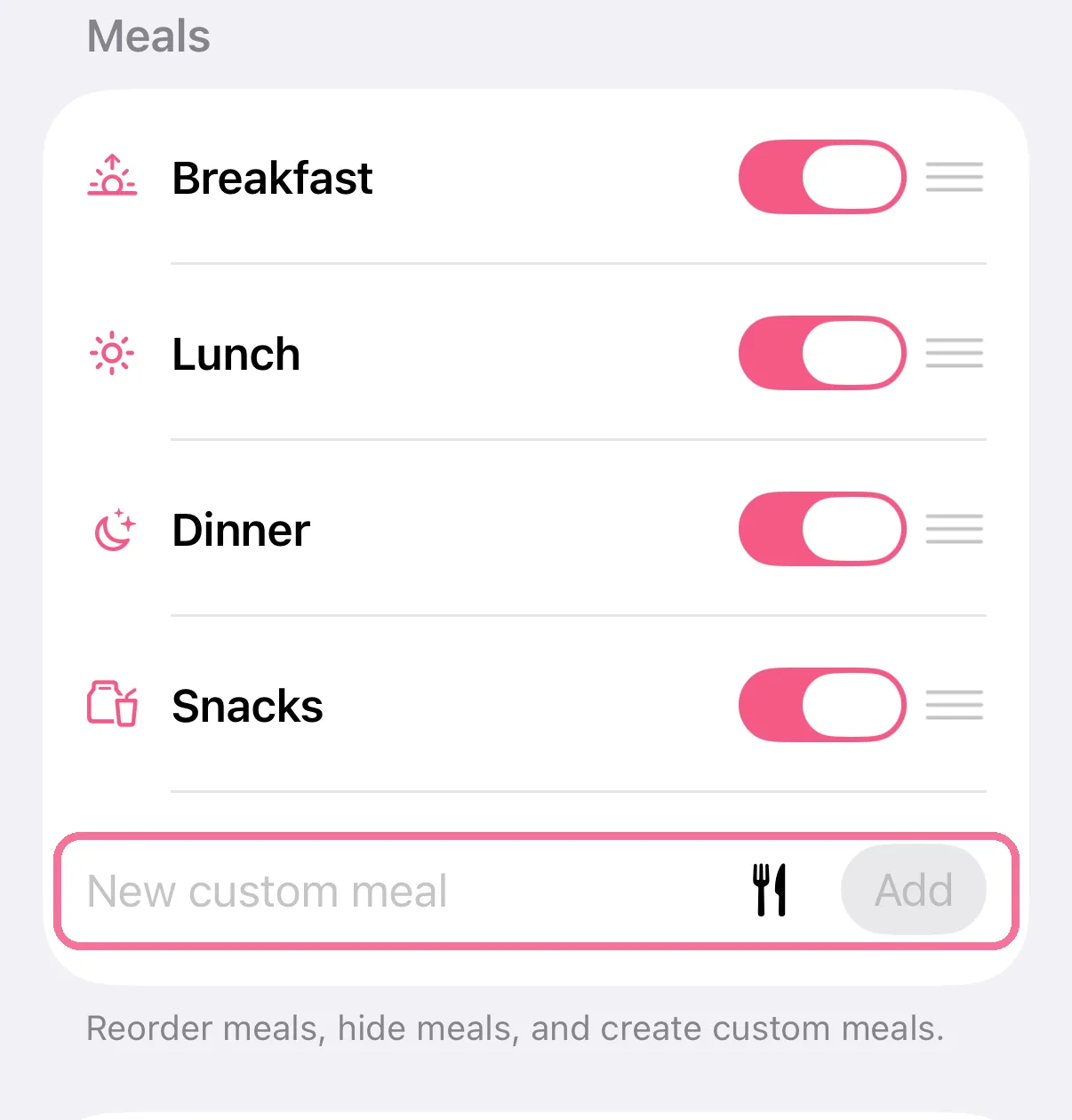
Under “Meals”, type a name for the new meal and tap “Add”.
-
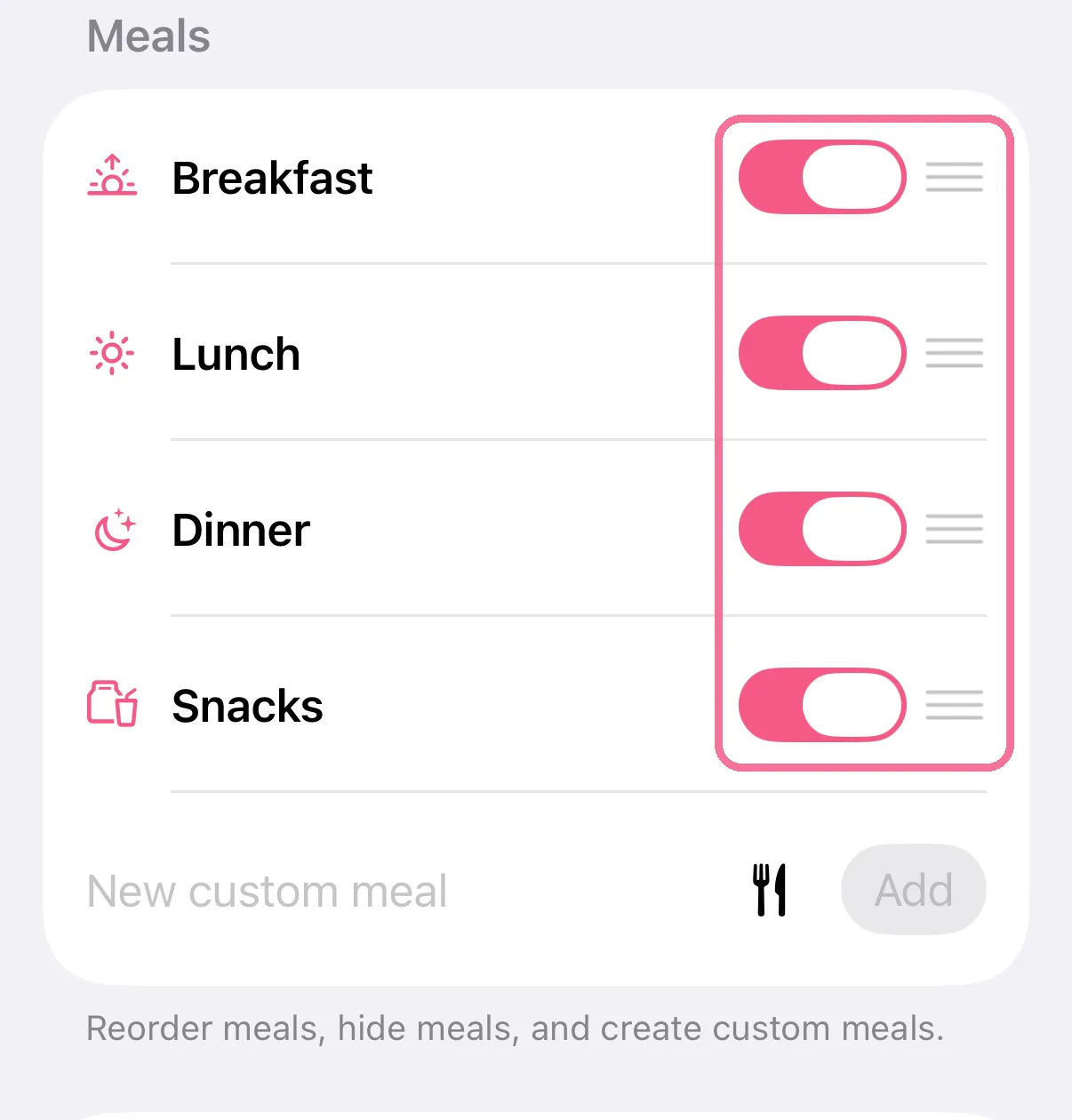
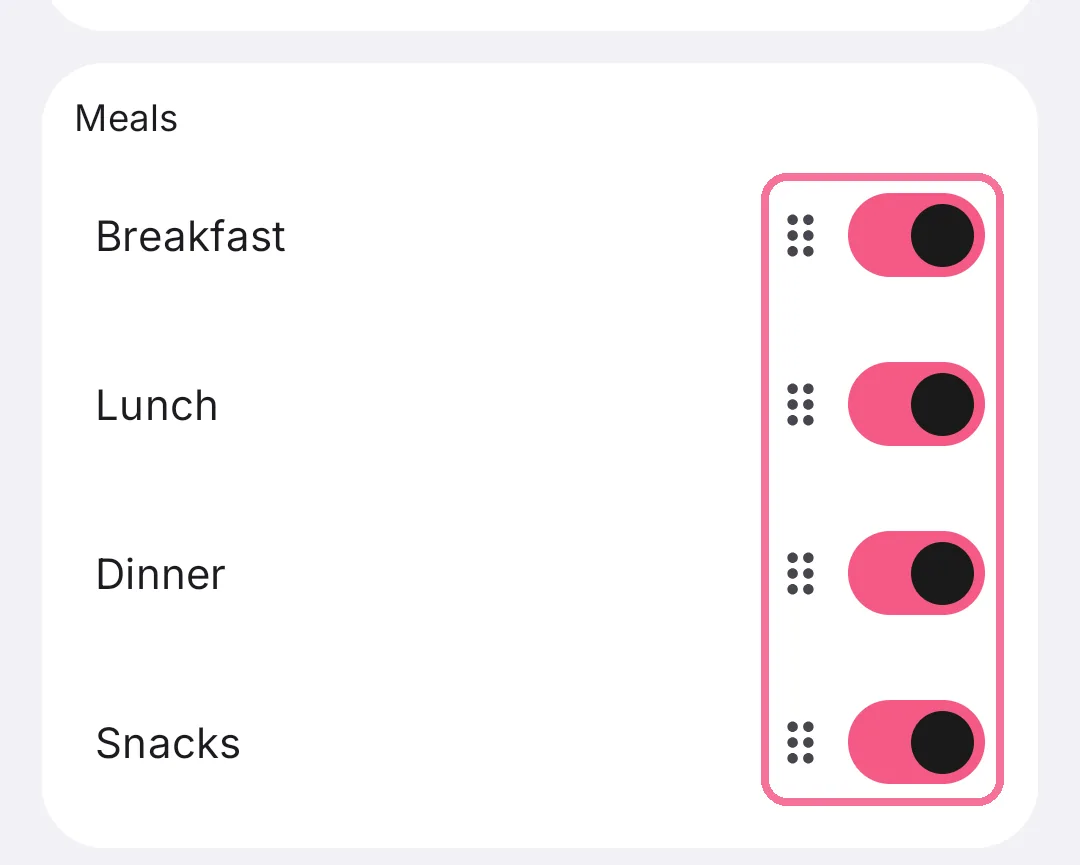
Use the switch to hide a meal. Drag the handle on the right to move it somewhere else.
-
Tap the checkmark at the top right.

-
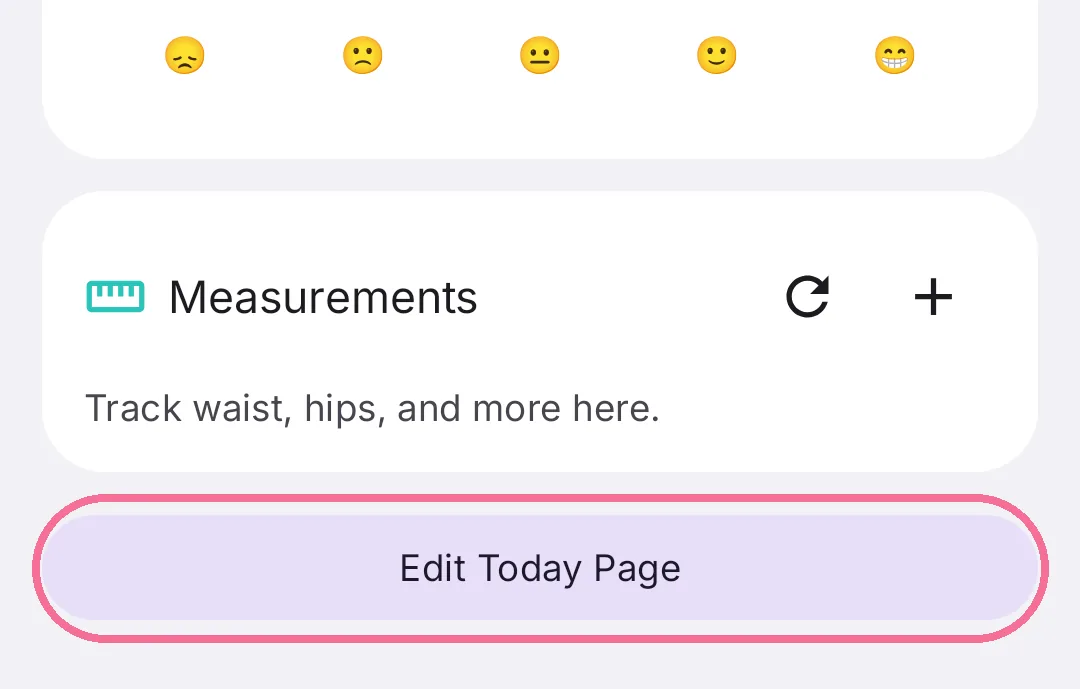
Scroll to the bottom of Today and tap “Edit Today Page”.
-
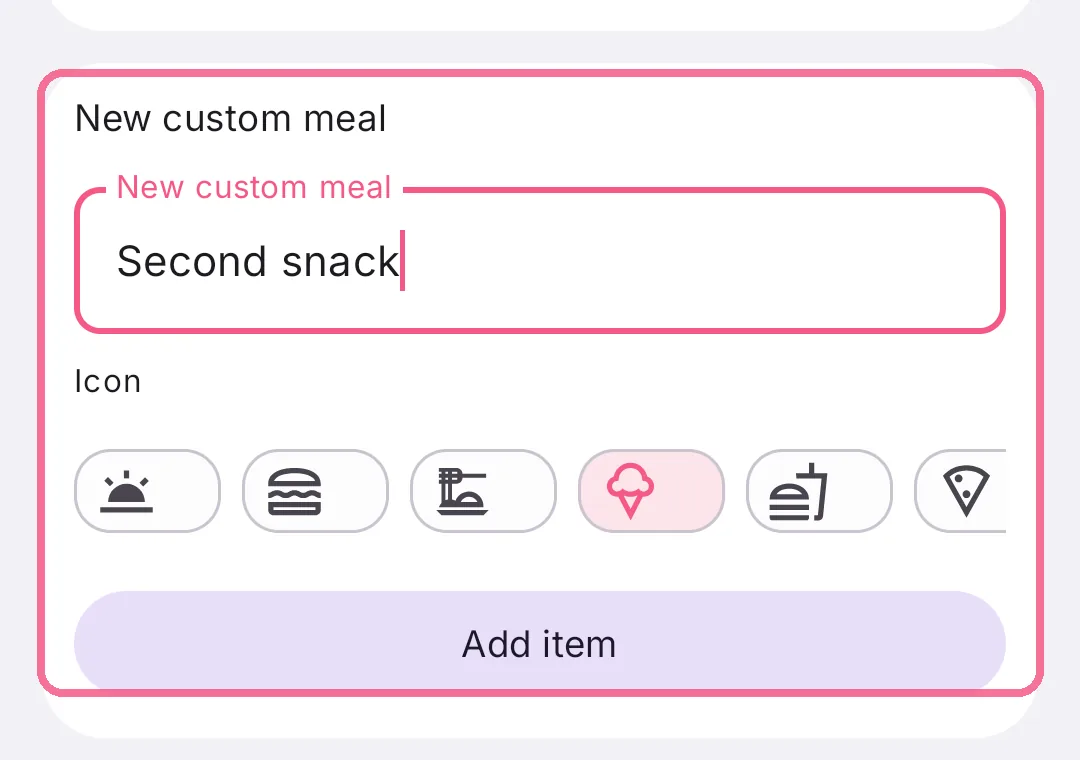
Under “New custom meal”, type a name, pick an icon and tap “Add item”.
-
Use the switch to hide a meal. Drag the handle next to it to move it somewhere else.
-
Tap the checkmark at the top right.

Breakfast, Lunch, Dinner and Snacks can be hidden but not deleted. You delete a meal of your own in the same list. Its entries stay and show up on Today as “Archived”.
On iPhone, the cutlery button next to the name picks an icon for the meal.