
Weekly overview
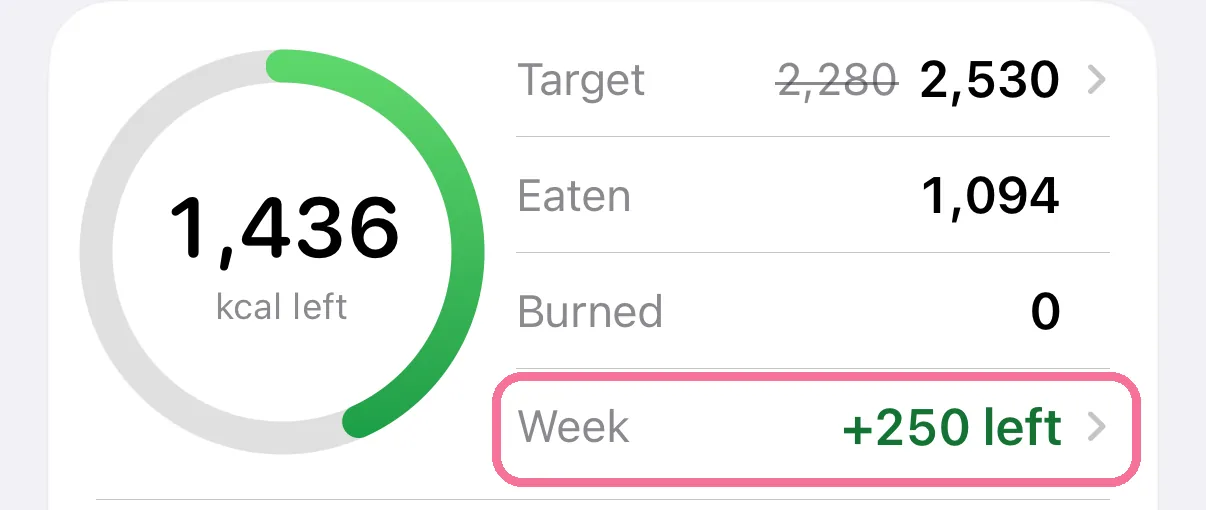
With the weekly budget on, tap “Week” on Today to see every day of the week with its plus or minus. There you mark days without food and, in manual mode, move the balance.
-
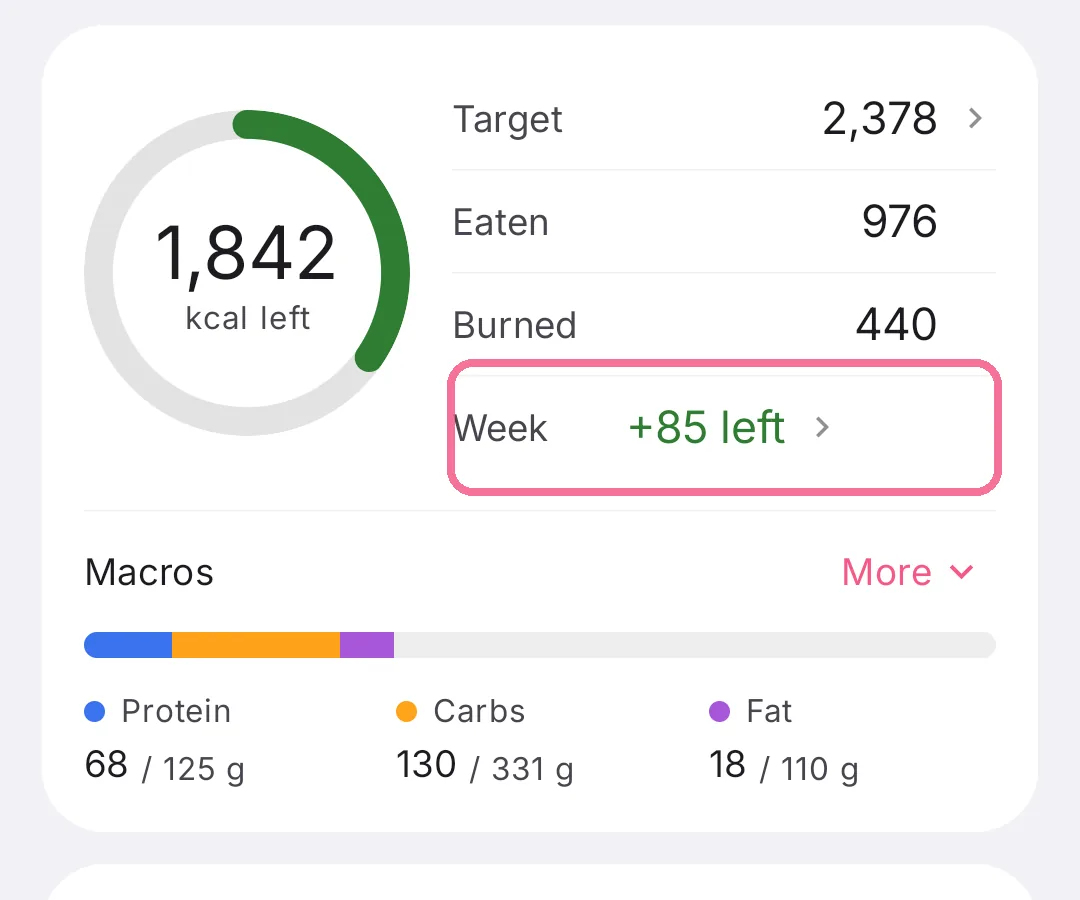
On Today, tap “Week” in the calorie ring card.
-
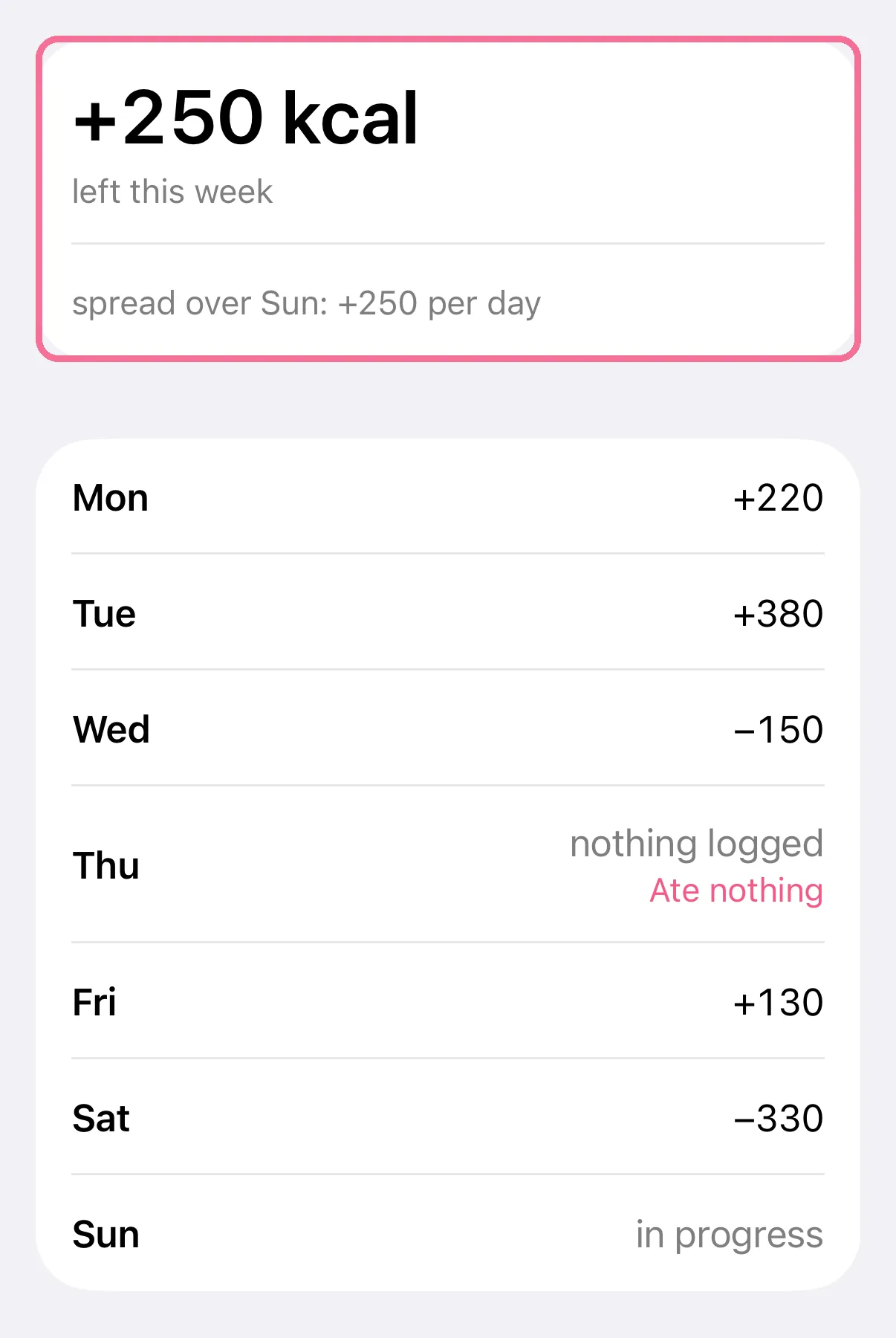
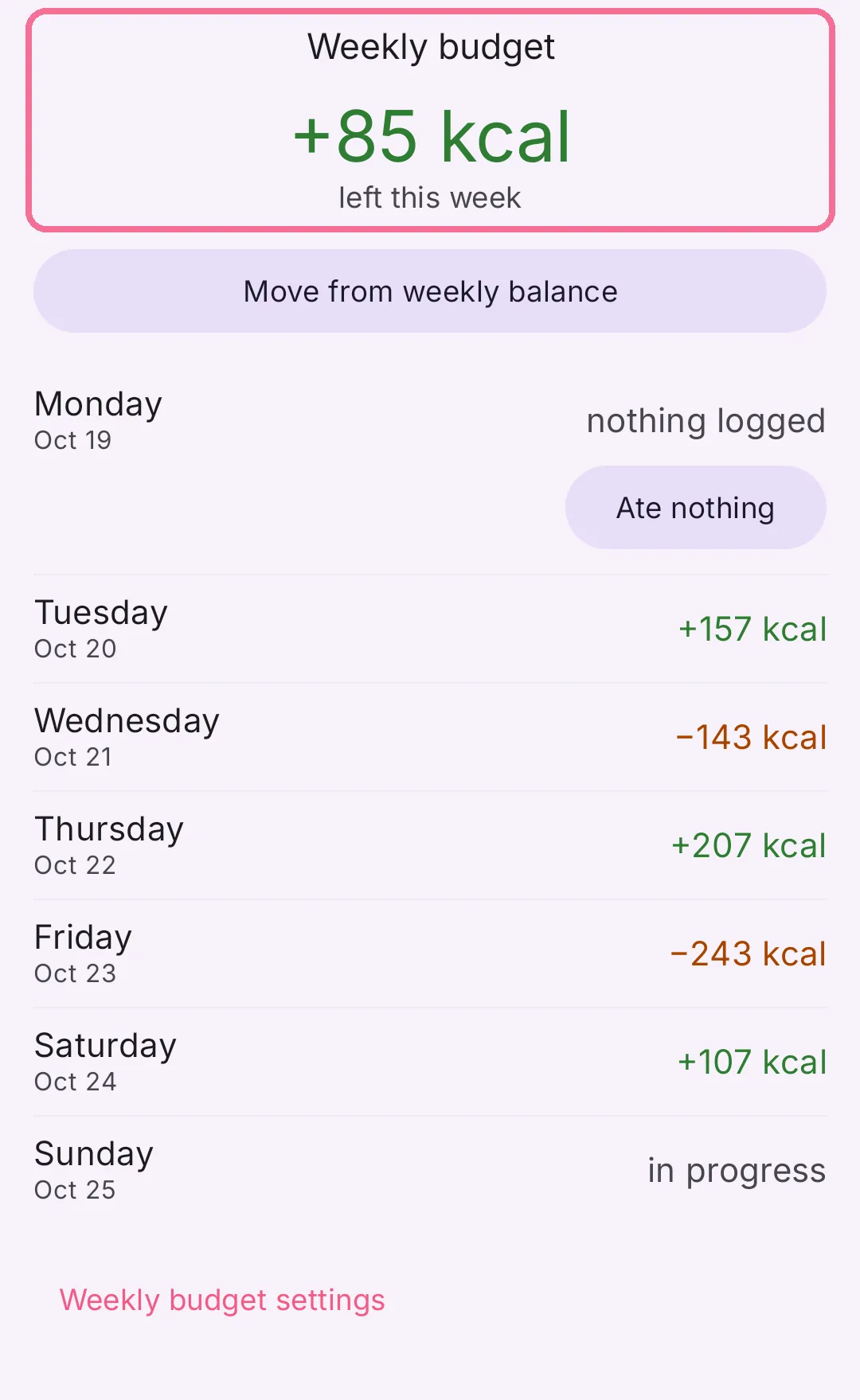
The top shows what’s left this week, every day is listed below.
-
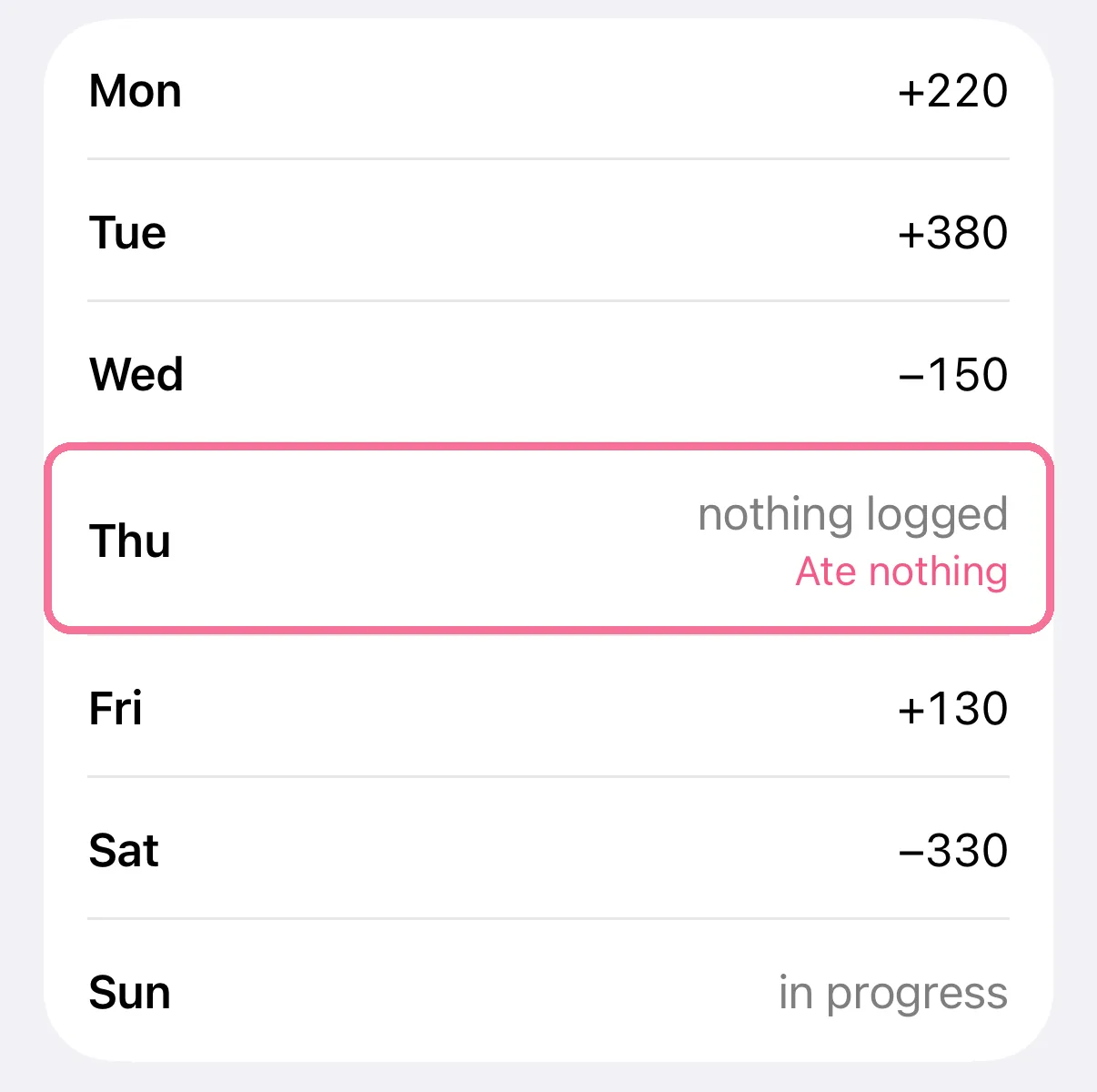
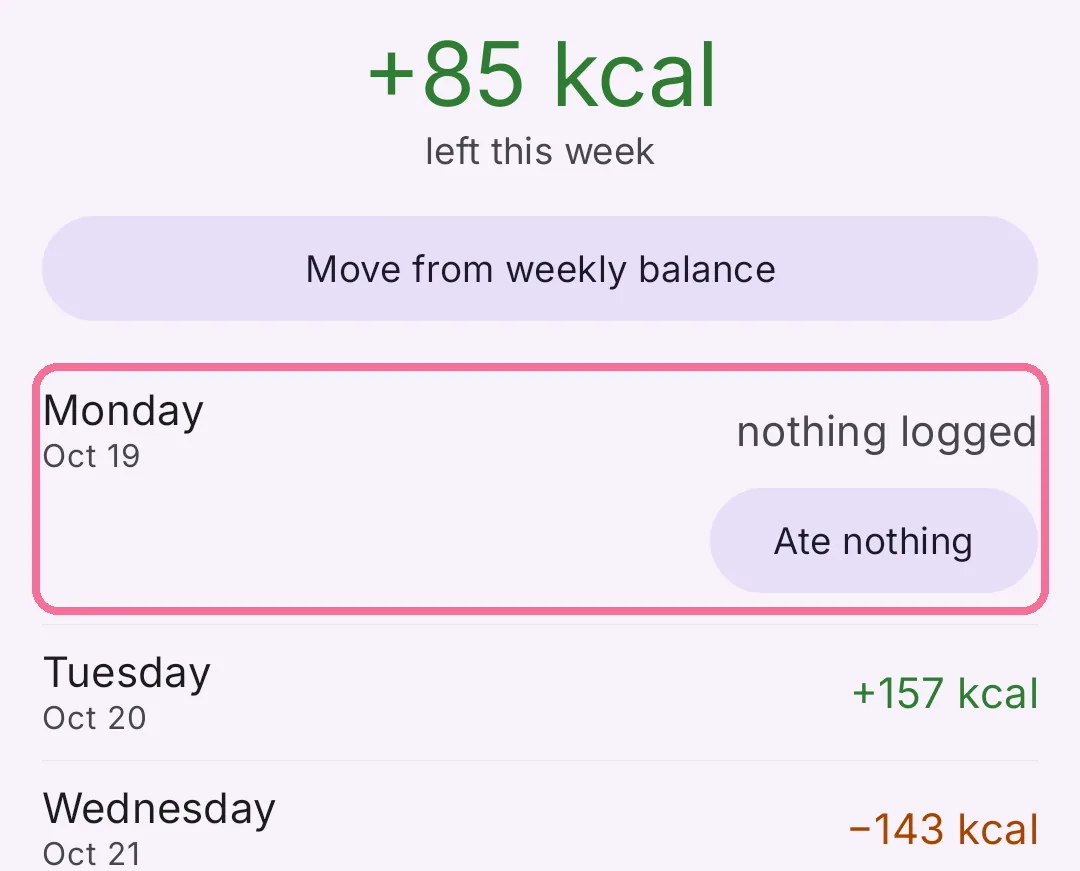
If a day says “nothing logged” and you really ate nothing, tap “Ate nothing”.
-
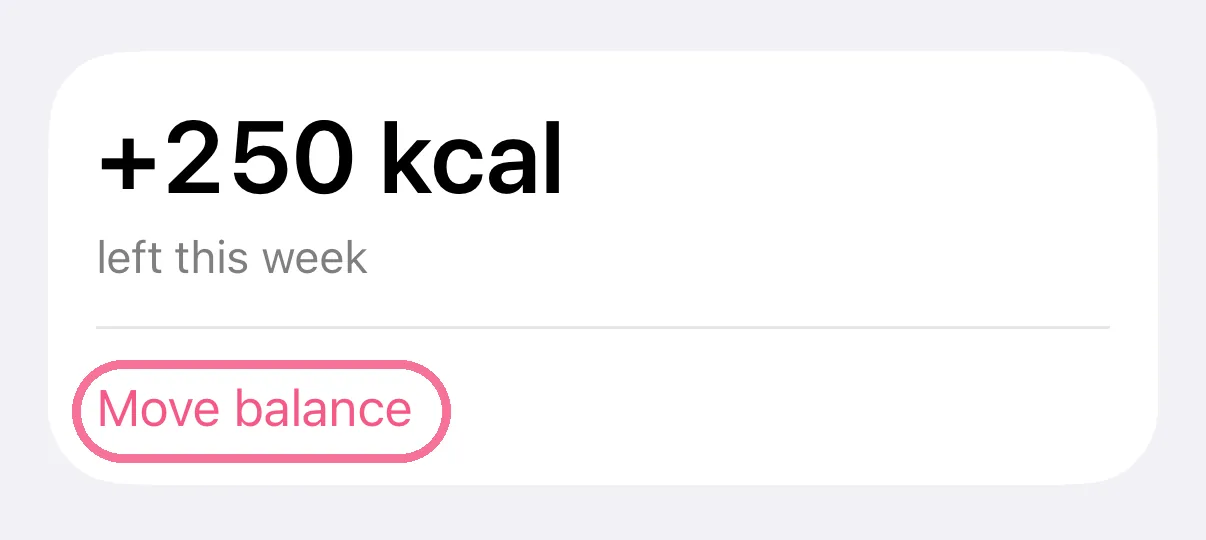
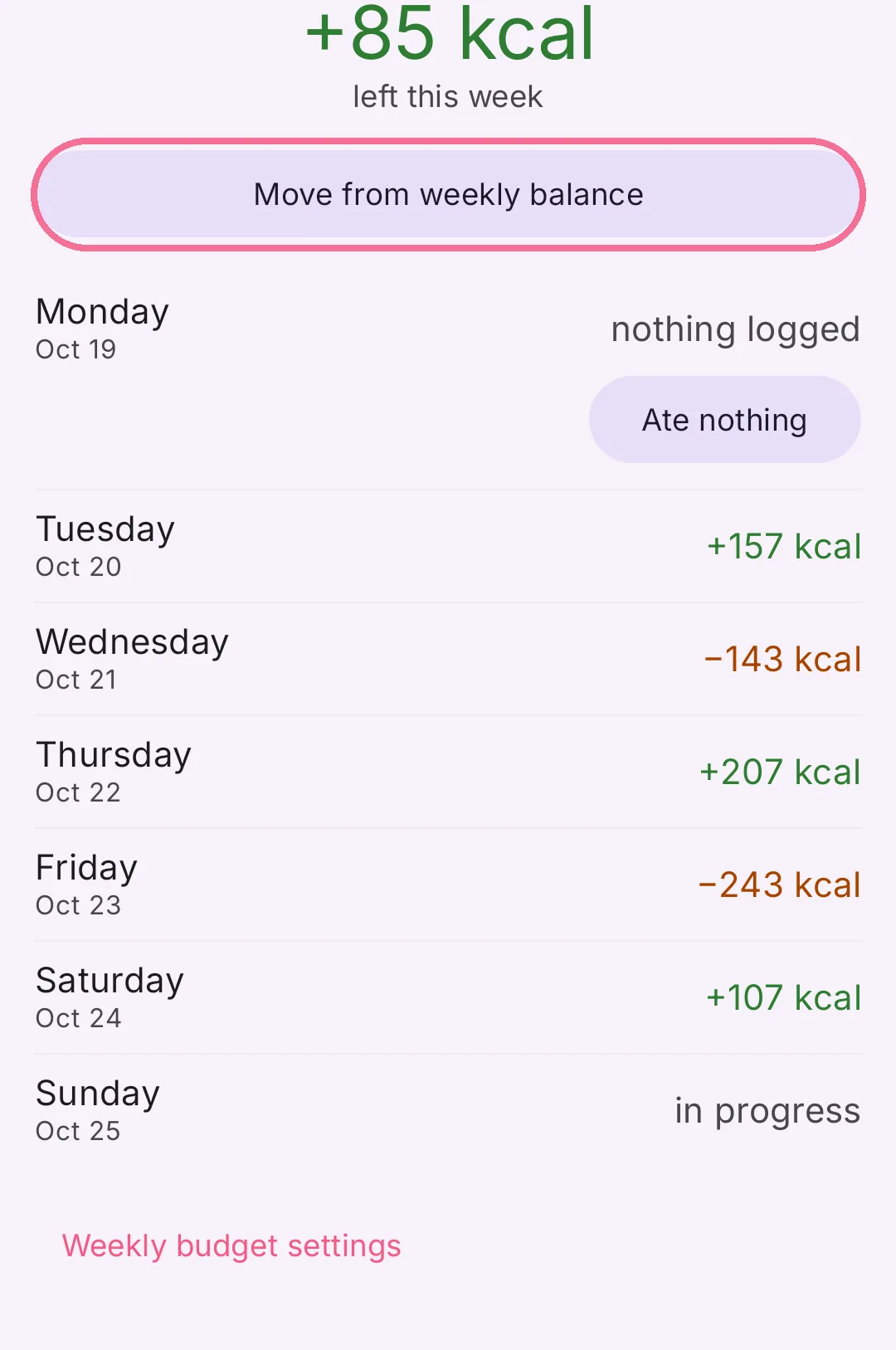
With “Manually” selected, tap “Move balance” and put the leftover calories on a day.
-
On Today, tap “Week” in the calorie ring card.
-
The top shows what’s left this week, every day is listed below.
-
If a day says “nothing logged” and you really ate nothing, tap “Ate nothing”.
-
With “Manual” selected, tap “Move from weekly balance” and put the leftover calories on a day.
A marked day counts as 0 kcal. “Remove mark” takes the mark back. “Weekly budget settings” at the bottom takes you to the settings.