
Edit an entry
On Today, tap an entry. Change the amount, unit, meal or time and save. The trash can deletes it.
-
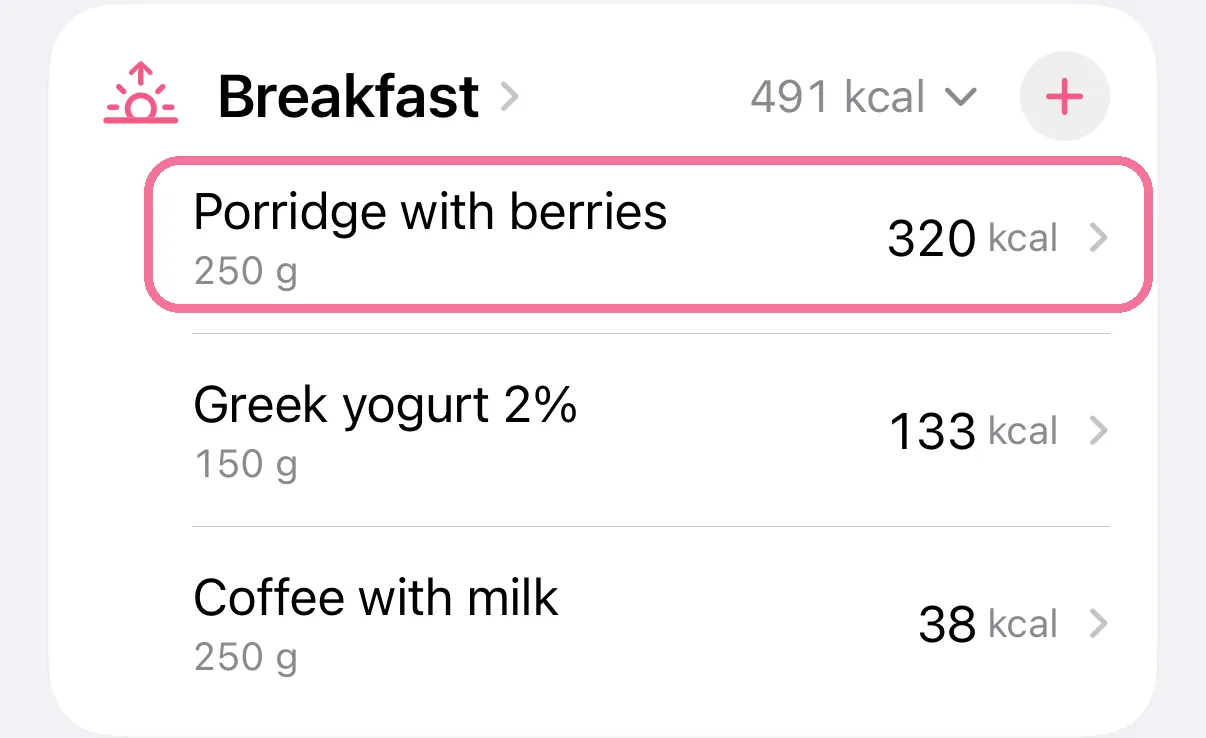
On Today, tap the entry.
-
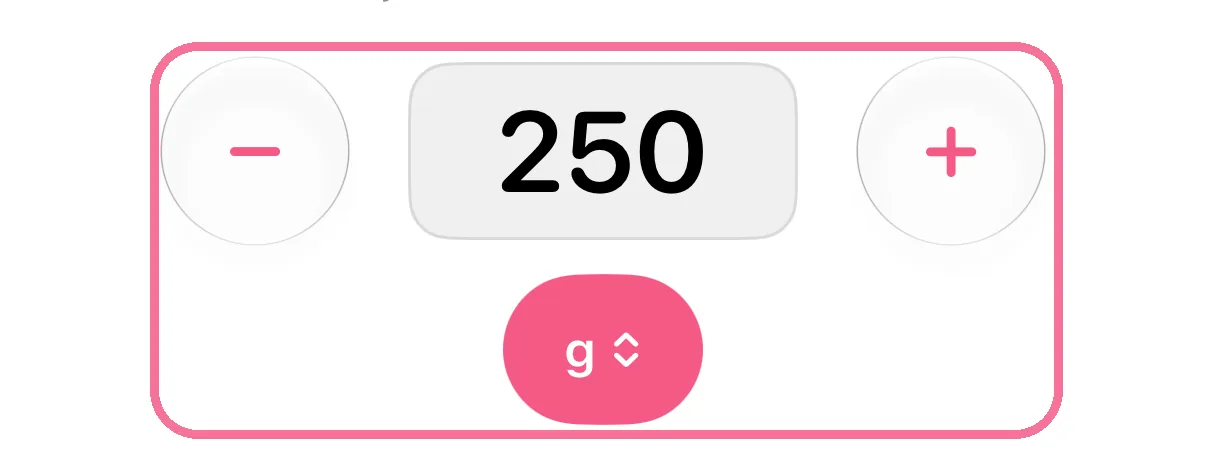
Change the amount with minus and plus or tap the number. Below it you switch the unit.
-
Tap the checkmark at the top right to save.

-
To delete it, tap the trash can at the top.

-
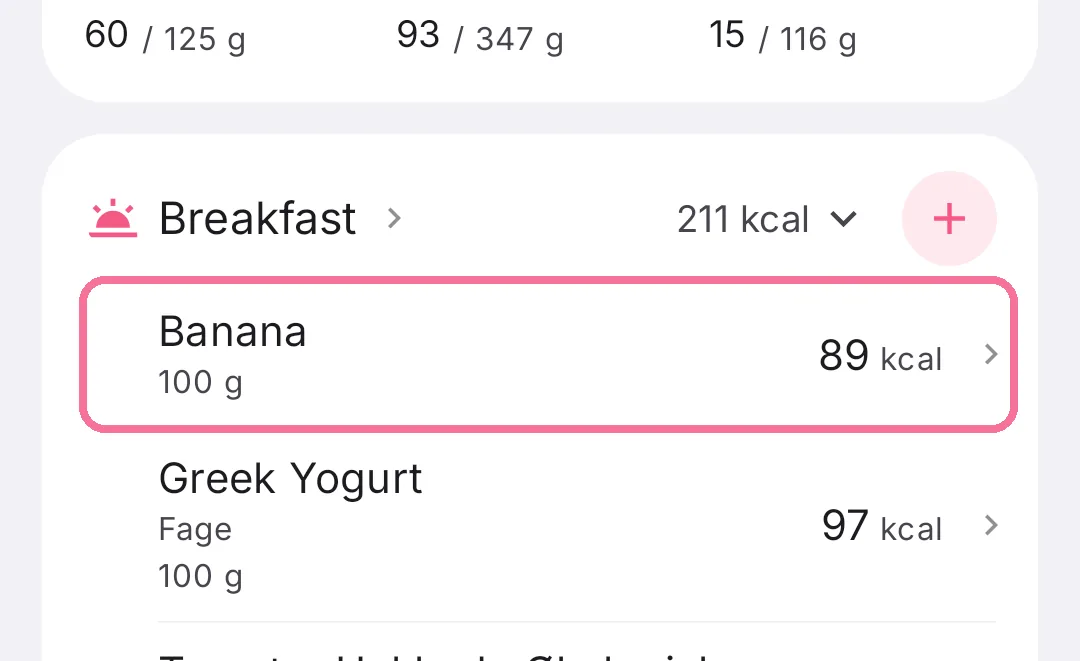
On Today, tap the entry.
-
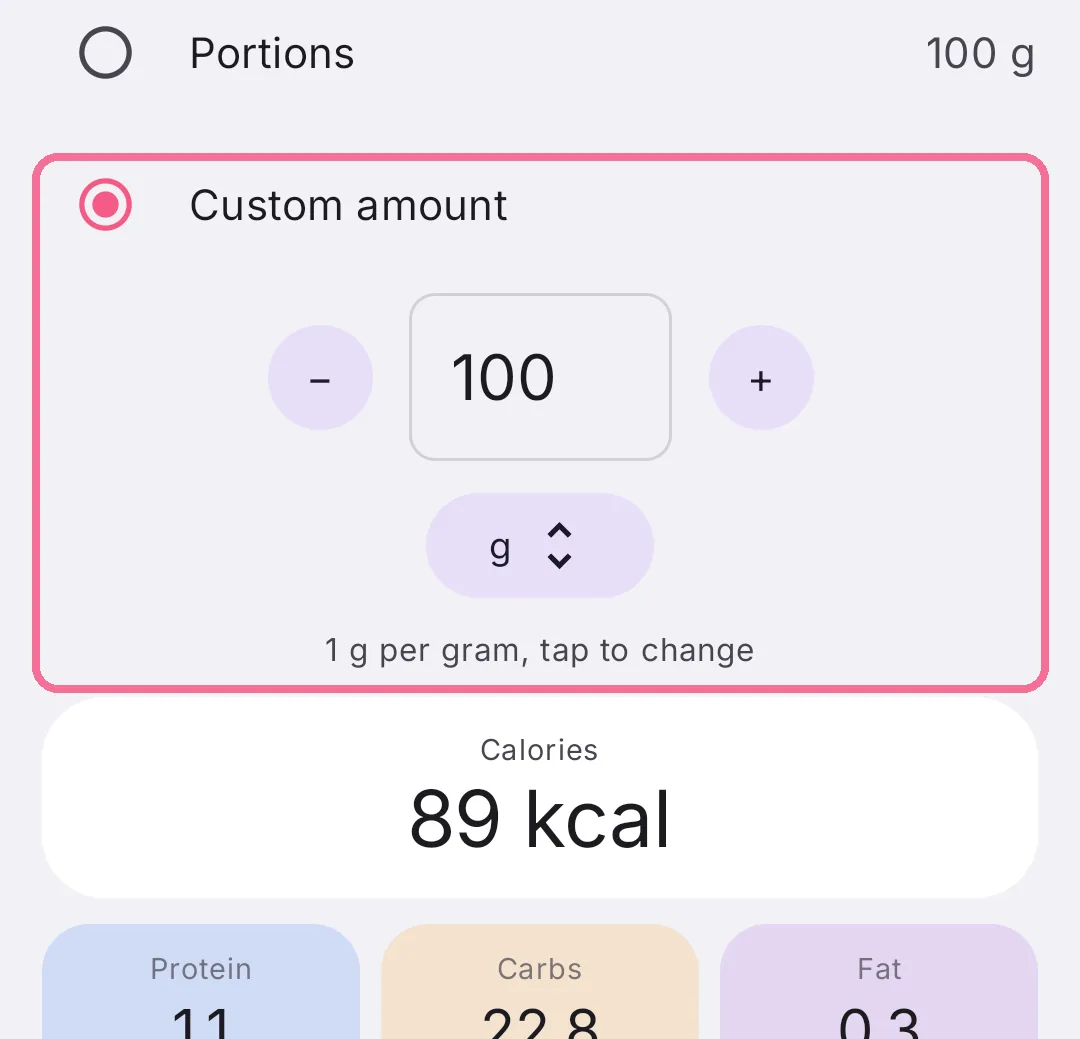
Change the amount with minus and plus or tap the number. Below it you switch the unit.
-
Tap the checkmark at the top right to save.
-
To delete it, tap the trash can at the top.
Further down you change the meal and the time. On iPhone, the menu with the three dots shares the entry as a picture or a file, or saves it as a favorite. On Android, the buttons that share it as a picture or a file sit at the top next to the trash can.
If you later change the product itself, entries you’ve already logged stay as they are.