
Create a recipe
Create a new recipe in the Library under “Recipes”. Or turn a logged meal into a recipe: on Today, tap the meal’s name and choose “Create Recipe” from the menu.
-
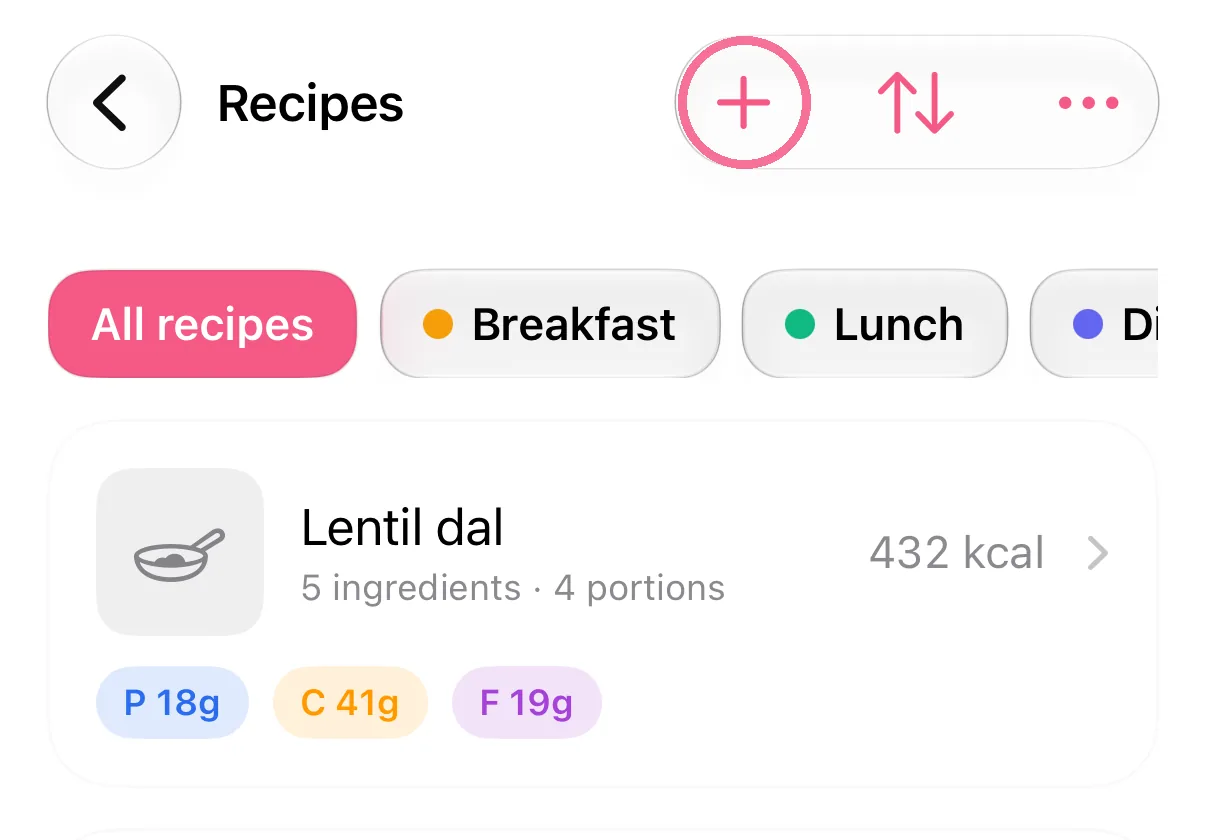
In the Library, open “Recipes” and tap the plus at the top.
-
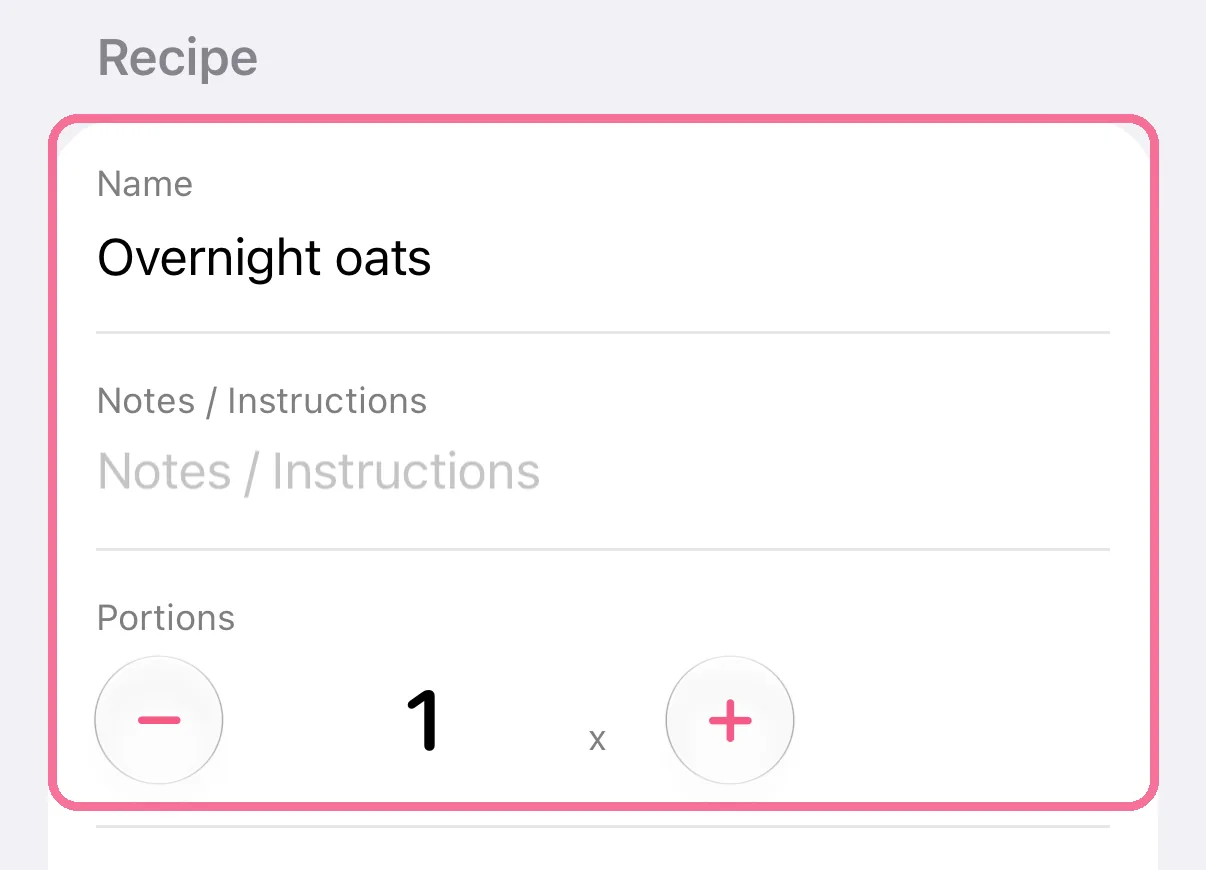
Enter a name and the number of portions.
-
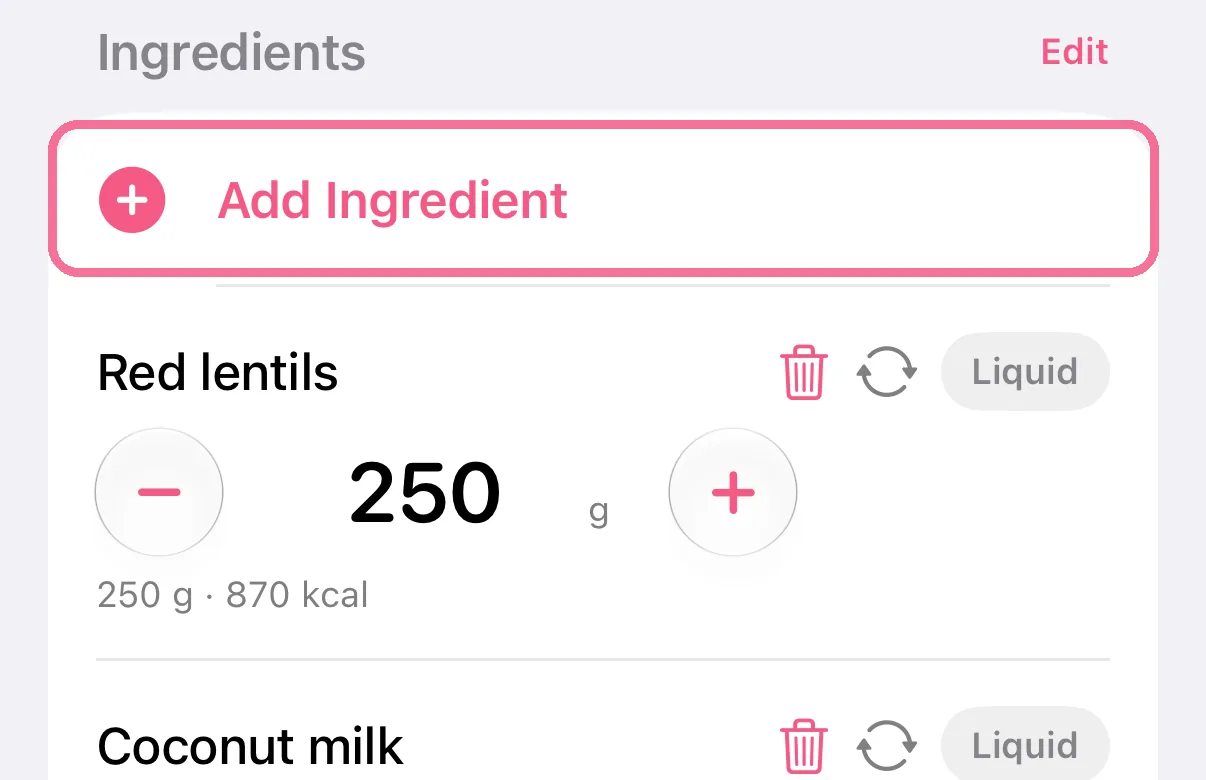
Tap “Add Ingredient” and search for the ingredients like you do when logging.
-
Tap the checkmark at the top right.

-
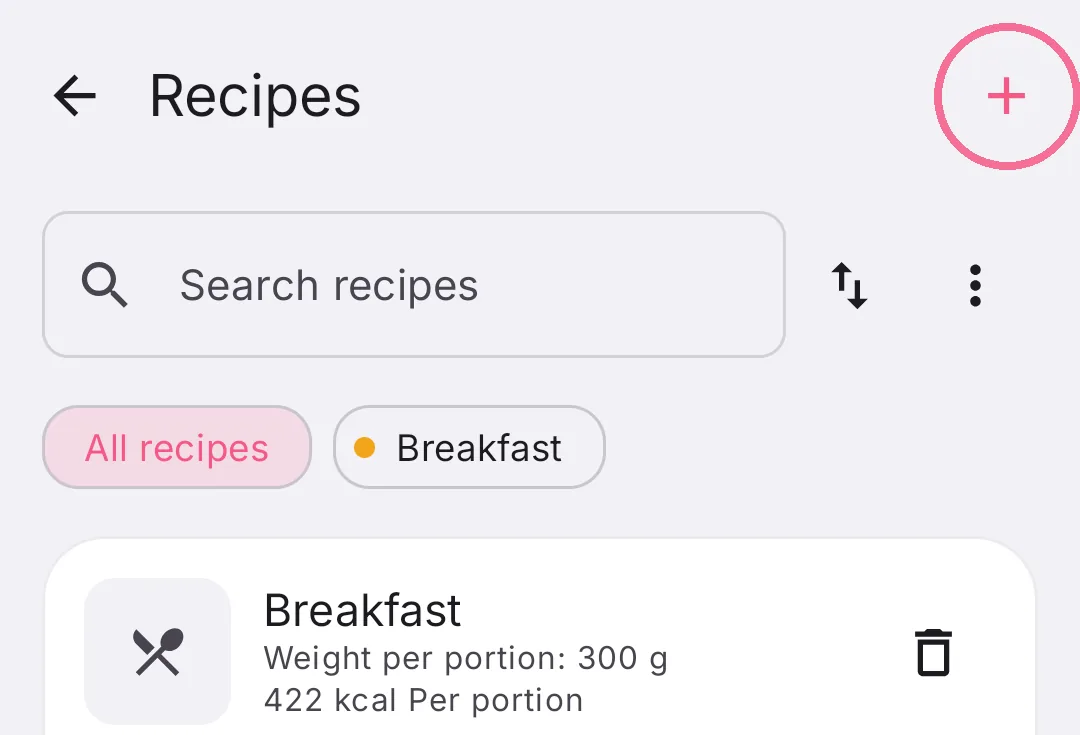
In the Library, open “Recipes” and tap the plus at the top right.
-
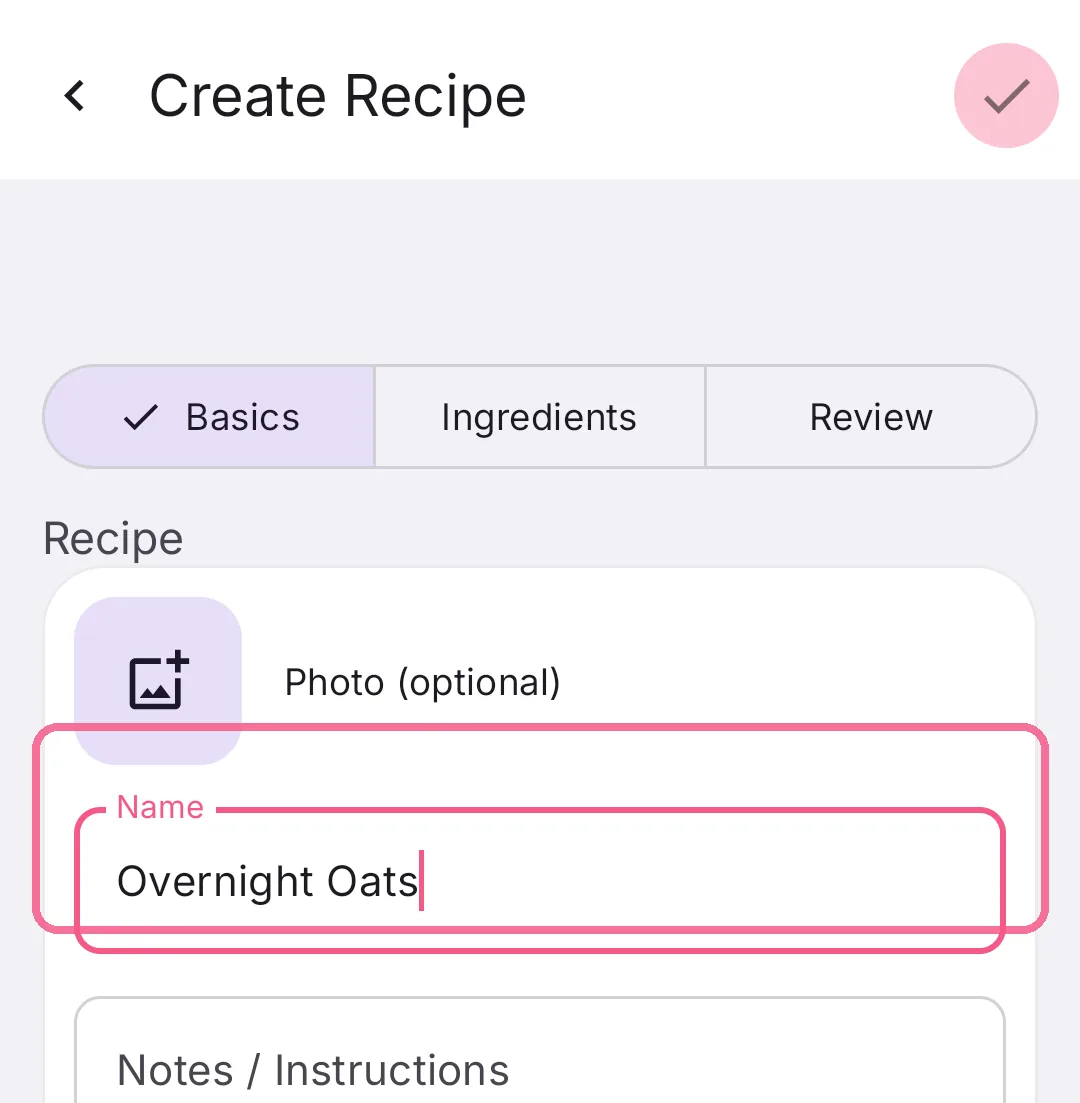
Under “Basics”, enter a name and, further down, the number of portions.
-
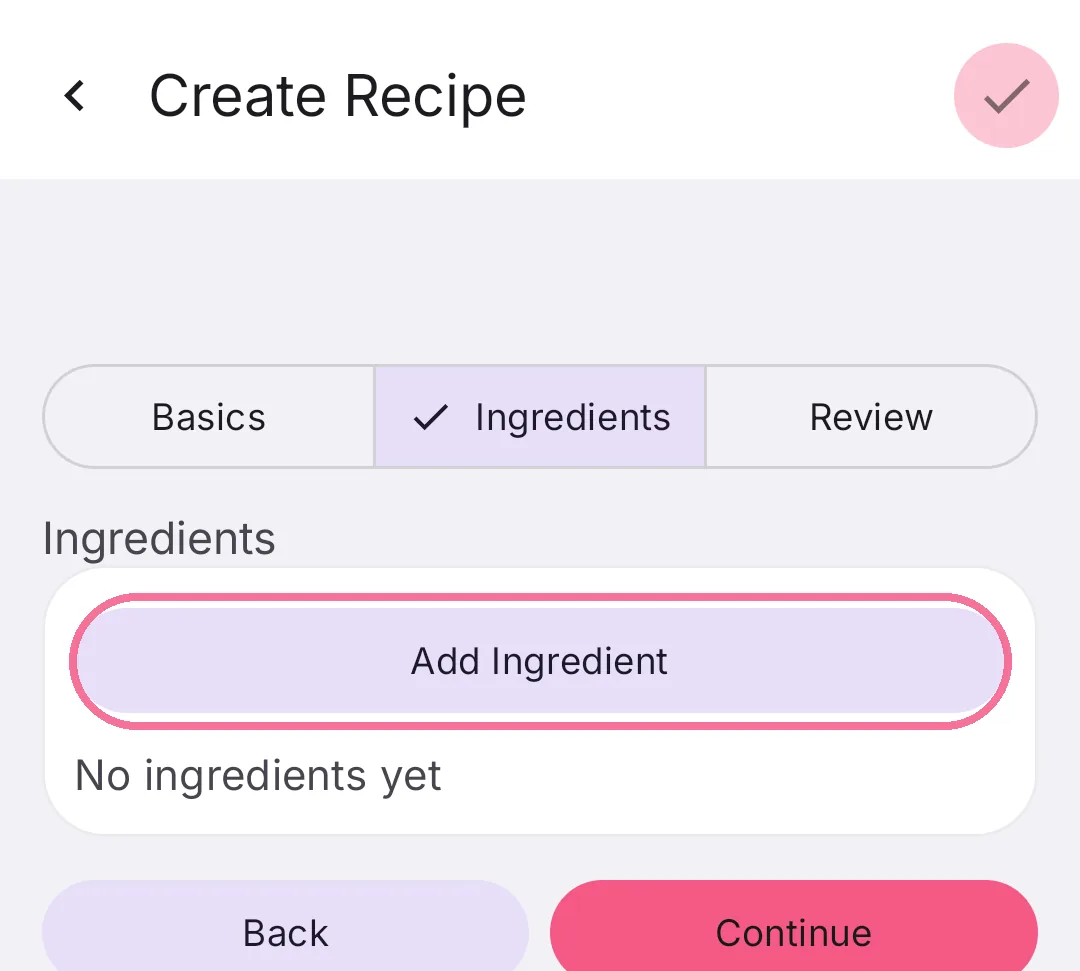
Tap “Ingredients” at the top, then “Add Ingredient”, and search for the ingredients like you do when logging.
-
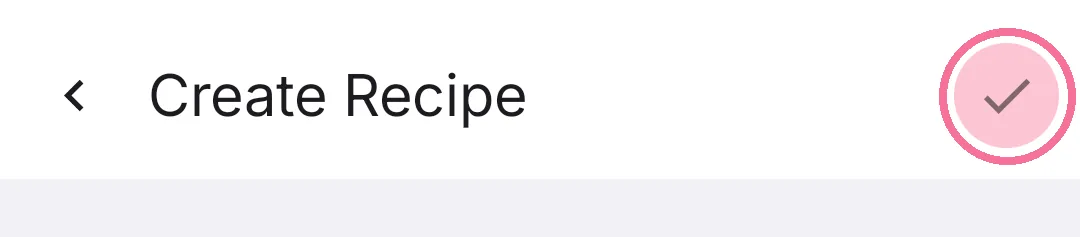
Check the nutrition under “Review” and tap the checkmark at the top right.
From a meal, its entries are already the ingredients. If the finished dish weighs less than its ingredients, enter the finished weight (see cooking loss).