
Set up water reminders
In Settings, Intake can remind you to drink: at fixed intervals, or smartly, depending on how far along you are with your water goal.
-
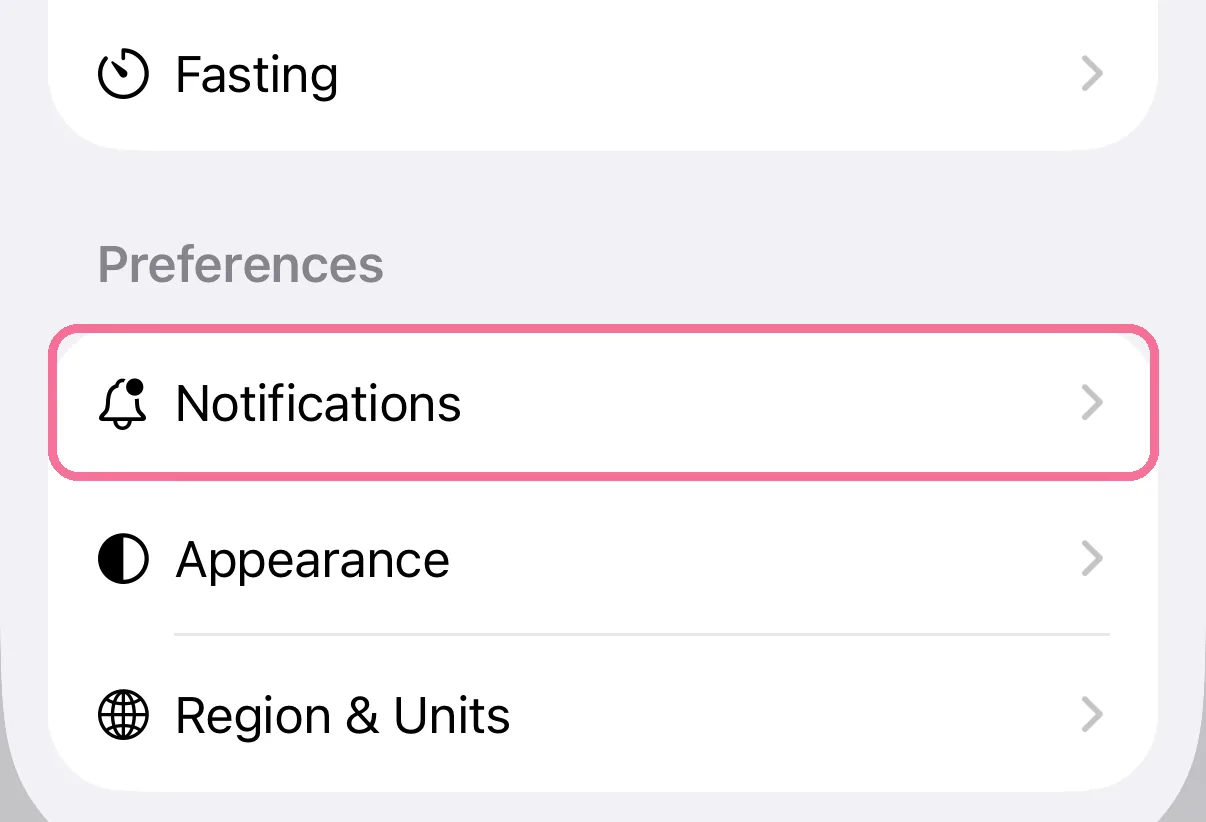
On Today, tap the gear at the top, then “Notifications”.
-
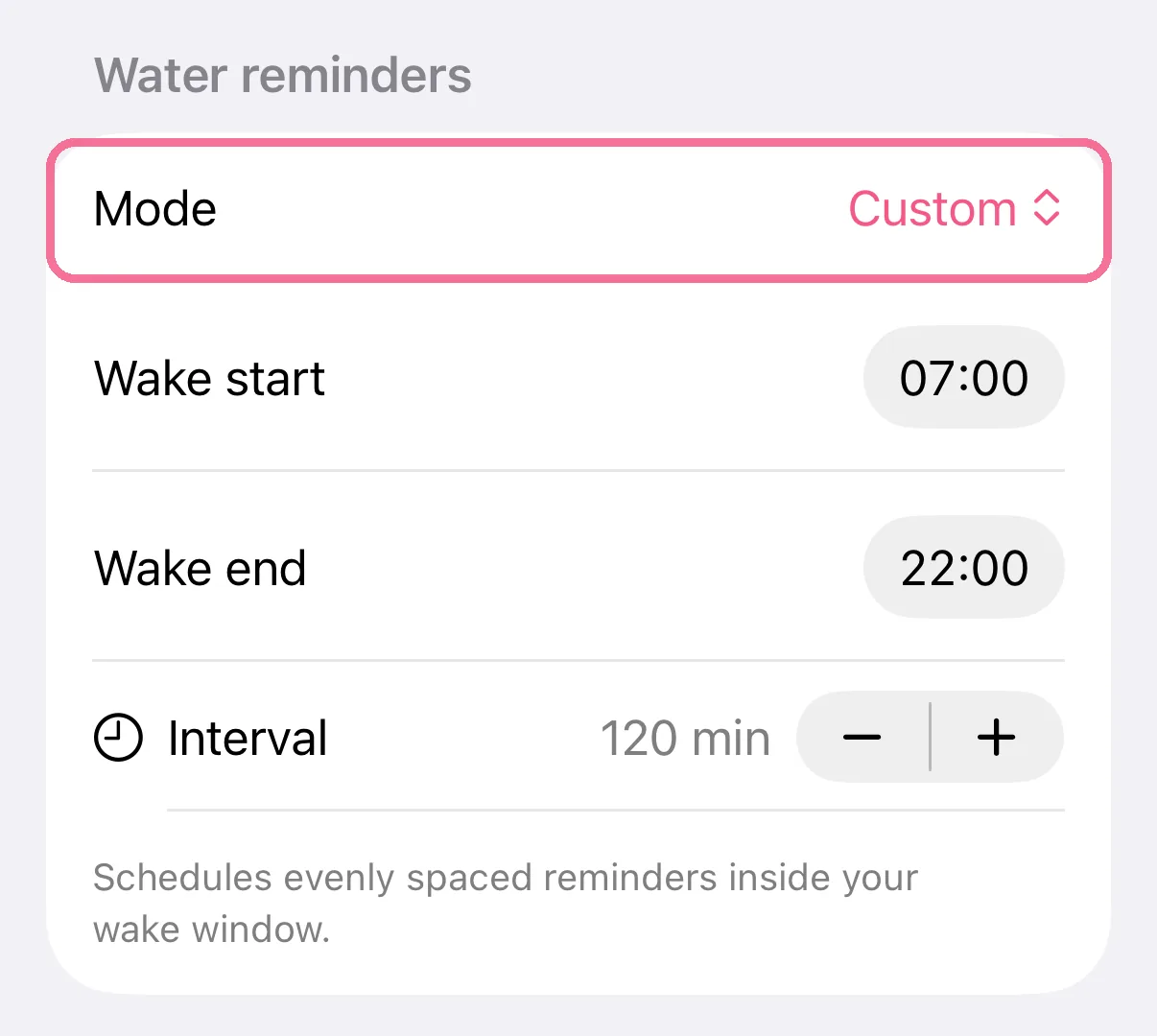
Under “Water reminders”, set “Mode” to “Custom” or “Smart (Beta)”.
-
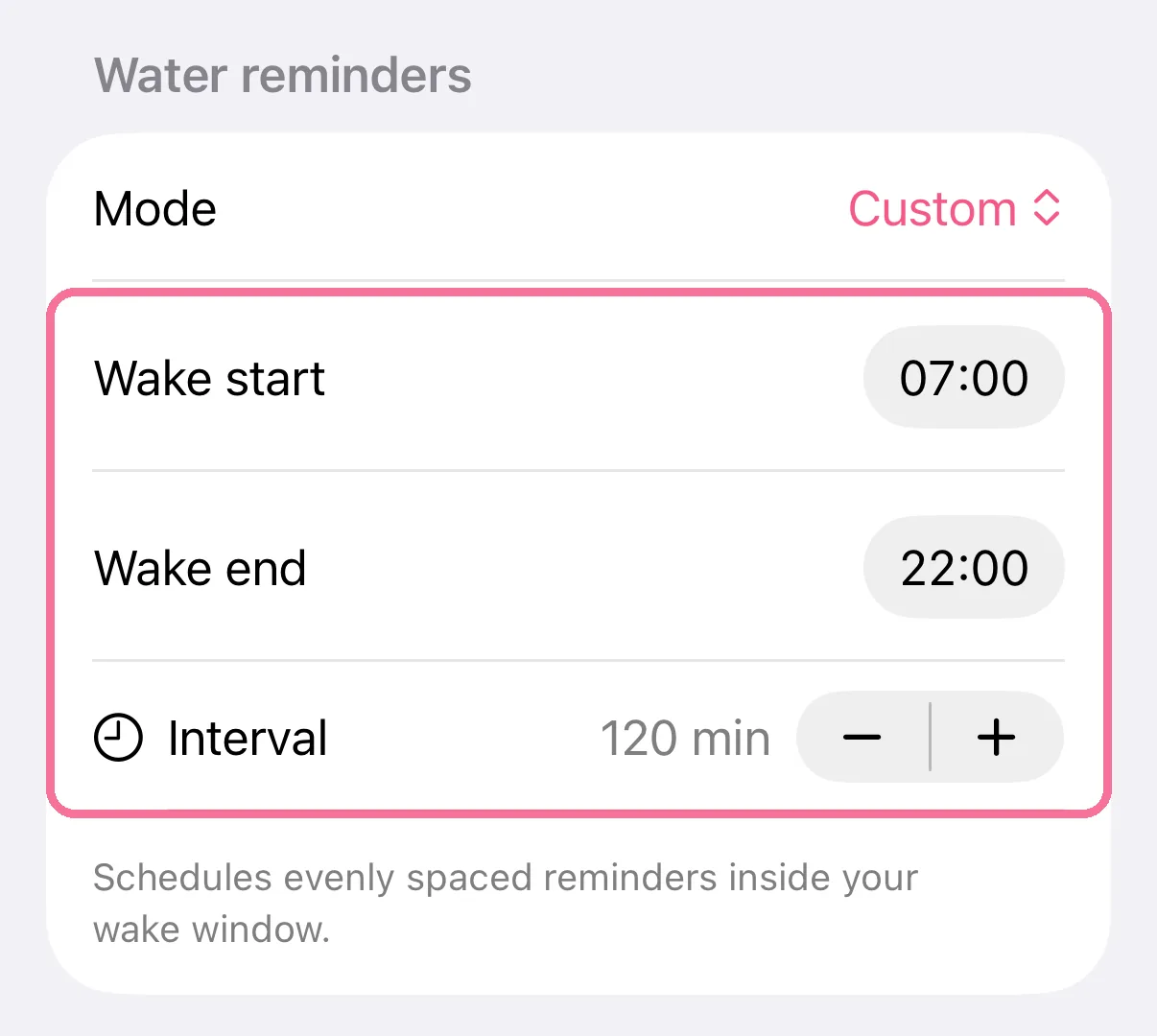
Use “Wake start”, “Wake end” and “Interval” to choose when and how often Intake reminds you.
-
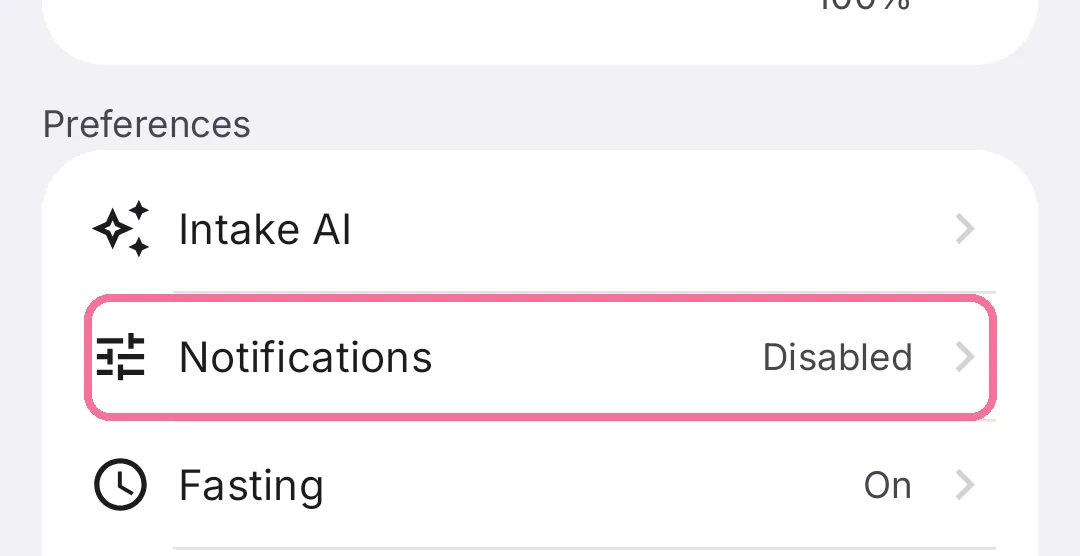
On Today, tap the gear at the top, then “Notifications”.
-
Under “Water reminders”, pick “Custom” or “Smart”.
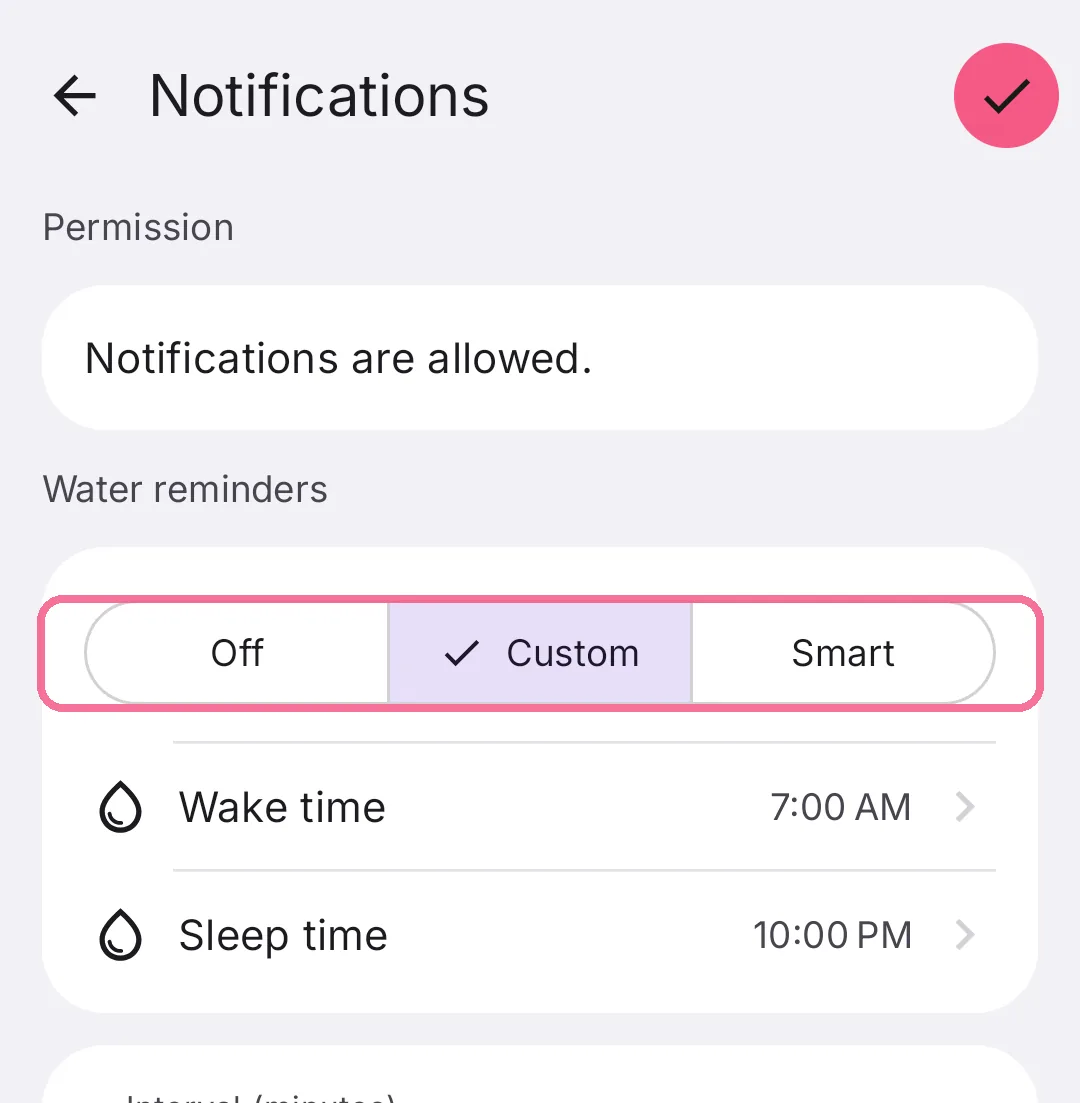
-
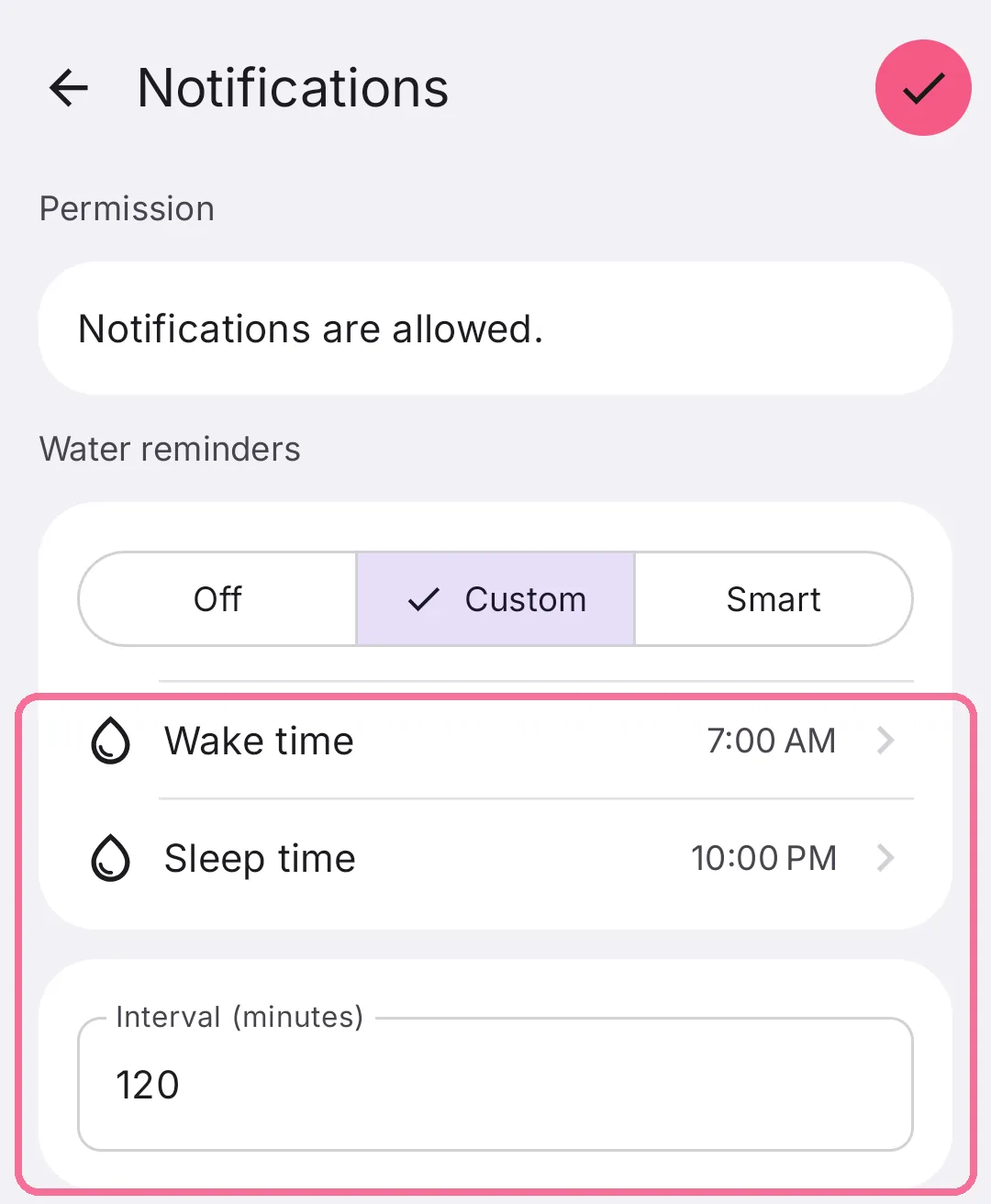
Set when Intake reminds you with “Wake time”, “Sleep time” and “Interval (minutes)”, then tap the checkmark at the top right.
“Smart” adjusts to how far along you are with your water goal right now. The first time you turn reminders on, your phone asks whether Intake may send notifications. On iPhone you can log a glass straight from the notification.