
Starting weight
“Total” on the “Weight” card shows how much you have lost or gained since your starting weight. You choose the day it counts from under “Body Data”.
-
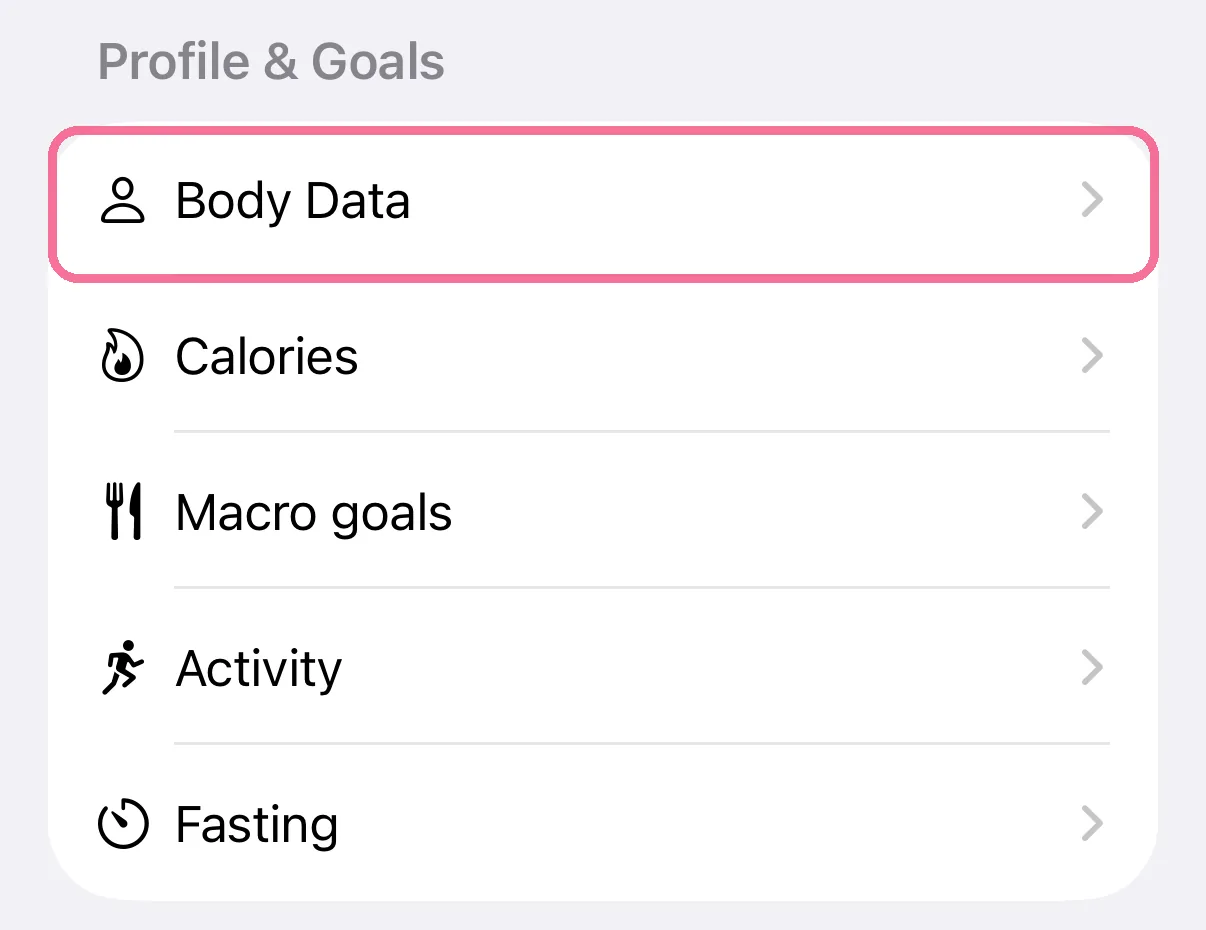
On Today, tap the gear at the top, then “Body Data” under “Profile & Goals”.
-
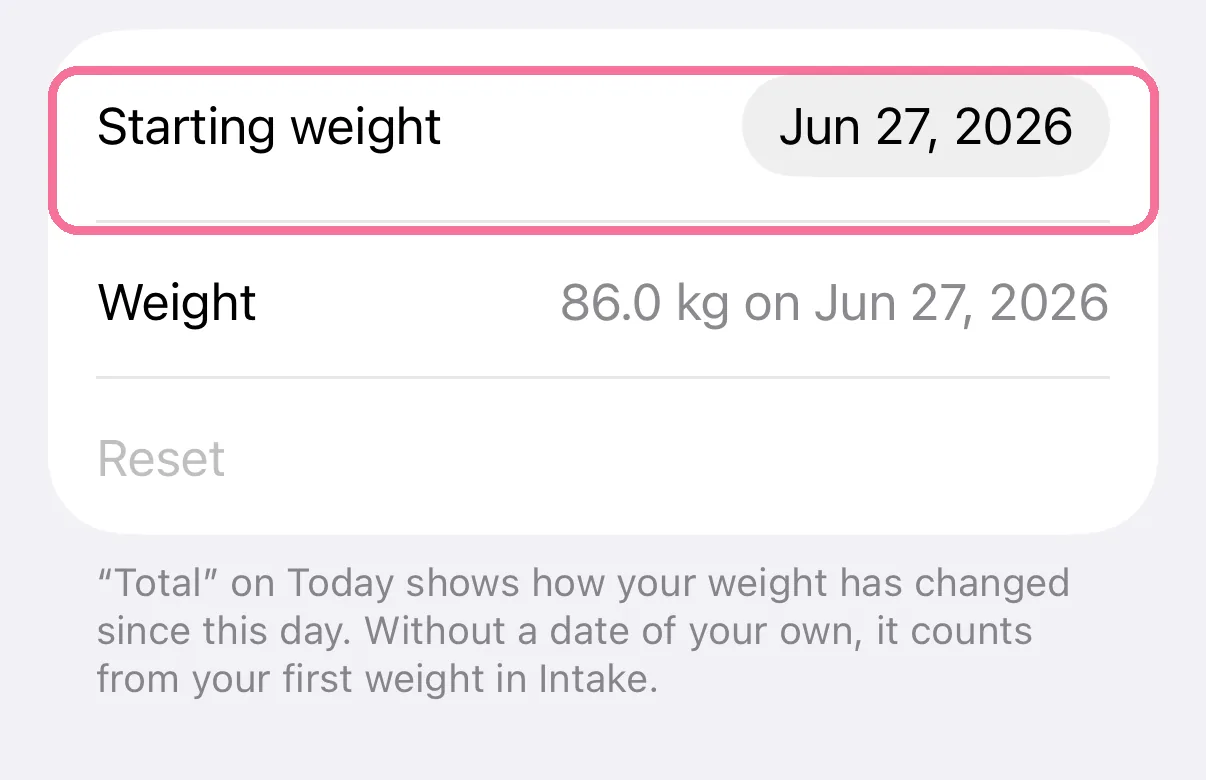
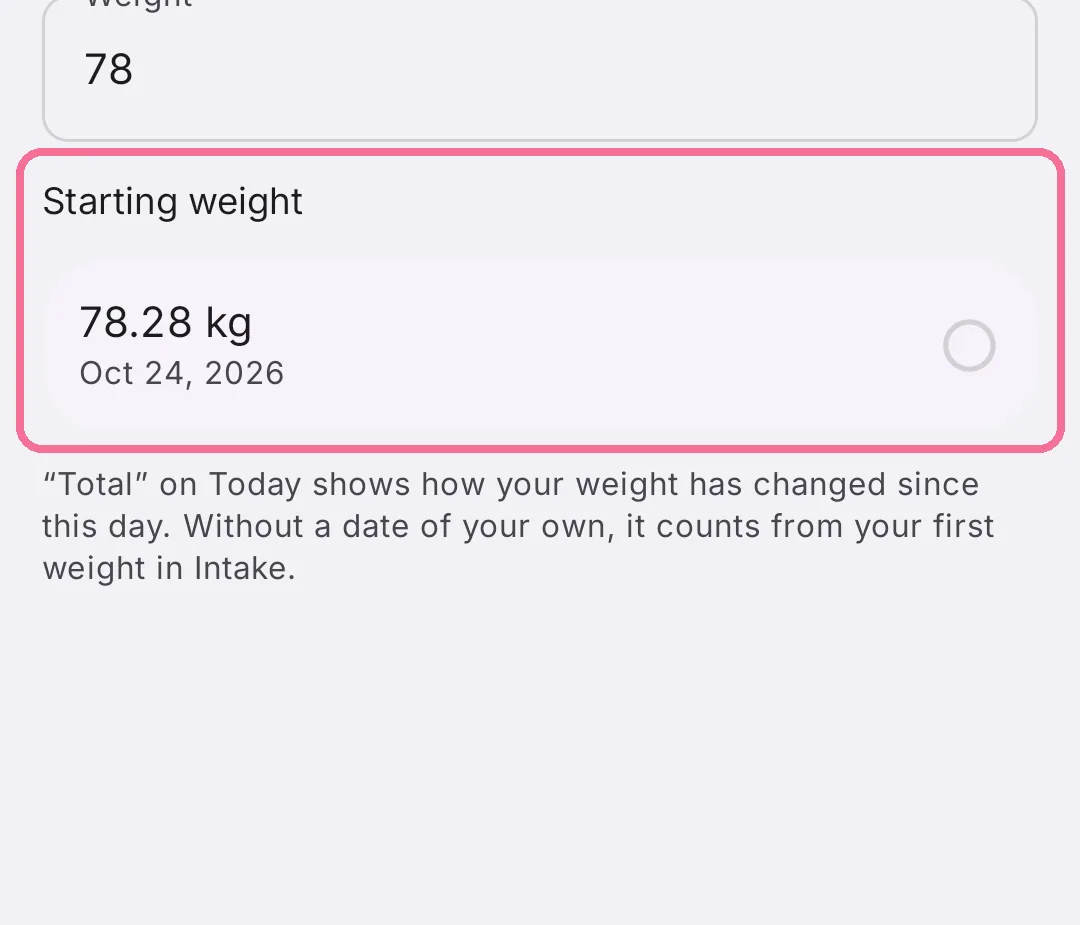
Under “Starting weight”, pick the day Intake should count from.
-
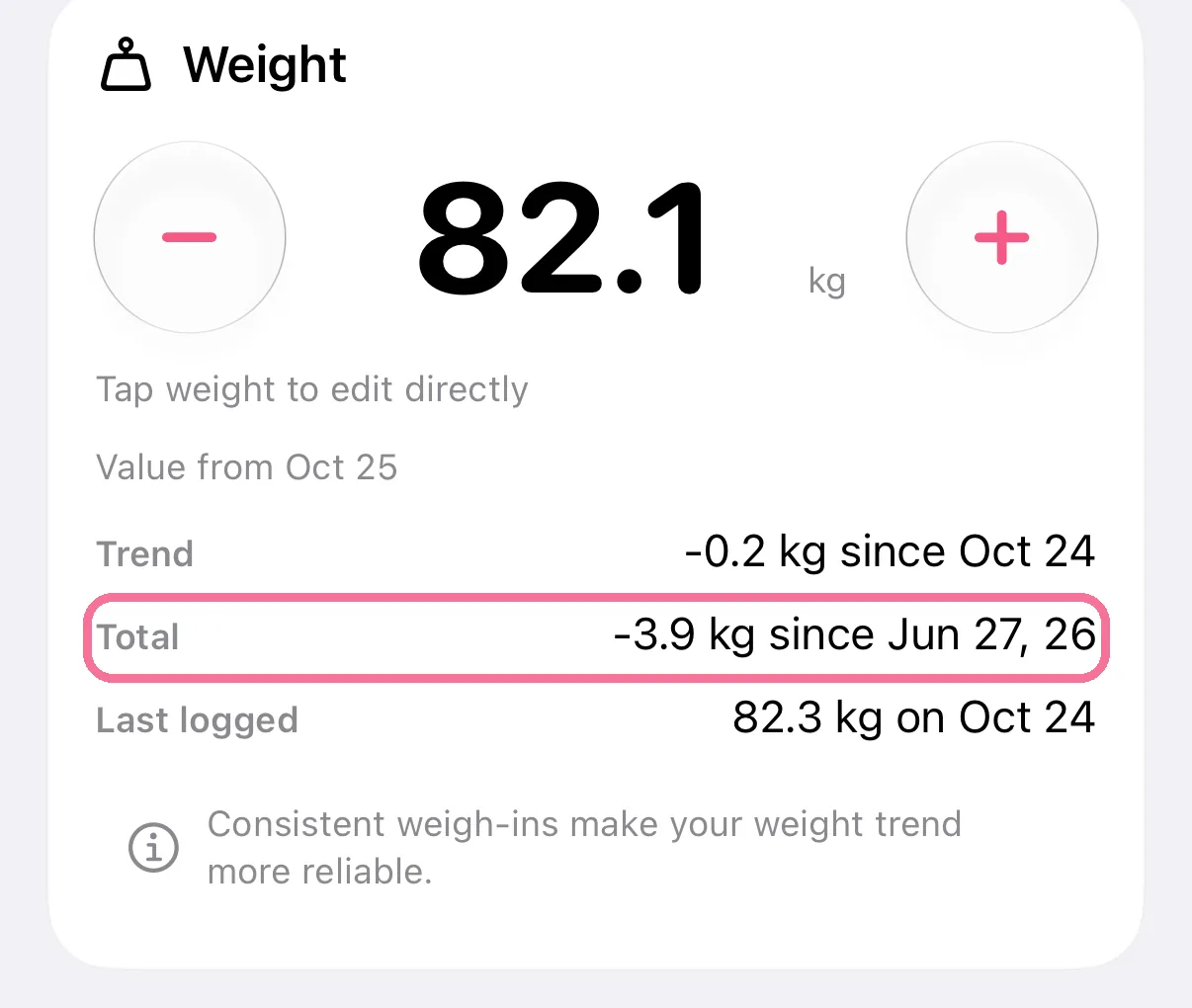
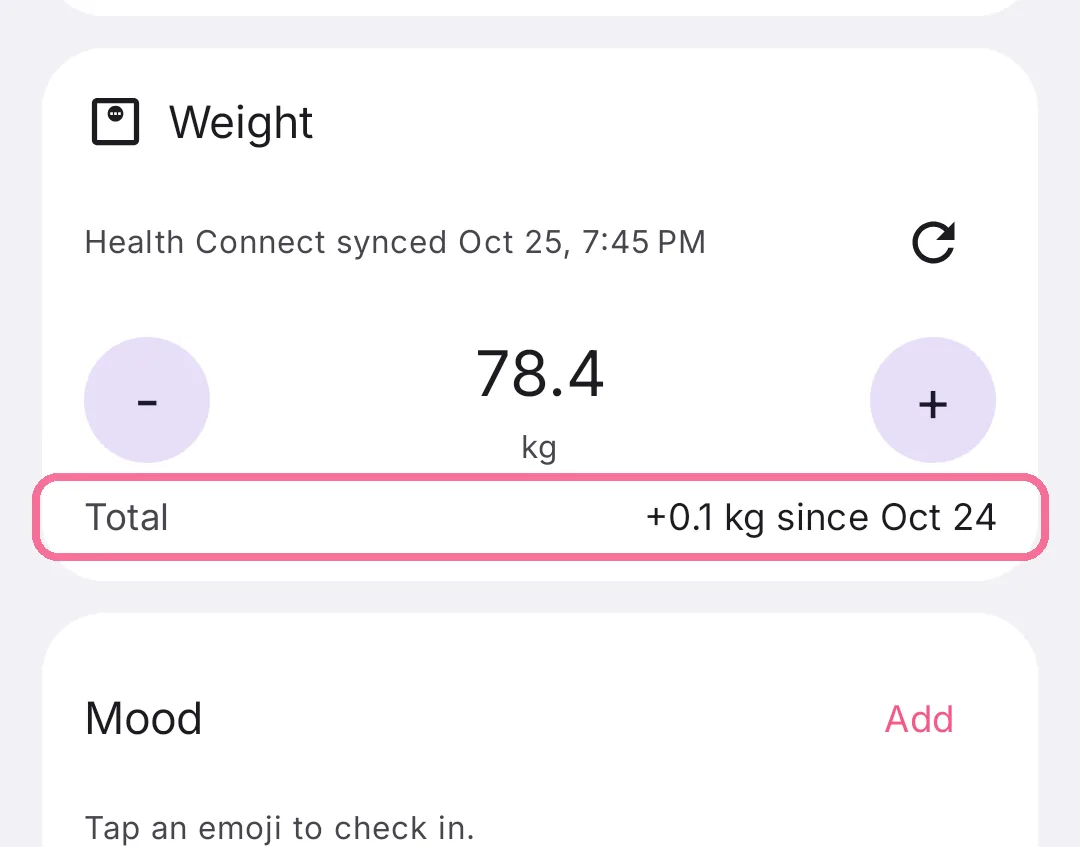
On Today, “Total” on the “Weight” card shows the change since that day.
-
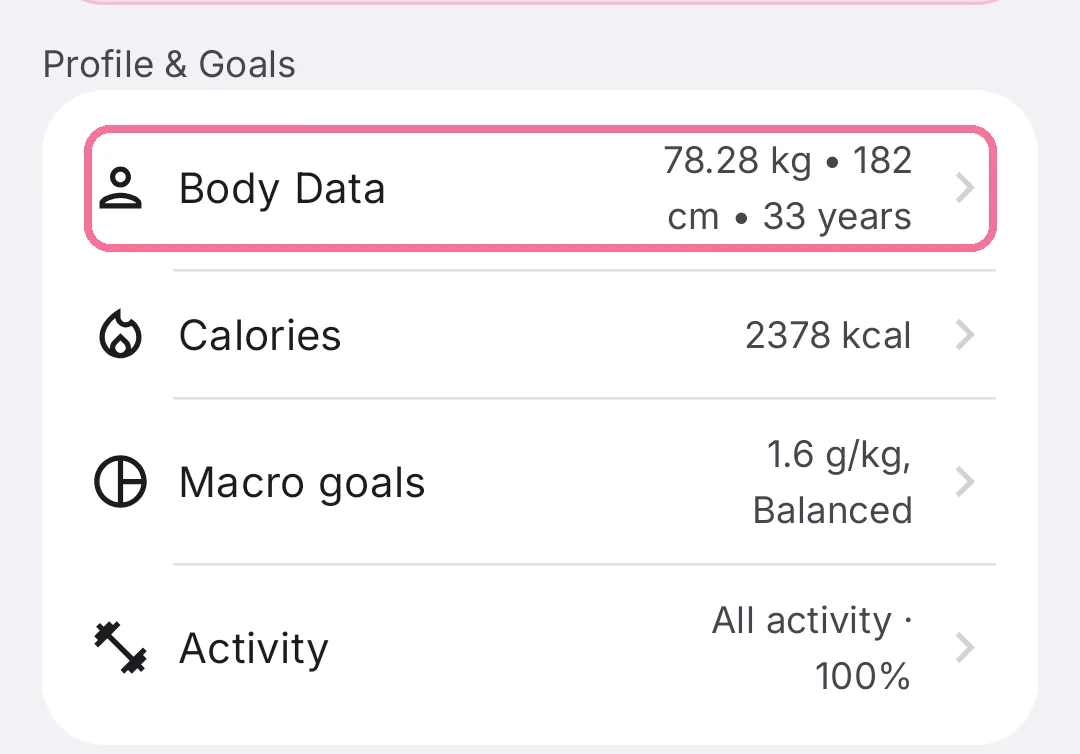
On Today, tap the gear at the top, then “Body Data” under “Profile & Goals”.
-
Under “Starting weight”, pick the day Intake should count from.
-
On Today, “Total” on the “Weight” card shows the change since that day.
Without a date of your own, Intake counts from your first weight. “Reset” takes you back to that.