
Share a recipe
You send a recipe as a file that anyone can open with Intake on iPhone or Android. “Duplicate” makes a copy.
-
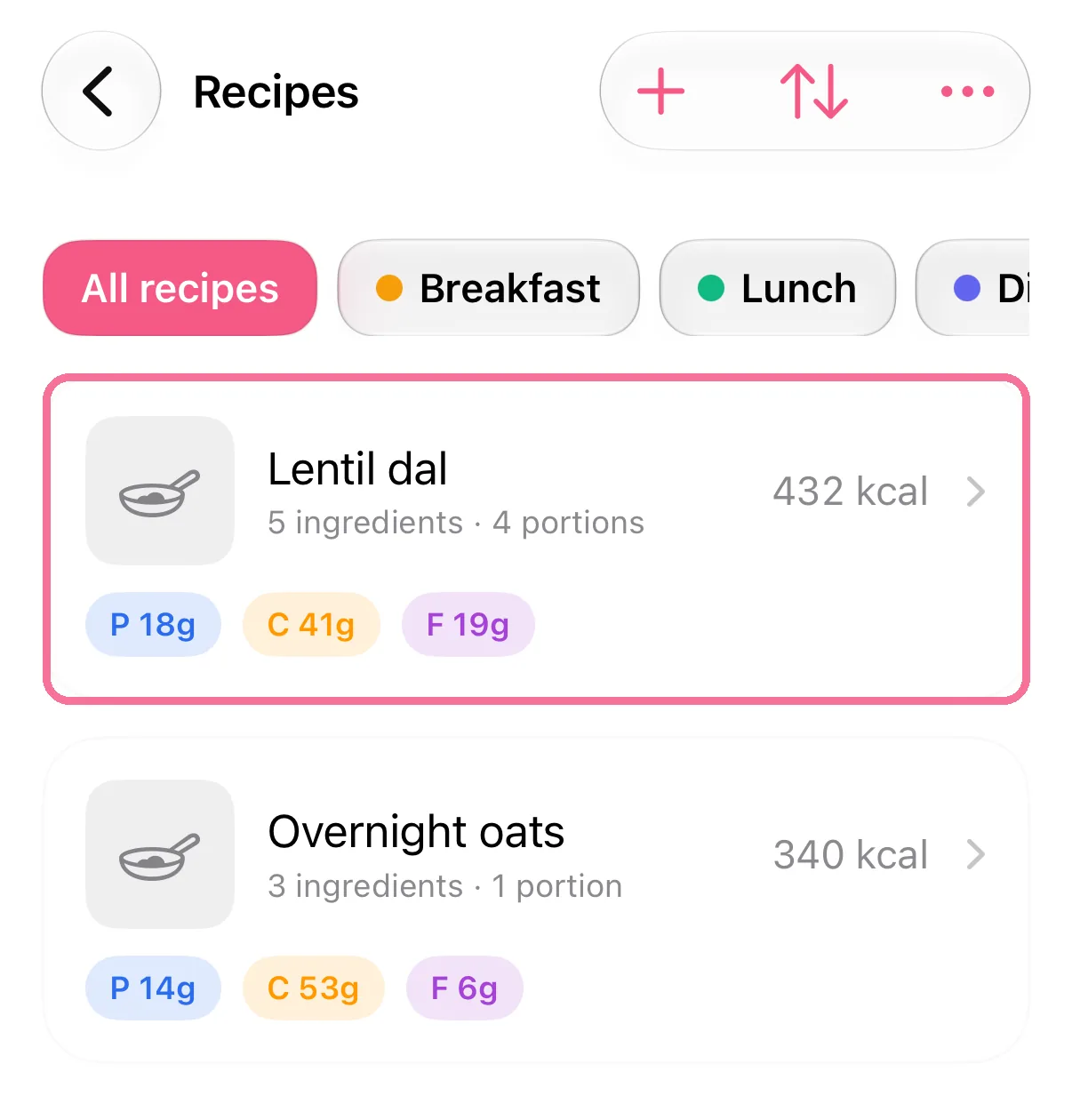
Open the recipe in the Library under “Recipes”.
-
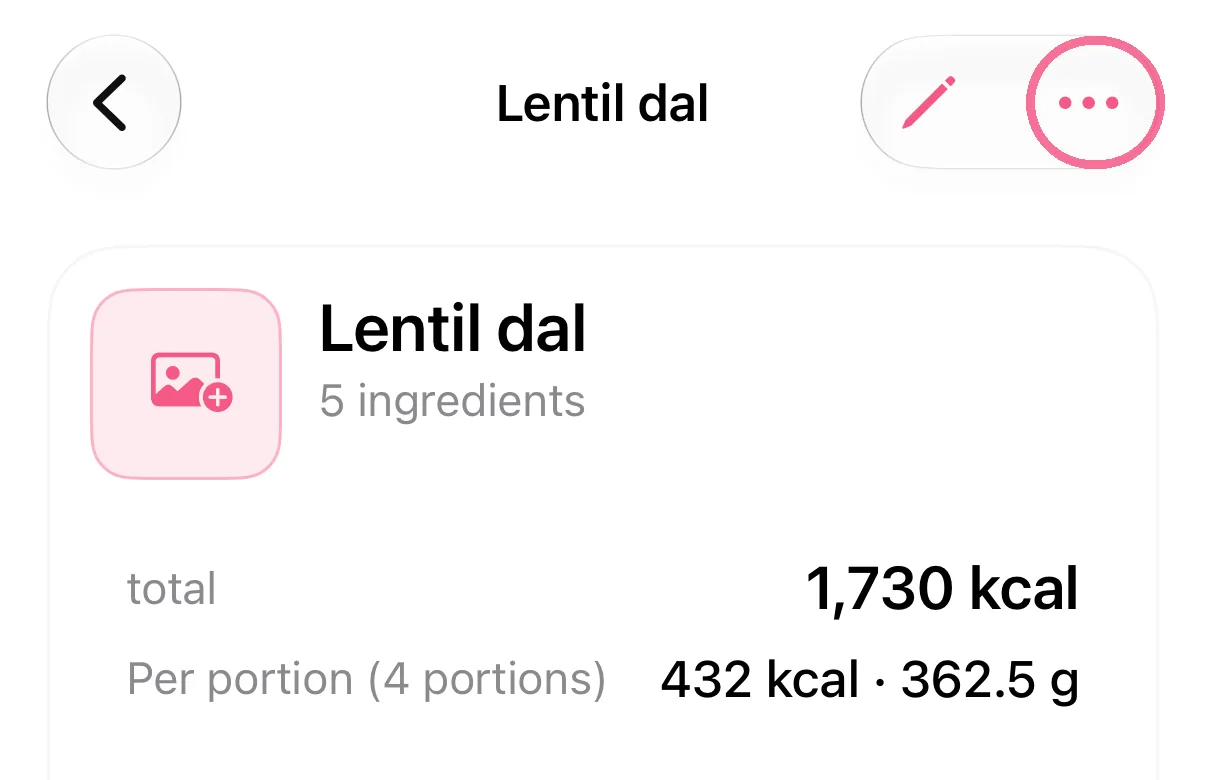
Tap the three dots at the top right, then “Share”, and choose where the file goes.
-
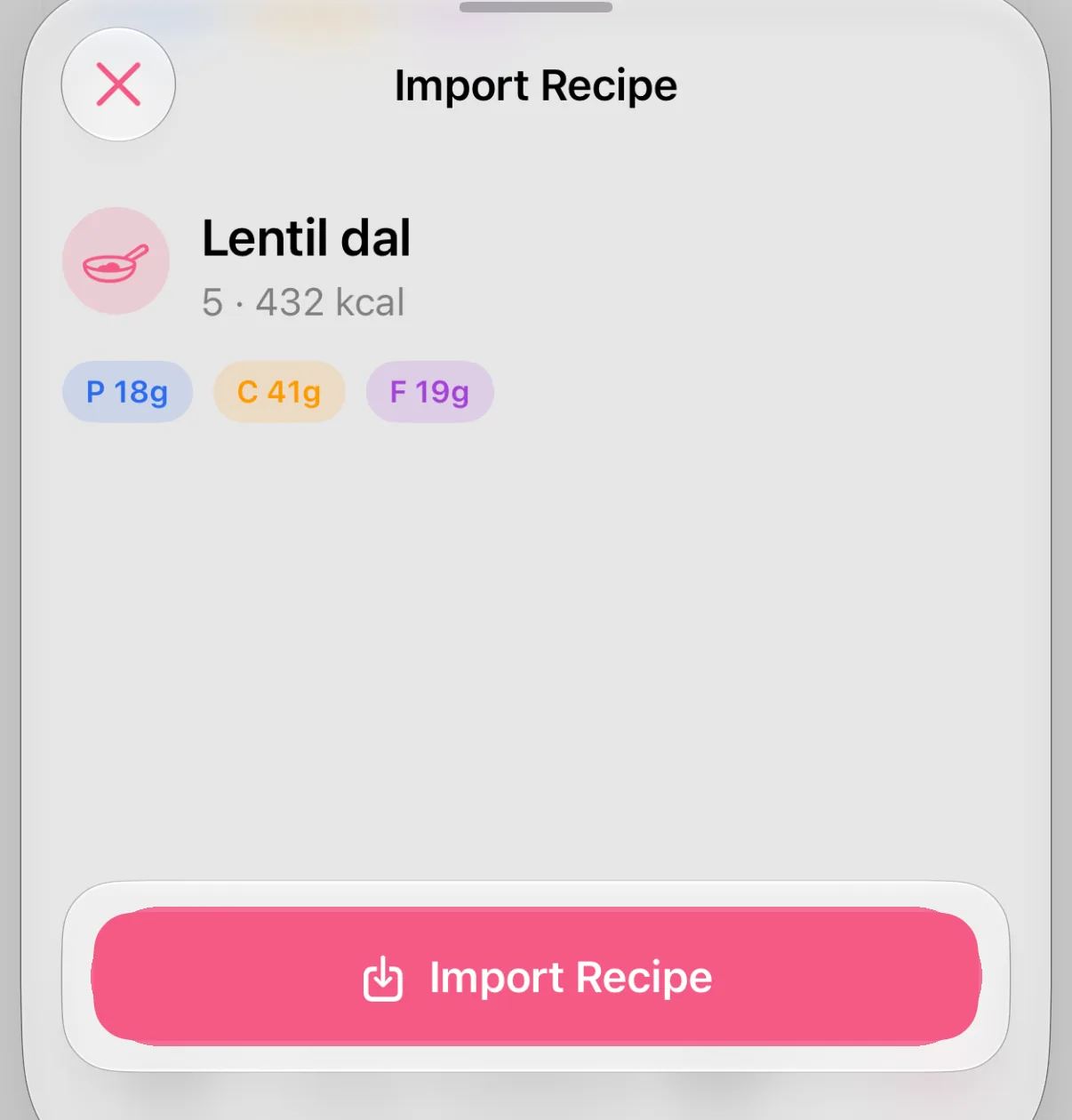
Whoever opens the file with Intake sees a preview and taps “Import Recipe”.
-
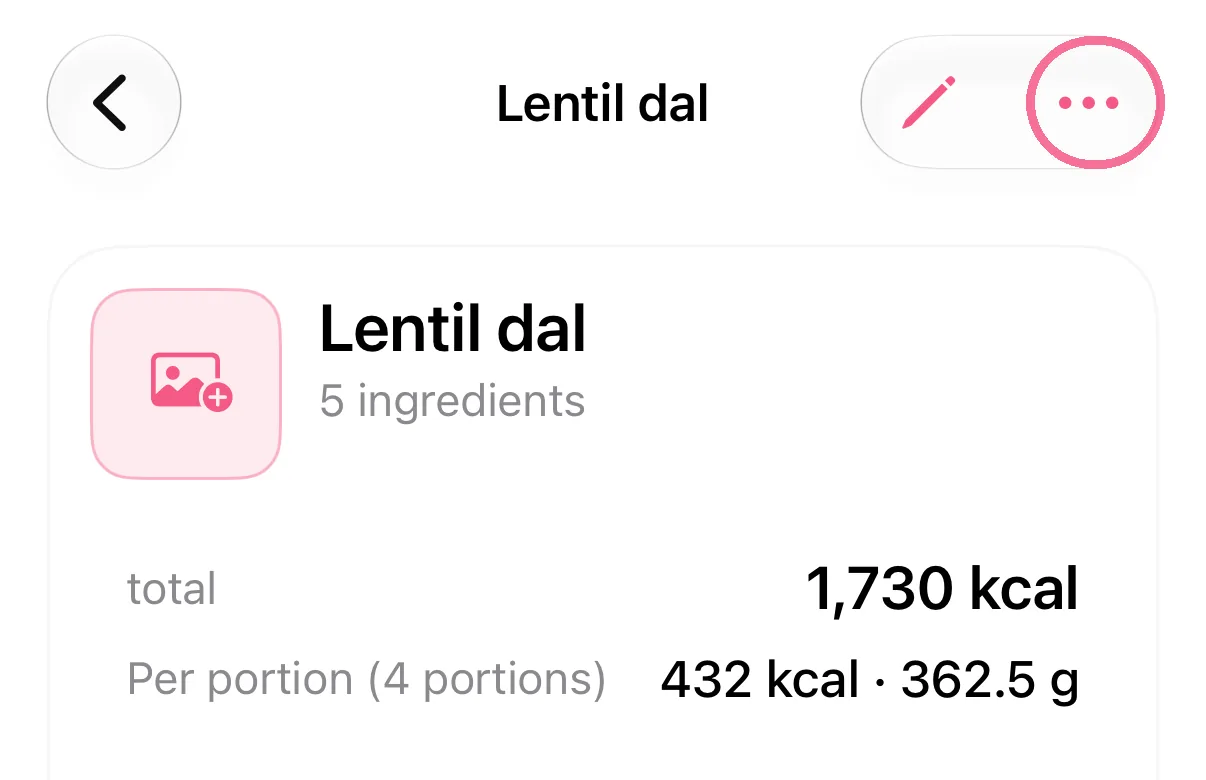
To make a copy, tap the three dots at the top right, then “Duplicate”.
-
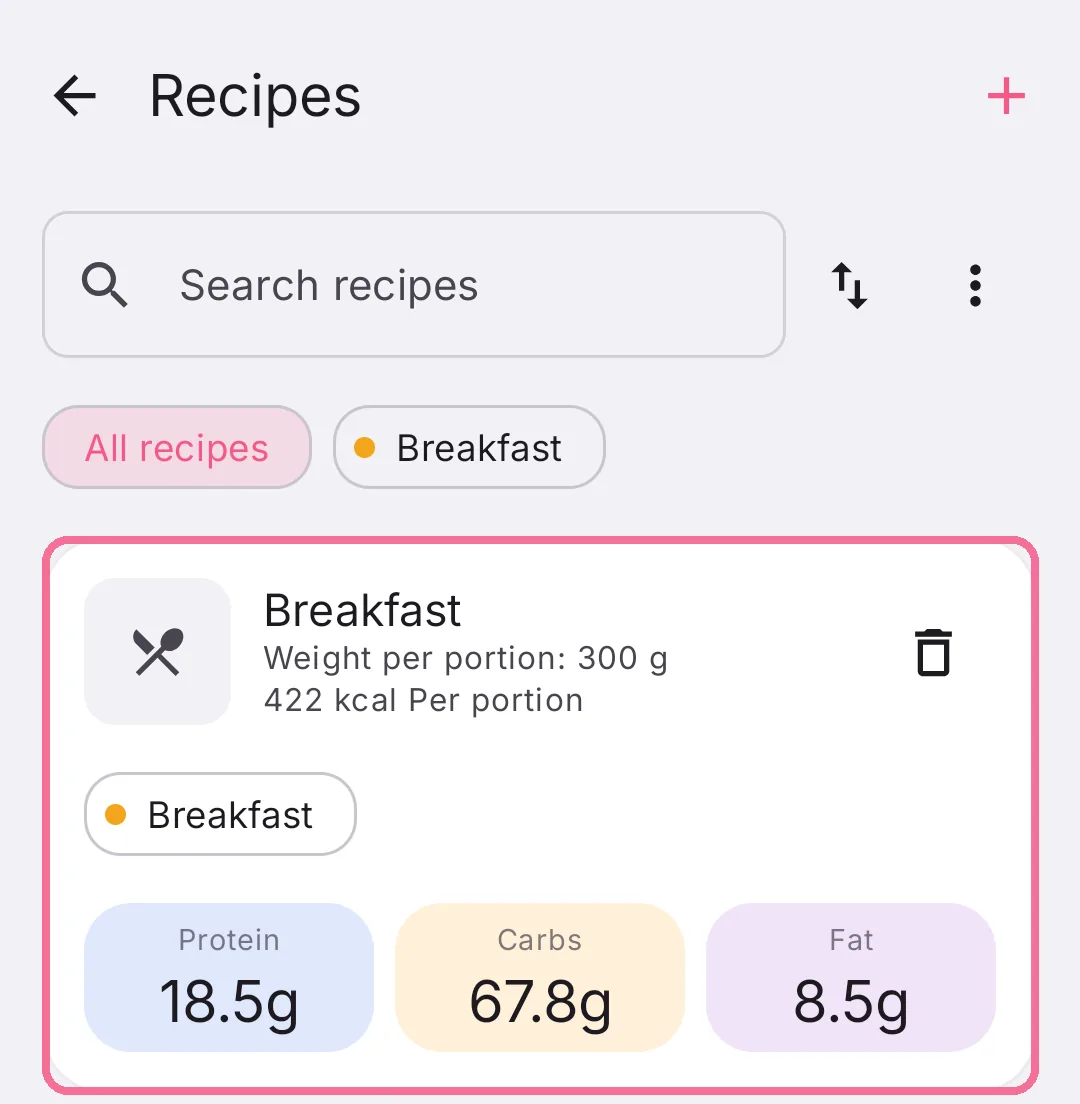
Open the recipe in the Library under “Recipes”.
-
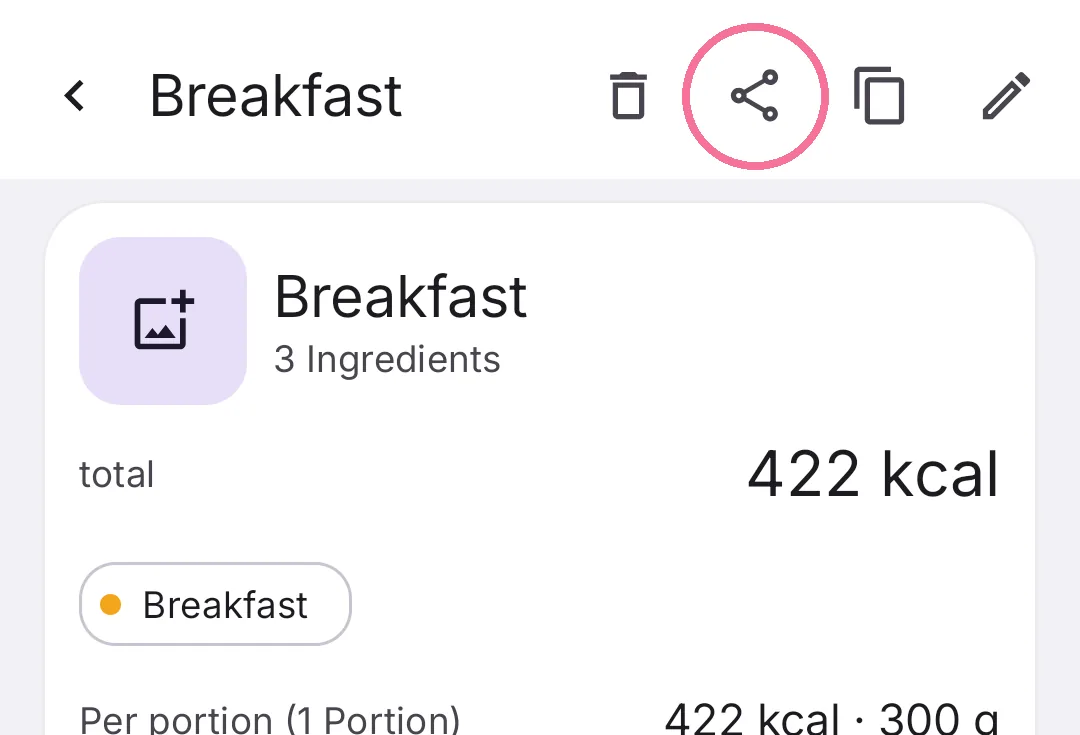
Tap the share button at the top and choose where the file goes.
-
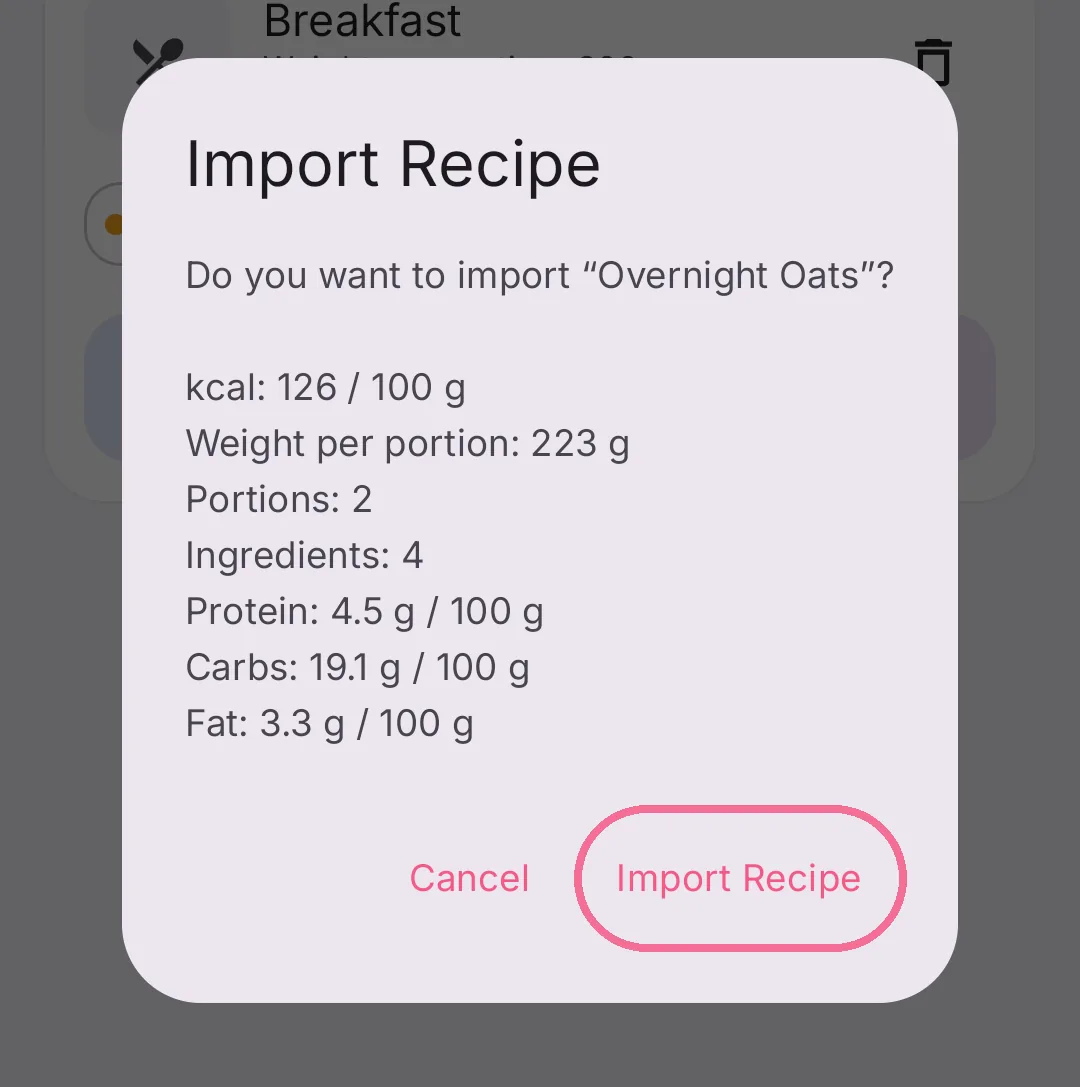
Whoever opens the file with Intake sees a preview and taps “Import Recipe”.
-
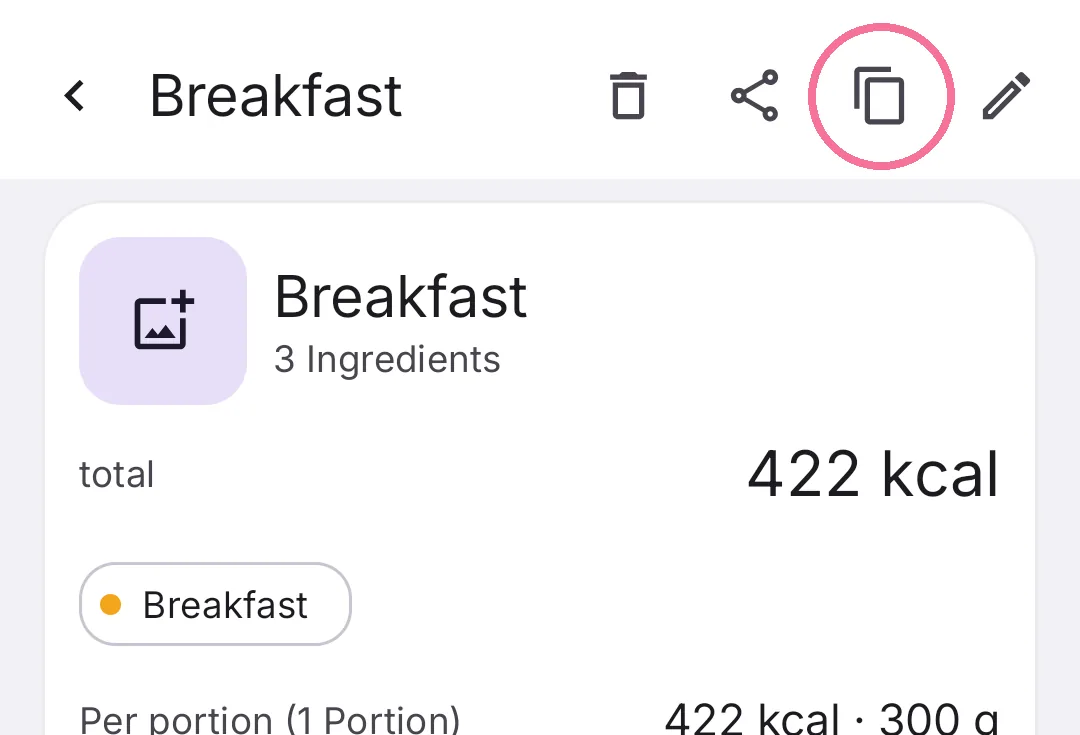
To make a copy, tap “Duplicate” at the top of the recipe.
The recipe’s photo comes along. To import a file that’s already on your device, use “Import Recipe” in the menu of “Recipes”.