
Fasting on the Lock Screen
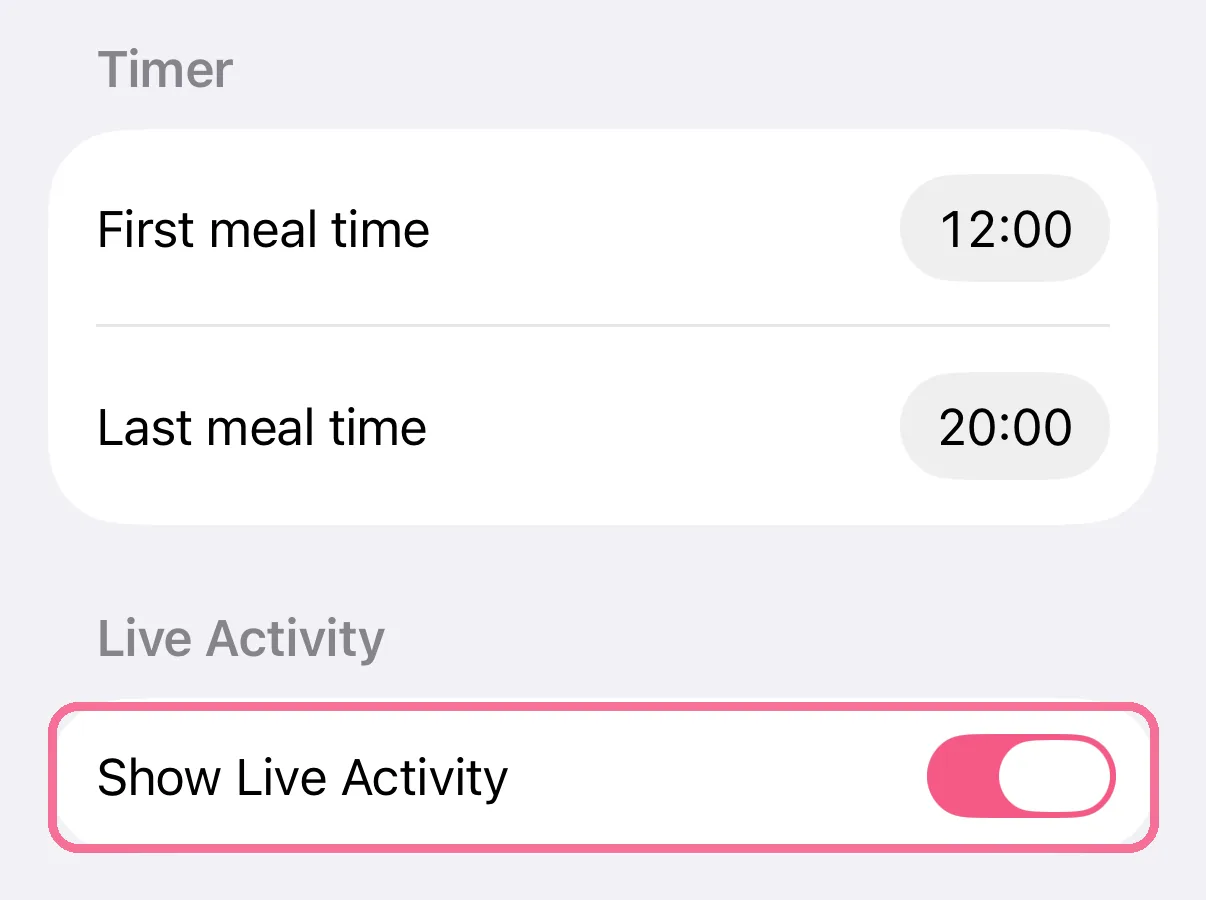
Intake shows your current fast outside the app too: on iPhone as a Live Activity on the Lock Screen and in the Dynamic Island. You turn it on or off in the fasting settings.
-
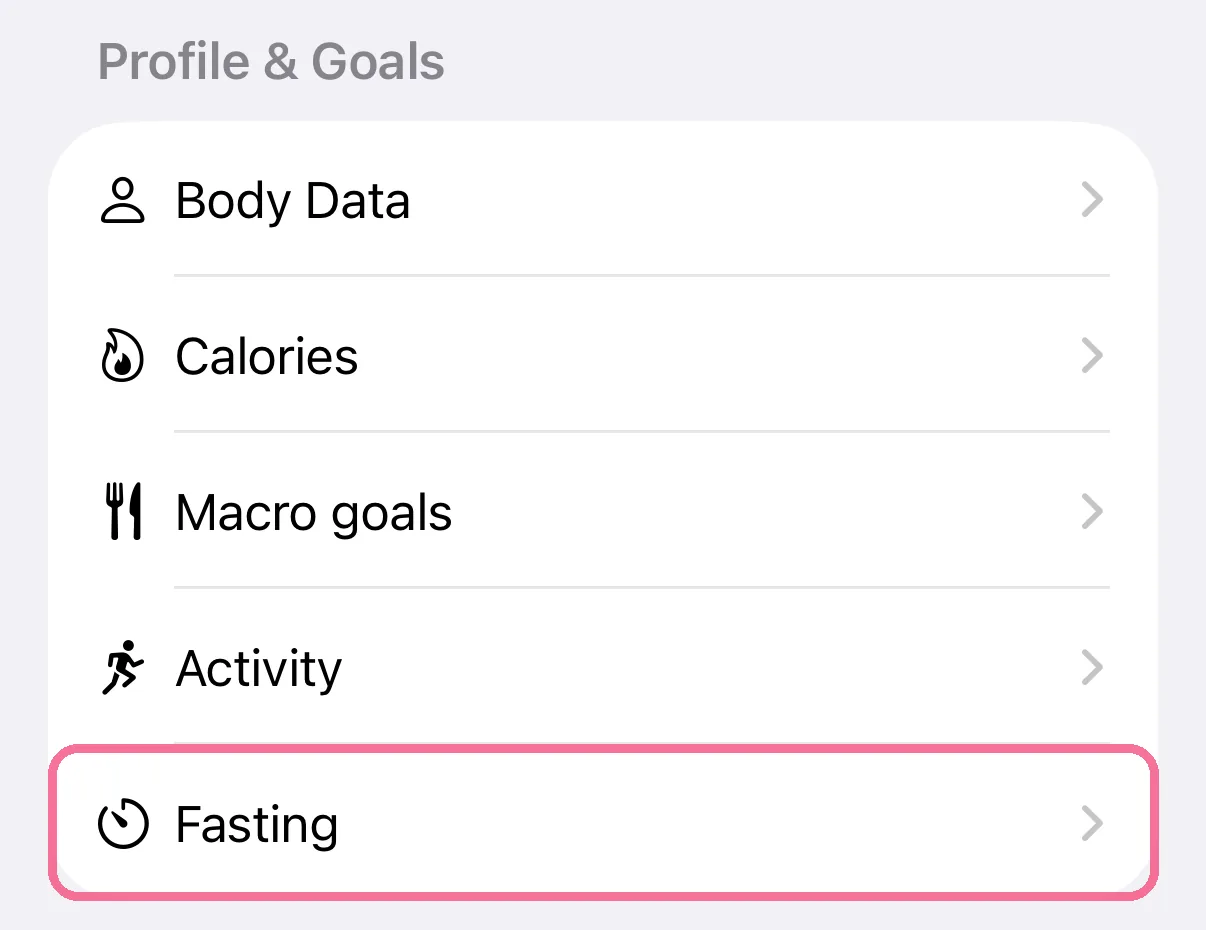
On Today, tap the gear at the top, then “Fasting” under “Profile & Goals”.
-
Under “Live Activity”, turn on “Show Live Activity”.
-
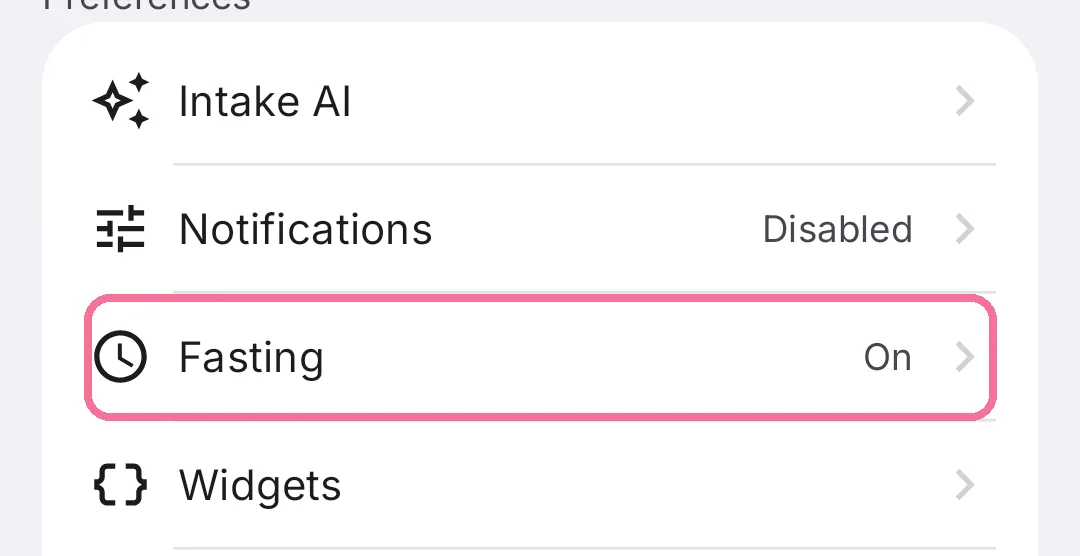
On Today, tap the gear at the top, then “Fasting” under “Preferences”.
-
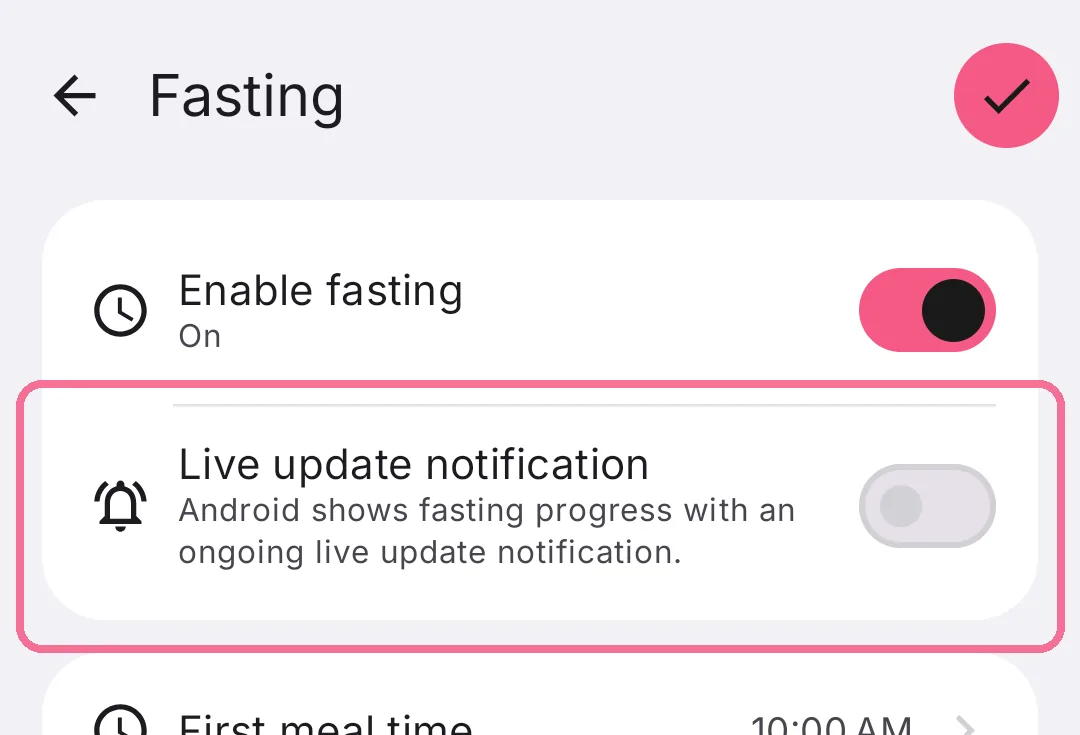
Turn on “Live update notification” and tap the checkmark at the top right.
On iPhone the Live Activity is on as soon as you turn fasting on. The timer and the bar keep moving by themselves. If you swipe it away, it stays hidden until you next switch between fasting and eating.
On Android an ongoing notification shows your fasting progress, on the lock screen too.