
My Products
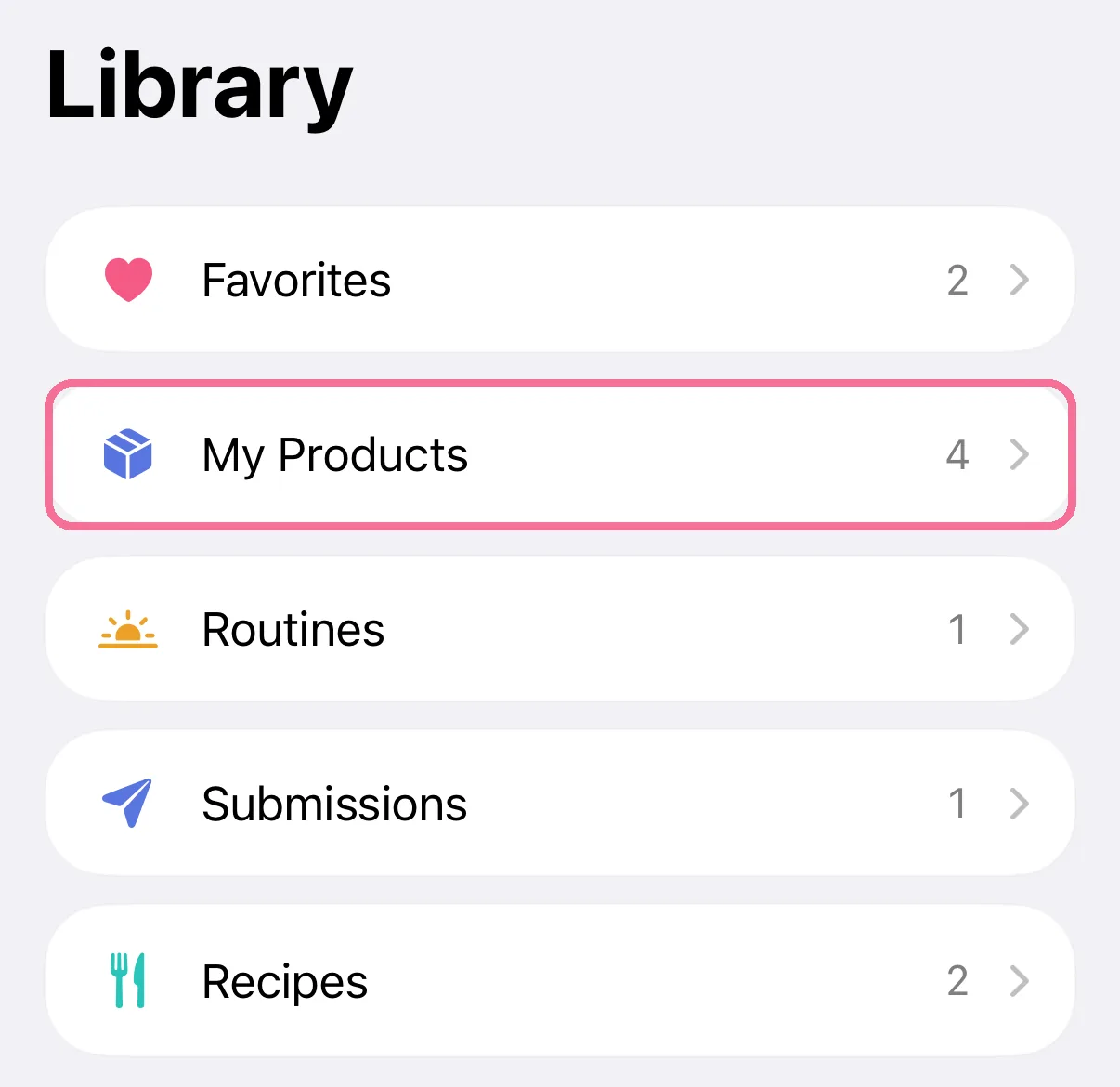
Your own products are in the Library under “My Products”. Changes apply to new entries, anything you already logged stays as it is.
-
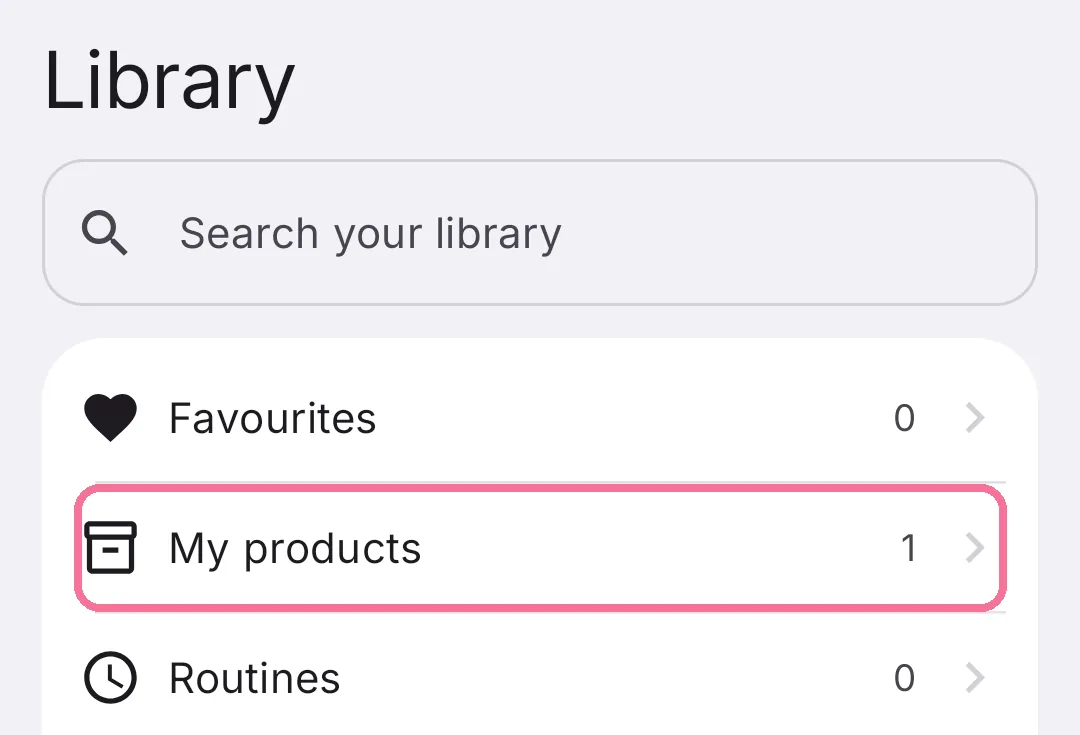
In the Library, open “My Products”.
-
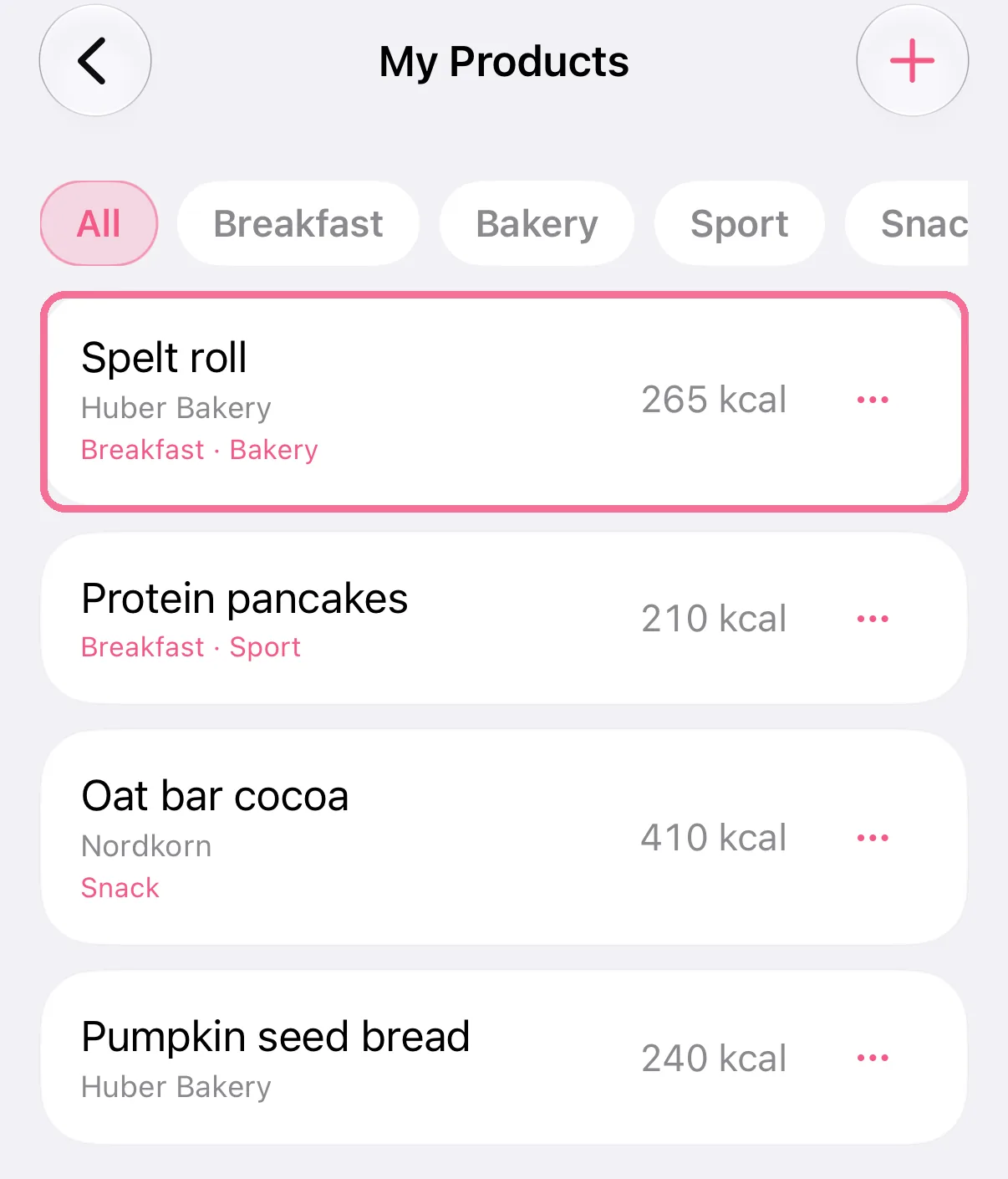
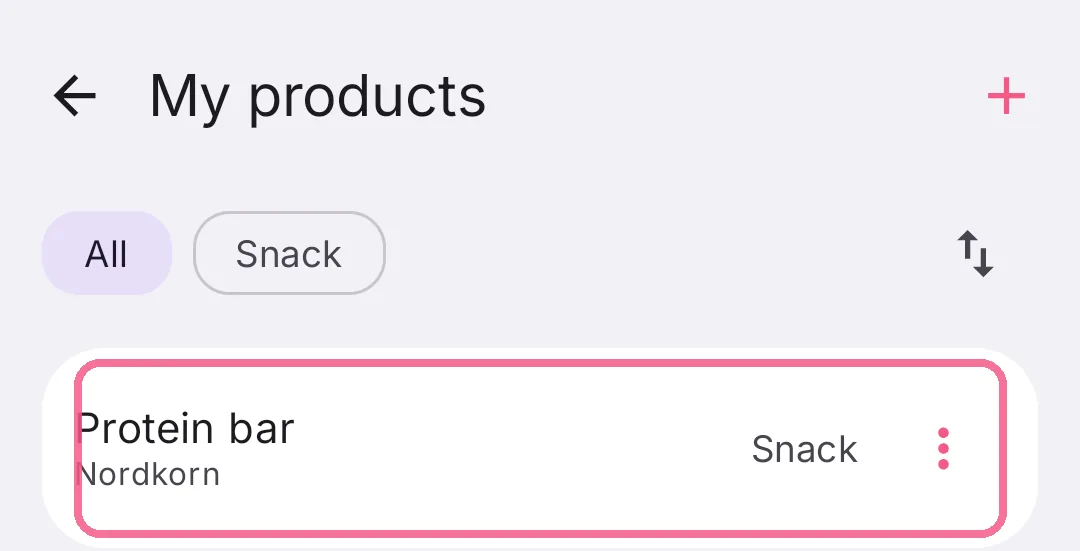
Tap a product to edit it.
-
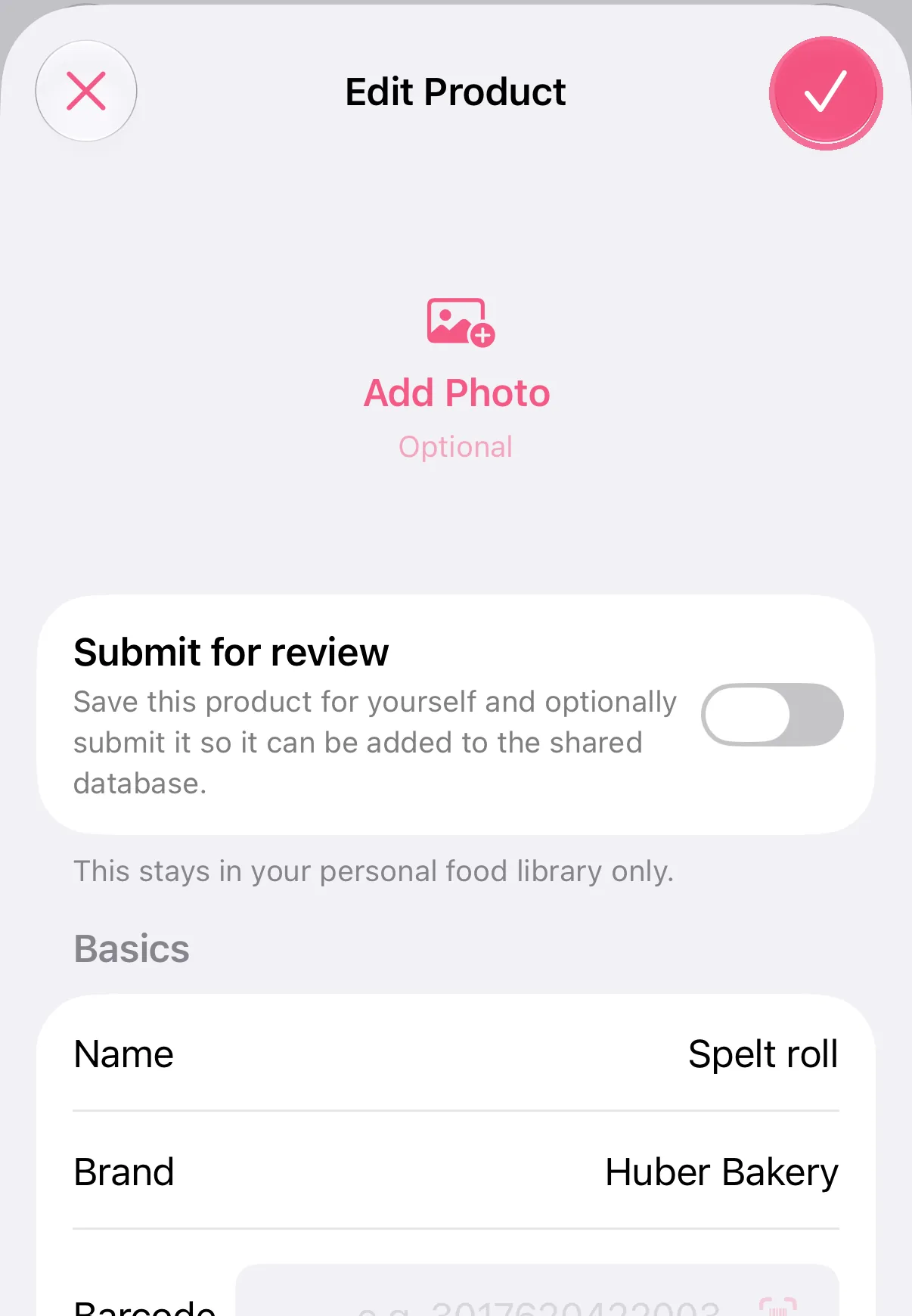
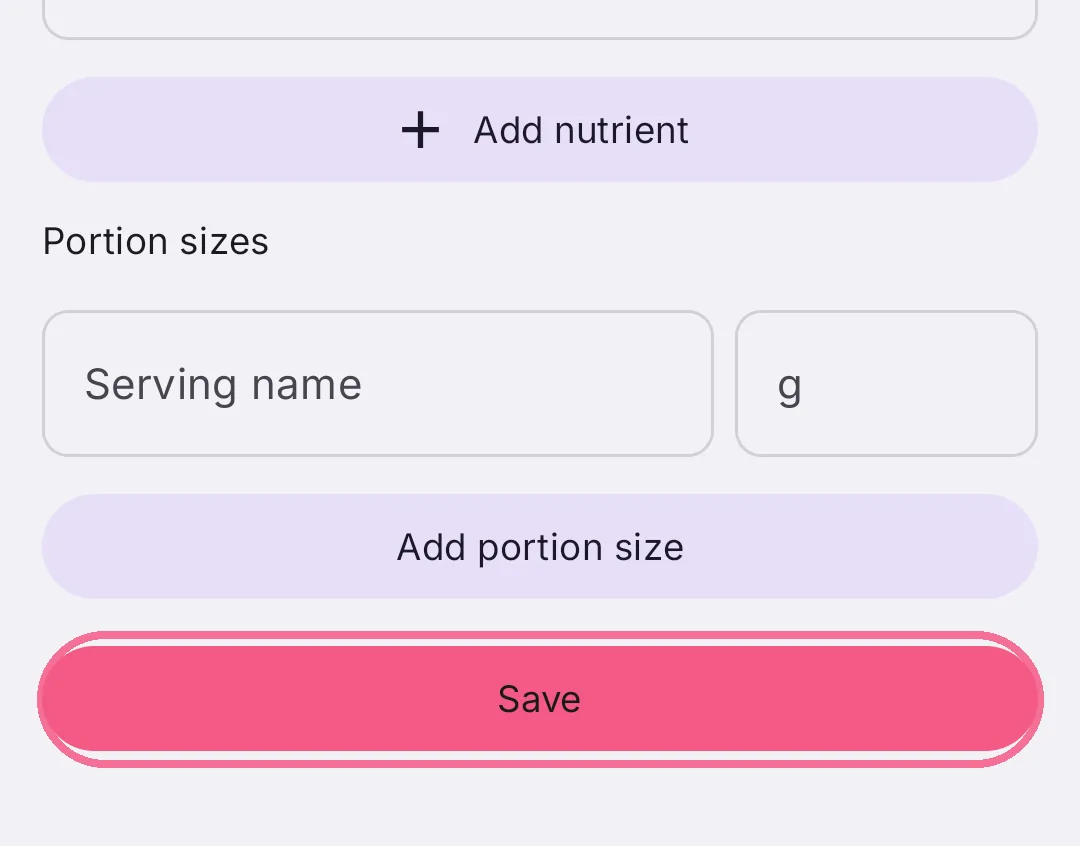
Change the details and tap the checkmark at the top right.
-
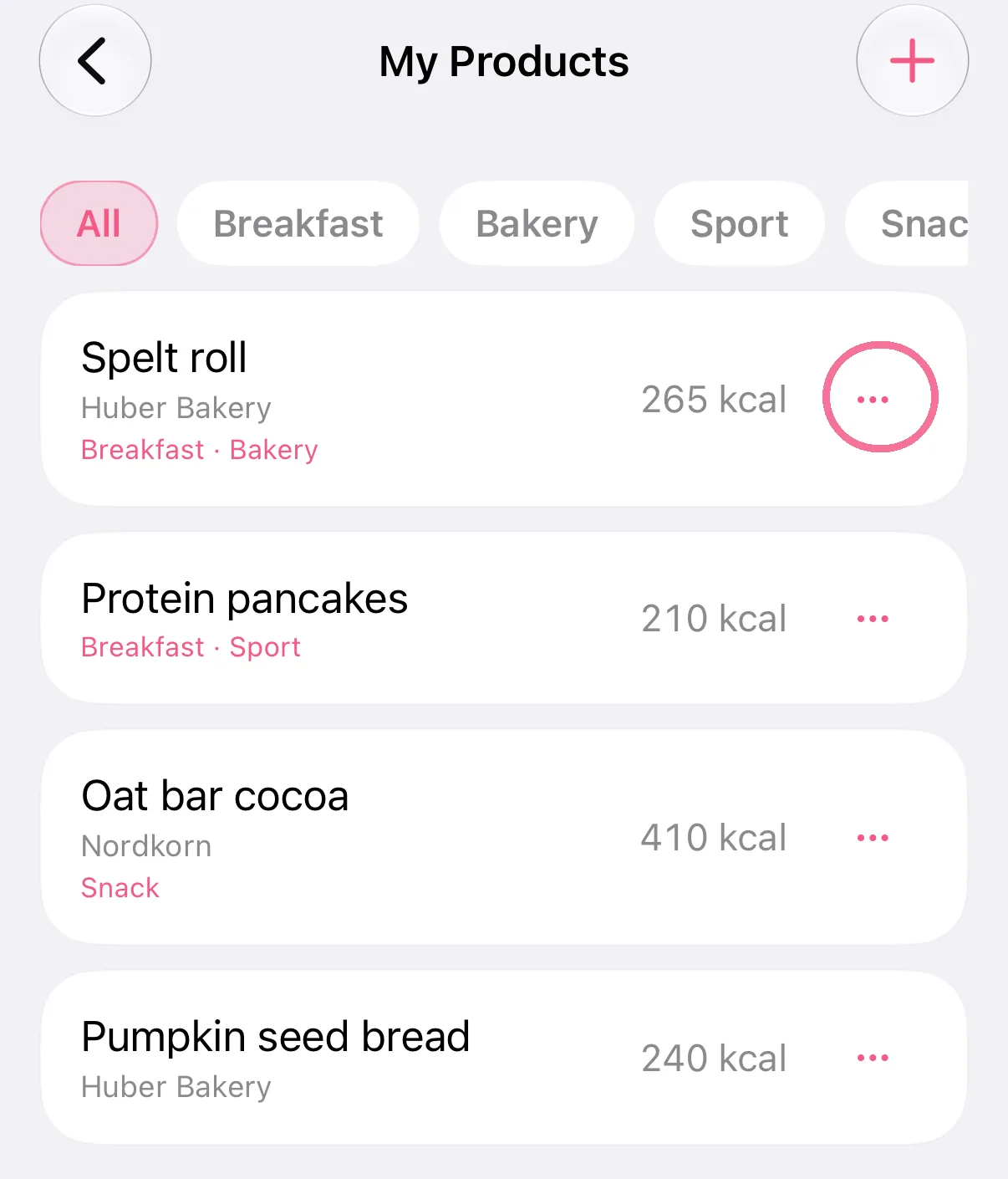
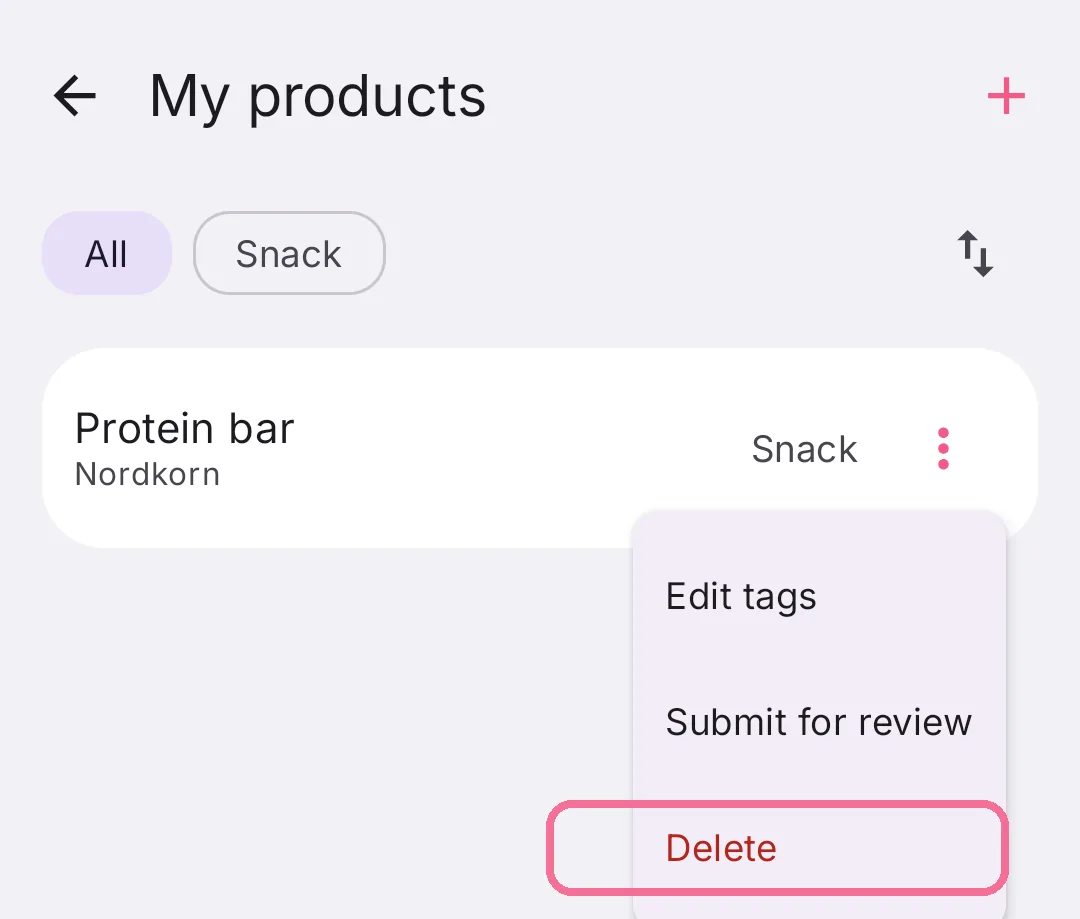
To delete it, tap the three dots next to the product, then “Delete product”.
-
In the Library, open “My Products”.
-
Tap a product to edit it.
-
Change the details and tap “Save” at the bottom.
-
To delete it, tap the three dots next to the product, then “Delete”.
Add a new product here with the plus button.