
Log a recipe
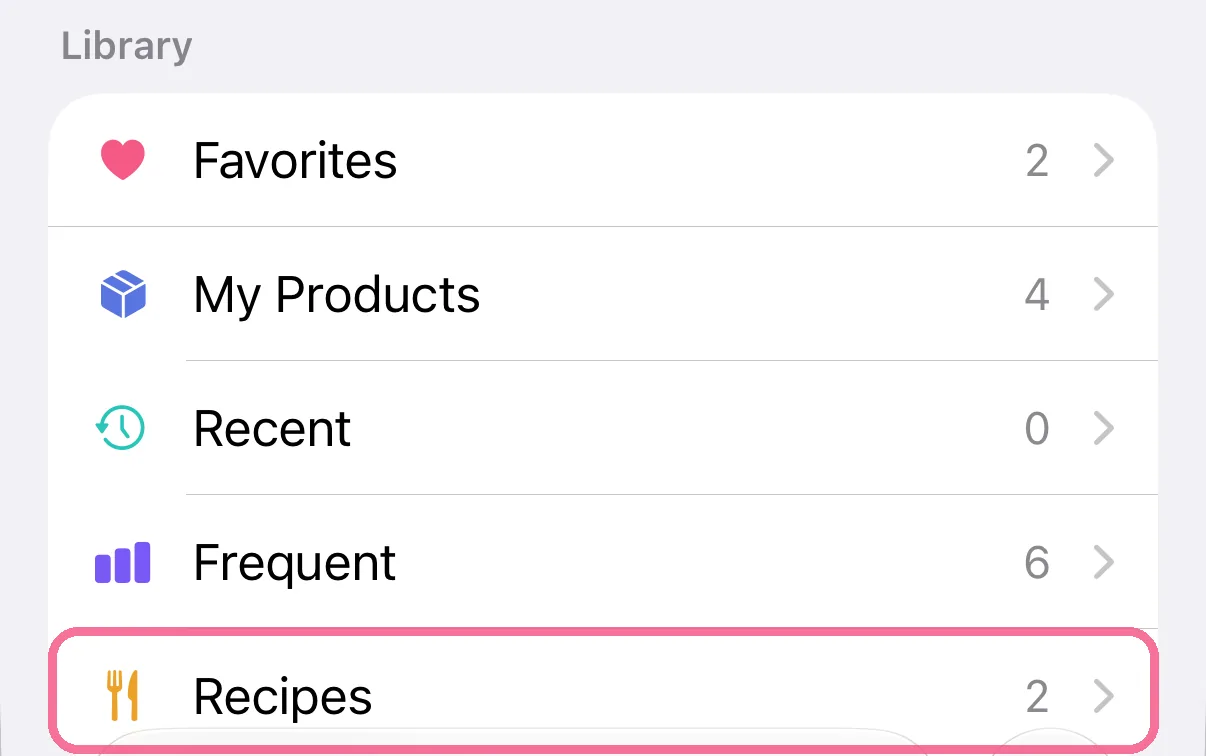
Search for the recipe when you add food, or open “Recipes” under “Library”. Log portions or grams, as one entry or each ingredient on its own.
-
When adding food, tap “Recipes” under “Library”, or search for the recipe’s name.
-
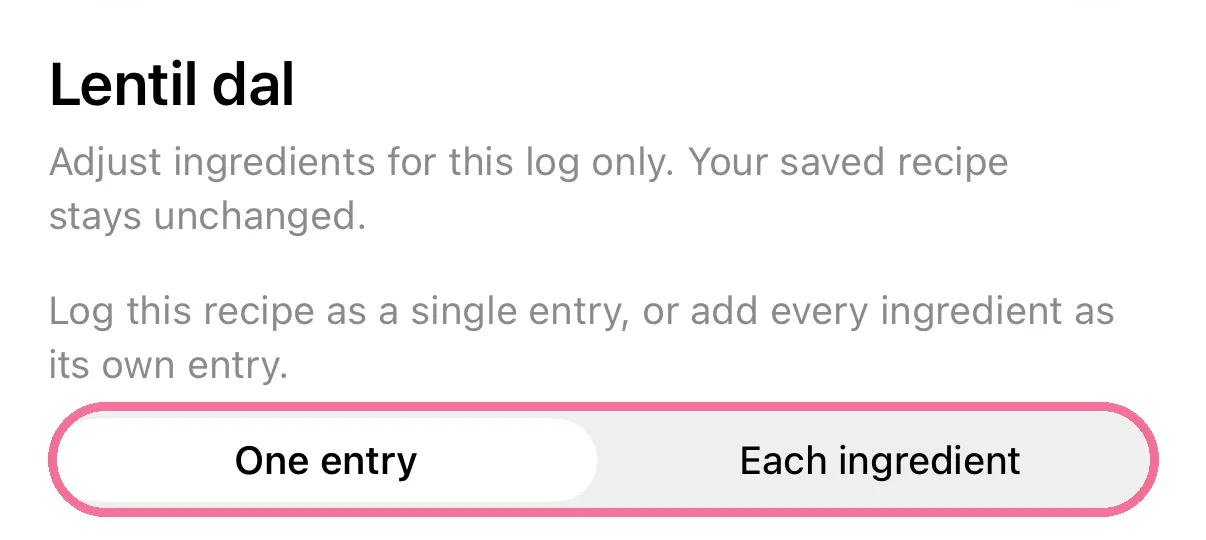
Choose “One entry” or “Each ingredient” at the top.
-
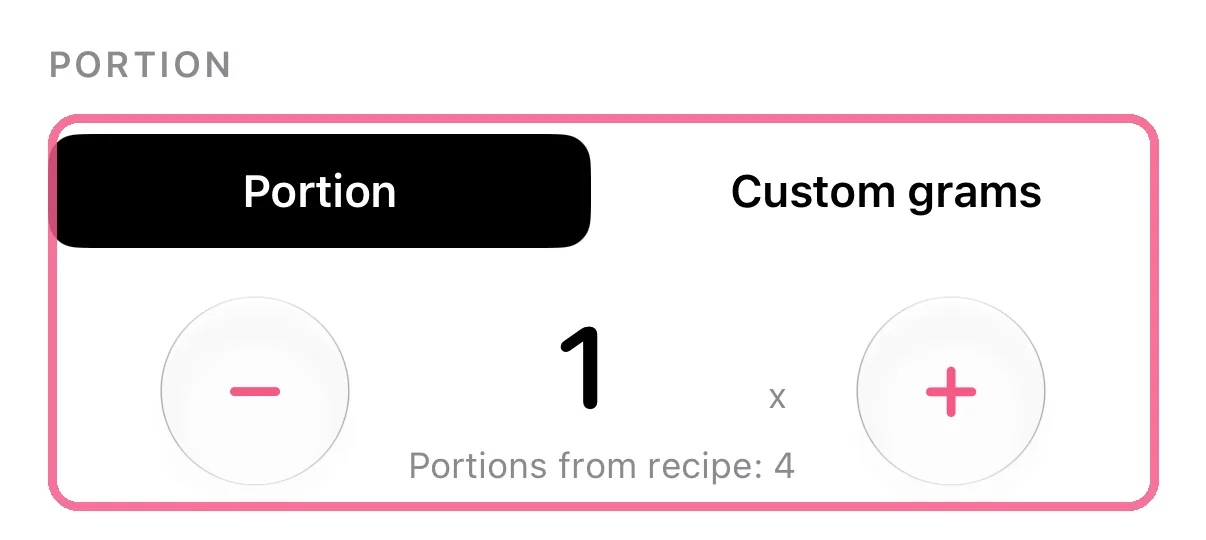
Set the amount: “Portion” or “Custom grams”.
-
Tap the checkmark at the top right.

-
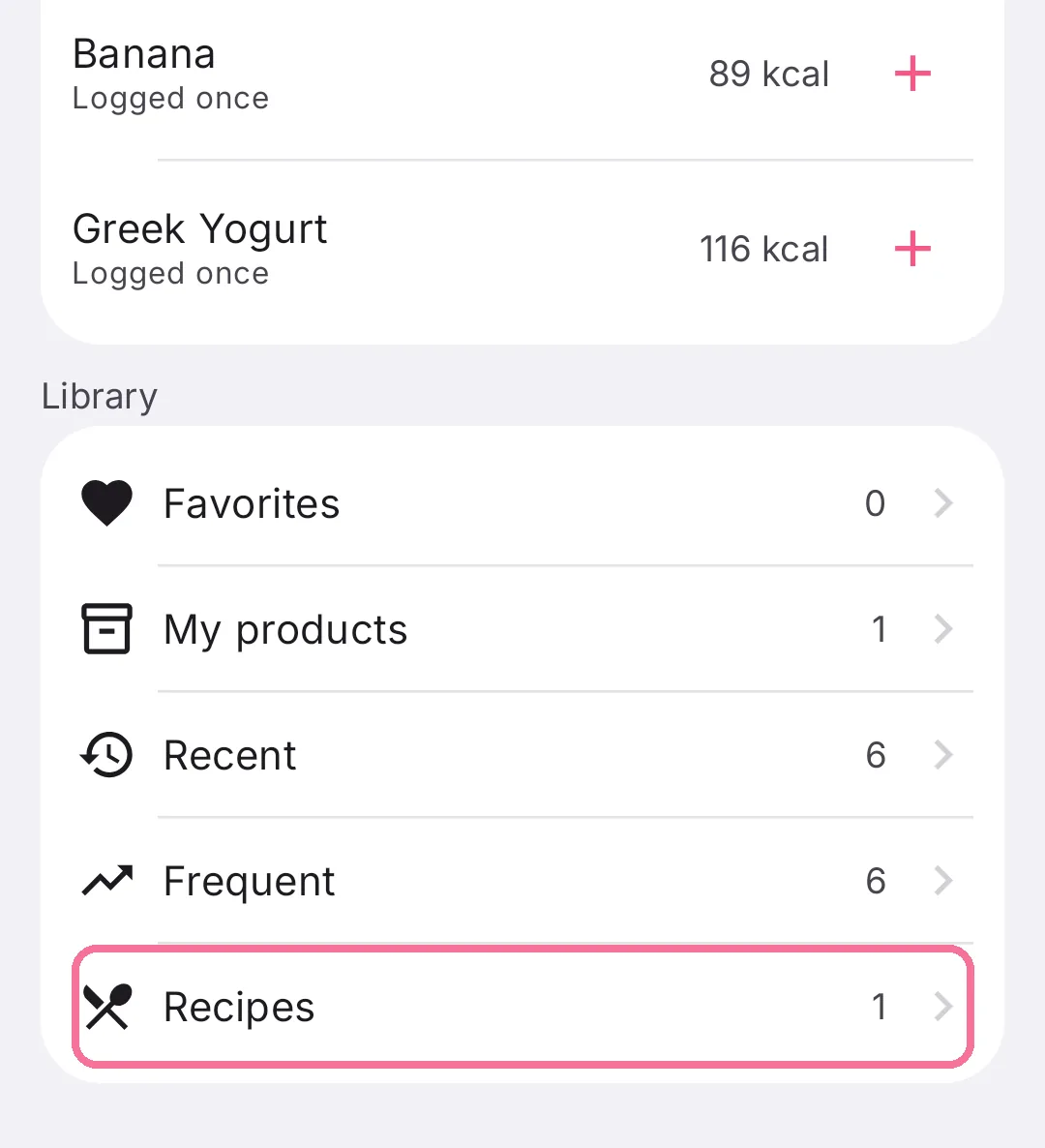
When adding food, tap “Recipes” under “Library”, or search for the recipe’s name.
-
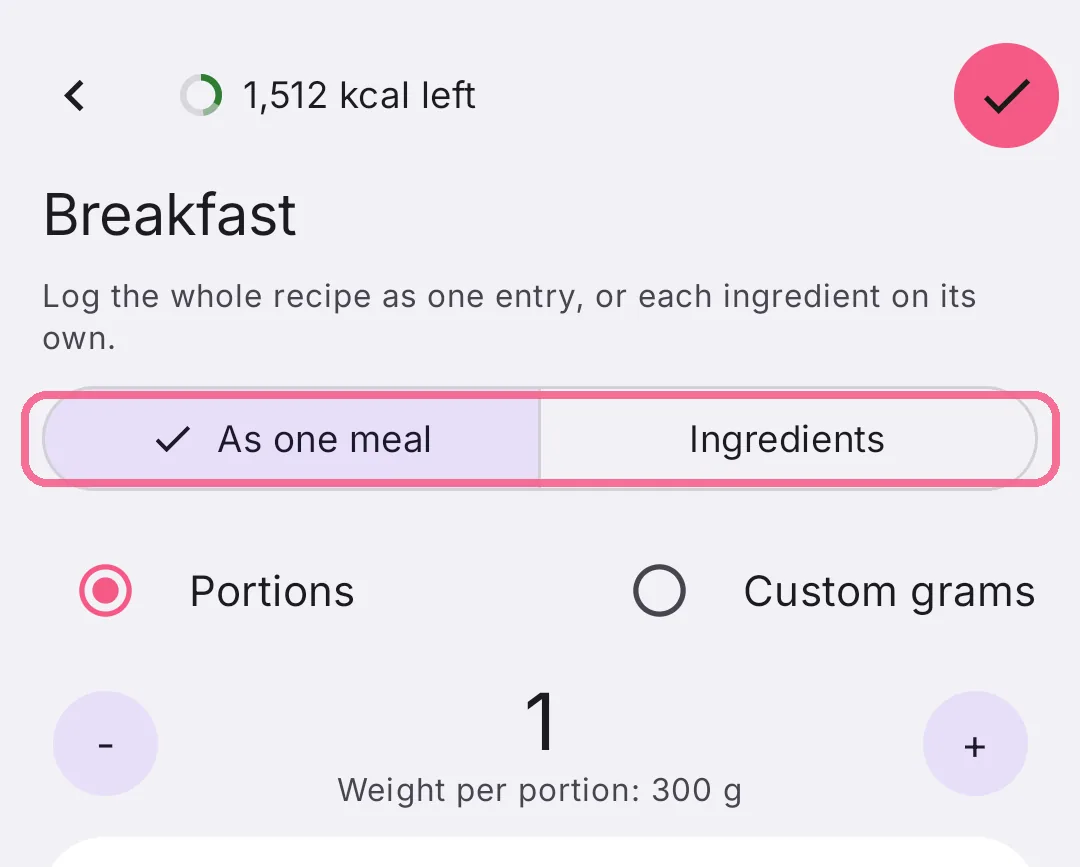
Choose “As one meal” or “Ingredients” at the top.
-
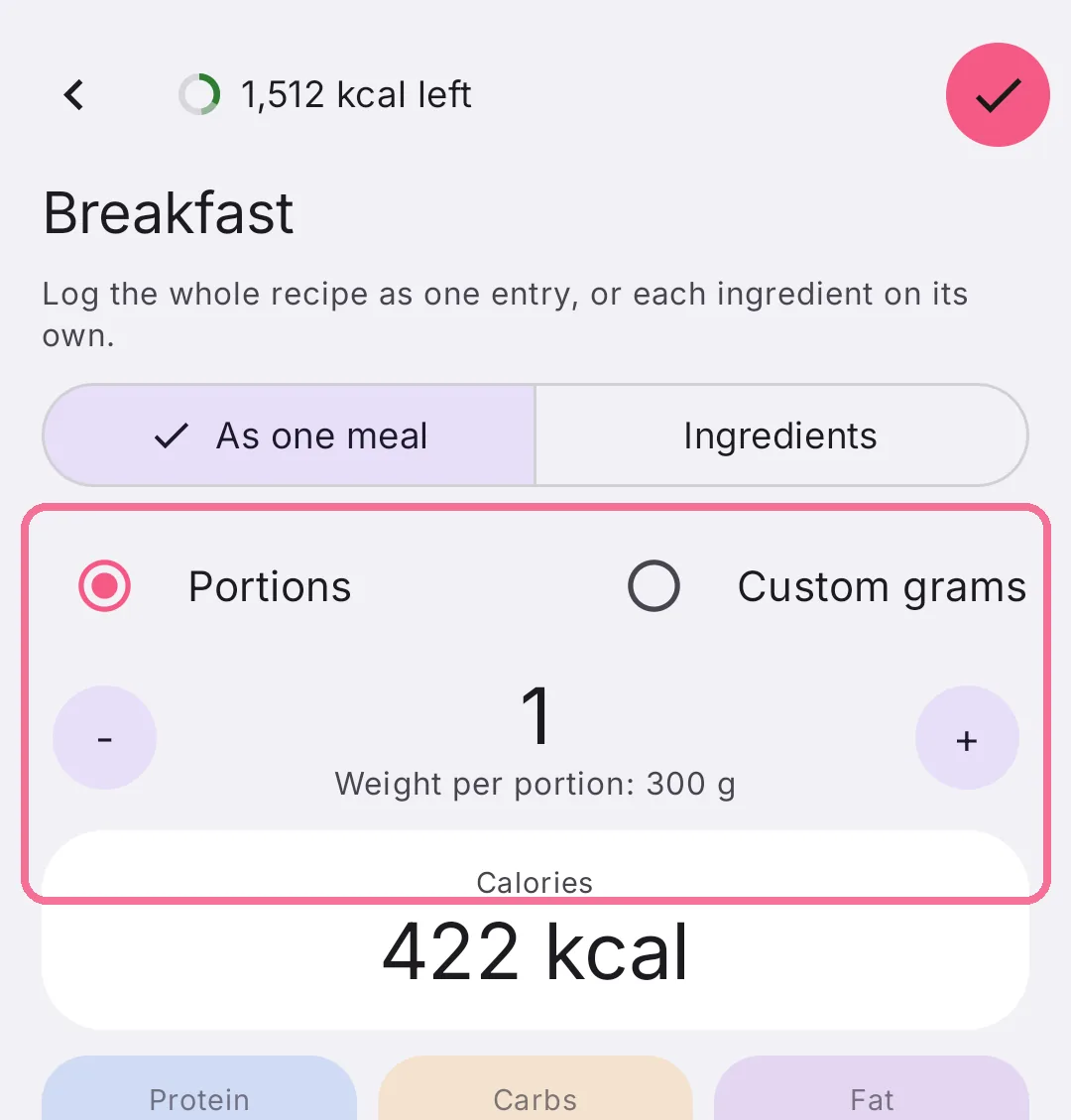
Set the amount: “Portions” or “Custom grams”.
-
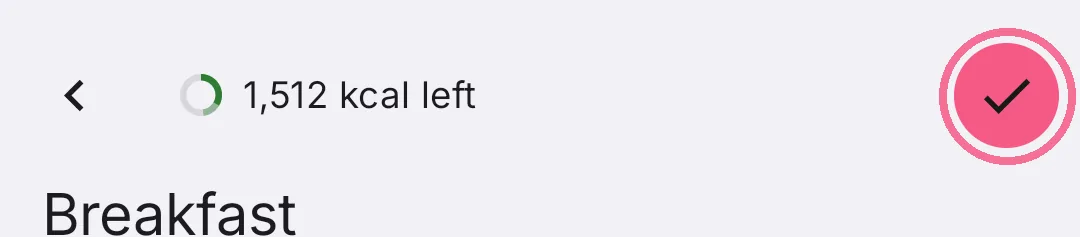
Tap the checkmark at the top right.
If you change or add ingredients while logging, that applies to this entry only. The saved recipe stays as it is.