
Fix Health Connect problems
If steps, calories or workouts are missing, go to Settings > “Integrations” > “Health Connect activity” and scroll to “Diagnostics”. There you sync again, test the connection and send us a report.
-
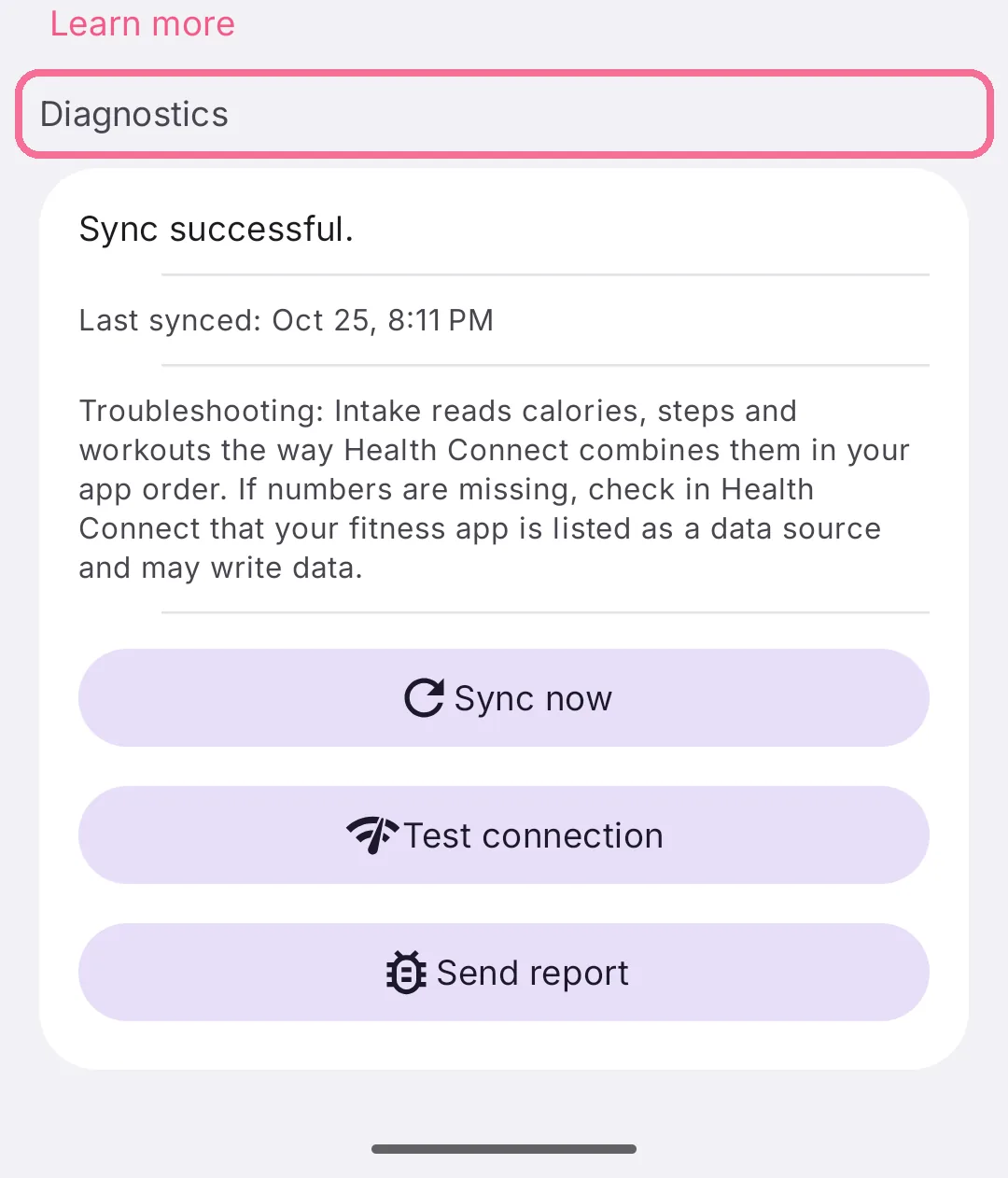
Under Settings > “Integrations”, open “Health Connect activity” and scroll down to “Diagnostics”.
-
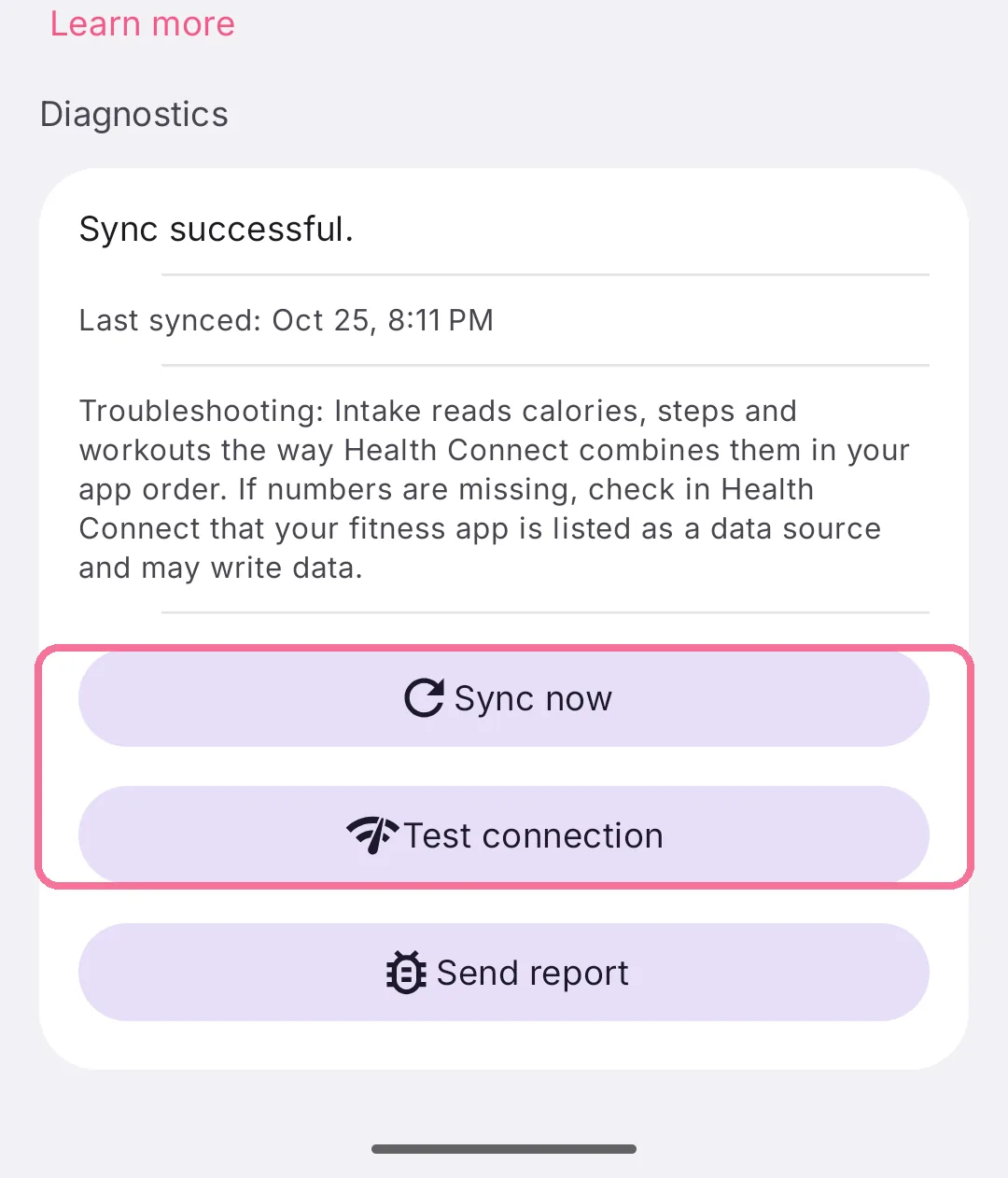
“Sync now” fetches your data right away. “Test connection” checks with a single call whether Health Connect answers.
-
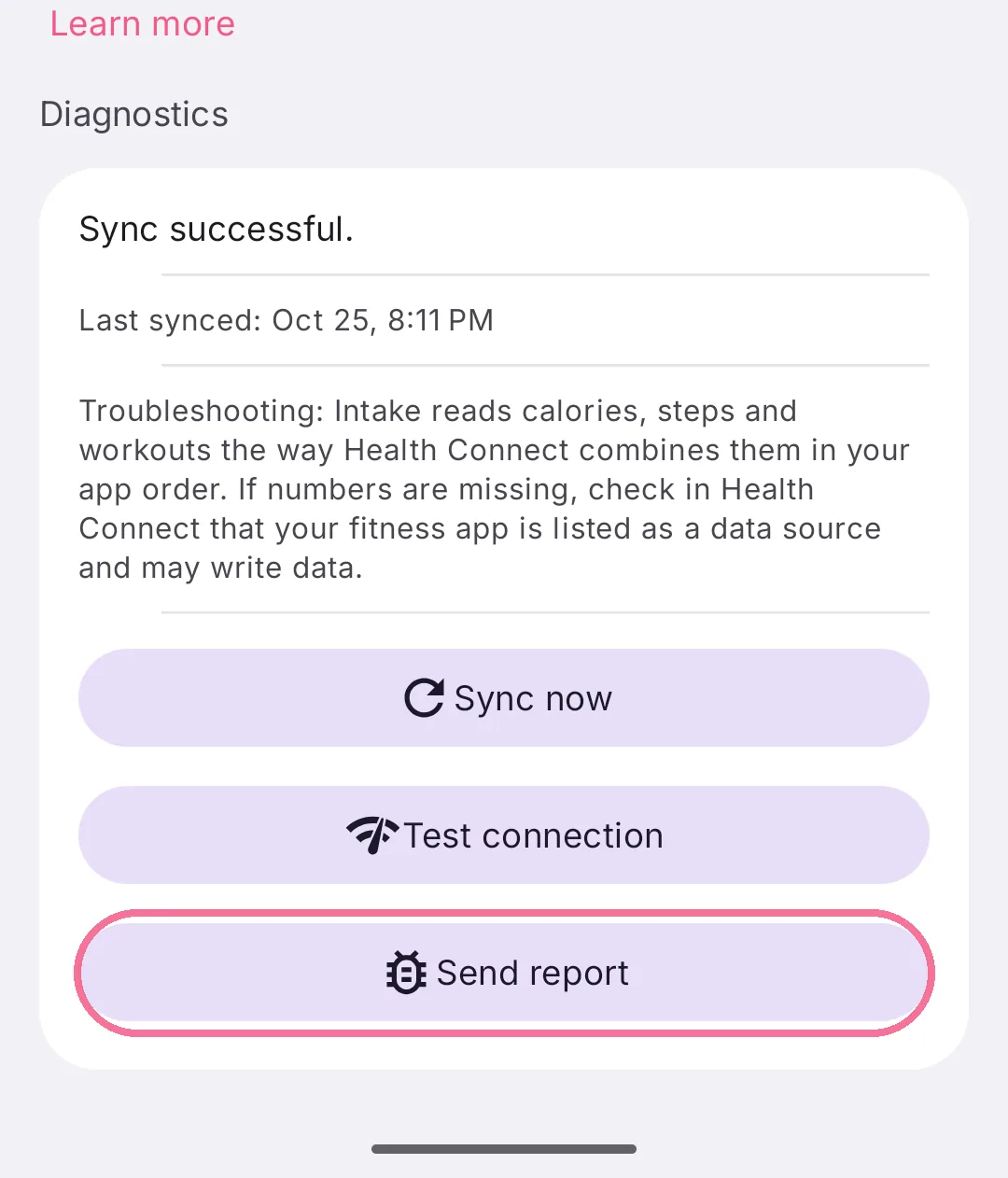
If that doesn’t help, tap “Send report” and send us the file, for example by email.
If a line under “Health Connect activity sources” at the top is marked red, tap it. Intake tells you what is missing, such as a permission or a Health Connect update, and offers the step that fixes it.
If the diagnostics report a problem with the Health Connect provider, restart your phone and update Health Connect in the Play Store. Your data stays where it is. “Reset sync” only appears in that case and syncs again afterwards. You don’t need to clear Health Connect’s storage for this.