
Share as a picture
On Today, tap the share button at the top. You choose what goes on the picture, for example the whole day or a meal, then share it or save it to Photos.
-
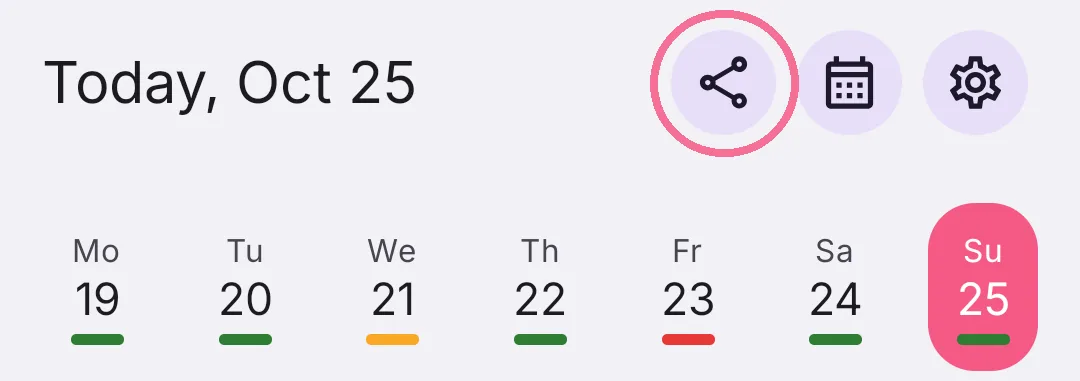
On Today, tap the share button at the top.

-
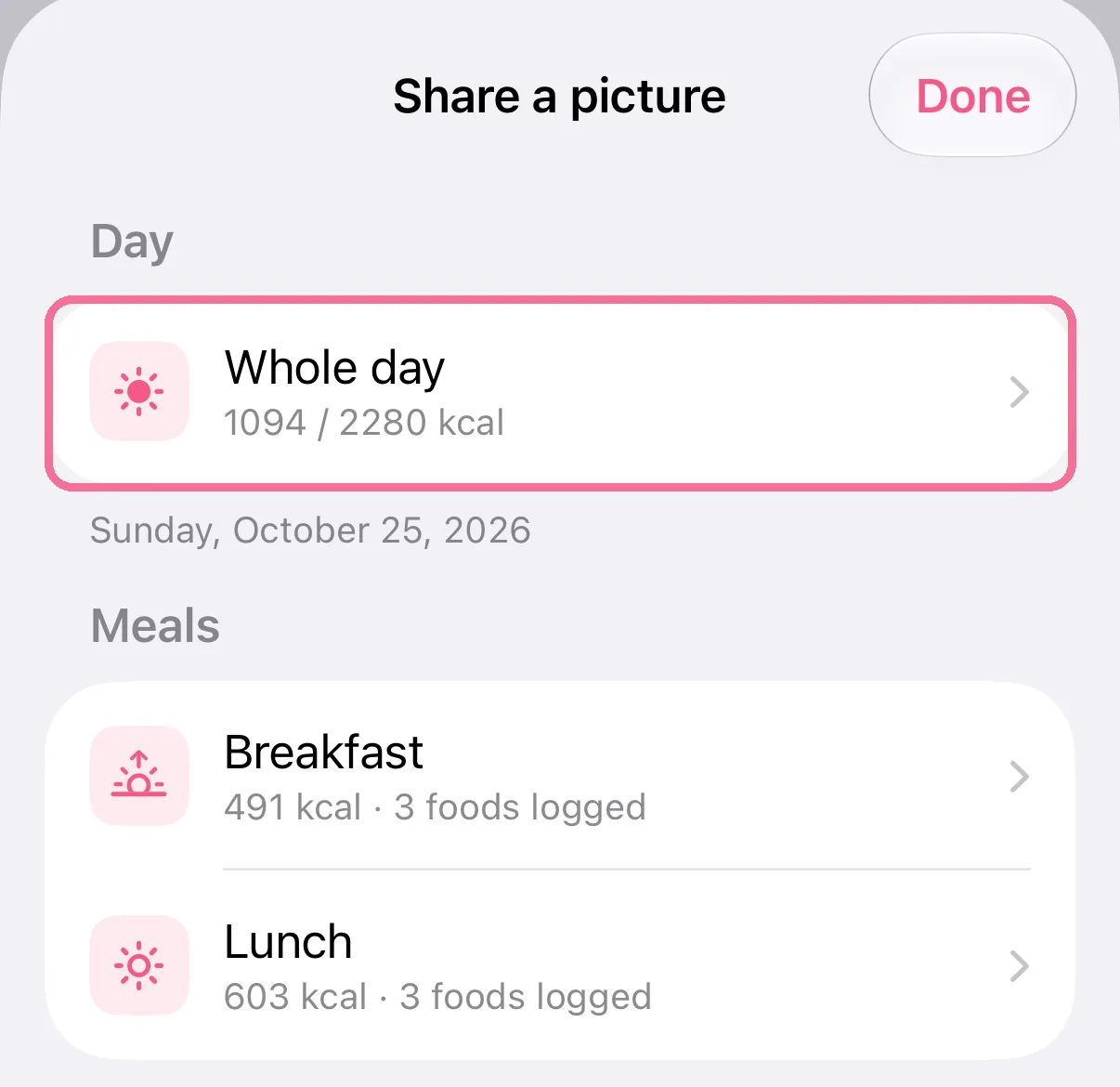
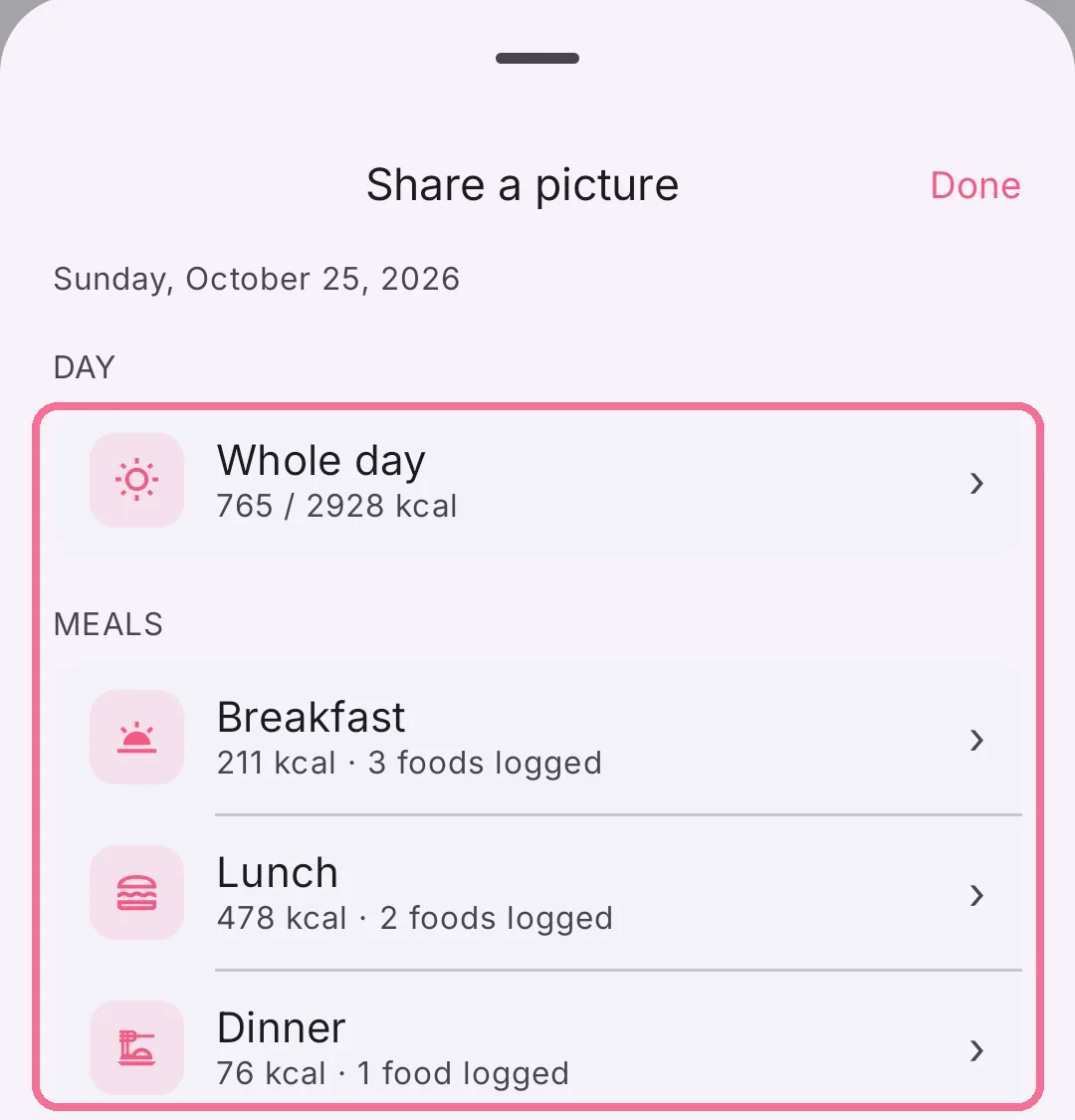
Choose what to share, for example the whole day or a meal.
-
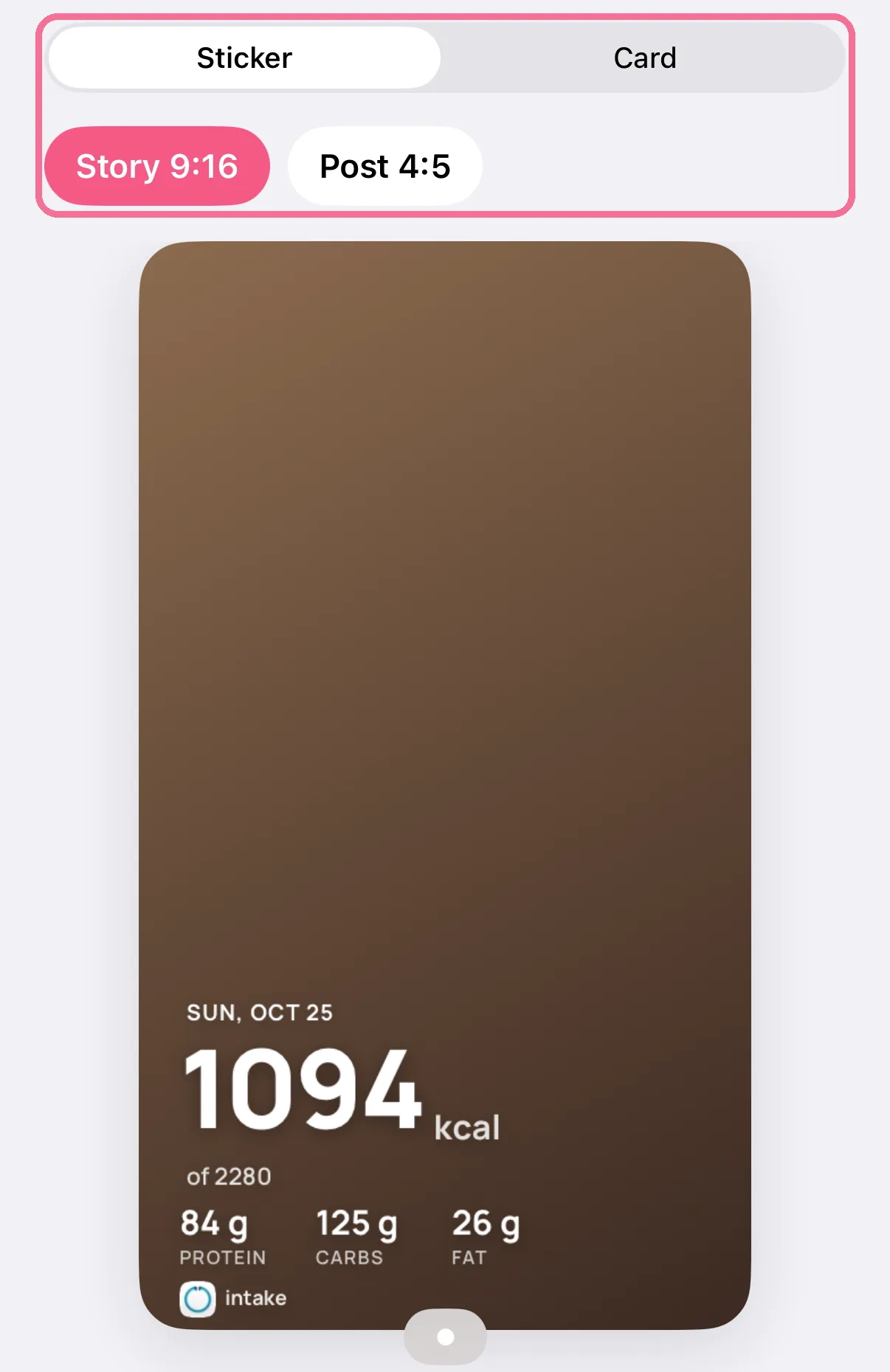
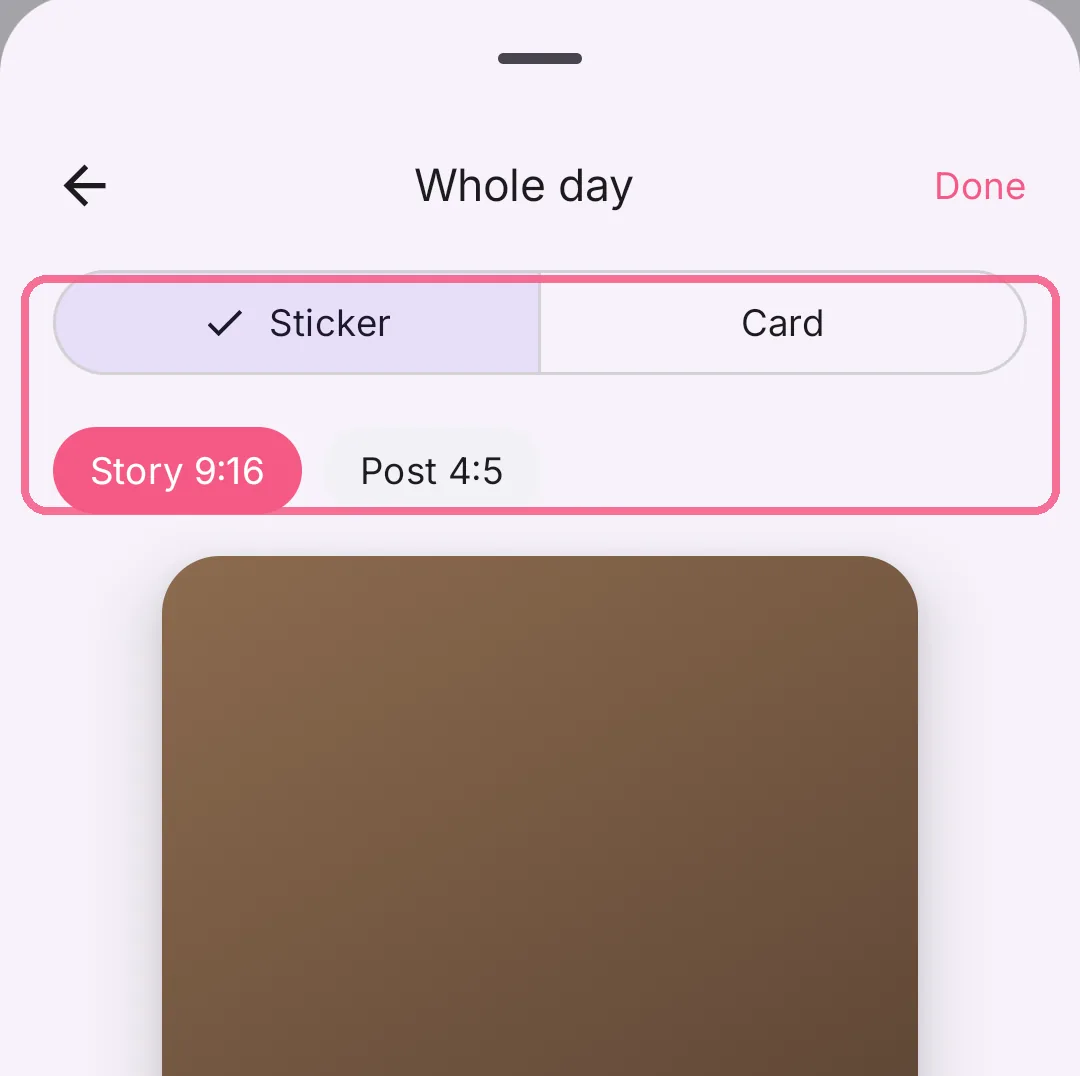
Choose “Sticker” or “Card” and the size “Story 9:16” or “Post 4:5”.
-
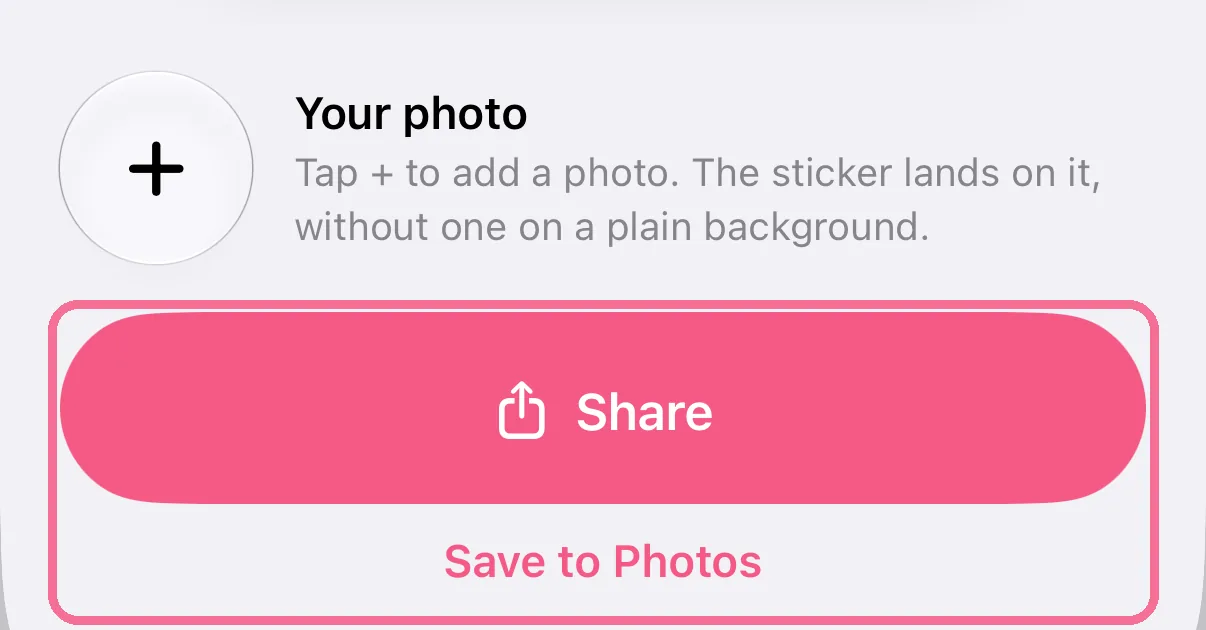
Tap “Share” or “Save to Photos”.
-
On Today, tap the share button at the top.
-
Choose what to share, for example the whole day or a meal.
-
Choose “Sticker” or “Card” and the size “Story 9:16” or “Post 4:5”.
-
Tap “Share” or “Save to Photos”.
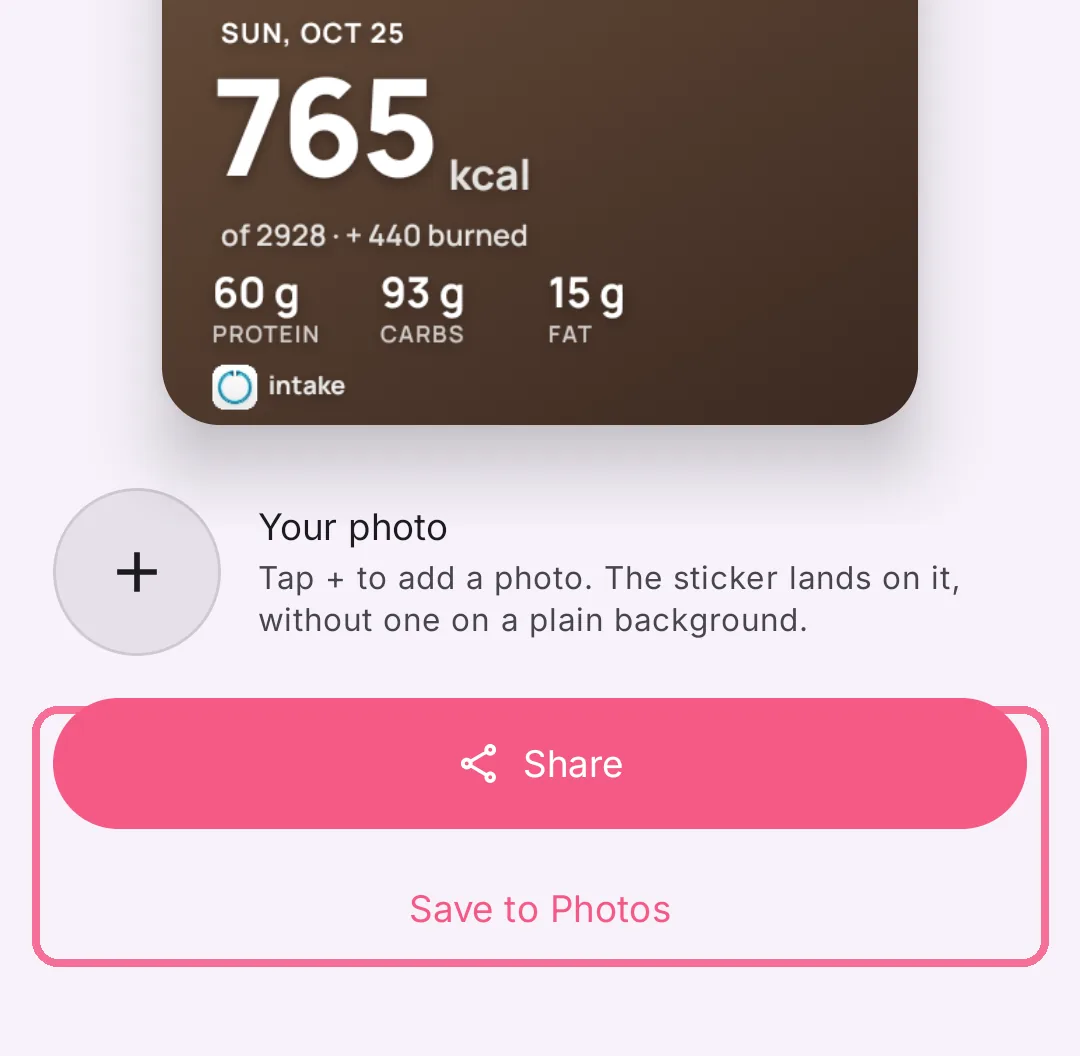
With “Card”, swipe across the preview to pick another design. With “Your photo” the sticker goes on a photo of your own. If Instagram is installed, “Share to Instagram Story” puts the picture straight into your story.
The share button is also in the meal summary and in Stats.