
Water from other apps
If you log water in another app that shares it with Apple Health, Intake shows it on the “Water” card and counts it toward your goal. Apple Health has to be connected for this.
-
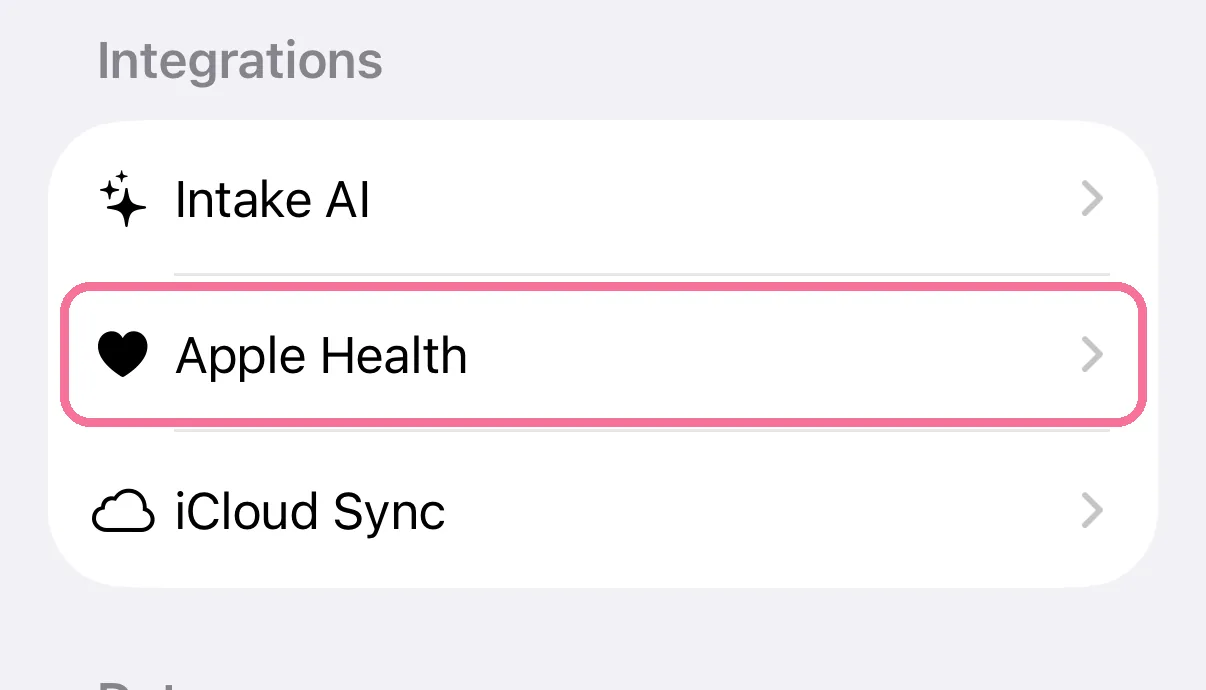
On Today, tap the gear at the top, then “Apple Health”.
-
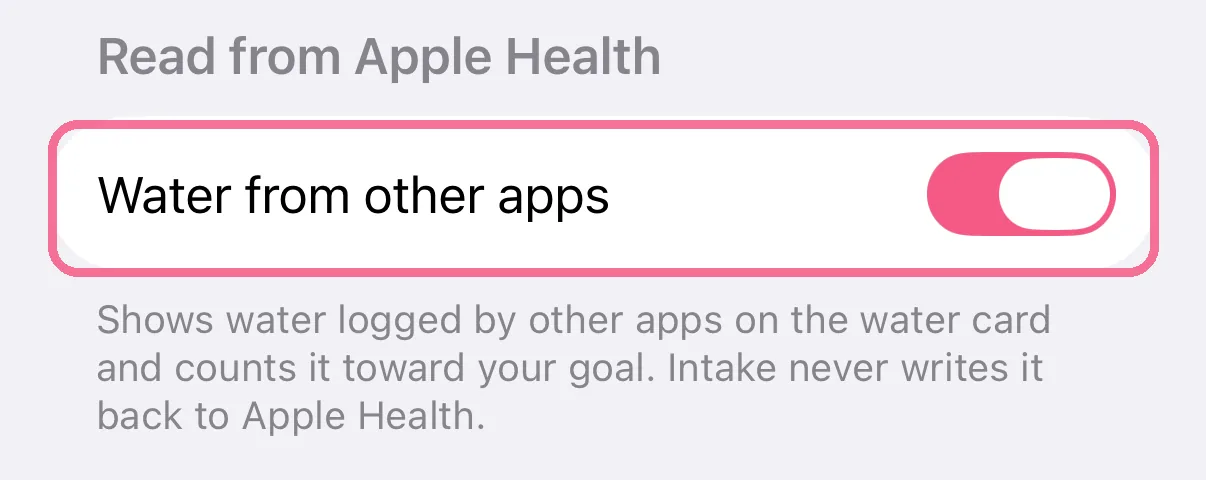
Under “Read from Apple Health”, leave “Water from other apps” on. It is on from the start.
-
On the “Water” card this water is listed under “From Apple Health”, with the app it came from.
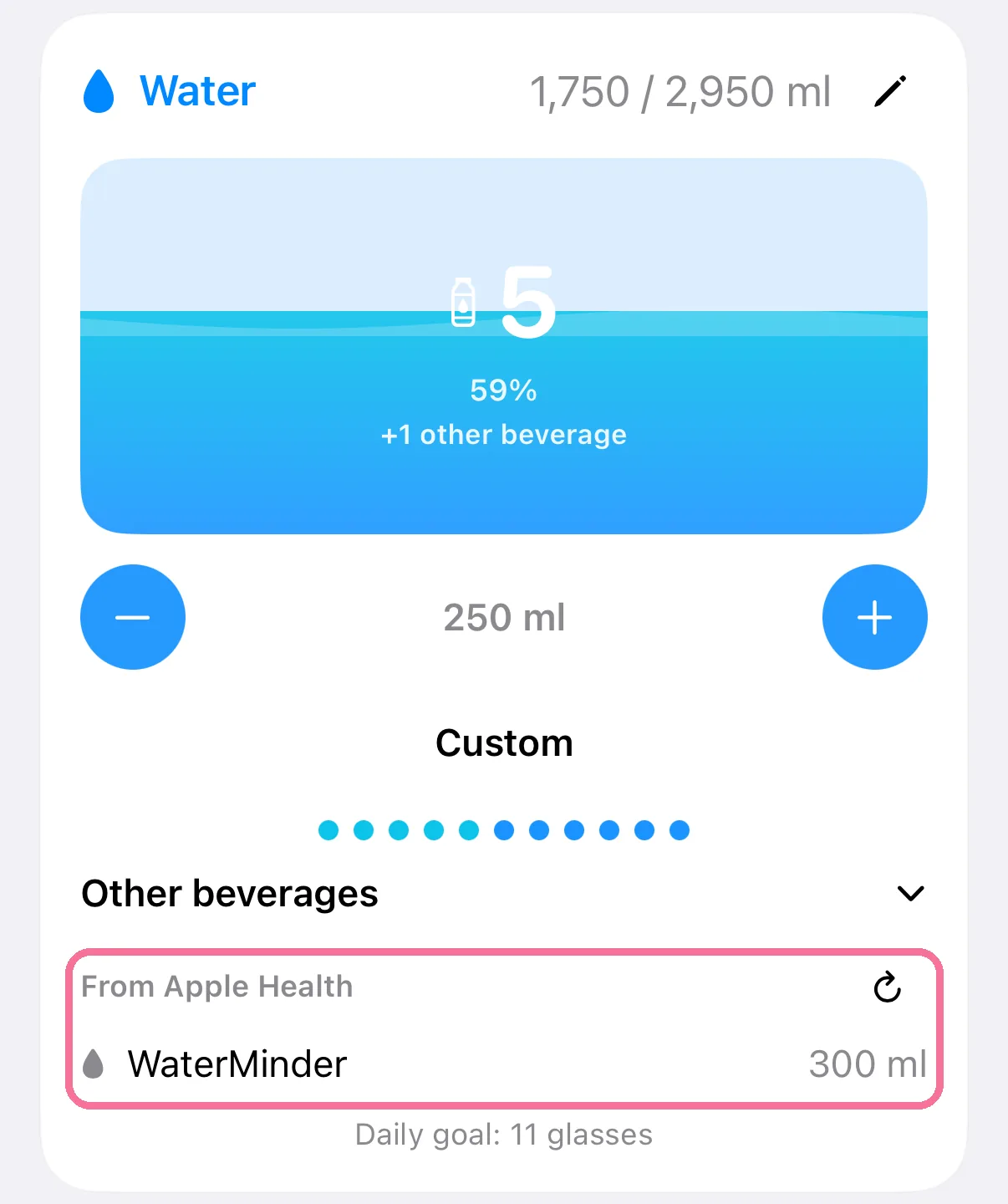
Intake never writes this water back to Apple Health, so nothing is counted twice. The arrow next to “From Apple Health” reads it again right away.