
Health Connect activity
Under Settings > “Integrations” > “Health Connect activity” you see which apps today’s calories, steps, workouts and weight come from. You can also make only one app count.
-
On Today, tap the gear at the top, then “Health Connect activity” under “Integrations”.
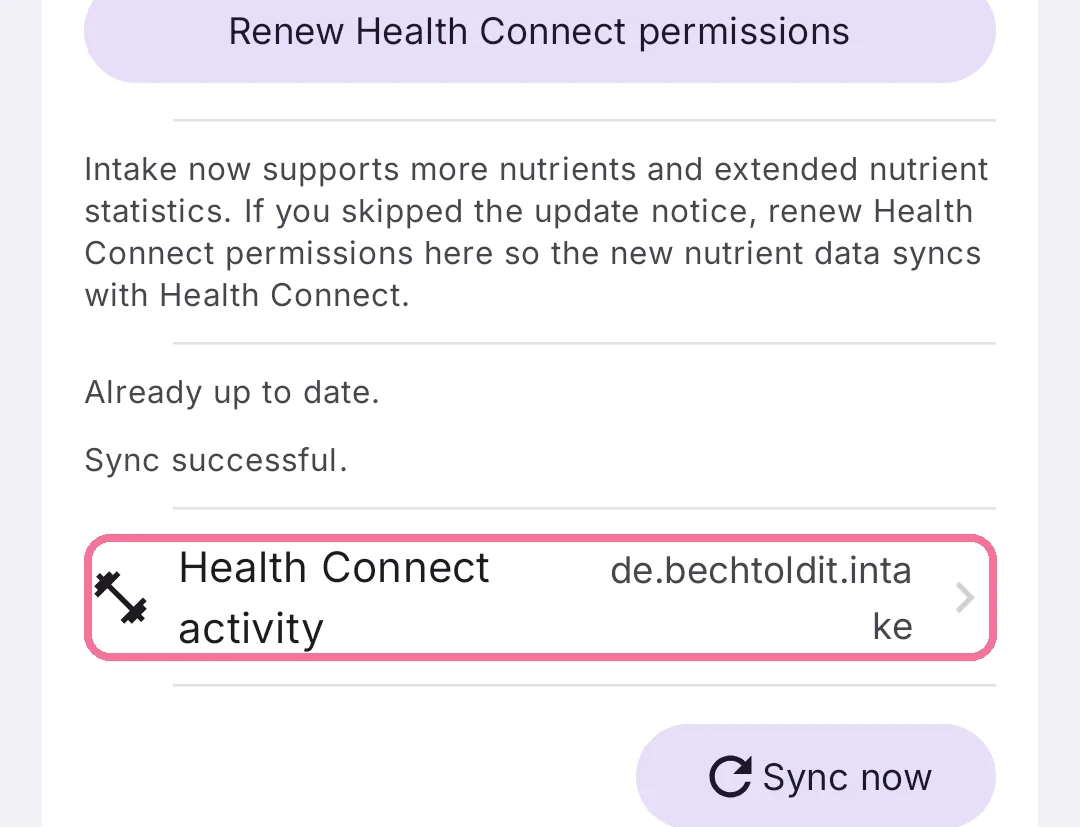
-
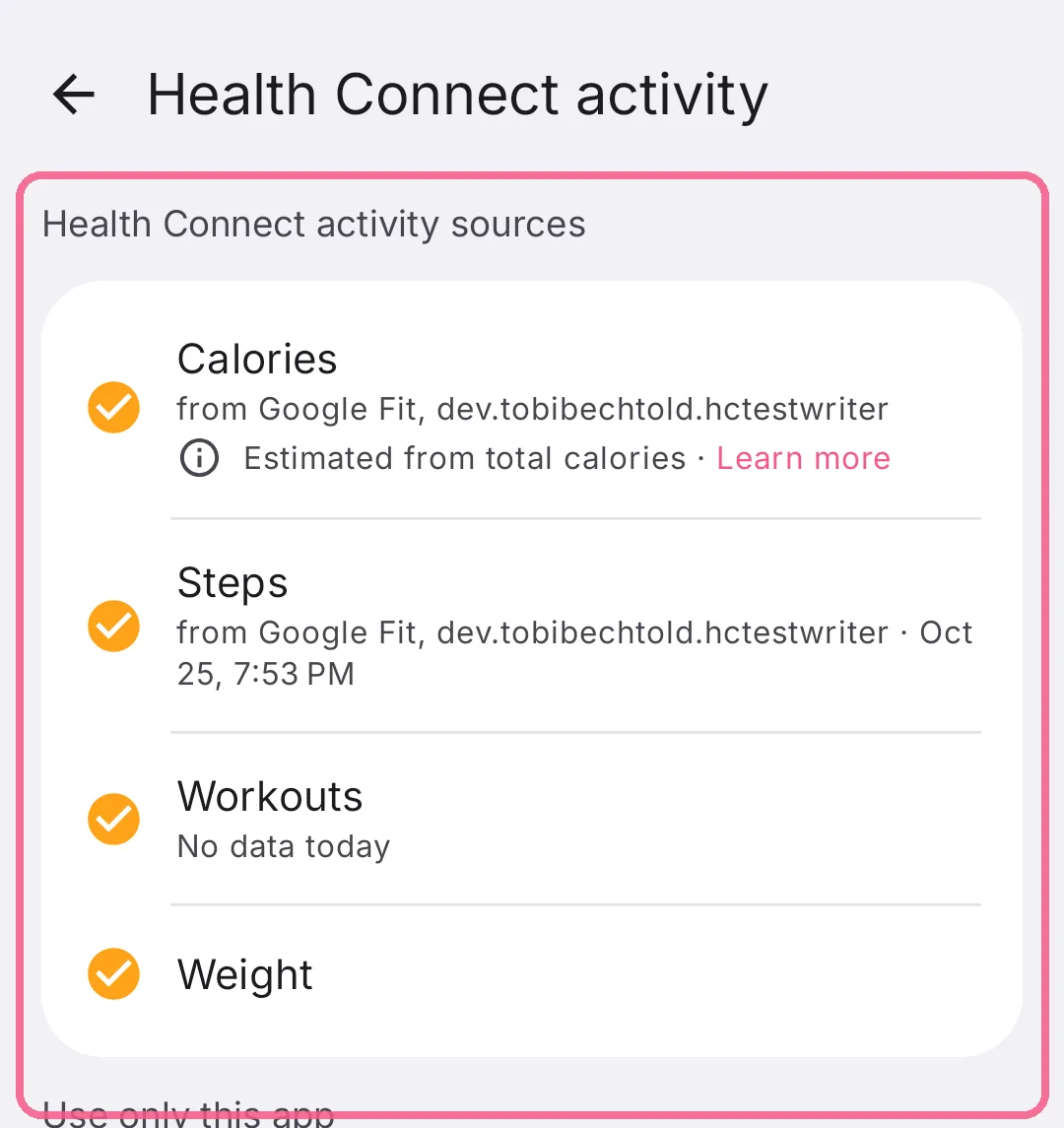
Under “Health Connect activity sources” you see which app today’s calories, steps, workouts and weight come from.
-
Under “Use only this app” you pick the one app Intake counts your activity from.
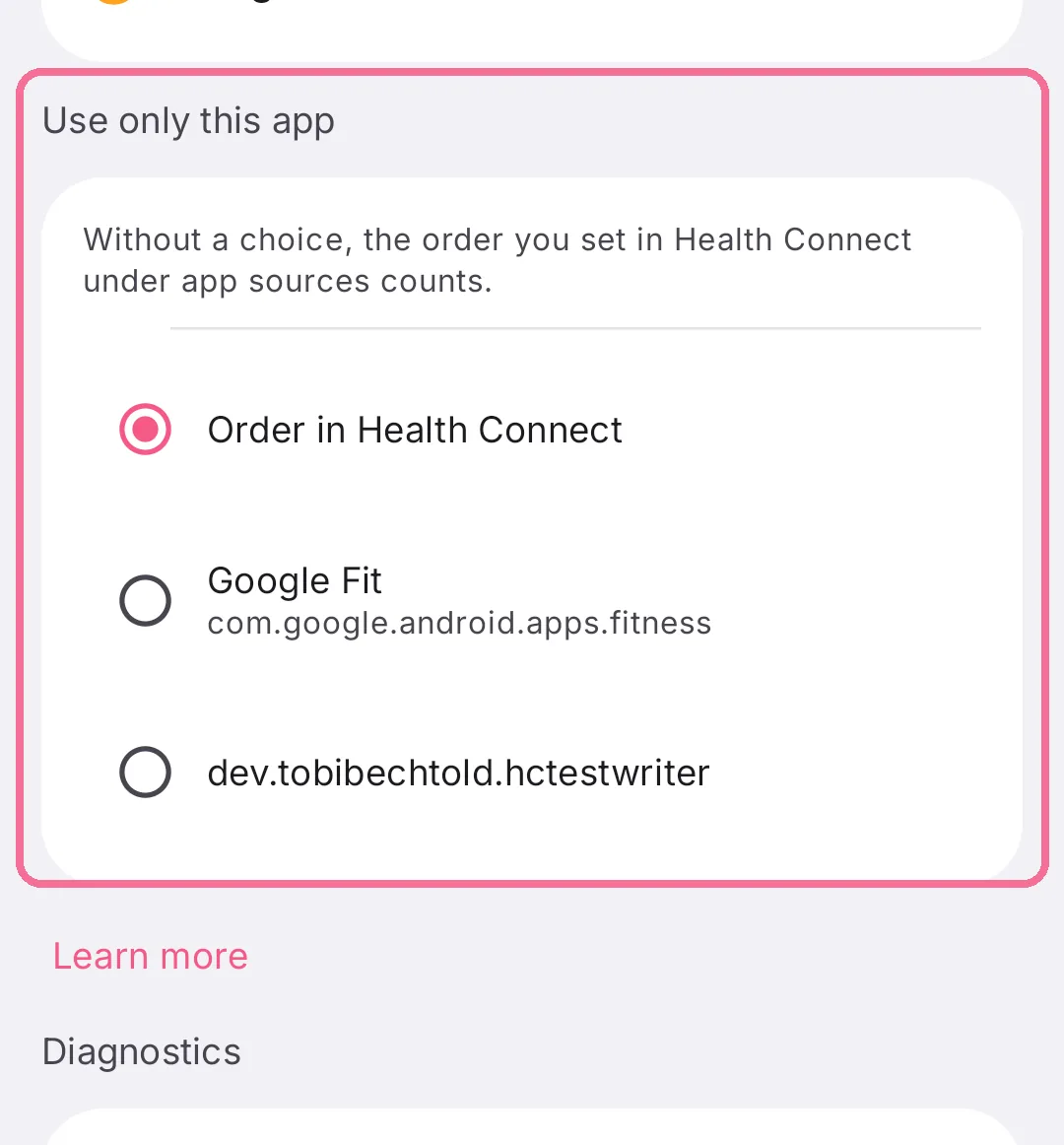
With “Order in Health Connect”, the order you set in Health Connect under “Data sources and priority” decides. Apps missing there don’t count.
If a line is marked red, tap it. Intake then explains what is missing, see Fix Health Connect problems.