
Export a PDF report
Under “Export PDF report” in Settings you create a report for a period, as a PDF or as a text file for an AI.
-
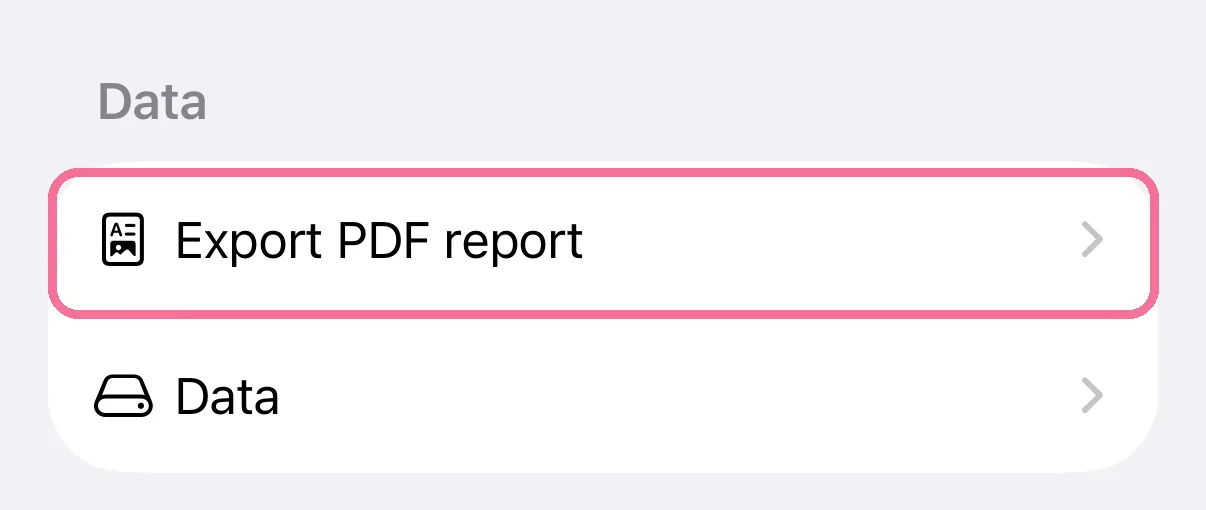
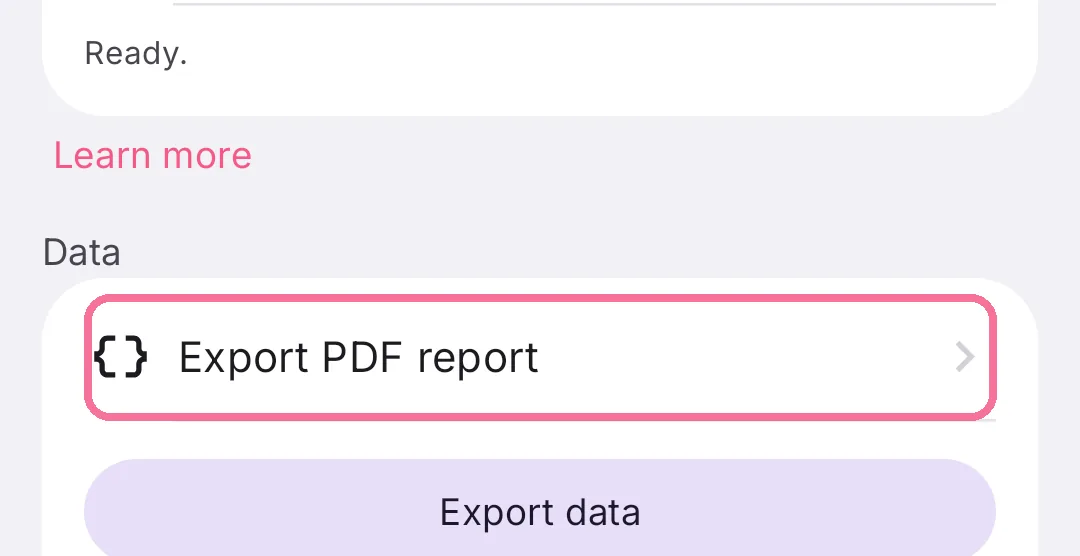
On Today, tap the gear at the top, then “Export PDF report” under “Data”.
-
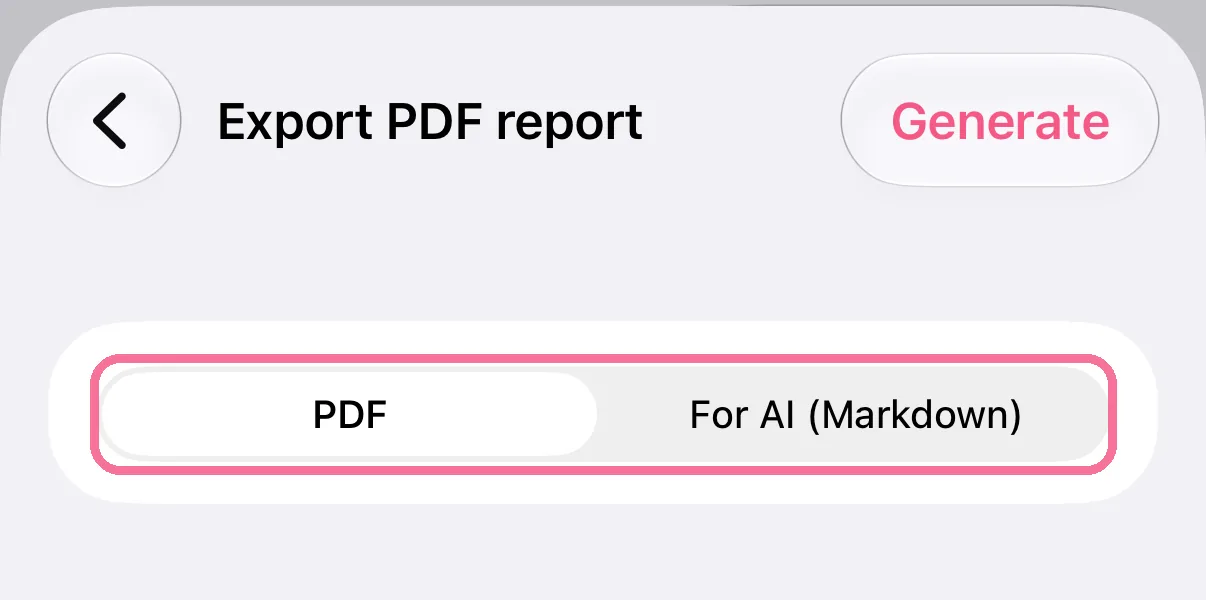
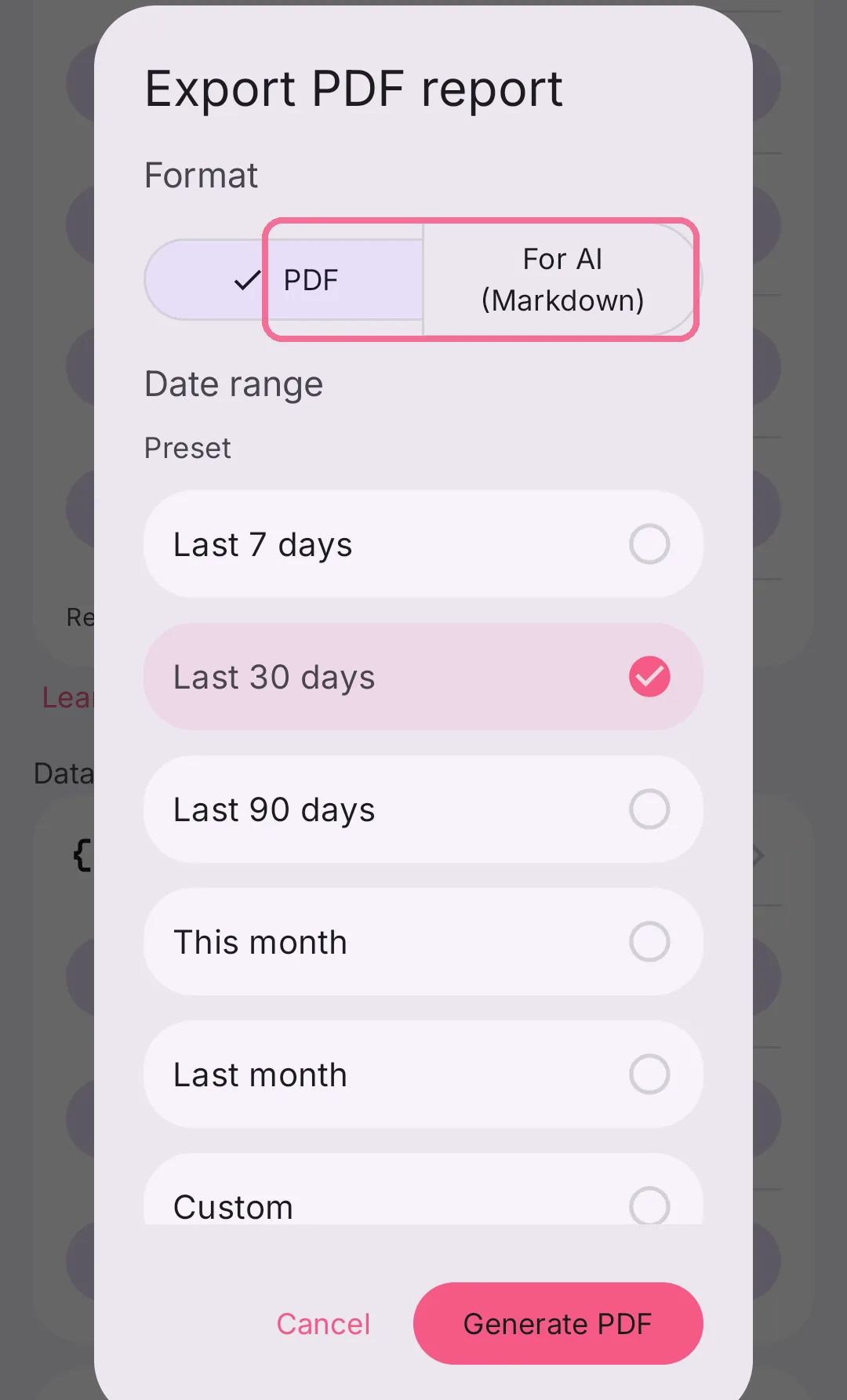
Choose the format: “PDF” or “For AI (Markdown)”.
-
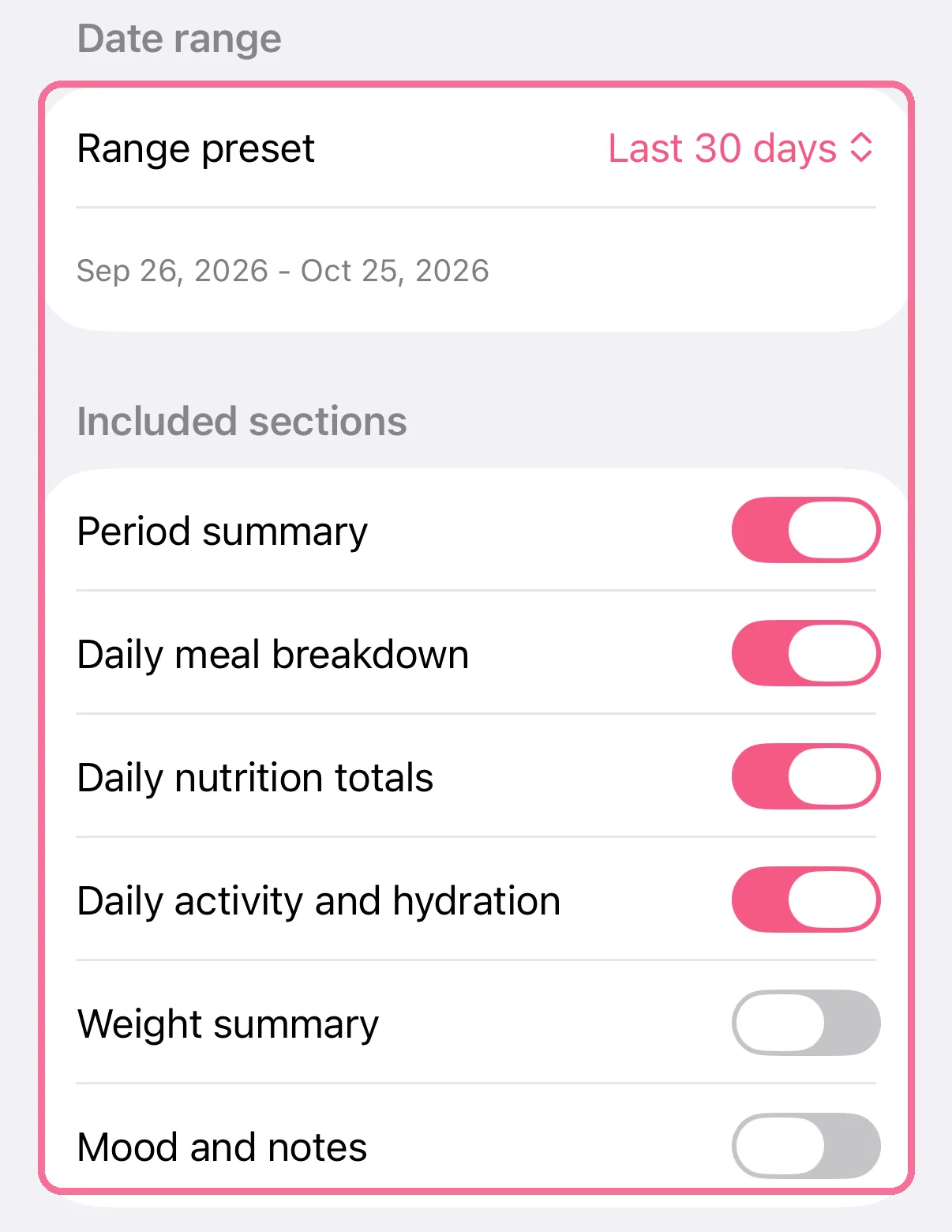
Choose the period and which sections go into the report.
-
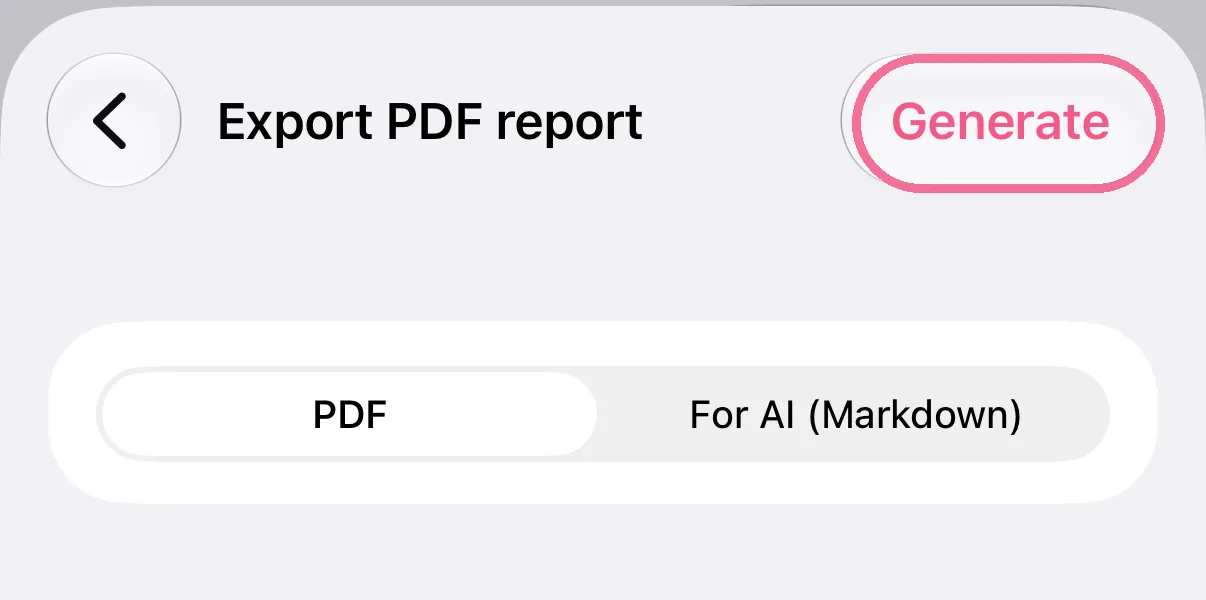
Tap “Generate” at the top right. The PDF opens in a preview you can share it from.
-
On Today, tap the gear at the top, then “Export PDF report” under “Data”.
-
Choose the format: “PDF” or “For AI (Markdown)”.
-
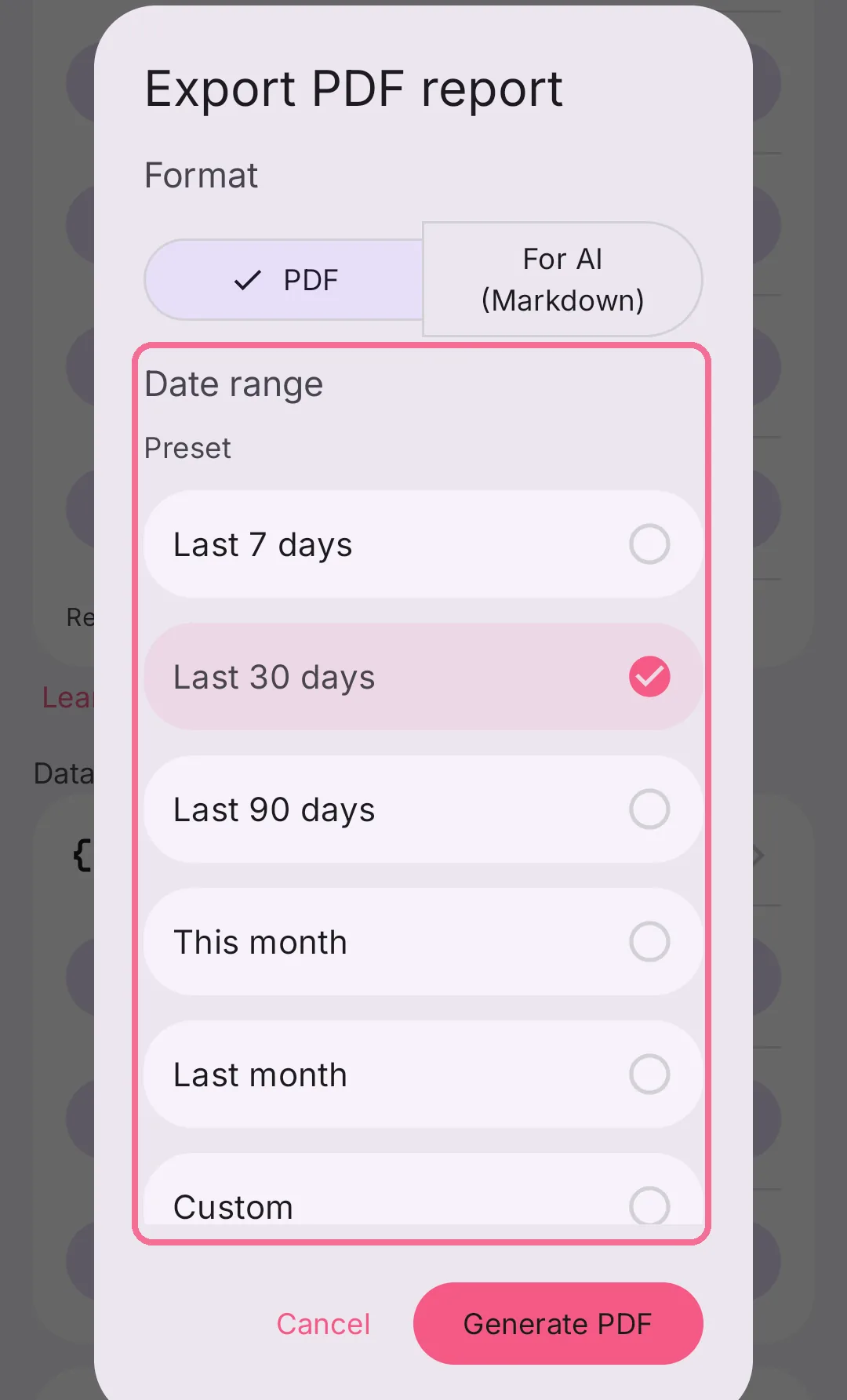
Choose the period under “Date range”.
-
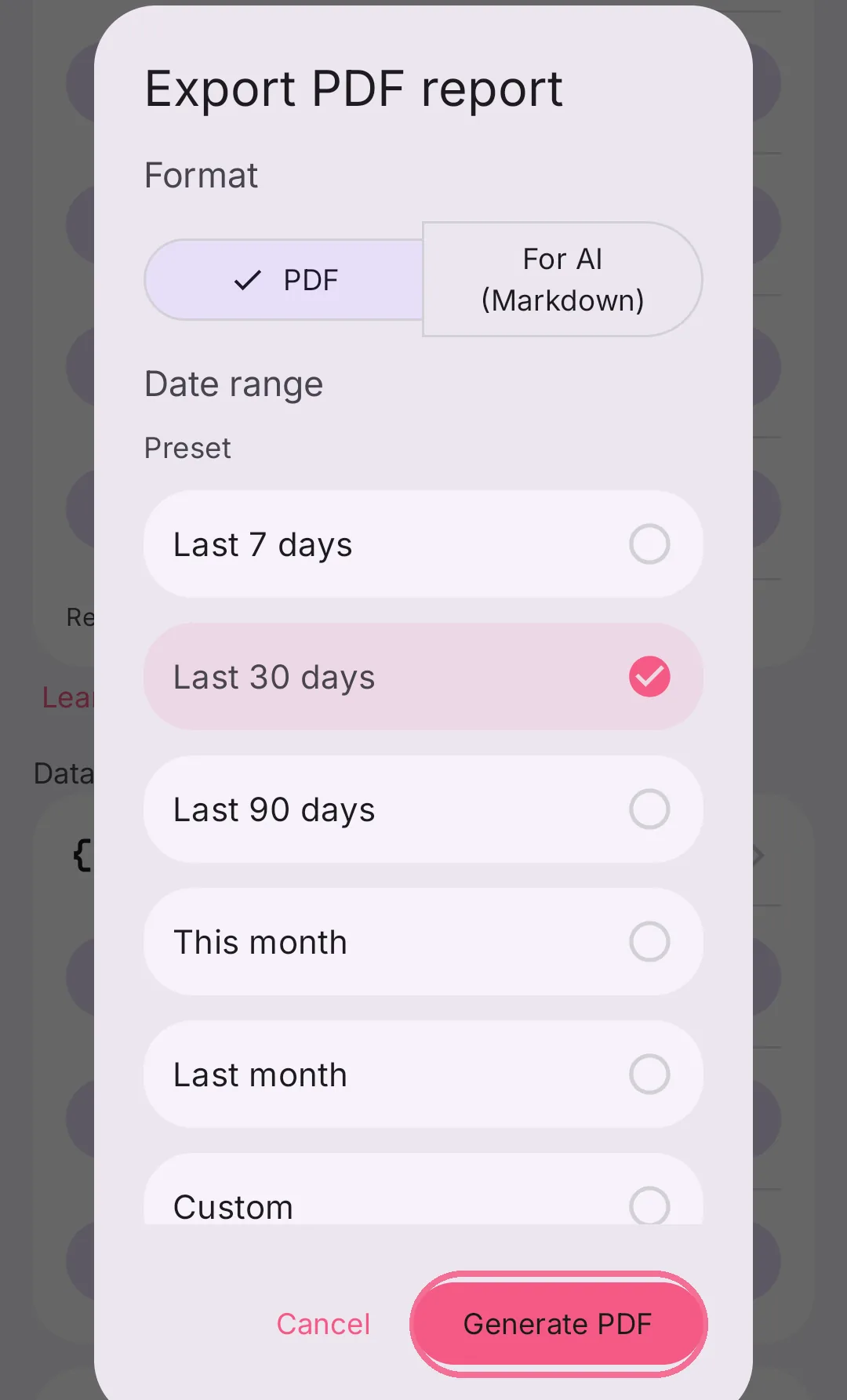
Tap “Generate PDF” and share the report.
“For AI (Markdown)” is a text file with the same figures. Give it to an AI chat, for example to look back on your month.