
Log an activity
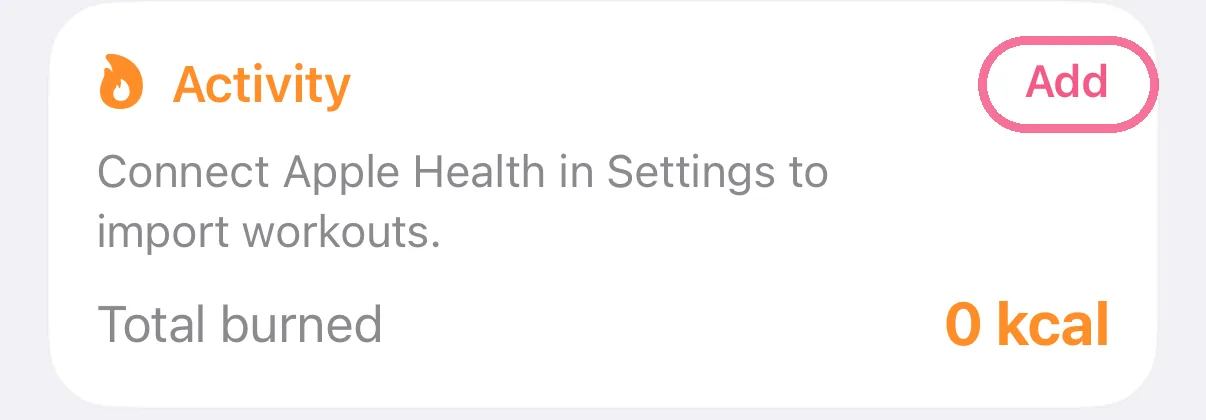
On Today, tap “Add” on the “Activity” card, choose the activity and duration and save. Intake works out the calories, or you enter them yourself.
-
On Today, tap “Add” on the “Activity” card.
-
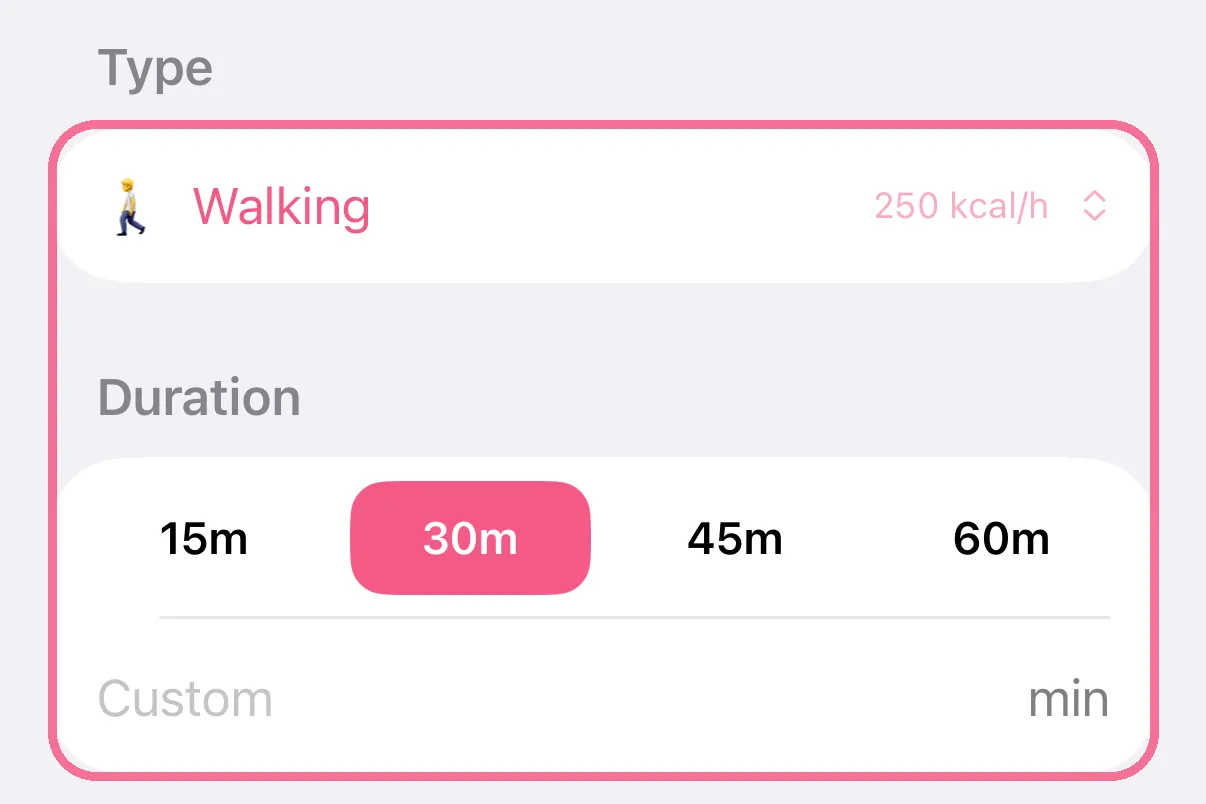
Choose the activity under “Type” and how long it lasted under “Duration”.
-
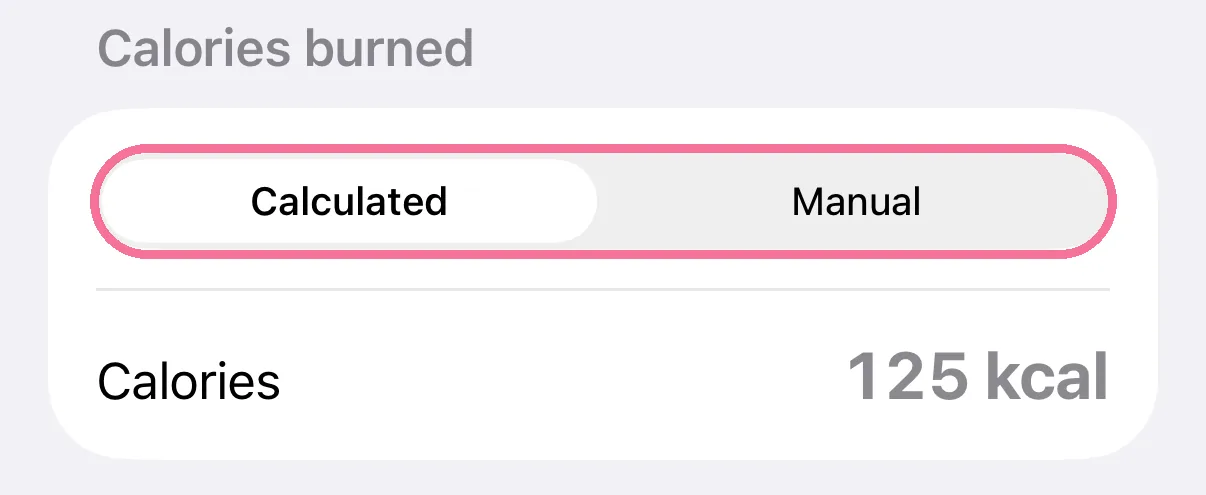
Intake calculates the calories. With “Manual” you enter them yourself.
-
Tap the checkmark at the top right.

-
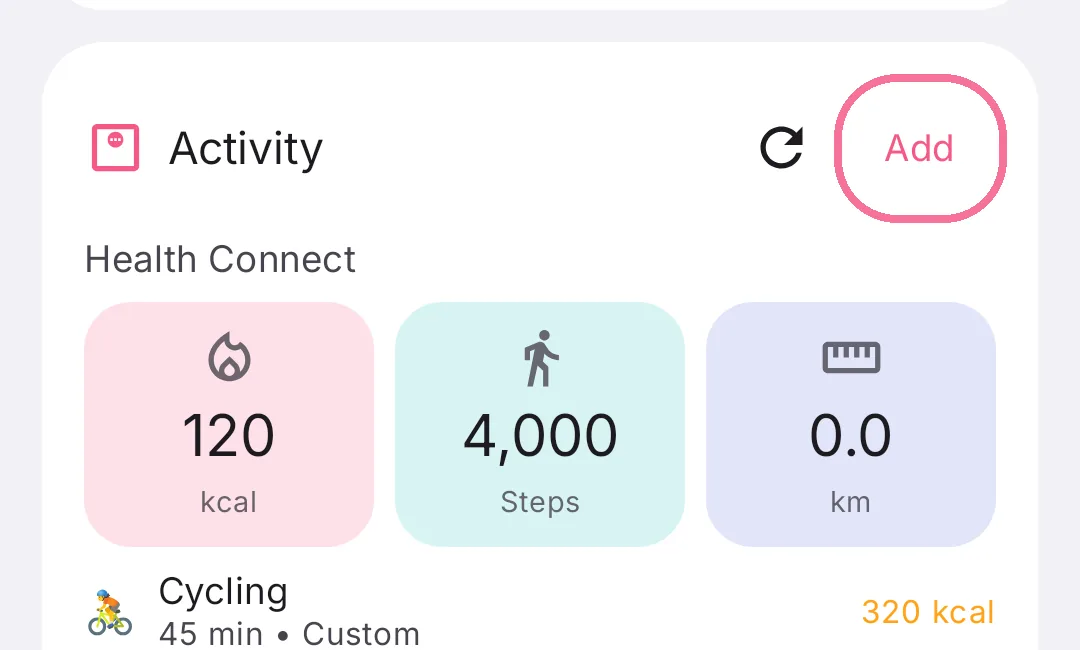
On Today, tap “Add” on the “Activity” card.
-
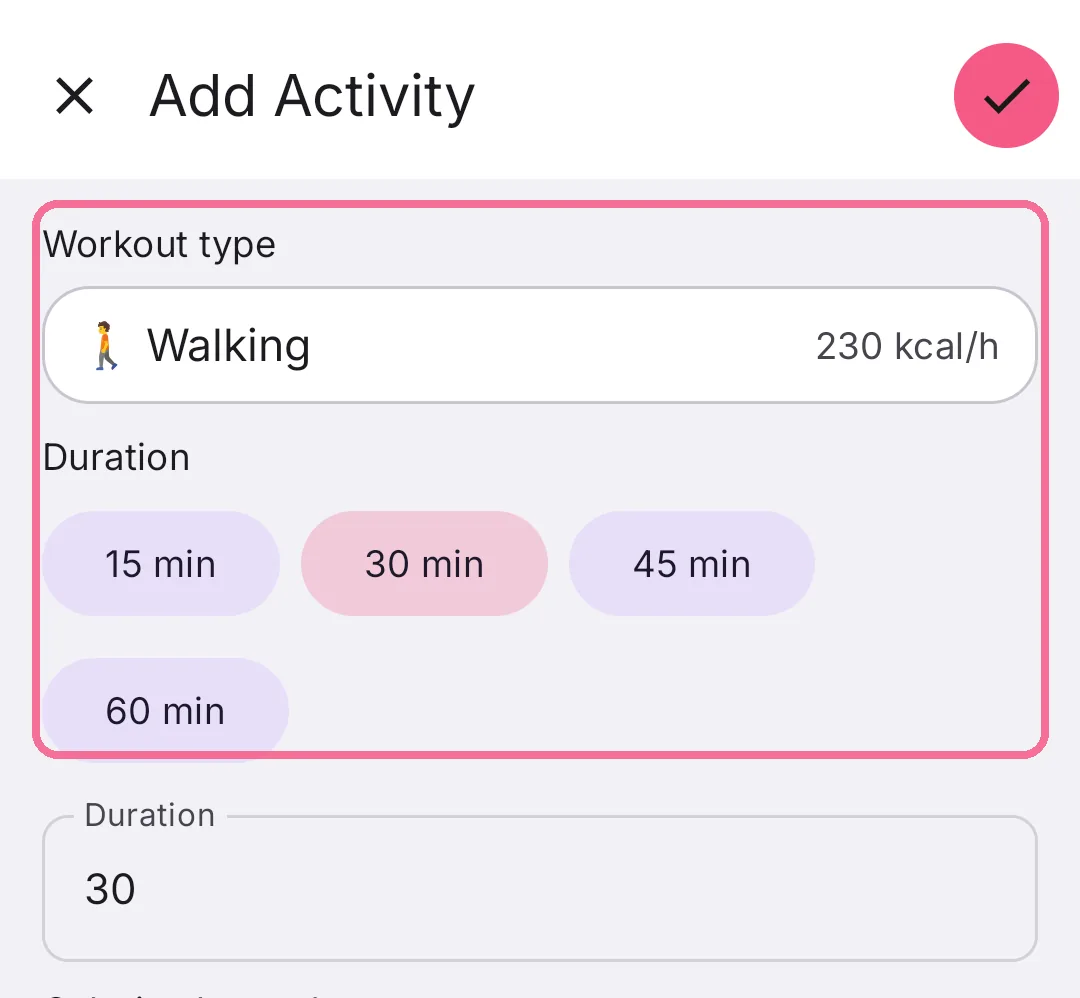
Choose the activity under “Workout type” and how long it lasted under “Duration”.
-
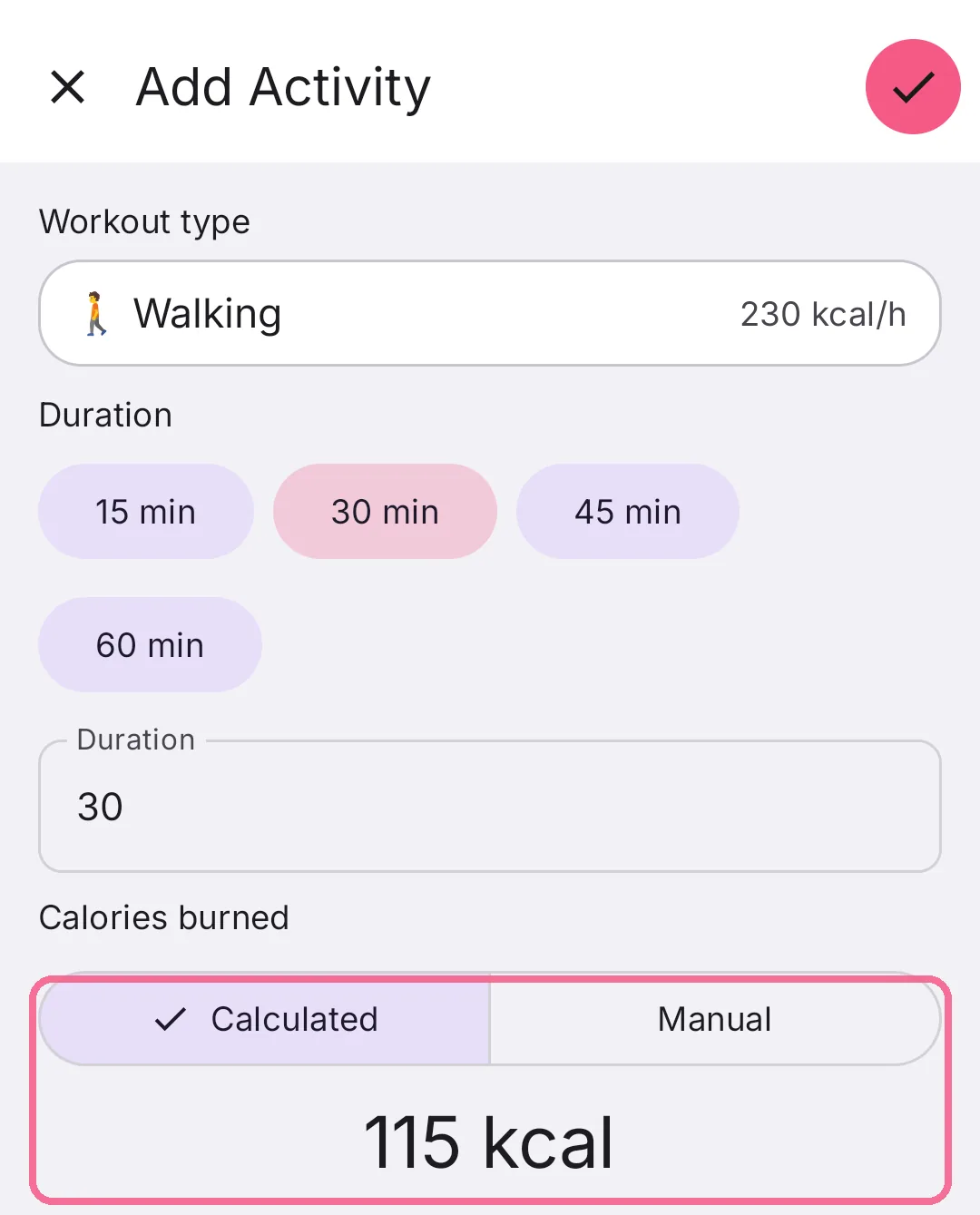
Intake calculates the calories. With “Manual” you enter them yourself.
-
Tap the checkmark at the top right.
If your sport is missing, choose “New custom activity…” under “Type” and set it up with a name, an emoji and calories per hour. On Android the field is “Workout type” and the entry is “+ Add custom”.
On iPhone, remove a logged activity with the x next to it on the card. On Android, tap the activity, then “Delete”. Workouts from Apple Health or Health Connect come in on their own.