
Restore a backup
“Restore backup” on the backup card brings your data back from Google Drive, for example on a new phone. You need your passphrase for it.
-
On Today, tap the gear at the top, then “Restore backup” on the backup card.
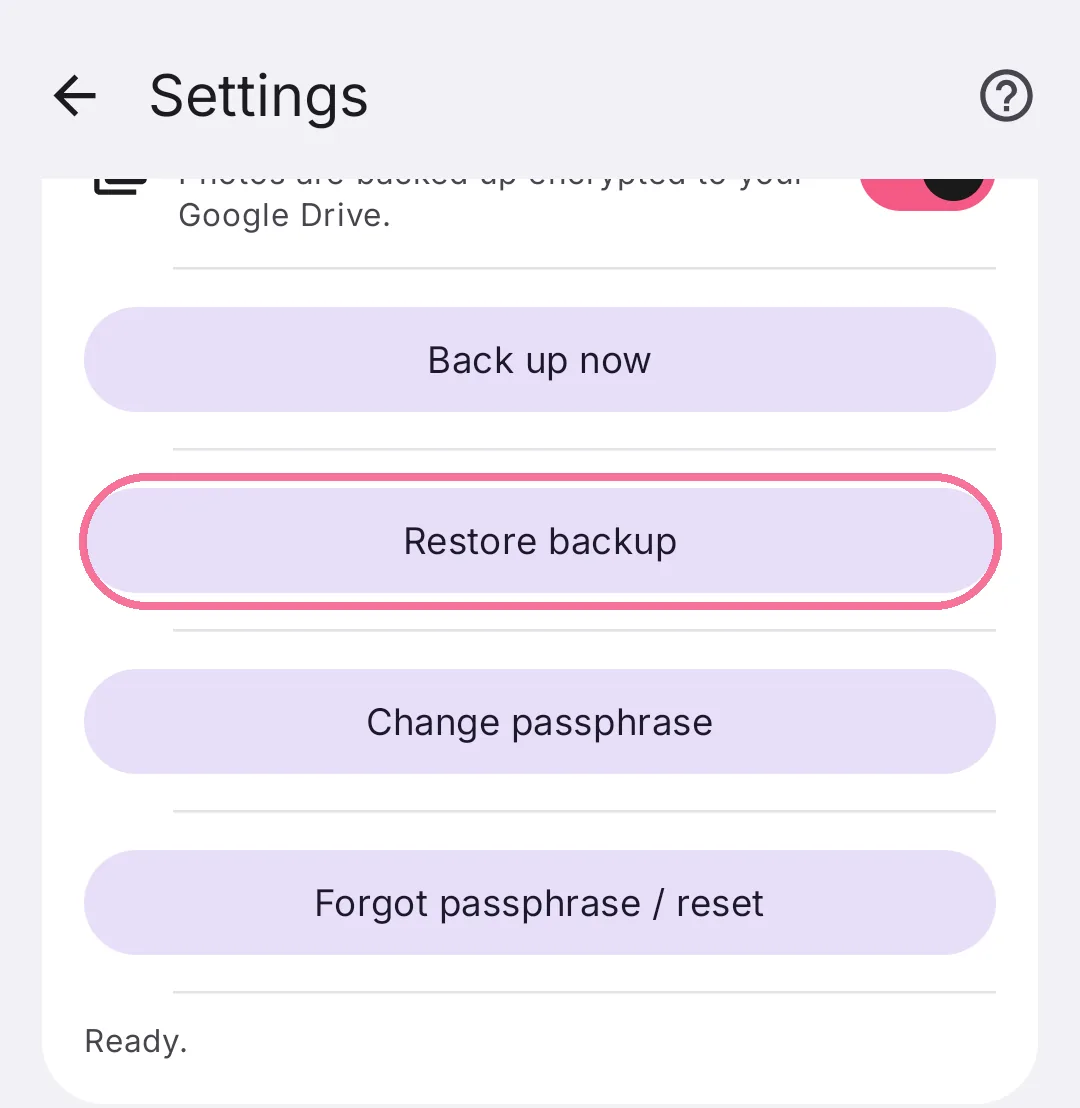
Intake shows your “Most recent backup”; older ones are under “Show older backups”. Enter your passphrase and tap “Restore selected backup”. Restoring replaces the data in the app with the data from the backup.
Backups from older versions of Intake can be restored too. On a new phone, first connect the same Google account with “Connect Google Drive”.
If you forgot your passphrase, “Forgot passphrase / reset” sets a new one. Your earlier backups can no longer be opened after that.