
Encrypted backup in Google Drive
Intake can back up your data to your Google Drive automatically, encrypted with a passphrase only you know. You set it up on the backup card in Settings.
-
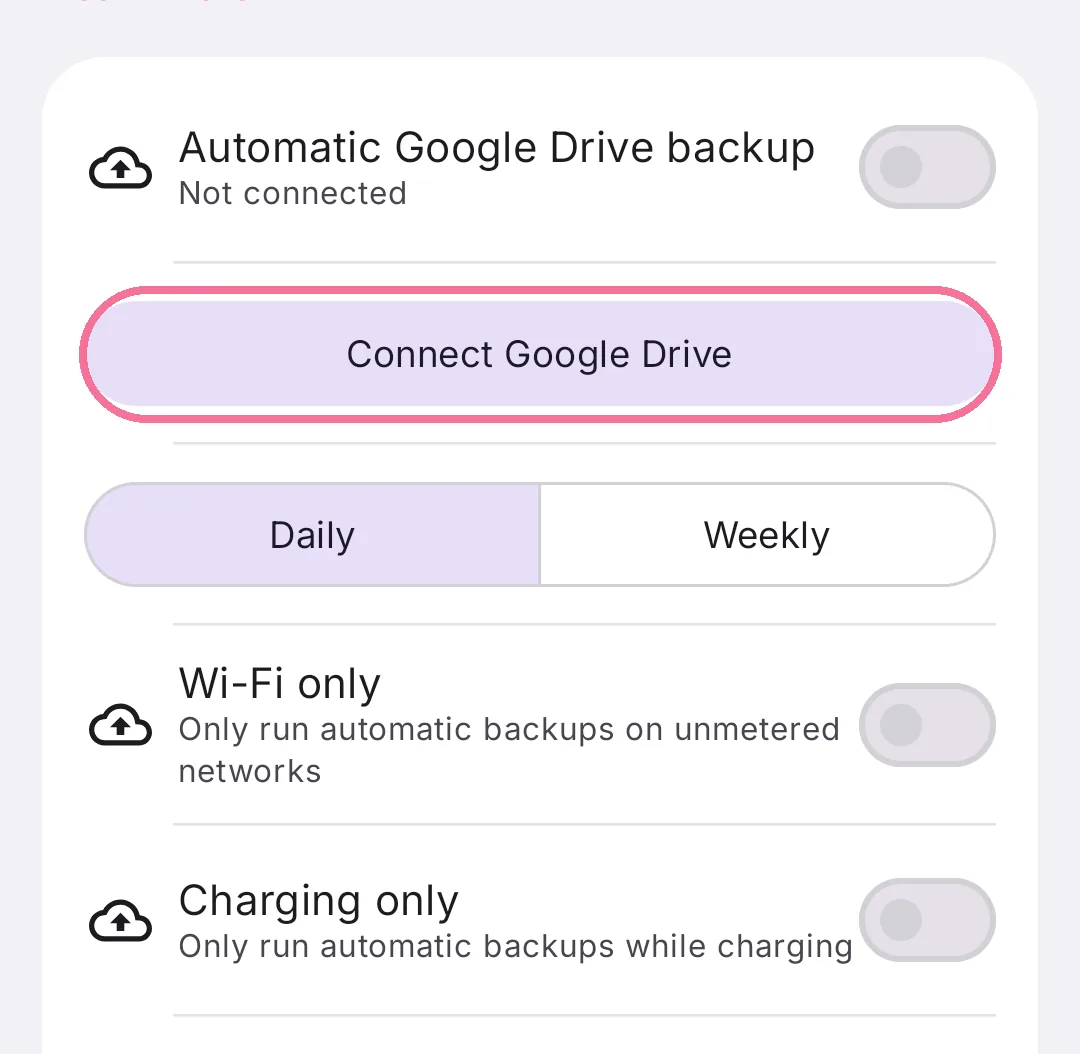
On Today, tap the gear at the top, scroll to the backup card and tap “Connect Google Drive”.
-
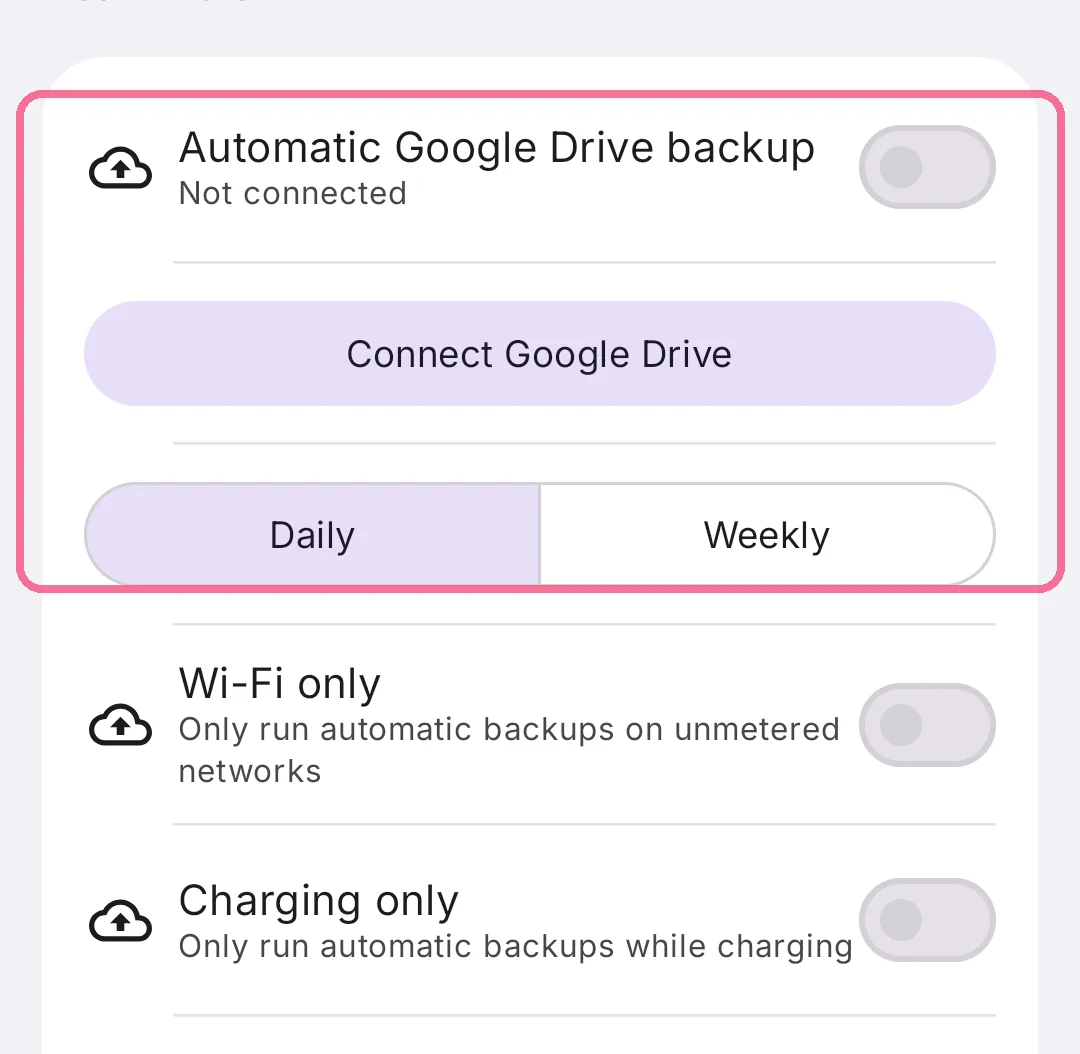
Turn on “Automatic Google Drive backup” and choose “Daily” or “Weekly”.
-
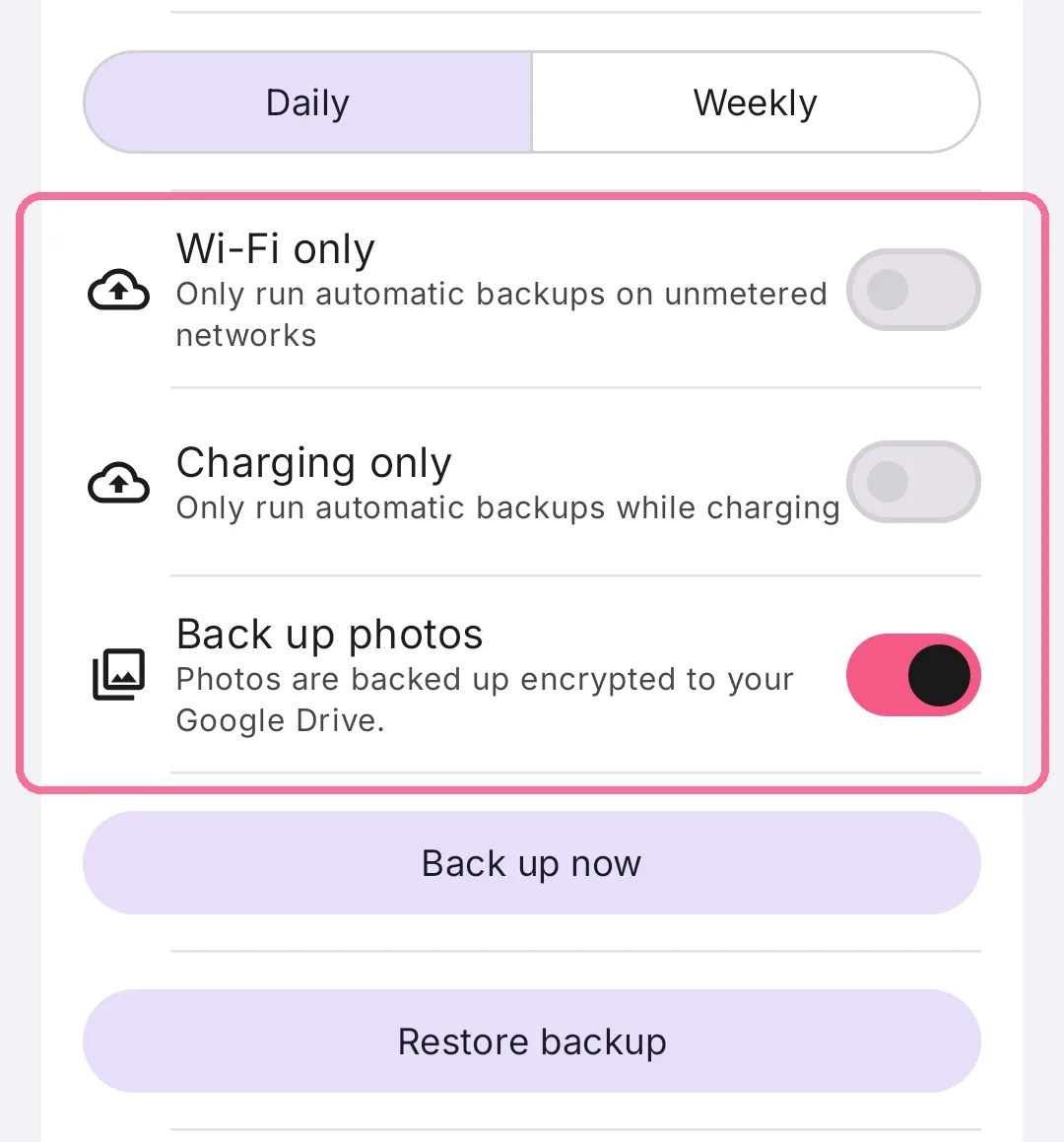
“Wi-Fi only” and “Charging only” decide when backups run. “Back up photos” includes your photos.
-
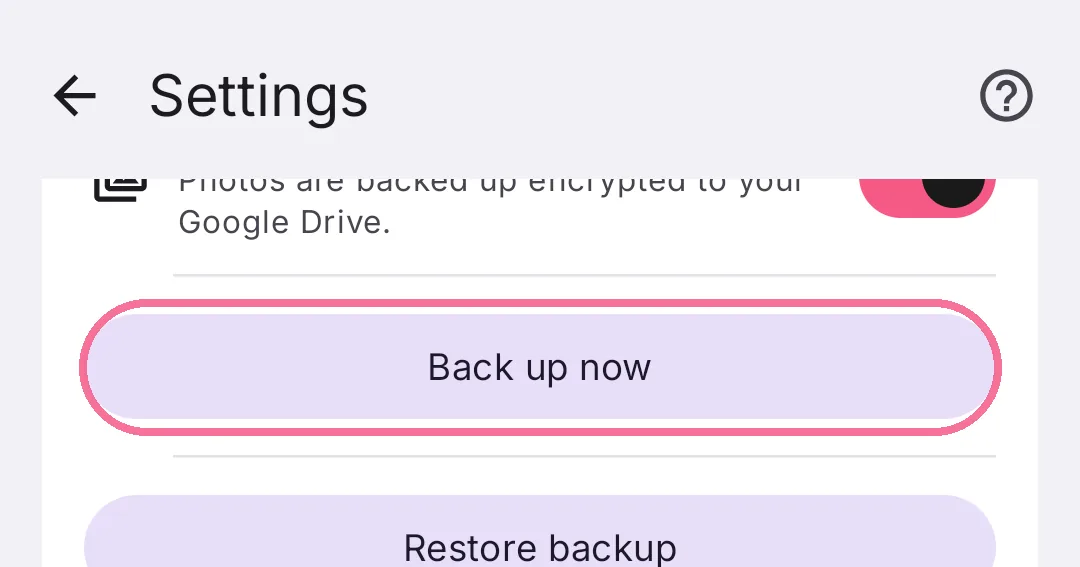
“Back up now” backs up right away. The first time, you set a passphrase of at least 8 characters.
The passphrase stays on your phone and never leaves it. Intake cannot recover it. If you forget it, your earlier backups can no longer be opened. “Change passphrase” encrypts your backups with a new one.
The bottom of the card shows when the last backup ran.