
Connect your health app
Connect Intake to Apple Health or Health Connect in Settings. Your steps and workouts then count, and your food, water and weight are saved there too.
-
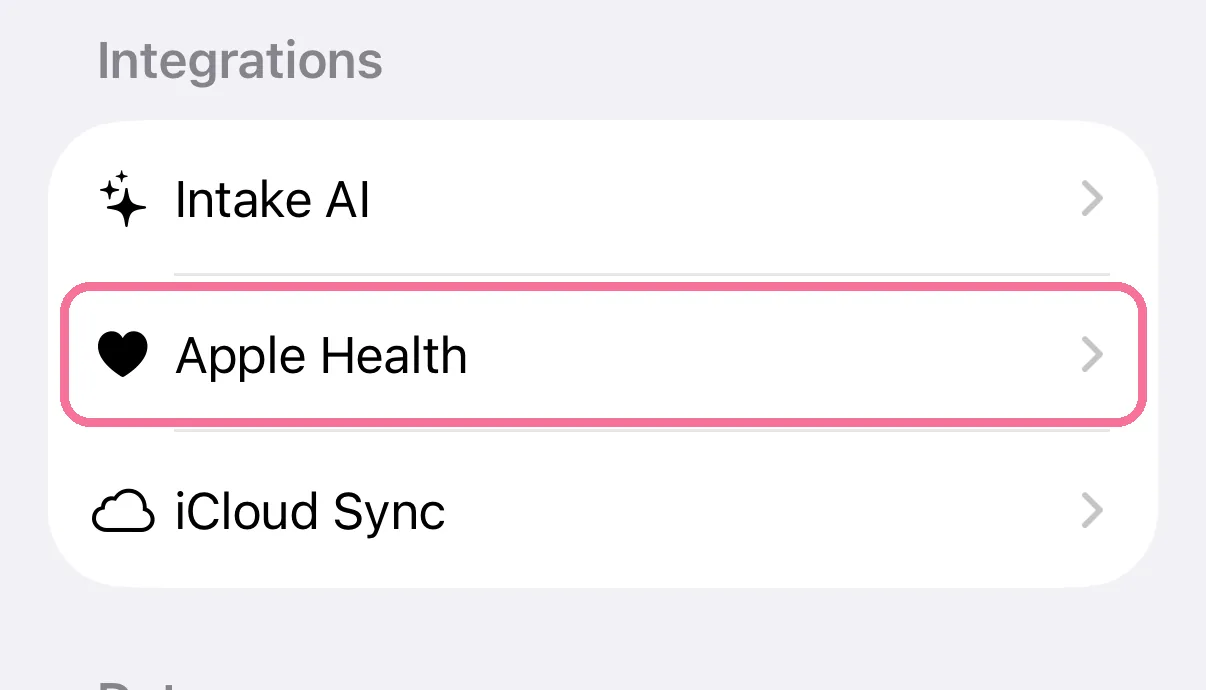
On Today, tap the gear at the top, then “Apple Health”.
-
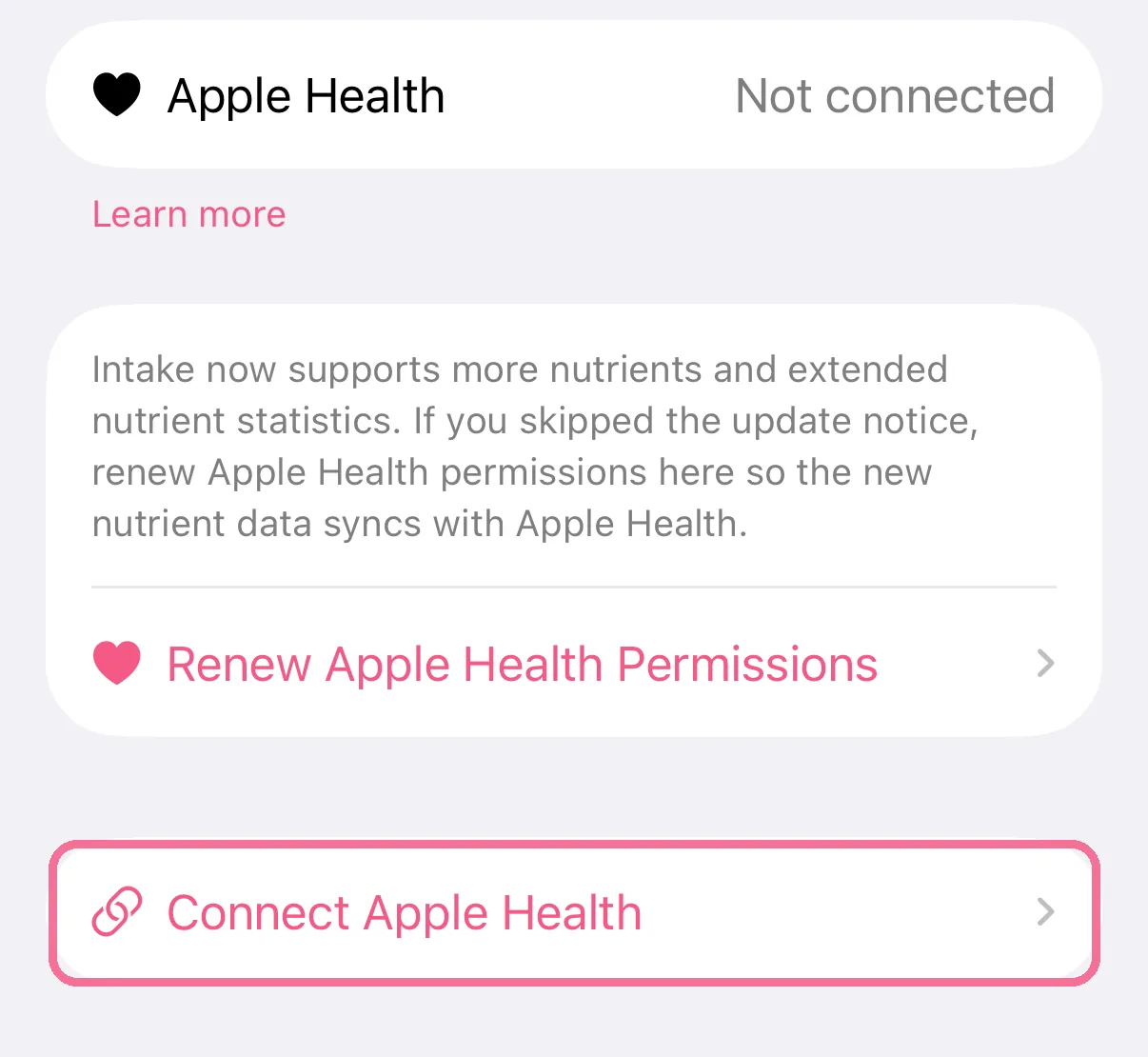
Tap “Connect Apple Health” and allow access in the Apple Health prompt.
-
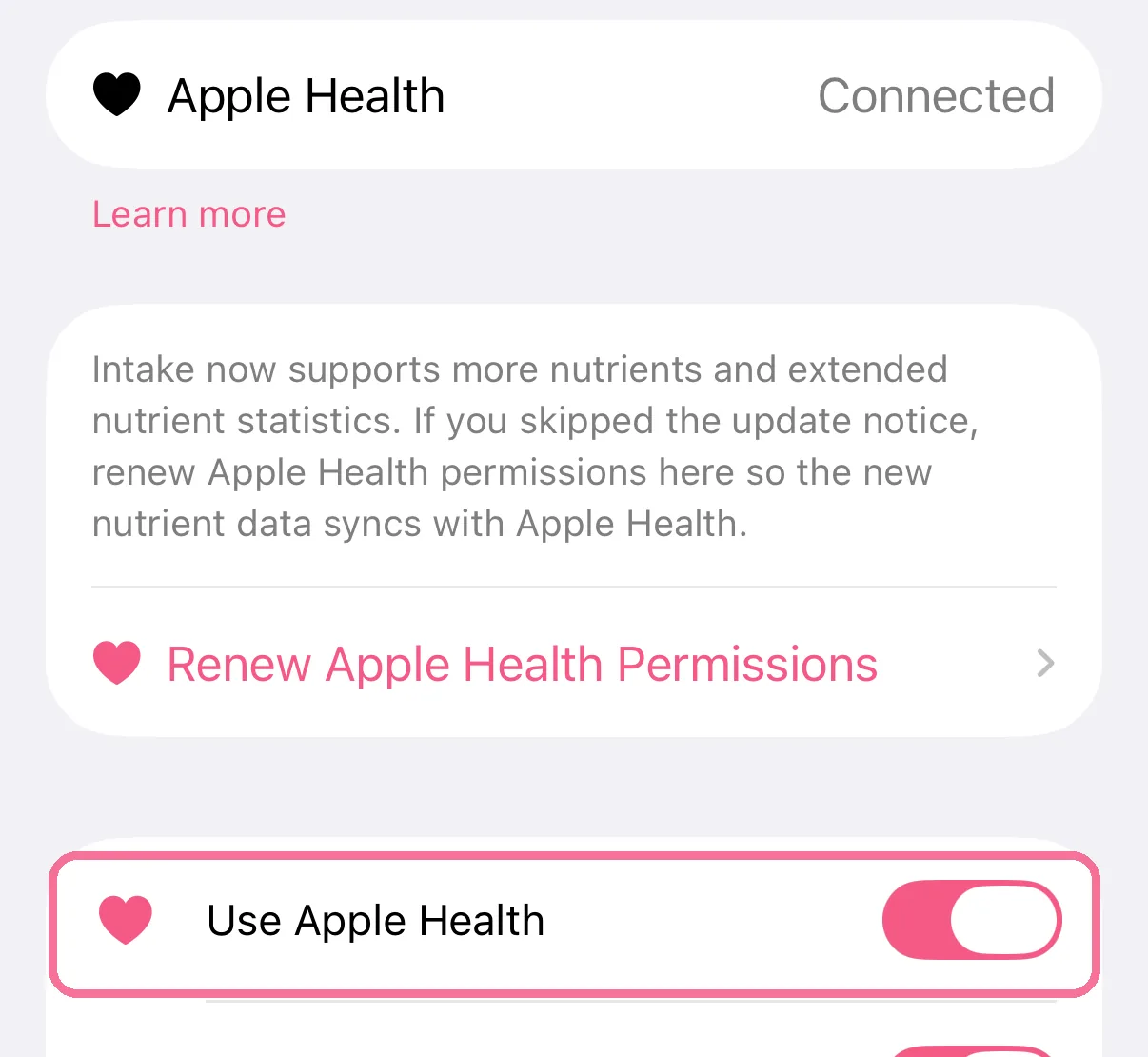
The top row now says “Connected”. “Use Apple Health” turns the connection off and back on.
-
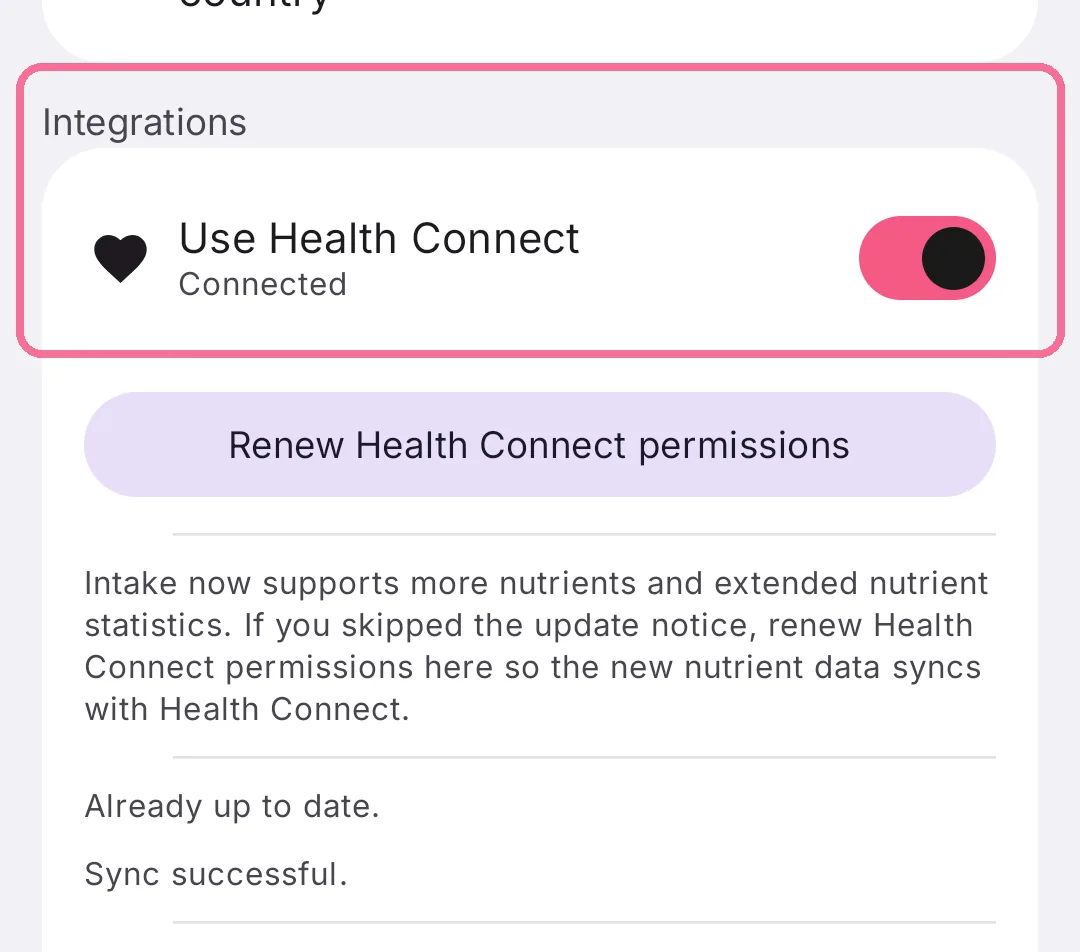
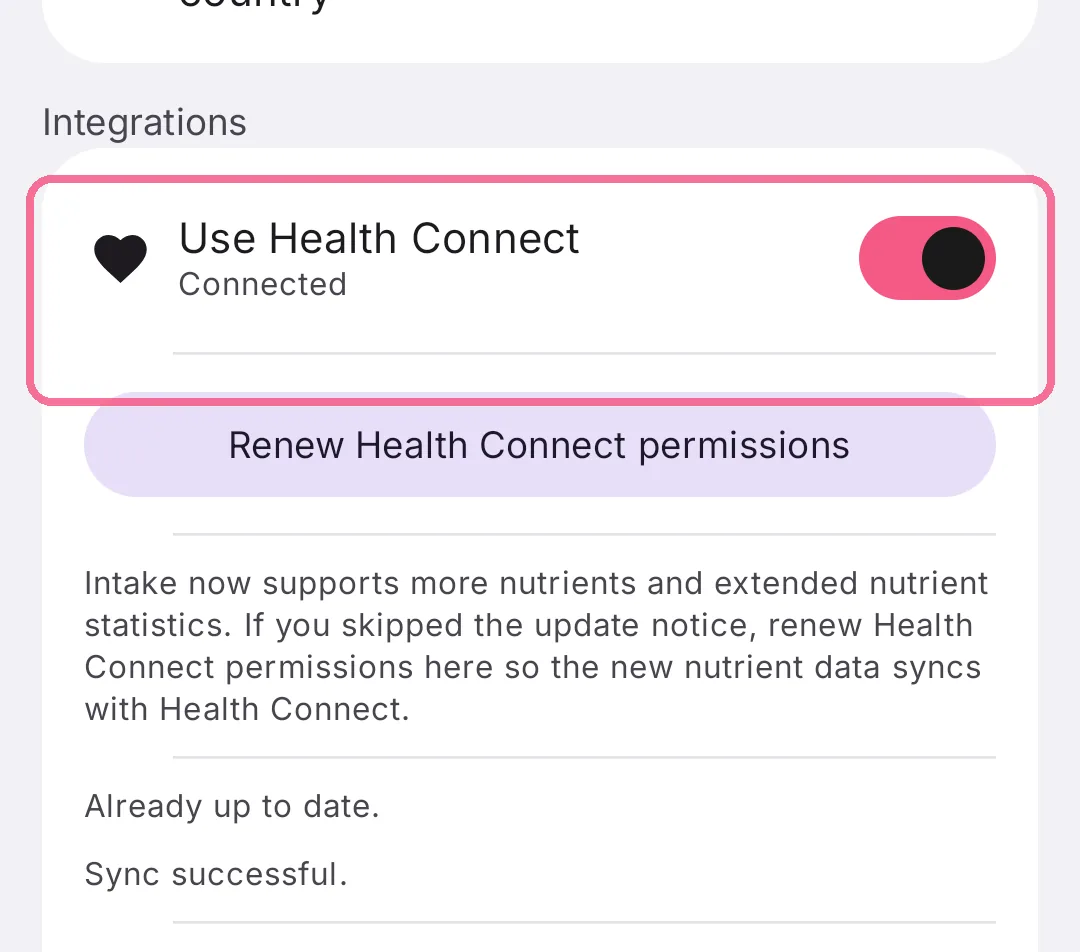
On Today, tap the gear at the top and scroll to “Integrations”.
-
Turn on “Use Health Connect” and allow access in Health Connect.
-
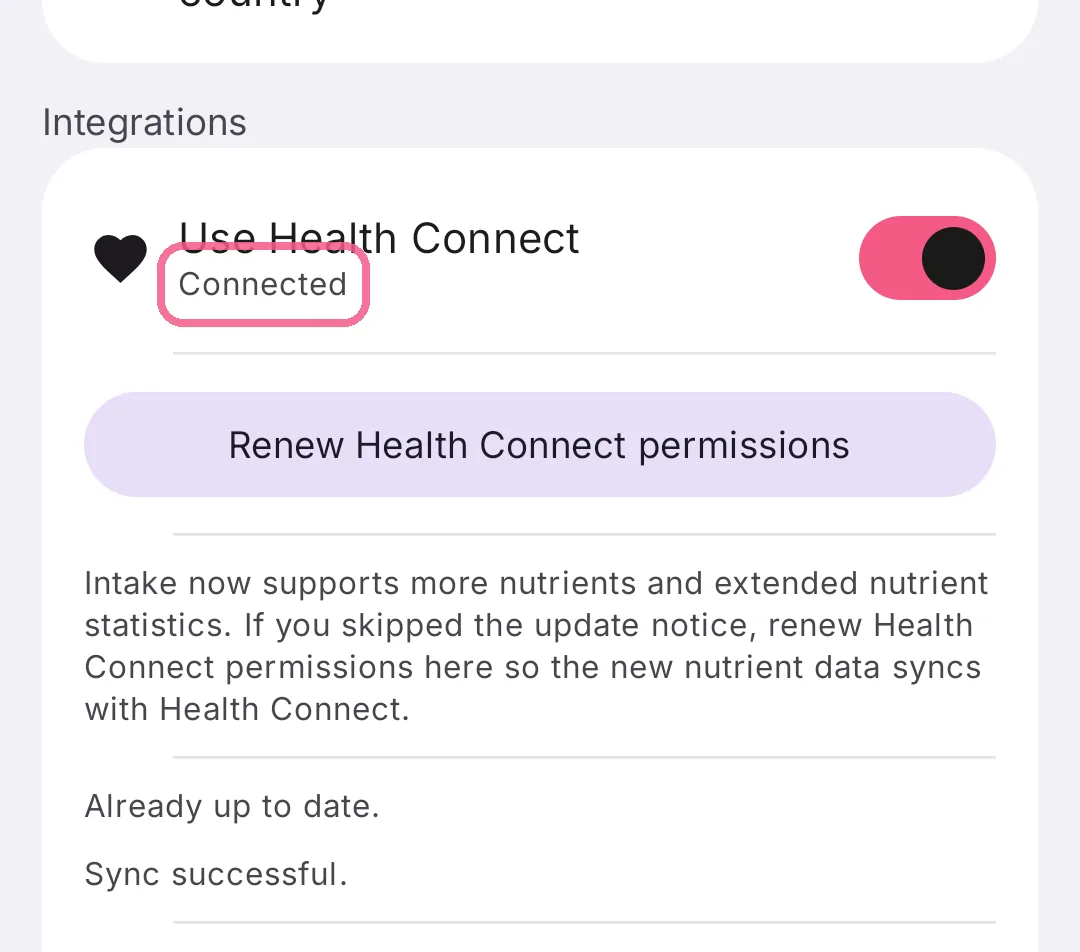
Then it says “Connected” below. The switch pauses the connection at any time.
You can change what Intake may access later in Apple Health or Health Connect. See What Intake reads and writes for the details.
On iPhone, new Apple Health data also arrives in the background. “Renew Apple Health Permissions” asks again after an update, for example for new nutrients. On Android it is “Renew Health Connect permissions”.