
What Intake reads and writes
Intake reads activity, weight and body measurements, and writes your food, water and weight back. It doesn’t read nutrition data from other apps.
-
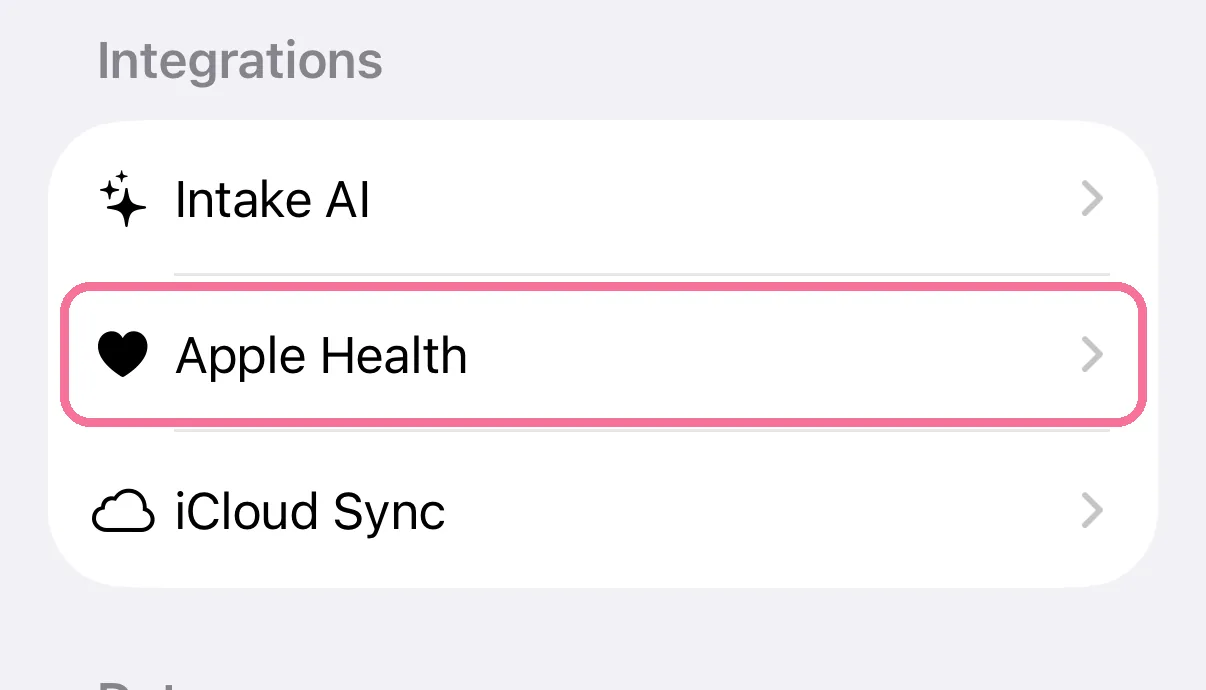
On Today, tap the gear at the top, then “Apple Health”.
-
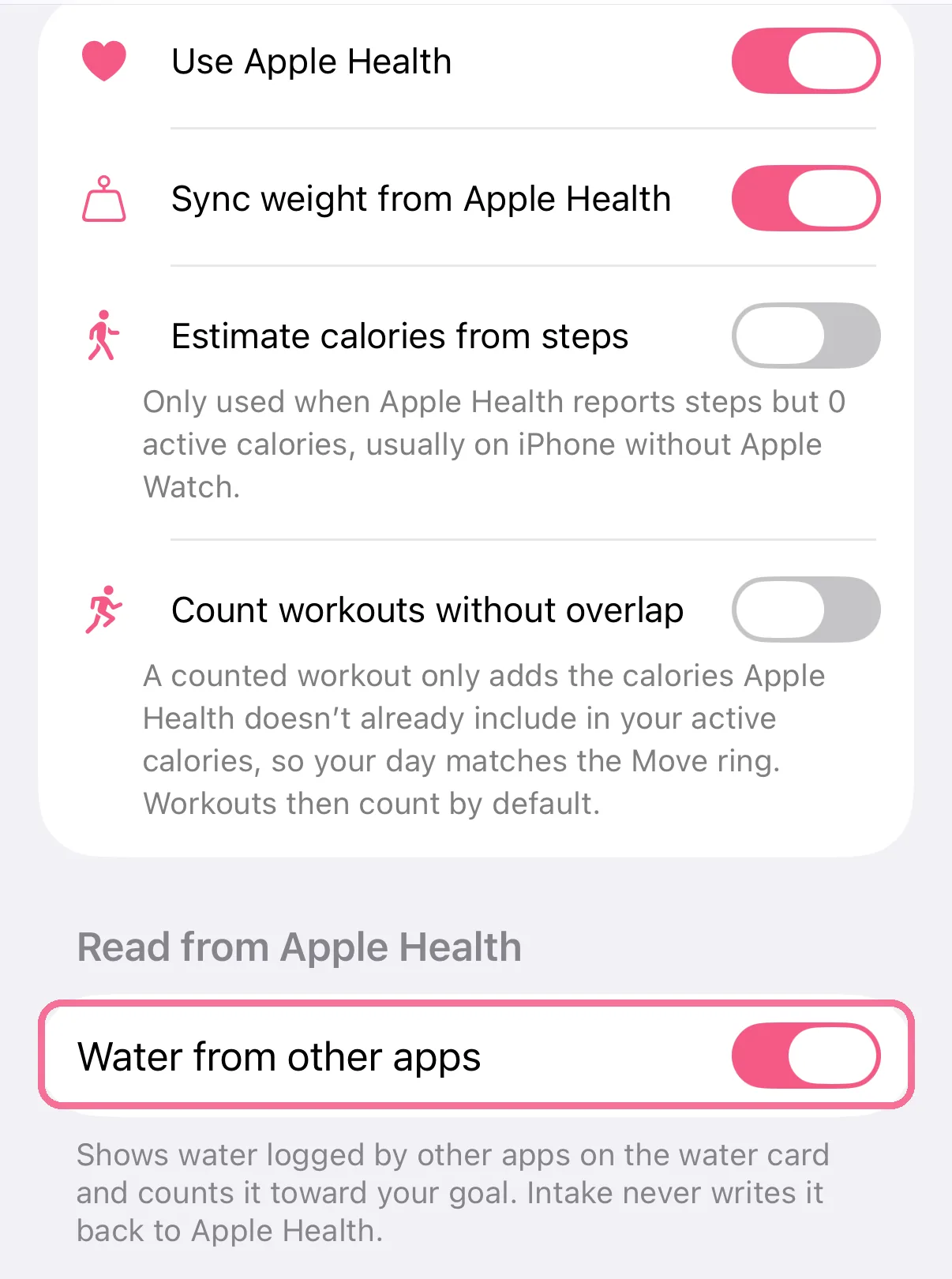
There you turn Apple Health and single options such as weight or water from other apps on or off.
-
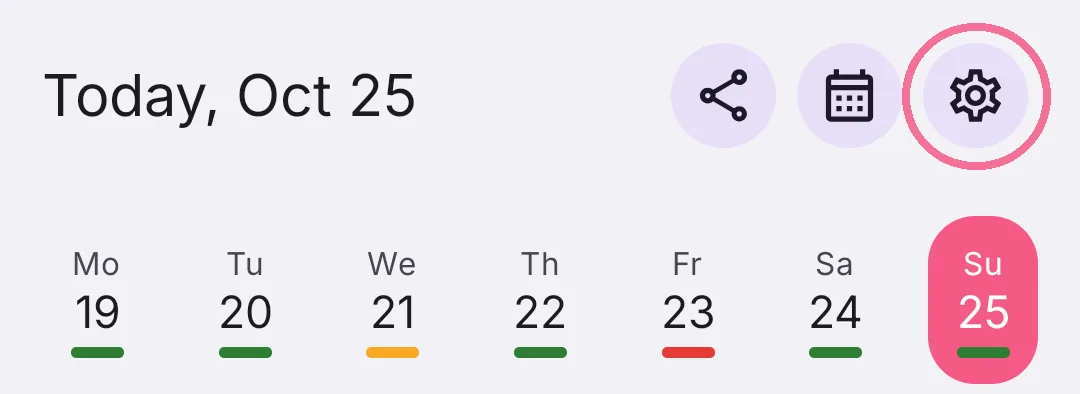
On Today, tap the gear at the top and scroll to “Integrations”.
-
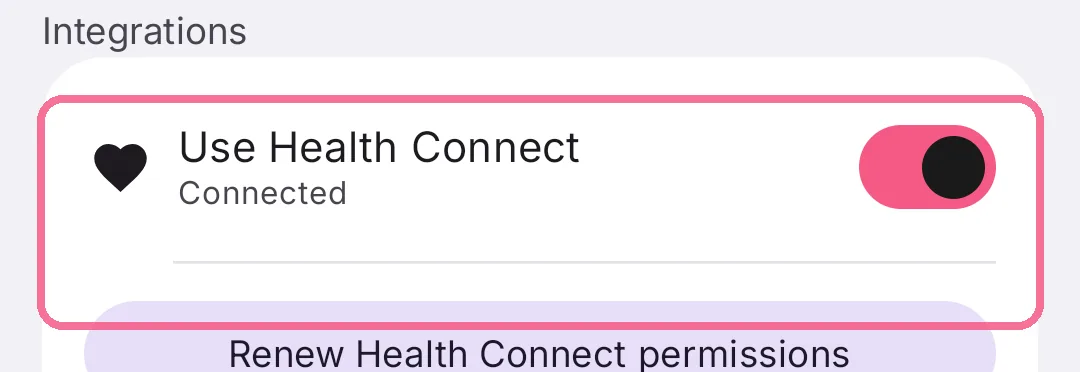
There you turn “Use Health Connect” on or off; what Intake may read and write is set in Health Connect.
iPhone: Apple Health
Section titled “iPhone: Apple Health”Intake reads active calories, resting energy, steps, distance, workouts, weight, height, waist circumference and body fat. It uses your date of birth and sex only to prefill your body data during setup. It reads water from other apps as long as “Water from other apps” is on (the default); you can turn it off under Settings > “Apple Health”.
Intake writes every food with its nutrition values, your water, your weight and, if you allow it, waist circumference and body fat. When you delete an entry in Intake, its data disappears from Apple Health too.
Android: Health Connect
Section titled “Android: Health Connect”Intake reads active calories, total calories, basal metabolic rate, steps, distance, workouts, weight, height and body fat. On Android, Intake does not read water from other apps.
Intake writes every food with its nutrition values, your water, your weight and, if you allow it, your body fat. When you delete an entry in Intake, its data disappears from Health Connect too.