
Customize Today
At the very bottom of Today, tap “Edit Today Page”. There you hide sections such as Water or Weight and single meals, change their order and add your own meals.
-
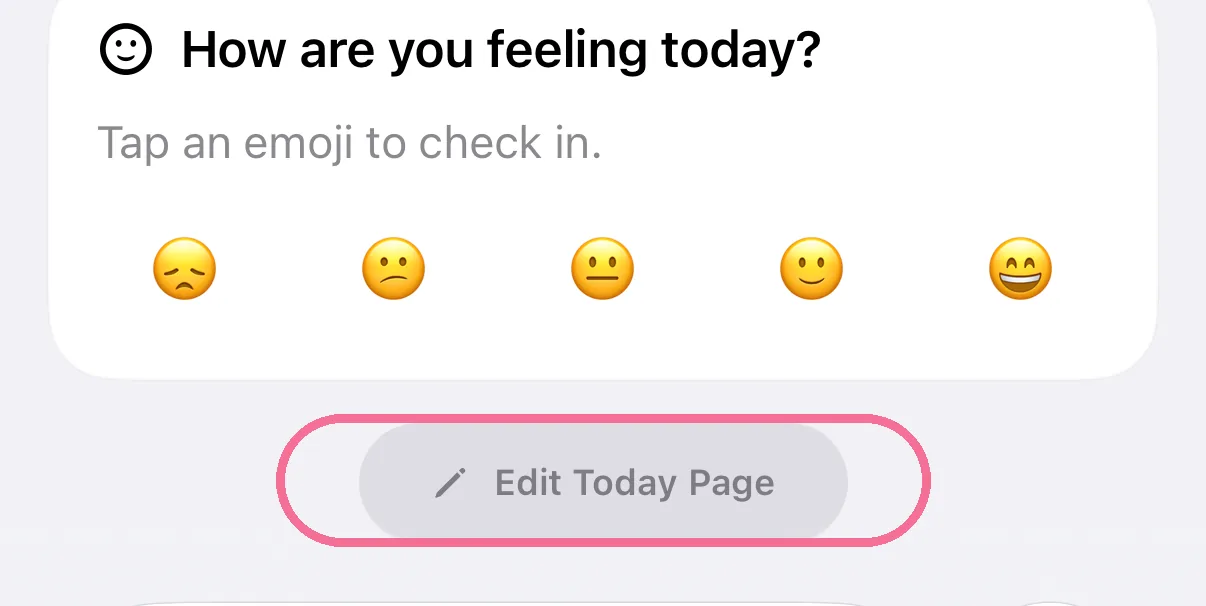
Scroll to the very bottom of Today and tap “Edit Today Page”.
-
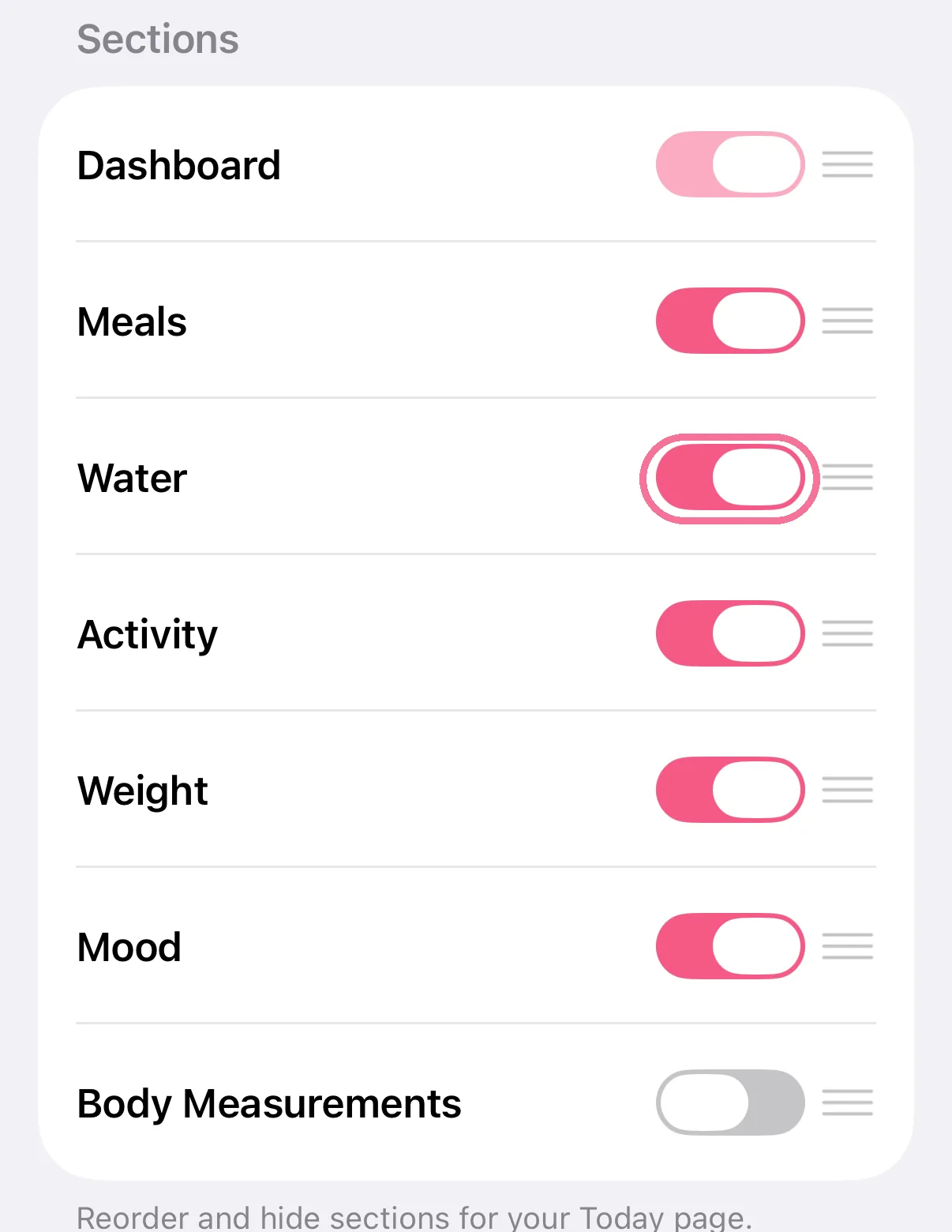
Under “Sections”, switch off what you don’t need, for example Water or Weight.
-
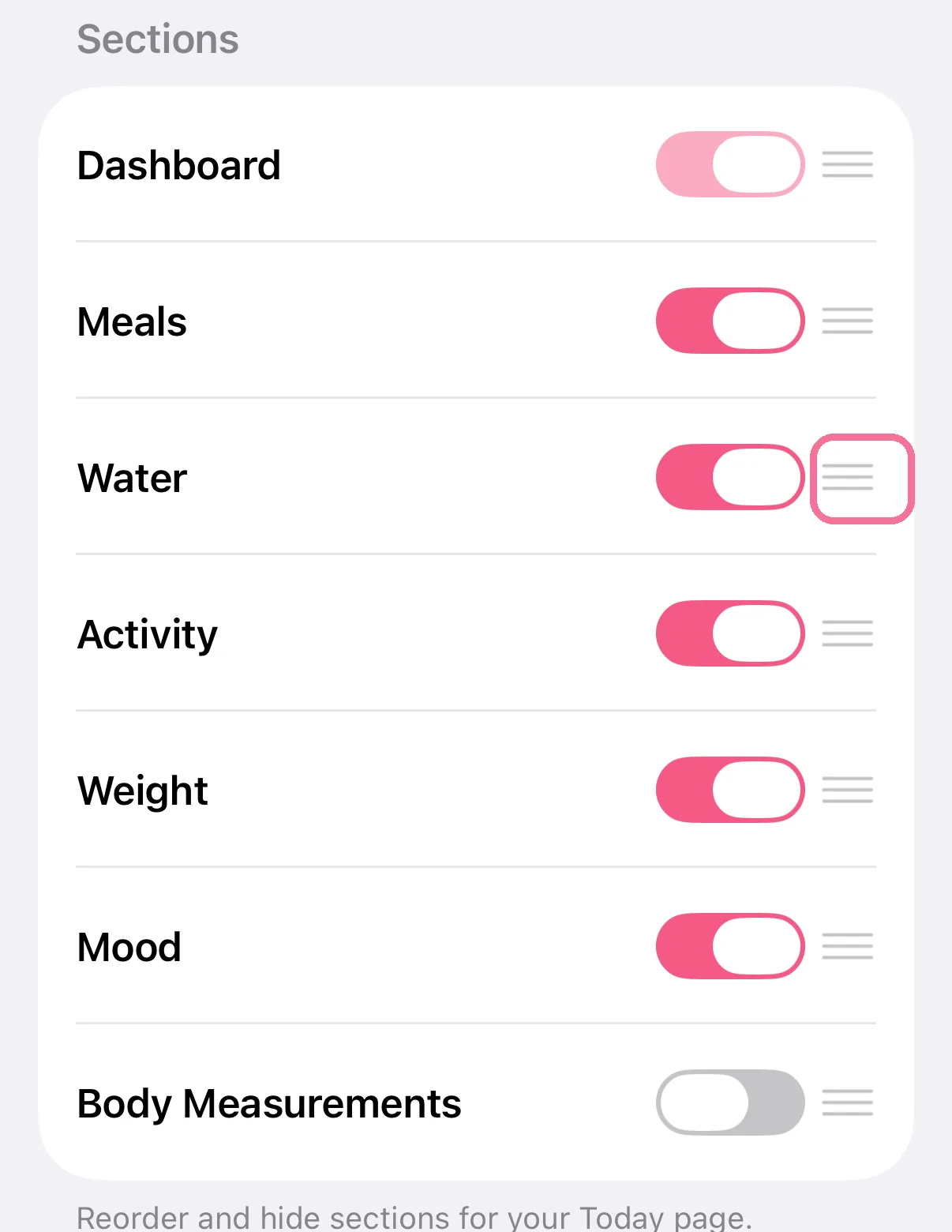
Hold a row by the handle on the right and drag it to a new place.
-
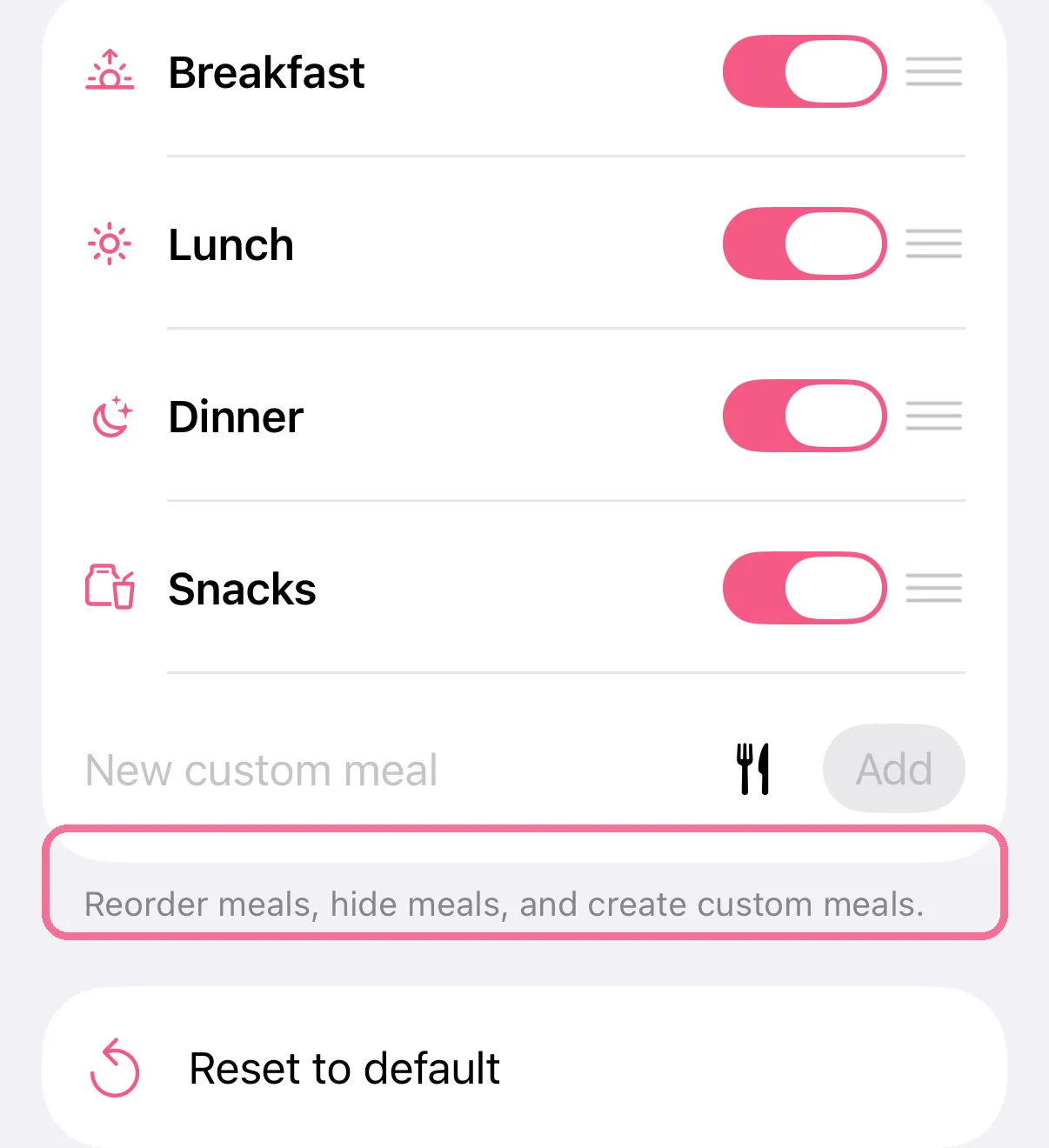
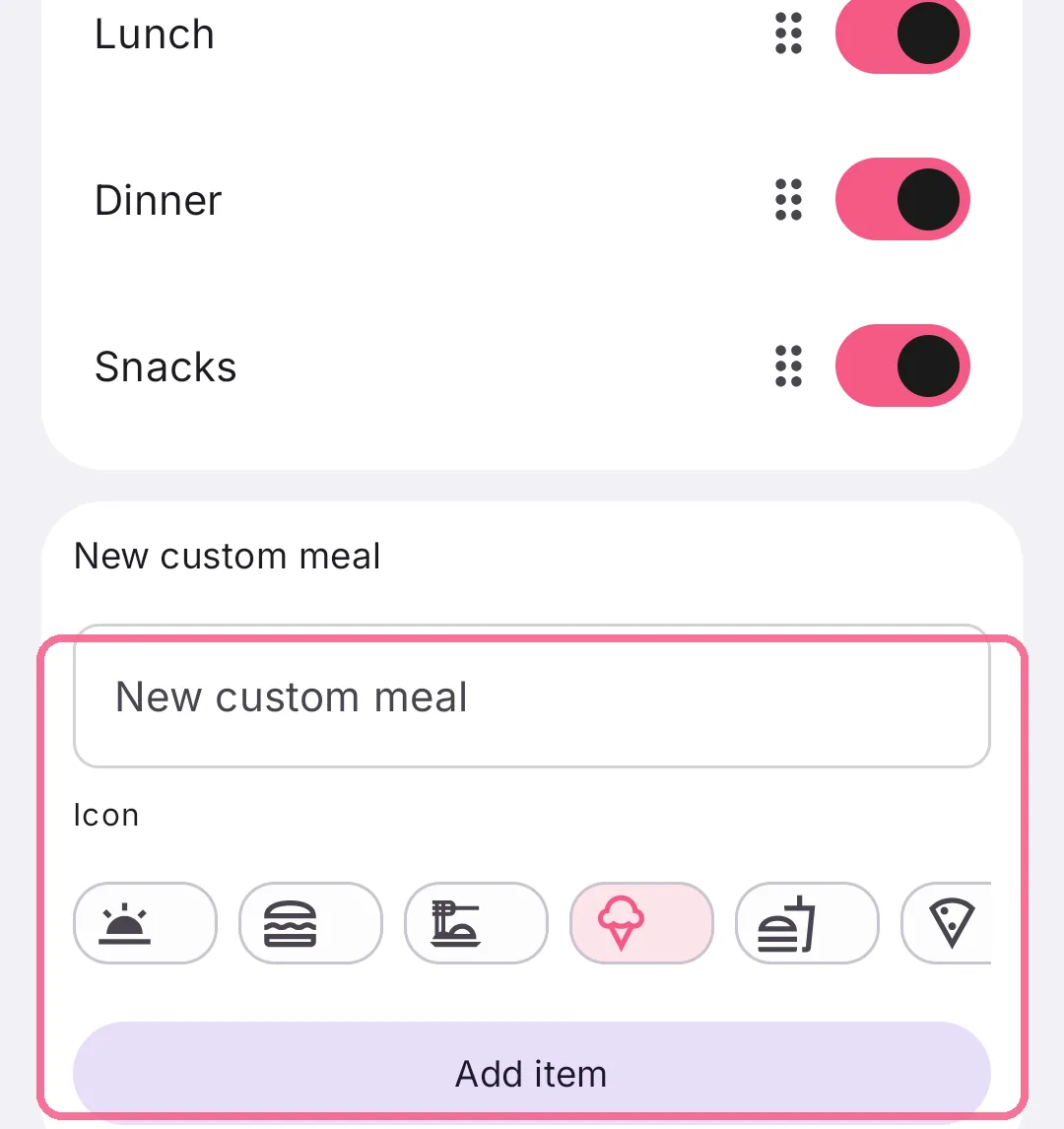
Under “Meals”, hide meals, or type a name into “New custom meal” and tap “Add”.
-
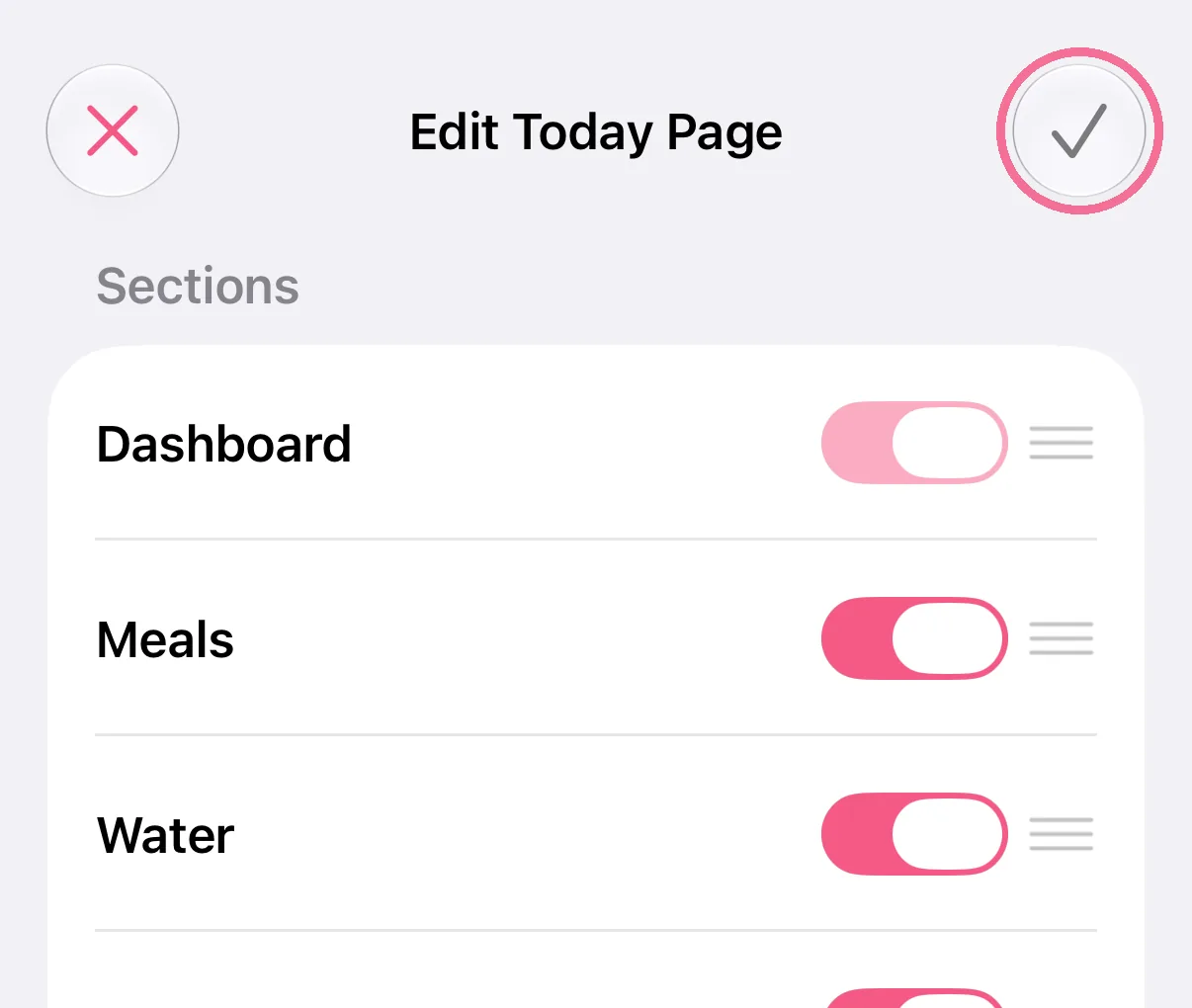
Tap the checkmark at the top right.
-
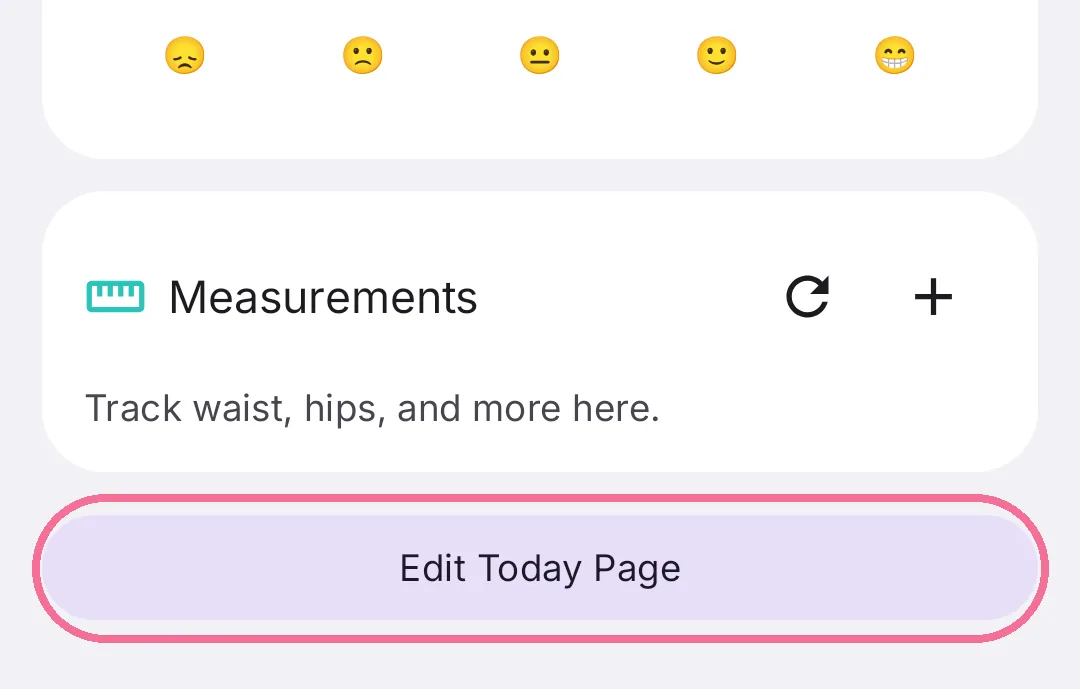
Scroll to the very bottom of Today and tap “Edit Today Page”.
-
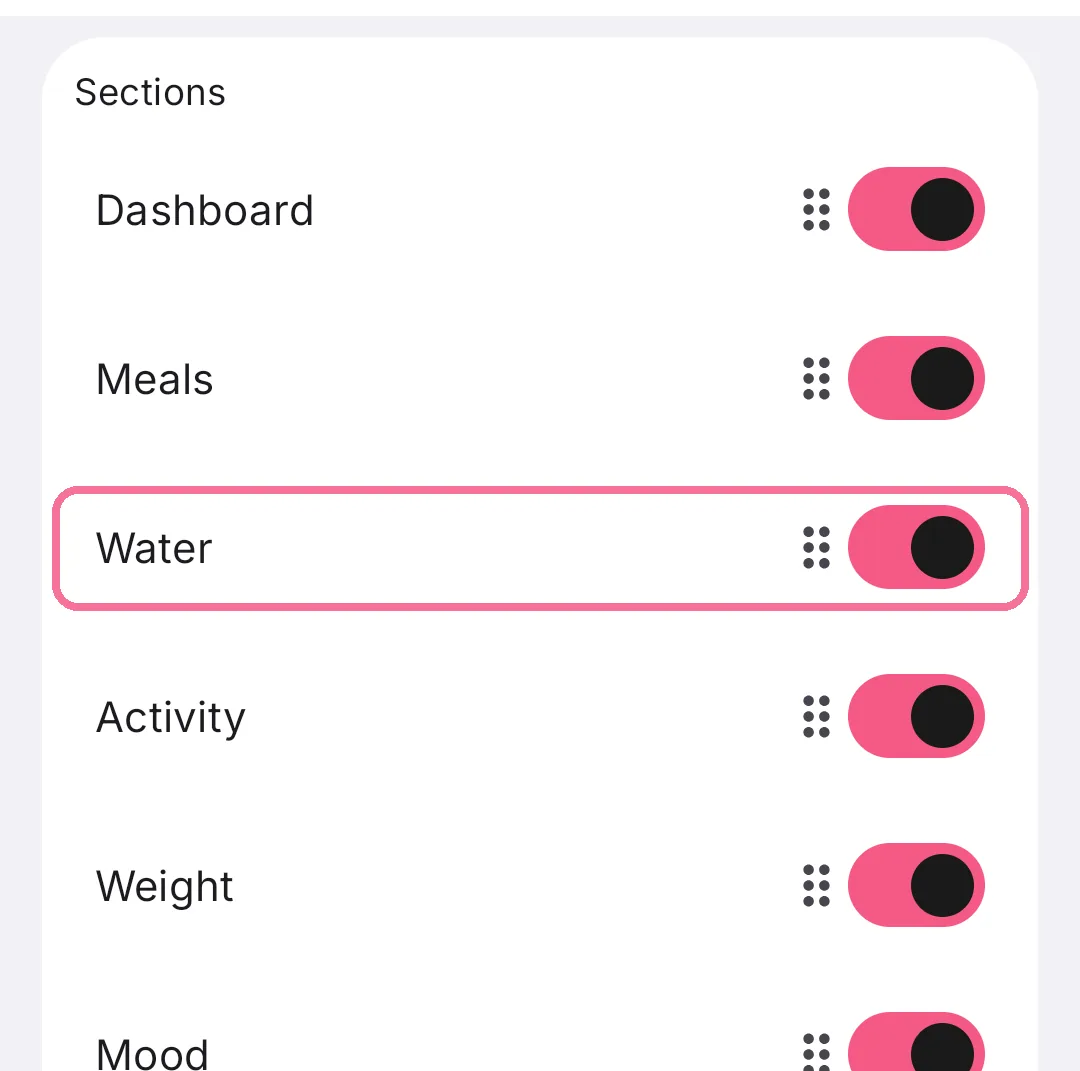
Under “Sections”, switch off what you don’t need, for example Water or Weight.
-
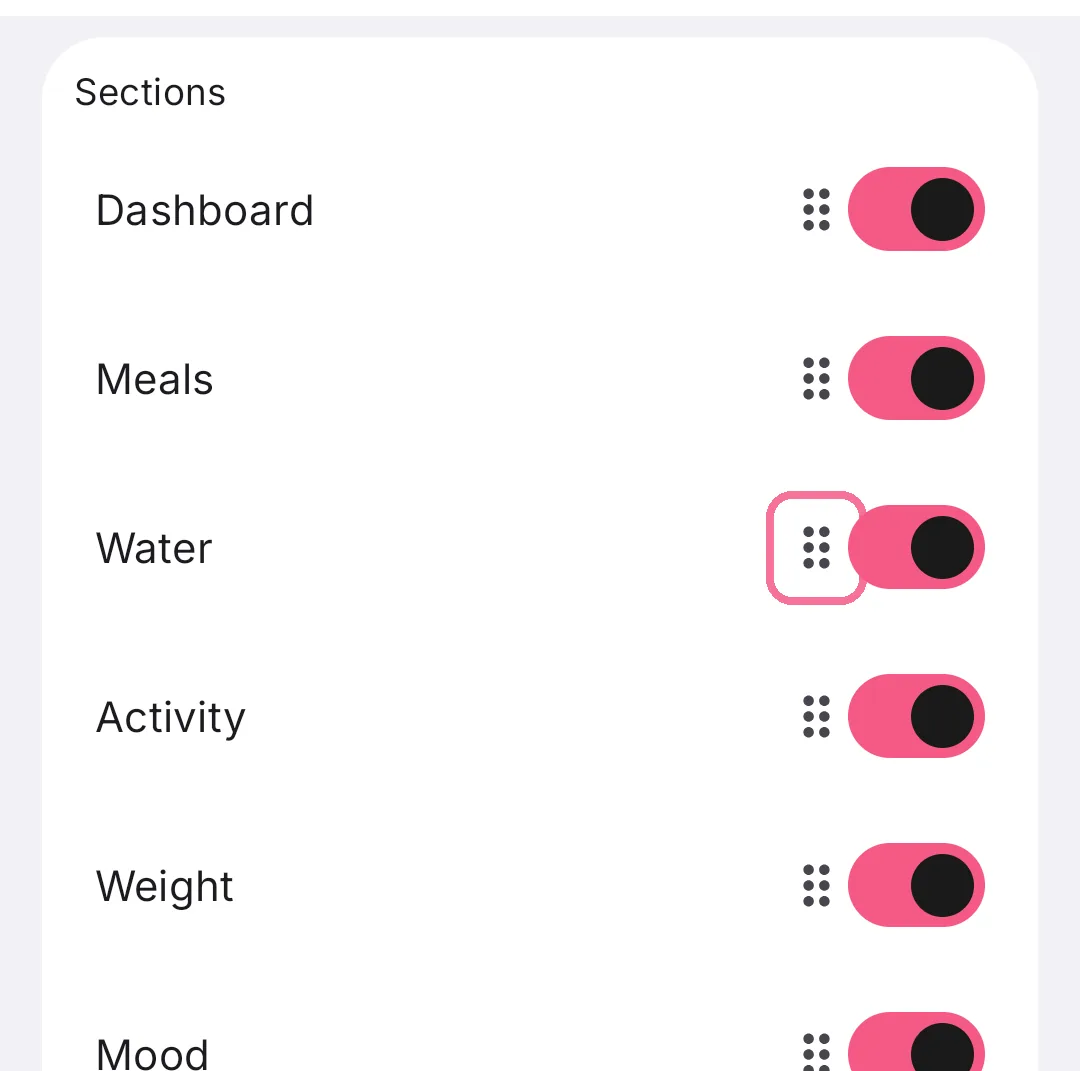
Hold a row by the handle on the right and drag it to a new place.
-
Under “Meals”, hide meals, or type a name into “New custom meal” and tap “Add”.
-
Tap the checkmark at the top right.

On iPhone the Dashboard with the calorie ring always stays visible, on Android you can hide it with the “Dashboard” switch. “Reset to default” at the very bottom brings back the original page.