
Fix iCloud sync
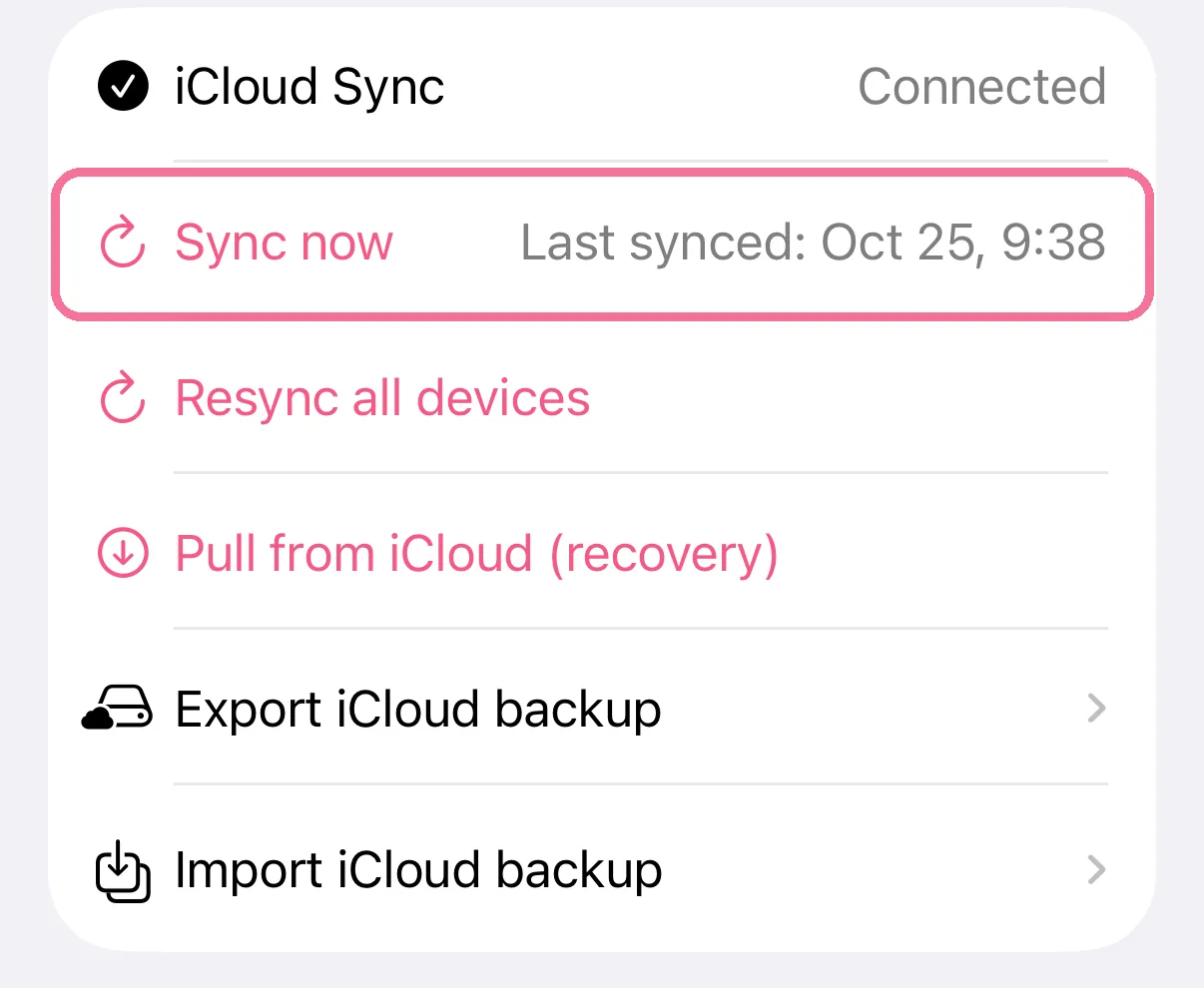
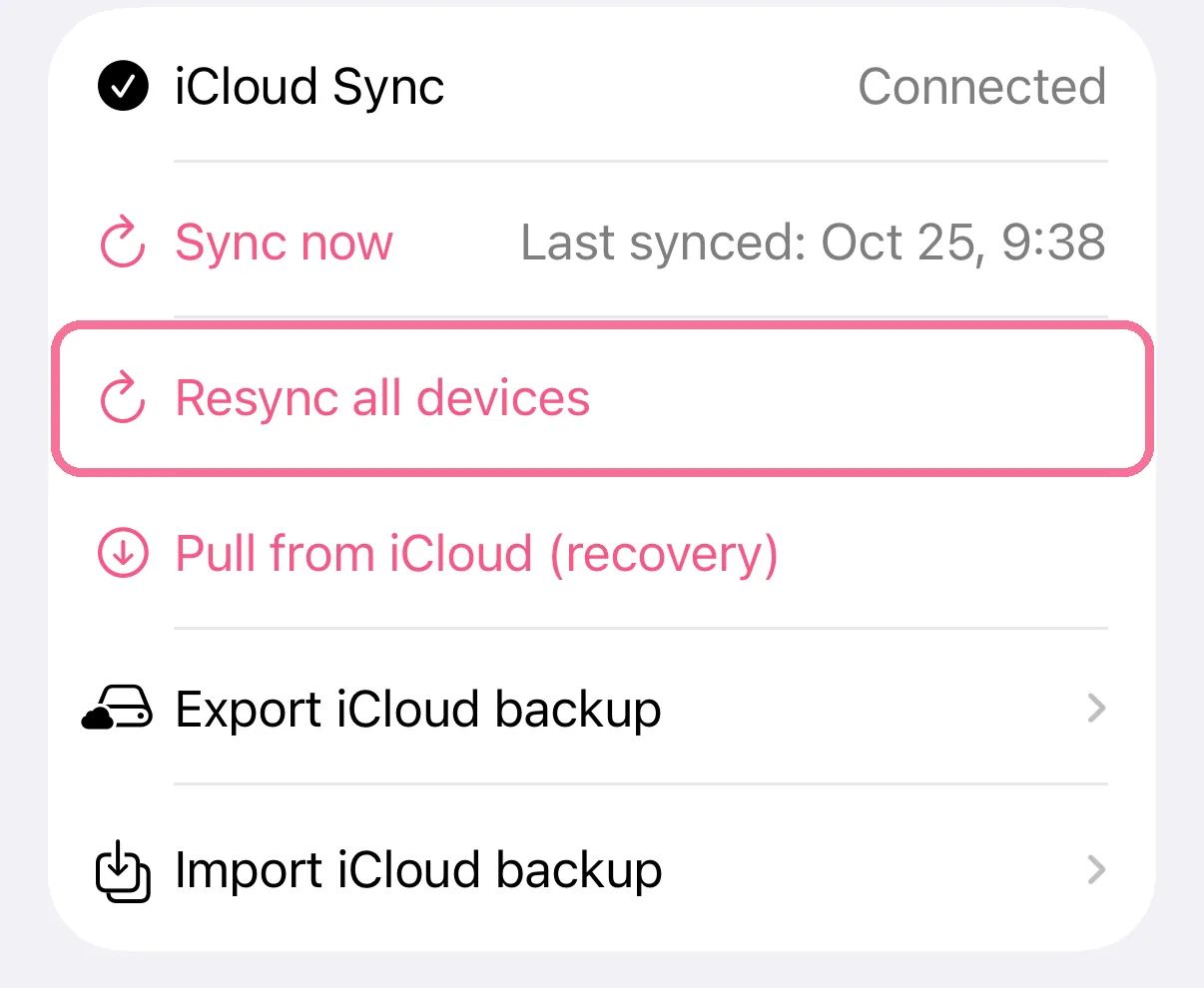
If something is missing on one of your devices, tap “Sync now” in Intake’s iCloud settings. If that doesn’t help, “Resync all devices” syncs everything again without deleting anything.
-
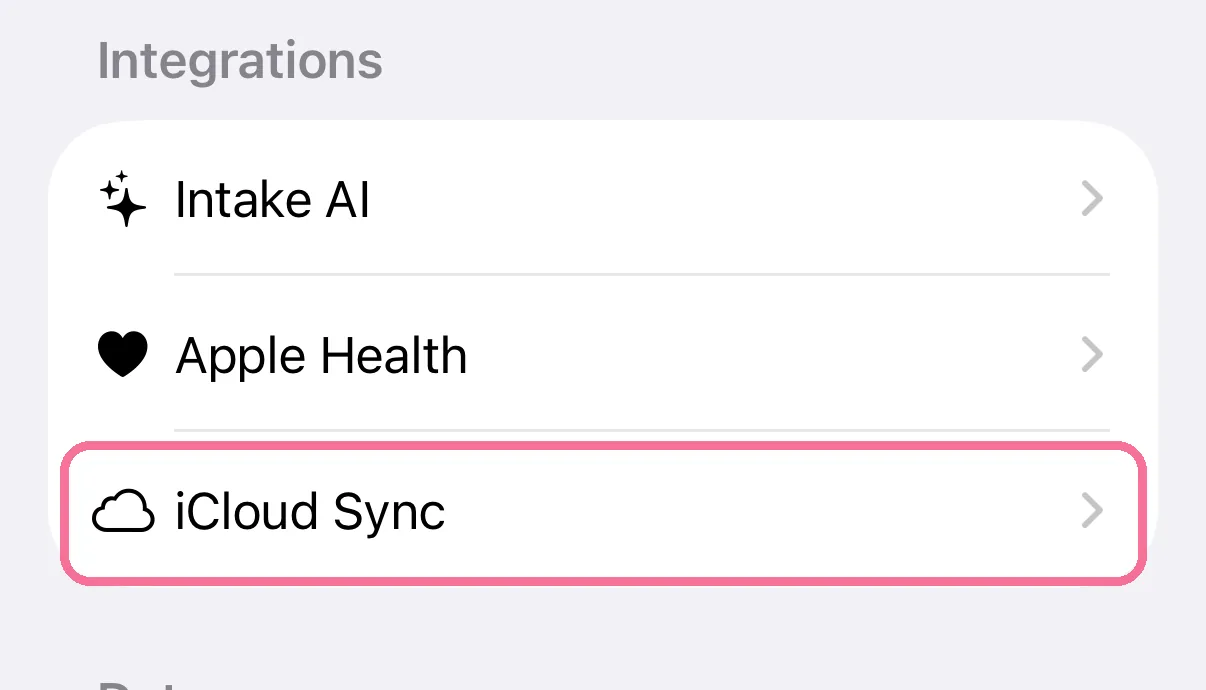
On Today, tap the gear at the top, then “iCloud Sync”.
-
Tap “Sync now”. Next to it you see when Intake last synced.
-
If something is still missing, tap “Resync all devices” and confirm.
-
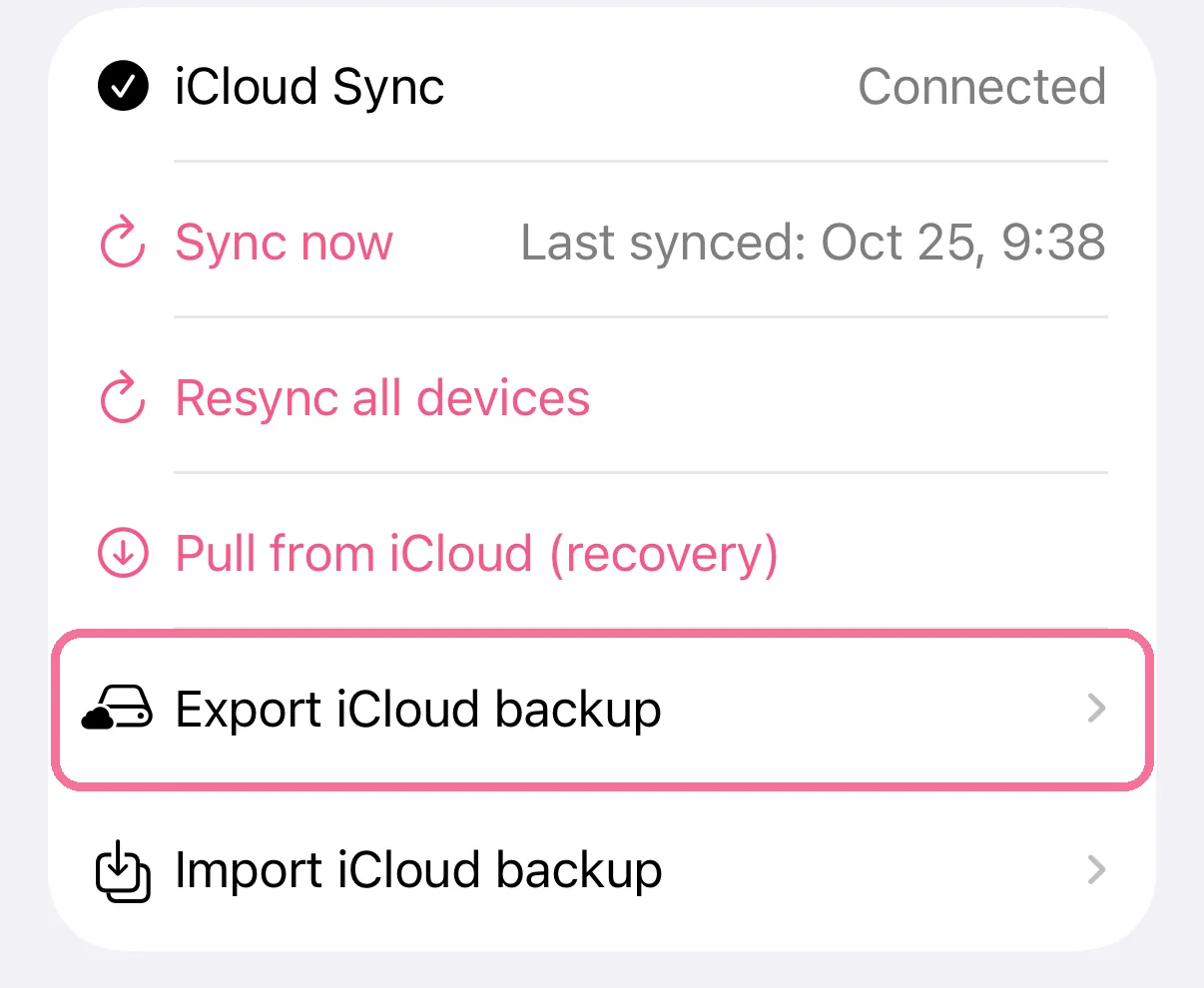
To be safe, “Export iCloud backup” saves your data to a file.
“Resync all devices” sends everything on this device to iCloud again. All your devices need Intake 2.7.4 or later for it. Nothing is deleted.
“Pull from iCloud (recovery)” fetches the latest data from iCloud onto this device. “Import iCloud backup” reads an exported file back in, and newer data on the device is kept.
If it says “No iCloud account is signed in.”, sign in to iCloud in your iPhone’s Settings.