
Log body measurements
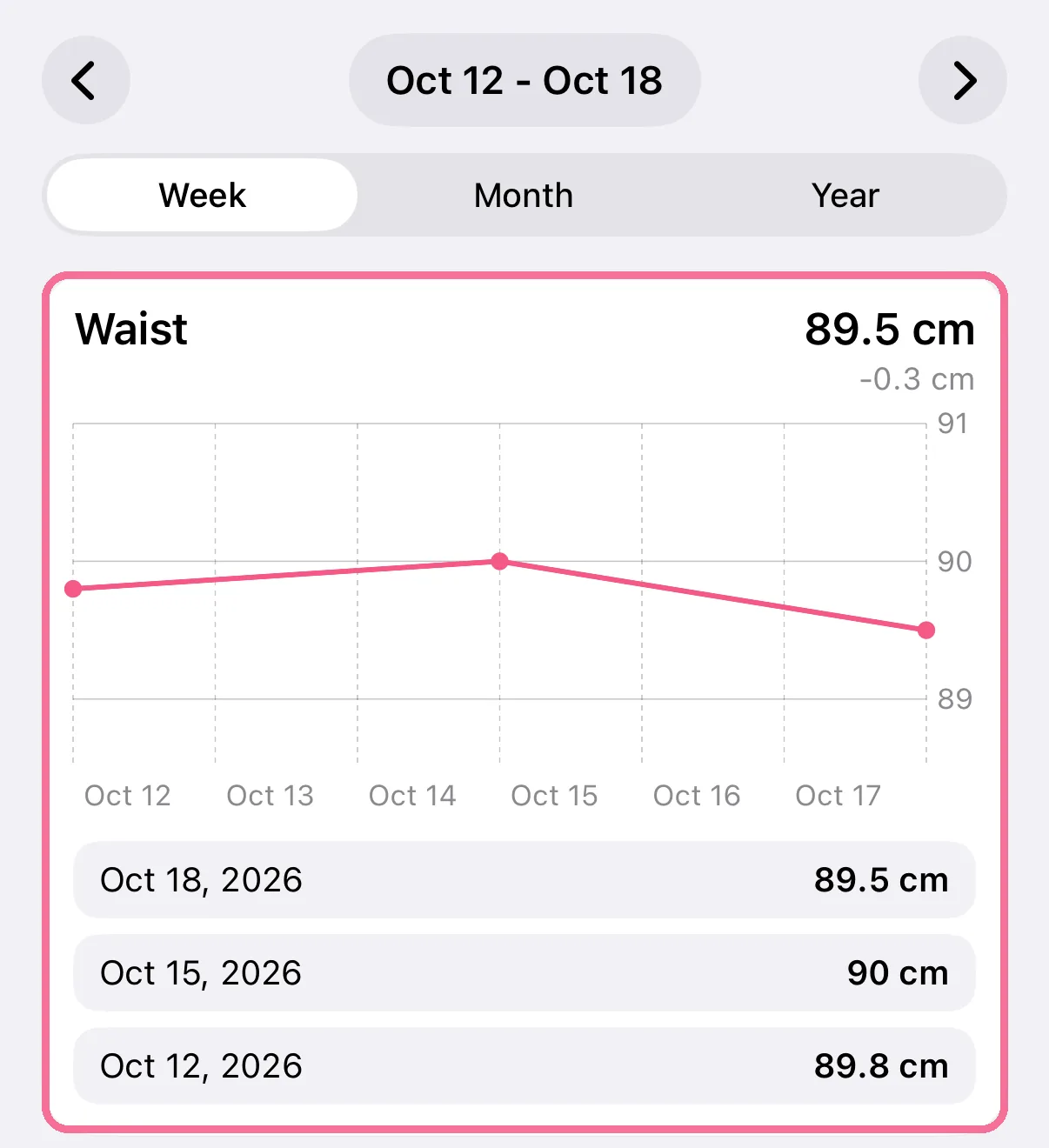
You log your waist, hip, body fat and other measurements on the “Body Measurements” card on Today. Stats shows each one as a trend.
-
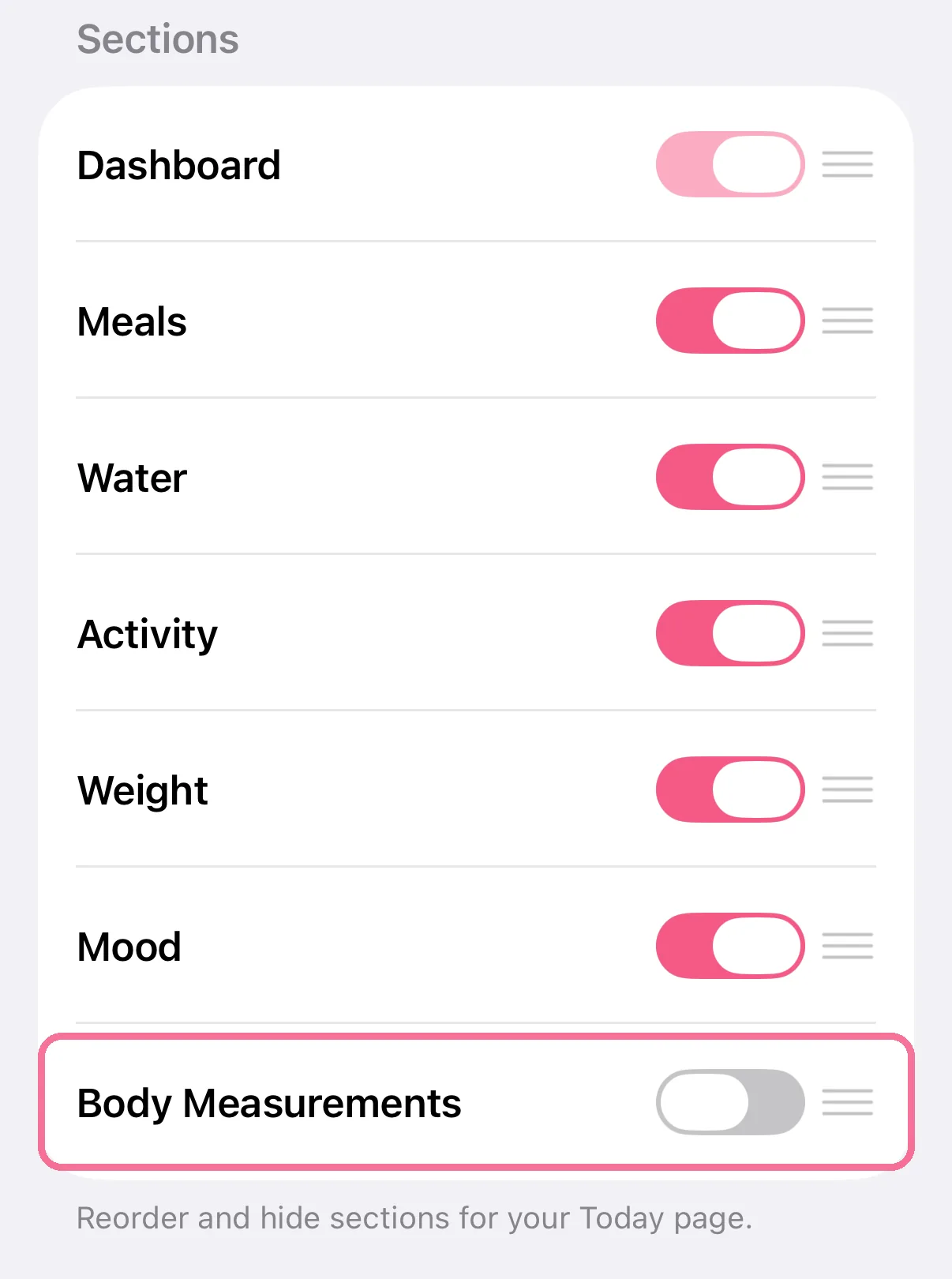
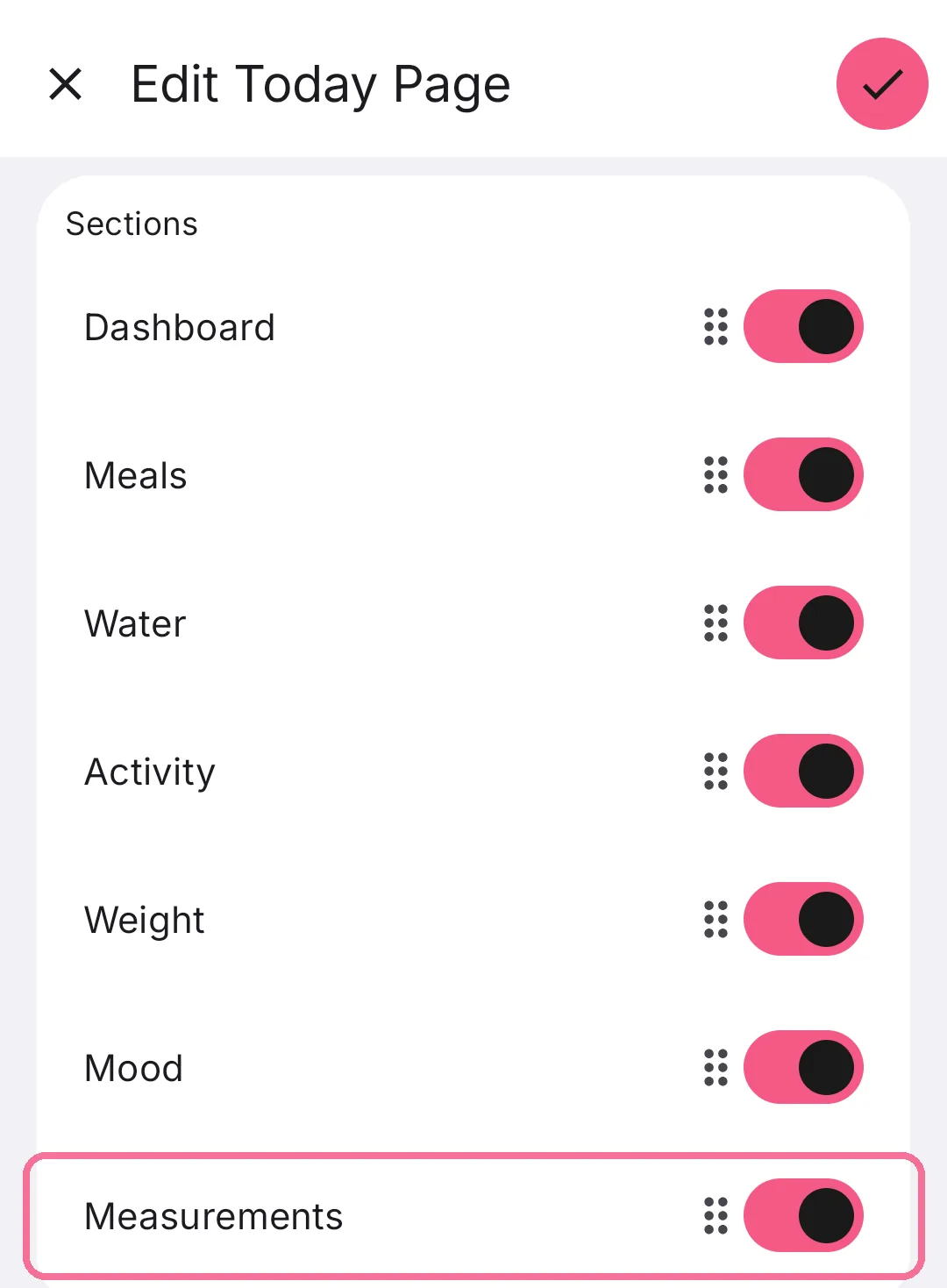
The “Body Measurements” card is hidden on Today. Turn it on under “Edit Today Page”.
-
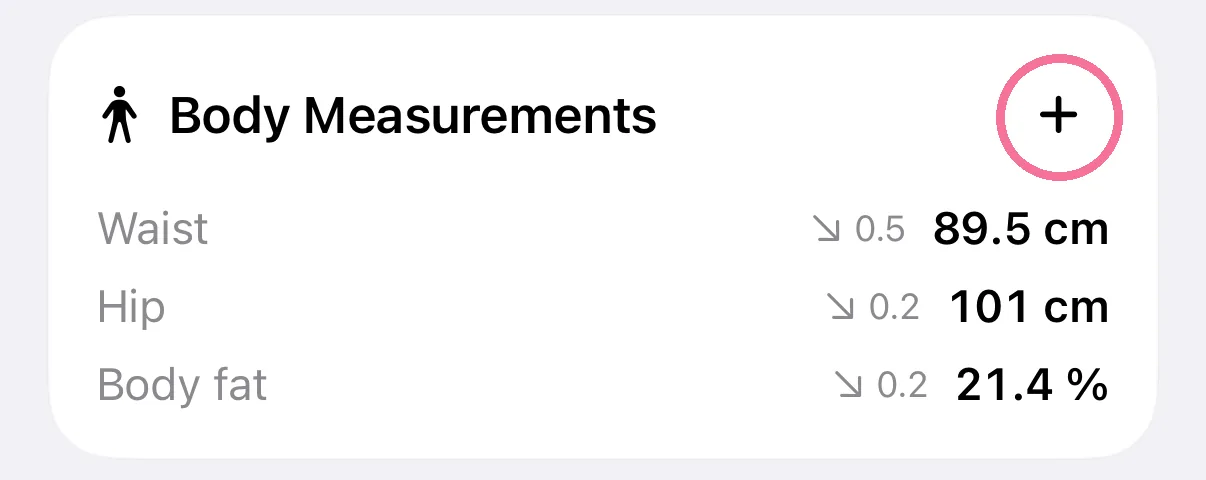
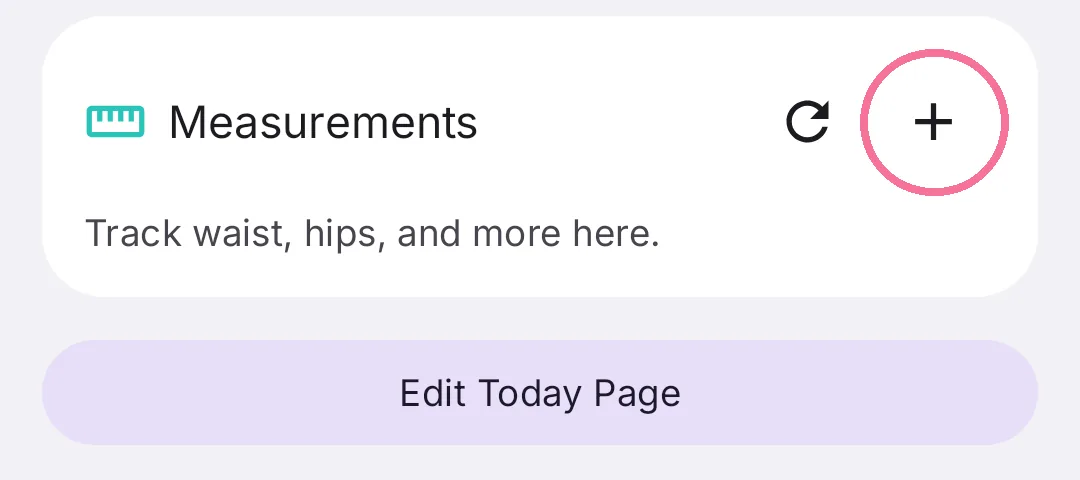
Tap the plus on the “Body Measurements” card.
-
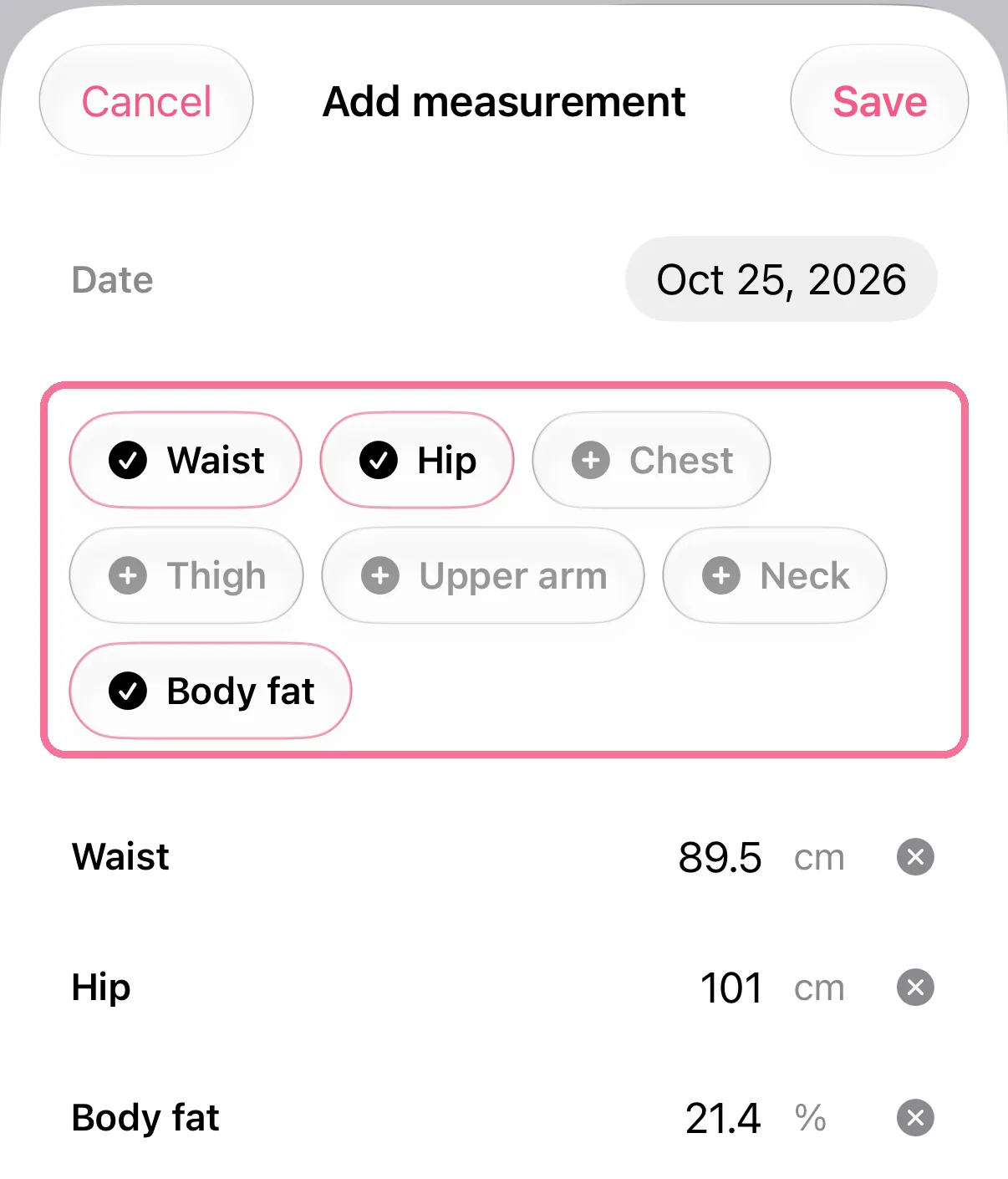
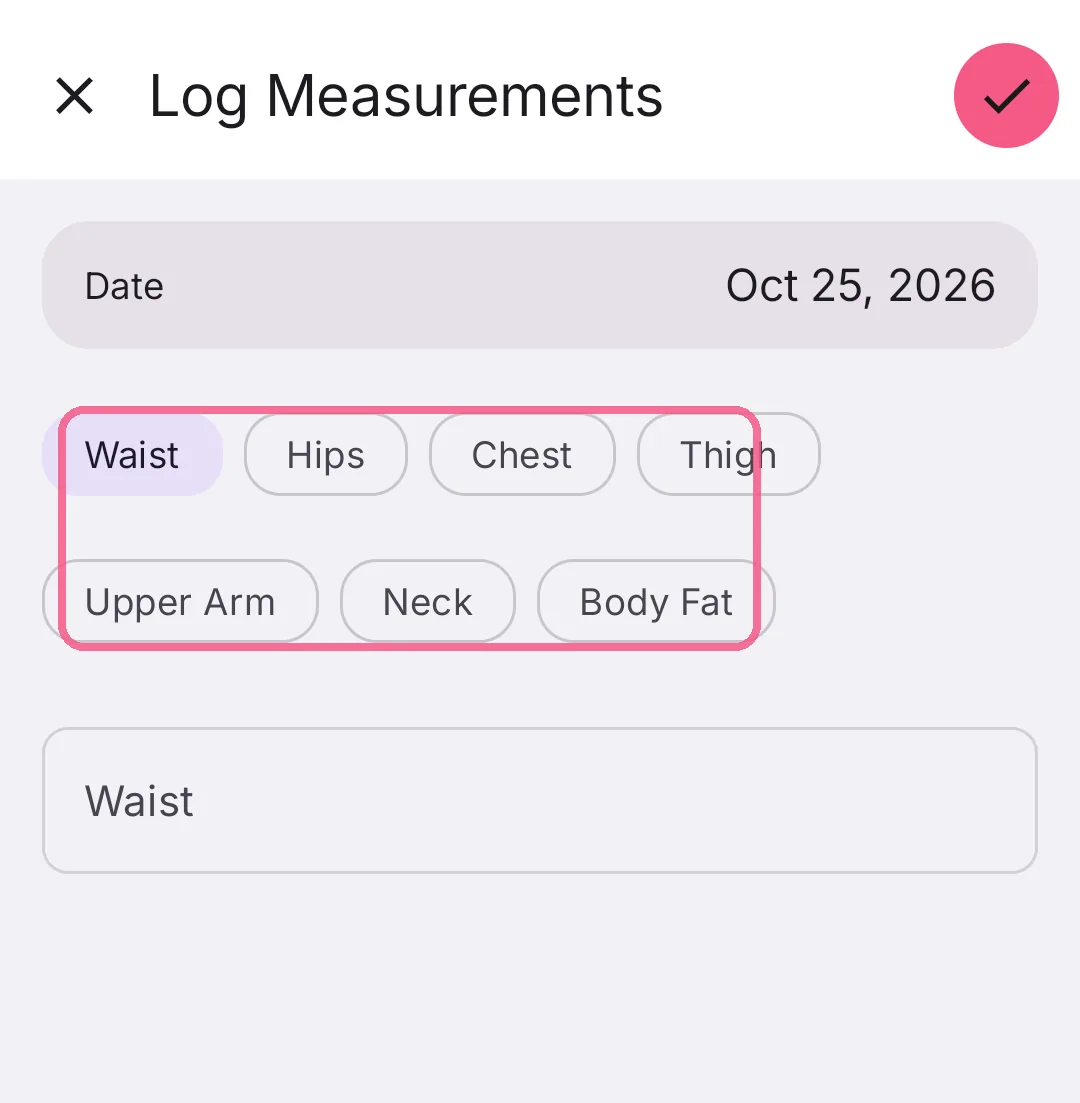
Pick what you measured and enter the values.
-
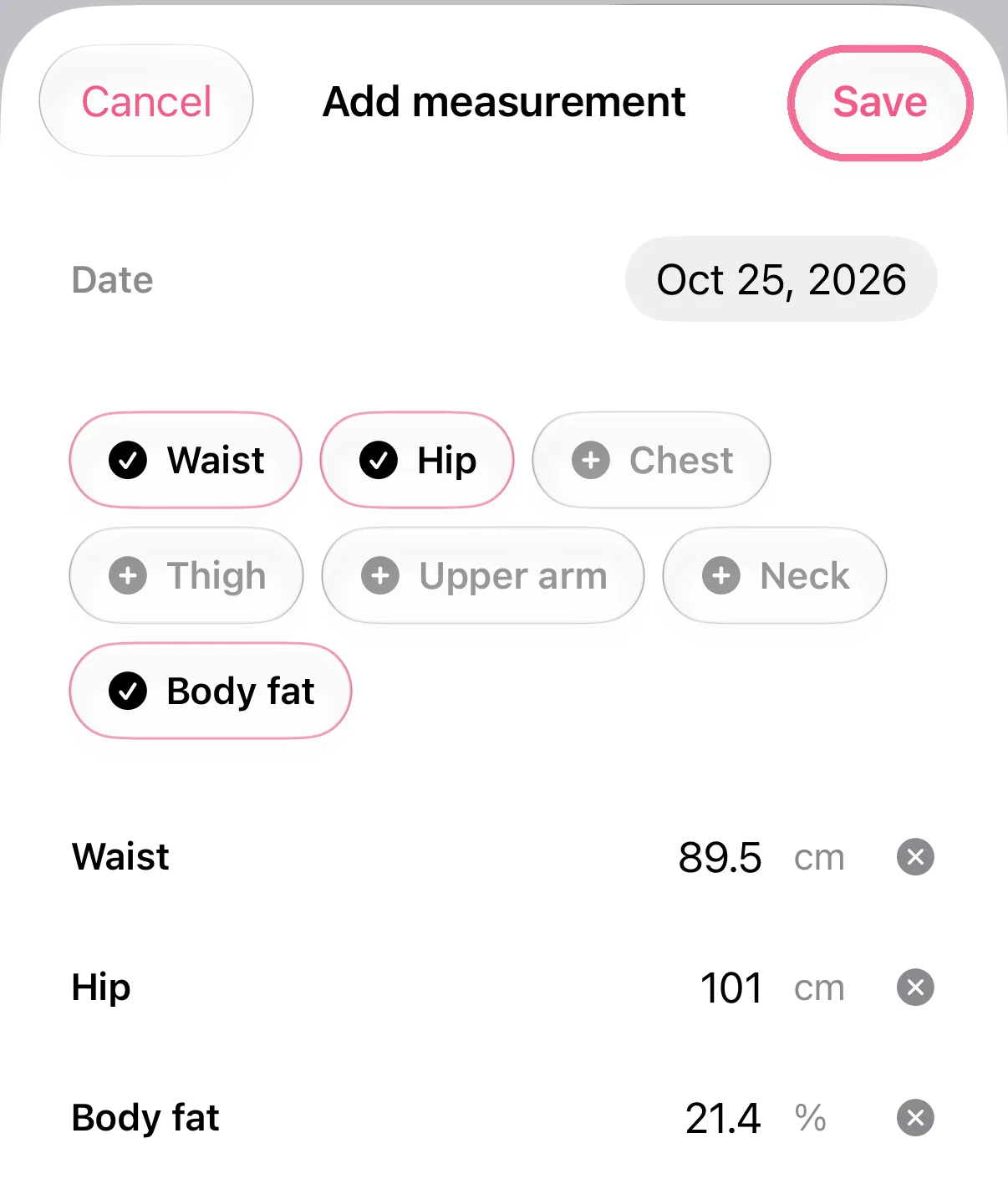
Tap “Save” at the top right.
-
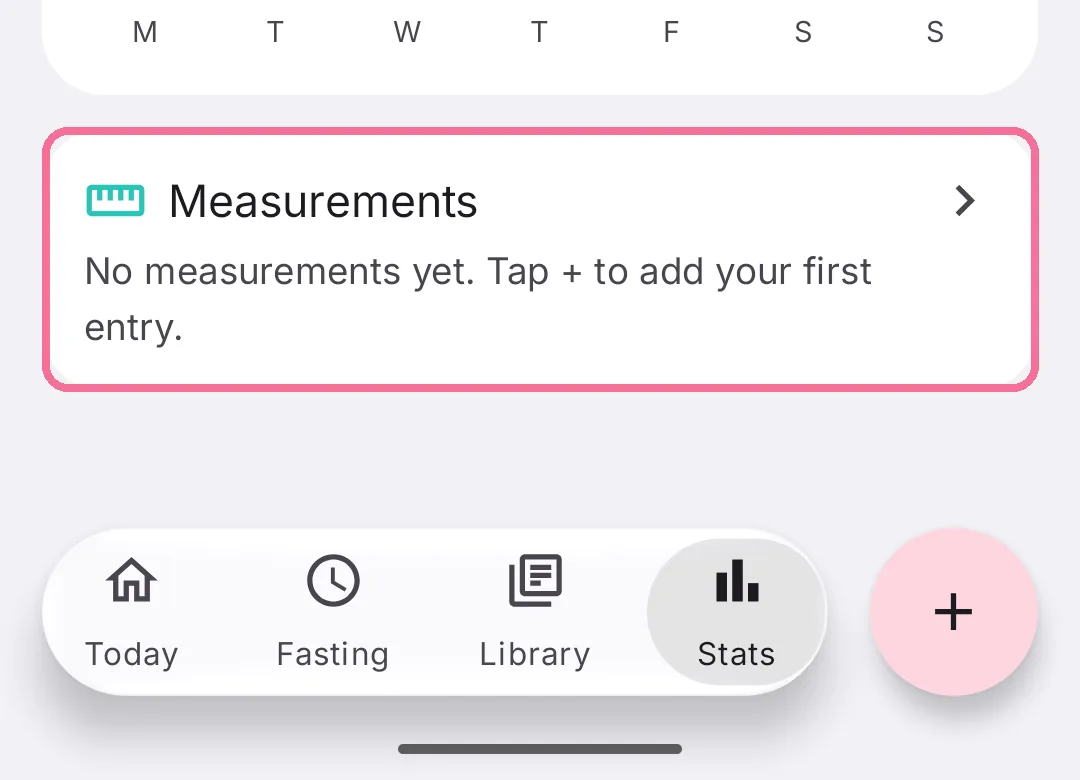
In Stats, the “Body Measurements” card shows each measurement as a trend.
-
If the “Measurements” card is hidden on Today, turn it on under “Edit Today Page”.
-
Tap the plus on the “Measurements” card.
-
Pick what you measured and enter the values.
-
Tap the checkmark at the top right.

-
In Stats, the “Measurements” card shows each measurement as a trend.
For an earlier day, change the date there. On iPhone, Intake shares waist and body fat with Apple Health; the other measurements stay in Intake.