
Fasting notifications
In the fasting settings you can turn on a notification for when your eating window starts, when your fast starts, or both.
-
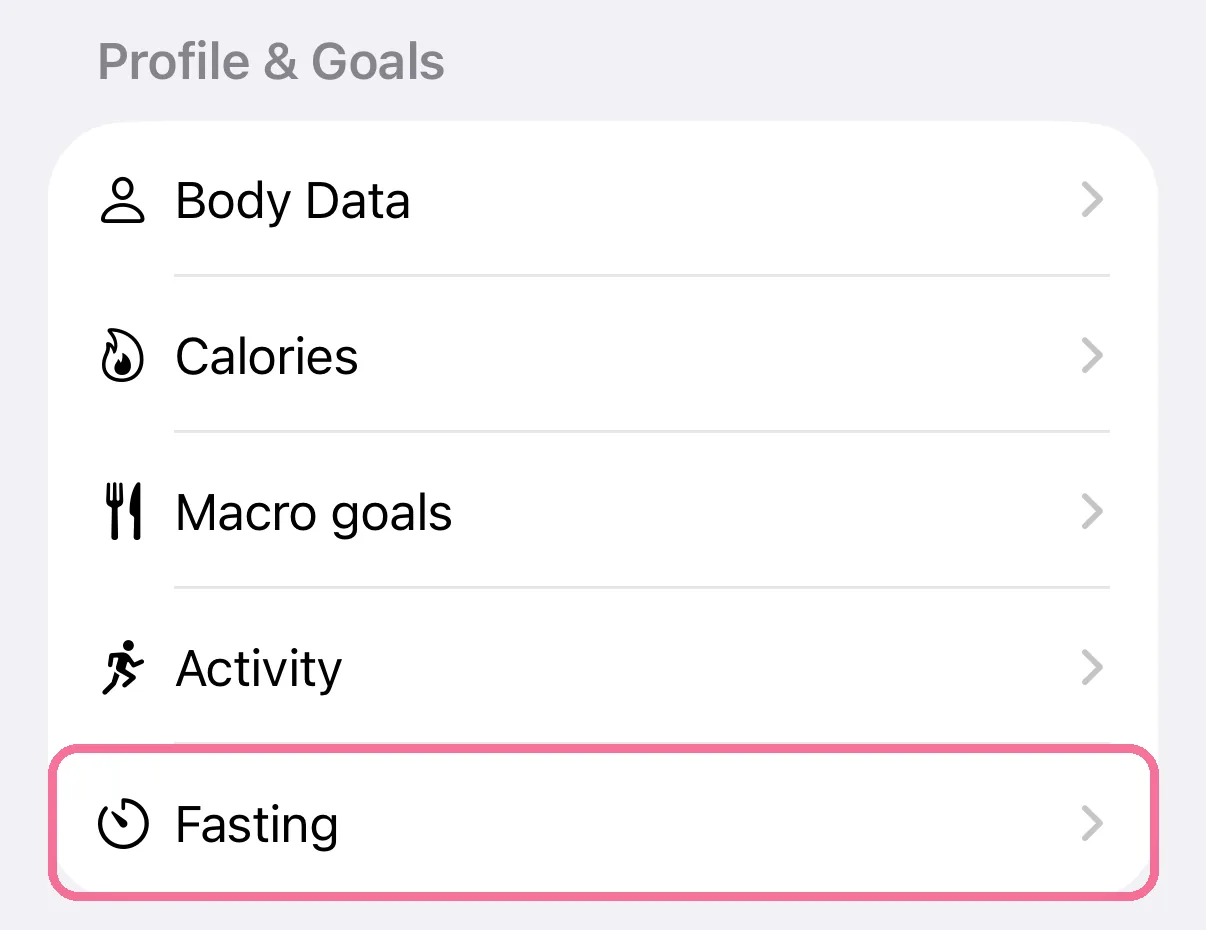
On Today, tap the gear at the top, then “Fasting” under “Profile & Goals”.
-
Under “Meal-hour reminders”, turn on “Notify when eating starts”, “Notify when fasting starts”, or both.
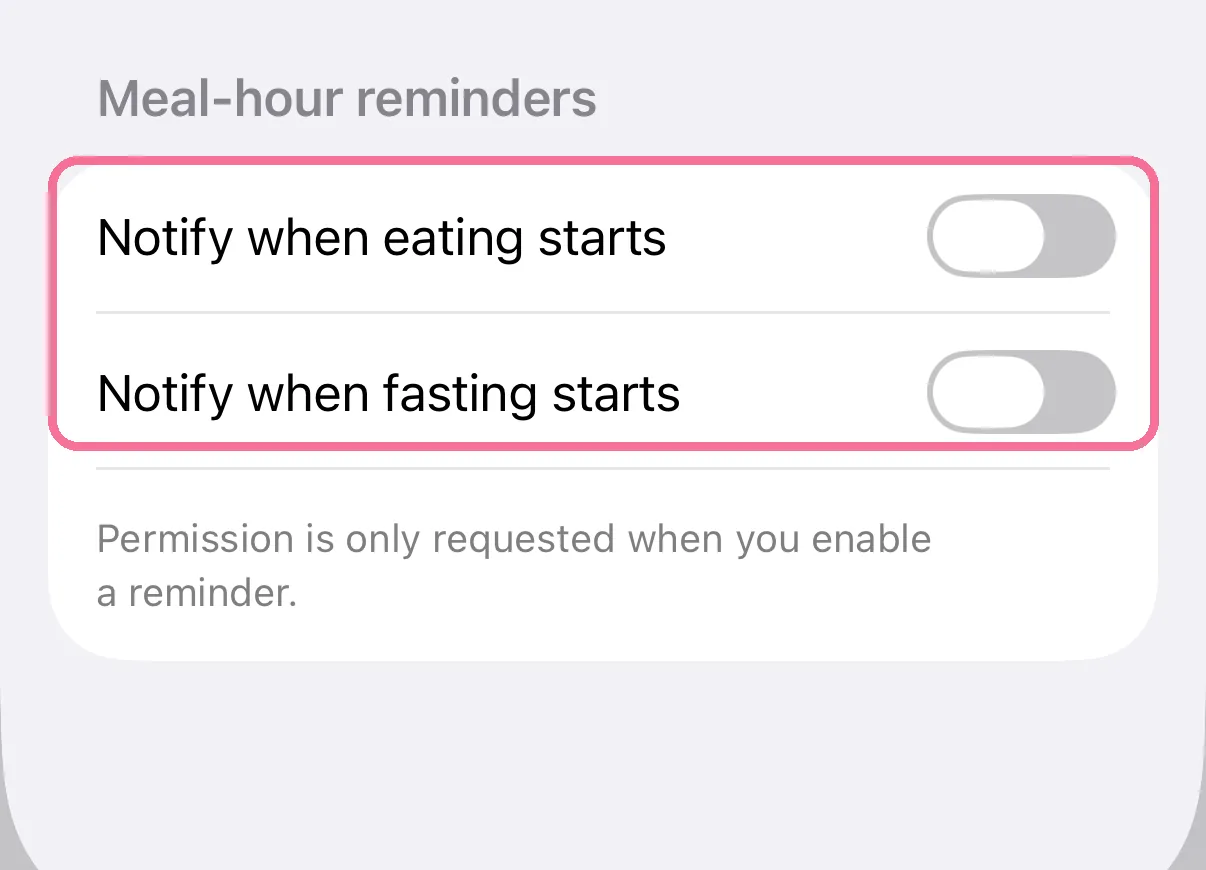
The first time you turn one on, iOS asks whether Intake may send notifications. The notifications follow your schedule, and also a fast you start or end by hand. Intake plans them on this iPhone three days ahead.