
Set up iCloud sync
With iCloud sync, your diary, library, recipes and goals stay the same on iPhone and iPad. Turn it on on every device, signed in with the same Apple Account.
-
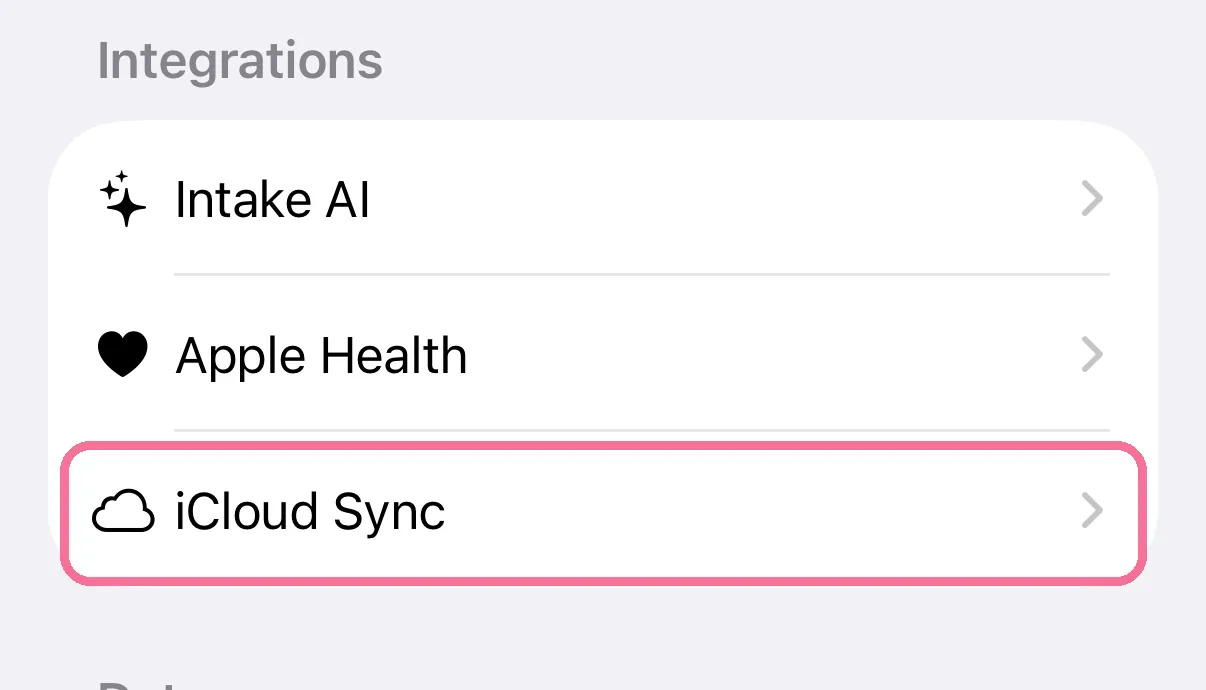
On Today, tap the gear at the top, then “iCloud Sync”.
-
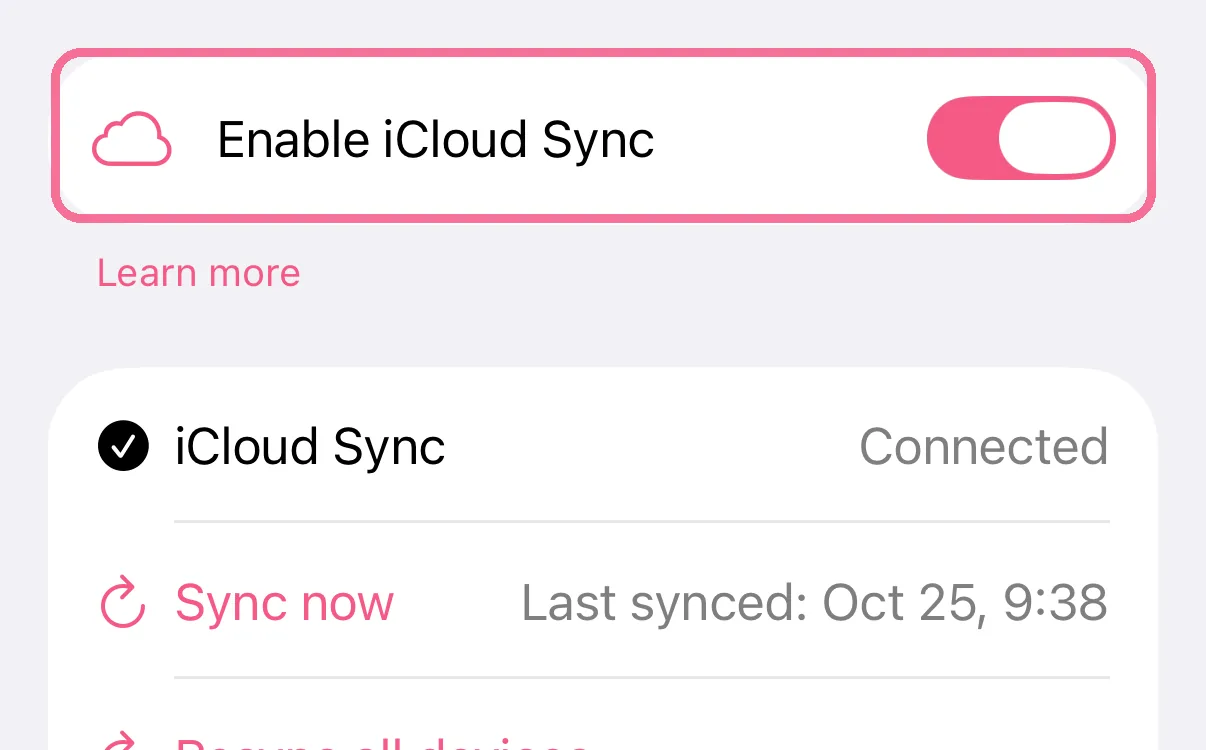
Turn on “Enable iCloud Sync”. Below it, you’ll see “Connected”.
-
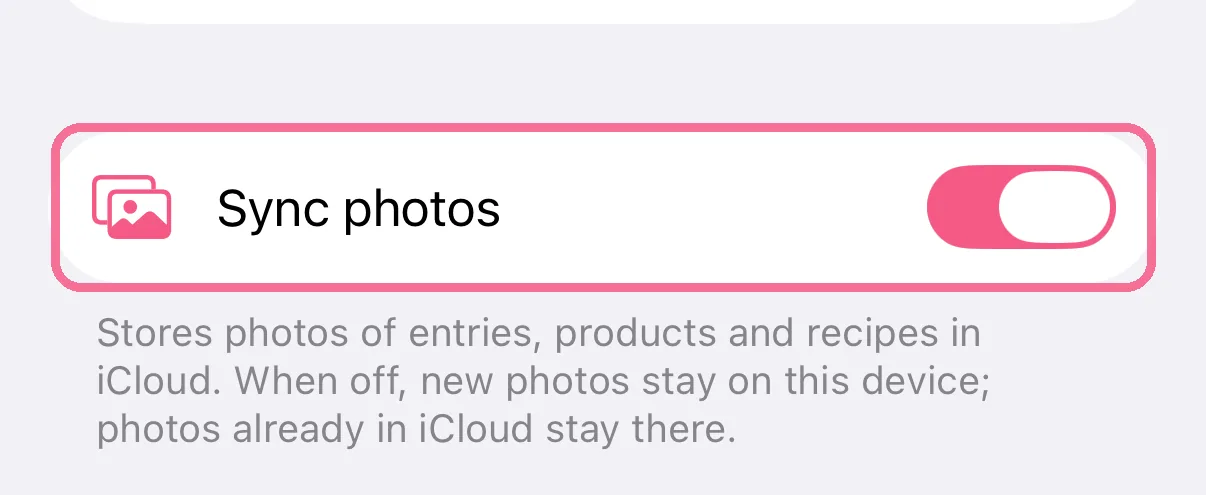
“Sync photos” also brings along the photos of your entries, products and recipes.
From then on, Intake syncs on its own whenever you change something or open the app. Pull down on Today to fetch changes right away. Anything you log through Siri, widgets or the Apple Watch comes along too.
With “Sync photos” off, new photos stay on this device. Data from Apple Health, such as steps, doesn’t go through iCloud, see What syncs between devices.
After the update to the new iCloud sync, Intake shows “iCloud sync is better now” once and syncs your data again. You can keep using the app meanwhile.