
Log water
You log water on the “Water” card on Today. Other drinks such as coffee or juice count toward your water goal when you mark them as a beverage while adding them.
-
On Today, tap the plus on the “Water” card to add a glass.
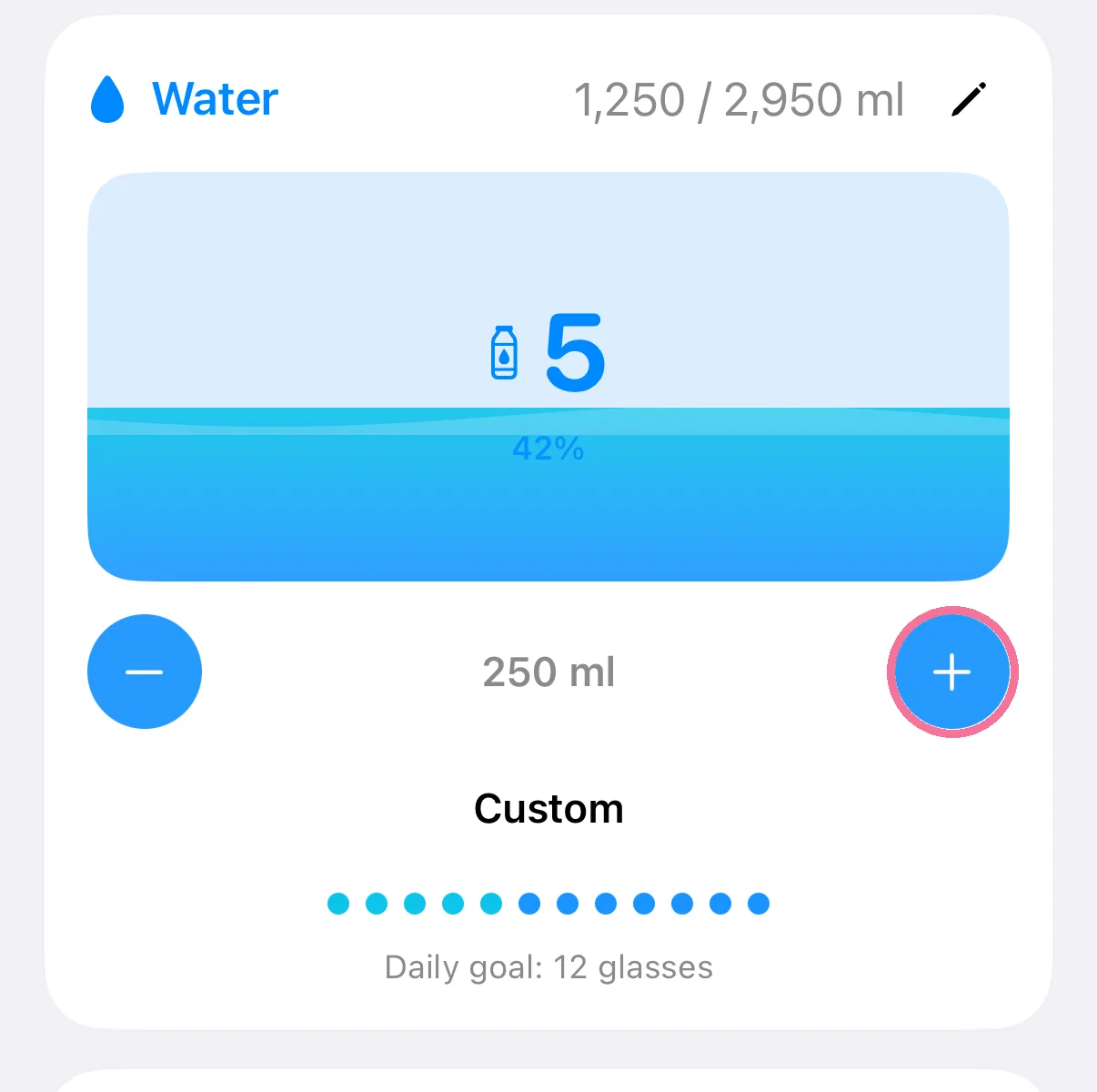
-
The minus takes away the glass you added last.
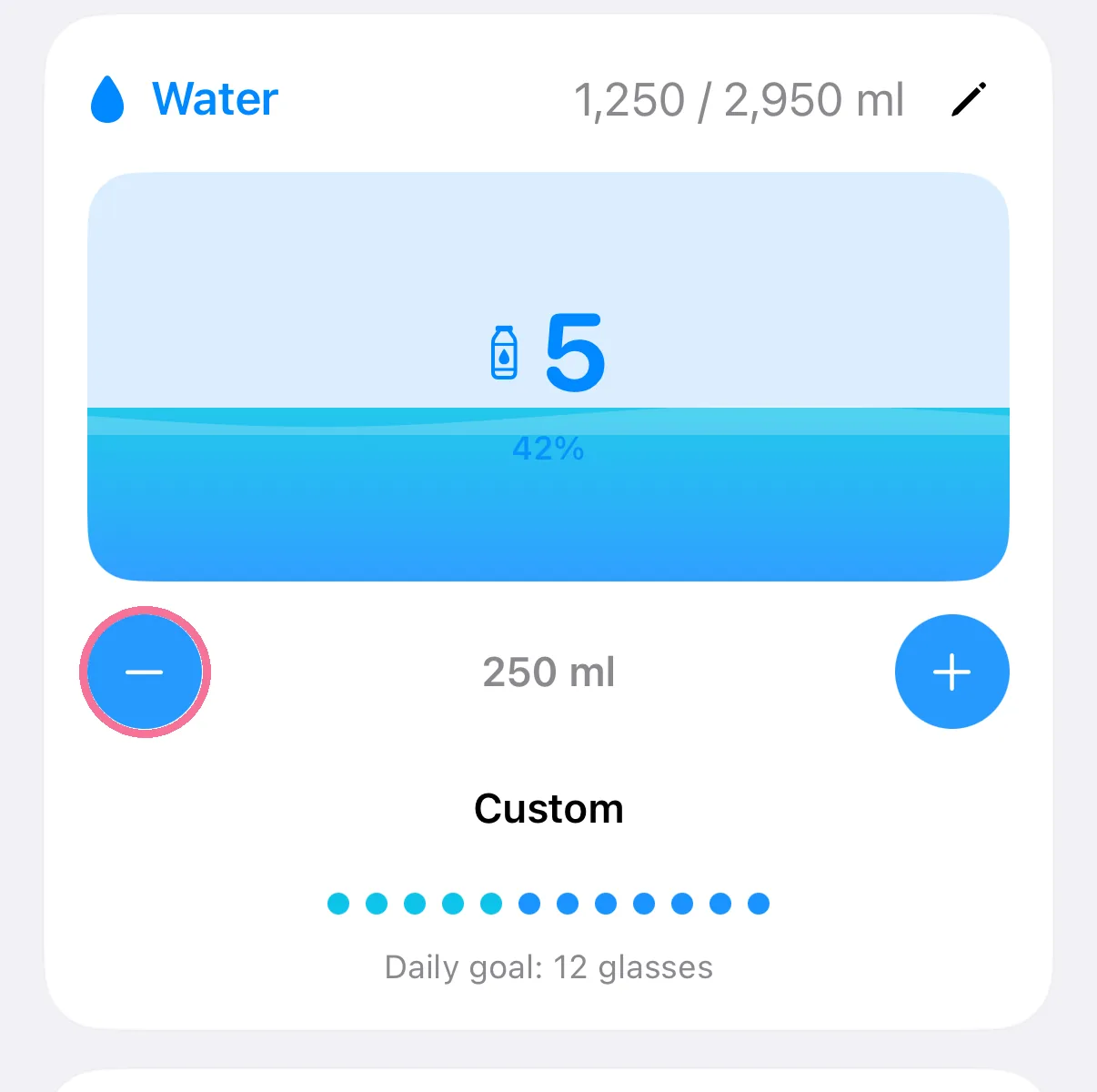
-
For a different amount, tap “Custom” and enter the millilitres.
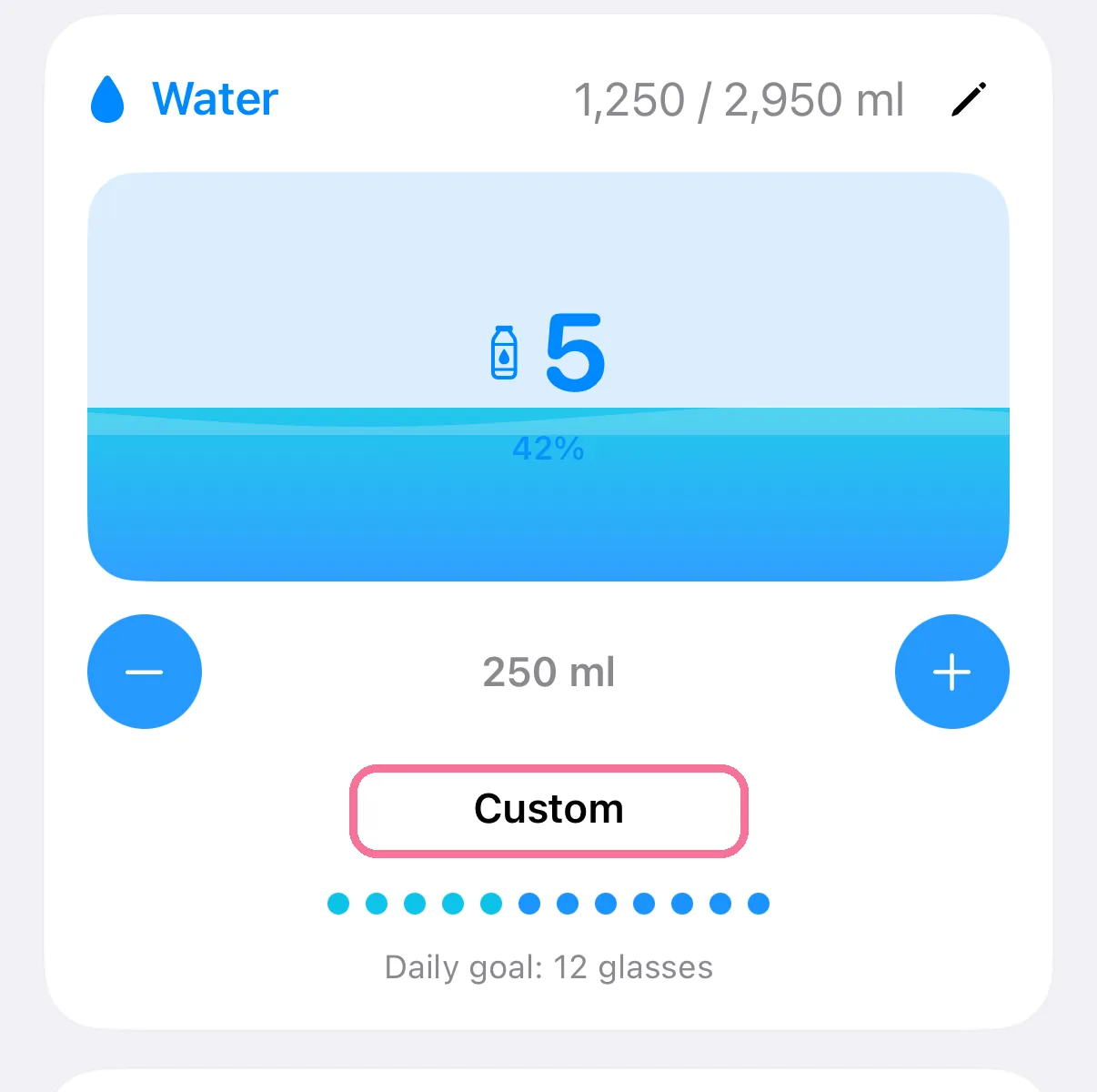
-
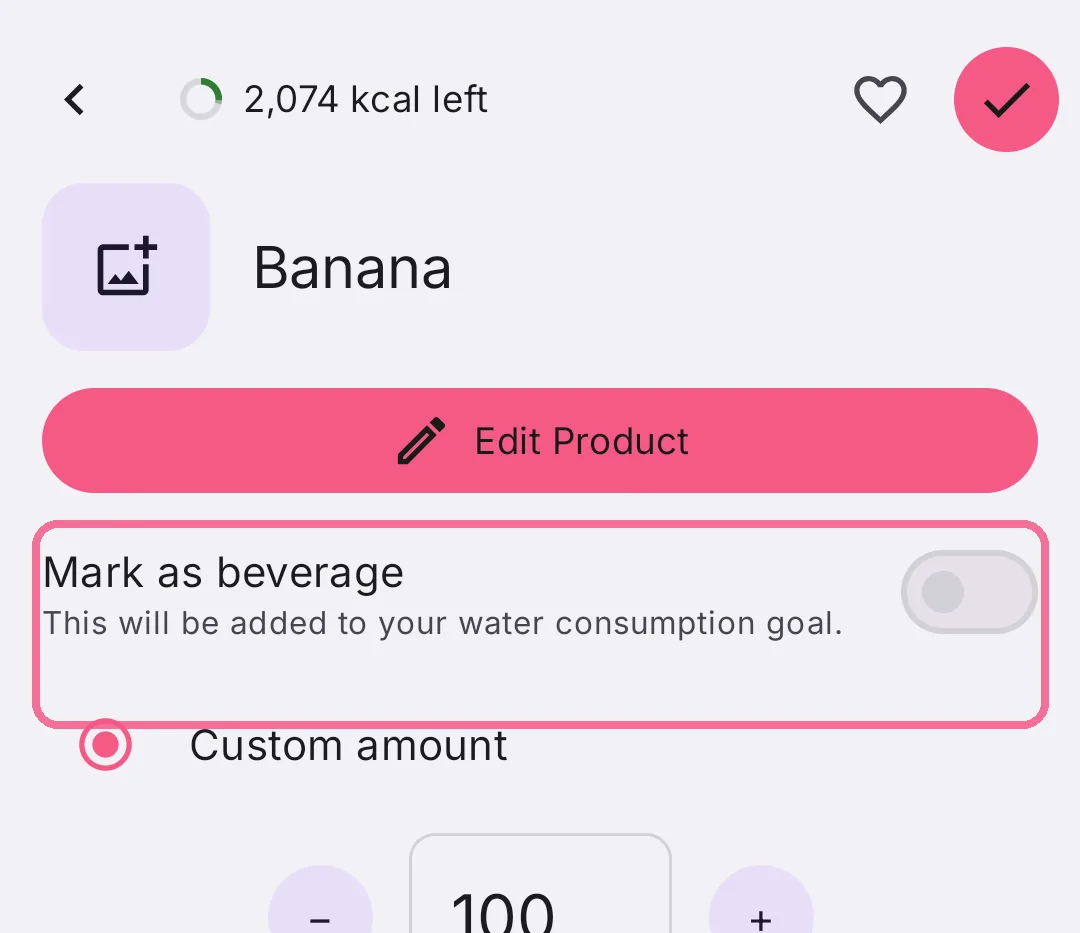
For other drinks, turn on “Mark as beverage” while adding them, and their amount counts toward your water goal.
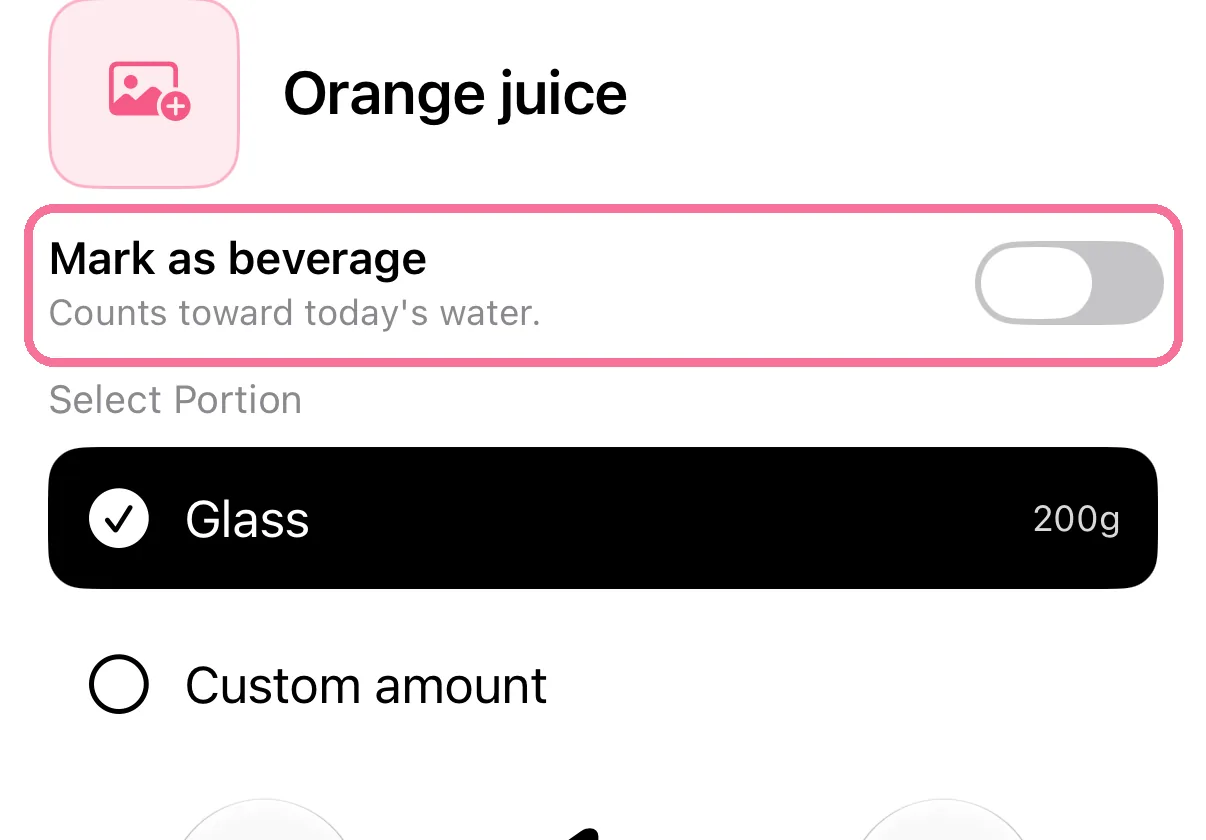
-
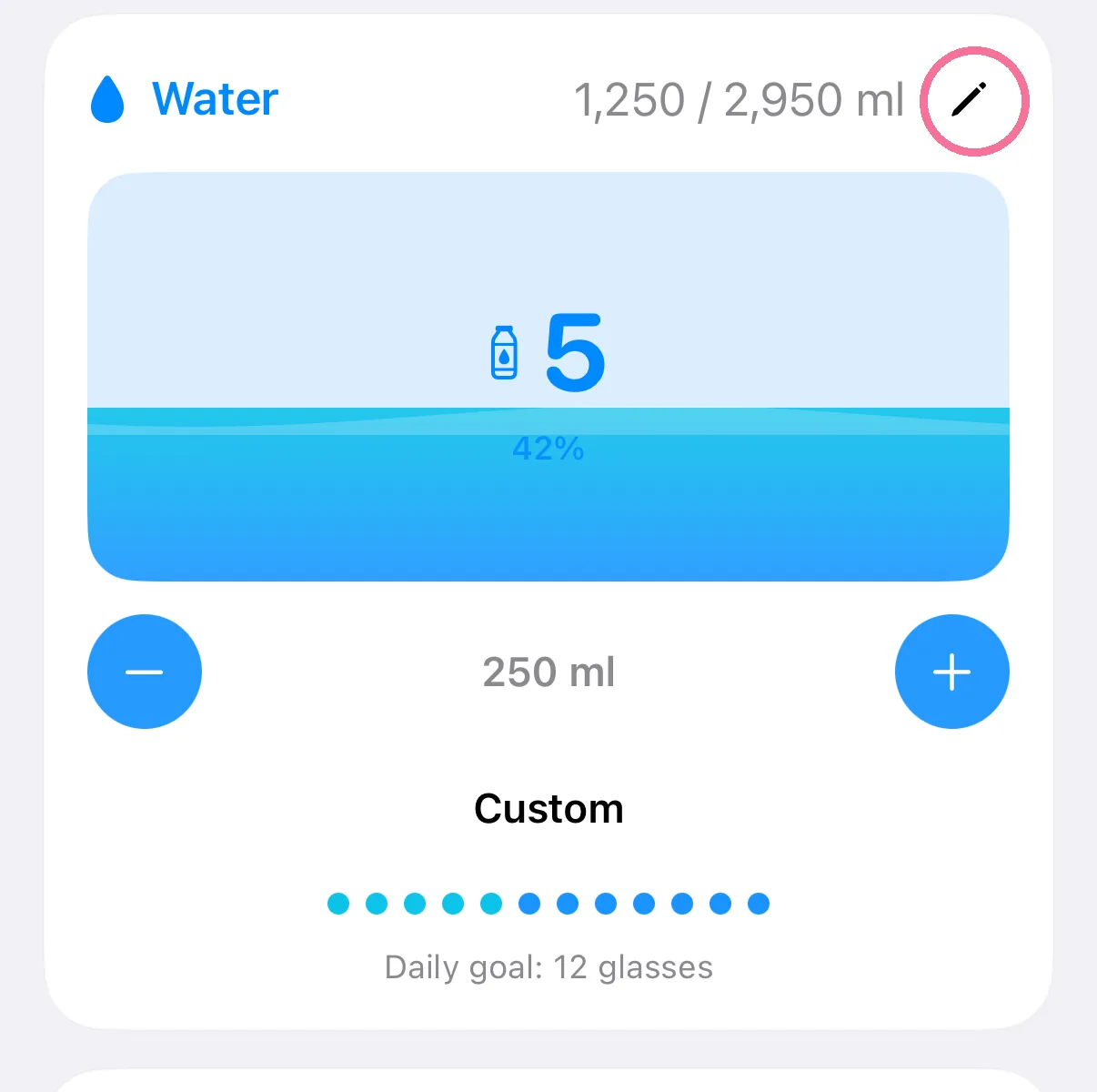
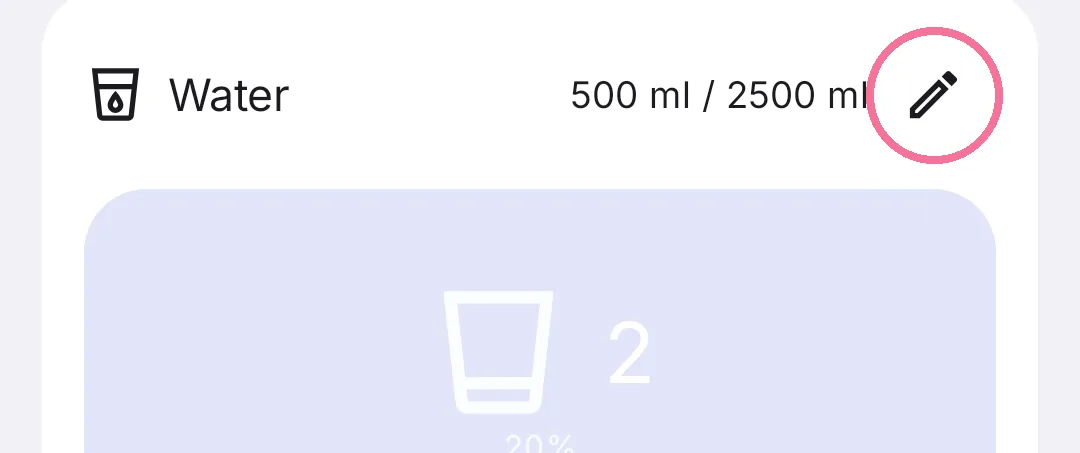
The pencil at the top of the card sets your water goal and glass size.
-
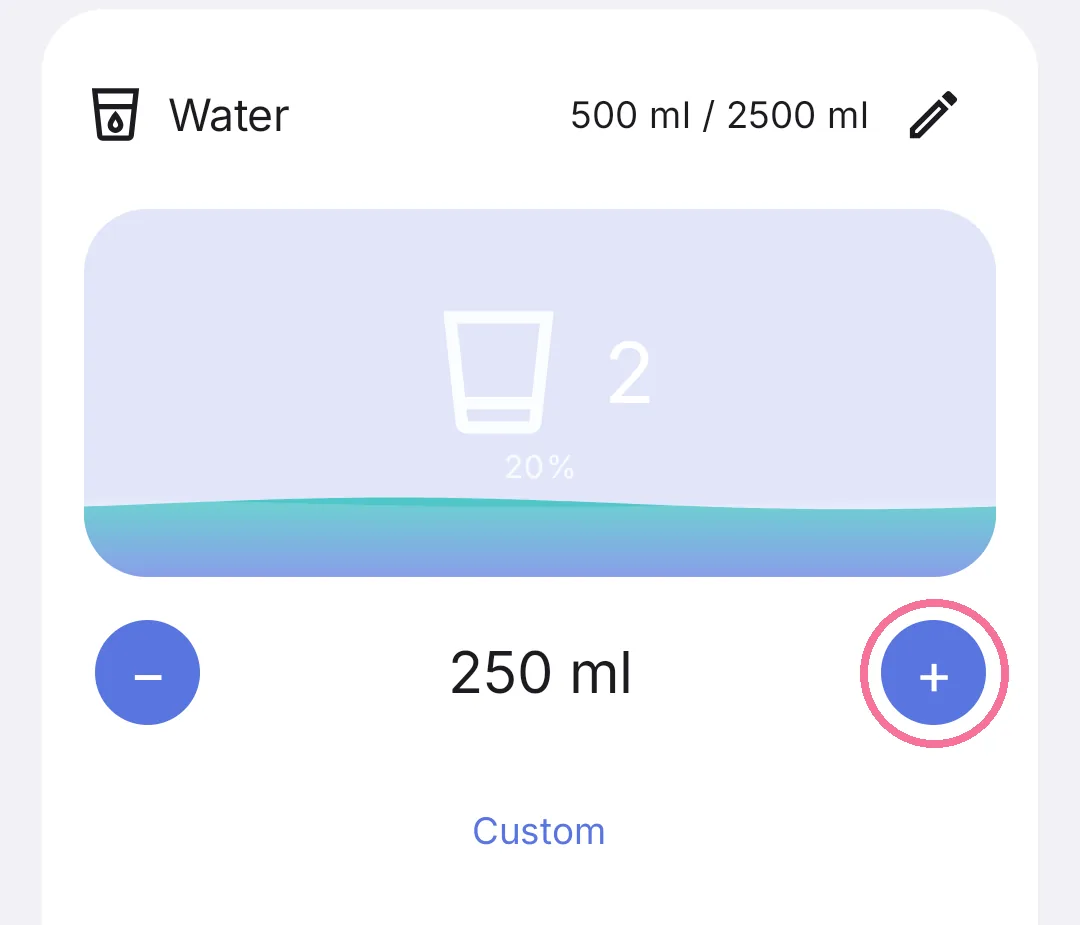
On Today, tap the plus on the “Water” card to add a glass.
-
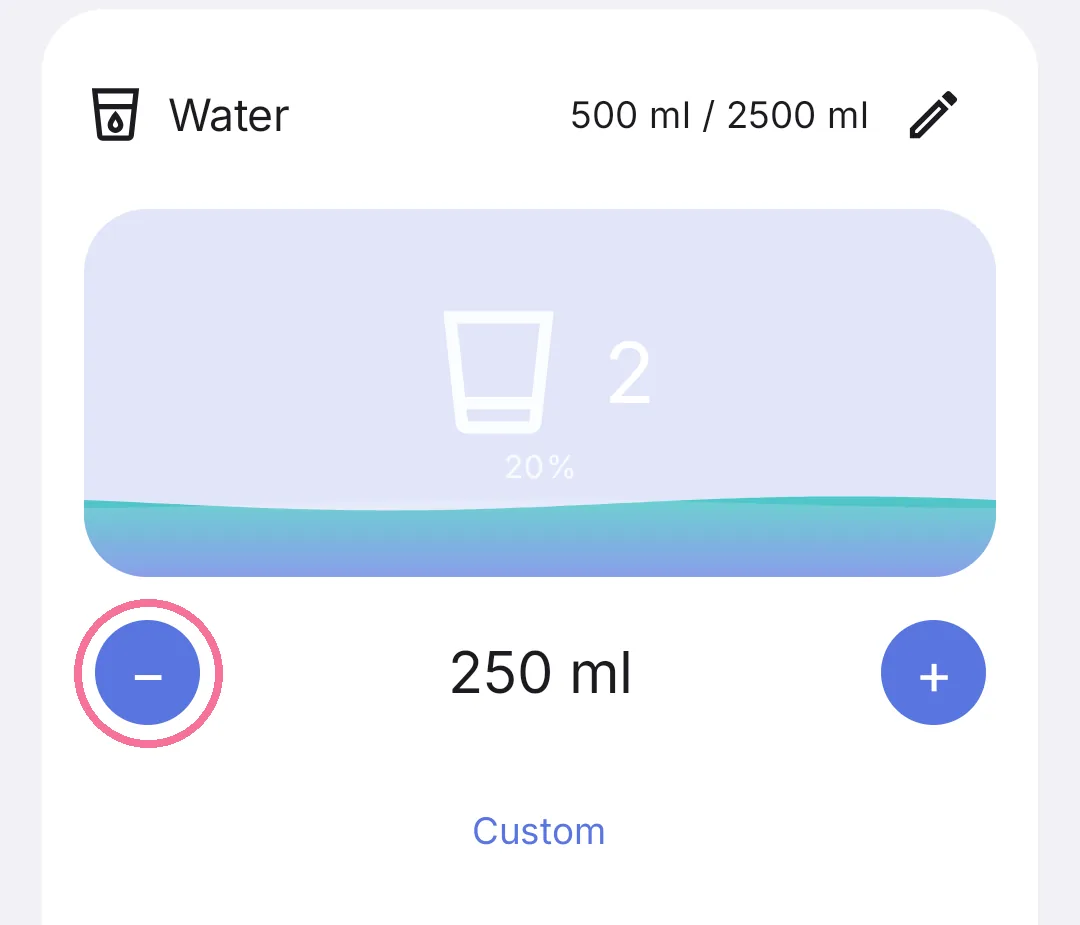
The minus takes away one glass.
-
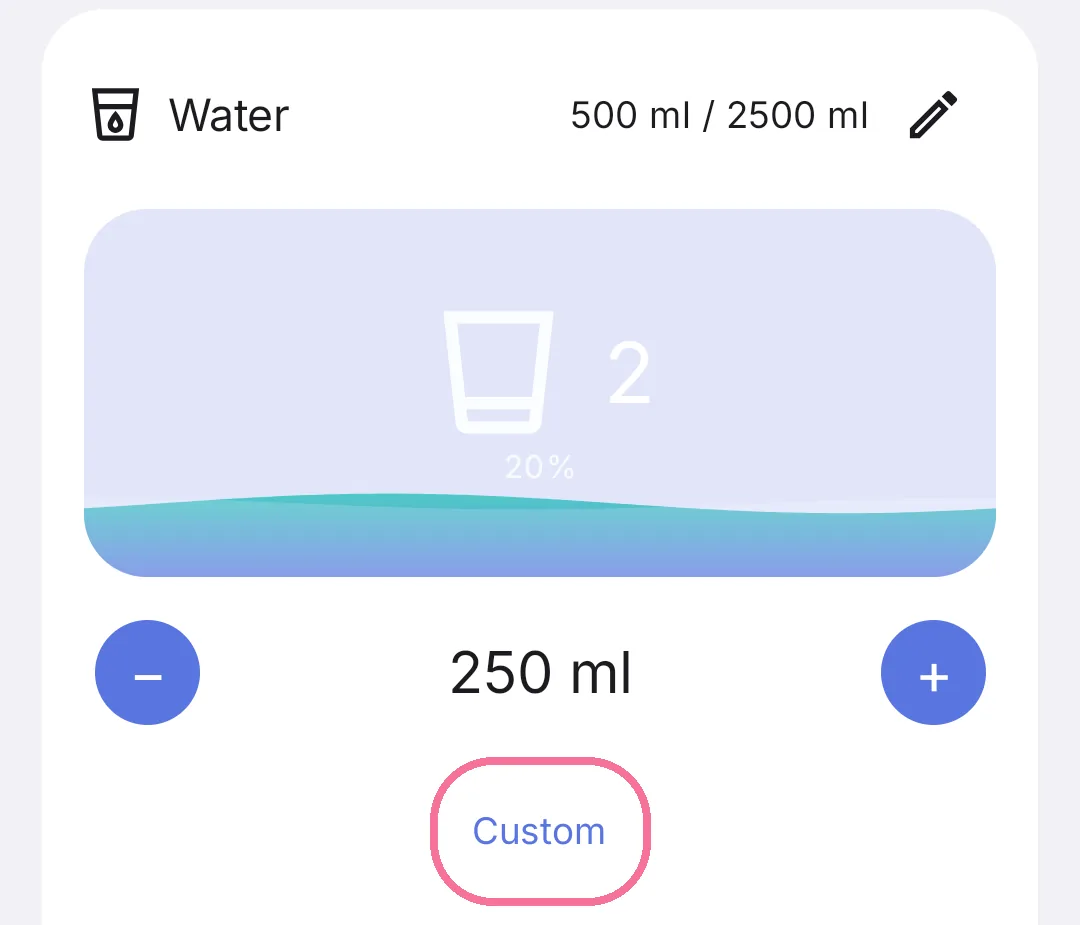
For a different amount, tap “Custom”, set the amount and tap the checkmark.
-
For other drinks, turn on “Mark as beverage” while adding them, and their amount counts toward your water goal.
-
The pencil at the top of the card sets your water goal and glass size.
Marked drinks are listed on the card under “Other beverages”. Water you log in other apps shows up on iPhone as long as “Water from other apps” under Settings > “Apple Health” is on (the default).