
Switch days
Tap a day in the week strip or swipe left or right on Today. The calendar button takes you to any date.
-
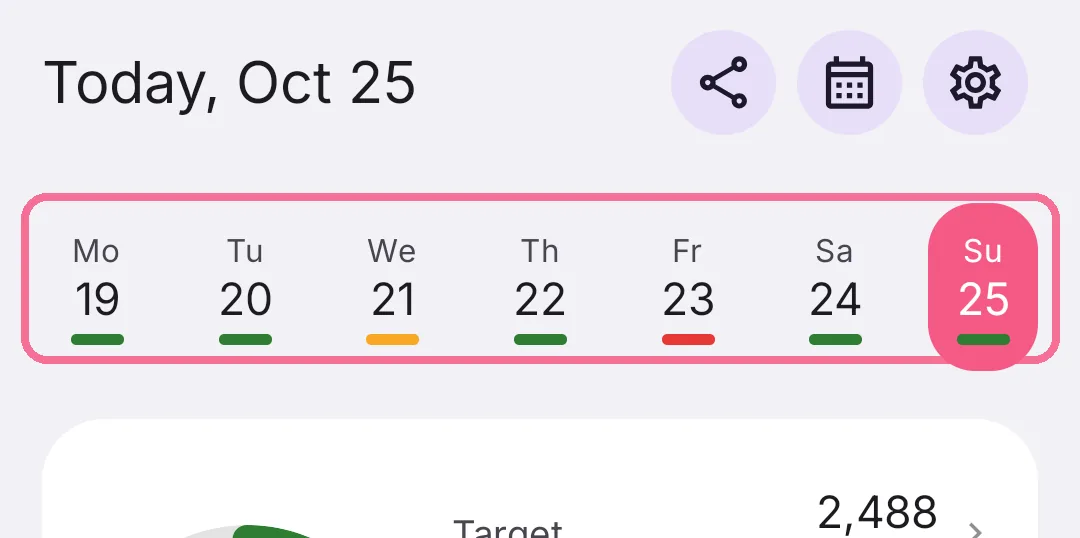
Tap a day in the week strip at the top, or swipe left or right on Today.

-
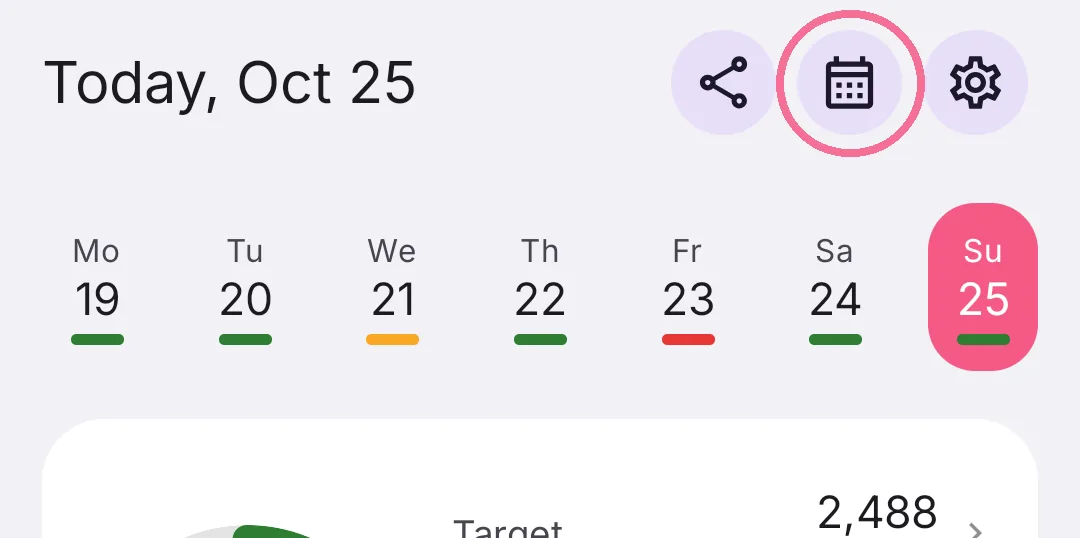
Tap the calendar button at the top, pick a day and tap “Done”.

-
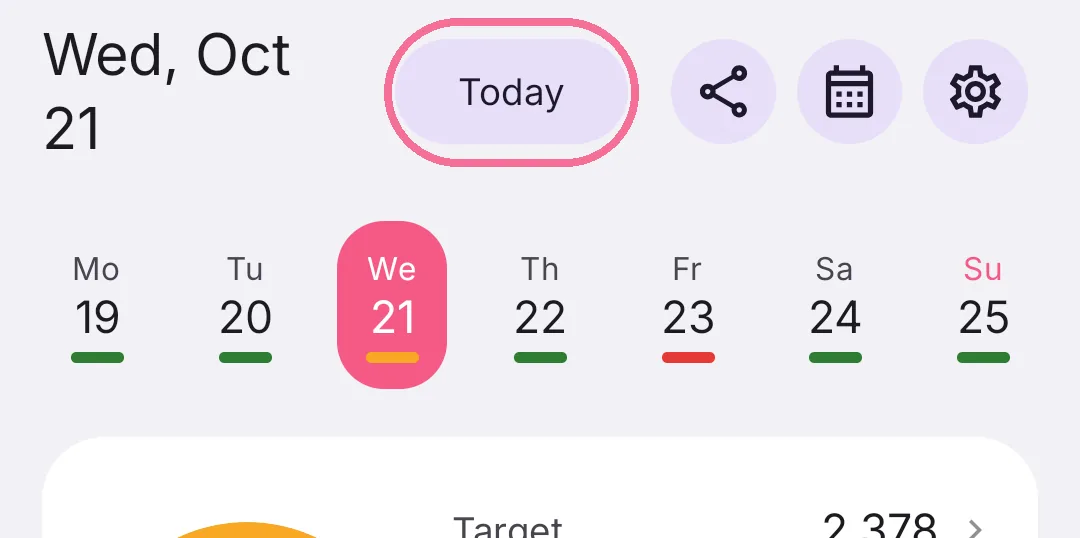
On another day, the arrow at the top takes you back to today.

-
Tap a day in the week strip at the top, or swipe left or right on Today.
-
Tap the calendar button at the top and pick a day.
-
On another day, “Today” at the top takes you back to today.
You can turn off swiping between days under Settings > “Appearance” with “Swipe between days”.