
Stats at a glance
The “Stats” tab shows calories, macros, weight, body measurements and water as cards. Tap a card for its details, where you choose a week, month or year.
-
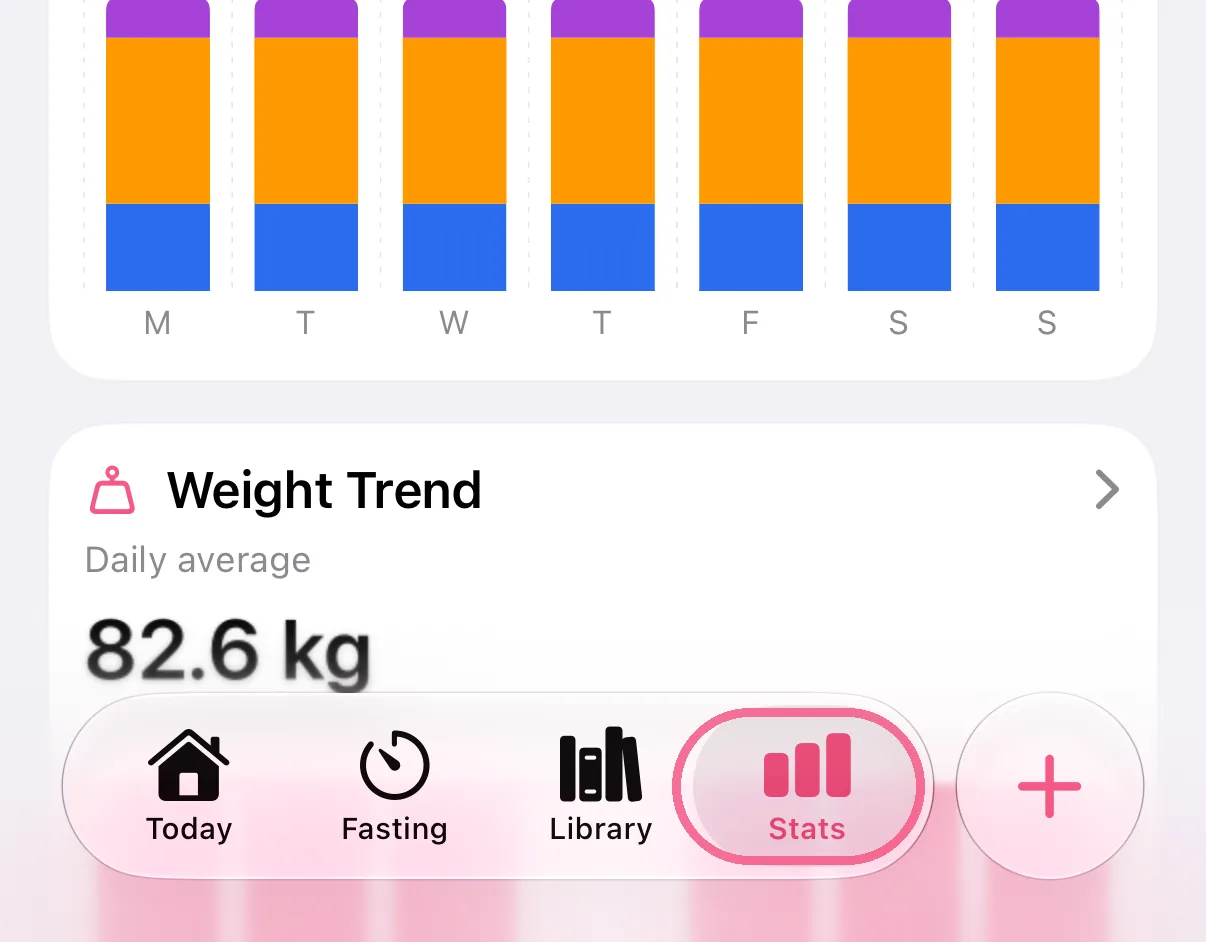
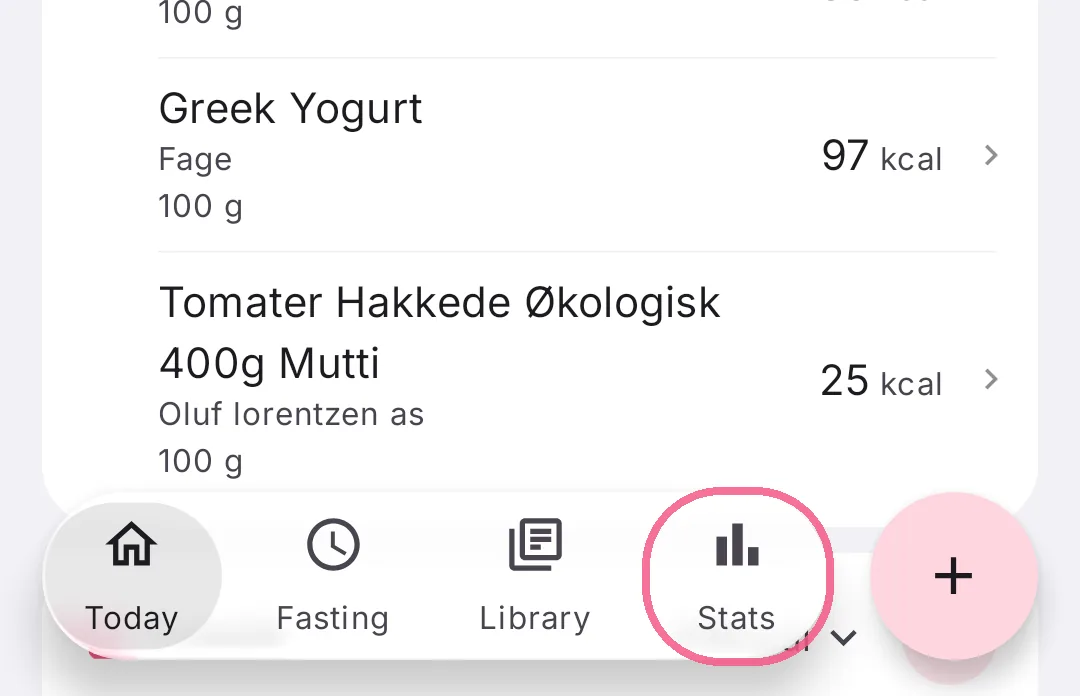
Tap “Stats” at the bottom.
-
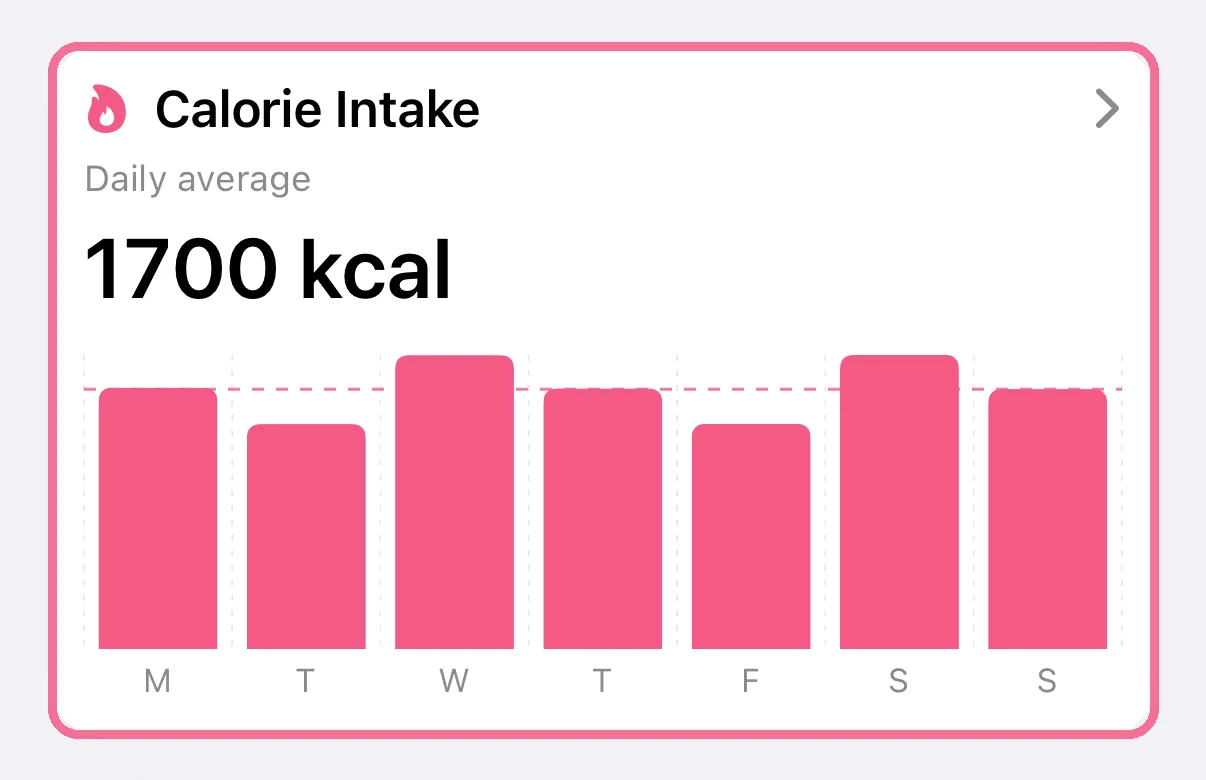
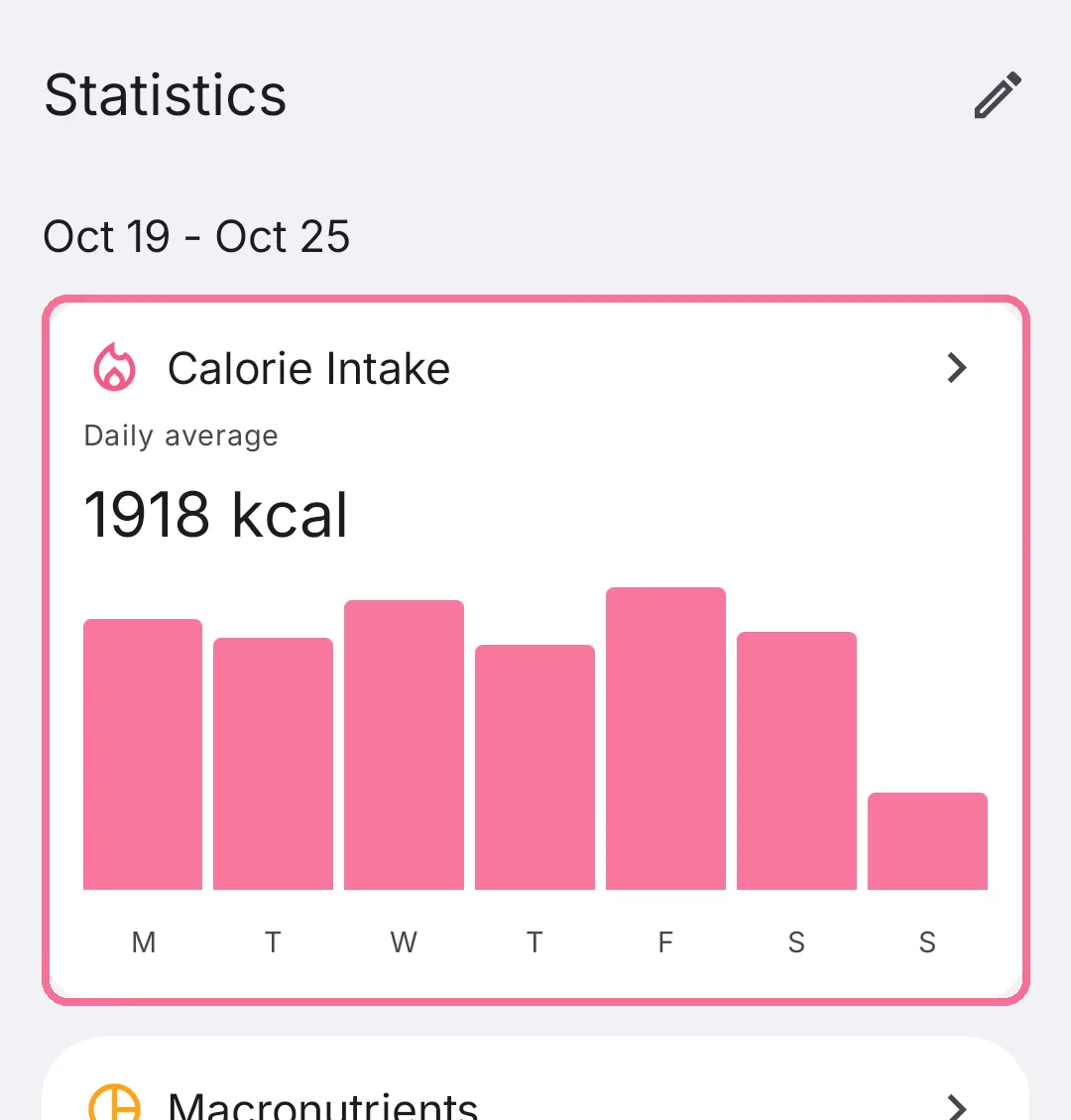
Each card shows the current week. Tap a card to open its details.
-
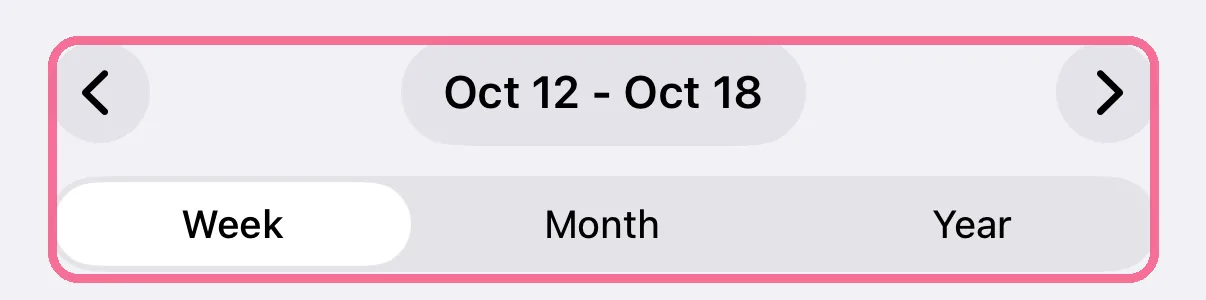
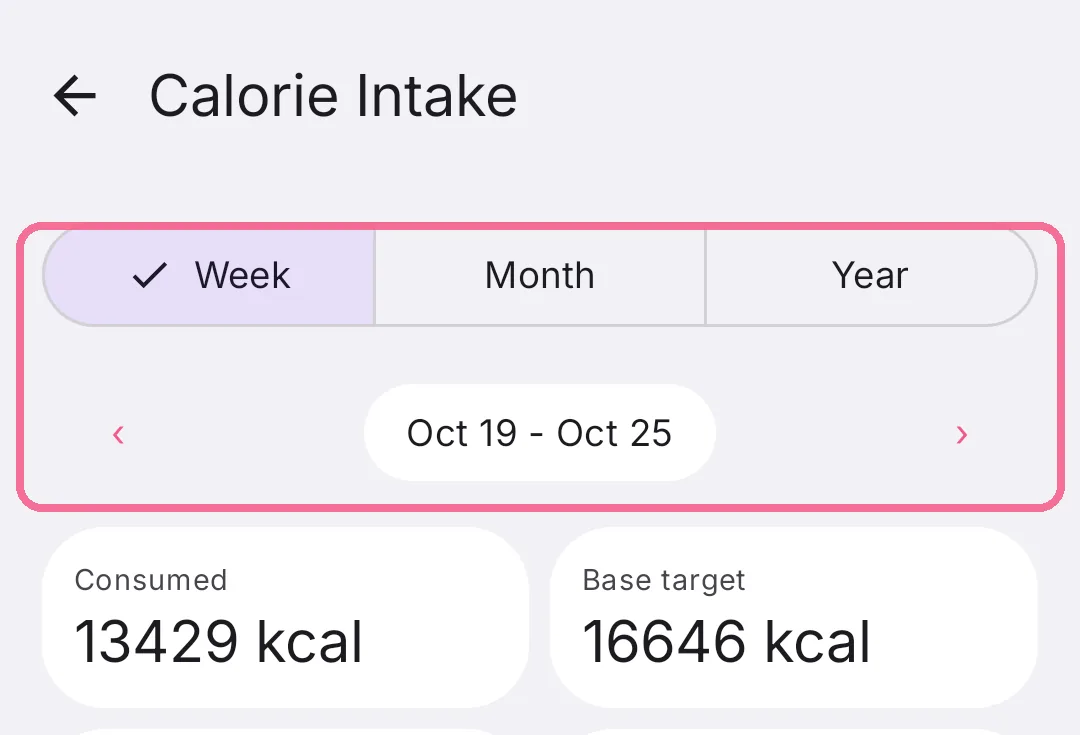
Choose Week, Month or Year at the top. The arrows take you to earlier periods.
-
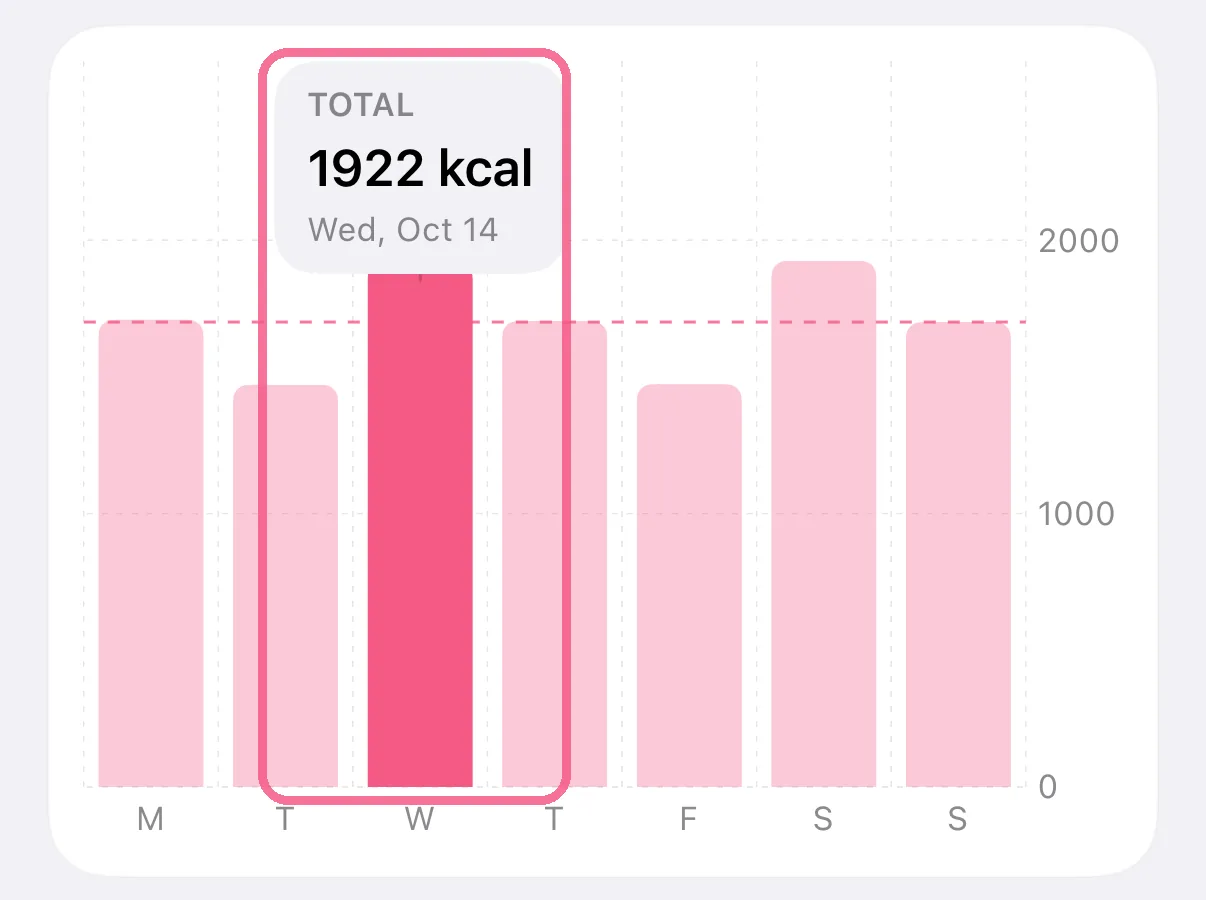
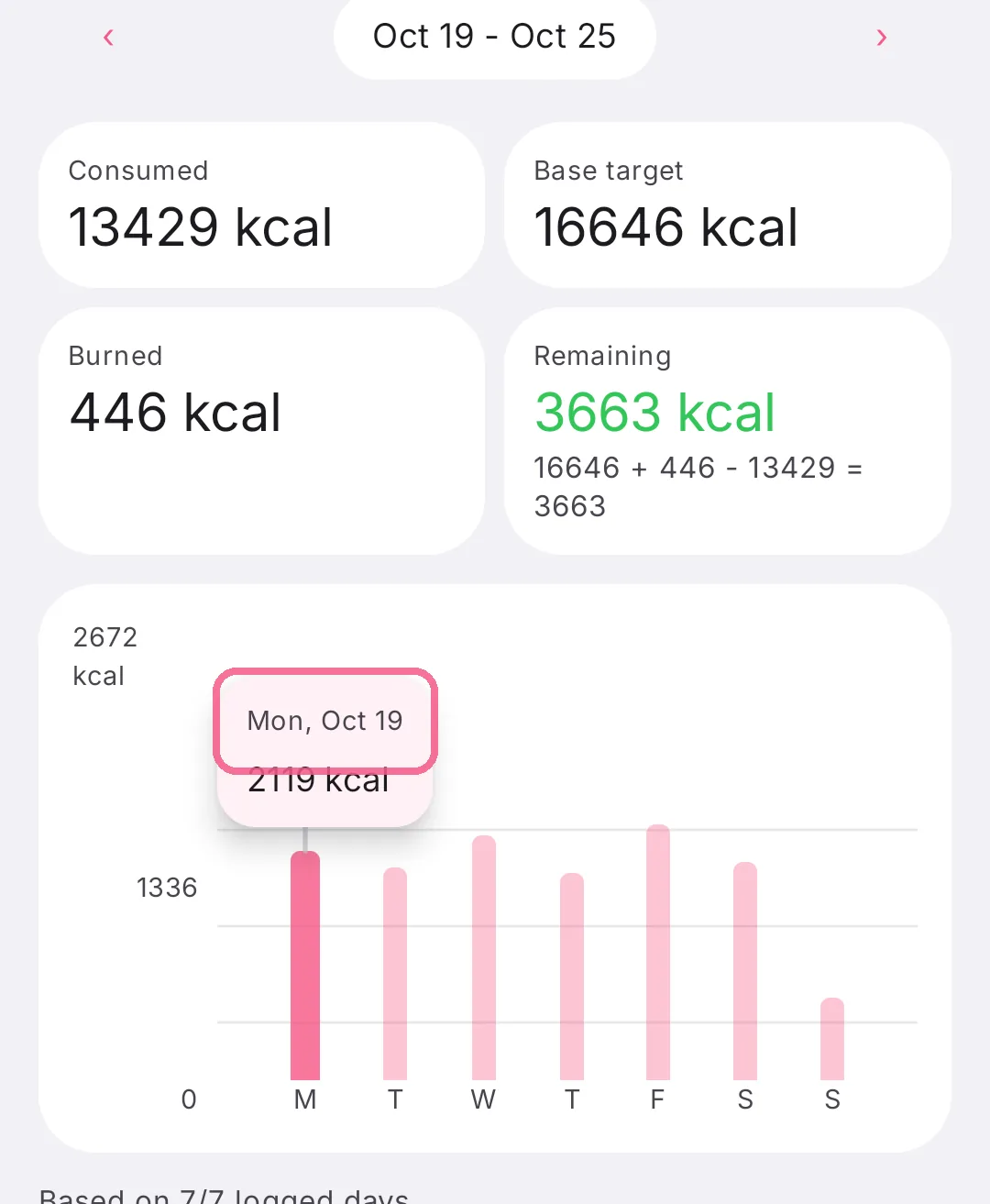
Tap a bar to see its exact value.
-
Tap “Stats” at the bottom.
-
Each card shows the current week. Tap a card to open its details.
-
Choose Week, Month or Year at the top. The arrows page back to earlier periods.
-
Tap a bar to see its exact value.
In “Macronutrients”, tap a value to show or hide that nutrient in the chart. On iPhone, pull Stats down to load the data again.