
Delete iCloud data
“Delete iCloud data” removes everything Intake stored in iCloud and turns iCloud sync off. The data on your device stays.
-
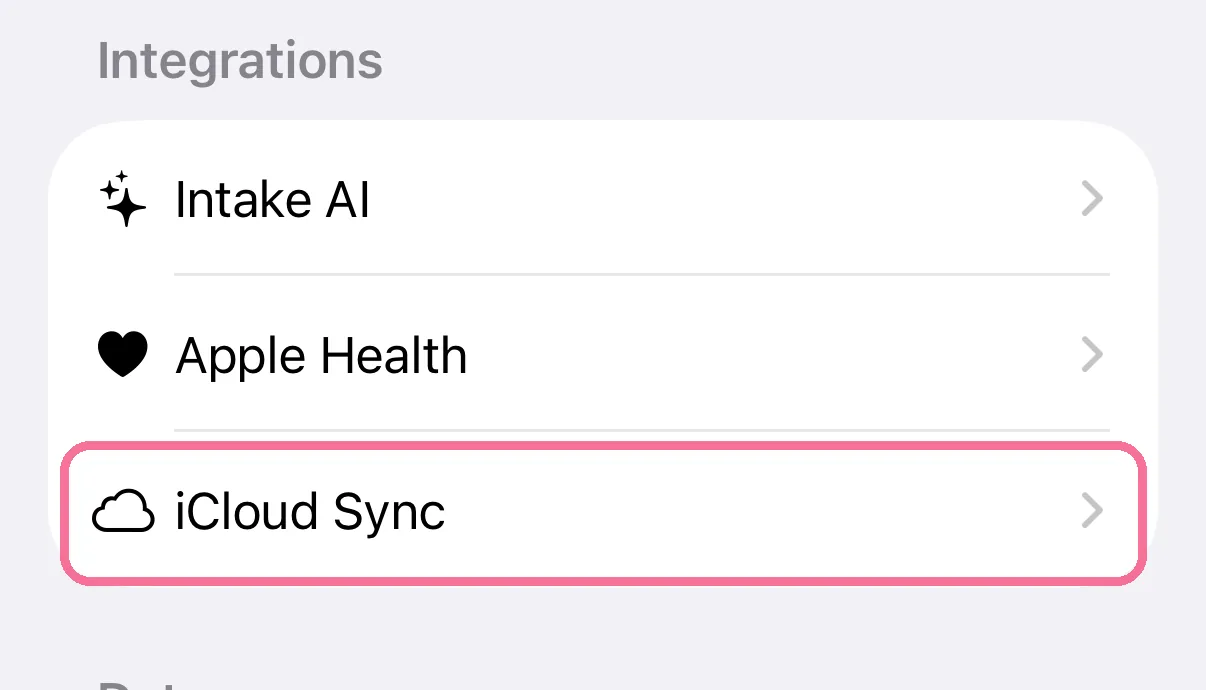
On Today, tap the gear at the top, then “iCloud Sync”.
-
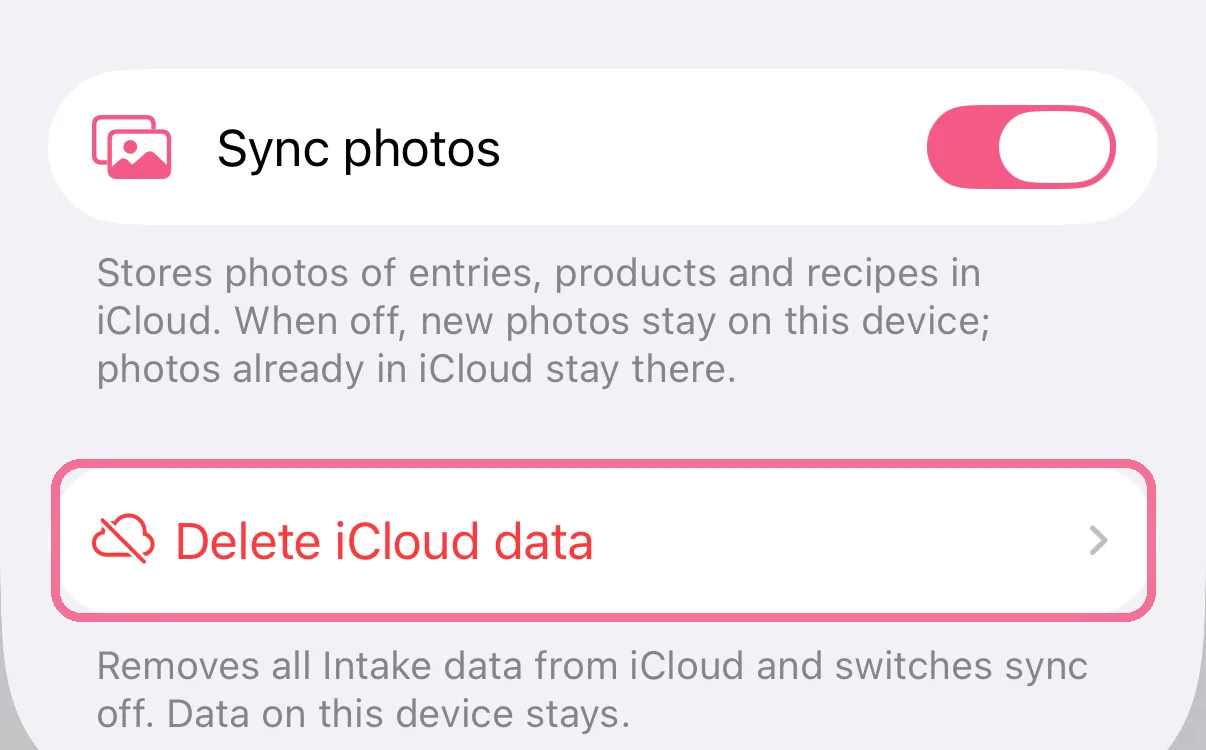
Tap “Delete iCloud data” at the very bottom.
-
Confirm with “Delete iCloud data”.
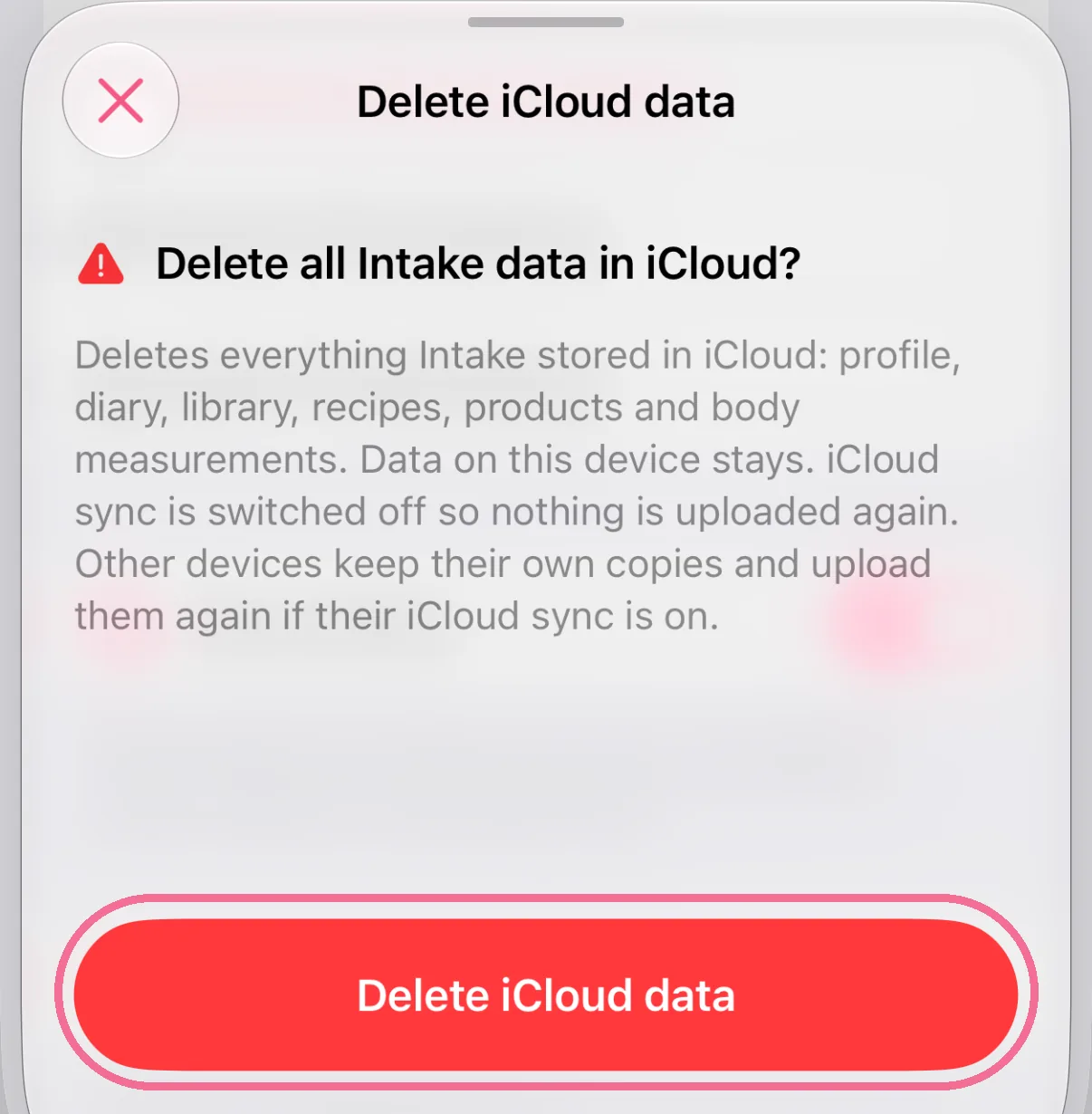
Everything Intake keeps in iCloud is deleted: profile and goals, diary, library, recipes, products, body measurements, fasting plan and photos. Your other devices keep their own copy and upload it again as long as iCloud sync is on there. Turn it off on those devices first if everything should disappear from iCloud.
“Reset app” under “Data”, on the other hand, only deletes the data on this device, not in iCloud.