
Calories left while adding
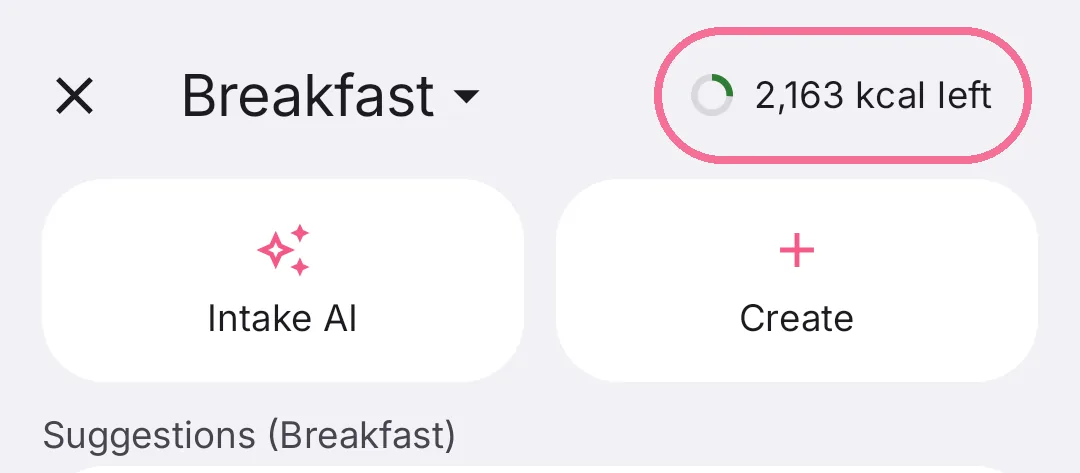
While you add food, you see under the title how many calories you have left that day. So you know what still fits before you log.
-
Under the meal’s name you see how many calories are left that day.

-
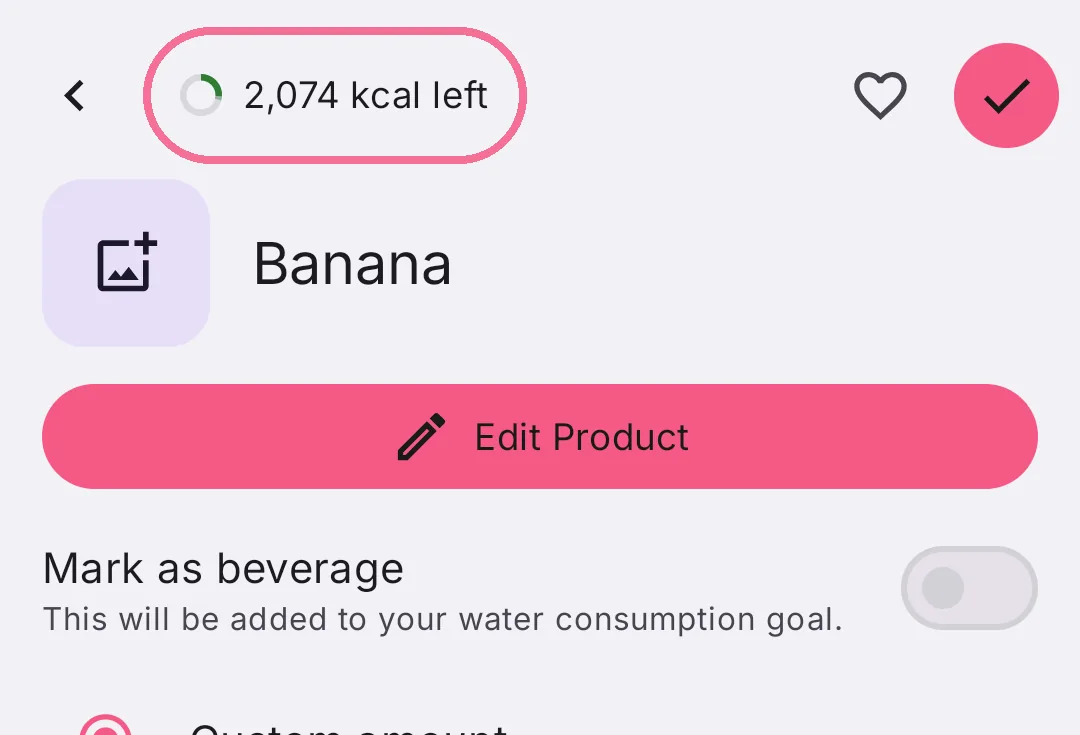
The following pages, for example the portion, show the number under their title too.

-
At the top right, next to the meal’s name, you see how many calories are left that day.
-
The following pages, for example the portion, show the number at the top too. It already takes off the amount you chose.
On iPhone the number only changes once you log something, not while you’re choosing. Once you’re over your target, it says “kcal too much”.
On Android, tap the number to see protein, carbs and fat with their targets.