
Scan a barcode
While adding food, tap the barcode button and point the camera at the barcode. Intake opens the product as soon as it recognizes it.
-
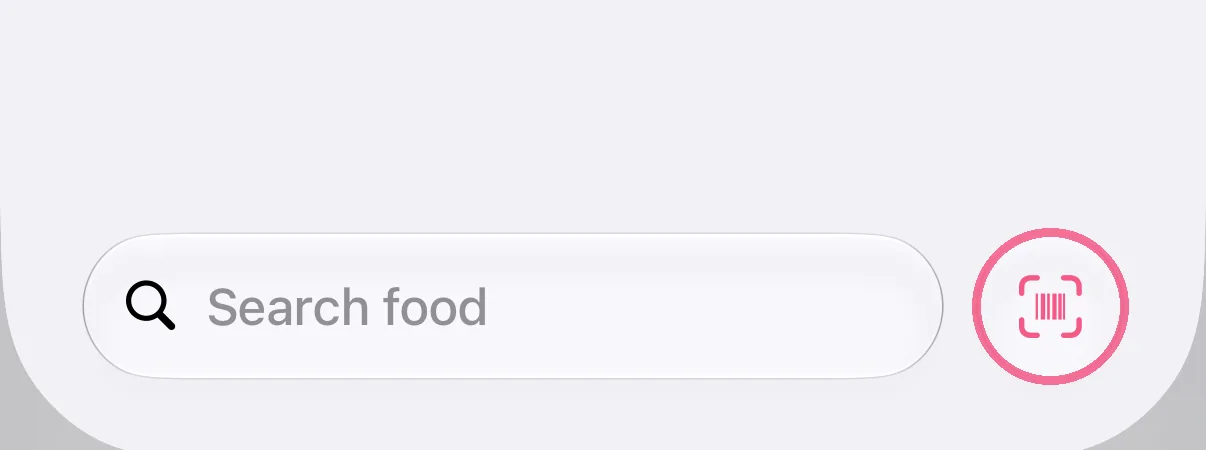
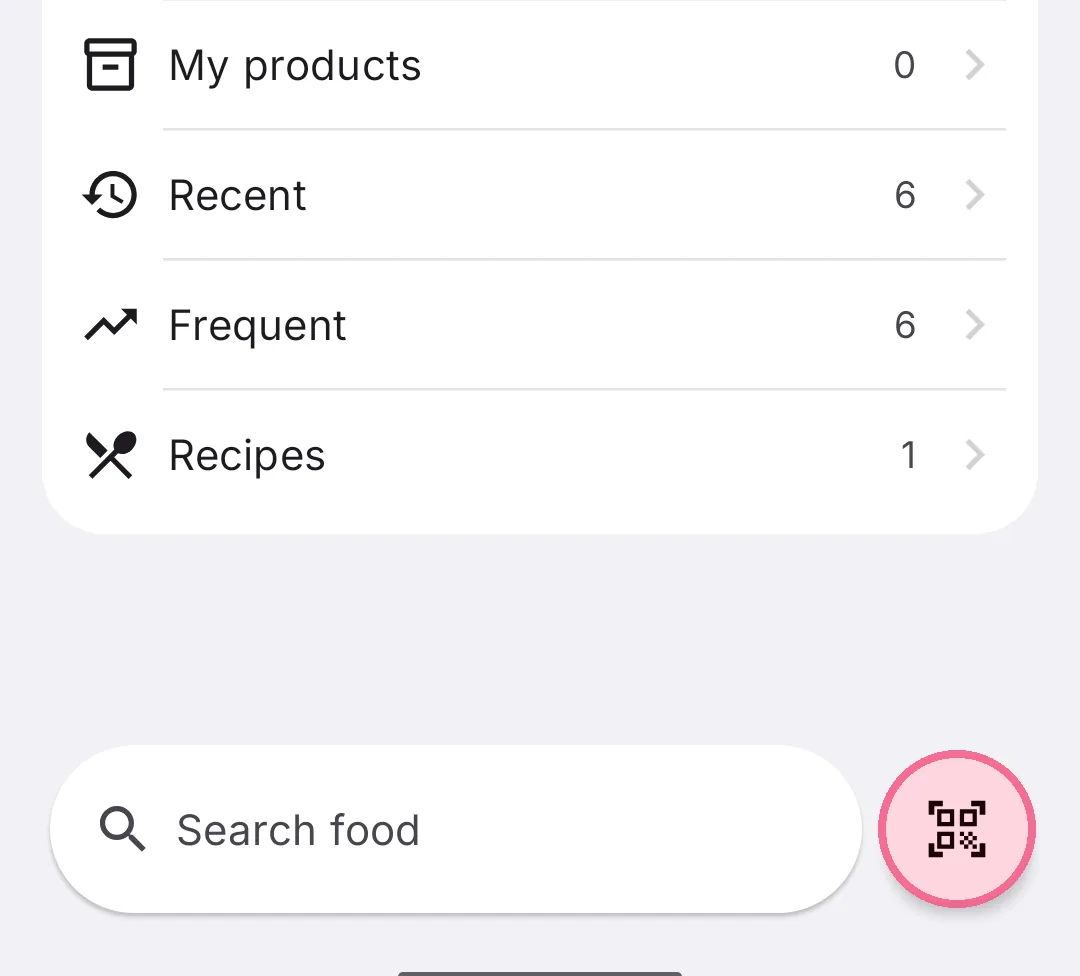
While adding food, tap the barcode button next to the search field at the bottom right.
-
While adding food, tap the barcode button next to the search field at the bottom right.
Hold the camera steady on the barcode until Intake opens the product. Then choose the portion as usual.
If Intake doesn’t know the barcode, the form for a product of your own opens with that barcode filled in. Enter the values from the package and save it. Next time you scan it, Intake finds it right away.