
Start and end a fast
On the “Fasting” tab you can end a fast early or start one outside your schedule. Going back to your schedule takes one tap.
-
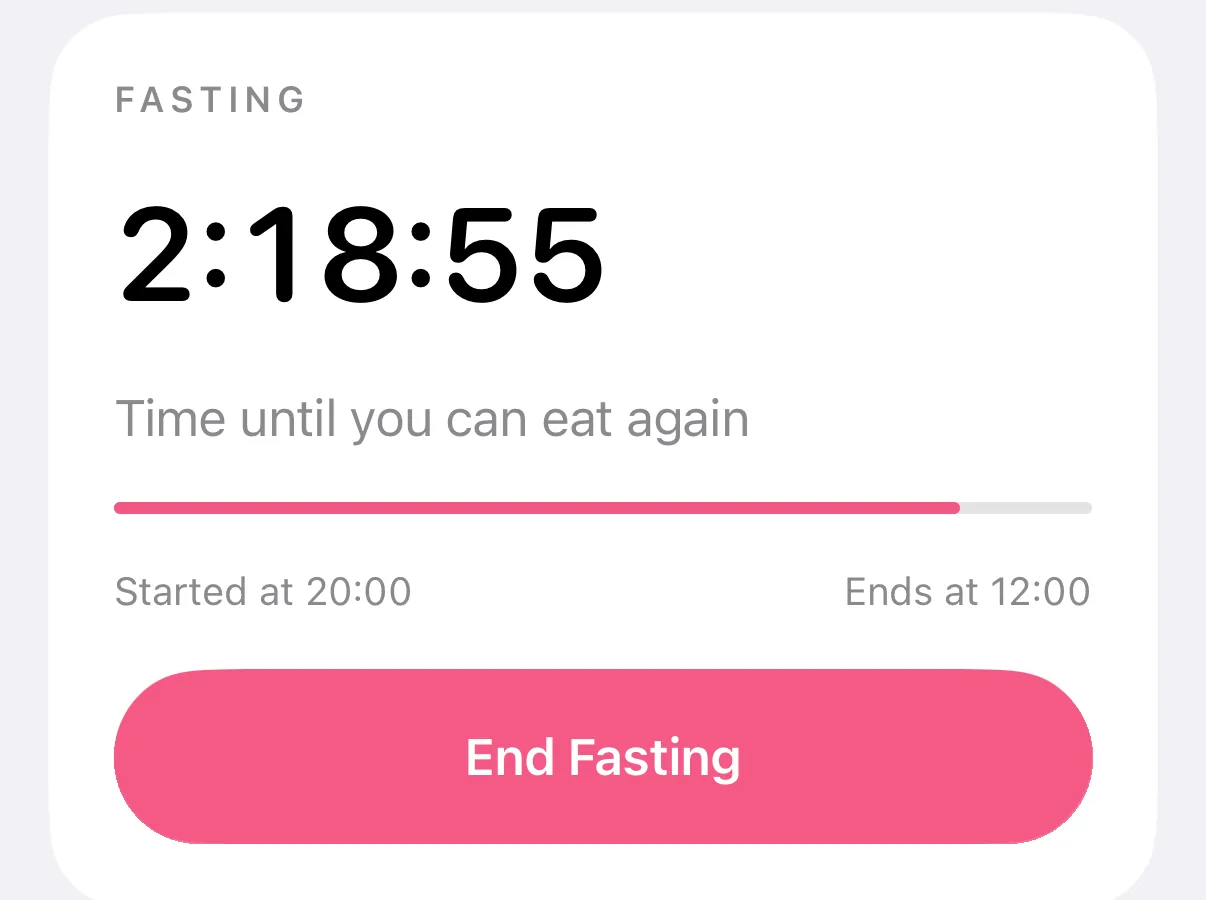
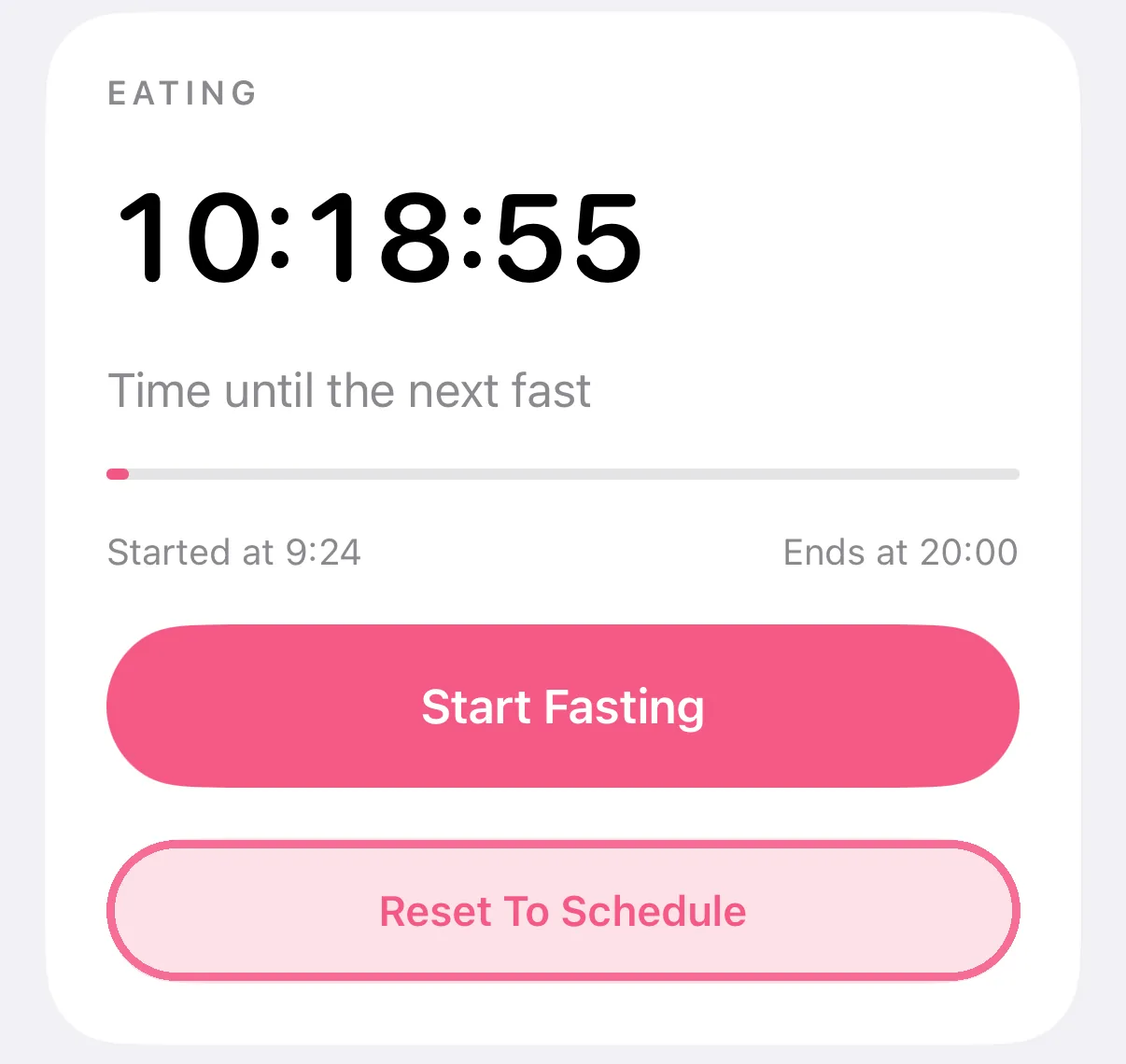
On the “Fasting” tab, tap “End Fasting” or “Start Fasting” and confirm.
-
“Reset To Schedule” puts your schedule back in charge right away.
-
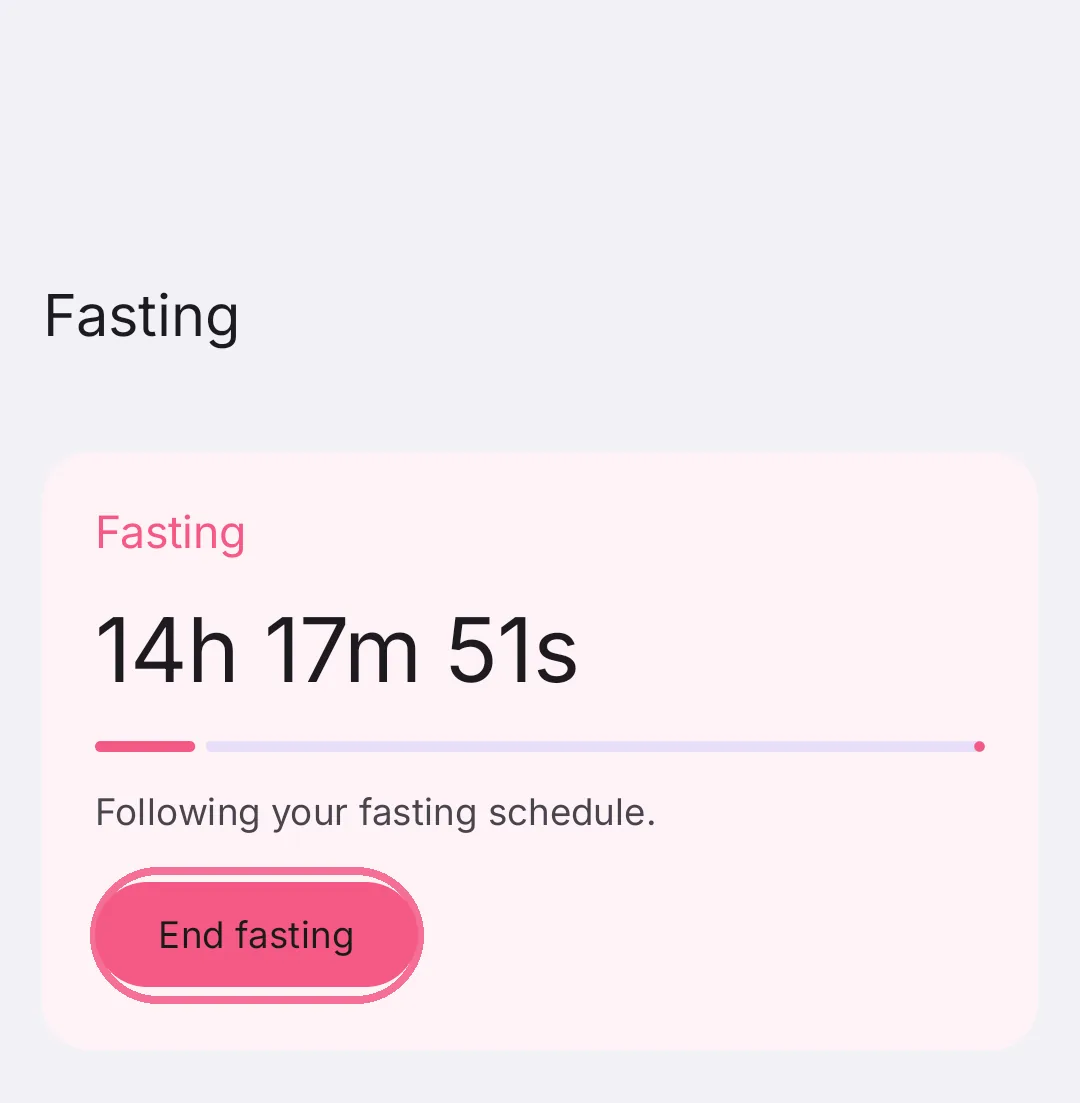
On the “Fasting” tab, tap “End fasting” to eat now, or “Start fasting” during your eating time.
-
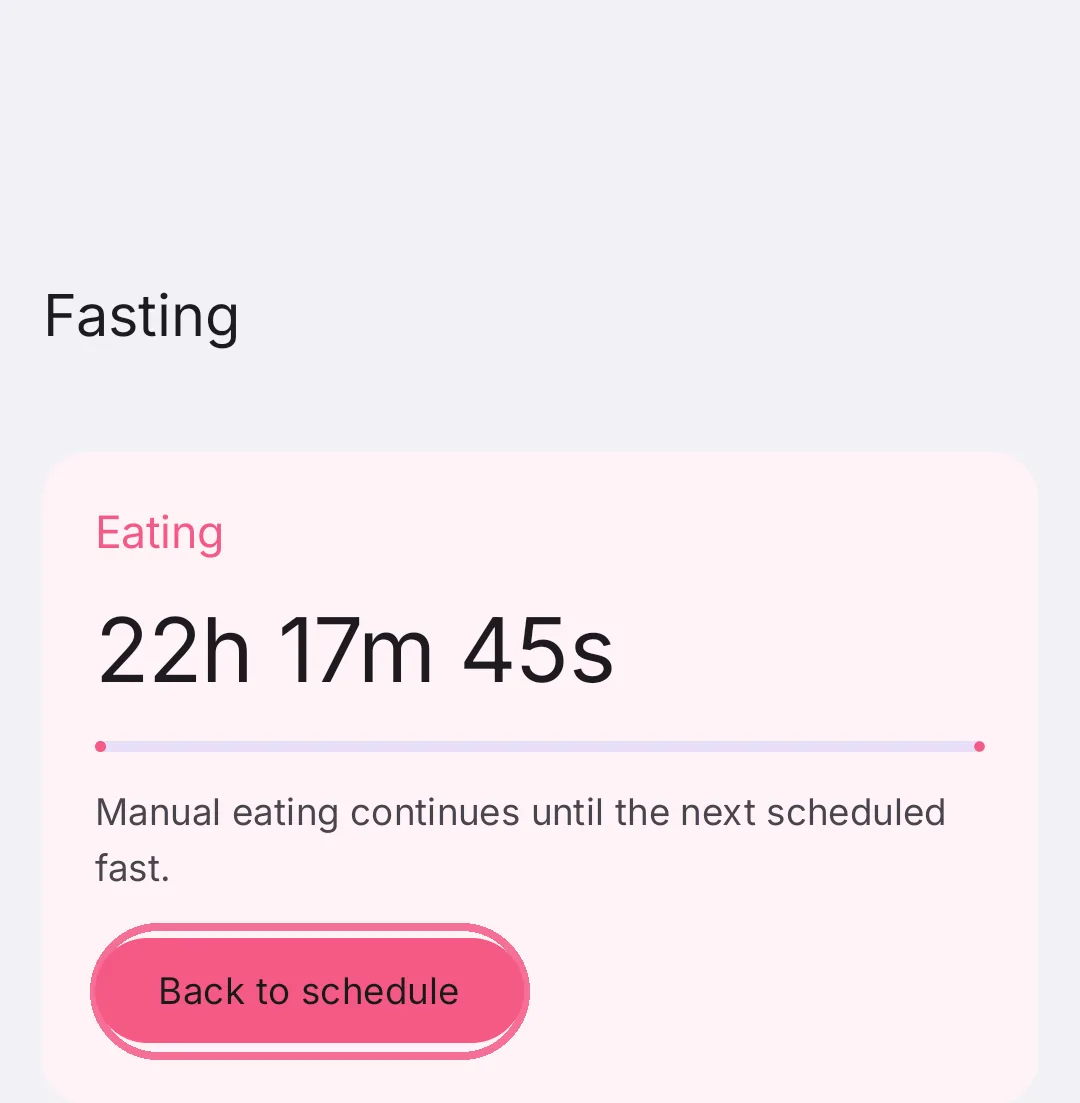
“Back to schedule” puts your schedule back in charge right away.
“End Fasting” switches you to eating until your next scheduled fast, and “Start Fasting” begins a fast as long as the one in your schedule, then your eating time, and after that your schedule takes over again. On iPhone, with iCloud sync, your other Apple devices show the same fast.