
Submit a product
Submit one of your own products for review so it can join the shared database. You follow its status in the Library under “Submissions”.
-
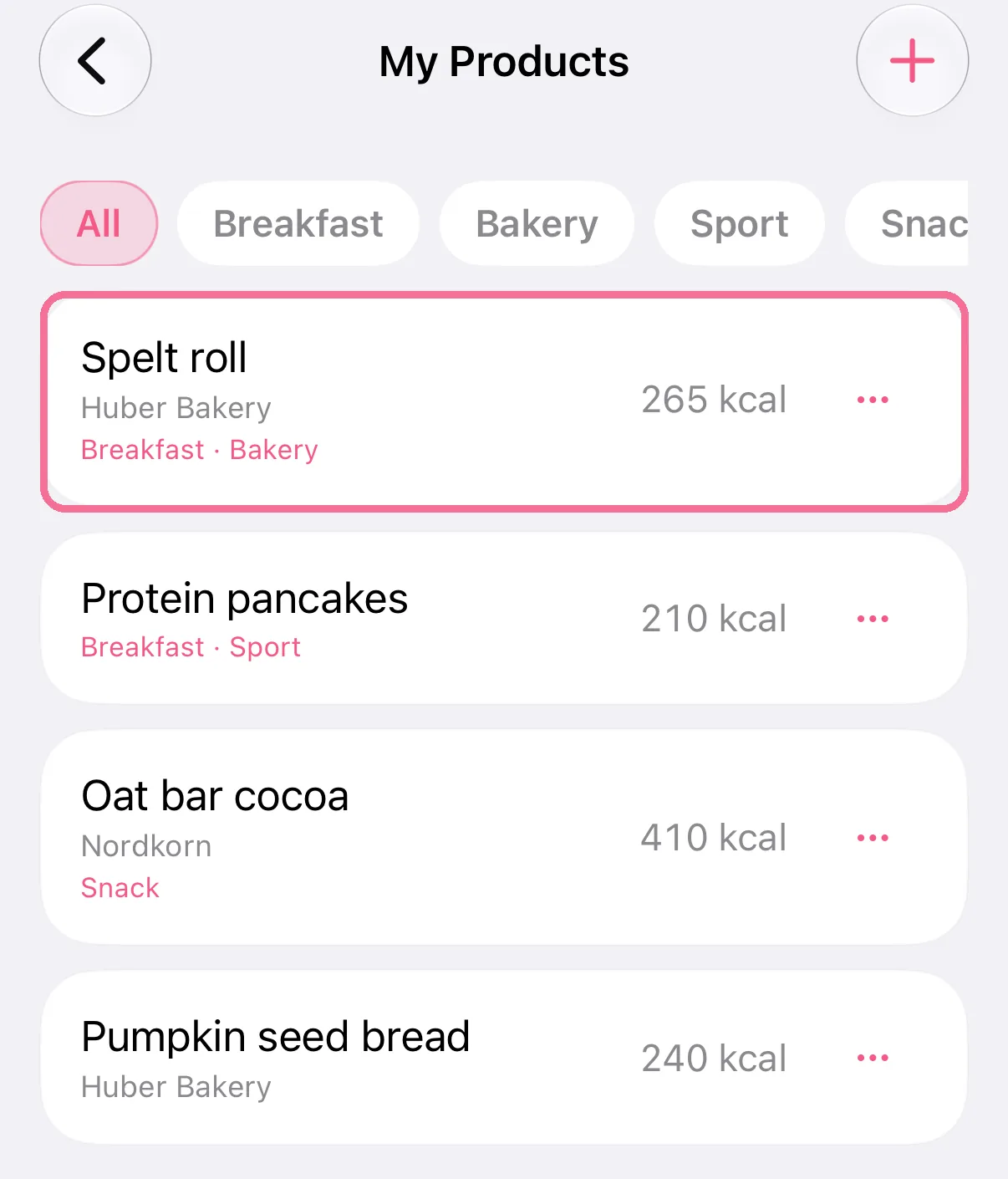
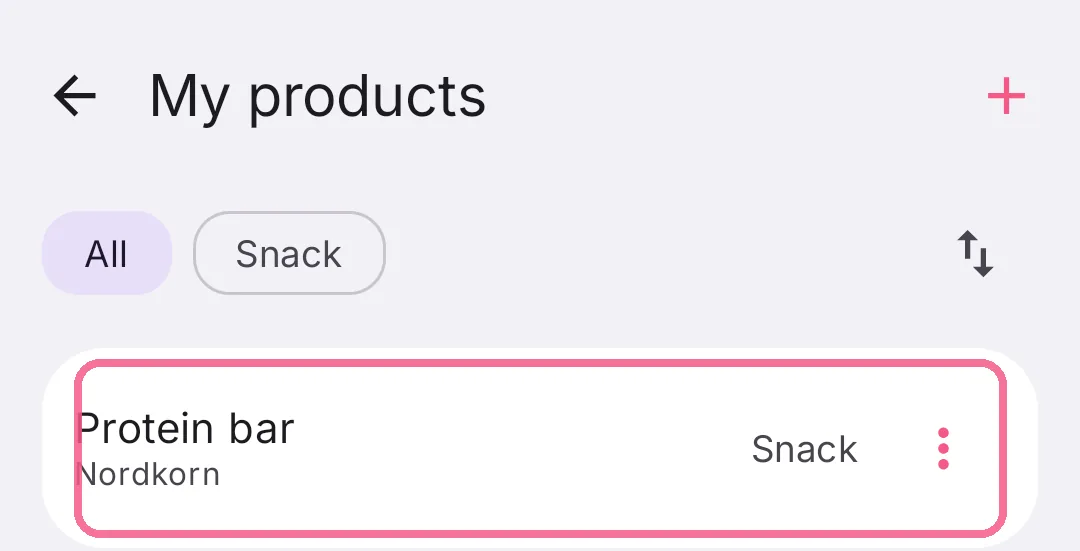
Open your product under “My Products”, or create a new one.
-
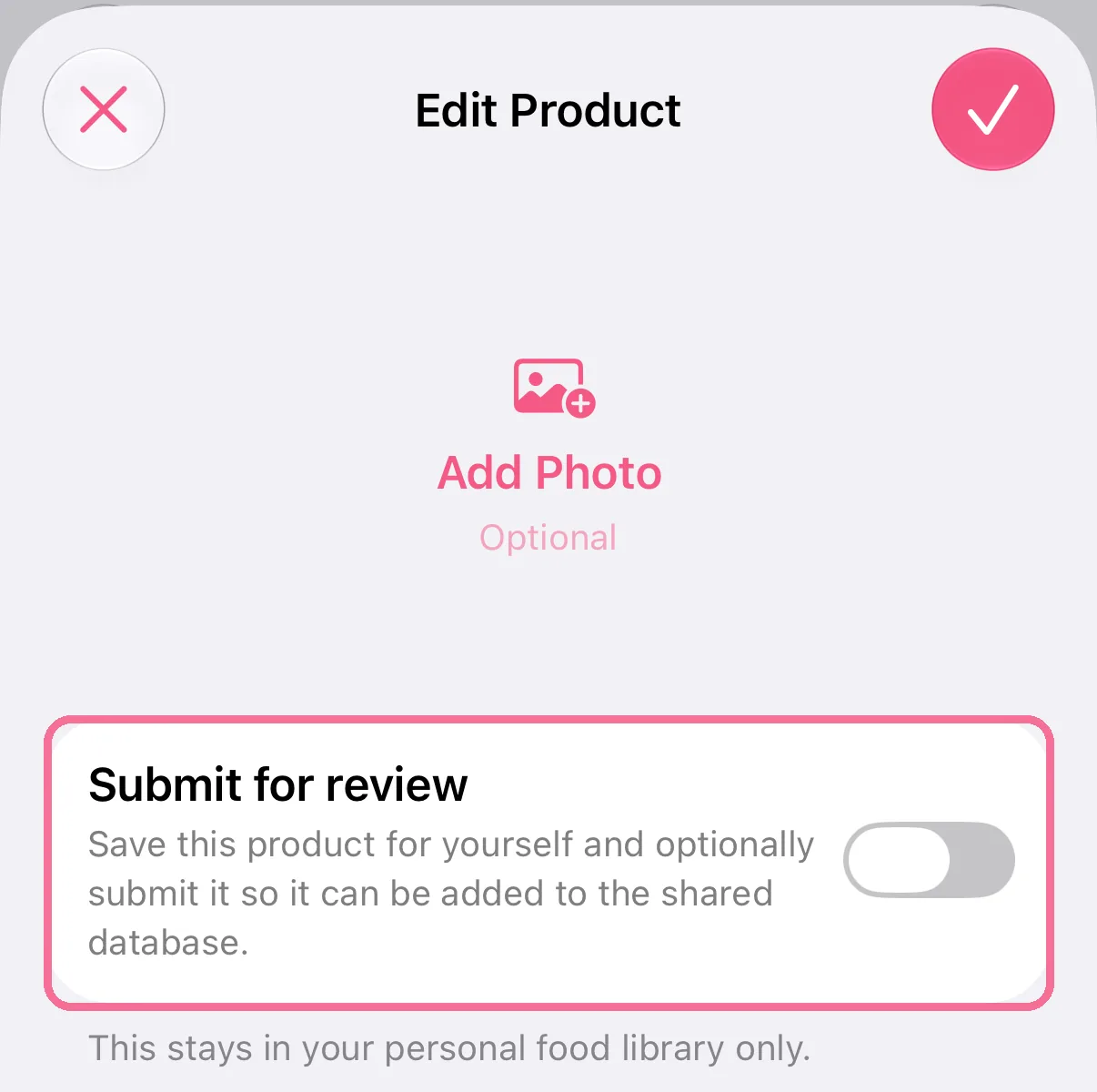
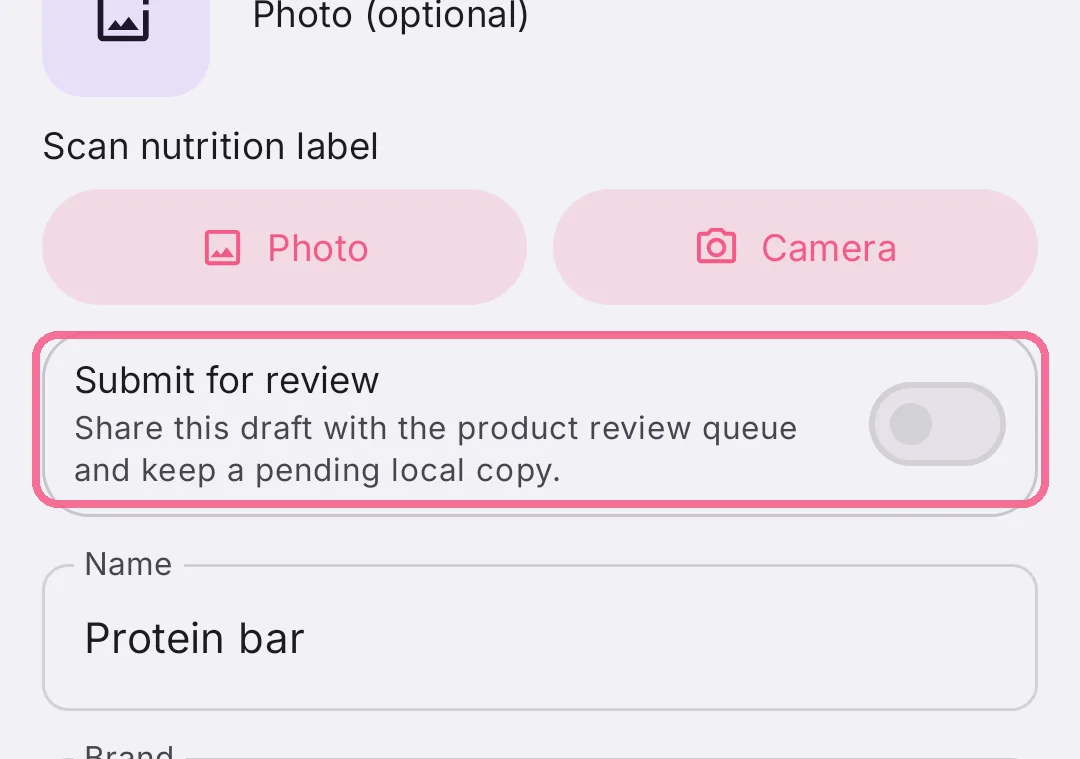
Turn on “Submit for review”.
-
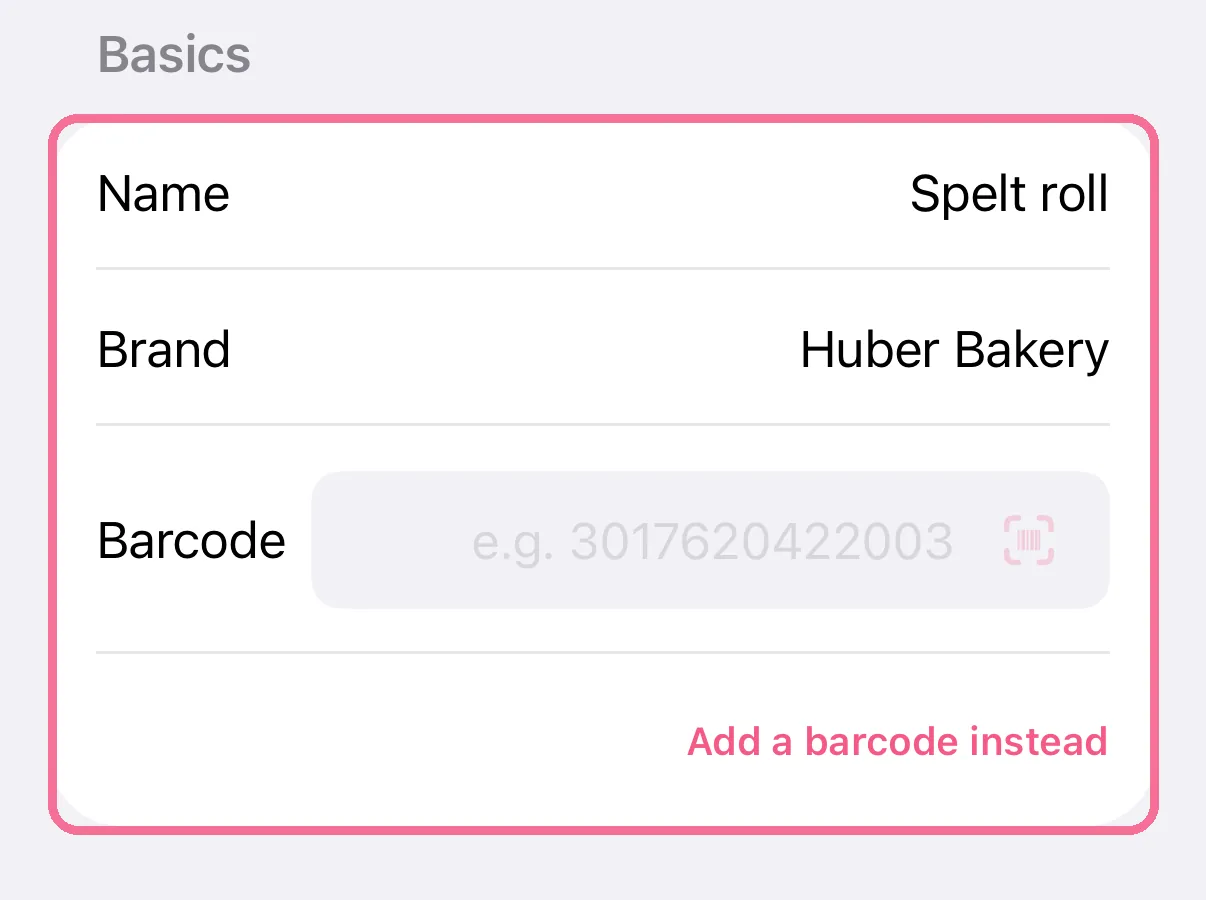
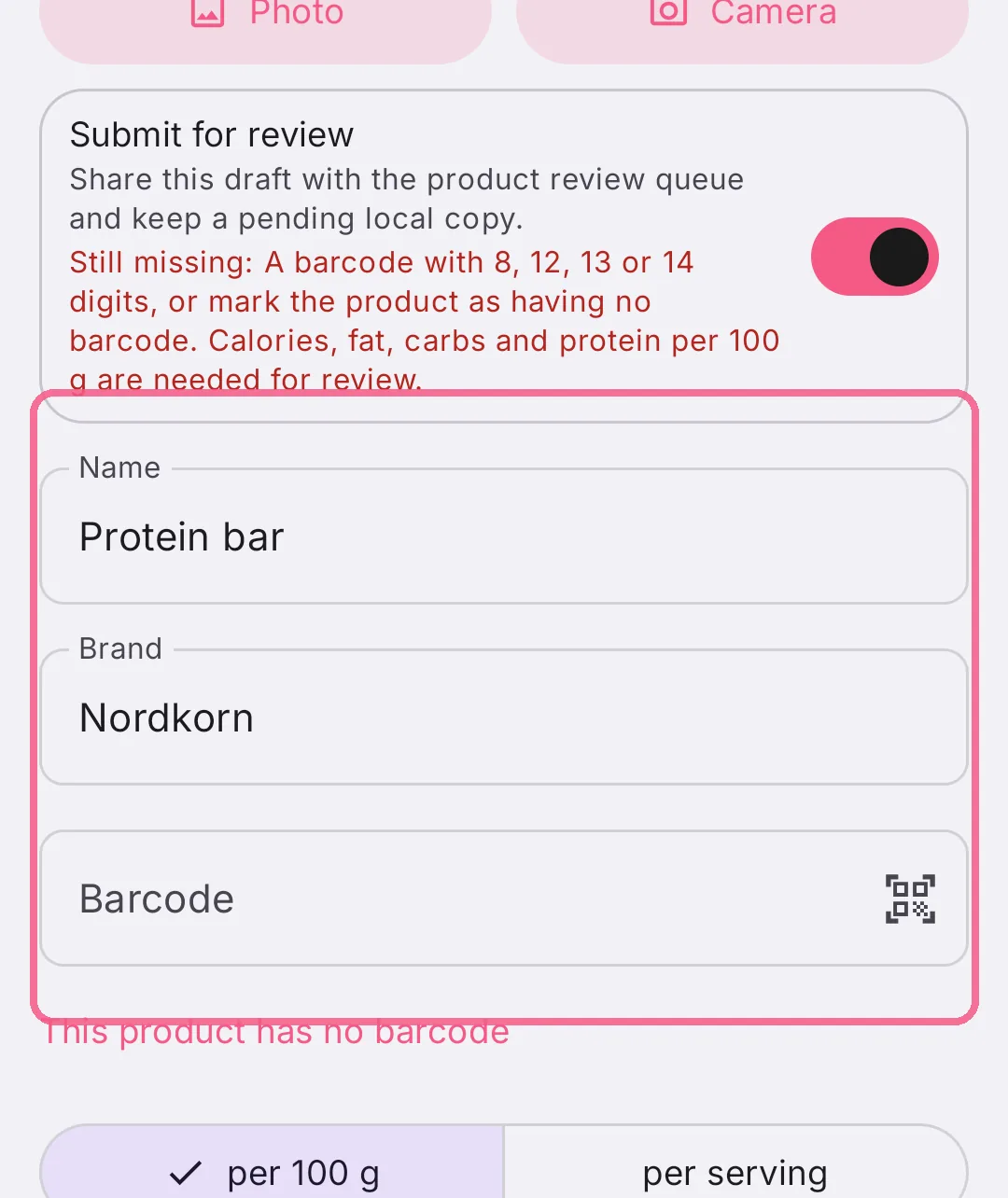
A review needs a name, brand, barcode and calories, fat, carbs and protein per 100 g. Then tap the checkmark at the top right.
-
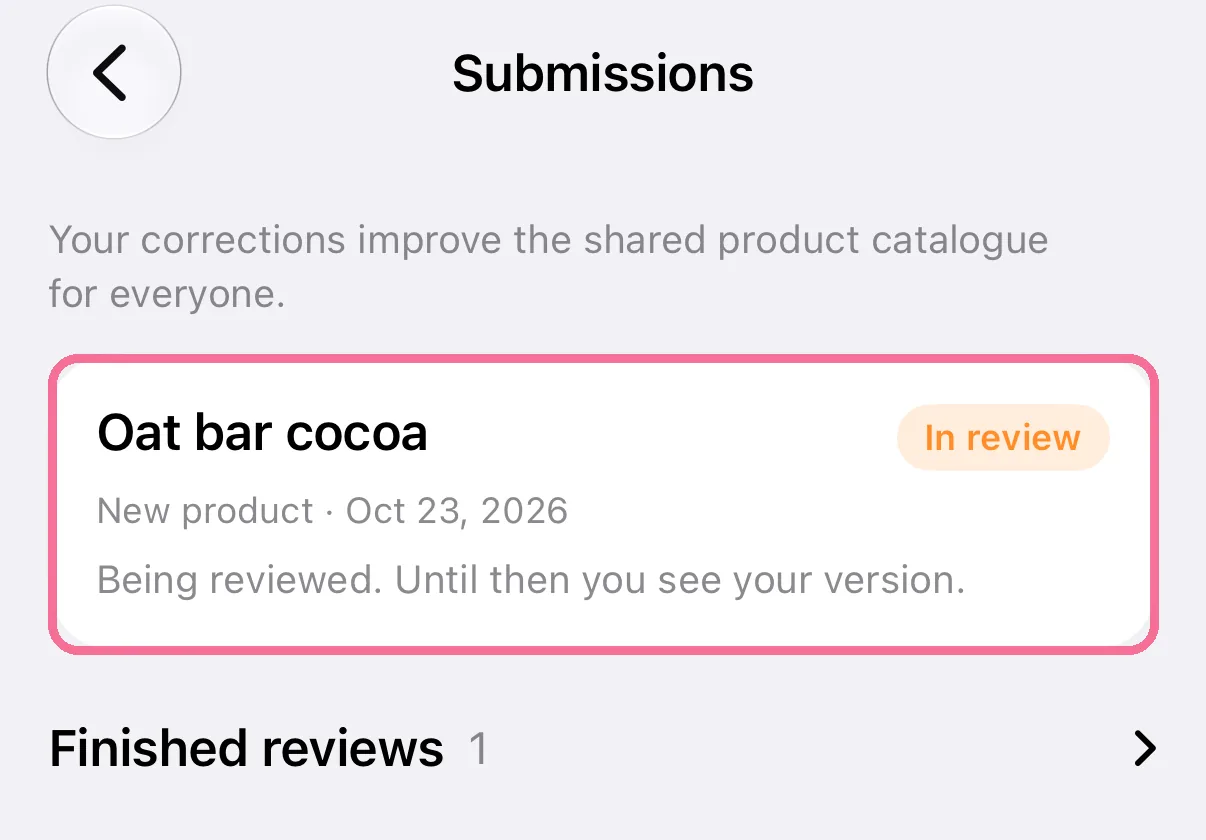
“Submissions” shows what is being reviewed right now.
-
Open your product under “My Products”, or create a new one.
-
Turn on “Submit for review”.
-
A review needs a name, brand, barcode and calories, fat, carbs and protein per 100 g. Then tap “Save” at the bottom.
-
“Submissions” shows what is being reviewed right now.
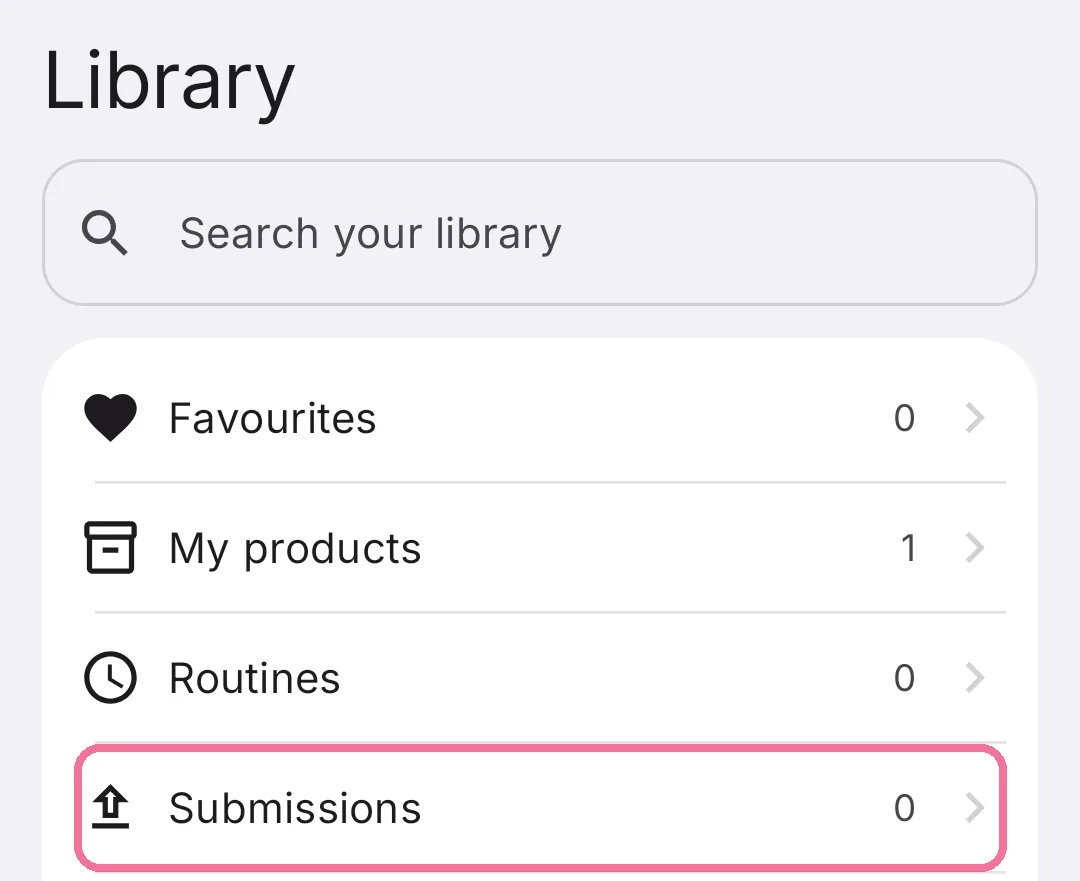
Until there’s a decision, you use your own version. If it isn’t accepted, it stays in your Library as a private product.
A mistake in a database product: On the product’s page, tap “Report issue” and pick what’s wrong, for example “Wrong nutrients”. On iPhone, if editing can fix it, the editor opens right away and you submit the correction. On Android, choose “Edit instead” for that.