
Add tags
Give your products and favorites tags, for example “Breakfast”. Use them to filter the lists in the Library and when you add food.
-
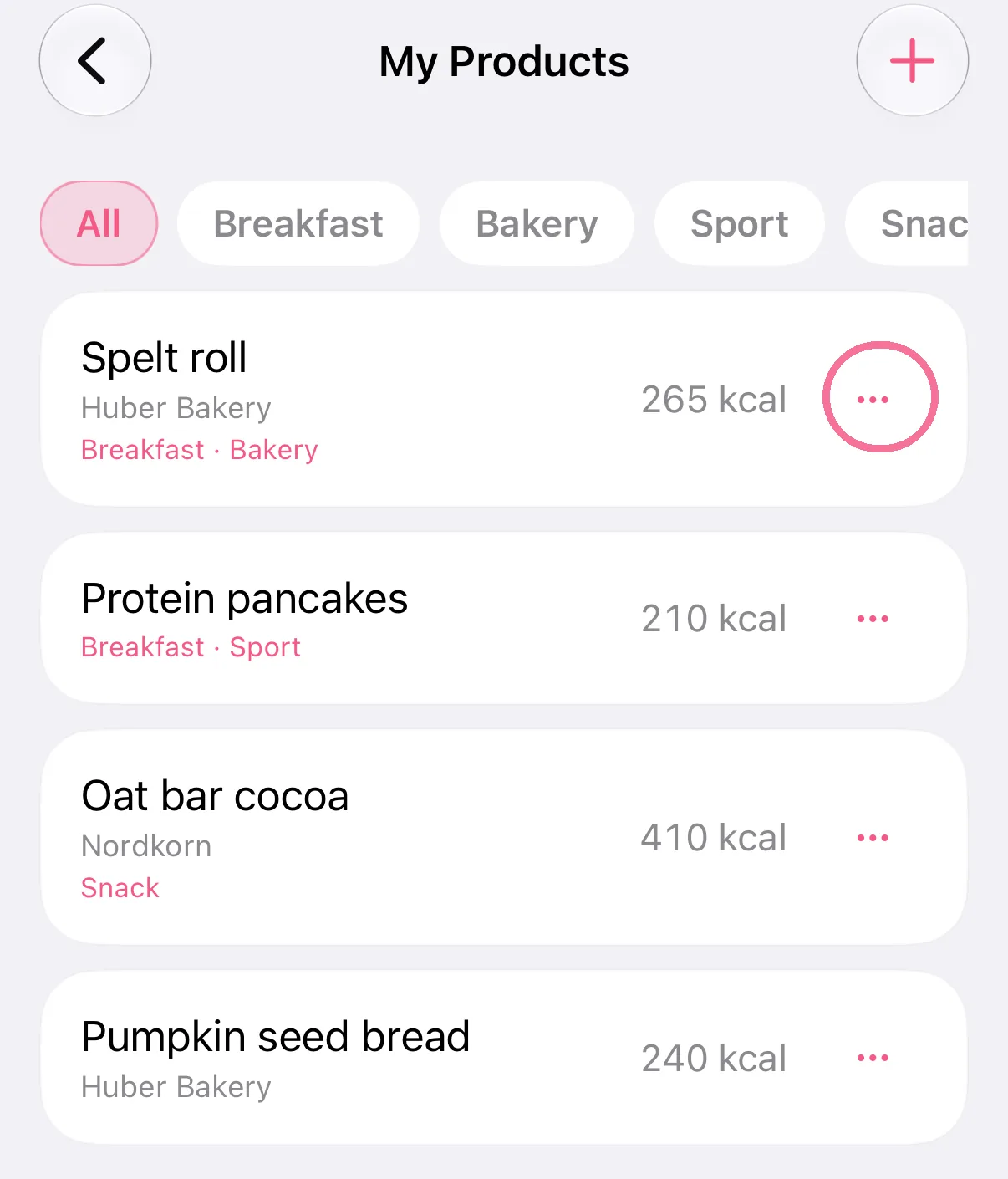
In the Library, open “My Products” or “Favorites”, tap the three dots next to a food, then “Edit tags”.
-
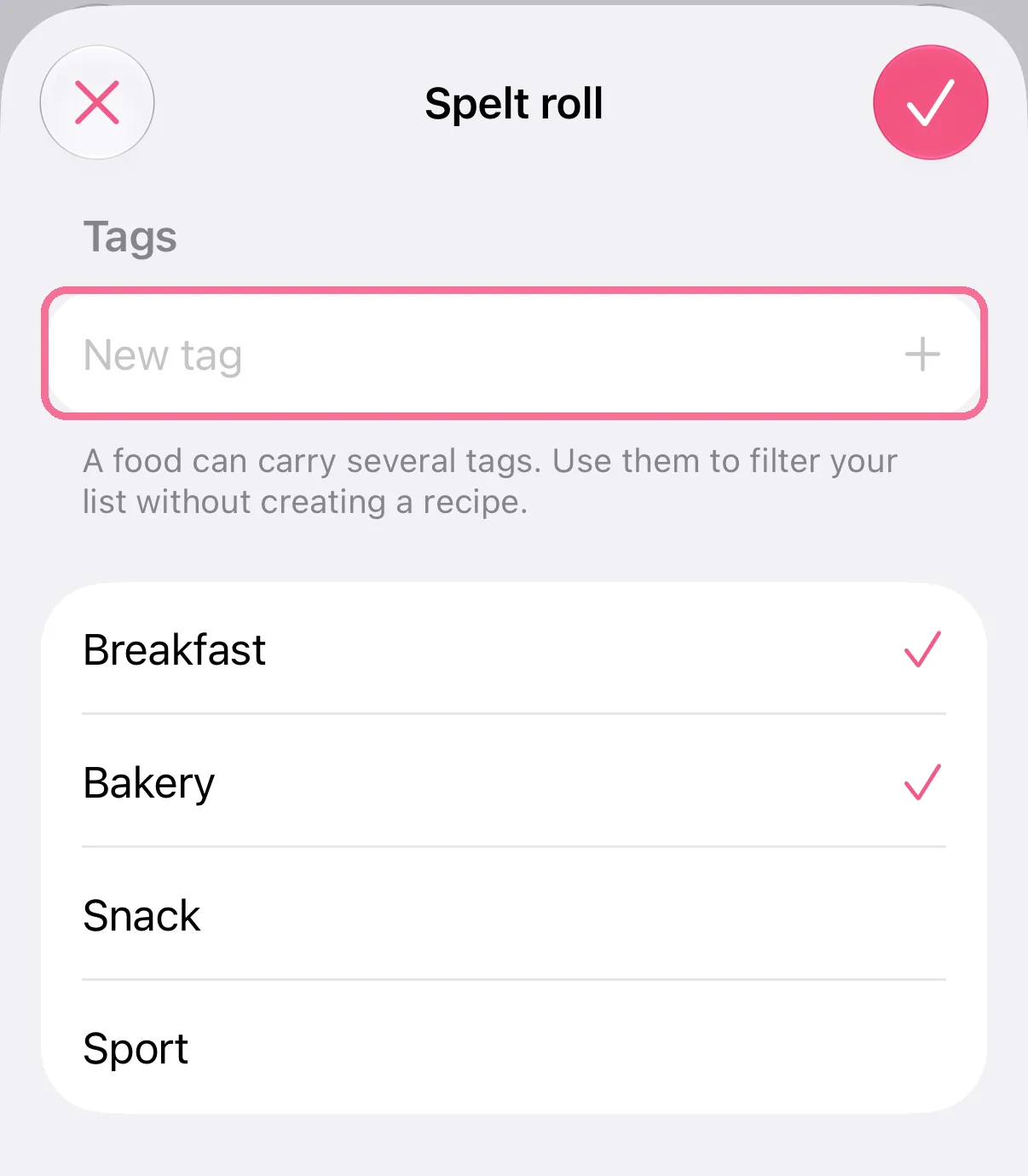
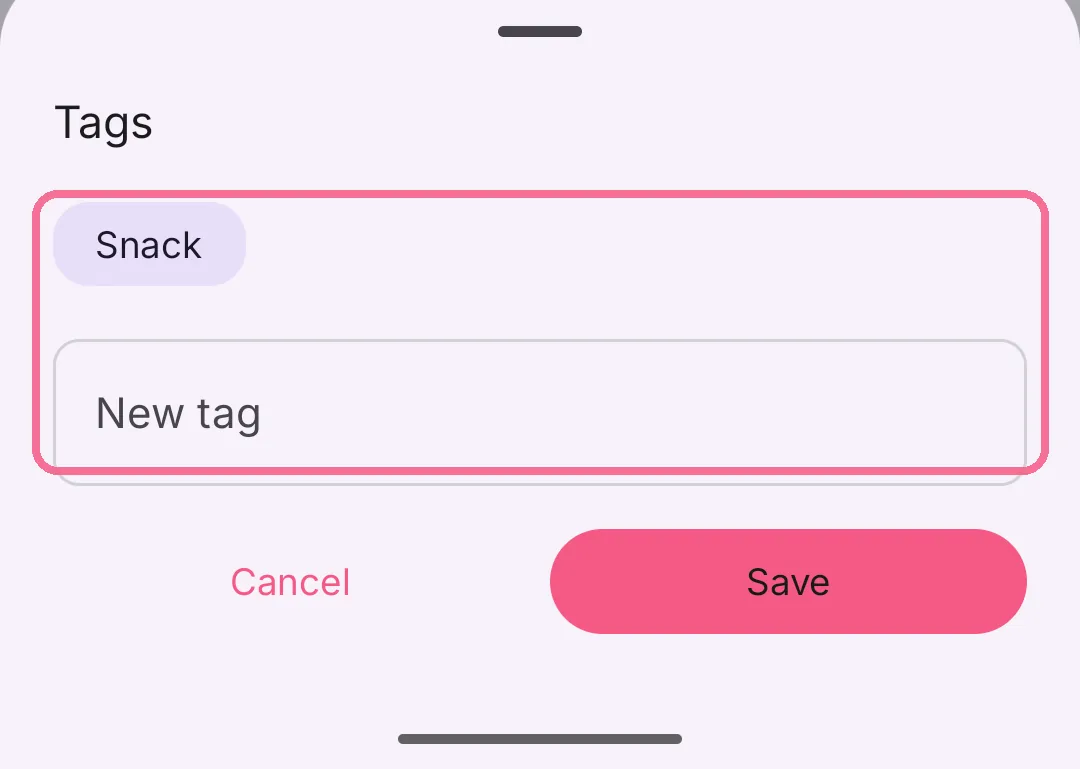
Type a word under “New tag” and tap the plus, or check a tag you already have. Then tap the checkmark at the top right.
-
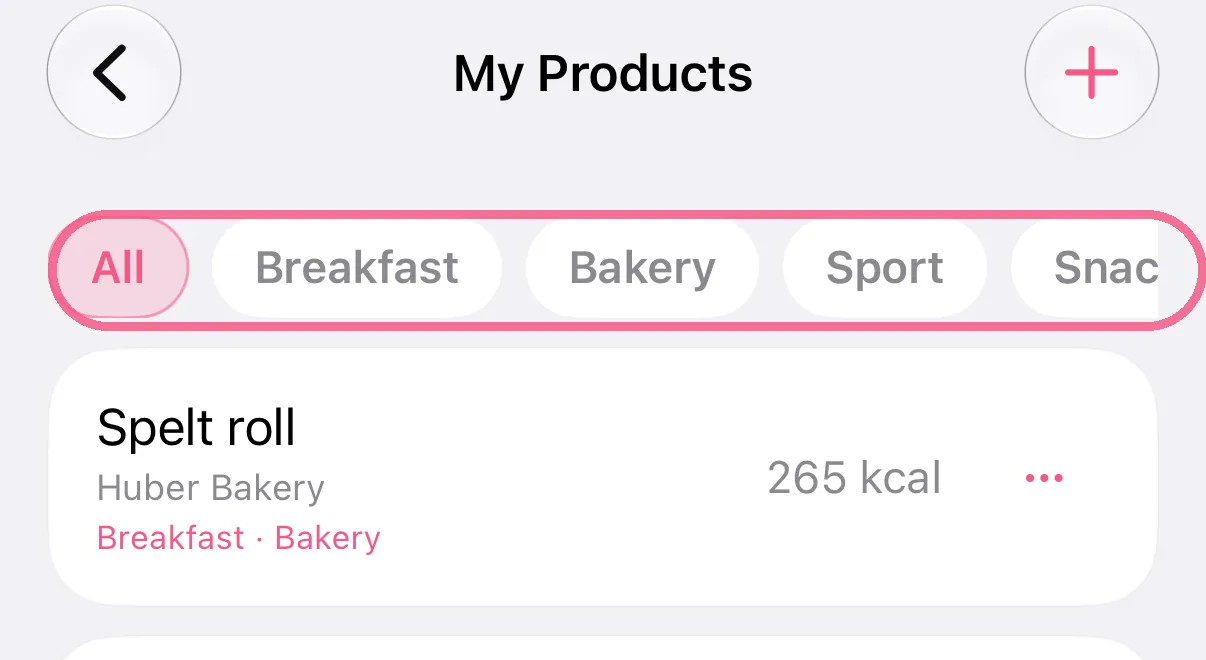
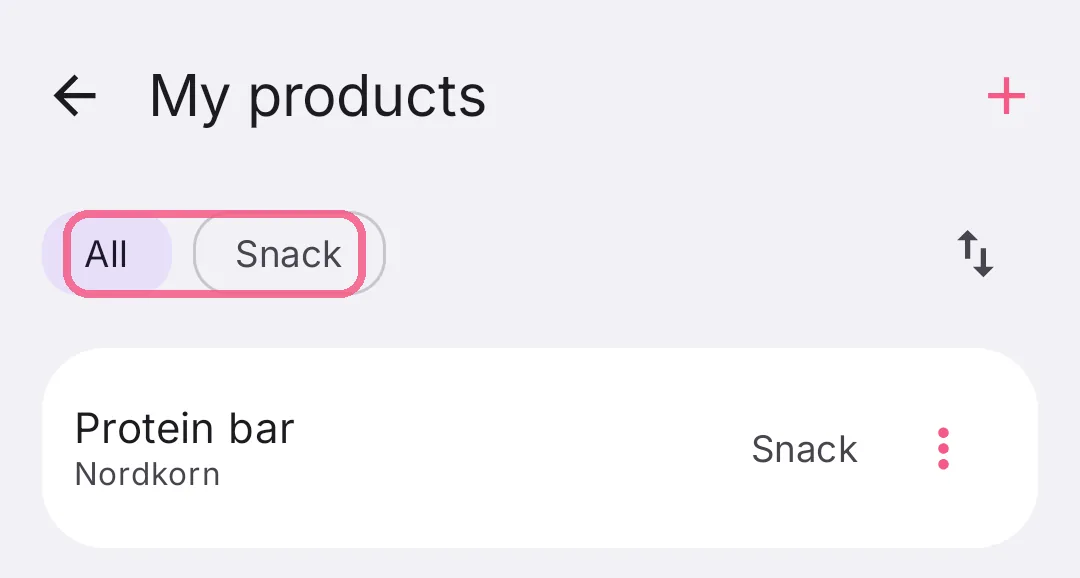
At the top of the list, tap a tag to see only those foods.
-
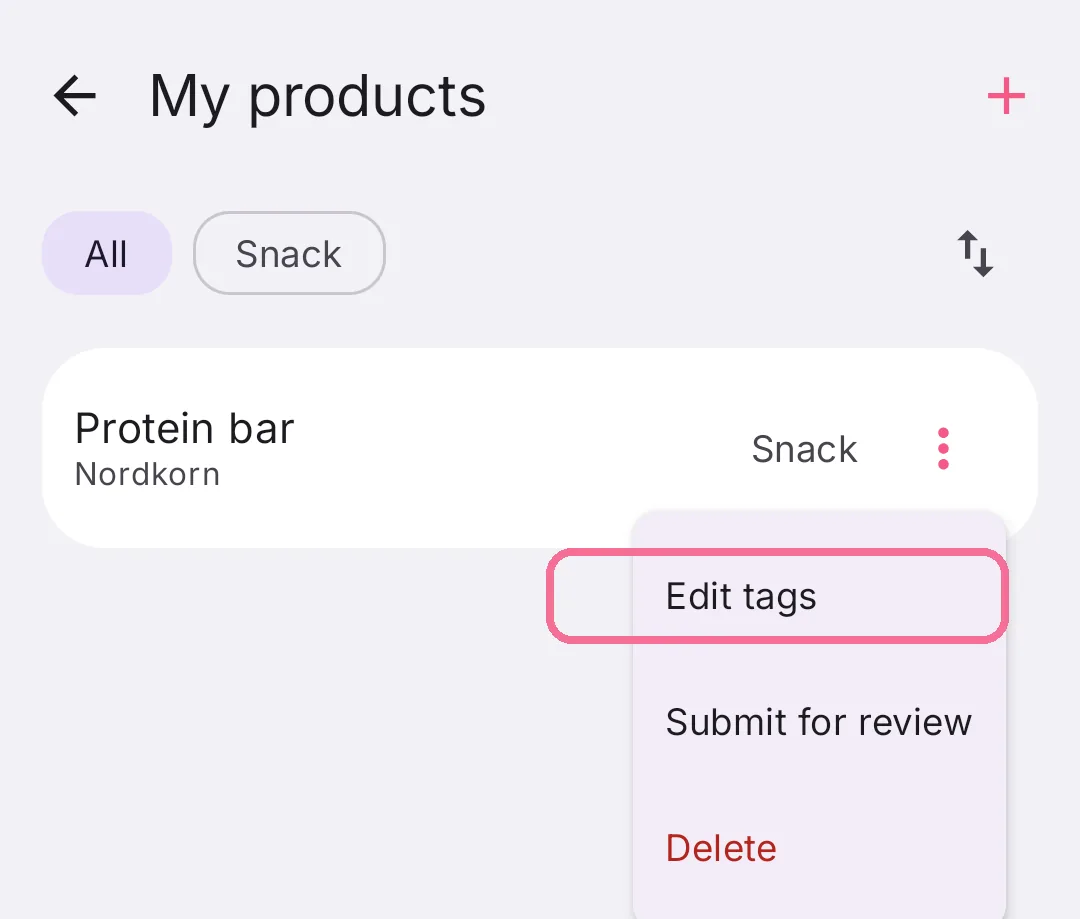
In the Library, open “My products” or “Favorites”, tap the three dots next to a food, then “Edit tags”.
-
Type a tag under “New tag” or tap one you already have, then tap “Save”.
-
At the top of the list, tap a tag to see only those foods.
A food can have several tags.