
Resting energy
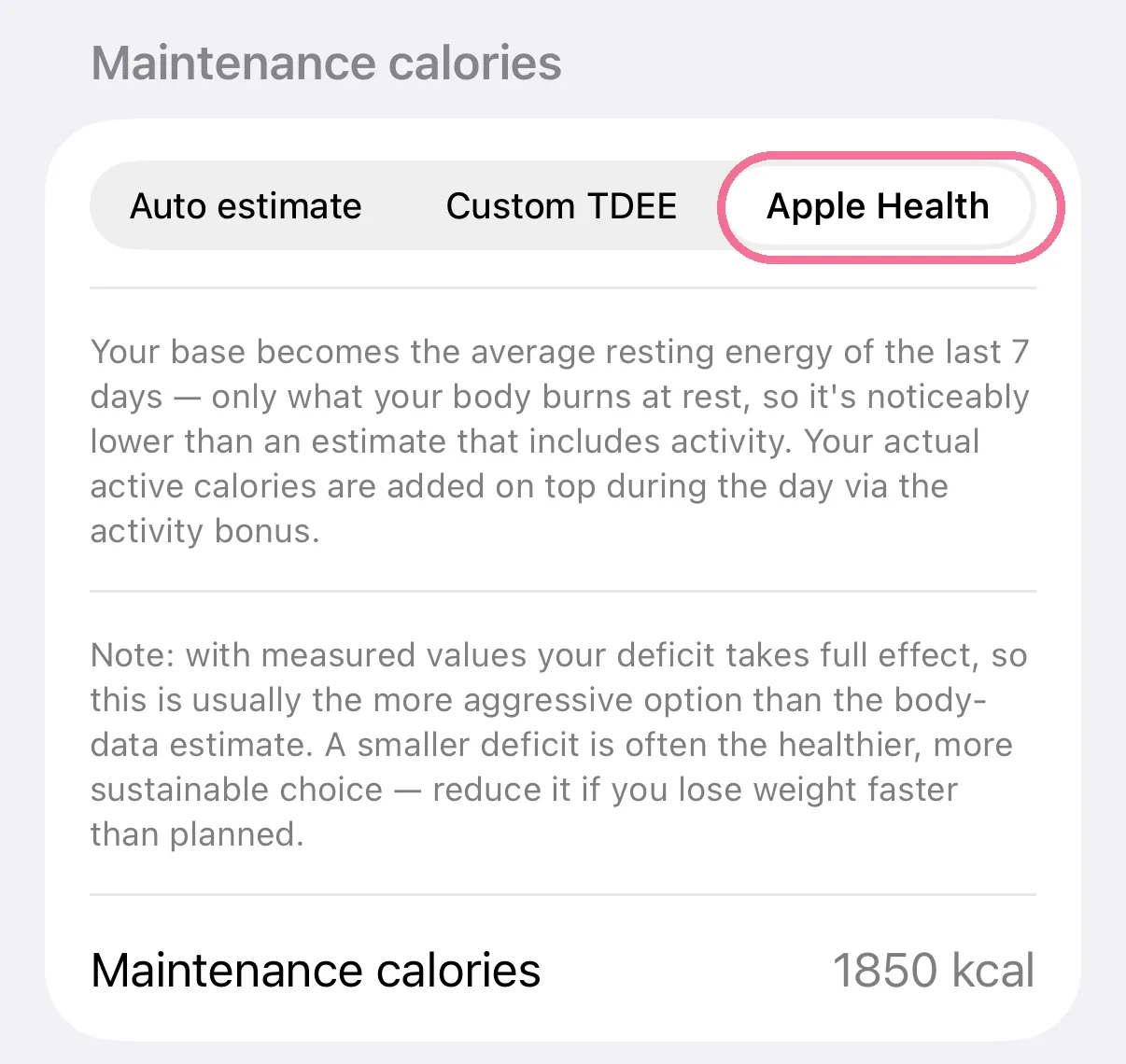
With “Apple Health” as the source, Intake uses the average of your resting energy over the last 7 days as your maintenance. Your movement comes on top through “Add activity to target”.
-
Under Settings > “Calories”, tap “Apple Health” under “Maintenance calories”.
-
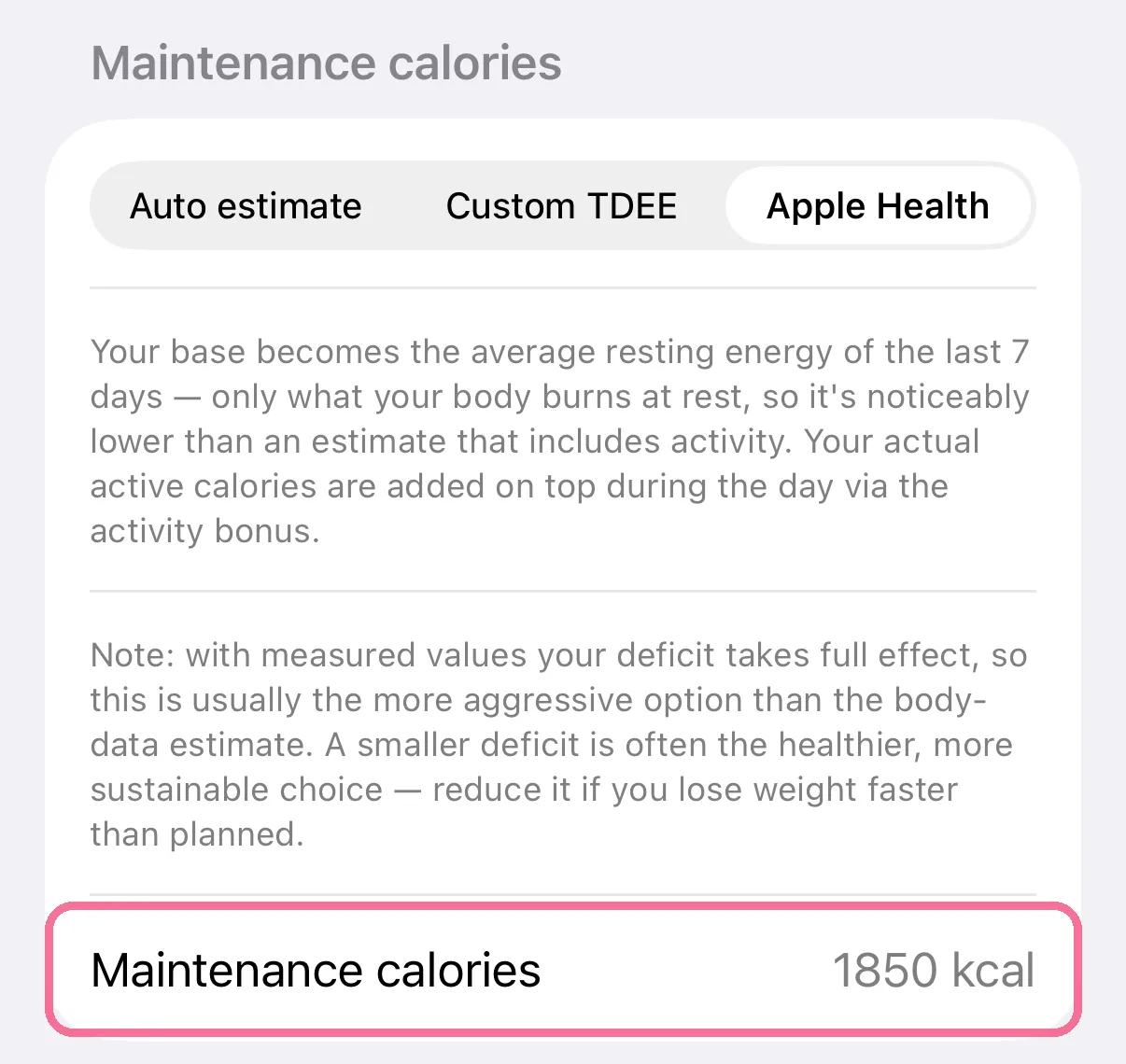
Below it you see the “Maintenance calories” from your resting energy.
-
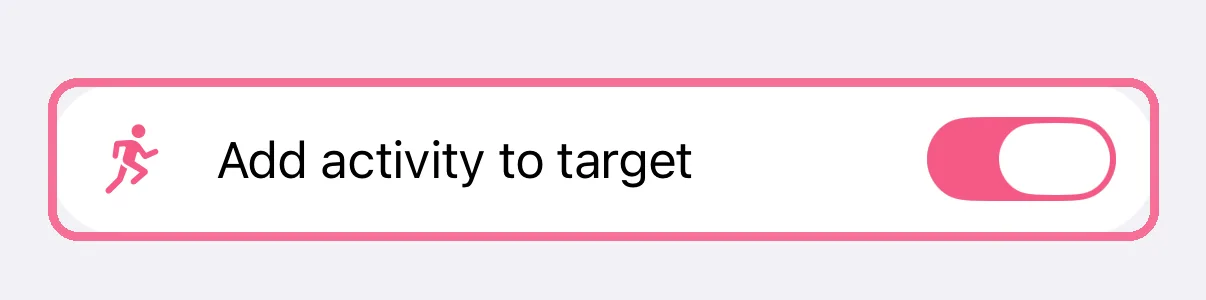
Keep “Add activity to target” on under Settings > “Activity”. Otherwise your target only covers resting energy.
The source appears once Apple Health is connected. Today doesn’t count, and with less than 3 days of data Intake uses your body data instead.
Because this is measured rather than estimated, a deficit has its full effect. A smaller deficit is often the better choice.