
Recent foods and favorites
While adding food, suggestions for the meal sit at the top. Below them you open your favorites, your recent foods and the foods you eat most often.
-
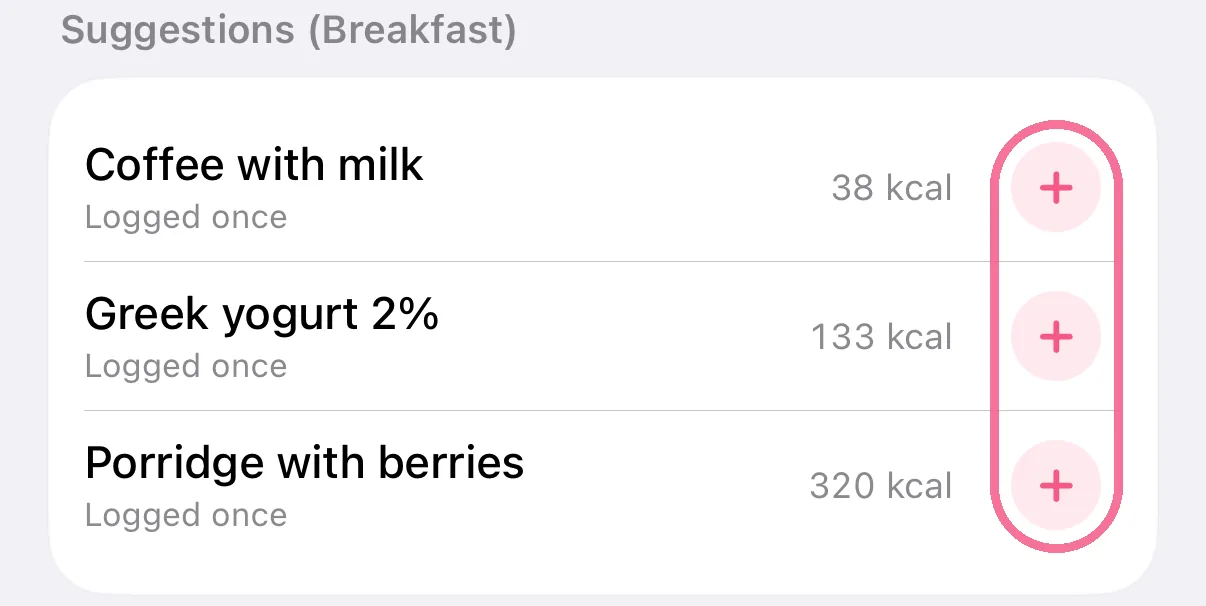
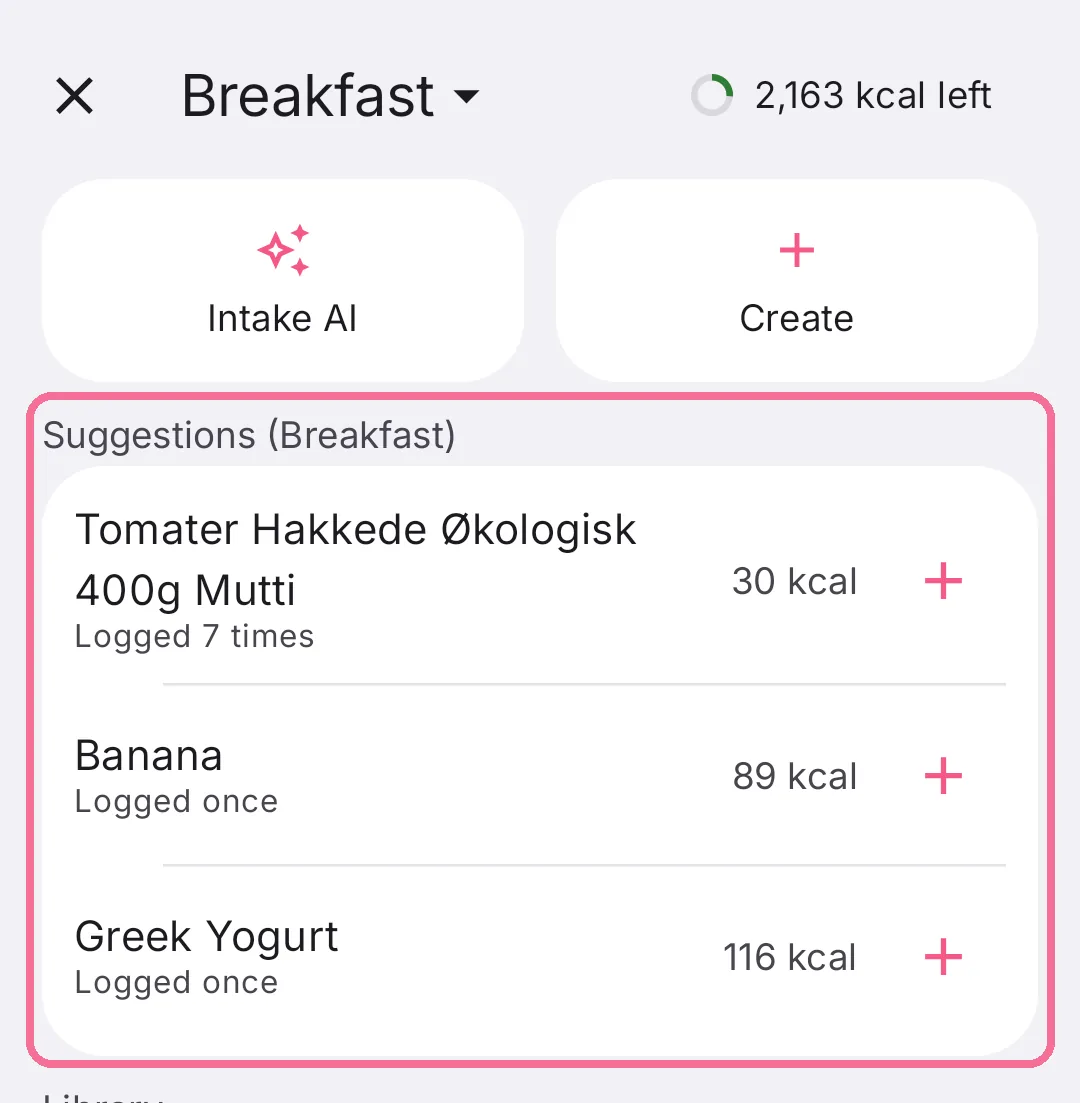
“Suggestions” lists foods you often eat at this meal. The plus adds them with your usual amount.
-
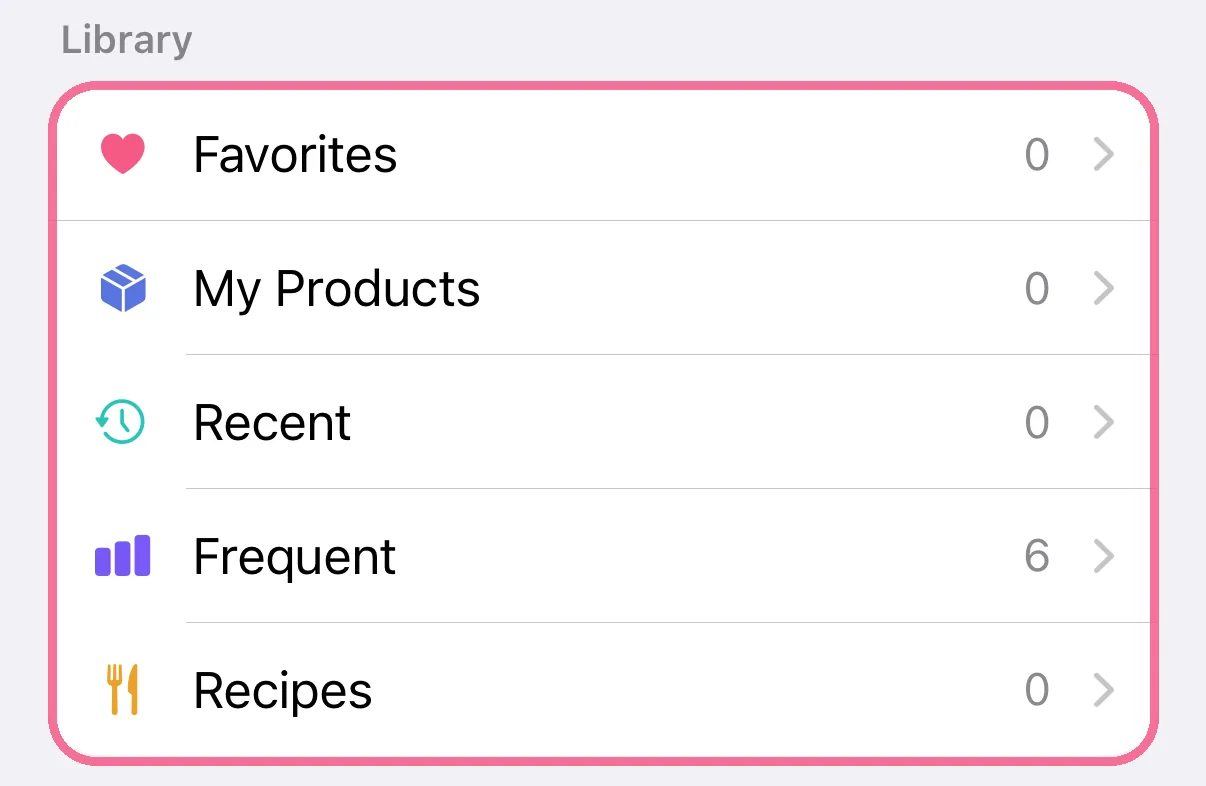
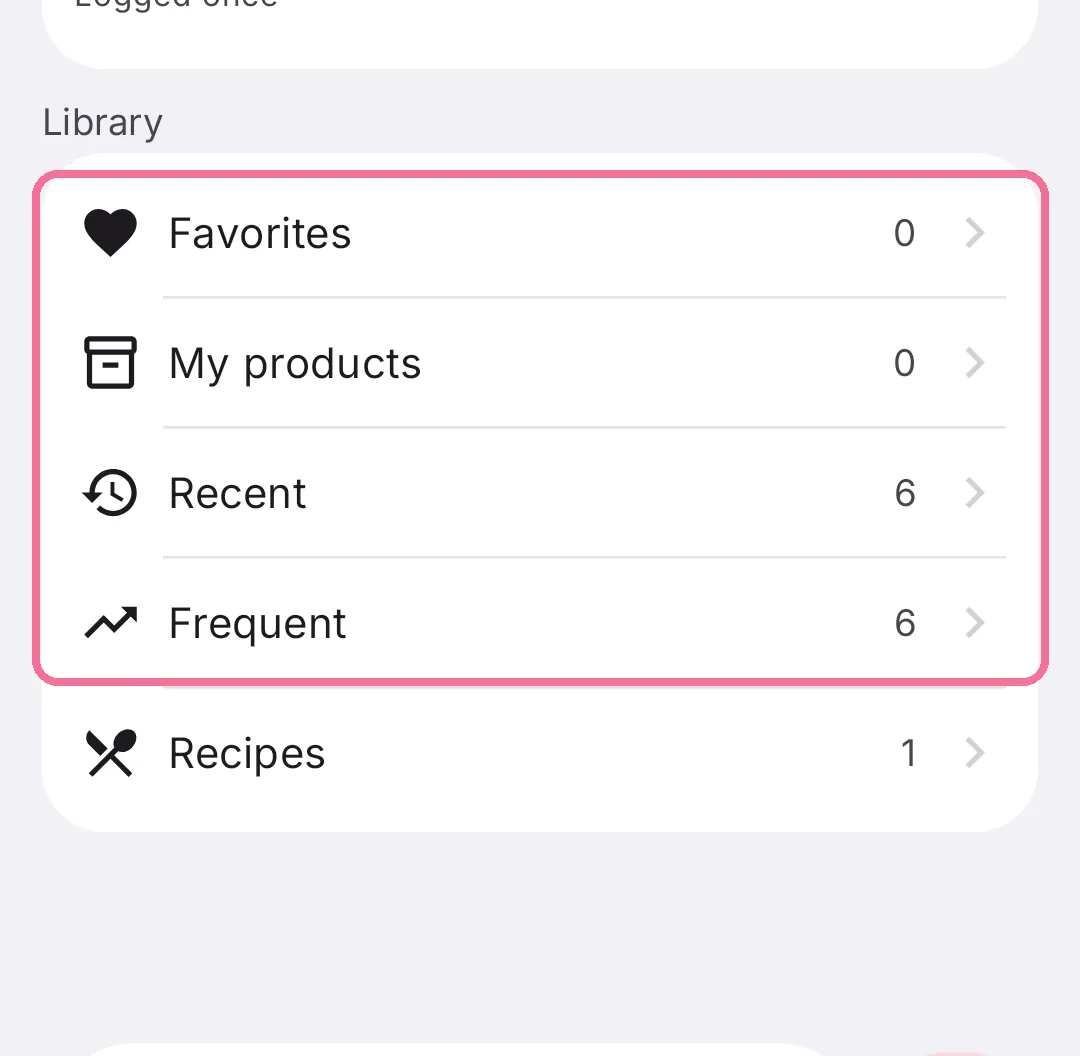
Under “Library”, open “Favorites”, “Recent” or “Frequent”.
-
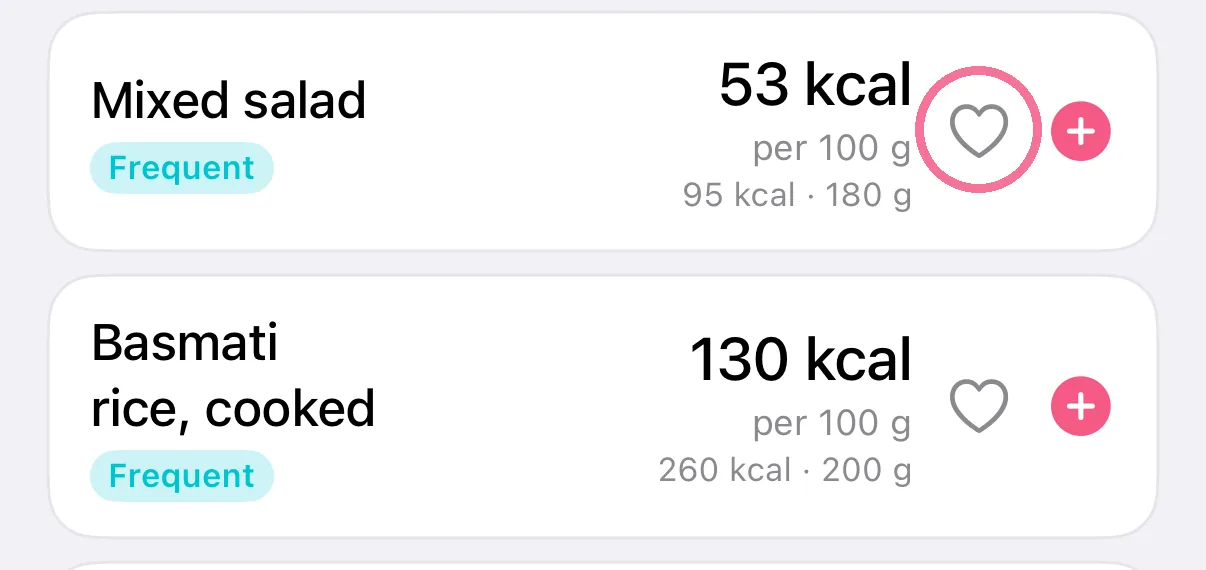
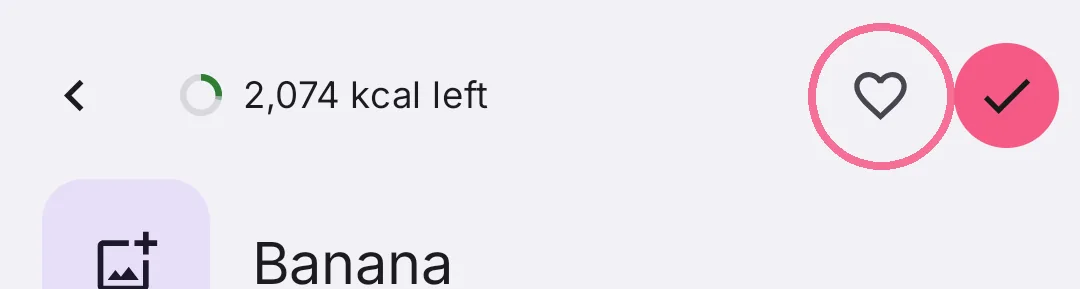
Tap the heart to save a food as a favorite.
-
“Suggestions” lists foods you often eat at this meal. The plus adds them with your usual amount.
-
Under “Library”, open “Favorites”, “Recent” or “Frequent”.
-
Tap the heart to save a food as a favorite.
To remove a food from “Recent” or “Frequent”, swipe it to the left or press and hold it. It stays in the database.
Sort your favorites at the top right of their list, for example alphabetically.