
Calories from steps
If Apple Health or Health Connect has your steps but no active calories, for example without a smartwatch, Intake estimates the calories from your steps and your weight.
-
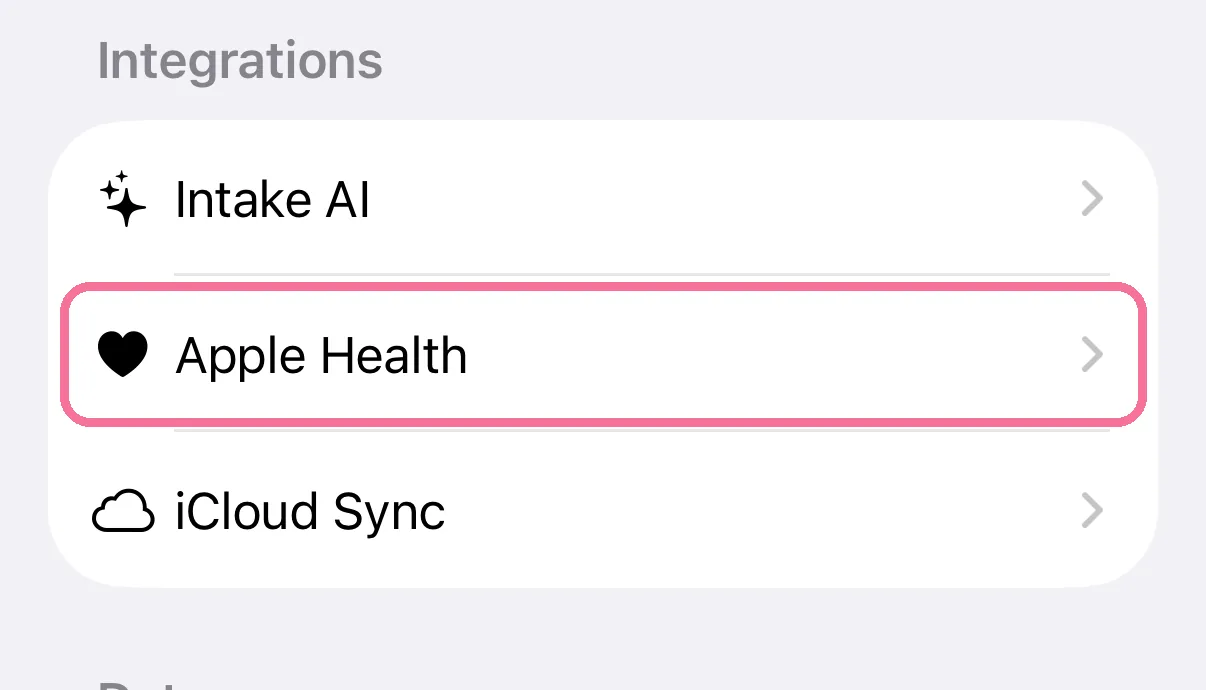
On Today, tap the gear at the top, then “Apple Health”.
-
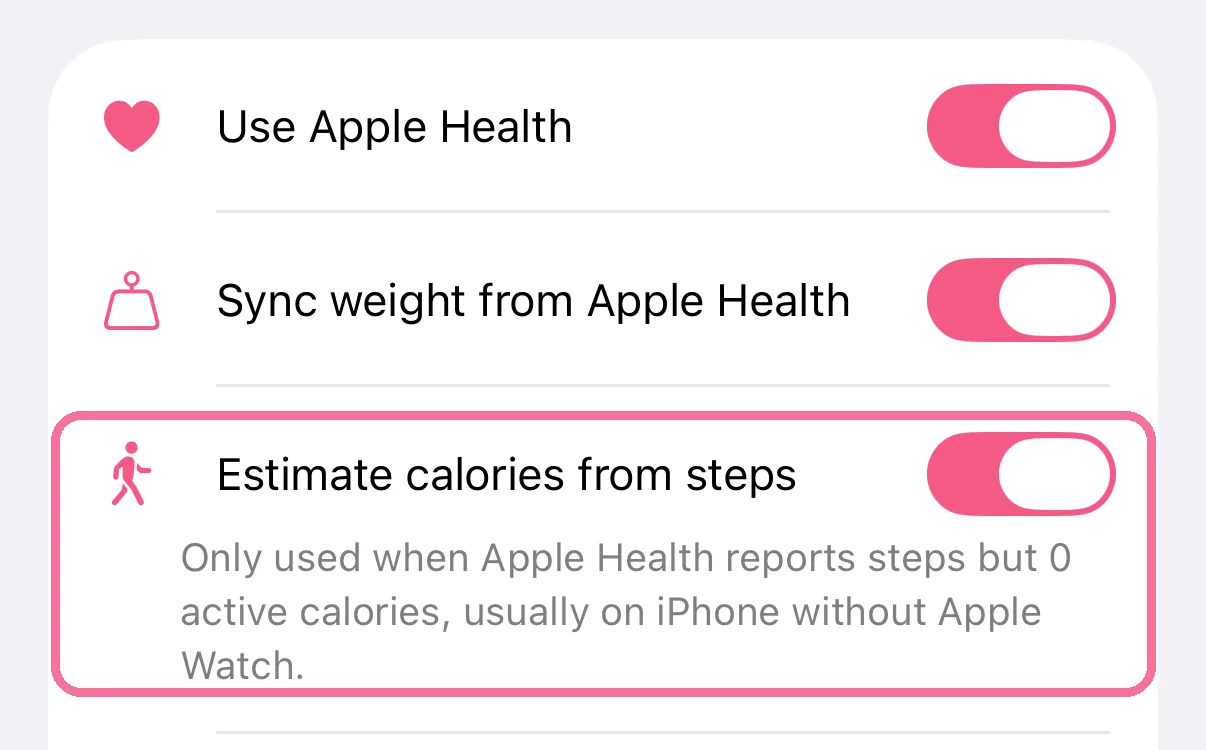
Turn on “Estimate calories from steps”. It is off at first.
-
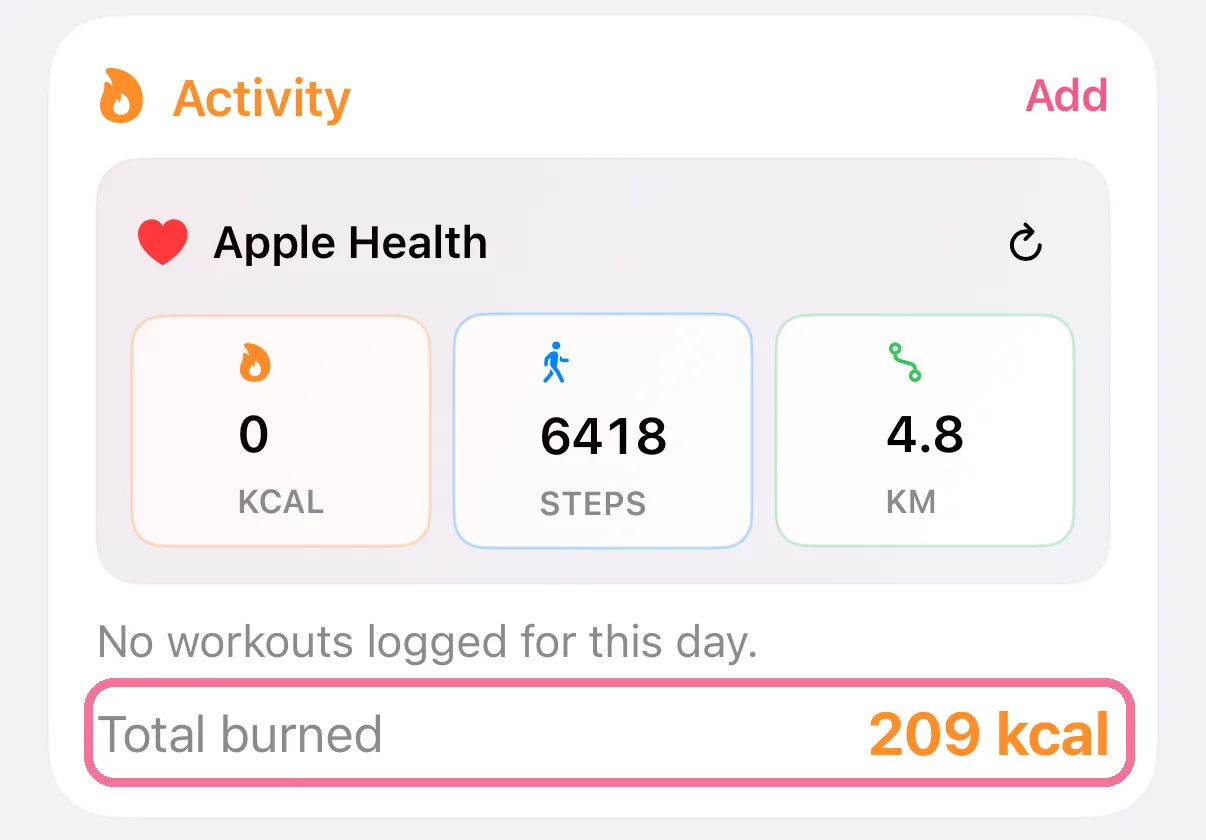
The “Activity” card then counts them in “Total burned”. The kcal tile still shows what Apple Health reports.
-
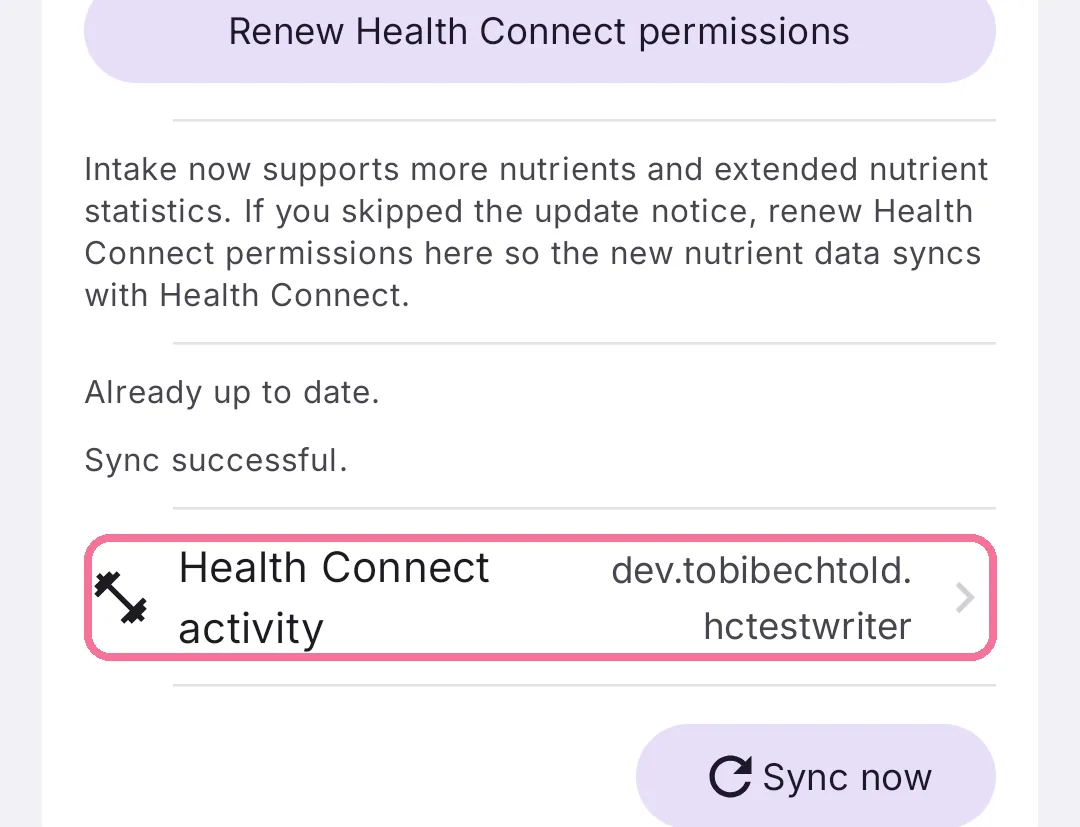
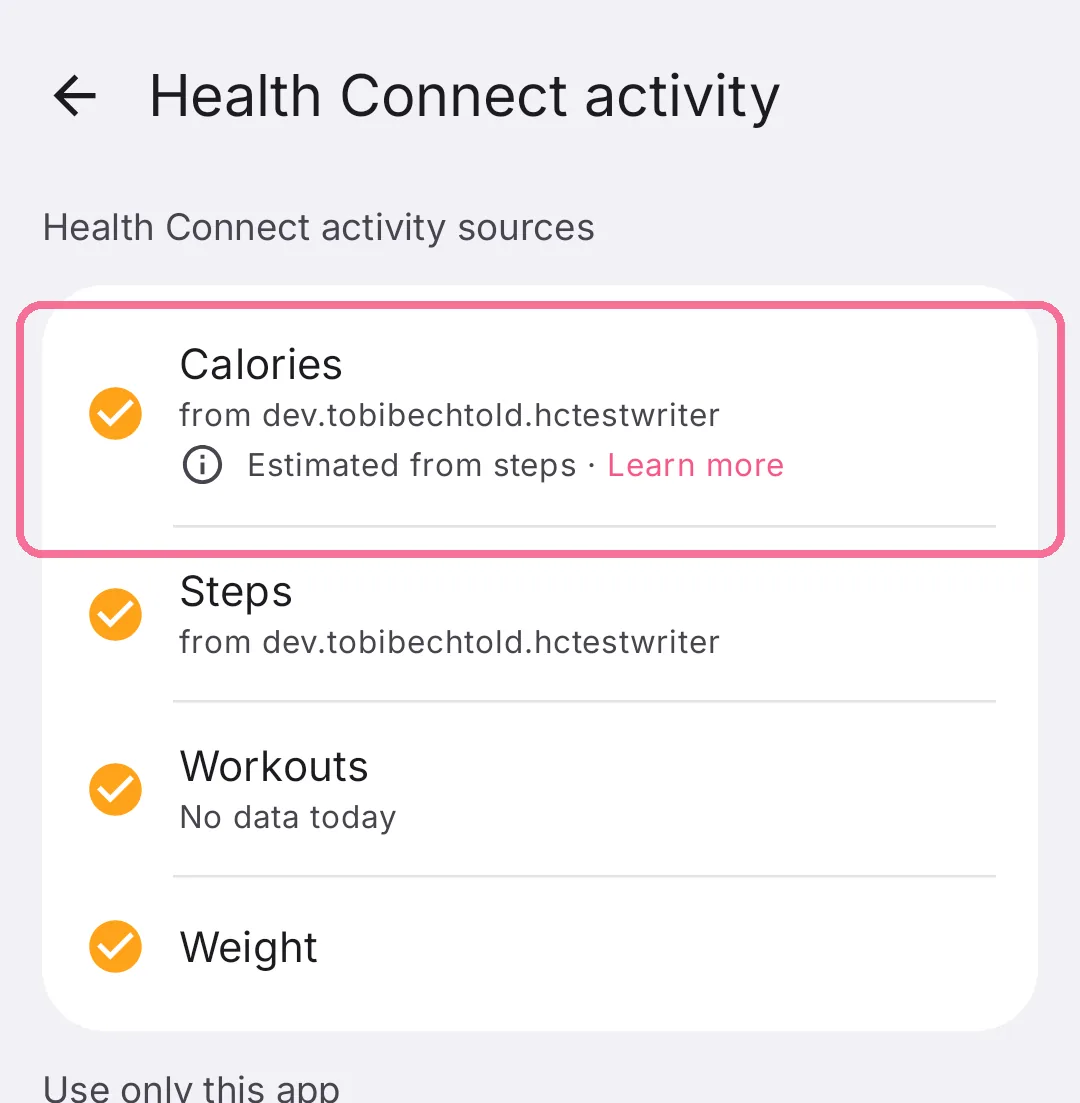
On Today, tap the gear at the top, then “Health Connect activity” under “Integrations”.
-
“Calories” shows where your calories come from. If no app provides any, Intake estimates them by itself.
-
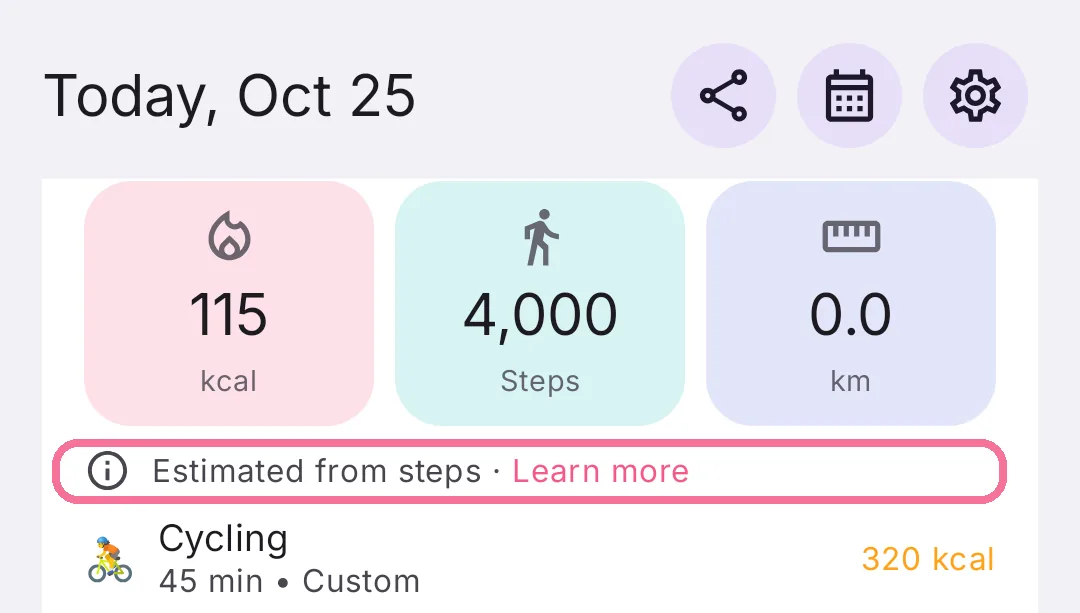
The “Activity” card on Today then says “Estimated from steps” and counts the calories.
On iPhone, Intake uses the distance from Apple Health and your weight. If Apple Health reports active calories, for example from an Apple Watch, Intake doesn’t estimate anything.
On Android, Intake estimates on its own whenever no app shares calories, see “Why Health Connect calories are shown as an estimate”.