
Share a meal
In the meal summary you send a meal as a file, for example in a message. Whoever opens it with Intake can add it to their diary.
-
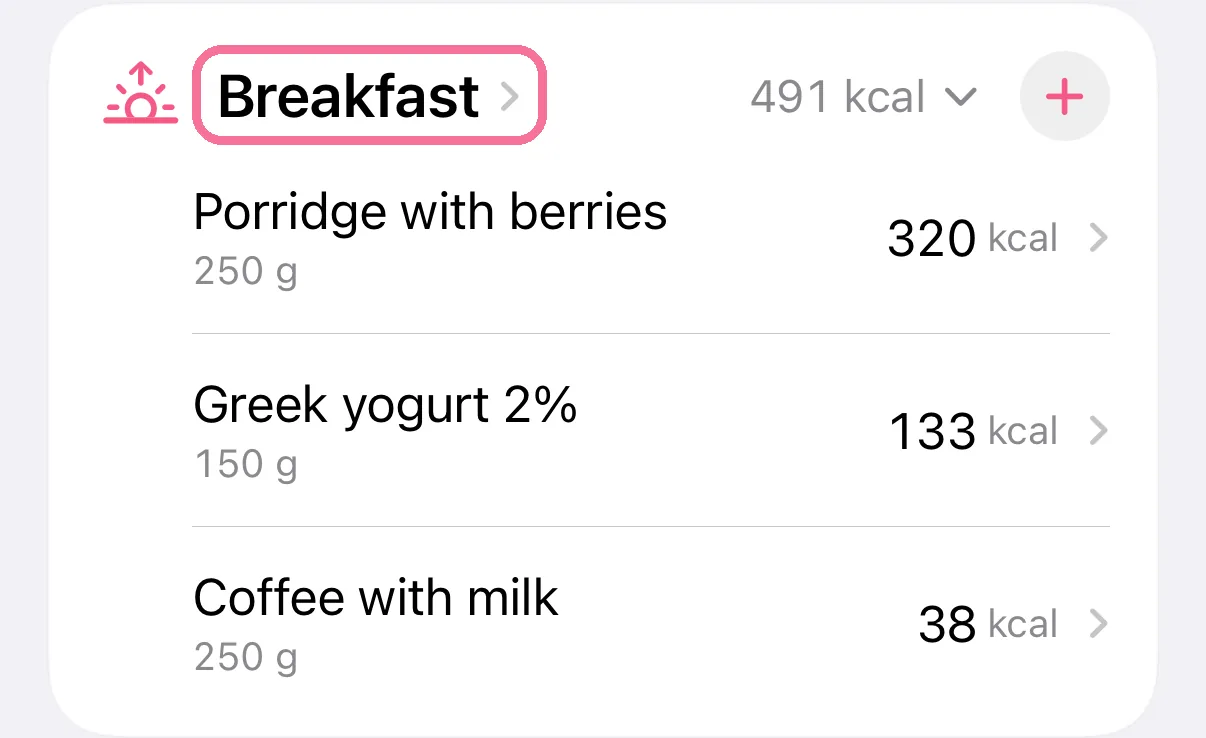
On Today, tap the meal’s name.
-
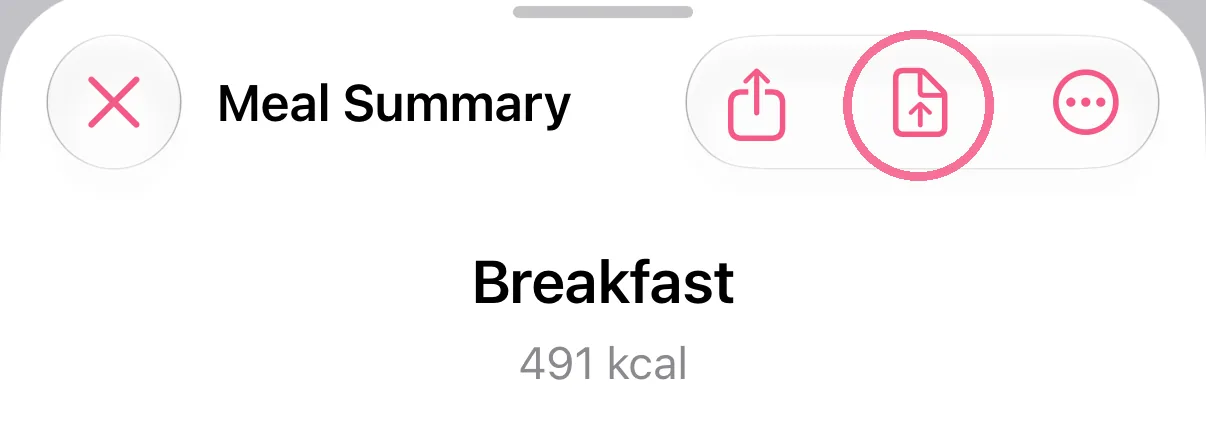
Tap the file button at the top (“Send as file”) and send the file, for example in a message.
-
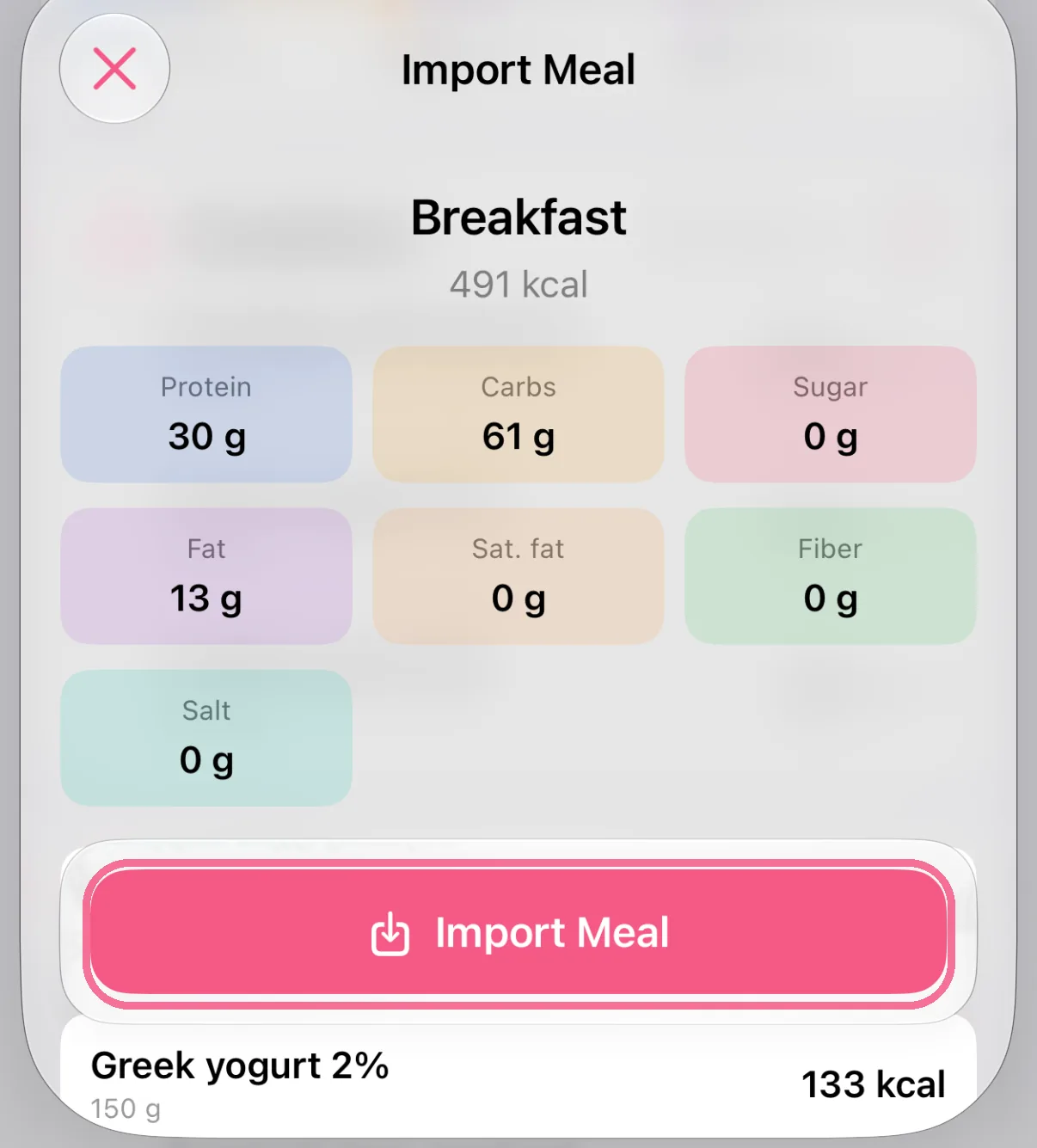
Whoever opens the file with Intake sees a preview and taps “Import Meal”.
-
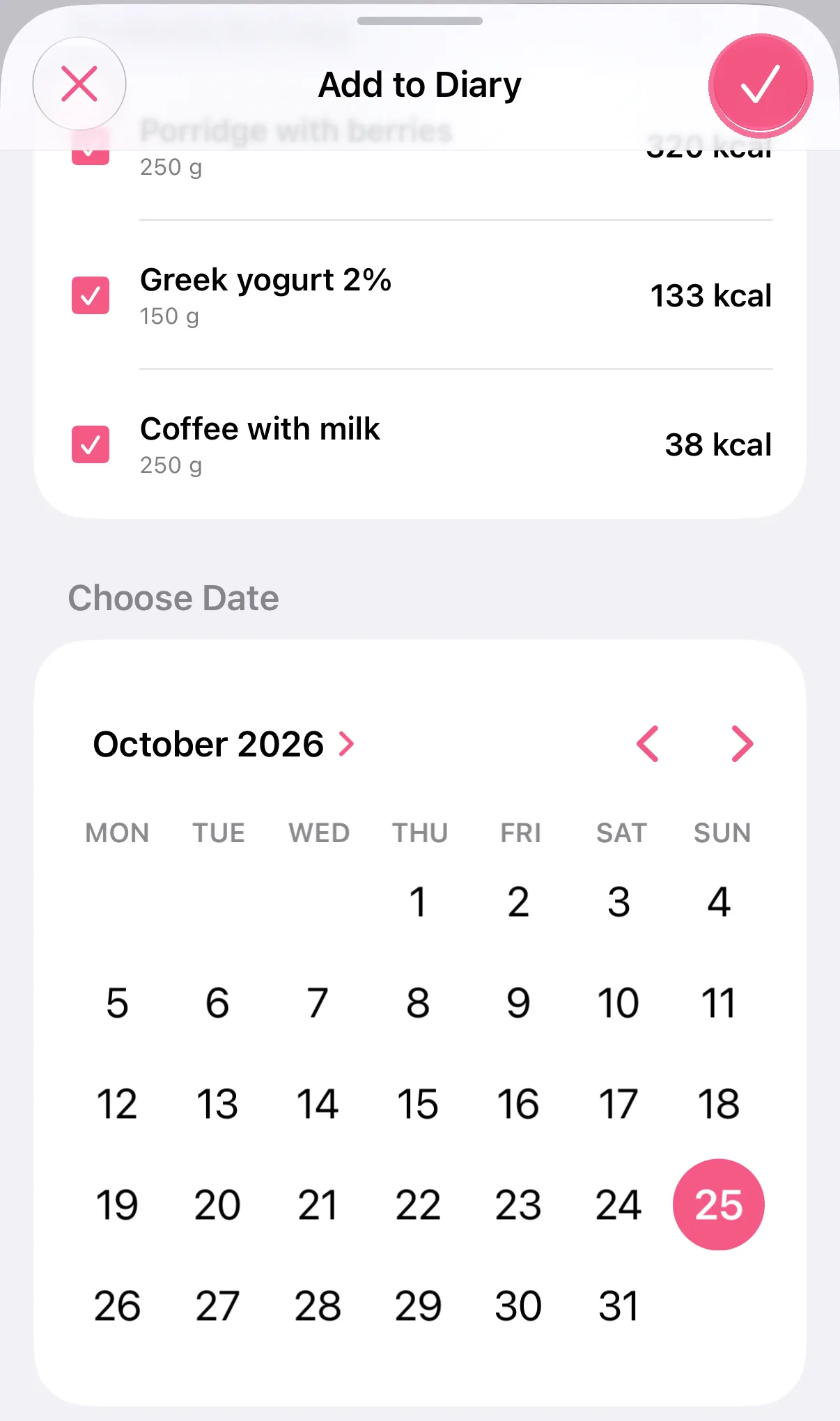
Then they pick the day and meal, untick anything they don’t want and tap the checkmark at the top right.
-
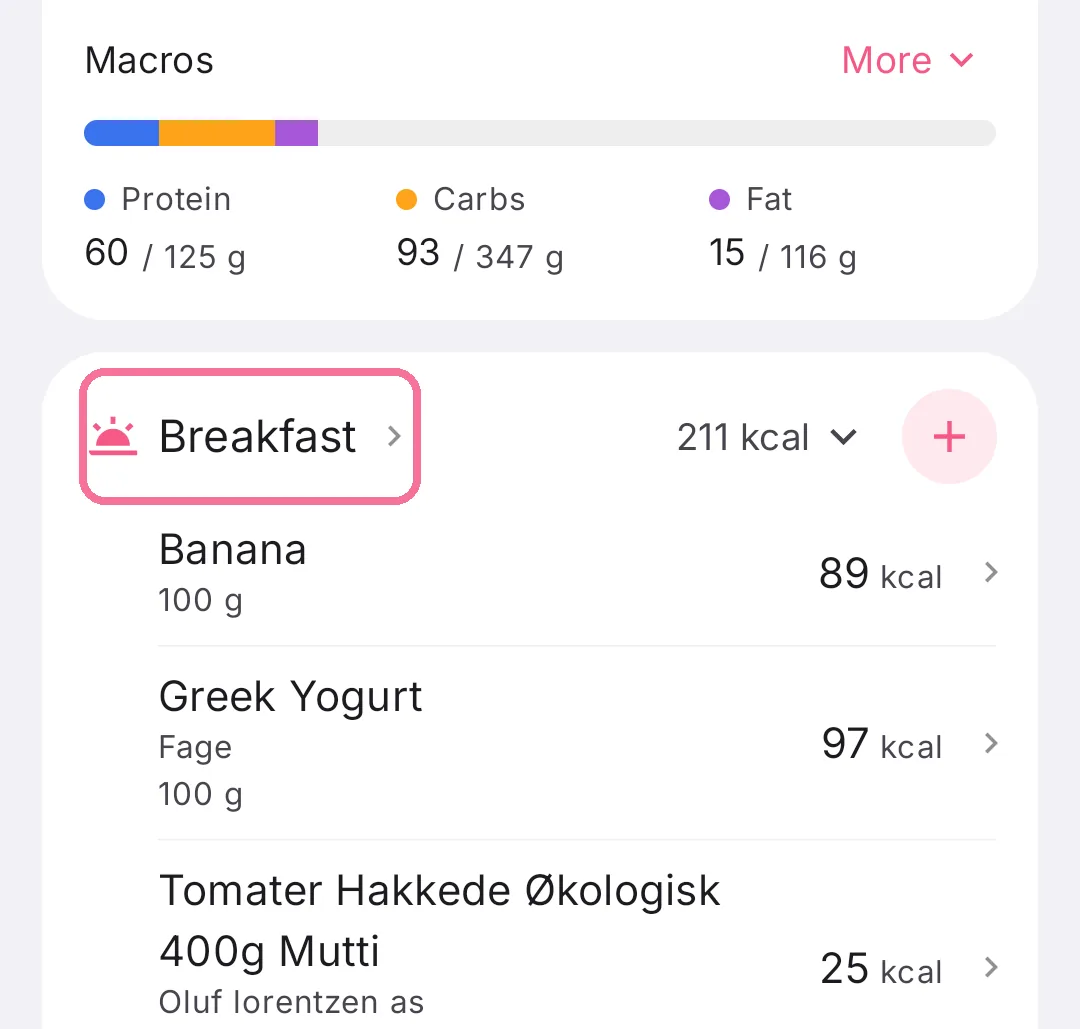
On Today, tap the meal’s name.
-
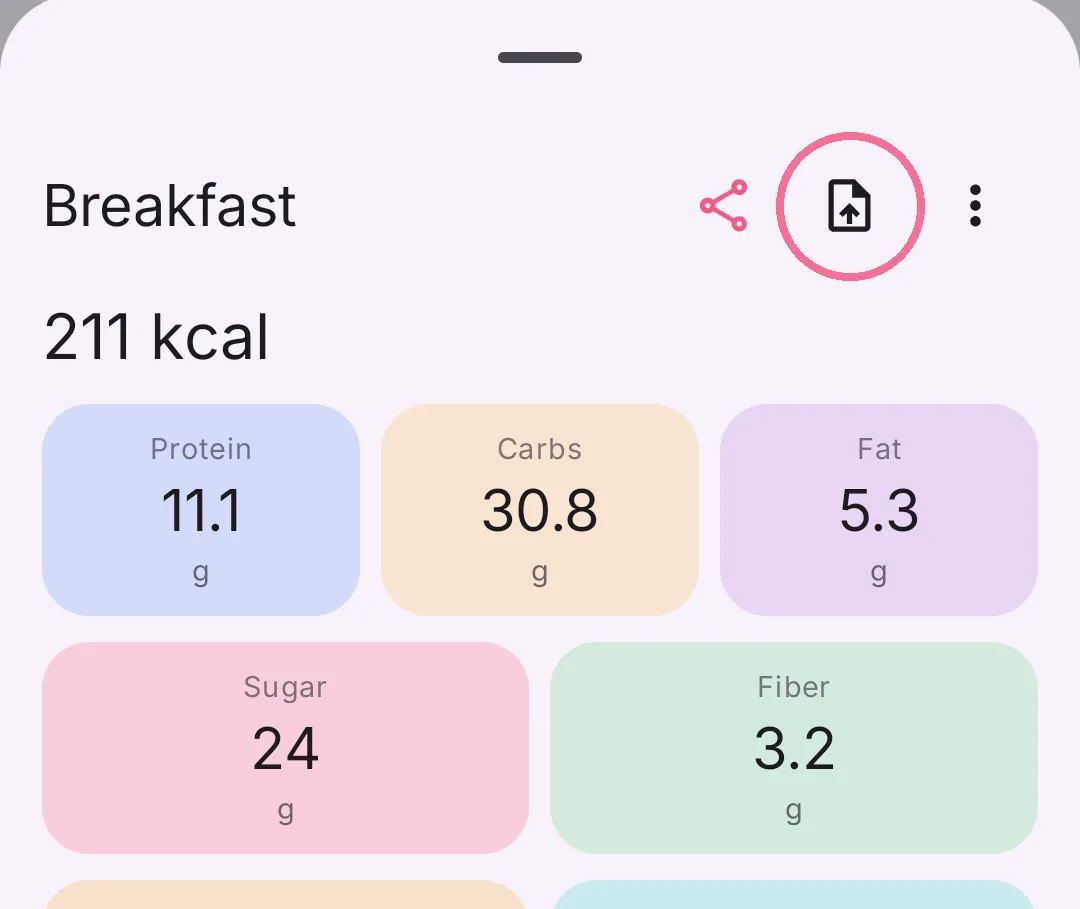
Tap the file button at the top (“Send as file”) and send the file, for example in a message.
-
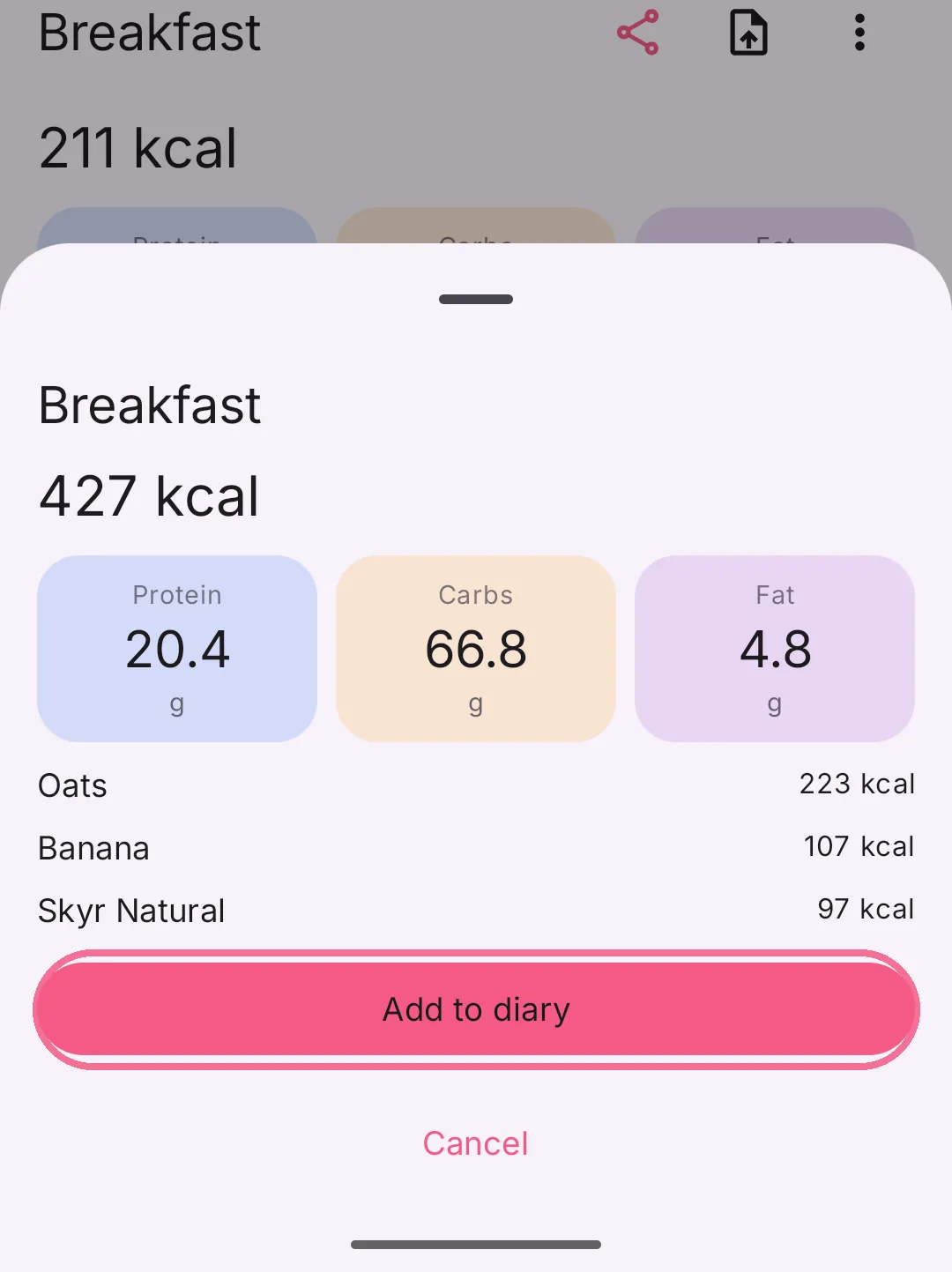
Whoever opens the file with Intake sees a preview and taps “Add to diary”.
-
Then they pick the day and meal, untick anything they don’t want and tap “Add to diary” at the bottom.
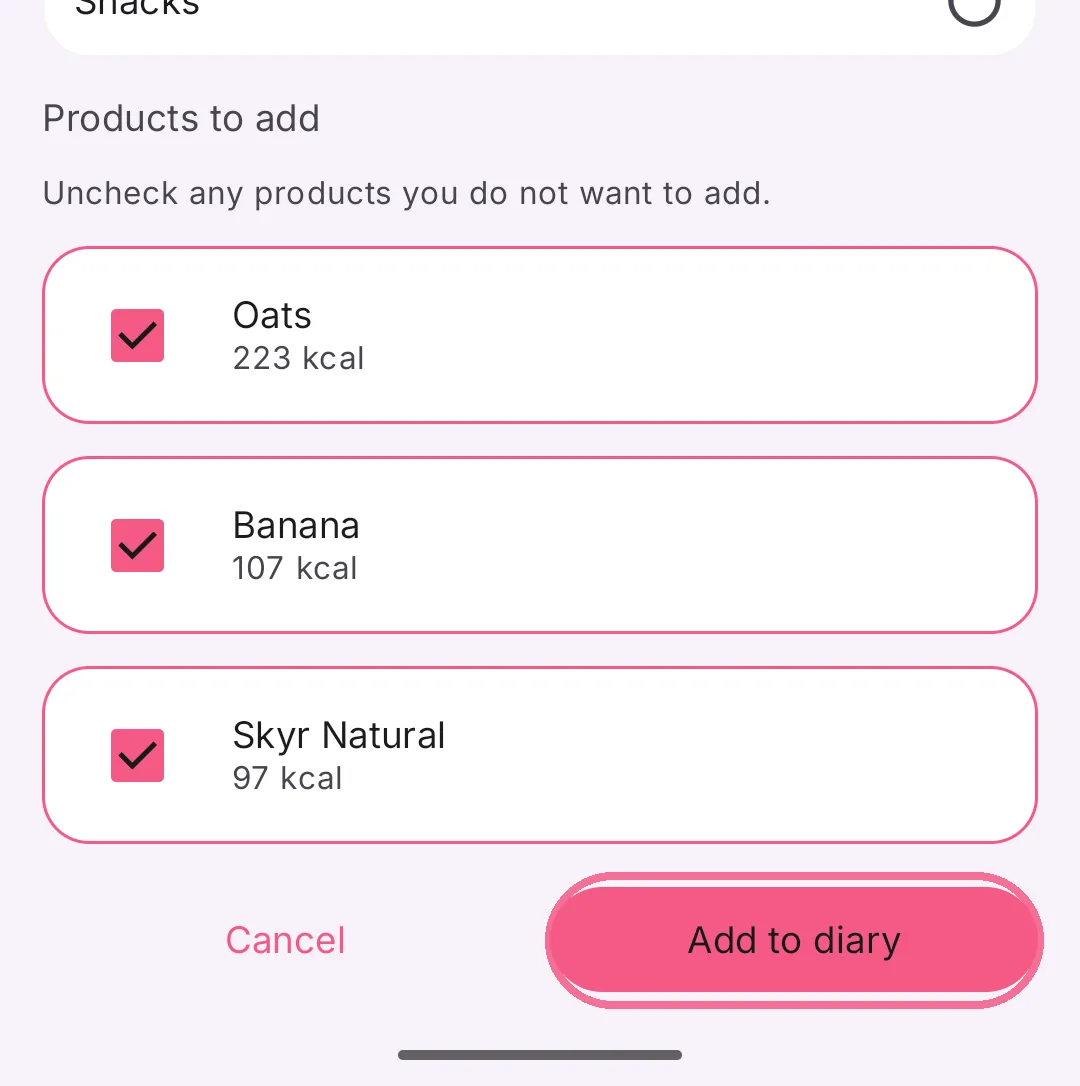
A single entry works the same way: tap the entry and choose “Send as file”.