
Routines
A routine is a recipe with a fixed meal, for example your breakfast. When you add food to that meal, it sits at the top and you log it right from there.
-
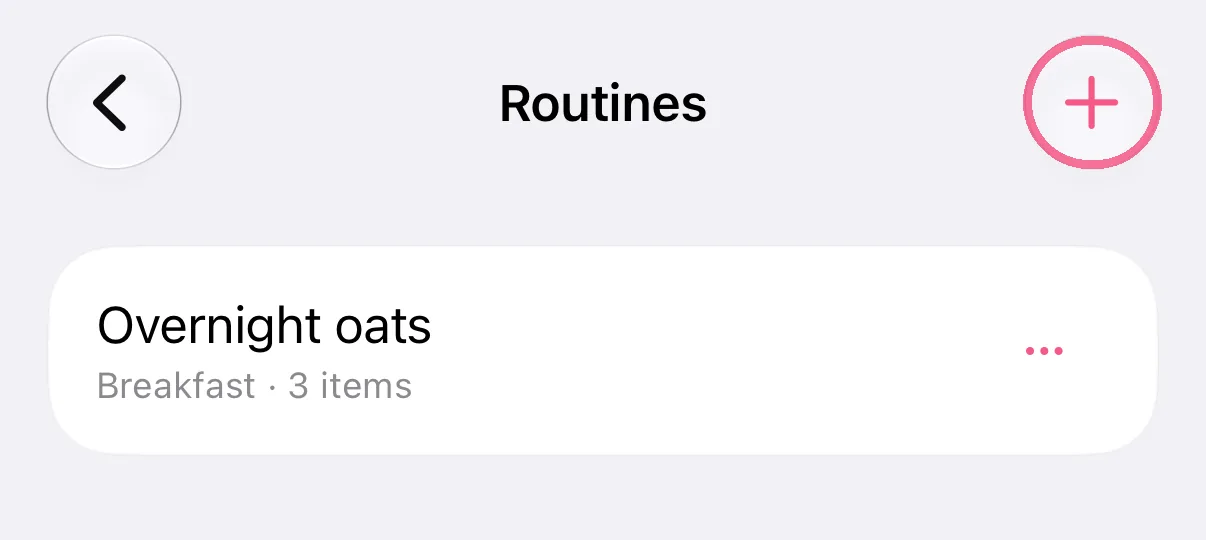
In the Library, tap the plus under “Routines”, or open a recipe to edit it.
-
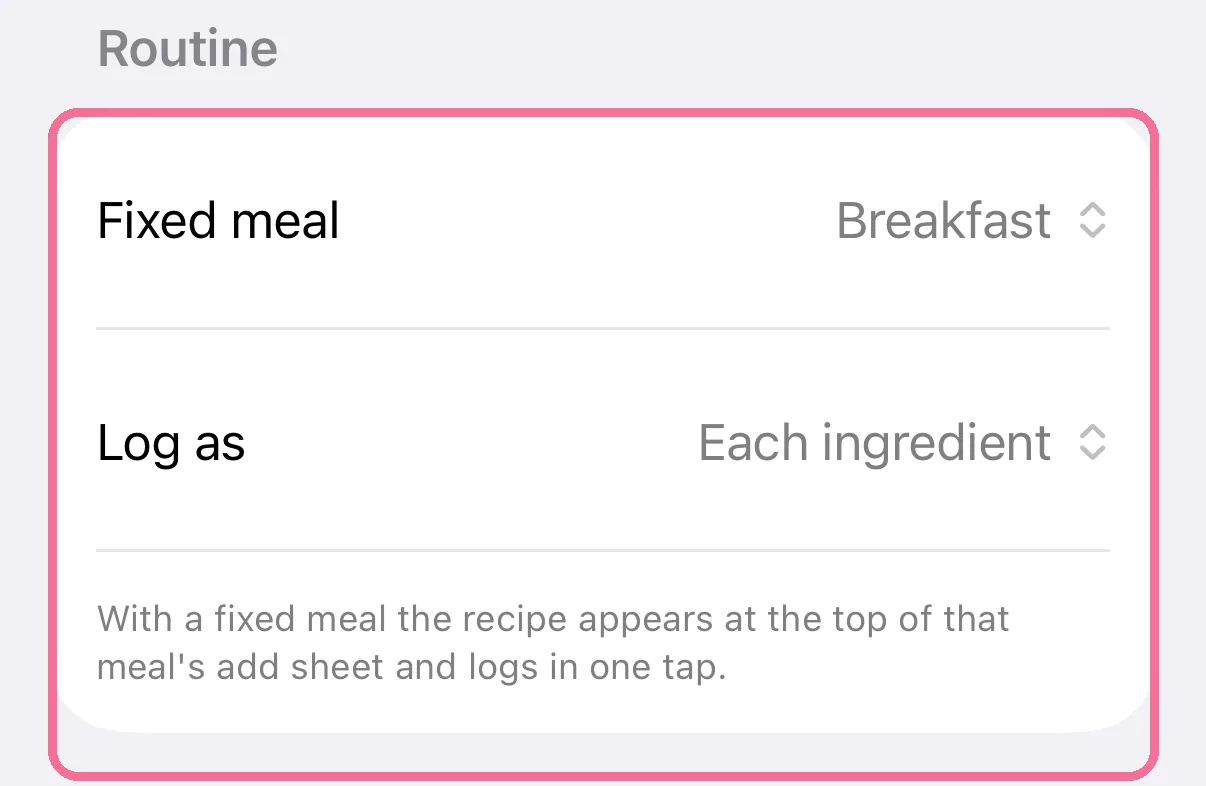
Under “Routine”, pick the “Fixed meal” and set “Log as” to “One entry” or “Each ingredient”.
-
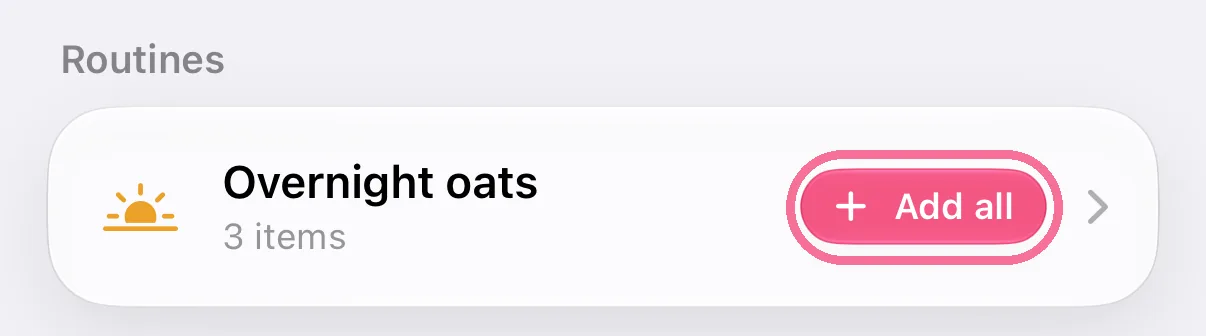
The routine is at the top under “Routines”. Set to “Each ingredient”, “Add all” logs it; otherwise tap it and choose the amount.
-
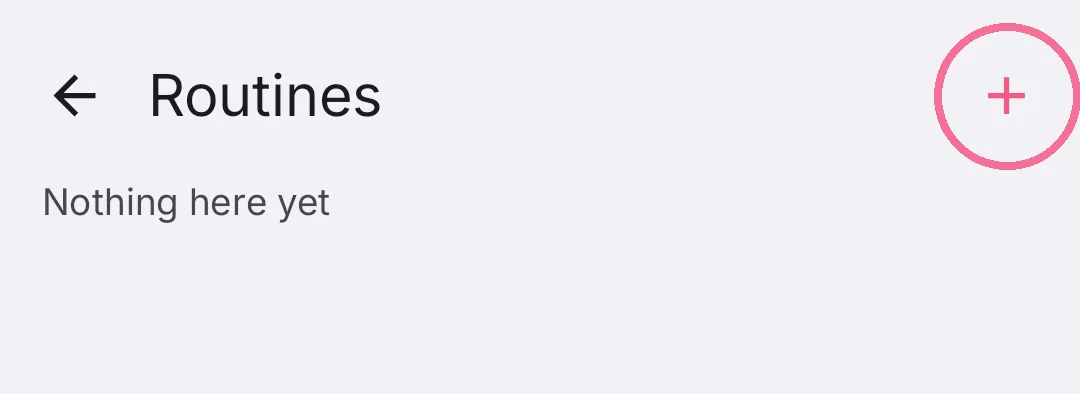
In the Library, open “Routines” and tap the plus at the top right, or open a recipe to edit it.
-
Under “Routines”, pick the “Routine meal” and set “Log as” to “Each ingredient” or “One entry”.
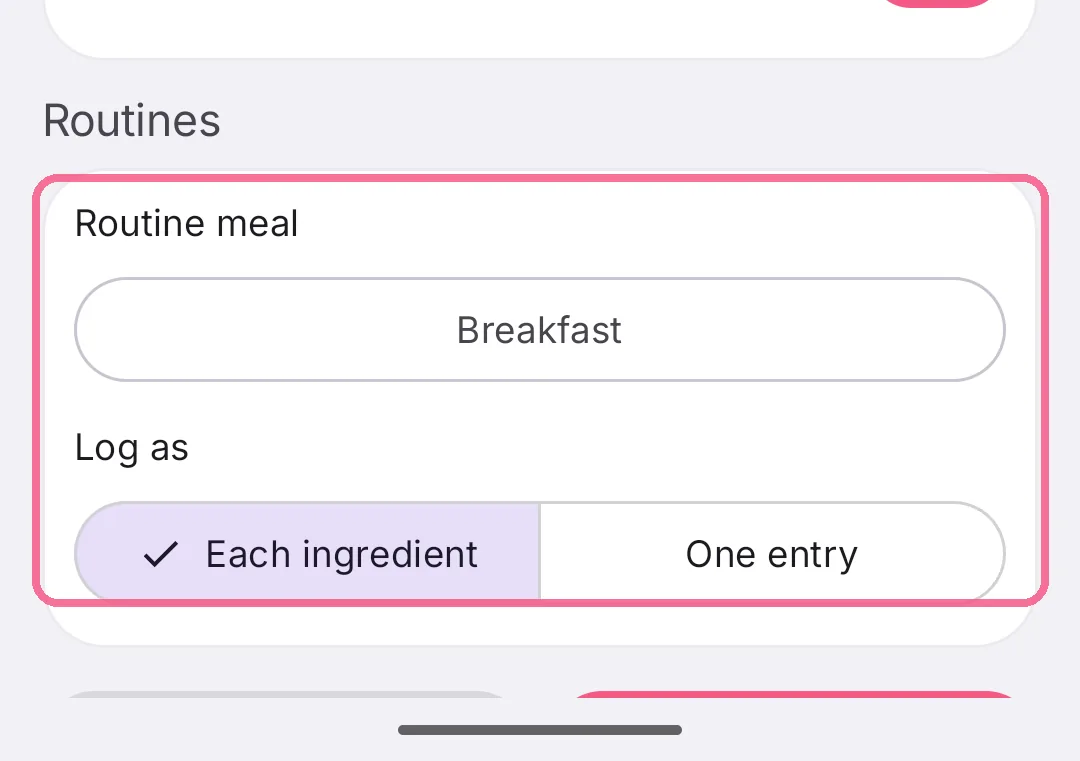
-
The routine is at the top under “Routines”. Set to “Each ingredient”, “Add all” logs it; otherwise tap it.
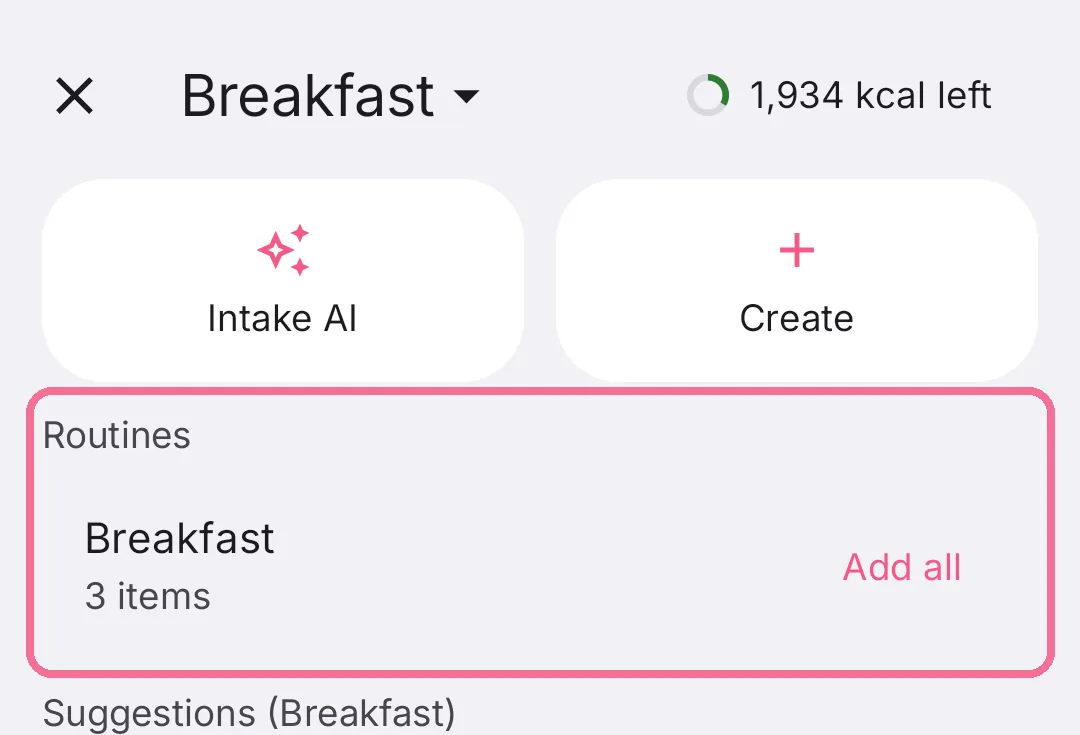
Under “Routines” in the Library, “Remove from routines” takes a recipe out again. The recipe itself stays.