Quick-add calories
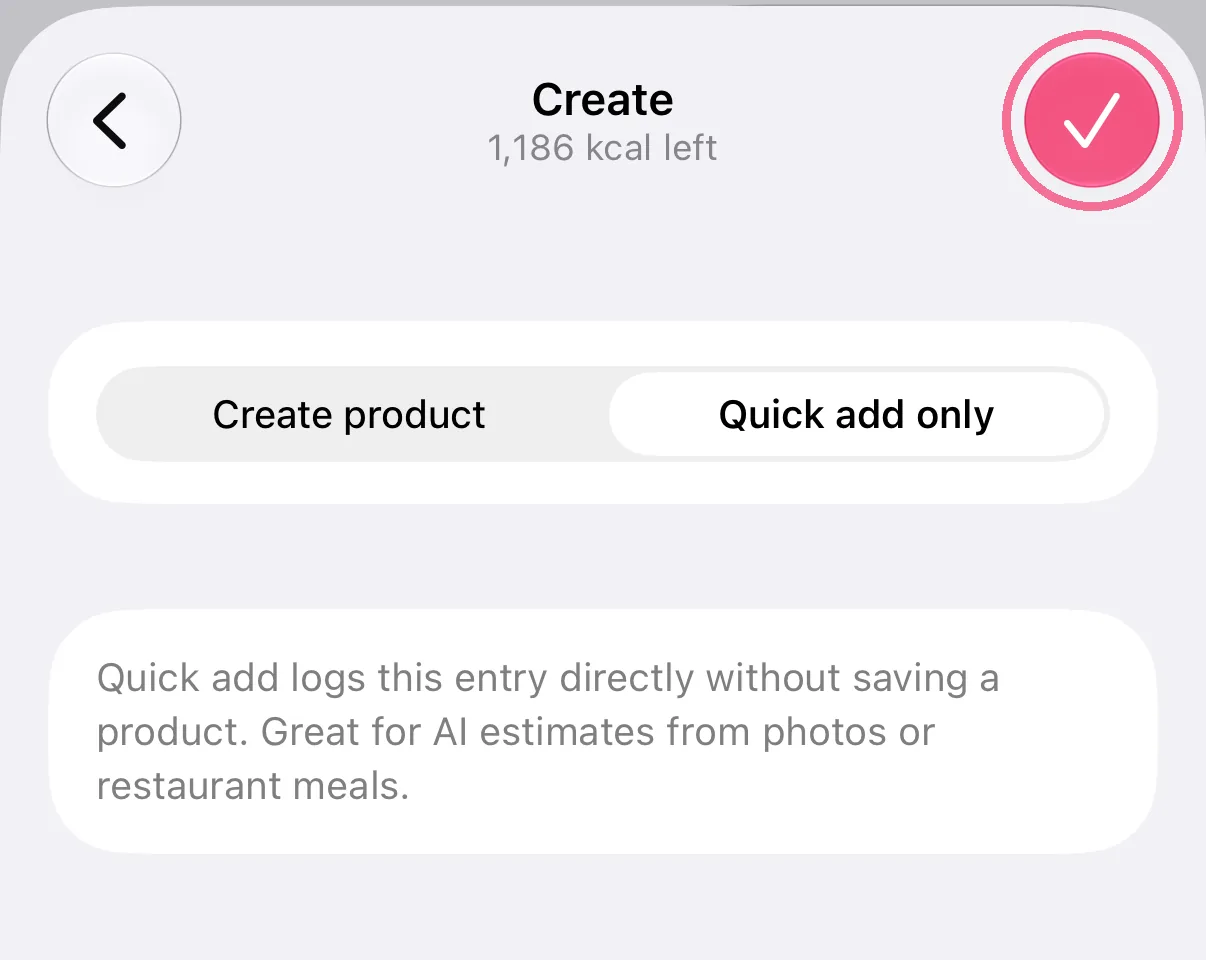
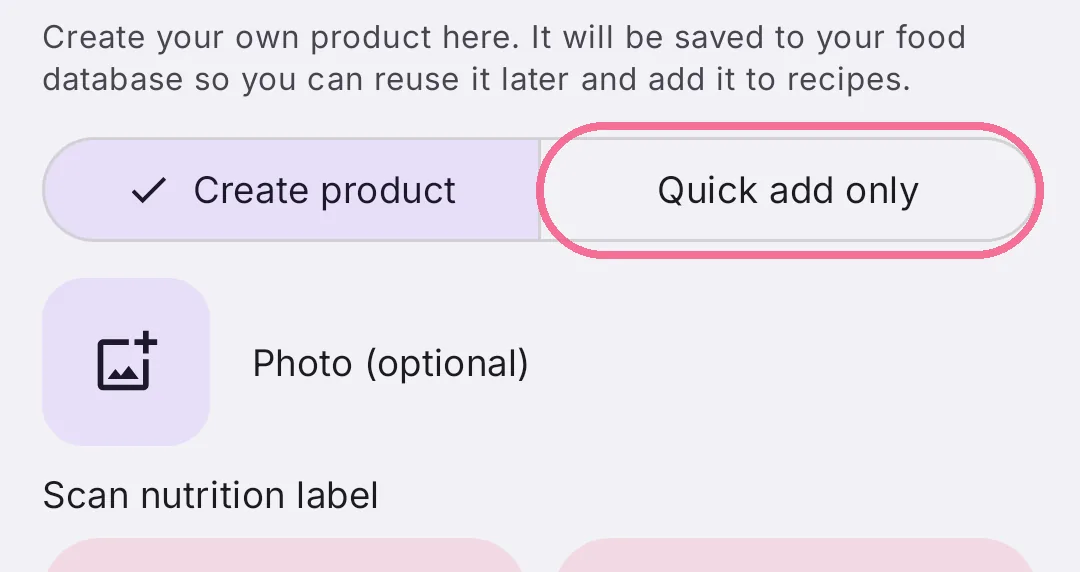
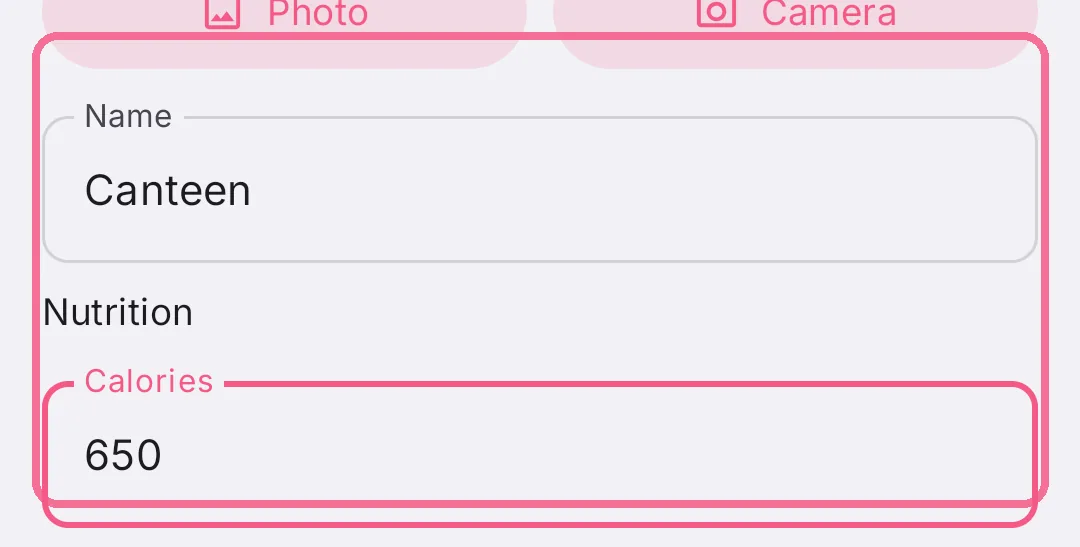
Under “Create”, choose “Quick add only”. A name and the calories are enough, nutrition values are optional, and nothing is saved to your library.
-
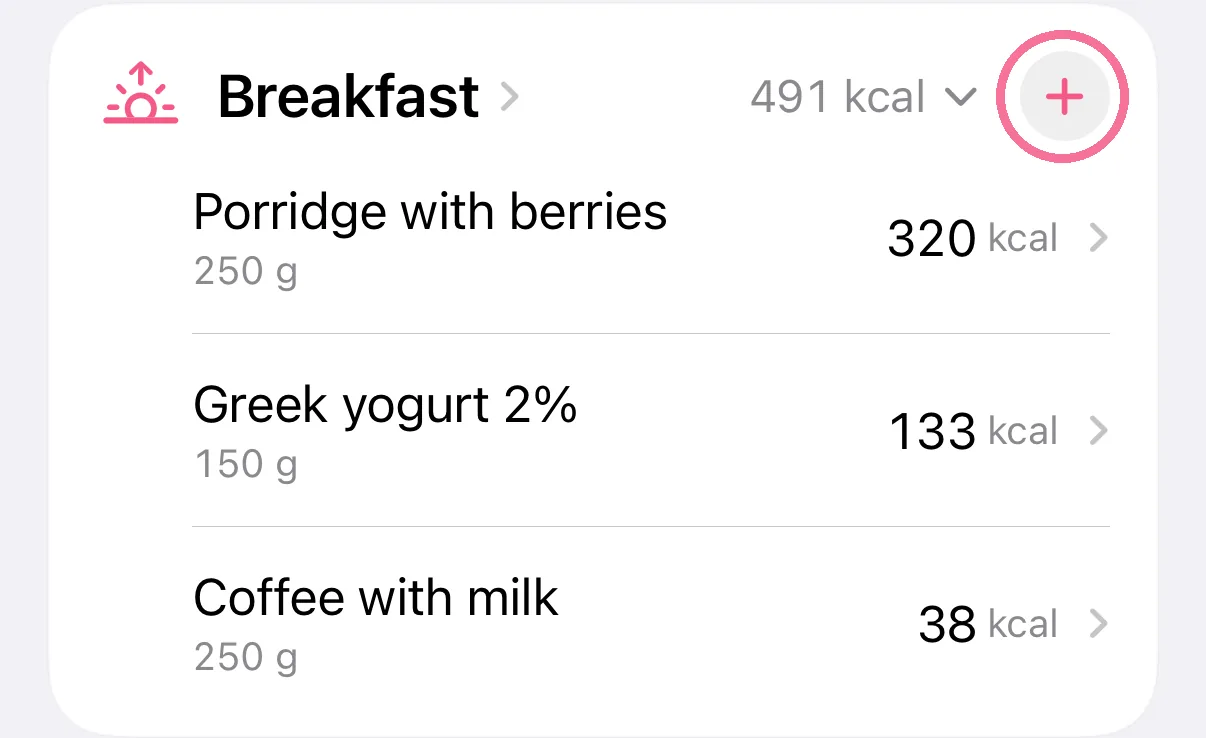
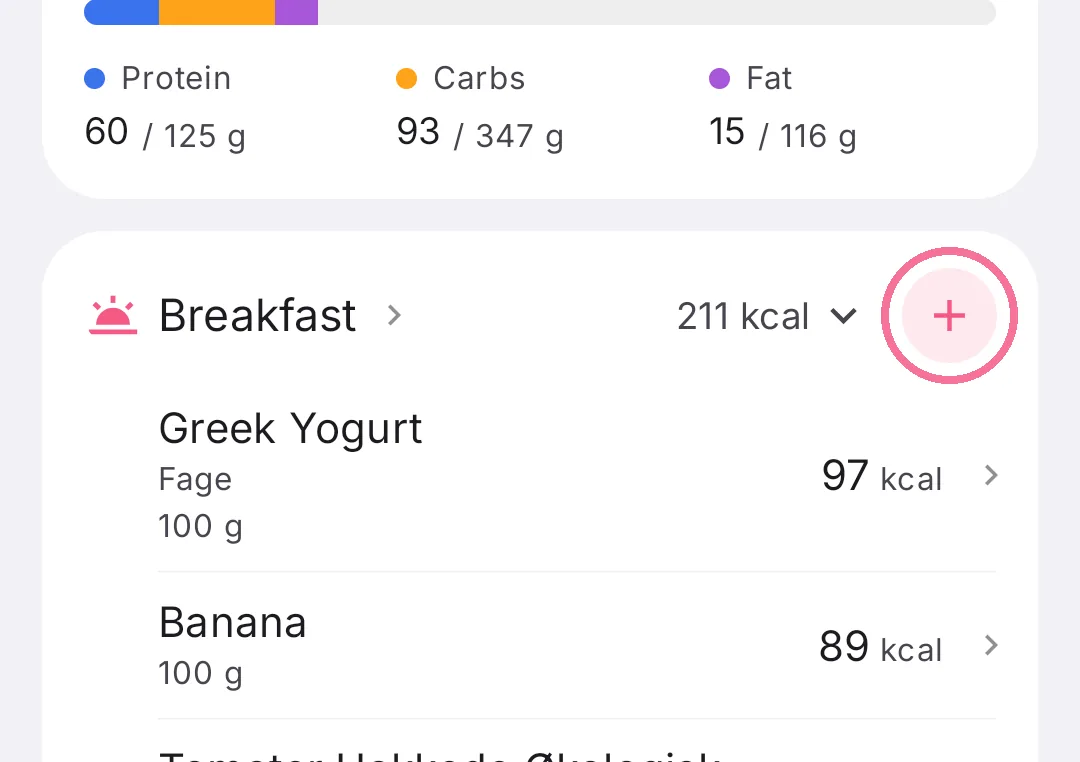
On Today, tap the plus next to the meal.
-
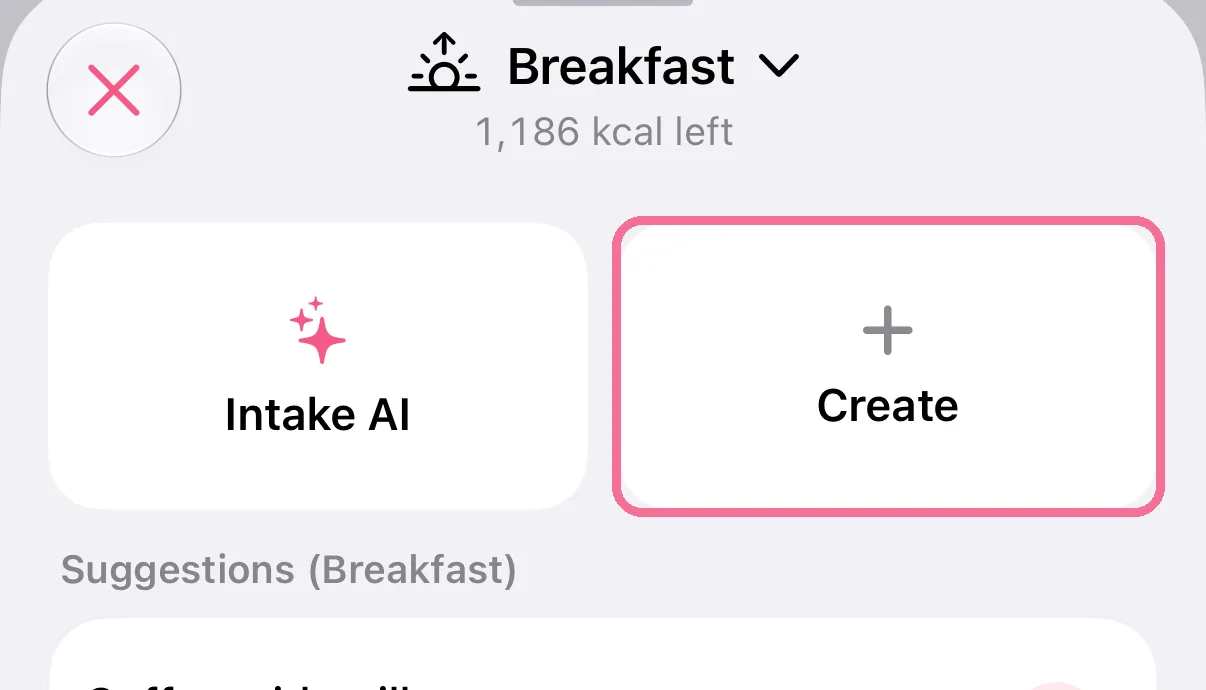
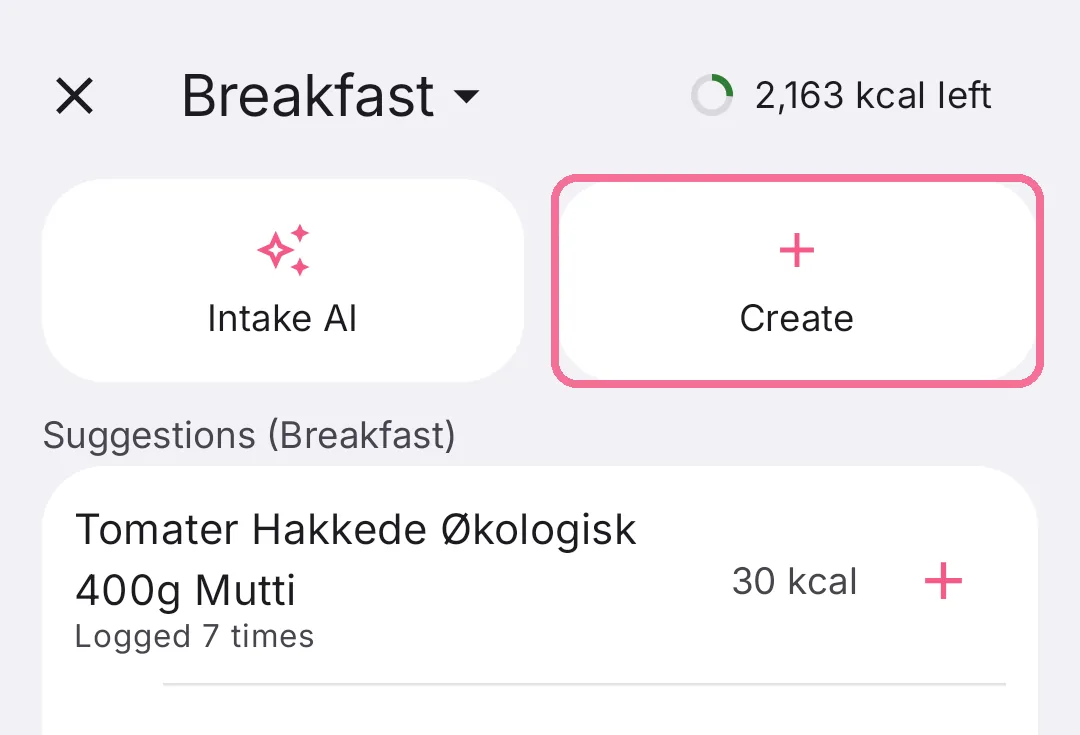
With the search field empty, tap “Create” at the top.
-
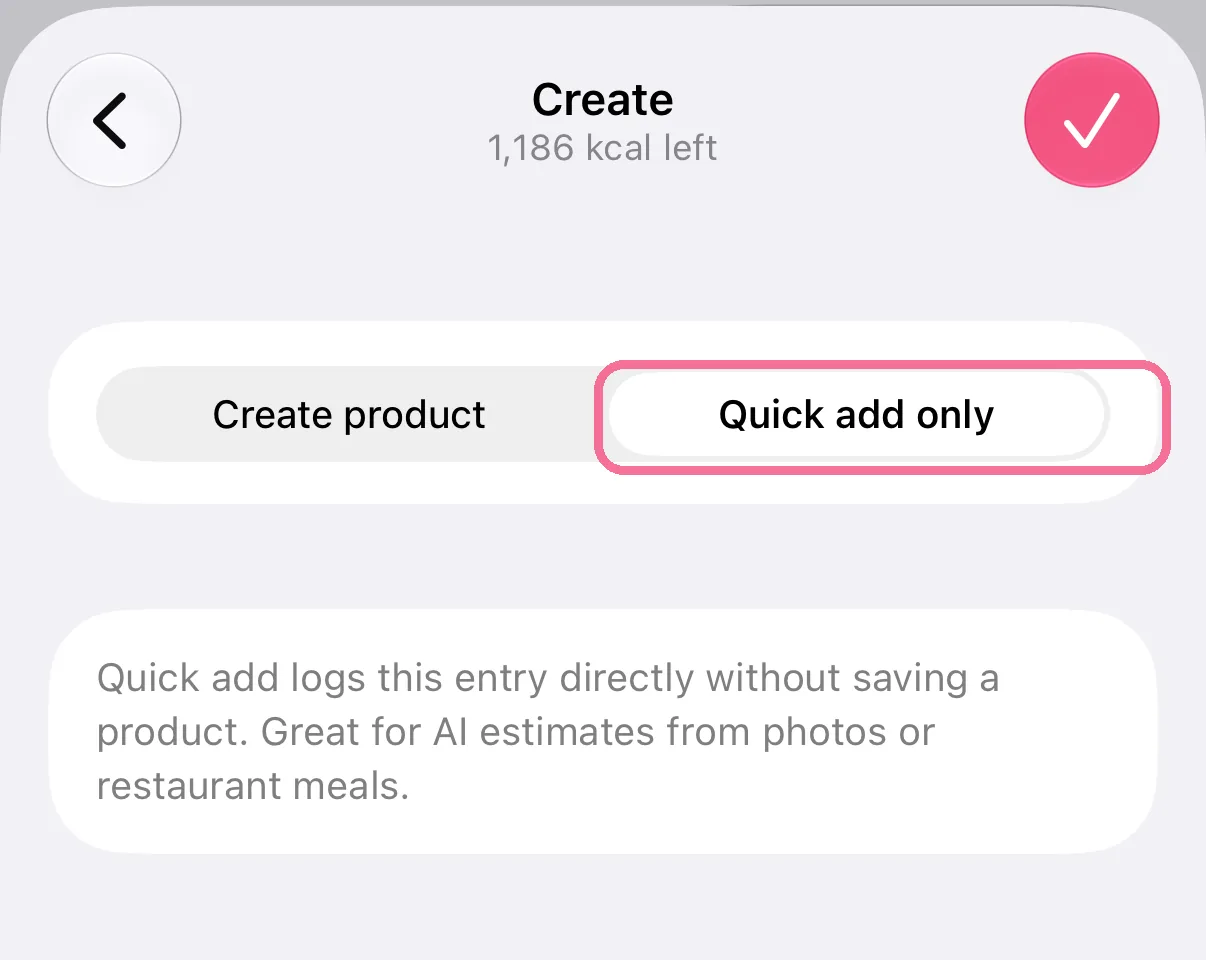
Choose “Quick add only” at the top.
-
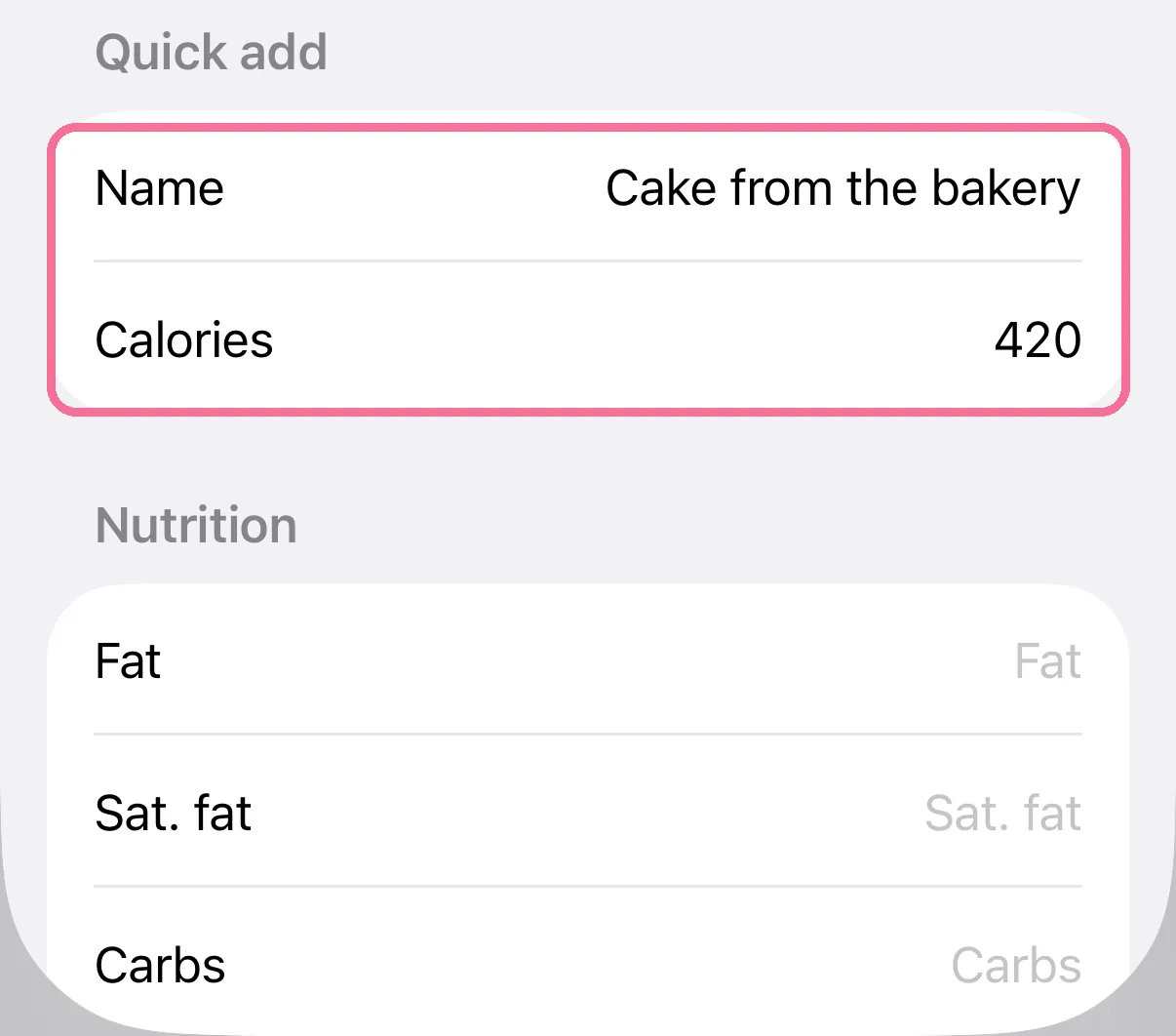
Enter a name and the calories; you can add fat, carbs and protein if you like.
-
Tap the checkmark at the top right.
-
On Today, tap the plus next to the meal.
-
With the search field empty, tap “Create” at the top.
-
Choose “Quick add only” at the top.
-
Enter a name and the calories; you can add fat, carbs and protein if you like.
-
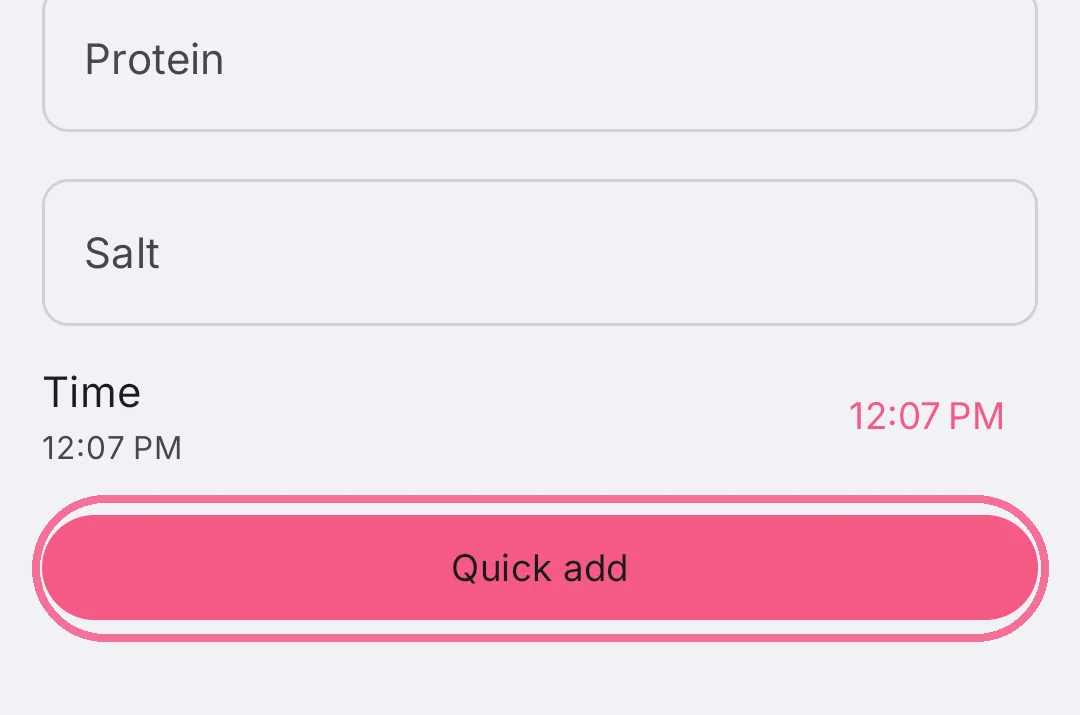
Tap “Quick add” at the bottom.