
Month calendar
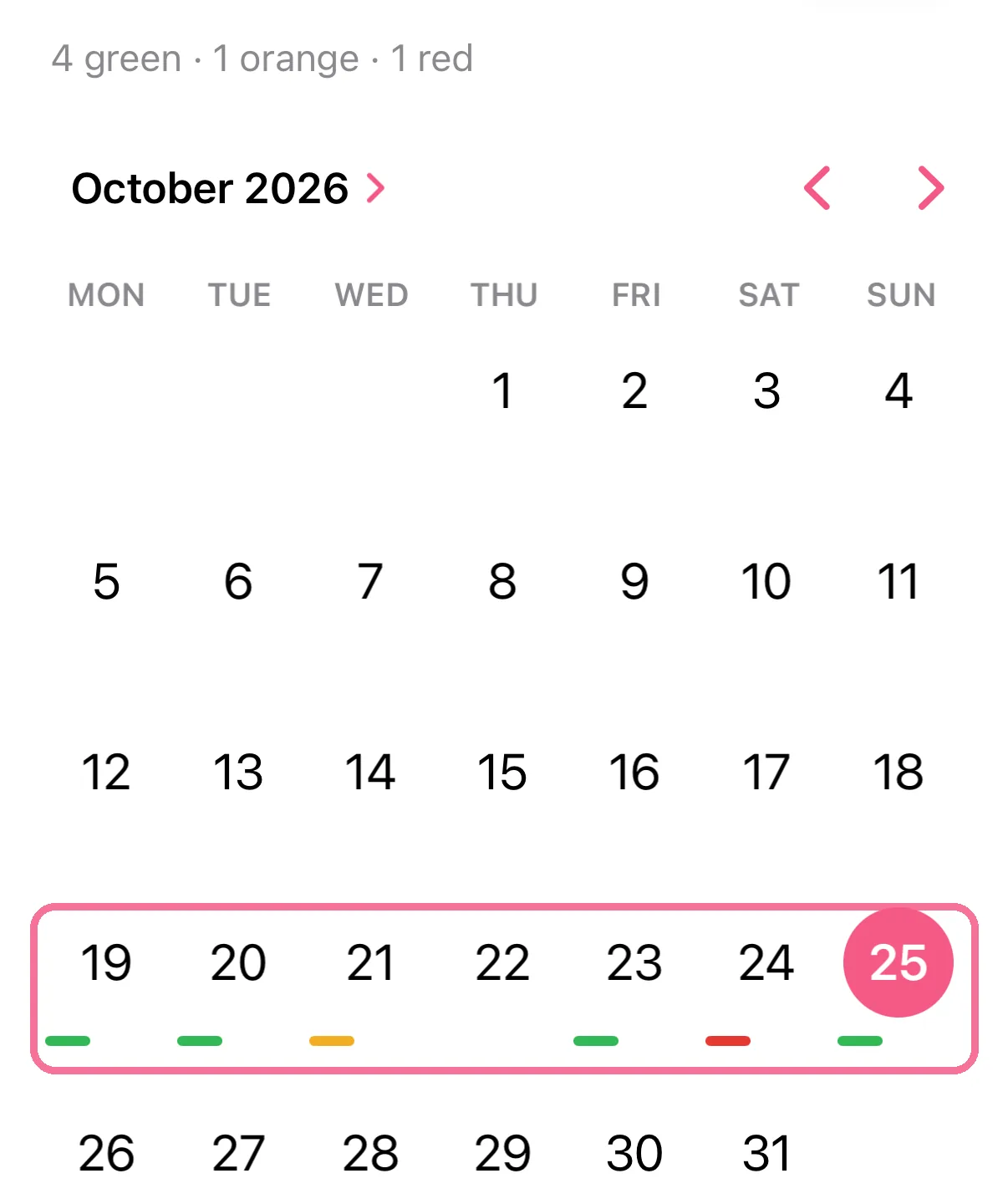
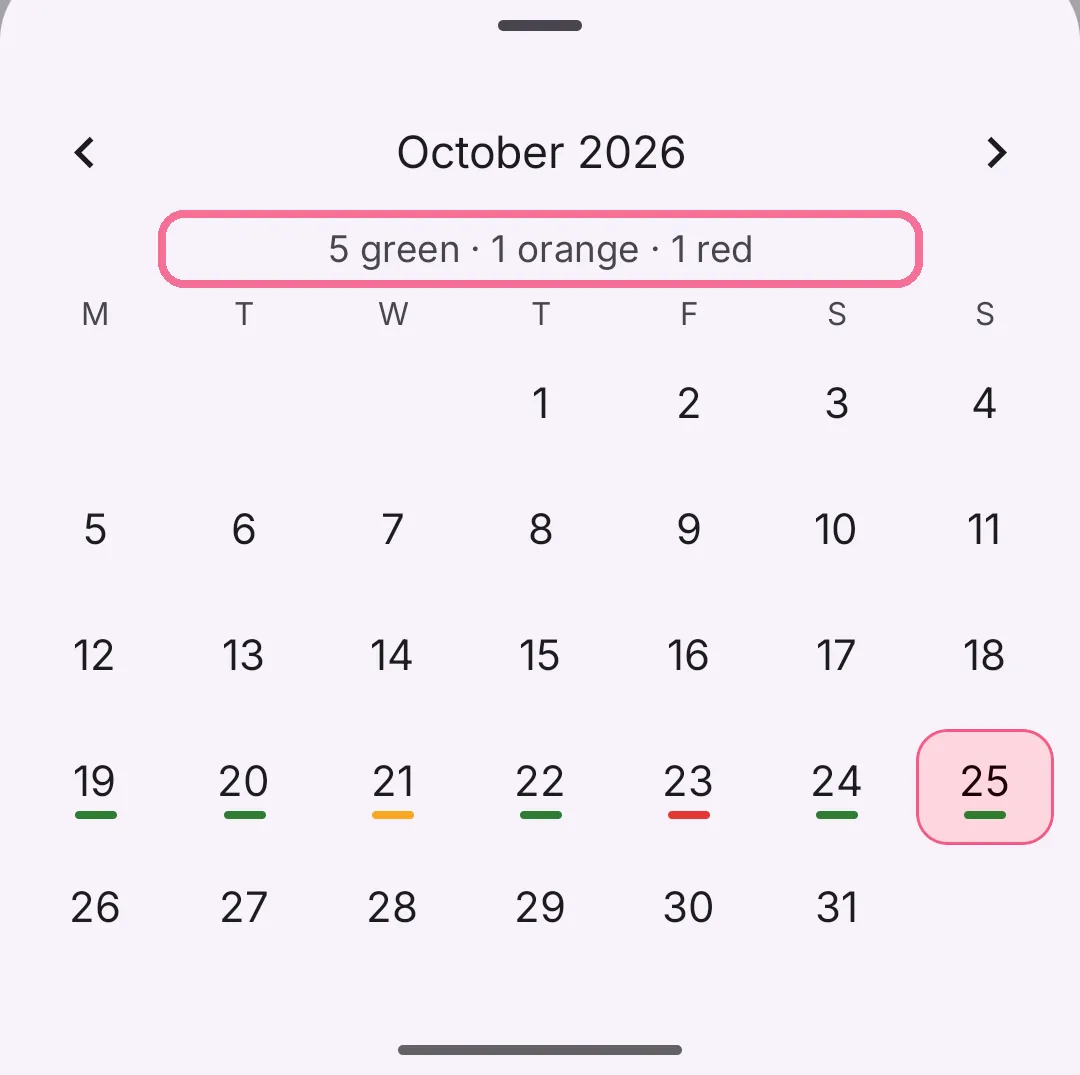
The calendar shows the whole month. Every day with entries is colored: green is on track, orange is getting tight, red is over target.
-
On Today, tap the calendar button at the top.

-
Every day with entries has a colored line under it. At the top you see how many days this month are green, orange and red.
-
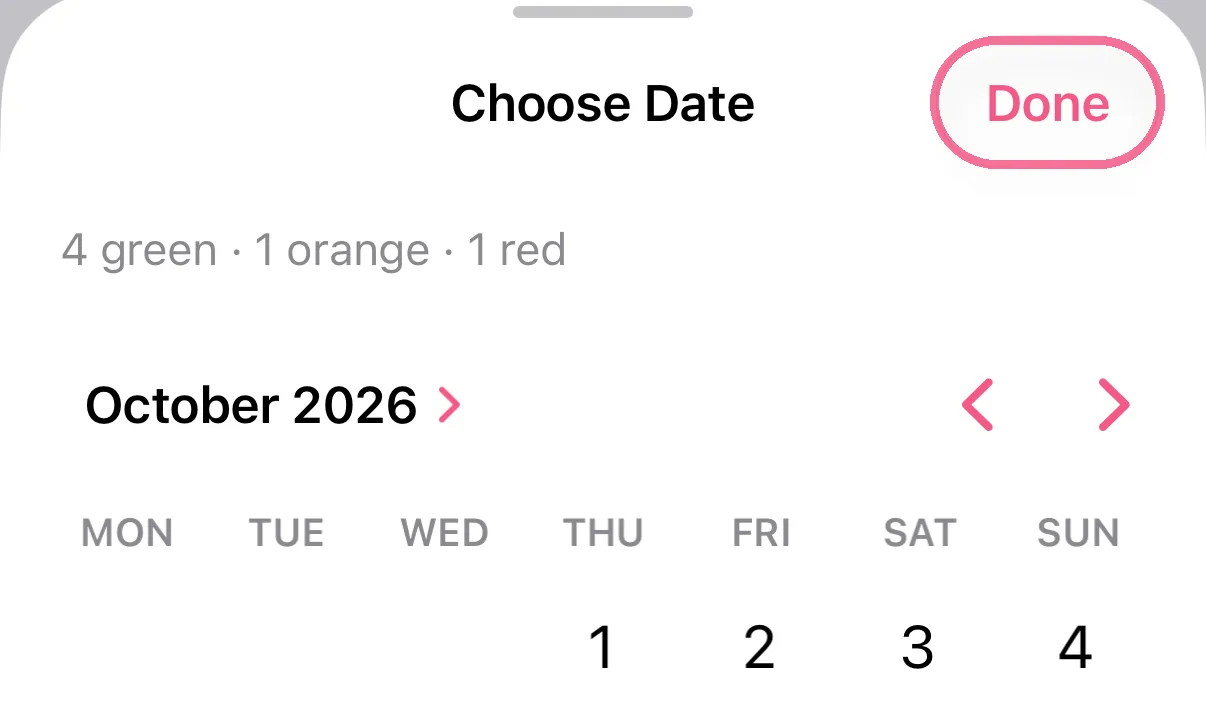
Tap a day, then “Done” to open it.
-
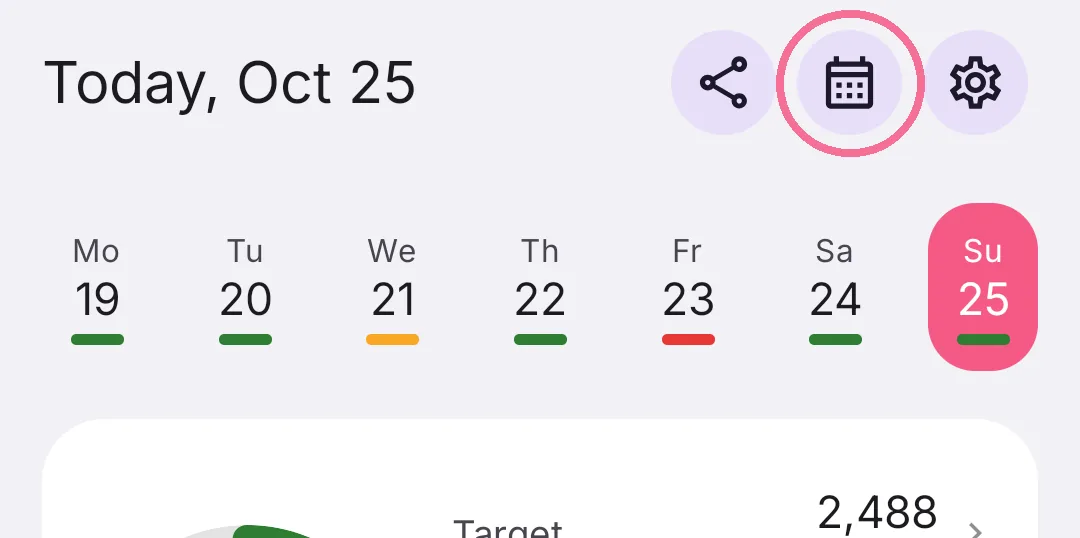
On Today, tap the calendar button at the top.
-
Every day with entries has a colored line under it. At the top you see how many days this month are green, orange and red.
-
Tap a day to open it.
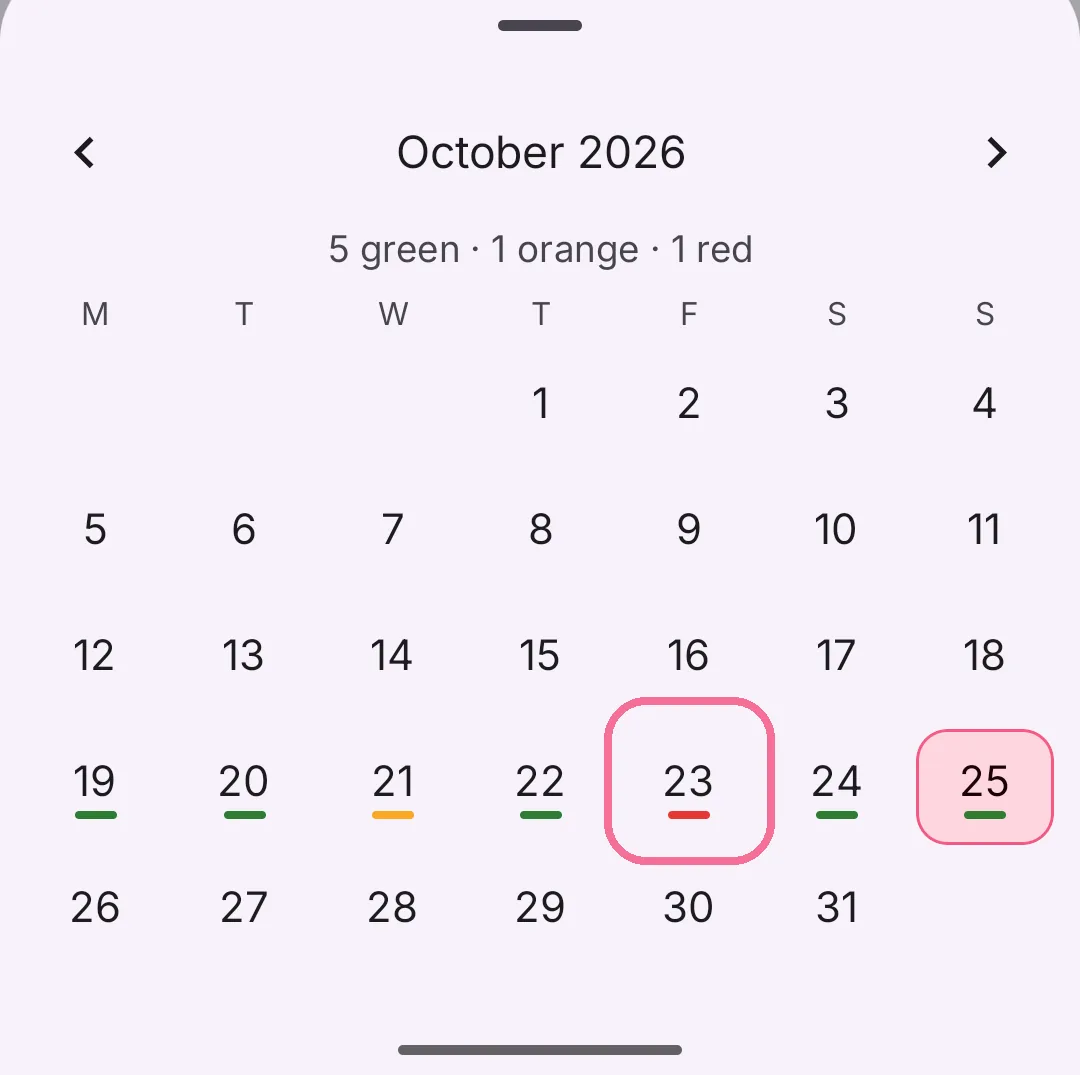
Use the arrows to go to other months. Days without entries stay uncolored.
The week strip at the top of Today shows the same colors. On iPhone you can hide them there under Settings > “Appearance” > “Show calorie status in day strip”, on Android with “Day strip indicators”.