
Move an entry
You change the meal and the time right in the entry. The date can’t be changed there: to move an entry to another day, copy it over and then delete it on the old day.
-
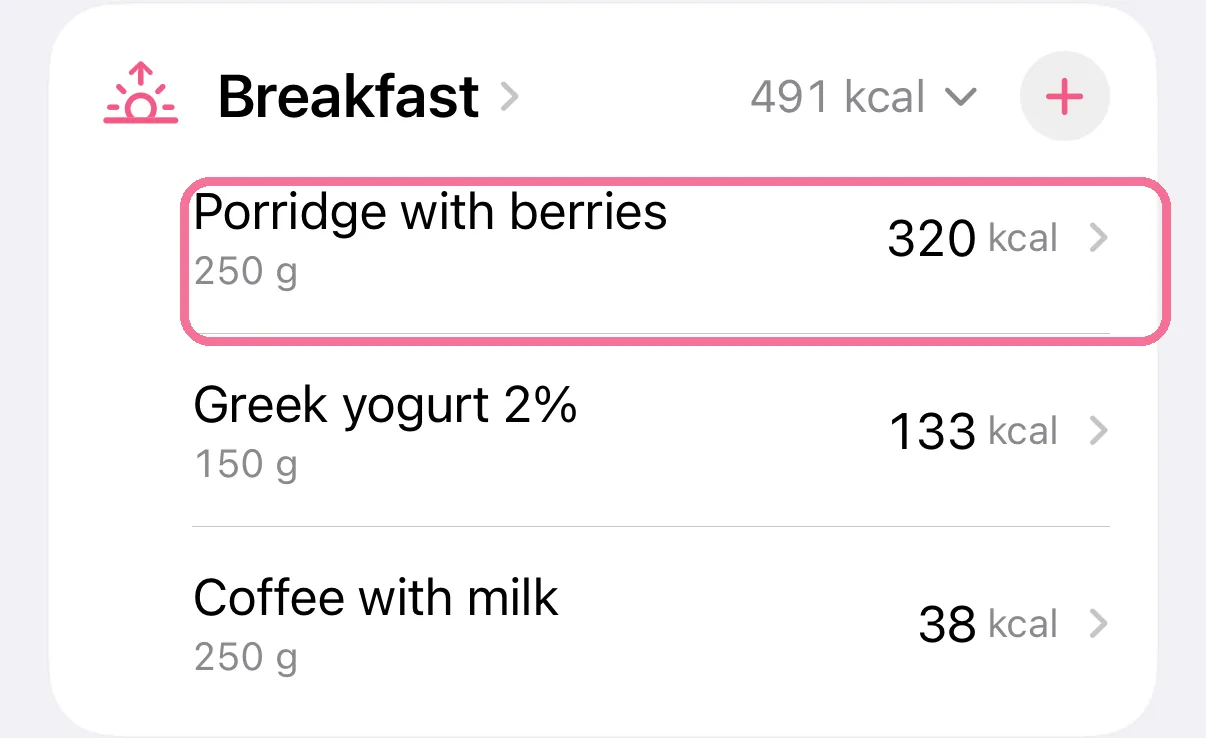
On Today, tap the entry.
-
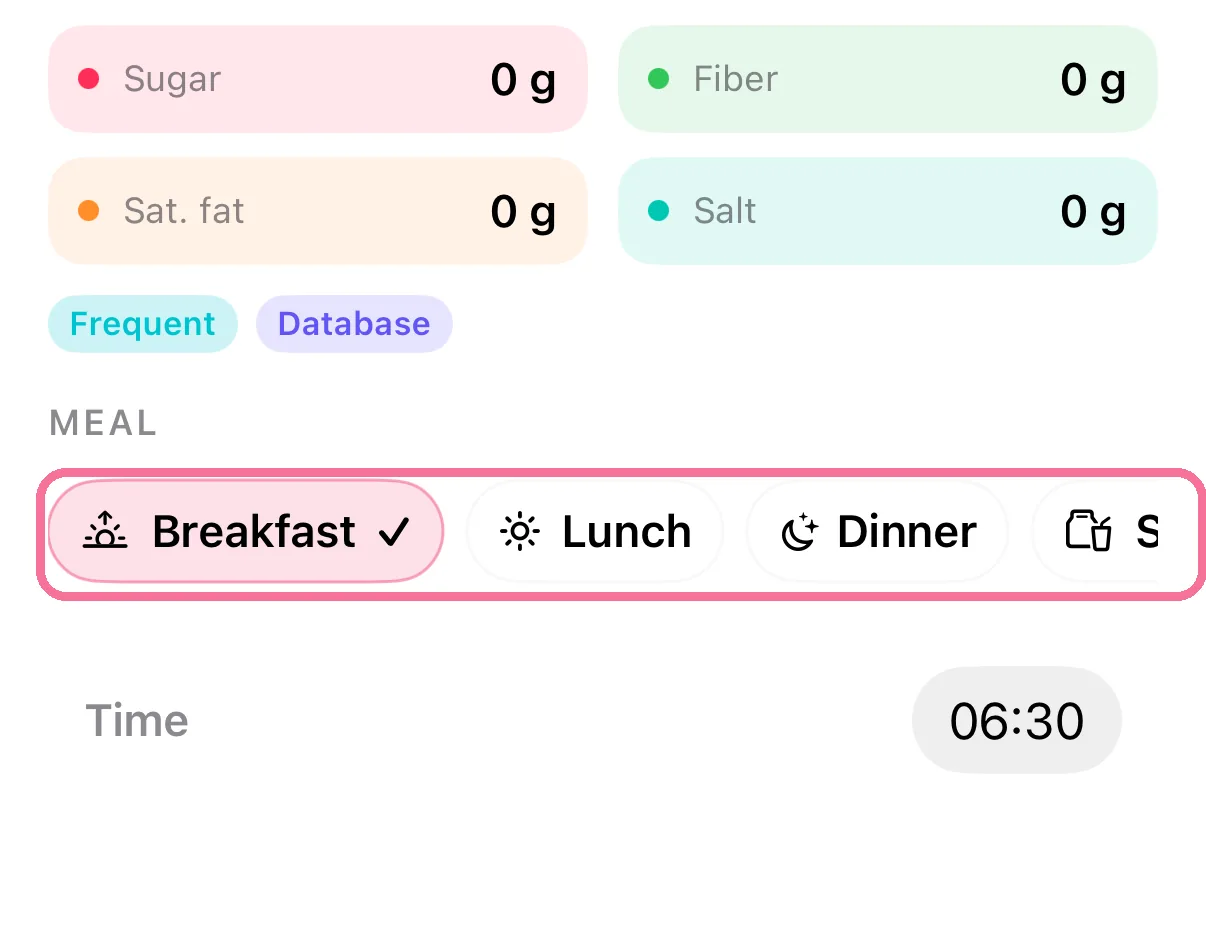
Further down, under “Meal”, pick the new meal.
-
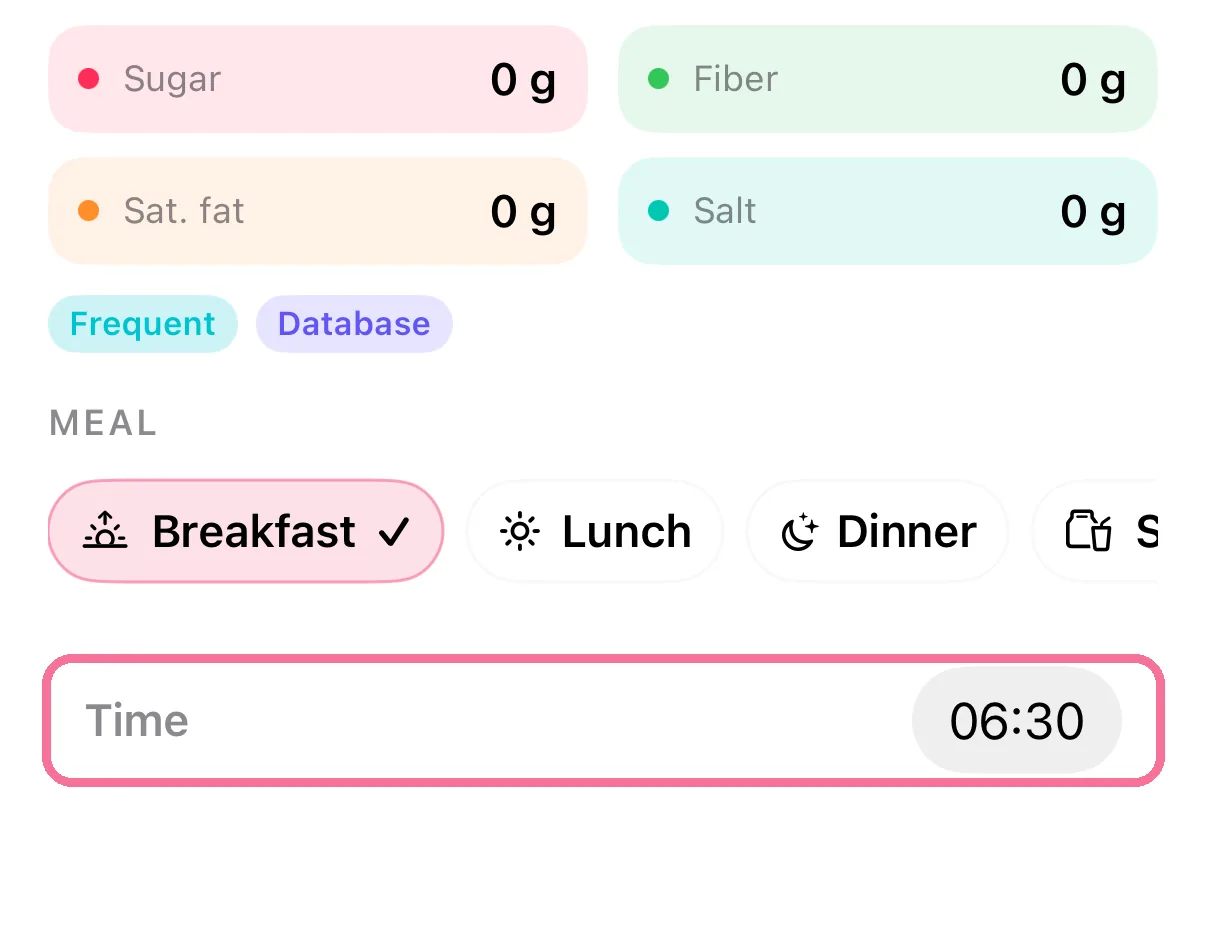
Under “Time”, set the new time.
-
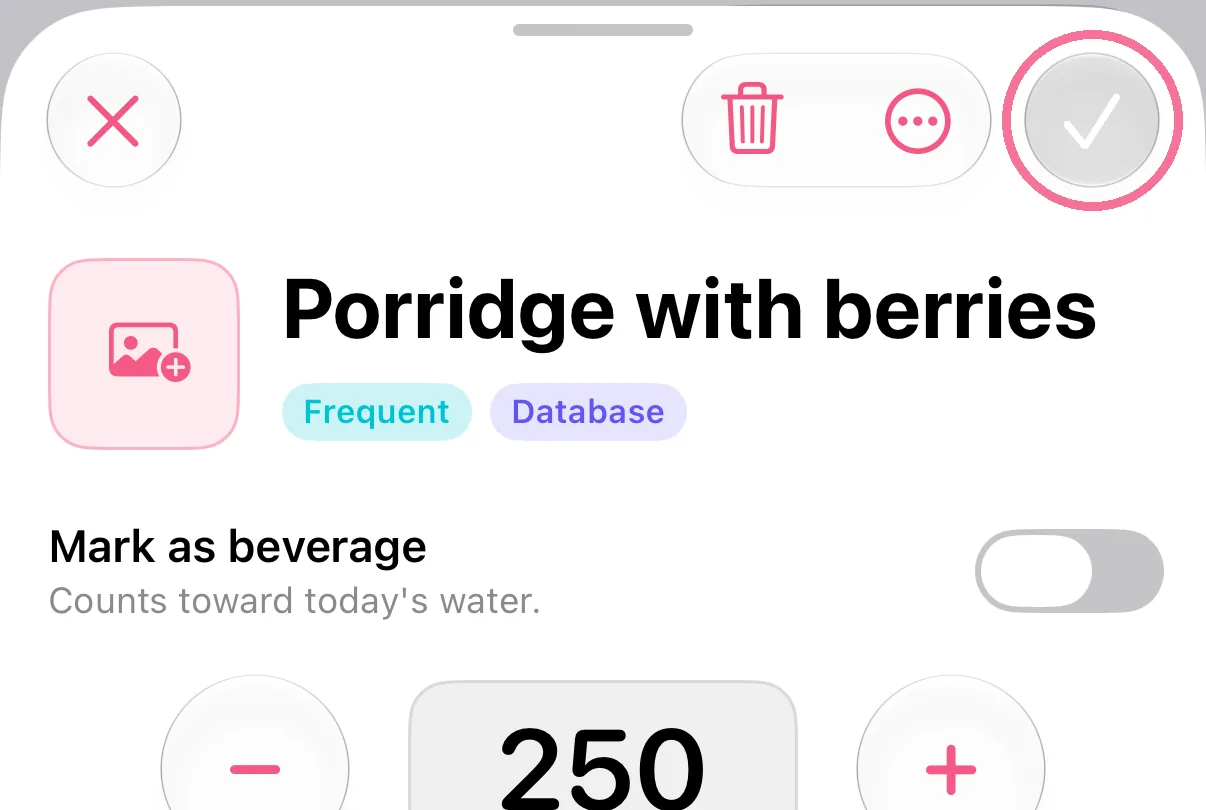
Tap the checkmark at the top right.
-
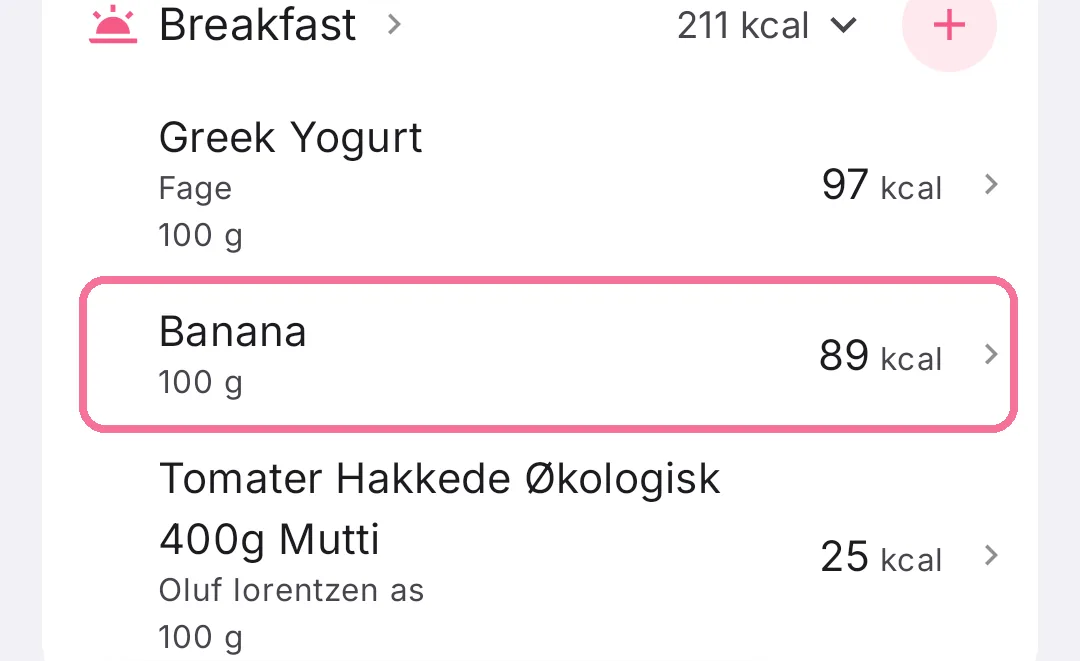
On Today, tap the entry.
-
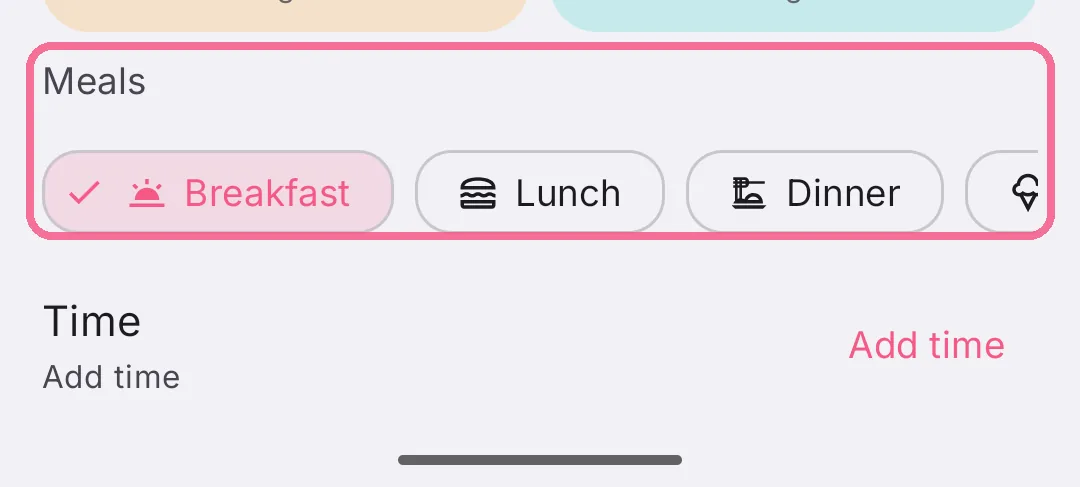
Further down, under “Meals”, pick the new meal.
-
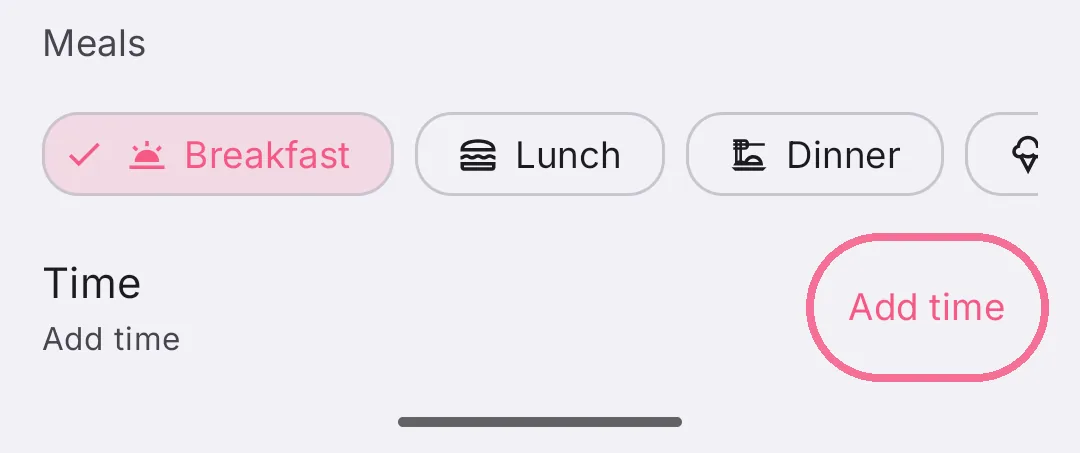
Under “Time”, tap “Add time” and set the time.
-
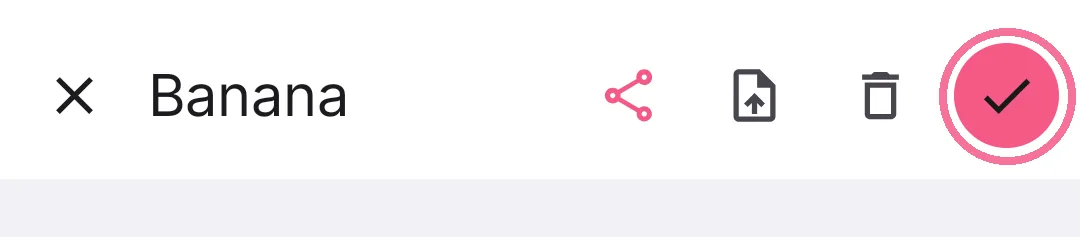
Tap the checkmark at the top right.
To another day: copy the entry to the new day with “Copy Meal”, leaving only that entry ticked. Then open it on the old day and delete it with the trash icon at the top.